FLUX 3 — Multimodal AI Image and Video Generator
FLUX 3 is Black Forest Labs' first multimodal foundation model, trained jointly on images, video, and audio in a single unified architecture built on Self-Flow. It generates images, video clips up to 20 seconds with native synchronized audio, multilingual dialogue, animated typography, and multi-shot sequences from text prompts or reference inputs — all from one model.
Trusted by Professionals and Creators from leading brands and companies
FLUX 3 Community Creations
Write a prompt or upload a reference and let FLUX 3 generate a still image, a video with native audio, or a chain of connected clips from one model in one workflow.
Prompt:
A knight in full armor rides a white horse, sword raised, through a dramatic, motion-blurred landscape with fiery orange and dark, cloudy skies.
Prompt:
Dynamic shot of a motocross rider mid-air during a jump, with dirt flying and the sun backlighting the action, conveying speed and excitement.
Prompt:
Blue sports car driving on a snow-covered landscape with ice formations under a bright sun, creating tire tracks in the snow.
Prompt:
Man skateboarding downhill on mountain road with blurred motion, capturing freedom and adventure in scenic landscape.
Prompt:
A person hikes up a rocky mountain trail in foggy, overcast weather, wearing a backpack and warm outdoor gear.
Unified Multimodal Architecture via Self-Flow
FLUX 3 is trained on images, video, and audio simultaneously through Self-Flow, Black Forest Labs' architecture for aligning generation and understanding across modalities in one model. Because each modality constrains the others, the model learns a working representation of the world rather than three separate projections of it.
Video with Native Audio Up to 20 Seconds
FLUX 3 generates complete video clips up to 20 seconds with physically grounded synchronized audio in a single pass. Audio matches the causal events on screen without external sound editing. Individual clips chain into multi-minute sequences through agentic clip chaining, with visual references keeping characters and style consistent across every cut.
Six Video Generation Modes in One Architecture
FLUX 3 supports text-to-video, image-to-video, video-to-video from a reference clip, keyframe-to-video, generative video-audio continuation, and multilingual dialogue with accurate lip-sync — all from one model without mode-switching or separate tools.
Multilingual Text and Wide Style Range
FLUX 3 synthesizes and edits images across flat illustration, cinematic photography, product renders, and fine art at any aspect ratio, with accurate multilingual text rendering and significantly improved complex prompt handling over FLUX.2. Image generation is rolling out through early access following the initial launch.
The Features You Need In An AI Video Model

Six Video Generation Modes
Text-to-video, image-to-video (starting frame or visual reference), video-to-video from a reference clip, keyframe-to-video, generative video-audio continuation, and multilingual dialogue generation, all available natively from one model
Agentic Clip Chaining into Multi-Minute Sequences
Chain individual clips into longer sequences spanning several minutes with visual references keeping character identity and style consistent across every cut throughout the full sequence.
Multilingual Dialogue and Text Generation
Generates character speech across languages with accurate lip-sync. Renders legible, correctly placed text in multiple languages inside images and video frames including animated typography and title sequences.
High Style Diversity
From candid camcorder footage and UGC-style clips to animation, cinematics, product renders, fine art, and typographic design, all from one model across any aspect ratio and resolution without mode-switching.
Photorealistic Detail and Physical Accuracy
Resolves macro textures, refraction, skin, fur, and accurate light and shadow. Understands mass, motion, and the causal relationship between physical events and sound, so video output behaves logically throughout the clip.
Strong Typography and Animated Design
Generates accurately placed, legible text inside video frames and images across multiple languages, including animated design sequences and title cards, outperforming earlier FLUX versions significantly on complex typographic prompts.
Improved Complex Prompt Handling
Significantly stronger complex prompt adherence over FLUX.2 across layered, multi-element scene descriptions. Wide style range across illustration, photography, product shots, and fine art at any aspect ratio.
How to Create with FLUX 3?
Choose Your Output Type and Mode
Select image generation or one of the six video generation modes: text-to-video, image-to-video, video-to-video, keyframe-to-video, video-audio continuation, or multilingual dialogue. Upload reference images or video clips to lock subject, style, or character identity if your output requires consistency across clips. Write your scene description with subject, composition, lighting, audio tone, and mood for the most precise output.
Configure Your Settings
Set your clip duration up to 20 seconds for video. Select your aspect ratio and resolution based on your target platform. For multi-shot sequences, set your reference inputs per clip and plan your keyframes or transition points before generating. For image generation, select your preferred style range and aspect ratio.
Generate, Chain, and Export
Preview your generated image or video with native audio and download directly. Use agentic clip chaining to extend a single clip into a longer sequence, with visual references maintaining character and style continuity across cuts. Use ImagineArt's AI video editorAI video editor to trim or adjust your output before publishing.
More AI Video Models You Can Access on ImagineArt
ImagineArt provides access to Seedance 2.0Seedance 2.0, Hailuo 3.0Hailuo 3.0, Kling 3.0Kling 3.0, Grok Imagine 1.5 VideoGrok Imagine 1.5 Video, Gemini Omni FlashGemini Omni Flash, Veo 3.1Veo 3.1, Ideogram 4.0Ideogram 4.0, Nano Banana 2 LiteNano Banana 2 Lite, and more, letting you match the right model to every creative and production requirement.
Seedance 2.5
Use Seedance 2.5 for native 30-second 4K clips from a single prompt, powered by a 50-reference multimodal engine and co-processed audio for unmatched director-level control. Try Seedance 2.0 for fully synced audio-visual cinematic output with advanced camera and lighting control, or Seedance 2.0 Mini for fast, lightweight generations when speed is key.
Seedance 2.0
Use Seedance 2.0 for fully synced audio-visual cinematic output with director-level camera and lighting control. Try Seedance 2.0 Mini for fast, lightweight generations when speed matters more than scale.

Kling 3.0
Use Kling 3.0 for physics-accurate motion, AI Director multi-shot storyboarding, and native audio sync with lip-sync across languages. Try Kling 3.0 Pro for higher-fidelity 1080p output, custom character elements, and structured multi-shot cinematic control.

Gemini Omni Flash
Use Gemini Omni Flash for conversational video generation and editing that reasons across text, image, audio, and video in one prompt. Every edit builds on the last, preserving characters, physics, and scene continuity with natural language instructions.
Runway Gen-4.5
Use Runway Gen-4.5 for the world’s top-rated video model, delivering unmatched visual fidelity and creative control. It sets new standards for motion quality, temporal consistency, realistic physics, and precise generation across every mode.

Google Veo 3.1
Use Google Veo 3.1 for cinematic footage with native audio, including high-quality dialogue and synchronized sound effects generated in a single pass. Try Veo 3.1 Fast for quicker turnaround, or Veo 3.1 Lite for lower-cost generation.
Wan 2.5
Use Wan 2.5 for efficient one-pass audio-visual sync with natural lip-matching straight from a single prompt or reference. It’s a lightweight, cost-effective model optimized for fast, multilingual video production.

Hailuo 2.3
Use Hailuo 2.3 for realistic body movement, natural facial micro-expressions, and industry-leading physics simulation with strong stylization options. Try Hailuo 2.3 Fast for quicker, budget-friendly generations while maintaining solid character performance and motion control.
Why FLUX 3 Works Across Every Creative Workflow?
FLUX 3 makes professional video creation simple, fast, and accessible.
Ideal for Filmmakers and Cinematic Storytelling
FLUX 3's agentic clip chaining lets filmmakers build multi-shot sequences lasting several minutes with consistent characters across every cut. Keyframe-to-video gives directorial control over scene transitions without manual compositing. Physical accuracy in motion and audio means action sequences, crowd scenes, and character dialogue hold together from the first clip to the last. For multimodal reference-driven workflows with up to 12 simultaneous assets, also explore Seedance 2.0Seedance 2.0 on ImagineArt.
Built for Brand Campaigns and Product Creative
FLUX 3 generates product photography, campaign imagery, and brand videos across a wide style range from a single model. High-accuracy text rendering inside images and video makes it reliable for ads, packaging visuals, and branded overlays where legible copy is part of the creative. For high-volume batch production at lower cost per asset, explore Seedance 2.0 MiniSeedance 2.0 Mini as a complementary workflow.
Perfect for Multilingual Content and Global Campaigns
FLUX 3 generates character dialogue and rendered text in multiple languages with accurate lip-sync in a single pass, removing the need for separate dubbing or post-production localisation. For avatar-led and dialogue-driven content at scale, also explore Grok Imagine 1.5 VideoGrok Imagine 1.5 Video and Gemini Omni FlashGemini Omni Flash on ImagineArt.
Purchase a Subscription
Upgrade to get access to pro features and generate more and better
Basic
For newcomers taking their first steps
View Plans
Billed monthly
Included in plan
3Kcredits per month
Additional Features
Up to ~600 Image Generations/month
Up to ~97 Video Generations/month
General Commercial Terms
Image Generation Visibility: Public
4 Concurrent Image Generations
Complimentary Access
All GPT Models
All Gemini Models
All Claude Models
Unlimited Generations
10 Image Models
9 Video Models
Standard
For rising creators to level up their game
View Plans
Billed monthly
Included in plan
8Kcredits per month
Additional Features
Up to ~1.6k Image Generations/month
Up to ~265 Video Generations/month
General Commercial Terms
Image Generation Visibility: Private
8 Concurrent Image Generations
Complimentary Access
All GPT Models
All Gemini Models
All Claude Models
Unlimited Generations
Nano Banana
Runway Gen 4 Turbo
Midjourney V7
8 more Image Models
8 more Video Models
Ultimate
Peak performance for pros
View Plans
Billed monthly
Included in plan
16Kcredits per month
Additional Features
Up to ~3.2k Image Generations/month
Up to ~530 Video Generations/month
All styles and models
General Commercial Terms
Image Generation Visibility: Private
Complimentary Access
All GPT Models
All Gemini Models
All Claude Models
Unlimited Generations
All image models in Standard plan
All video models in Standard plan
Kling 2.6 Pro
Seedance 1.5 Pro
ChatGPT 1.5
Creator
A full production engine for powerhouses
View Plans
Billed monthly
Included in plan
100Kcredits per month
Additional Features
Up to ~20k Image Generations/month
Up to ~3.3k Video Generations/month
All styles and models
General Commercial Terms
Image Generation Visibility: Private
Complimentary Access
All GPT Models
All Gemini Models
All Claude Models
Unlimited Generations
All image models in Ultimate plan
All video models in Ultimate plan
Kling 3.0 Pro
Seedance 2 Fast
Nano Banana 2
Free
billed annually
- 3000 credits / month
- In-house models only
- 36k credits per year
- 1 Fast Image concurrency




Trusted by 30M+ creative team, designers and marketers.
User Reviews
See what our users are actually saying

“I have tried most of the major video models and FLUX 3 is the first one where the audio actually feels like it belongs in the scene. Not background music dropped on top, actual sound that matches what is happening.”

“The style range is what got me. I generated a camcorder-style clip and a clean cinematic shot in the same session. Same model, same workflow, completely different outputs. I did not have to touch any settings between them.”
“I create content for markets in three different languages and the multilingual dialogue is genuinely useful. Character speech and lip-sync come out correctly without any post work. That saves me a full day per campaign.”
“The clip chaining is what makes this actually usable for longer content. I generated six clips with the same character reference and they all held together visually. First time I have been able to do that without re-shooting or re-prompting the character description every time.”
Frequently Asked Questions
Get answers to every possible query you have related to FLUX 3.
FLUX 3 is Black Forest Labs' first multimodal foundation model, trained jointly on images, video, and audio through Self-Flow, a unified architecture that aligns generation and understanding across all three modalities simultaneously. It generates images, video clips up to 20 seconds with native synchronized audio, multilingual dialogue, animated typography, and multi-shot sequences from text or reference inputs.
Self-Flow is Black Forest Labs' architecture for efficiently aligning multimodal generation and understanding within the same model. Because images, video, and audio are each a different projection of the same underlying reality, training across all three simultaneously gives each modality constraints from the others: sound has to match the impact, motion has to obey the mass, and the future has to follow from the past. This produces a model that understands the world rather than learning three separate tasks. Read more about related models on ImagineArt's AI video generatorAI video generator hub.
FLUX 3 supports six modes: text-to-video, image-to-video from a starting frame or visual reference, video-to-video carrying characters or elements from a source clip into a new scene, keyframe-to-video for controlled transitions between defined moments, generative video-audio continuation from input video and audio, and multilingual dialogue generation with accurate lip-sync. For comparison, Gemini Omni FlashGemini Omni Flash supports conversational multi-turn video editing and Seedance 2.0Seedance 2.0 supports up to 12 simultaneous multimodal reference inputs.
Yes. Native synchronized audio is generated alongside the video in a single pass. The audio reflects the physical events, environment, and causal context of the scene rather than applying a generic background track. Multilingual dialogue with accurate lip-sync is also generated natively without external dubbing or post-production. For additional native audio generation options, see Hailuo 3.0Hailuo 3.0 and Grok Imagine 1.5 VideoGrok Imagine 1.5 Video on ImagineArt.
FLUX 3 generates individual clips up to 20 seconds in a single pass. Agentic clip chaining extends output into sequences lasting several minutes by connecting individual clips with visual references keeping characters and style consistent across every cut. For native single-pass generation up to 30 seconds, see Seedance 2.5Seedance 2.5 on ImagineArt.
In preliminary evaluations, FLUX 3 was preferred over Runway Gen-4.5 in 77% of comparisons, Luma Ray 3.2 in 93%, Grok Imagine Video in 69%, Kling v3 Pro in 60%, Happy Horse v1 in 59%, Happy Horse 1.1 in 57%, and Seedance 2.0 and Gemini Omni Flash in 52%. These are early results from Black Forest Labs' own evaluations and further improvements are expected during early access. For a full comparison of video models available on ImagineArt, explore the AI video generatorAI video generator hub.
More resources

FLUX 2 Overview
Discover how Flux 2 offers strong realism, text rendering, AI-powered editing, contextual understanding and prompt adherence and get a quick guide on what's possible with this newest upgrade in the Flux family.
Flux Kontext Overview - ImageStudio | ImagineArt
Create consistent characters and precise edits with FLUX Kontext — now live in ImagineArt's Image Studio. Power up your image workflow with smart, controllable AI.
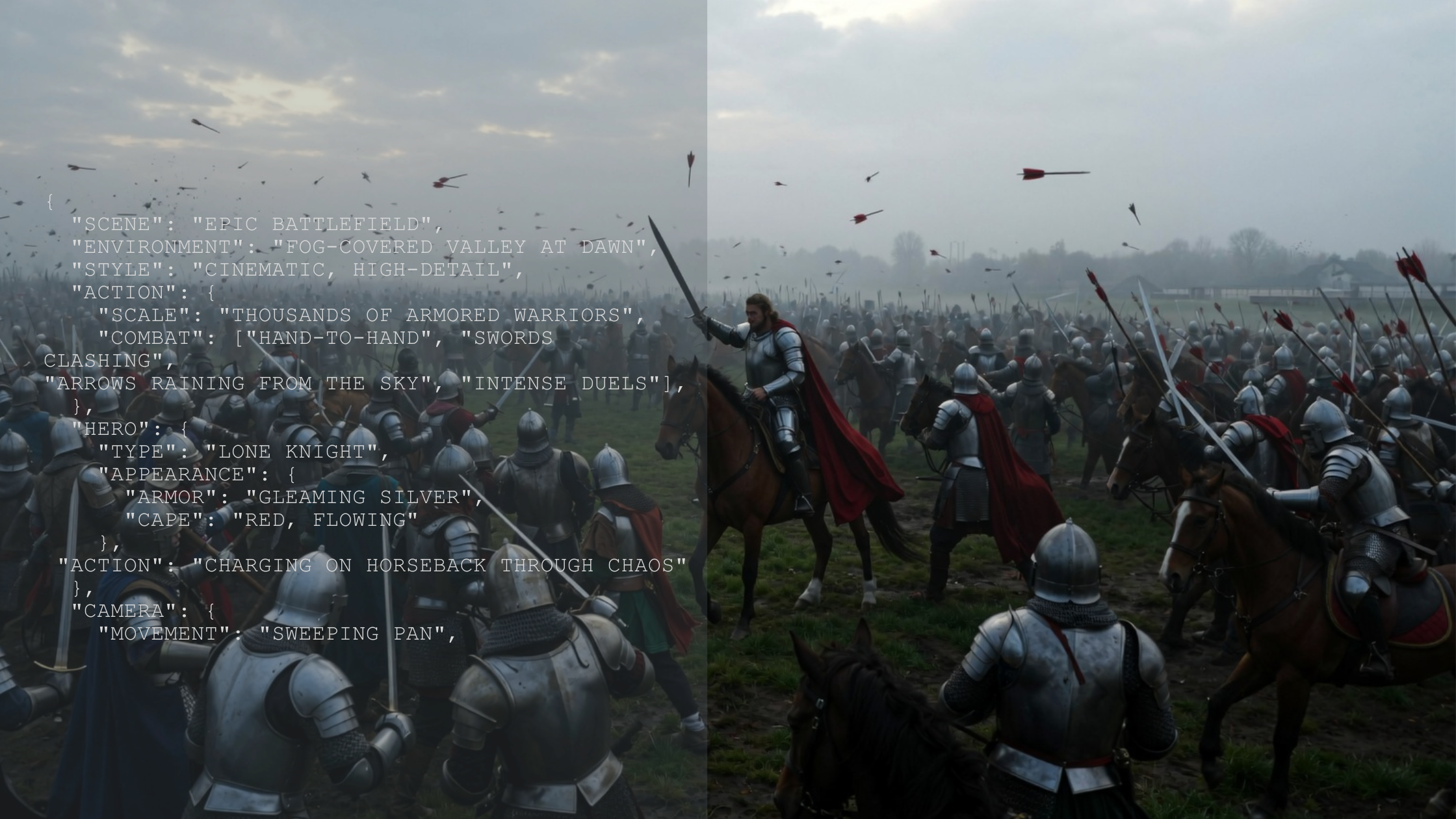
JSON Prompting for AI Image Generation – A Complete Guide with Examples | ImagineArt
Learn how to use JSON prompting for AI image generation with tools like Nano Banana, Seedream v4, ImagineArt 1.0, and Flux. Discover why structured prompts produce more consistent, high-quality AI images.
JSON Prompting for AI Video Generation | ImagineArt
Discover the power of JSON prompting in AI video generation and earn how to structure your prompts for better control, precision, and creative outputs in AI video generation.
Imagine More with AI Creative Suite
ImagineArt gives you everything you need to create, customize, and bring your ideas to life in one seamless platform.
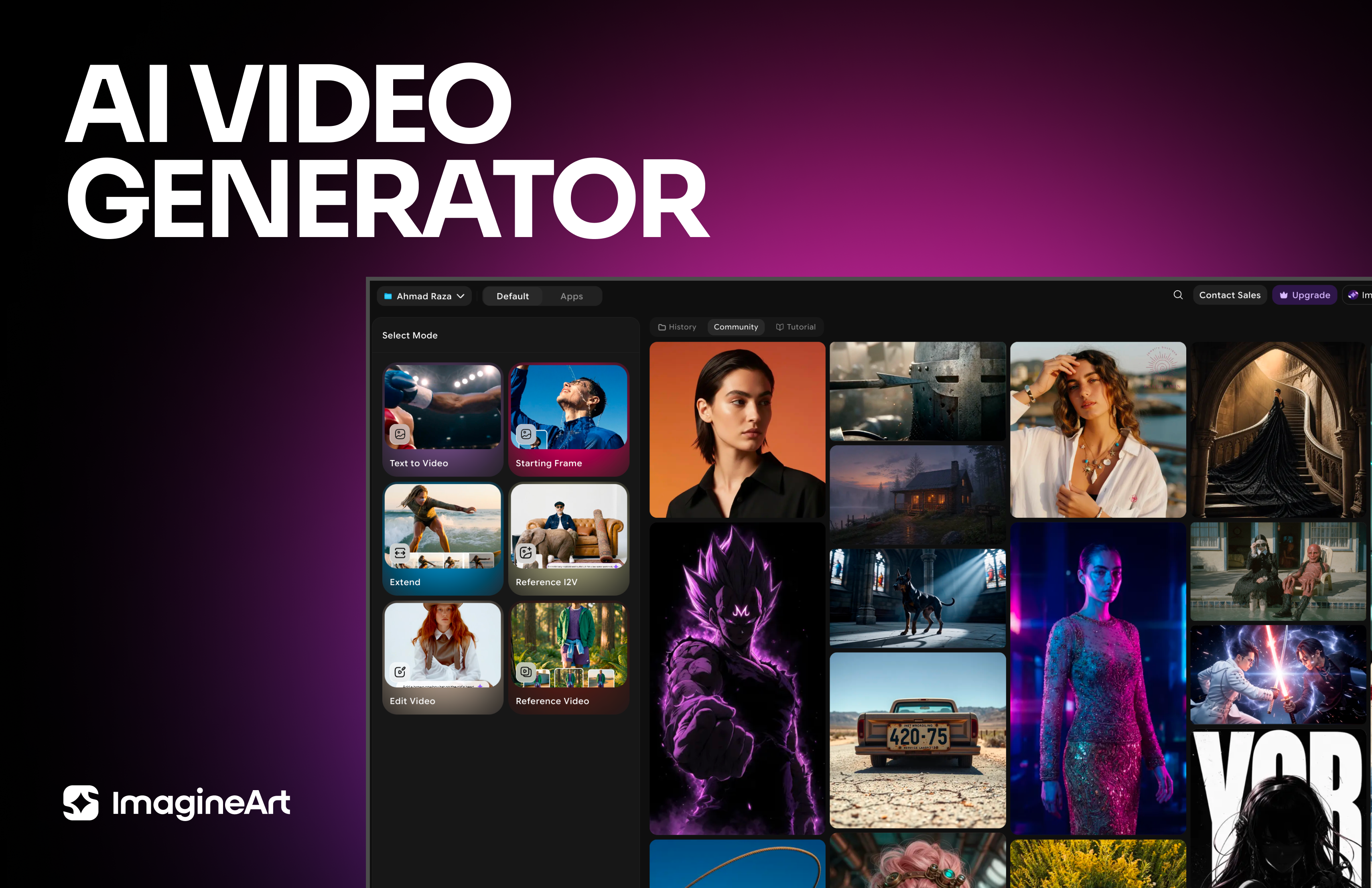



Ready to Generate with FLUX 3?
Create images, video with native audio, and multi-shot sequences from one multimodal model by Black Forest Labs on ImagineArt.
Try FLUX 3