AI Passport Photo Maker & ID Photo Generator
Upload a selfie to this ai passport photo maker and get a photo sized and lit to match passport, visa, and ID specifications, with the background and lighting corrected automatically before you print or submit it to any office, embassy, or online portal.
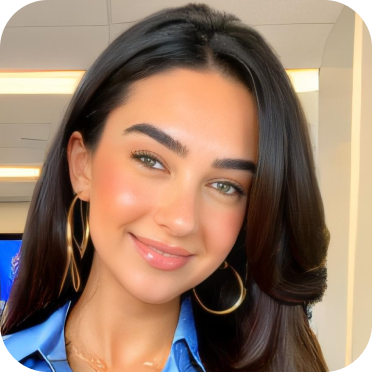
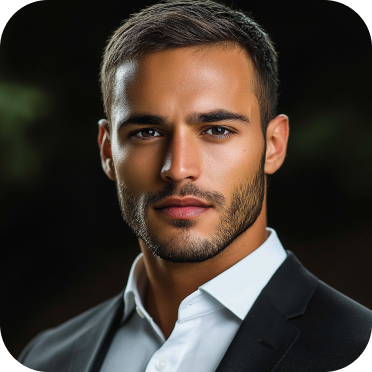
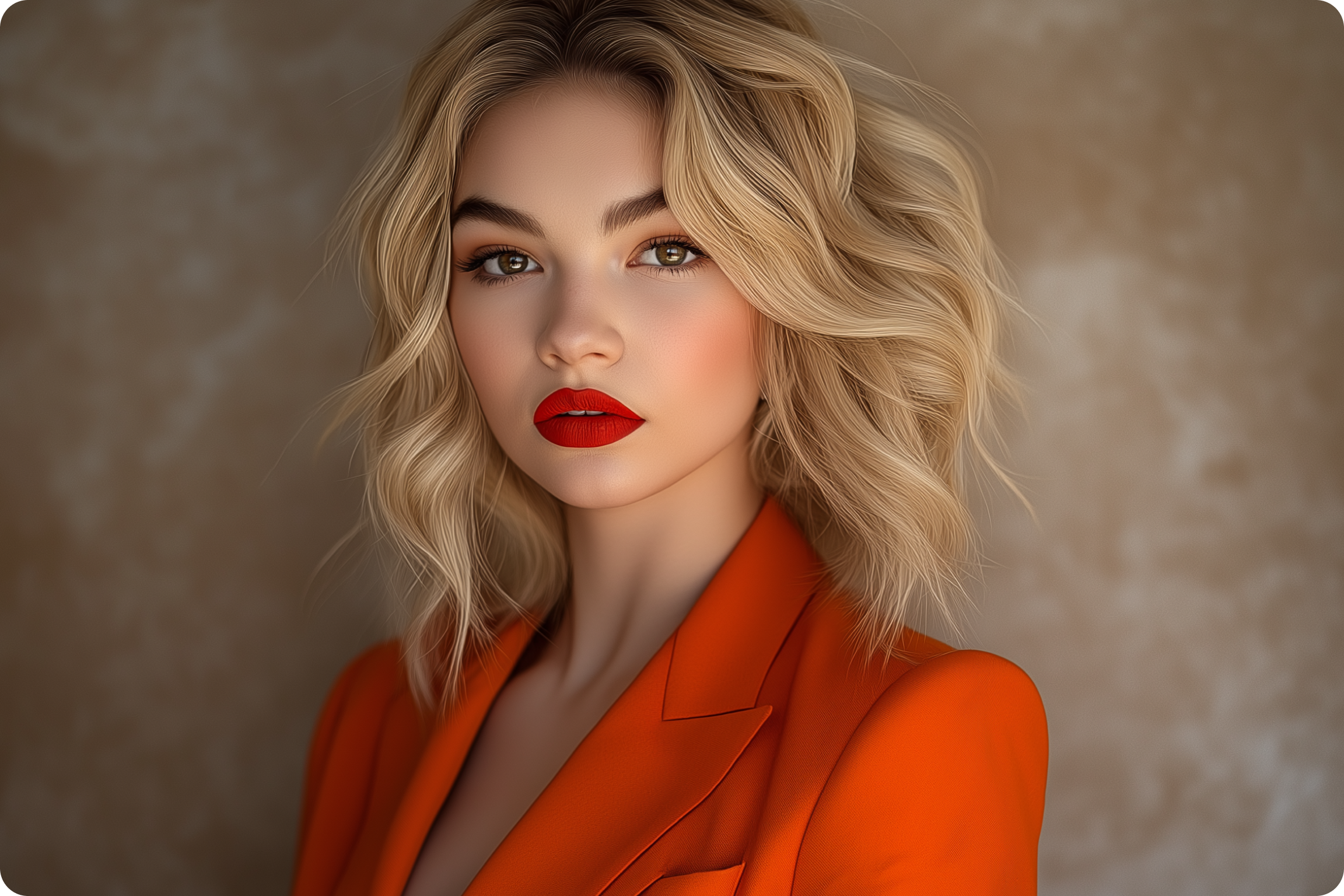
Community Creations
Built to the specification, not just the crop
Most passport photo maker tools crop an image and stop there. Passport and visa photos follow fixed rules: set pixel dimensions, a plain background in a defined color range, a neutral expression, and even lighting with no shadow behind the head. This ai passport photo generator starts from those specifications instead of a generic square crop. Pick the document type and the output is built to that spec from the first pass, not adjusted afterward to look close enough. That difference is usually what separates an application that clears review from one that gets sent back. AI art generator offers more photo and portrait tools built to the same standard.
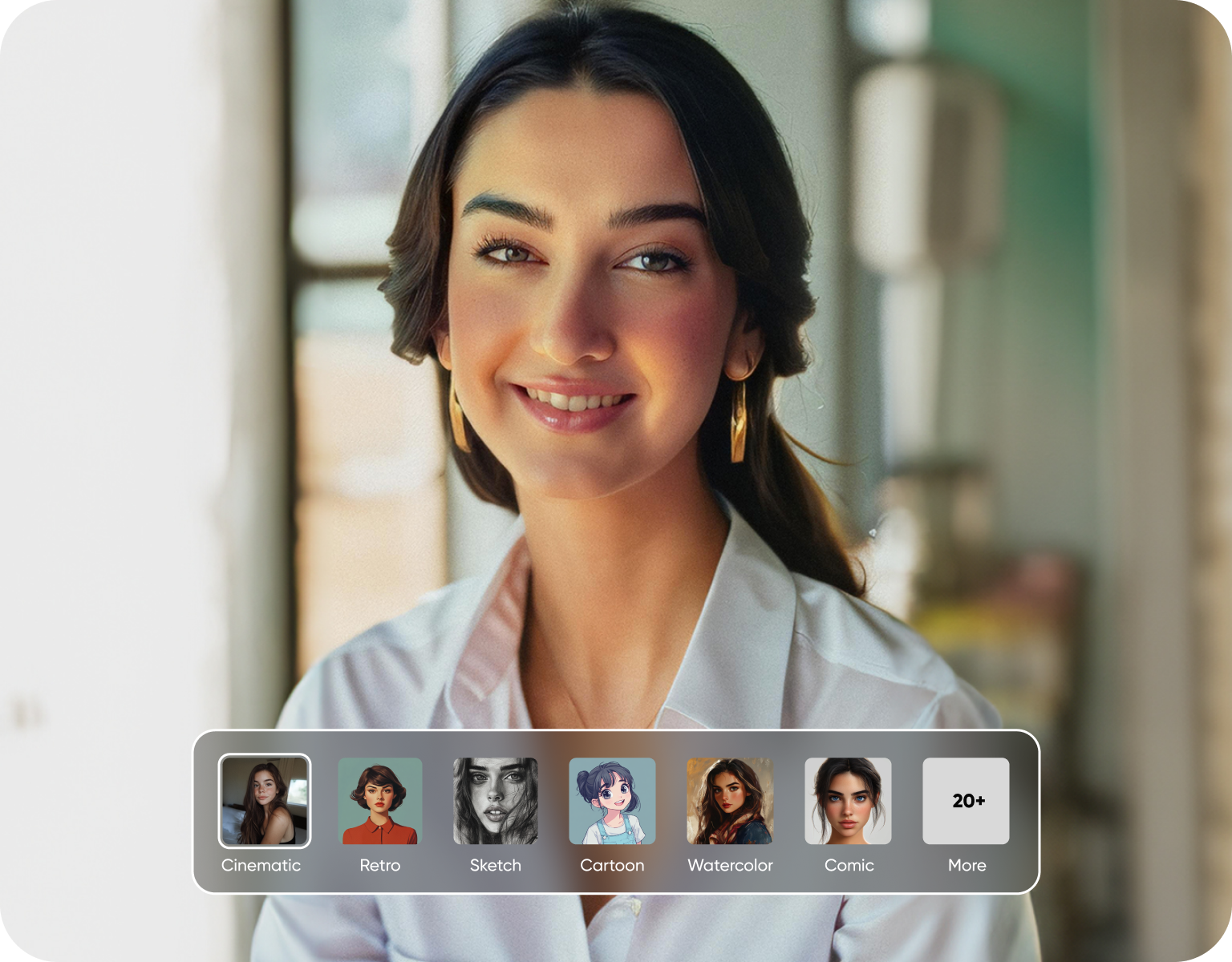
One photo, matched to the document you actually need
A US passport photo, a Schengen visa photo, and a national ID card photo are not the same size, and the background tolerance differs by country too. Instead of researching each specification yourself, use this passport size photo maker to select the document and country, and the crop, dimensions, and background are set to match. There's no need to compare a template against a government PDF to check if it's close enough. One upload can be reformatted for several document types in the same session, which matters when you're handling more than one application at once.
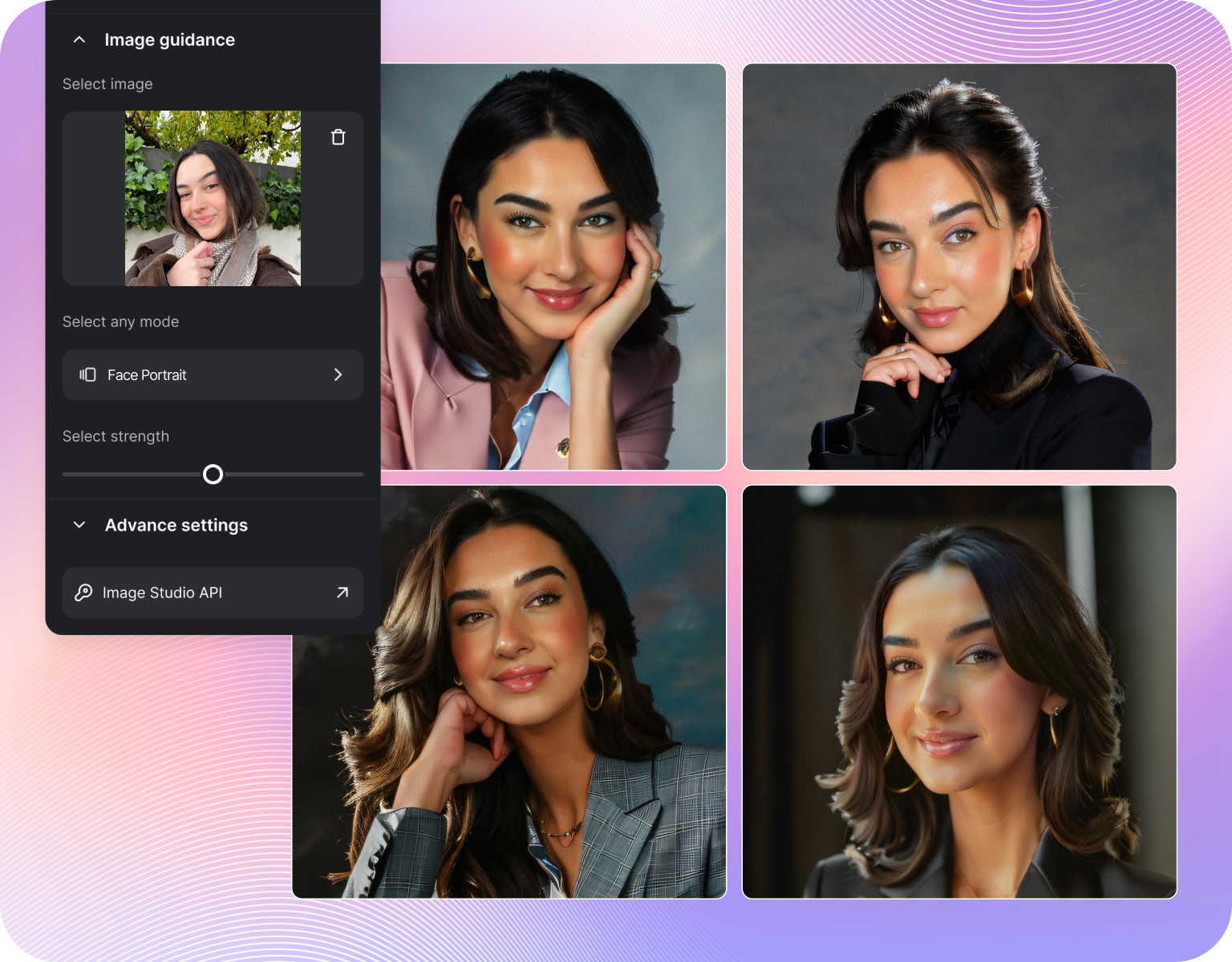
The details that get applications rejected
A shadow behind the head, a background that reads slightly gray instead of white, or lighting that's uneven across the face are common reasons photo submissions bounce back. This id picture editor checks for these specifically. Background color is normalized to the required range, and lighting is balanced across the face before export. These are the details a photo booth attendant might miss and a phone camera rarely gets right on the first try. Catching them before submission means one less reason for a rejected application or a wasted printing fee. If you'd rather clear the background out entirely before formatting, the background remover isolates the subject cleanly first.
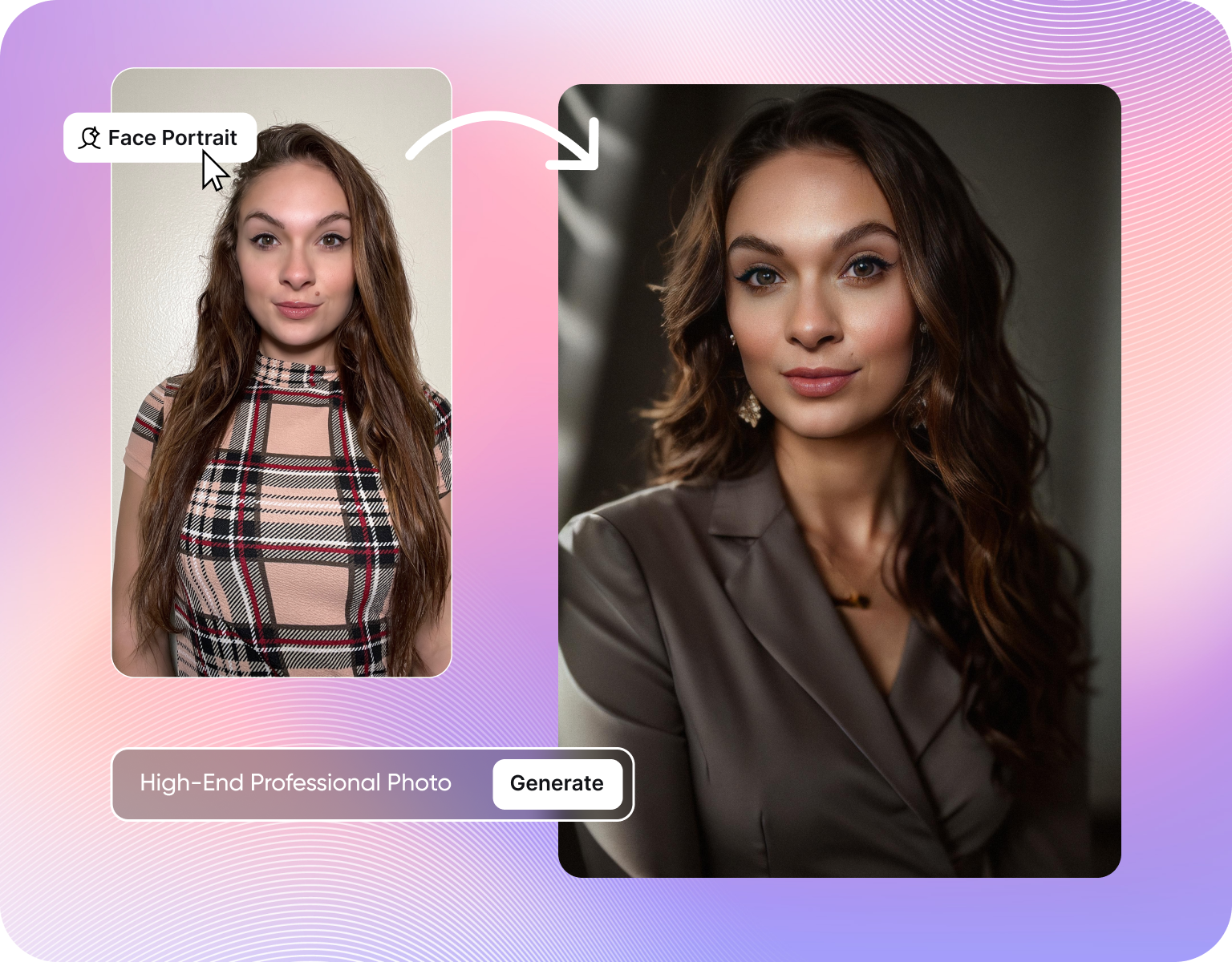
From a phone photo to a file ready to submit
There's no studio setup required to turn a normal photo into a passport size photo with this ai passport photo generator. A recent photo taken on a phone, in ordinary indoor light, is enough to start. Upload it, select the document type, and the corrected, correctly sized version is ready in the time it takes to make a coffee. That matters most for last-minute passport renewals, expedited visa appointments, or when you're producing photos for several family members in one sitting. The same uploaded selfie can become a polished professional shot with the AI headshot generator if you need one for LinkedIn or a résumé.
How to Generate Passport Photos Using ImagineArt AI?
Step 1
Upload a photo
Start with any recent selfie or portrait, taken on a phone or a regular camera. No studio lighting or plain backdrop is required at this stage. Even indoor lighting with a busy background works, since the correction happens after upload rather than depending on how the original photo was shot. A clear, front-facing shot with a neutral expression gives the cleanest result.
Step 2
Choose the document and country
Select the passport, visa, or ID type, along with the issuing country. As an ai id photo generator, it applies the exact pixel dimensions, background color, and print size for that specific document automatically. There's no need to look up a government specification page separately. If you need photos for more than one document type from the same photo, each version can be generated in its own pass.
Step 3
Download and submit
Get a file sized for both digital upload and physical printing, matched to the document's official requirement. Use it directly in an online application portal, or print it at any photo printer using the provided dimensions. If a version doesn't look right, generate another one immediately instead of paying for a reprint or booking a second booth session.
Built to meet official requirements
- Exact sizing:Every photo is cropped to the specific pixel and print dimensions required for the document and country you select.
- Compliant backgrounds:Background color is normalized to plain white or off-white to match standard passport and visa tolerances.
- Lighting correction:Uneven lighting and shadows across the face are balanced automatically before export.
- Multiple country specs:As a full id photo maker, choose from a range of country-specific passport, visa, and ID formats instead of one generic template.
- Digital and print output:Download a version formatted for online portal upload and a separate version sized for in-person printing.
- Instant retakes:Regenerate a new version immediately if the first result doesn't meet a requirement, with no reprint fee.
Why people use it instead of a photo booth
- No appointment required:Use this ai passport photo maker to generate a compliant photo any time, without visiting a pharmacy, post office, or photo booth counter.
- Lower cost per photo:Priced below a typical single-visit photo booth session, with no charge for a redo.
- Faster turnaround:A corrected, correctly sized photo is ready in minutes rather than requiring a scheduled visit.
- Good for multiple applications:Process photos for several family members in one sitting instead of separate booth trips.
- Useful for expedited renewals:Built for situations where a same-day or next-day passport or visa appointment doesn't leave time for a booth visit.
Where this photo gets used
- Passport renewals and new applications:Sized to match the passport photo requirement for the country you're applying in.
- Visa applications:Matched to visa-specific formats, including Schengen and US visa photo specifications.
- National ID and residency cards:Formatted to the size and background standard used for national identity documents, giving you a compliant ai id photo for any residency or ID card application.
- Work permits and other government forms:Suitable anywhere a plain-background, compliant ID-style photo is requested.
- Multiple applicants:Generate separate compliant photos for each family member from their own uploaded photo.
Customer Testimonials About Passport Photo Generator
Learn what user say's about ai passport photo generator.

“ImagineArt has a really amazing interface, well layered and clean. The workflow feature really makes working easy with all tools available in one place. One other thing, when I tested models like for instance Nano Banana 2 on ImagineArtAi and other Ai brands I got better results and higher quality on ImagineArtAi. It goes to show how much they have invested in making it the best of the best”
“Great platform, lots of useful features. All the models you would want under one roof. Multi variation parallel generation of images and videos. workflows. awesome stuff THOUGH lots and I mean lots of popups. ”
“I have tried quite a few AI image generators, and ImagineArt has quickly become one of my favourites. The image quality is consistently impressive, with detailed, creative, and highly accurate results from even simple prompts. The platform is easy to use, generates images quickly, and offers a great variety of styles and customisation options. One of the main ways I use ImagineArt is to create artwork for my YouTube music videos. I generate unique images and then animate them as visuals to accompany my music. The quality and creativity of the images make them perfect for this purpose, and they often require very little editing before I can use them in my projects. What stands out most is how well it understands complex prompts and turns ideas into stunning visuals with minimal effort. Whether you're creating concept art, character designs, content for social media, or visuals for videos, ImagineArt delivers excellent results. The regular updates and new features show that the team is actively improving the platform, and the overall experience feels polished and reliable. It's become an important part of my creative workflow, and I'd highly recommend it to anyone looking for a powerful and user-friendly AI image generation tool. ”
“Easy interface with all the latest models. Great pricing and worth using for advanced AI generations.”
“ImagineArt offers an impressive range of AI image generation styles and tools. The platform is intuitive and produces high-quality results across different creative styles. The support team is responsive and genuinely helpful. Would recommend to anyone looking for a versatile AI image tool.”
“Using imagine has honestly been a great experience overall. The image quality is impressive, especially for cinematic and anime-style generations, and the platform feels smooth compared to many other AI tools. Prompt understanding is strong, and the renders usually come out detailed and visually appealing even without overly complex descriptions. One thing I really like is how easy the interface is to use. It doesn’t feel confusing for beginners, but still has enough features for advanced creators. The video and motion tools also have a lot of potential and can create very eye-catching content for reels and edits. ”
Purchase a Subscription
Upgrade to get access to pro features and generate more and better
Basic
For newcomers taking their first steps
View Plans
Billed monthly
Included in plan
3Kcredits per month
Additional Features
Up to ~600 Image Generations/month
Up to ~97 Video Generations/month
General Commercial Terms
Image Generation Visibility: Public
4 Concurrent Image Generations
Complimentary Access
All GPT Models
All Gemini Models
All Claude Models
Unlimited Generations
10 Image Models
9 Video Models
Standard
For rising creators to level up their game
View Plans
Billed monthly
Included in plan
8Kcredits per month
Additional Features
Up to ~1.6k Image Generations/month
Up to ~265 Video Generations/month
General Commercial Terms
Image Generation Visibility: Private
8 Concurrent Image Generations
Complimentary Access
All GPT Models
All Gemini Models
All Claude Models
Unlimited Generations
Nano Banana
Runway Gen 4 Turbo
Midjourney V7
8 more Image Models
8 more Video Models
Ultimate
Peak performance for pros
View Plans
Billed monthly
Included in plan
16Kcredits per month
Additional Features
Up to ~3.2k Image Generations/month
Up to ~530 Video Generations/month
All styles and models
General Commercial Terms
Image Generation Visibility: Private
Complimentary Access
All GPT Models
All Gemini Models
All Claude Models
Unlimited Generations
All image models in Standard plan
All video models in Standard plan
Kling 2.6 Pro
Seedance 1.5 Pro
ChatGPT 1.5
Creator
A full production engine for powerhouses
View Plans
Billed monthly
Included in plan
100Kcredits per month
Additional Features
Up to ~20k Image Generations/month
Up to ~3.3k Video Generations/month
All styles and models
General Commercial Terms
Image Generation Visibility: Private
Complimentary Access
All GPT Models
All Gemini Models
All Claude Models
Unlimited Generations
All image models in Ultimate plan
All video models in Ultimate plan
Kling 3.0 Pro
Seedance 2 Fast
Nano Banana 2
Have questions?
We have answers!
It's a tool that turns a regular selfie or portrait into a passport, visa, or ID photo built to official size and background specifications. You upload a photo, select the document type and country, and the tool applies the correct dimensions, background color, and lighting correction automatically. The result is meant to be used directly for an application or print, rather than requiring manual cropping or a separate compliance check against a government requirement sheet.
It's built to common passport and visa specifications, including standard dimensions and background color tolerances used by many countries' issuing offices. Because exact requirements can change and vary by office, we recommend confirming the current specification for your specific country and document type before submitting. The tool applies known standard specs automatically, but final acceptance is always determined by the reviewing authority, not by any single photo tool.
Yes. Uneven lighting across the face and background colors that fall outside the required white or off-white range are two of the most common reasons passport and ID photos get rejected. The tool checks for both and corrects them automatically during processing, so the shadow behind your head or the slightly gray wall in your original photo doesn't carry through to the final compliant file you submit or print.
A range of country-specific passport, visa, and ID photo specifications are built in, covering common formats like US passport photos and Schengen visa photos. Select your country and document type, and the matching dimensions and background requirement are applied automatically. If a specific country or document type isn't yet listed, the closest standard specification can be applied manually, though we recommend verifying against the current official requirement first.
To make a passport size photo without a studio visit, upload a clear phone photo, choose your document and country, and download the result sized and cropped to the official specification. That's the fastest way to make a passport size photo without booking a booth appointment or comparing crops against a government template yourself.
Get a compliant photo in minutes
Upload a recent photo to this ai passport photo generator, choose your document and country, and download a passport or visa photo sized to meet the requirement. No booth appointment, no separate compliance check required.
![38 AI Affiliate Programs for SaaS Bloggers - Highest Income Potential [2026 Edition]](https://blogs-cdn.imagine.art/Add_a_heading_14cf442dc9.png)