AI baby generator
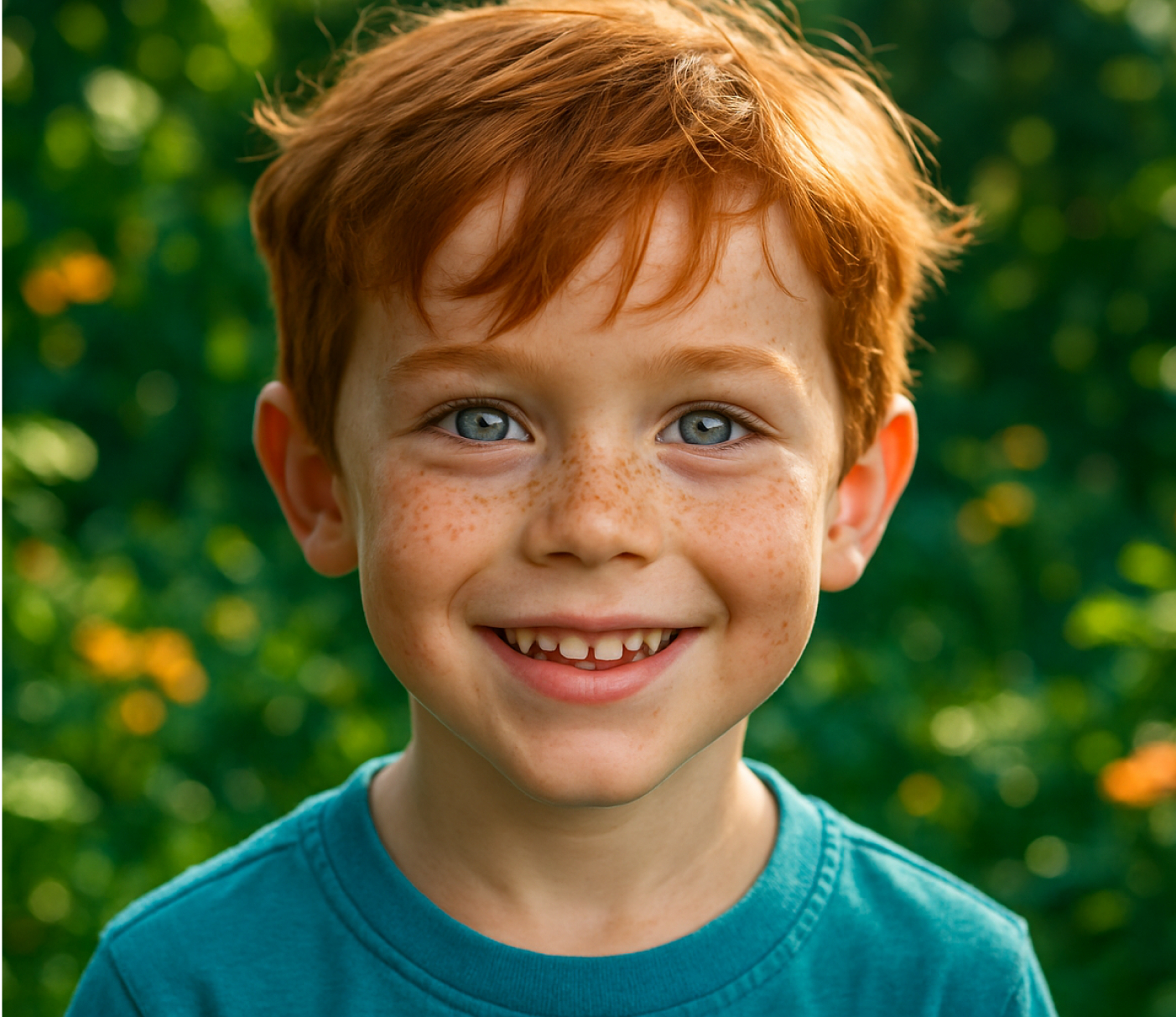
Upload a photo of each parent and this ai baby generator returns a predicted baby face in under a minute. Built for baby showers, gender reveals, and curious couples, not for clinical or genetic prediction of any kind.

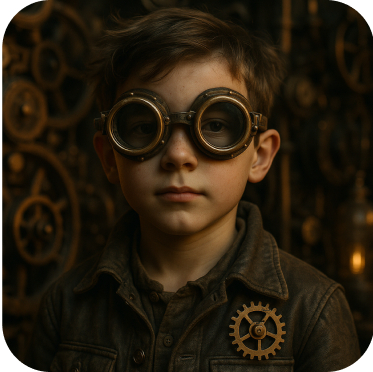
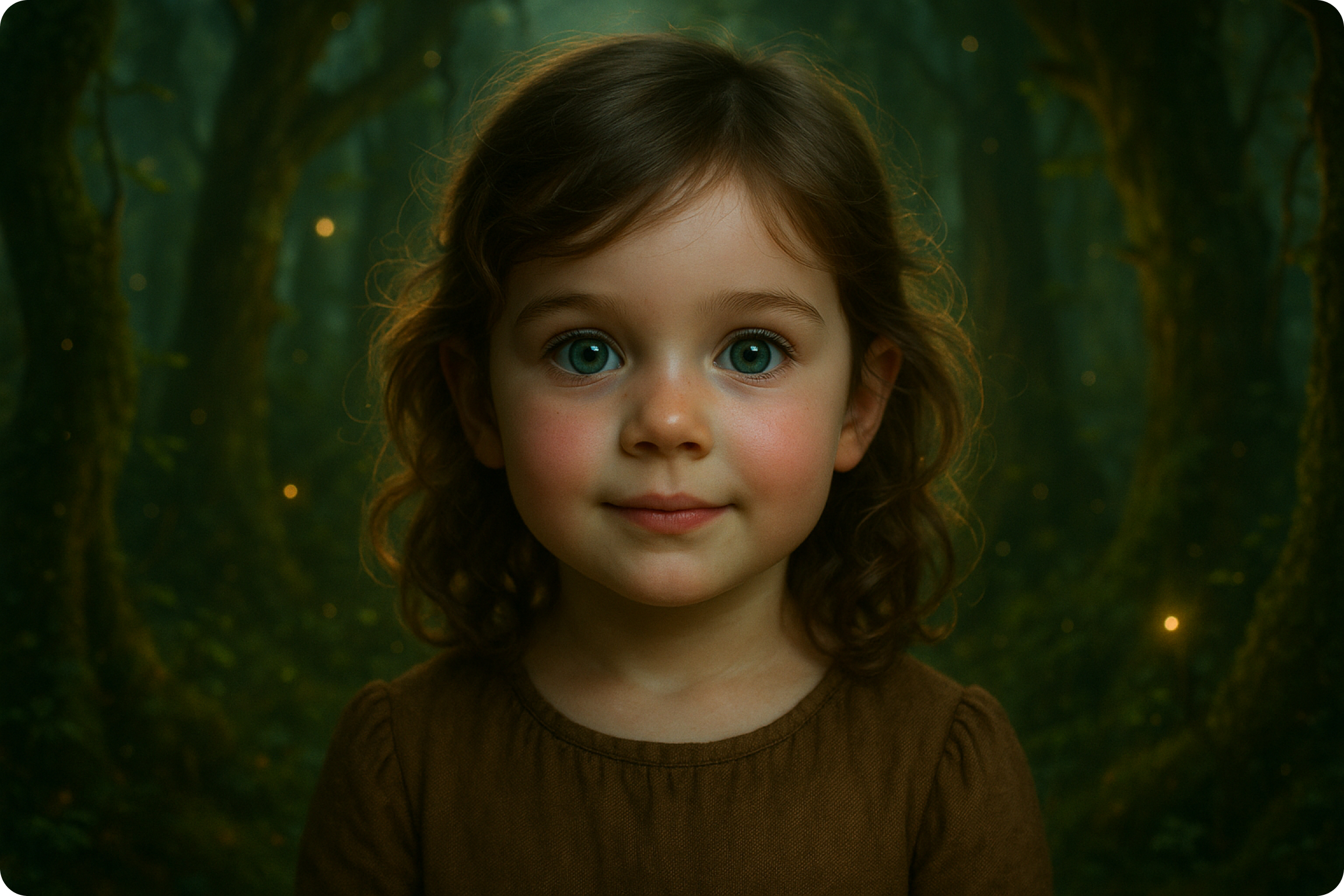
ImagineArt AI Baby Community Creation
What the AI baby generator actually does
The tool reads facial landmarks from two uploaded photos: eye shape, nose bridge, jawline, and skin tone, then blends them into a single composite face. You can nudge the blend toward one parent, guess a gender, and pick a rough age. It is an ai baby face generator built for entertainment, the same category as a filter or a photo booth prop, not a scientific prediction of a future child's appearance. For a different take on face photos, AI face swap puts one person's face onto another photo entirely.
Why it has become a baby shower and group chat staple
Couples post the ai baby photo to a family group chat before an ultrasound is even scheduled. Baby shower hosts run it as a party game, printing the result on a card for guests to guess which parent it favors more. The appeal is speed and shareability: two photos in, one image out, ready to send in the time it takes to order a coffee.
Built for fun, not for a medical or legal claim
As an ai child generator, the blend uses facial feature averaging, not chromosome analysis, ancestry data, or any medical input. Nothing about hair color, eye color, or genetic traits is predicted from DNA. Treat the output the way you would treat a photo booth filter: a shareable image for a shower, a gender reveal, or a group chat, not a basis for a nursery paint color or a genetic counseling conversation. It's one of many playful photo tools from the AI art generator at ImagineArt.

Try it with partners, friends, or a celebrity pairing
Couples run it with their own photos before an ultrasound appointment. Friend groups run it as a kid generator party game, feeding in two celebrity photos or two friends' photos to see what the blend produces. Because each result generates in under a minute, a room full of people can each try three or four pairings in a single sitting without anyone waiting long for a turn. To see how one real face changes with age instead of a blend, AI age progression ages a single photo forward.
How To Create Your Future Baby
Step 1
Upload Parent Photos
Add one clear, front-facing photo of each parent, or any two faces you want blended into this ai kid image generator. Good lighting and a direct camera angle produce a cleaner result than a side profile or a heavily filtered selfie. No account setup or photo history is required to run a first test blend.
Step 2
Generate the baby face
The system blends facial landmarks from both photos, applies an age setting, and produces a composite image. Regenerate as many times as you like. Each new attempt shifts the blend ratio slightly, so ten tries can produce ten visibly different ai baby pictures from the same two source photos.
Step 3
Download and share
Save the result at full resolution or a pre-cropped square for a story post. Share directly to a group chat, print it for a shower game card, or drop it into a gender reveal slideshow next to the ultrasound photo.
Customize the result before you share it
- Blend ratio: Shift the composite closer to one parent's features or keep it balanced between both.
- Gender guess:Toggle between a boy, a girl, or a neutral result, since this future child generator lets you test both before you commit to a nursery theme.
- Age setting:Generate the blended face as a newborn, a toddler, or a young child.
- Multiple outputs:Generate several composite results from the same two photos and pick a favorite.
- Style filter:Apply a soft studio-portrait look or a plain neutral background to match how you plan to share it.
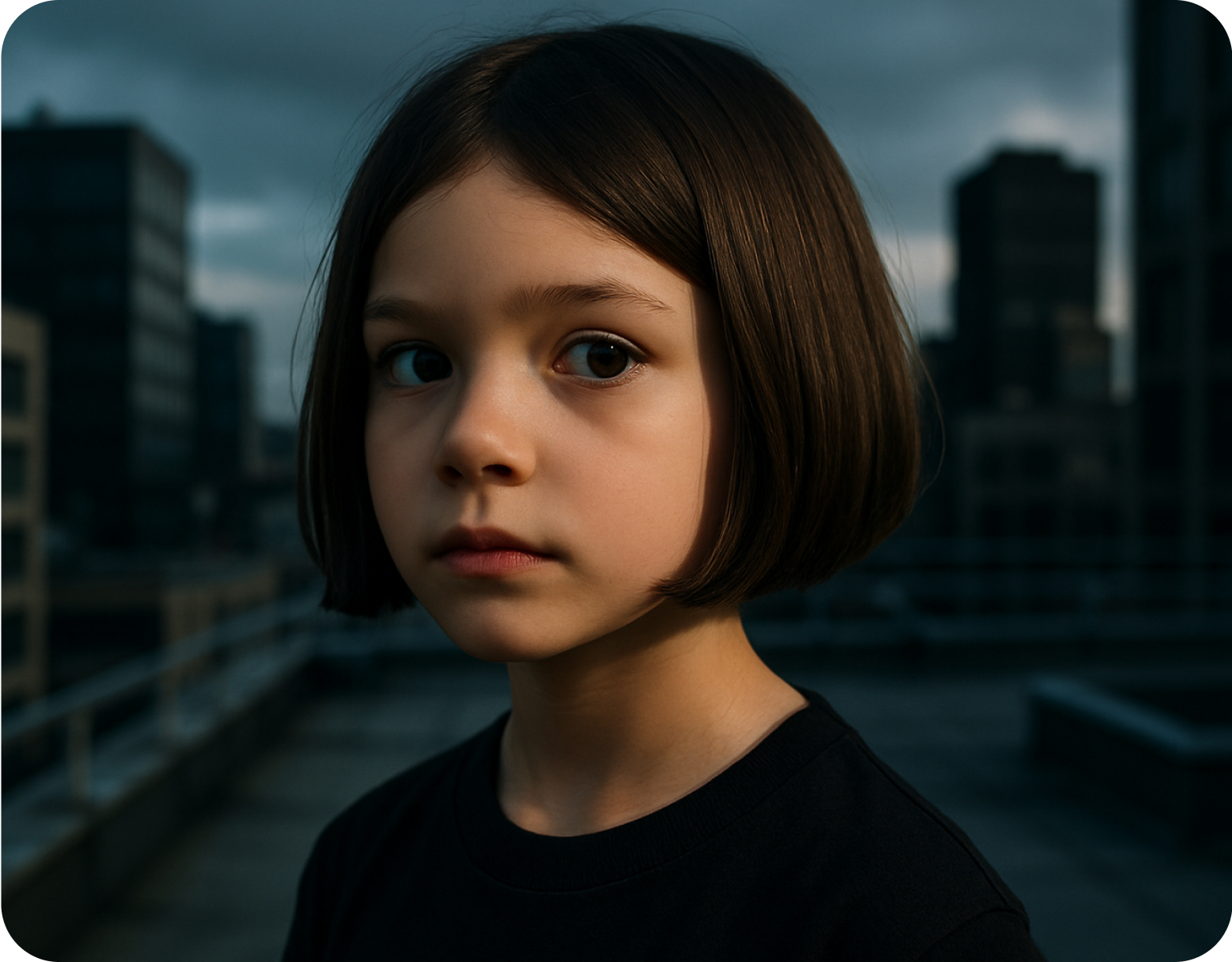
Made for sharing, not for storing
- Fast turnaround:Each generation completes in under a minute, so a group can run through several pairings in one sitting.
- No account required for a first try:Test the tool with one pairing before deciding whether to save an account for repeat use.
- Photo privacy:Uploaded photos are used to generate the result and are not required to be kept afterward.
- Mobile-friendly output:Every ai kid result exports in a square or portrait crop sized for a story post or a group chat share.
- Party mode:Run several pairings back to back for a baby shower or gender reveal game without restarting each time.
Customer Testimonials About AI Kid Generator
Learn what users say about ImagineArt AI.

“Easy to generate, everything you need its here avaiable. one clip and task is completed. I have explore the ImageArt only 10%. this platform got lot to discover. enjoying”
“I love this platform very easy to navigate through whatever you need to create. Excellent image generation and video generation. The pricing is very reasonable also. Thank you Imagineart for an amazing experience. ”
“I absolutely love Imagine Art. It makes creating images and then animating the scenes effortless. And I love how all my favorite AI apps are housed in one location allowing for seamless transitions from one creative endeavor to the next!”
“Imagine art is one of the best platforms for new AI creators offering the best prices, the market leader like Higgsfield are great but their prices are too high. Thank you imagine art for making AI Video models affordable.”
“The player performs a powerful bicycle kick, body fully extended in the air, leg swinging powerfully to strike the ball, realistic football motion, dynamic stadium background, smooth cinematic movement”
Purchase a Subscription
Upgrade to get access to pro features and generate more and better
Basic
For newcomers taking their first steps
View Plans
Billed monthly
Included in plan
3Kcredits per month
Additional Features
Up to ~600 Image Generations/month
Up to ~97 Video Generations/month
General Commercial Terms
Image Generation Visibility: Public
4 Concurrent Image Generations
Complimentary Access
All GPT Models
All Gemini Models
All Claude Models
Unlimited Generations
10 Image Models
9 Video Models
Standard
For rising creators to level up their game
View Plans
Billed monthly
Included in plan
8Kcredits per month
Additional Features
Up to ~1.6k Image Generations/month
Up to ~265 Video Generations/month
General Commercial Terms
Image Generation Visibility: Private
8 Concurrent Image Generations
Complimentary Access
All GPT Models
All Gemini Models
All Claude Models
Unlimited Generations
Nano Banana
Runway Gen 4 Turbo
Midjourney V7
8 more Image Models
8 more Video Models
Ultimate
Peak performance for pros
View Plans
Billed monthly
Included in plan
16Kcredits per month
Additional Features
Up to ~3.2k Image Generations/month
Up to ~530 Video Generations/month
All styles and models
General Commercial Terms
Image Generation Visibility: Private
Complimentary Access
All GPT Models
All Gemini Models
All Claude Models
Unlimited Generations
All image models in Standard plan
All video models in Standard plan
Kling 2.6 Pro
Seedance 1.5 Pro
ChatGPT 1.5
Creator
A full production engine for powerhouses
View Plans
Billed monthly
Included in plan
100Kcredits per month
Additional Features
Up to ~20k Image Generations/month
Up to ~3.3k Video Generations/month
All styles and models
General Commercial Terms
Image Generation Visibility: Private
Complimentary Access
All GPT Models
All Gemini Models
All Claude Models
Unlimited Generations
All image models in Ultimate plan
All video models in Ultimate plan
Kling 3.0 Pro
Seedance 2 Fast
Nano Banana 2
Have questions?
We have answers!
It is a tool that blends two uploaded photos into a single composite face meant to resemble a hypothetical child of the two people pictured, built for anyone typing "how my baby will look like" into a search bar out of curiosity. It reads facial landmarks such as eye shape, nose bridge, and jawline from each photo and merges them into one image. It is built for entertainment use at baby showers, gender reveals, and social sharing, not as a scientific or medical prediction tool.
Yes. Upload one photo of each parent and the tool produces a composite face that blends features from both. You can adjust the blend ratio toward one parent, set an approximate age, and generate multiple variations from the same two source photos. The result is a visual blend for entertainment, and different attempts from the same two photos will look somewhat different each time.
Entertainment only. The tool blends facial features visible in two photographs; it does not analyze DNA, chromosomes, ancestry, or any genetic data, and it makes no claim about a real future child's actual appearance, health, or traits. Think of it as answering the "what will my kids look like ai" curiosity, not a genetic counseling session. Treat a result the way you would a photo booth filter or a party game prop, not as a prediction to plan a nursery or a name around.
Yes. An age setting lets you generate the composite face as a newborn, a toddler, or a young child from the same two source photos. Switching the age setting and regenerating produces a new version at that stage. This is commonly used to create a small set of images, for instance a newborn version and a toddler version, to share together in one post or one printed card.
Turn Your Child’s Photo Into Art - Start Creating Now
Create magical headshots of your child in seconds. Fun, fast, and studio-quality - no editing skills needed!