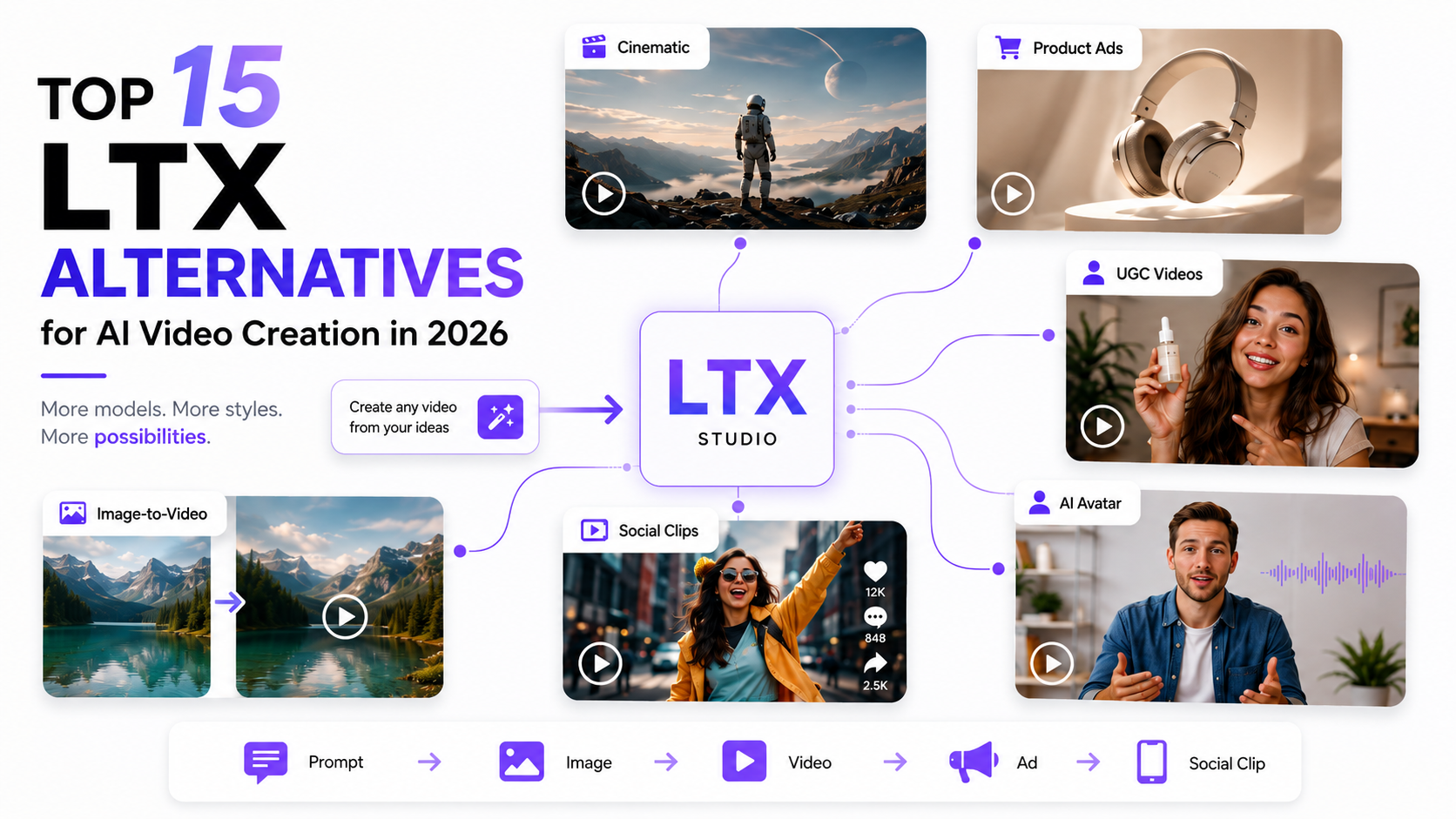

Umaima Shah
June 18, 2026 • Updated July 6, 2026
11 mins Read
Your video idea is only as strong as the model behind it, and LTX Studio is not built for every job.
It works well for storyboarding and AI filmmaking, but a product marketer creating ad variations, a social creator testing image-to-video effects, and a brand team making UGC clips may need tools built for a different workflow.
LTX alternatives matter when you need better model choice, stronger video quality, product ad formats, UGC content, or faster creative testing. In this guide, we compare 15 LTX alternatives to see which tools give you better results, more flexible features, and better value for your budget.
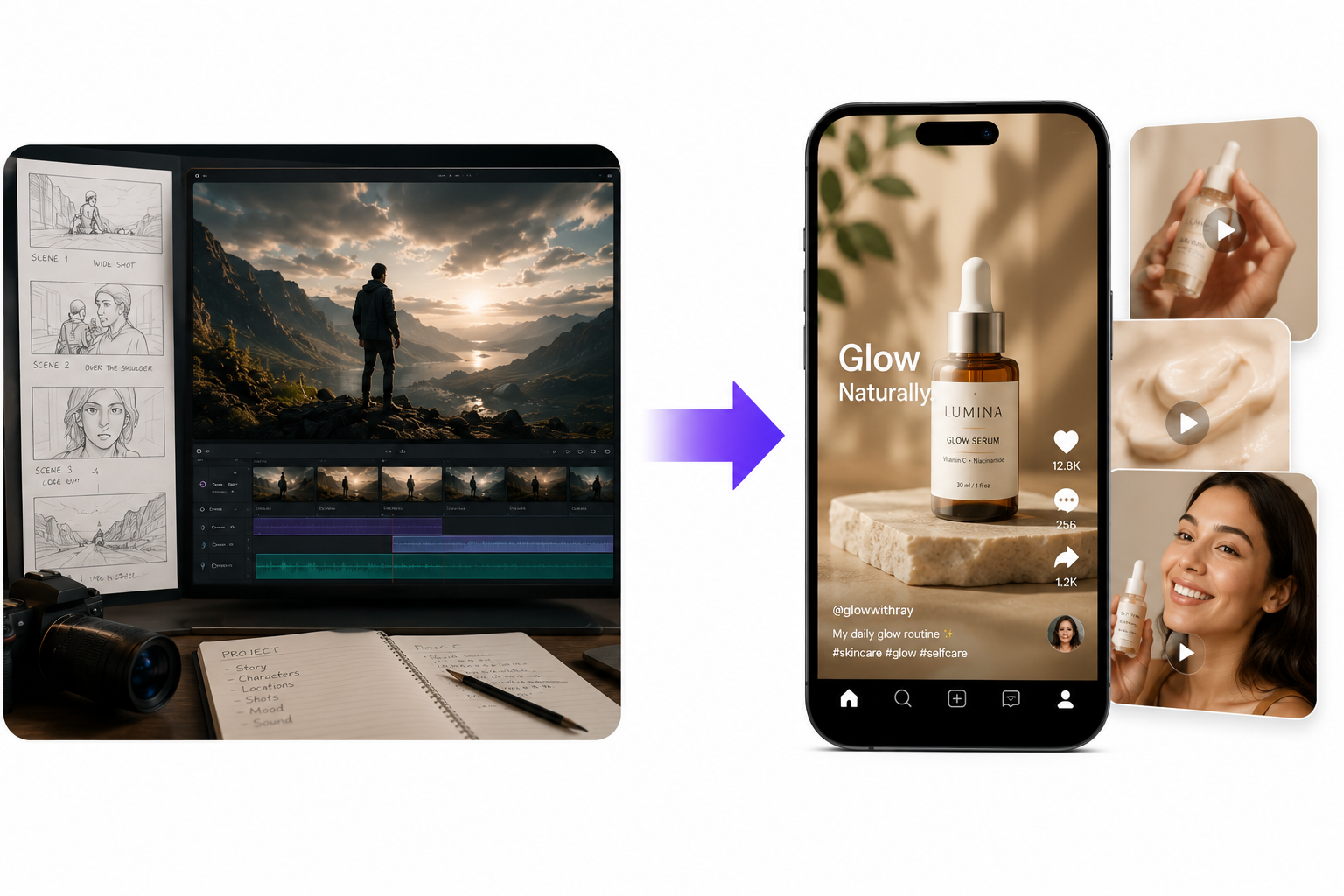 15 LTX Alternatives for Storyboard
Why Creators Look for LTX Alternatives
Creators look for LTX alternatives when LTX Studio feels better for planning than producing the exact video they need.
That usually happens when they need:
- Faster image-to-video results
- Better cinematic motion
- Product videos from existing images
- Product URL ads with less manual setup
- UGC-style clips for social platforms
- Avatar-led videos or explainers
- More models inside one workflow
- More variations for testing
LTX Studio works well for storyboards, scene planning, characters, and film-style structure. But not every project needs a full production-style setup.
A marketer may need to turn one product page into several ad concepts. A social creator may need one image turned into a short clip. A brand team may need UGC, demos, product reveals, or platform-ready ad versions.
For product URL ads, ImagineArt AI Video Ad Maker fits the gap because it helps turn a product link or landing page into a video ad workflow.
That is why the best LTX alternative depends on the output. A cinematic model, a UGC tool, a product ad generator, and an avatar platform solve different problems.
Pick the tool that matches the video you need to make, not the tool with the longest feature list.
Top 15 LTX Alternatives for AI Video Creation
1. ImagineArt
ImagineArt is the best overall LTX alternative for creators who want multiple AI video models, image-to-video, text-to-video, product ads, UGC videos, and workflow control in one place.
It fits creators who do not want to move between separate model sites every time they need a different output style. You can generate cinematic shots with the ImagineArt AI Video Generator, create social clips, build product videos, work with avatar-led content, animate still images, and edit visuals before video generation.
ImagineArt also gives marketers a stronger production path. You can move from image creation with AI Image Generator into text-to-video or image-to-video, then into edits with AI Image Editor, then into ad formats through AI Ad Studio.
For product-led brands, ImagineArt AI Product Video Generator helps create demo-style clips from product pages or product images. ImagineArt AI UGC Creator supports creator-style ads without booking a shoot. Teams that need a repeatable process can connect generation, editing, and exports inside ImagineArt Workflow.
Use ImagineArt if you want one workspace for testing multiple LTX alternatives instead of committing to one model only. Your output still depends on prompt quality, input quality, model choice, and selected settings.
 Video Content Creation in a modern workspace.
2. Runway Gen 4.5
Runway is one of the strongest LTX alternatives for cinematic control, scene consistency, and film-style AI video generation.
Use ImagineArt Runway Gen 4.5 when you need camera-controlled, scene-aware video output with a more cinematic finish.
Runway works well for short films, concept scenes, product mood films, and brand visuals that need polished shot composition, lighting, visual style, and character continuity.
Choose Runway when your LTX alternative needs to feel closer to production footage than quick social content.
3. Google Veo 3.1
Google Veo is a strong LTX alternative for creators who need cinematic video, realistic scenes, and audio-led output.
Use ImagineArt Veo 3.1 AI Video Generator when you want polished prompt-based videos with strong visual quality and sound direction.
Veo fits ad concepts, short stories, branded moments, and cinematic social content where dialogue, ambience, and atmosphere matter.
Choose Veo when the clip needs to feel polished from the first generation, especially when sound and scene realism carry the idea.
4. Kling 3.0
Kling is one of the best LTX alternatives for realistic motion, action scenes, physical movement, and camera cuts.
Use ImagineArt Kling 3.0 AI Video Generator when you need videos with multi-shot structure, character references, camera movement, and multilingual audio.
Kling is useful for product motion, action sequences, short brand films, cinematic ads, and scenes where movement needs to feel natural.
Choose Kling when your main issue with LTX Studio is output motion rather than story planning.
5. Sora 2
Sora is a strong LTX alternative for imaginative text-to-video, natural motion, creative scenes, and prompt-led video generation.
Use ImagineArt Sora 2 when you want cinematic videos with audio sync, natural movement, and camera direction from text or image input.
Sora works well when the idea starts as a scene rather than a product brief. It can help with fictional clips, cinematic concepts, character scenes, creative social content, and surreal ideas that need strong motion.
Choose Sora when your LTX alternative needs more imagination and less rigid production planning.
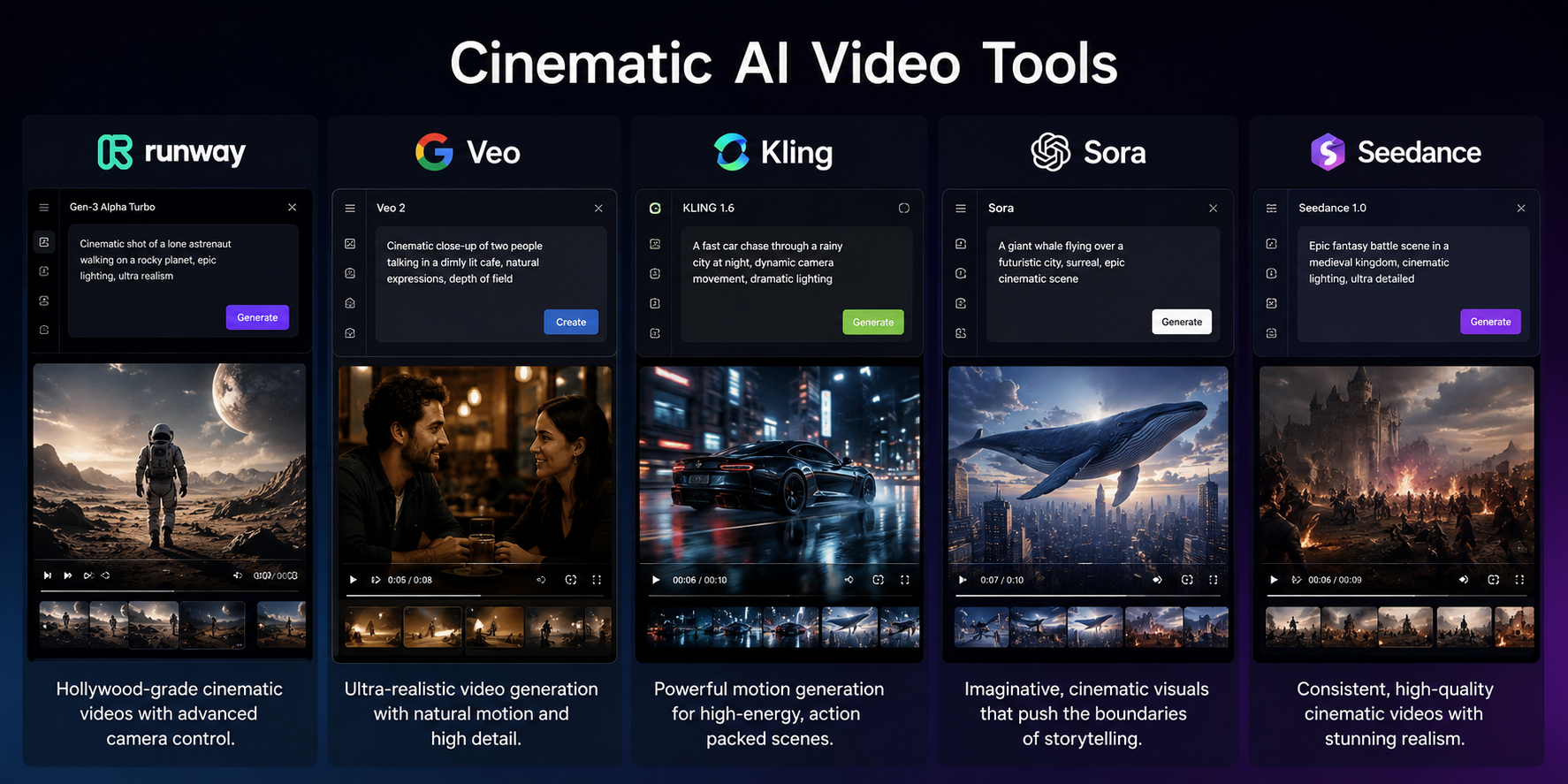 Cinematic AI Video Generators
6. PixVerse AI
PixVerse is a useful LTX alternative for social-first videos, image animation, viral effects, and fast creative experiments.
Use ImagineArt PixVerse AI Video Generator when you want to turn images into clips that feel ready for short-form platforms.
PixVerse works well for creators who need eye-catching motion, transformation effects, image-to-video outputs, and trend-driven content.
Choose PixVerse when speed, shareability, and visual impact matter more than long-form structure.
7. Hailuo AI
Hailuo is a strong LTX alternative for expressive character motion, emotional scenes, and short cinematic clips.
Use ImagineArt Hailuo AI Video Generator when you want character-driven videos with expressive movement and cinematic pacing.
Hailuo works well for short scenes that need emotion, facial expression, body motion, or a more human feel. It can support narrative clips, brand moments, character animations, and social videos with more personality.
Choose Hailuo when your video depends on how the subject moves, reacts, or carries emotion.
8. Luma AI Dream Machine
Luma AI Dream Machine is a good LTX alternative for cinematic image-to-video, realistic motion, and prompt-based camera movement.
Use ImagineArt Luma AI Dream Machine when you want to animate still images or create smooth video clips from text descriptions.
Luma works well for creators who already have strong visuals and want to add motion, camera movement, and cinematic flow. It can support product shots, concept art, scene animation, and social content.
Choose Luma when you want to bring static visuals to life rather than build a full storyboard from scratch.
9. Seedance AI
Seedance is one of the stronger LTX alternatives for multi-shot videos, story flow, motion stability, and camera consistency.
Use ImagineArt Seedance AI Video Generator when you want videos with connected shots, smoother movement, and better scene flow.
Seedance fits creators who want more narrative structure than a single animated image can give. It can help with short stories, brand sequences, cinematic social clips, and multi-shot product scenes.
Choose Seedance when LTX Studio feels too production-heavy, but you still need the video to feel planned.
10. Wan 2.6
Wan is a useful LTX alternative for multi-shot video, native audio, dialogue, reference-to-video, and longer story clips.
Use ImagineArt Wan 2.6 when you need video scenes that combine motion, structure, and audio in one generation path.
Wan can work for story clips, product sequences, character dialogue, and reference-driven video ideas. It fits use cases where one still image or one short action is not enough.
Choose Wan when you want an LTX alternative with more room for sequence, sound, and scene continuity.
11. Haiper AI
Haiper AI is a good LTX alternative for fast creative experiments, short clips, and quick social content.
Use ImagineArt Haiper AI Video Generator when you want to test ideas quickly before spending more time on higher-end generations.
Haiper fits fast drafts, social edits, image animation, and lightweight video concepts. It works best when you want to explore a visual direction before committing to a more detailed model or ad workflow.
Choose Haiper when speed matters more than advanced production control.
12. Pika
Pika is a popular LTX alternative for quick video effects, stylized image-to-video, and social-first AI clips.
It works well for creators who want fun motion, playful edits, and fast video ideas without building a full production timeline.
Pika is especially useful for short-form creators who want to animate images, create surreal effects, or test visual ideas for TikTok, Reels, and Shorts.
Choose Pika if you want quick, creative motion and social-ready effects. Skip it if you need deeper storyboard control, product ad workflows, or a multi-model workspace for repeated campaign production.
13. HeyGen
HeyGen is a strong LTX alternative for avatar videos, spokesperson clips, training videos, and talking-head content.
Use ImagineArt AI HeyGen Avatar when your goal is avatar-led communication rather than cinematic scene generation.
HeyGen fits business teams that need explainers, sales videos, onboarding content, multilingual messages, and product walkthroughs with a presenter.
Choose HeyGen when the face and message matter more than cinematic scene design.
14. Synthesia
Synthesia is another strong LTX alternative for corporate videos, internal training, onboarding, and avatar-led presentations.
It works best for teams that need clear business communication rather than cinematic storytelling. Synthesia is often used for training, HR content, product explainers, customer education, and enterprise video production.
Synthesia is not a direct replacement for storyboard-led AI filmmaking, but it fits a real LTX alternative use case: making professional videos without filming people.
15. InVideo AI
InVideo AI is a practical LTX alternative for script-to-video, YouTube videos, social clips, and marketing edits.
It fits creators who want to turn an idea, script, or brief into a usable video without handling every visual decision manually.
InVideo AI works well for marketing teams, YouTubers, educators, and small businesses that need quick content from text.
Choose InVideo AI when the main goal is producing usable marketing content from a script, not directing cinematic AI scenes frame by frame.
LTX Alternatives by Use Case
Choose your LTX alternative based on the type of video you need:
- Cinematic AI videos: Runway, Veo, Kling, Sora, Seedance, Wan
- Image-to-video effects: ImagineArt, Luma, PixVerse, Kling, Hailuo, Haiper
- Social media clips: PixVerse, Pika, Haiper, Sora, ImagineArt
- Product videos: ImagineArt, Kling, Runway, PixVerse
- AI video ads: ImagineArt, Creatify, Arcads, HeyGen
- UGC-style videos: ImagineArt, Arcads, HeyGen, Synthesia
- Avatar explainers: HeyGen, Synthesia
- Fast creative testing: ImagineArt, Pika, PixVerse, Haiper
- Multiple AI model access: ImagineArt
- Marketing videos: ImagineArt, Creatify, Runway, Pika
Before you choose, check these points:
- Input type: text, image, video, product URL, script, or avatar
- Output style: cinematic video, social clip, product demo, UGC ad, explainer, or training video
- Motion control: camera movement, subject movement, scene cuts, and pacing
- Audio support: voice, dialogue, sound effects, music, or lip sync
- Editing depth: prompt edits, scene edits, background changes, object edits, and resizing
- Workflow fit: one-off clip generation or repeatable creative production
- Commercial use: export rights, watermark rules, usage limits, and plan access
- Cost structure: monthly price, credits, generation limits, and model costs
A filmmaking model may work well for cinematic scenes, but it may not be the best choice for product ads. A UGC avatar tool may help with social proof, but it may not give you strong camera movement or cinematic quality.
For teams that need one repeatable production path, ImagineArt Workflow helps connect image generation, video generation, edits, model choices, and creative variations inside one workspace.
Create AI Videos With ImagineArt
ImagineArt is a strong LTX alternative when you need more than one model or one video style. Use it to generate cinematic clips, animate images, create product videos, test ad formats, and build repeatable creative workflows from one workspace.
Start with your video idea, choose the model or format that fits the output, and create the version you need for ads, social content, product pages, or campaigns.
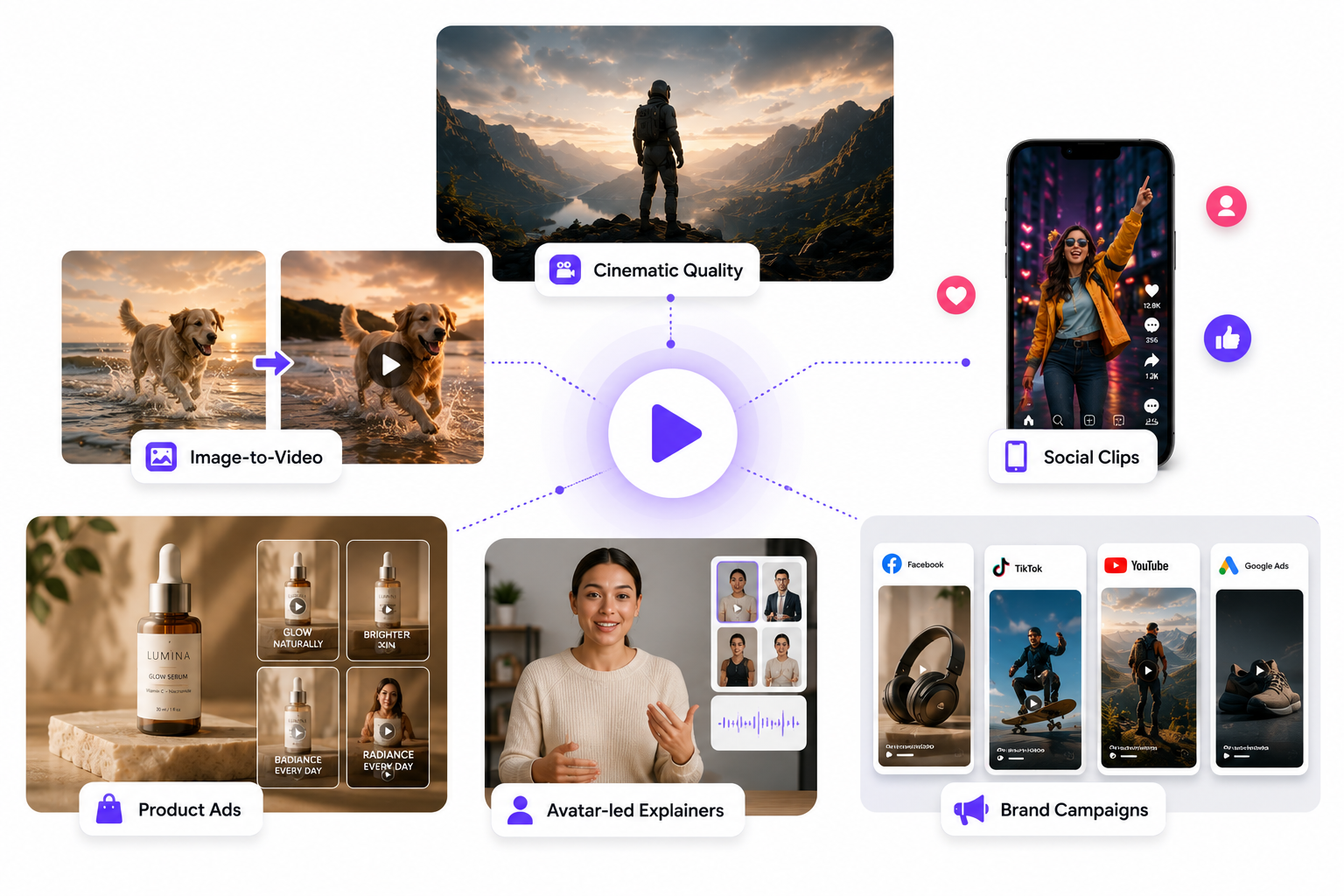 LTX Alternative Uses Cases
Frequently Asked Questions
The closest LTX alternatives are tools that support story-style generation, image-to-video, text-to-video, cinematic control, and multi-shot scenes. Runway, Veo, Kling, Sora, Seedance, Wan, and Luma are the strongest matches for cinematic output. ImagineArt is a strong overall match because it gives access to multiple models and also supports product ads, UGC videos, visual editing, and workflows.
The best LTX alternatives for image-to-video include ImagineArt, Luma AI Dream Machine, Kling, PixVerse, Hailuo, Haiper, Pika, and Wan. Use Luma or Kling for cinematic motion. Use PixVerse, Pika, or Haiper for fast social clips. Use ImagineArt when you want to test several image-to-video models from one platform.
ImagineArt is the best LTX alternative for AI video ads because it supports AI Ad Studio, product video generation, UGC creation, and product URL to video ad workflows. For ad teams, the best tool is not only the one with the most cinematic output. It is the one that helps create more hook angles, product demos, UGC versions, and placement-ready video variations.
The best LTX alternatives for product videos are ImagineArt, Runway, Kling, Luma, PixVerse, and InVideo AI. ImagineArt is the strongest fit when you need product demos, ecommerce ads, UGC variations, and product URL videos. Kling and Luma can help when the product already has a strong image and needs smooth motion.
Yes, some LTX alternatives offer free trials, free credits, or limited free plans, but access changes often. Check the current plan before building your workflow around any tool. Free plans may limit video length, model access, output quality, commercial rights, watermarks, or monthly credits. For serious ad work or client work, compare paid plans before committing.
Umaima Shah
Umaima Shah is a creative content strategist specializing in AI tools, image generation, and emerging technologies. She focuses on translating complex platforms into clear, practical insights for creators, designers, and product teams