
Arooj Ishtiaq
August 13, 2026 • Updated August 13, 2026
11 mins Read
Two products released within a year of each other now claim the same job: doing your work instead of answering questions about it. They arrived at it from opposite ends of the stack, and that difference decides which one belongs on your desk.
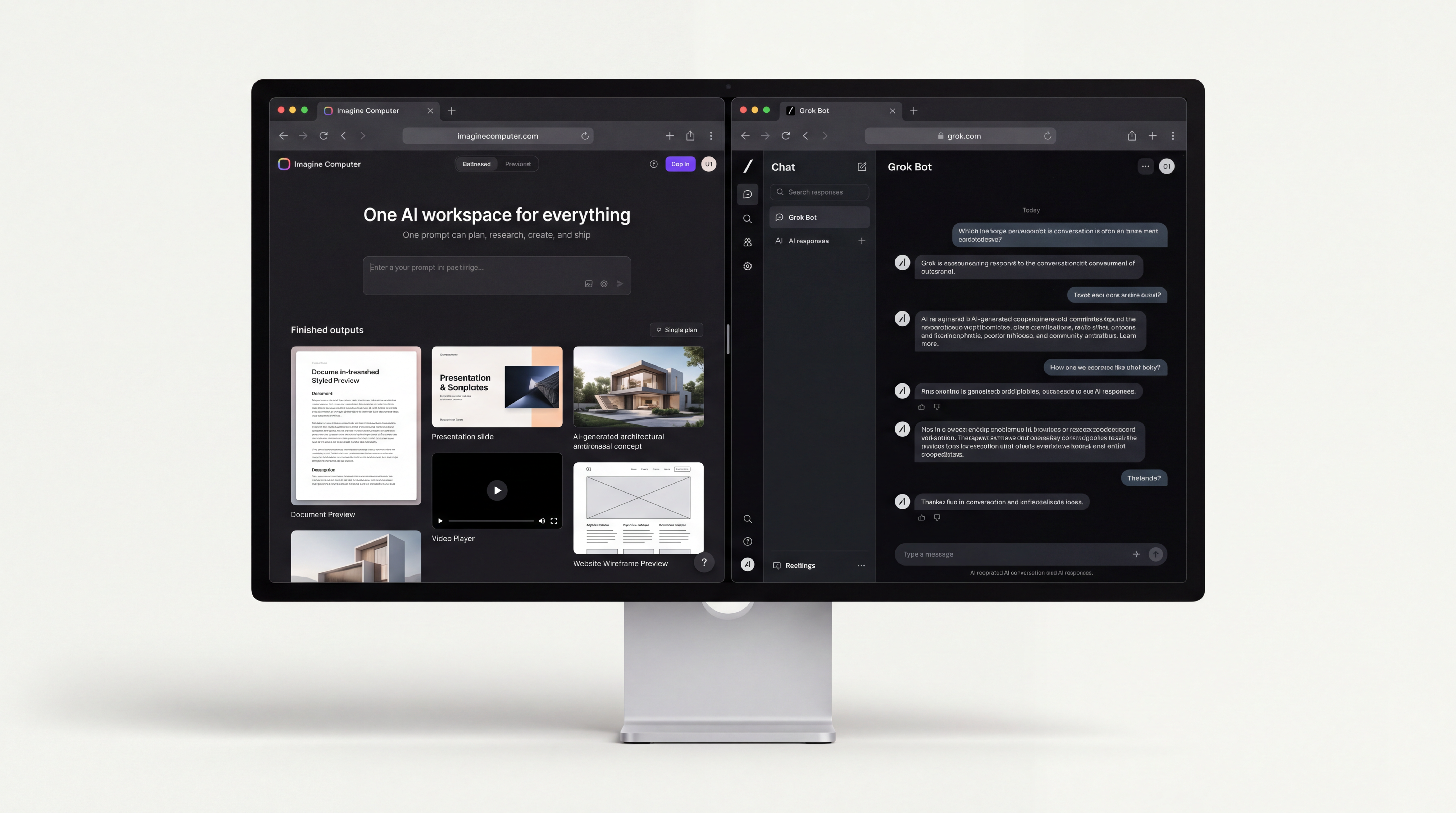
Quick answer. Imagine Computer vs Grok Bot is a contrast between one workspace and one fleet. Imagine Computer runs a single agent across research, docs, slides, images, video, music, code and a publishable website in one tab. Grok Bot gives your bots a shared cloud computer with a real browser, file system and terminal, and keeps them working after you close the laptop.
Imagine Computer vs Grok Bot: One Workspace Against One Fleet
The architectural split in Imagine Computer vs Grok Bot is not a feature-count argument. It is a disagreement about where the agent should live.
Imagine Computer puts the agent inside the surface where the deliverable gets made. You describe a market report, a pitch deck or a landing page, and the agent plans the steps, runs the research, and hands back the finished artifact in an editable panel. The product's own framing is blunt about the target: a chatbot answers in text, while the workspace hands you a document, a deck, a video or a site you can download.
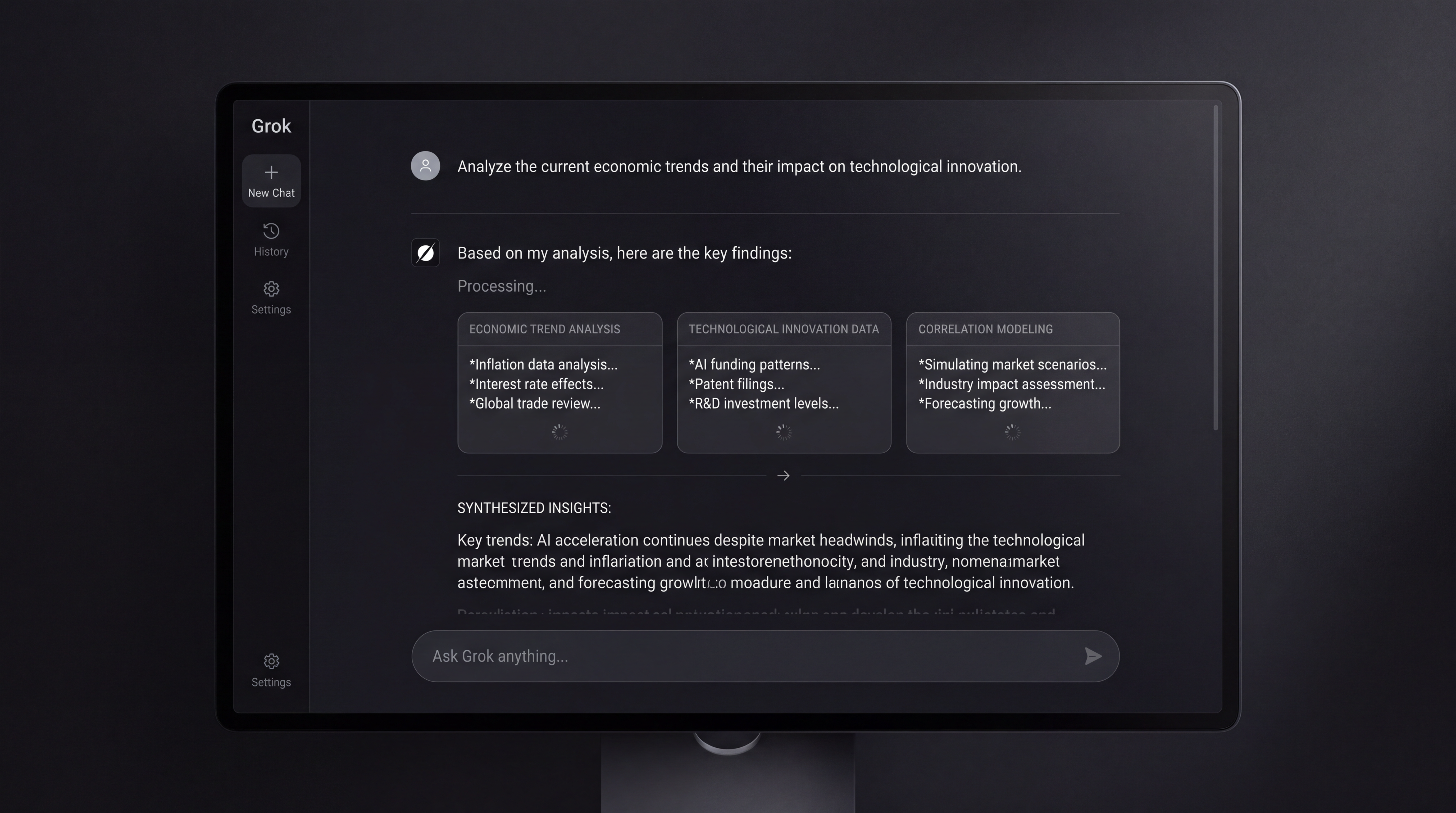
Grok Bot puts the agent inside a computer and lets it use software the way a person does. xAI's launch post describes always-on agents that have their own computer, work inside tools and apps, and keep going 24/7. The unit of work is a session on an operating system, not a file in a project.
That produces two different failure modes, which is the useful way to choose between them.
- Context loss. Imagine Computer's answer is project memory. The workspace retains your brand, your projects and your past work, so a second request does not restart from zero, and connectors to Gmail, Slack, Notion and Drive pull real data in instead of you pasting it.
- Reach loss. Grok Bot's answer is the browser session. Because the signed-in browser persists on the shared cloud computer, one Bot can reuse another Bot's authenticated session, which is how it reaches software that has no API worth calling.
The security consequence of that second design is documented rather than inferred. xAI's approvals and security page tells users that files, browser sessions and command line credentials on that computer are available across the entire Bot roster, that separate Bots should not be used as a security boundary, and that sensitive project files should be removed from the /workspace path. That is a real constraint for anyone planning to hand one Bot production credentials and another an untrusted task.
Imagine Computer's equivalent control sits at the connector level: every connected app carries its own permission toggles, and nothing is granted by default.
One maturity difference is worth noting before the feature comparison. Imagine Computer is generally available in the browser and free to start. Grok Bot entered beta on 11 August 2026 on macOS, Windows, Linux and iOS, with Android announced as coming, so some of its behaviour is still moving.
For more details read: Grok Bot Explained: xAI's AI Teammates Not An Agent Fleet
Feature by Feature Comparison: Imagine Computer vs Grok Bot
Four capability areas separate them in practice. Each one favours a different buyer.
Deep Research and Contextual Synthesis
Imagine Computer treats research as a deliverable. Deep Research checks sources and returns a cited report with charts inside the workspace, so the synthesis step and the writing step share one context instead of passing a summary between two tools. Scheduled runs extend that: the workspace can produce a fresh research summary every Friday morning without a separate automation layer.
Grok Bot researches with a real browser on a persistent machine, which changes what is reachable. A Bot can sign into a site, retain what it learned from earlier tasks, and pick a thread back up later, so paywalled dashboards and internal admin panels come into scope in a way that server-side web search cannot match.
The trade is fidelity of output against reach of input. Imagine Computer produces the report; Grok Bot reaches the places a report might have to come from.
Multimodal Generation and Asset Creation
This is the widest gap in the Imagine Computer vs Grok Bot comparison, and it is not close.
Imagine Computer ships generation natively across twelve tools in one workspace: an agent, Deep Research, docs, slides, a resume builder, images, video, motion design, music, a website builder, code, and stock research. A single brief can leave as a document, a deck and the visuals that go in them. Teams that need finished assets can use the AI image generator for stills and the AI video generator for motion in the same project context, then score the result with generated music and export it.
The output is editable rather than final. Docs, decks, images and video open in a panel where you fix one detail instead of regenerating the whole thing, which is the difference between a demo and a production tool.
Grok Bot's documented strengths are text, code, app operation and file handling on its cloud computer. It has no native video, music or deck generation in its docs. If a Bot needs a rendered asset, it has to go operate something else that makes one.
- Choose Imagine Computer when the deliverable is a file a human will present, publish or send.
- Choose Grok Bot when the deliverable is a state change inside software you already use.
Task Execution and Background Persistence
Grok Bot wins on persistence, with one correction to the usual claim. Work continues on the cloud computer when your laptop is shut, multiple Bots run in parallel, and they message each other, share threads and coordinate in group chats where work gets passed and ownership assigned. In the desktop composer, / calls a saved skill and @ references Bots, groups, routines and connectors.
The correction concerns triggers. xAI's skills and routines documentation defines a skill as a reusable set of instructions and a routine as the thing that tells a Bot when to run a workflow, on a schedule or, in xAI's own hedged phrasing, after an event "where supported".
Imagine Computer's persistence is scheduling rather than a live desktop. You describe a cadence in plain language, down to once a minute, and the workspace reruns the project on its own. That covers recurring production work well and covers "watch this queue and react" poorly.
Developer Ecosystem and Model Access
Grok Bot's distribution is its edge here. It rides the Cursor product tiers, so connectors already configured in Cursor carry over, and the surrounding xAI stack is available to developers already inside it. Worth separating from the marketing: xAI's Agent Tools API, which lets Grok browse the web, search X posts, execute code and retrieve documents, is a different product with no VM, no delegation and no routines.
Imagine Computer's edge is model choice rather than a single vendor's roadmap. The workspace exposes a model picker with dedicated surfaces for individual frontier models, including Claude Opus 5 and Kimi K3, and its AI Code tool writes, debugs and runs real code with live preview.
The website builder can start from a template or connect GitHub and ship your own code, which is the closest the workspace comes to Grok Bot's developer posture.
Imagine Computer vs Grok Bot in Technical Fixes
| Dimension | Imagine Computer | Grok Bot |
|---|---|---|
| Architectural type | Single unified workspace, one agent across every tool | Multi-bot fleet sharing one cloud computer per account |
| Compute model | Managed workspace, no user-facing OS | Cloud computer with real browser, file system at /workspace, terminal |
| Isolation | Per-connector permission toggles, nothing granted by default | Shared credentials across all Bots, docs state Bots are not a security boundary |
| Native multimodal | Images, video, motion design, music, docs, slides, resumes, decks | Text, code, file handling; no documented native video, music or deck generation |
| Desktop and browser automation | Not a documented capability | Core capability, signs into apps and operates them |
| Background persistence | Scheduled reruns in plain language, down to once per minute | Continuous 24/7 operation after the laptop closes |
| Multi-agent delegation | One agent per project context | Parallel Bots that message each other and assign ownership in group chats |
| Triggers | Schedules | Schedules, plus post-event routines "where supported" |
| Publishing | Publishes a live website, exports documents and video | No documented publishing surface |
| Model access | Model picker across frontier models including Claude Opus 5 and Kimi K3 | xAI Grok models |
| Target user | Founders, growth marketers, researchers, creators | Developers, IT administrators, operations teams |
Two cells in that table are the whole decision. If the row that matters to you is native multimodal, the Imagine Computer vs Grok Bot question is already answered. If it is desktop and browser automation, so is the reverse.
Ideal Use-case Scenarios of Imagine Computer vs Grok Bot
Two agentic tools, two different bets on how much a person should have to watch. Imagine Computer leans toward visible, step-by-step control you can interrupt at any point. Grok Bot leans toward a shared, always-on machine that keeps working in the background. Here's how they actually differ where it counts.
When To Choose Imagine Computer
- You ship artifacts, not actions. A funding deck, a cited market report, a resume, a product demo video and a live landing page all come out of one brief, and a survey of AI creative workspaces is the wider context for why consolidation beats a five-tab workflow.
- Your context is expensive to re-explain. Workspace memory keeps brand, project and past work, so the second and tenth requests inherit the first.
- Your recurring work is production. A weekly research digest or a monthly report suits scheduled reruns exactly.
- You want model optionality. Switching models per task inside one workspace hedges against any single vendor's roadmap.
When to Choose Grok Bot
- The work happens inside other people's software. Account administration, form filling and app operations that never exposed a usable API are what a persistent signed-in browser is for.
- The work must continue overnight. A shut laptop stops nothing on a cloud computer.
- You want division of labour between agents. Parallel Bots passing threads and assigning ownership map onto how an ops team already works.
- You are already inside Cursor. Existing connectors carry over on day one.
- You can accept shared credentials. If your compliance posture requires per-agent isolation, the documentation says plainly that Grok Bot does not provide it today.
The Future of Agentic Computing
Imagine Computer vs Grok Bot is not a fight one product wins, because the two are optimising different halves of knowledge work. Grok Bot automates the operating of software. Imagine Computer automates the producing of things.
The revealing detail is where each one draws its boundary. xAI accepted shared credentials across a bot roster to gain browser reach, and documented that trade honestly. Imagine Computer accepted that it does not drive your desktop in order to keep every generative tool, from research to published site, inside one project context with per-connector permissions.
For teams whose output is measured in shipped assets, the Imagine Computer workspace is the shorter path, because the twelve tools that would otherwise be twelve separate logins already share memory and a brief. For teams whose output is measured in tickets closed inside other companies' software, Grok Bot's persistent computer does something no workspace does.
The pragmatic read on Imagine Computer vs Grok Bot in 2026 is that the two compose rather than compete. Let the fleet work the accounts overnight, and let the Imagine Computer environment turn what it finds into the report, the deck and the page that a human actually sends.
Frequently Asked Questions
What is Grok Bot?
Grok Bot is xAI's team of always-on AI agents, released in beta on 11 August 2026. The Bots share one cloud computer tied to your account, complete with a real browser, file system and terminal, and they can sign into apps, run in parallel and hand work to each other.
How does Grok Bot compare to other AI chatbots?
It is not a chatbot. A chatbot returns text in a conversation, while Grok Bot operates software on a persistent machine and keeps running when you are offline. Imagine Computer sits in a third category, returning finished files such as documents, decks, images, video and published sites rather than either text or state changes.
Which one wins the Imagine Computer vs Grok Bot debate on Reddit and other forums?
Discussion threads frequently conflate Grok Bot with Grok Imagine, xAI's image and video model, which are different products with different jobs. Once separated, the pattern is consistent: developers and operations people favour Grok Bot's persistent computer, while marketers and founders favour Imagine Computer's native asset generation.
Does each Grok Bot get its own virtual machine?
No. xAI's documentation states that all of your Bots share one cloud computer assigned to your user account, and that files, browser sessions and command line credentials are available across the roster. Several third-party articles claim a dedicated machine per bot, and the official docs contradict them.
Arooj Ishtiaq
Arooj is a SaaS content writer specializing in AI models and applied technology. At ImagineArt, she creates sharp, product-focused content that helps creators and businesses understand, adopt, and get real value from AI tools.