
Tooba Siddiqui
April 29, 2026 • Updated May 6, 2026
15 mins Read
Most AI tools reward more detail. HappyHorse 1.0 rewards better detail.
Developed by Alibaba's ATH Innovation Division, HappyHorse 1.0 is a cinematic text-to-video generation model built for creators who think in shots, not sentences. It translates structured, technically precise prompts into video clips with real camera movement, consistent characters, atmospheric lighting, and believable motion physics.
What sets it apart is its responsiveness to cinematic language. It handles vehicles, fabric motion, fire, reflections, and aerial landscapes with a level of visual fidelity that makes outputs feel like they belong in a production reel. The creators who get the most out of HappyHorse 1.0 treat their prompts like a technical instruction set, not a creative brief.
This guide will show you exactly how to do that — and give you 50 ready-to-use video prompts to get started immediately. Learn more about HappyHorse 1.0 features and capabilities on ImagineArt blog.
How to Write Effective Prompts for HappyHorse 1.0
Basic Prompts
The single most important rule for HappyHorse 1.0: most shots only need about 20 words. Subject, action, setting, and one cinematography cue. That's it.
Every effective prompt is built on six core components. Use what you need — don't pad with what you don't.
1. Subject Who or what is the focus? Be physically specific. Not "a man" but "a tall man in his 40s with a grey beard wearing a worn leather jacket." The model renders what it can observe, not what it can infer.
2. Action What is happening, and how? Use precise, visible movement — not emotional states. "Slowly turns toward camera, eyes narrowing" works. "Feeling conflicted about his choices" does not. Translate emotion into observable physical behaviour.
3. Environment Where and when? Set the location, time of day, weather, and atmosphere. "Narrow cobblestone alley, late evening, light rain" gives the model a fully rendered world to work within.
4. Style / Composition What is the shot type and framing? Close-up, wide establishing, mid tracking, low-angle wide, macro — name it explicitly. The model won't choose for you, and the default is rarely what you imagined.
5. Camera Motion How is the camera moving? This is where HappyHorse 1.0 excels — and where most beginners leave quality on the table. Always specify: steadicam push, slow dolly in, lateral tracking, locked-off static, aerial drone pull-back, handheld follow.
6. Ambiance What is the light quality and atmosphere? Blue hour, neon noir with mist, single hard key light with deep falloff, overcast flat daylight, warm backlight with lens flare. One strong cue beats three vague ones every time.
The Default Template:
[Subject] [does action] in [setting], [time of day], [one cinematography cue].
Basic Example:
A young woman in a red coat walks down a wet city street at night, neon reflections on the pavement, slow lateral tracking shot.
That's 26 words. It has a subject, action, environment, and one camera cue. That's a complete prompt.
Advanced Prompts
When a single beat isn't enough, or when you need precision across multiple dimensions, move into these structured formats.
Shot List Format For multi-beat sequences, label every action with a time range and shot type. Plain prose compresses multiple beats into one — shot lists keep them distinct.
Shot 1 (wide establishing, 0–1s): Empty rain-soaked rooftop, city skyline at dusk, locked-off static. Shot 2 (mid tracking, 1–4s): A man in a dark coat walks slowly toward the edge, steadicam follow from behind. Shot 3 (slow push-in close, 4–6s): Close-up on his hands gripping the railing, shallow depth of field, soft wind.
Markdown Section Format For complex single-take prompts requiring multiple descriptive axes without scene transitions:
-
Subject A woman in her 30s, dark hair pulled back, white lab coat, calm expression.
-
Action Slowly lifts a glass vial to eye level, examines it, sets it down.
-
Setting Sterile research laboratory, late night, blue-tinted overhead fluorescents.
-
Camera Slow dolly in from mid-shot to close-up on the vial.
-
Lighting Cold blue key light from above, deep shadow falloff on both sides.
-
Mood Quiet tension, clinical stillness.`
Only include sections with real content. Empty headers degrade performance.
For complex single-take prompts requiring multiple descriptive axes without scene transitions, structured markdown sections work better than plain prose. Looking to go deeper on structured prompt formats? Check out our guide on JSON Prompting for AI Video Generation for a full breakdown of how format choices affect output across different video models.
The Master Sheet System For multi-clip projects, build reusable description blocks you paste at the start of each prompt:
Character Master Sheet:
- Physical appearance, age, build
- Clothing and accessories
- Defining traits (posture, expression, movement quality)
Scene Master Sheet:
- Spatial structure and layout
- Lighting sources and quality
- Textures, materials, time of day
- Atmospheric and acoustic qualities
Reusing these blocks across prompts is what keeps characters and environments stable across an entire sequence.
Camera Vocabulary Reference Use these terms precisely — HappyHorse 1.0 responds to film language:
- Steadicam push — smooth forward move, follows subject
- Slow dolly in / out — deliberate, cinematic zoom effect
- Lateral tracking — camera moves parallel to subject
- Lateral orbit — camera circles the subject
- Locked-off static — no camera movement, subject moves
- Handheld follow — slight shake, documentary realism
- Helicopter aerial / drone pull-back — high altitude, reveals scale
- Low-angle wide — ground-level, subject appears powerful
Place camera direction at the end of your prompt for maximum weight. Learn more about the types of camera movements for cinematic results.
Advanced Example:
Subject: A 1960s astronaut in a white pressure suit, visor down, moving slowly.Action: Walks across a barren lunar surface, each step deliberate, dust lifting around boots.Setting: Moon surface, Earth visible in the black sky above, no atmosphere haze.Camera: Wide locked-off static, subject crosses frame left to right.Lighting: Harsh unfiltered sunlight from the right, deep black shadows, no fill.Mood: Isolation, awe, silence.
Also read: How to Use HappyHorse 1.0
50 Ready-to-Use Prompts by Category
1. Cinematic Character Scenes
 Cinematic scenes with HappyHorse 1.0
Portraits, emotional moments, and narrative close-ups that feel like they belong in a feature film.
- An elderly fisherman mends a net on a weathered dock at dawn, slow dolly in from wide to close-up on his hands, warm low morning light, soft mist over the water.
- A teenage girl sits at a café window watching rain, steam rising from a mug in front of her, locked-off static mid-shot, overcast grey light, shallow depth of field.
- A man in a dark suit stands alone in an empty ballroom, looks slowly toward camera, slight smile, steadicam push from wide to mid-shot, warm tungsten chandeliers, late evening.
- Close-up of a woman's face as she reads a letter, expression shifting from neutral to stunned, locked-off static, single soft window light from the left, shallow depth of field.
- A young chef plates a dish with focused precision in a busy kitchen, mid tracking shot following hands from left to right, warm harsh overhead light, steam and motion around him.
Also read: How to Make Cinematic Video with AI
2. Action & Motion
High-energy movement, vehicles, and kinetic sequences with real physical weight.
- A 1965 cherry-red Mustang convertible drives along a winding California coastal highway at midday, lateral tracking shot from a chase vehicle, hard sunlight, ocean visible in background.
- A motocross rider launches off a dirt ramp, hangs in the air, lands and accelerates away, wide locked-off static, golden hour backlight, dust cloud at landing.
- A sprinter explodes off starting blocks on a rain-soaked track, low-angle wide, locked-off static, overcast flat daylight, motion blur on legs, sharp face.
- A street skater executes a manual down a long concrete slope, steadicam follow from behind at ground level, late afternoon, long shadows across pavement.
- A freight train passes at full speed through a rural crossing, locked-off static wide, overcast daylight, motion blur on train carriages, static foreground grass.
3. Nature & Landscape
 Landscape scenes with HappyHorse 1.0
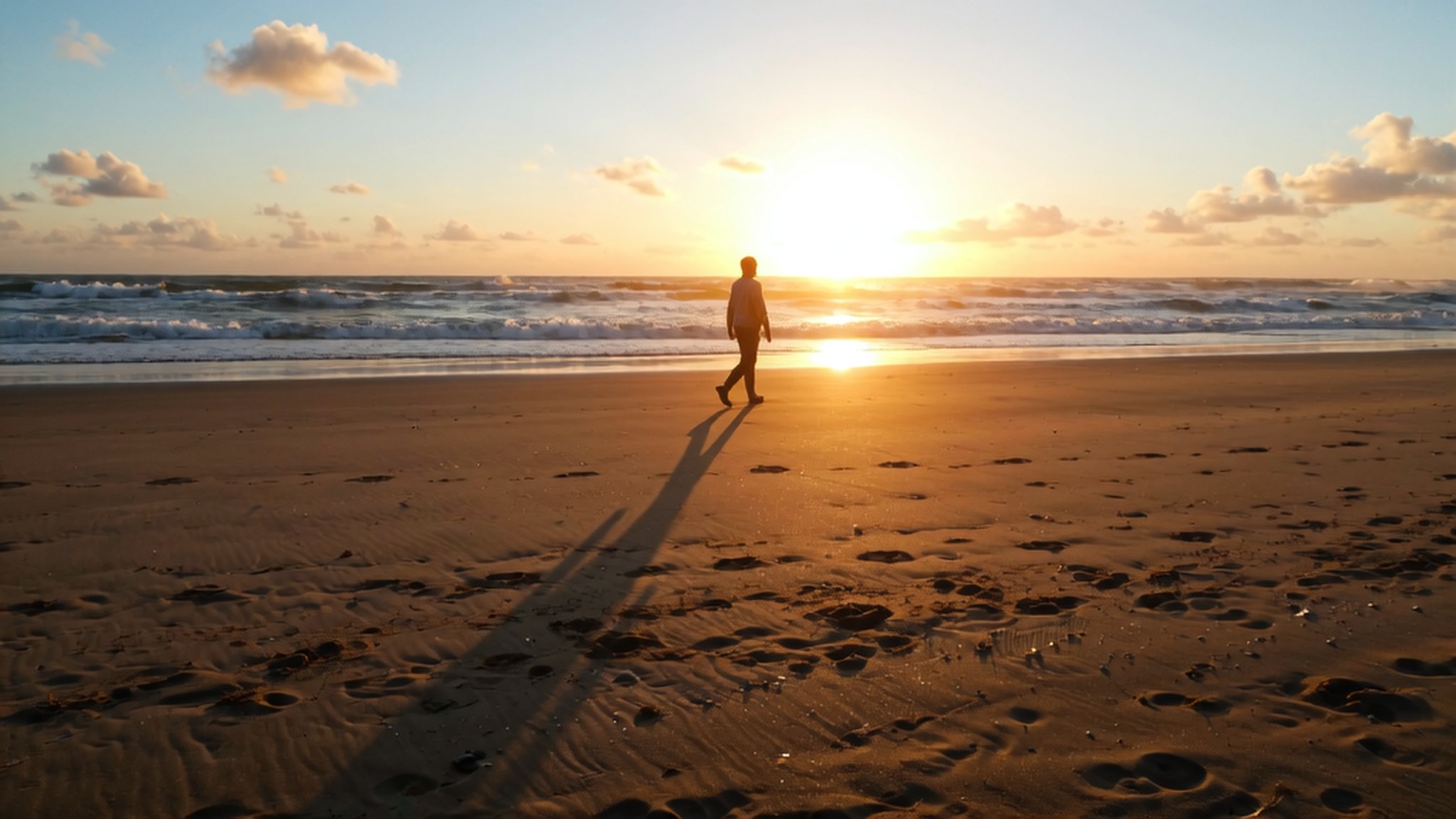
Drone aerials, weather events, and vast environments that establish scale and atmosphere.
- Aerial drone pull-back over a dense autumn forest canopy, red and orange foliage stretching to the horizon, overcast diffused light, slow and steady ascent.
- Time-lapse style sequence of storm clouds building over an open prairie, wide locked-off static, dramatic light shifts from gold to grey, tall grass moving in wind.
- A single wave crests and crashes against a black volcanic rock formation, slow dolly in from wide to close-up on the foam, overcast morning light, mist rising.
- Aerial lateral tracking over a glacier surface, deep blue ice crevasses below, snowfields extending to distant peaks, flat cold daylight, slow and deliberate movement.
- A river winds through a canyon at blue hour, aerial drone descends slowly into the canyon, canyon walls rising on both sides, fading warm light on the water below.
4. Urban & Street
City life, night scenes, rain, neon, and the textures of everyday urban environments.
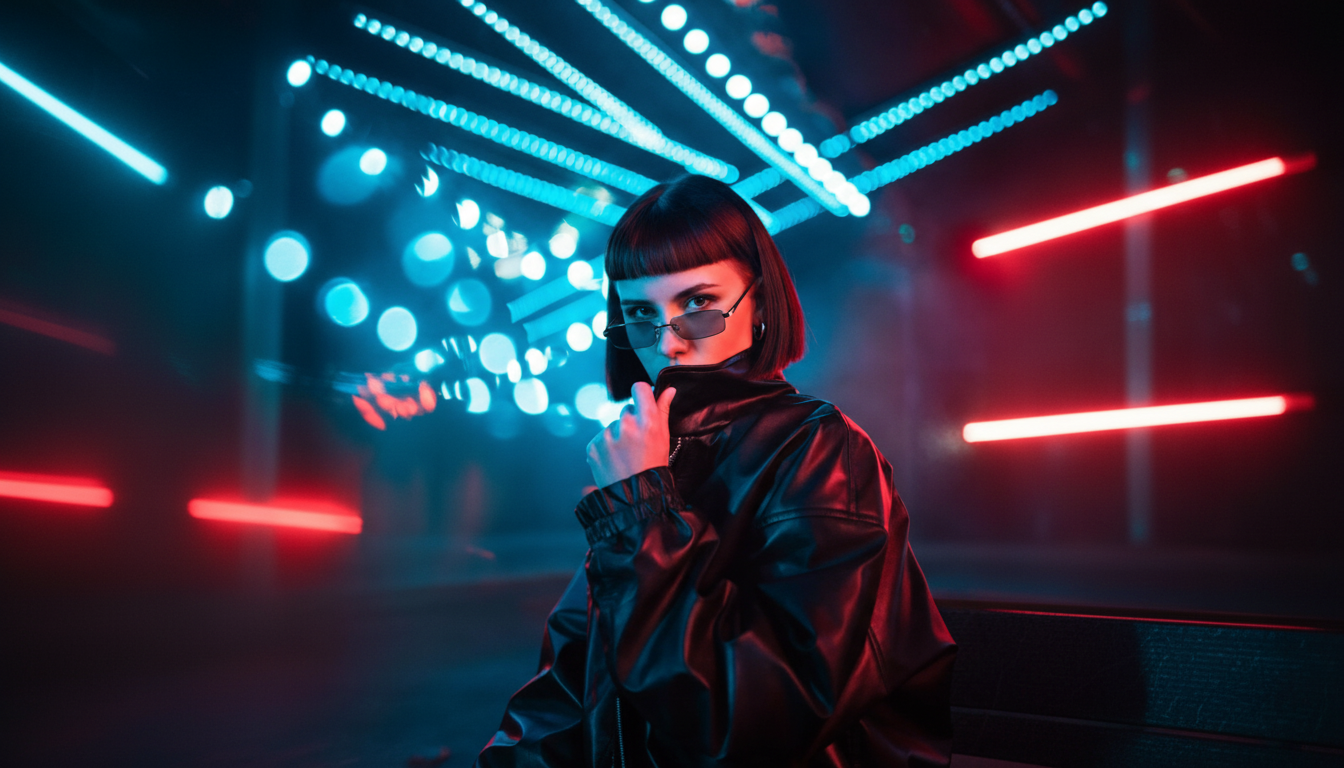
- A narrow Tokyo alley at midnight, a lone figure walks away from camera under paper lanterns, steadicam follow from behind, neon pink and cyan reflections in puddles, light rain.
- A busy subway platform at rush hour, commuters streaming past a stationary man looking at his phone, locked-off static wide, harsh fluorescent light, motion blur on crowd.
- Early morning street market setup in Istanbul, vendors arranging produce stalls, handheld follow drifting between stalls, warm low sunrise light, steam from tea glasses.
- A construction worker looks out from a high scaffold over a waking city at dawn, wide locked-off static, city stretching below, golden hour light from the east.
- A yellow taxi splashes through a puddle on a wet Manhattan intersection at night, locked-off static low-angle wide, neon and traffic light reflections on wet asphalt, light rain.
5. Product & Commercial Videos
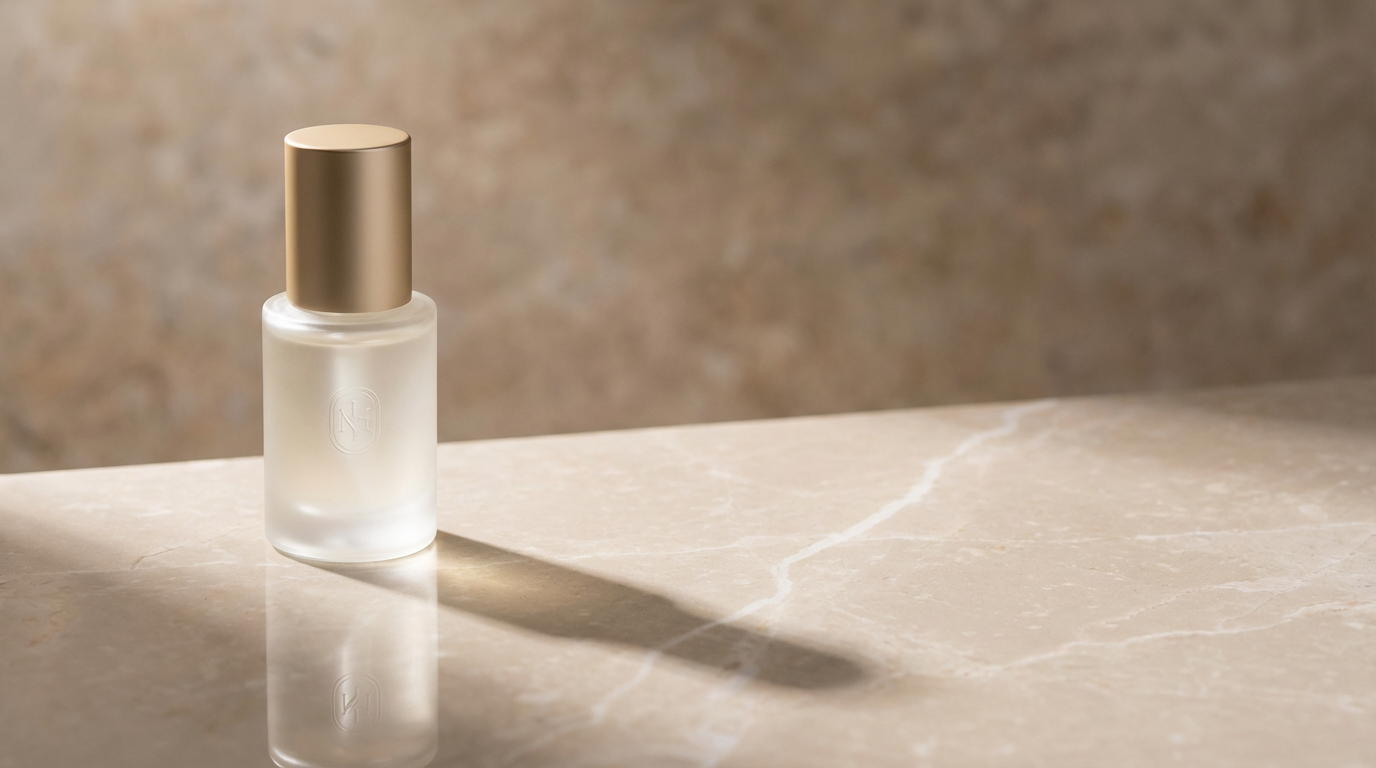 Product videos with HappyHorse 1.0
Clean product reveals, studio showcases, and lifestyle demos built for brand use.
- [Perfume bottle] rotates slowly on a black marble surface, studio rim lighting highlighting glass facets and liquid colour, locked-off static close-up, deep shadow falloff behind.
- [Sneaker] drops in slow motion onto a white surface and bounces slightly, locked-off static low-angle close-up, hard directional studio light from above right, clean white background.
- [Coffee bag] is placed on a raw linen surface by a hand entering from the left, camera slowly dollies in to product label, warm natural side light, steam suggestion in background.
- [Watch] face fills the frame, second hand moving, slow lateral orbit around the watch, macro close-up, single cold key light from above, sharp detail on indices and dial texture.
- [Laptop] opens on a minimal white desk, screen illuminates, slow dolly in from wide to screen close-up, clean overhead diffused light, no other objects in frame.
6. Fashion & Lifestyle
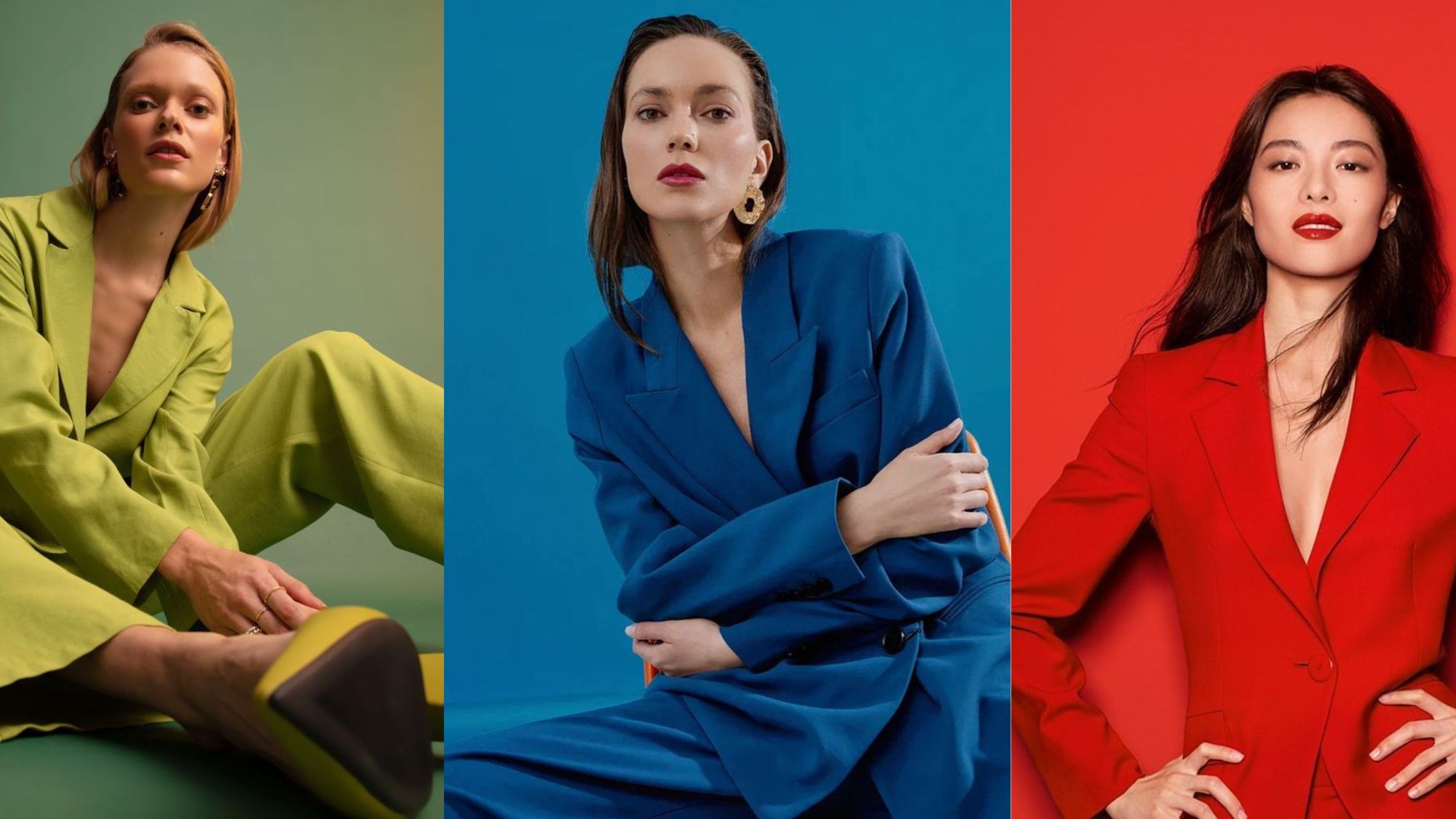 Outfit showcases with HappyHorse 1.0
Model movement, outfit showcases, and aspirational living that feel editorial and intentional.
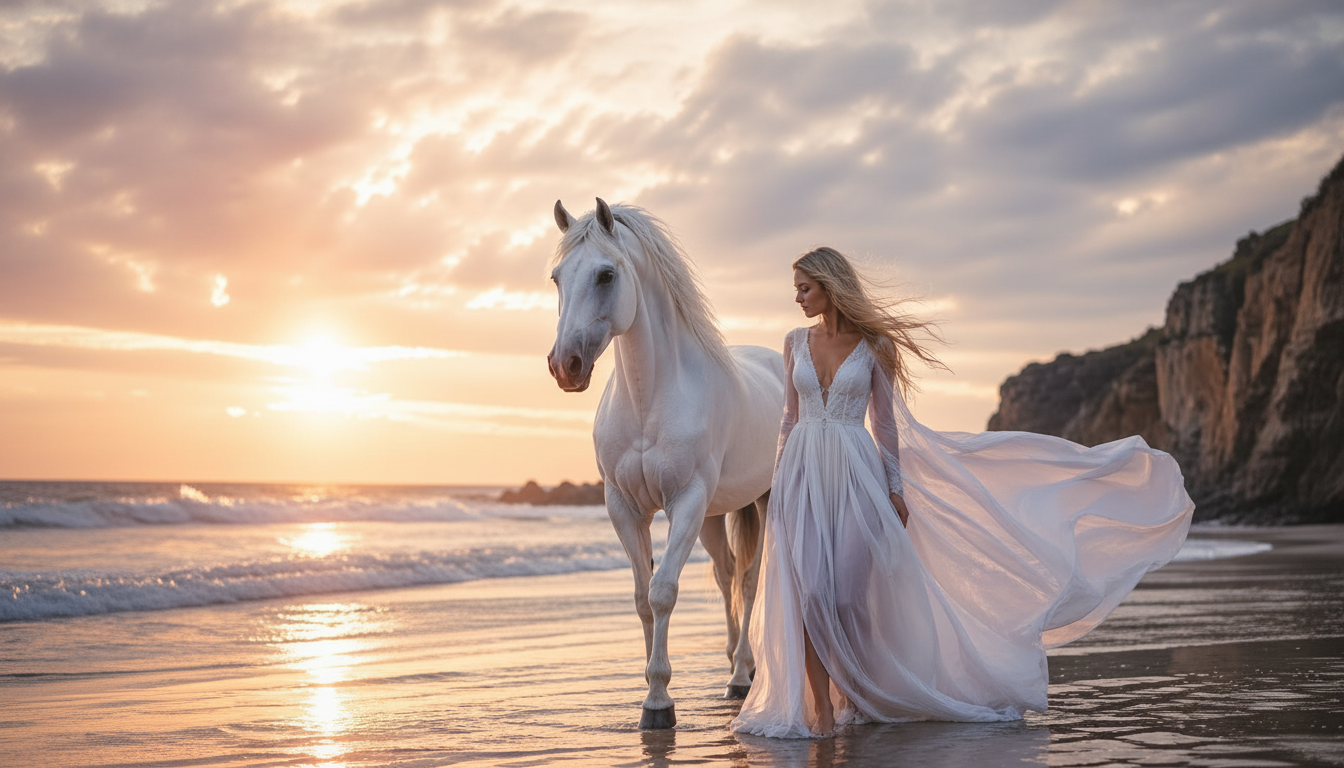
- A model in a long white linen dress walks slowly along a whitewashed Mediterranean terrace, steadicam follow from the side, golden hour backlight, fabric moving in sea breeze.
- A man in a tailored navy suit descends wide marble steps toward camera, slow dolly back, maintaining mid-shot framing, flat overcast daylight, clean architectural background.
- Close-up on a model's hands fastening a watch clasp, slow push-in from wide hands to macro on clasp, single soft window light from left, warm tones.
- A woman in a fur-trimmed coat emerges from a car door onto a rain-soaked city street at night, steadicam follow from front, neon light catching coat texture, confident stride.
- A man sits reading on a sunlit apartment balcony overlooking a European city, locked-off static mid-shot, warm morning light, coffee cup on railing, slight breeze moving pages.
7. Architectural & Interior Walkthroughs
Slow dollies through spaces, room reveals, and built-environment showcases.
- Slow steadicam push through the front door of a minimal Japanese home into an open living space, warm timber and paper screen interior, low afternoon light cutting across the floor.
- Aerial drone descends slowly toward a modernist glass house perched on a cliffside above the ocean, late afternoon, long shadows from the roofline, ocean horizon beyond.
- A slow lateral dolly moves through a high-ceilinged brutalist concrete library, rows of shelves receding into depth, cold overhead fluorescent light, a single reading lamp in the distance.
- Steadicam push from a dark corridor into a sunlit white courtyard, camera transitions from shadow to bright natural light, potted plants and stone floor, midday overhead sun.
- Low-angle slow dolly through an empty modernist kitchen, camera moves along the counter from left to right, hard single window light, sharp material detail on stone surfaces.
8. Sci-Fi & Fantasy Environments
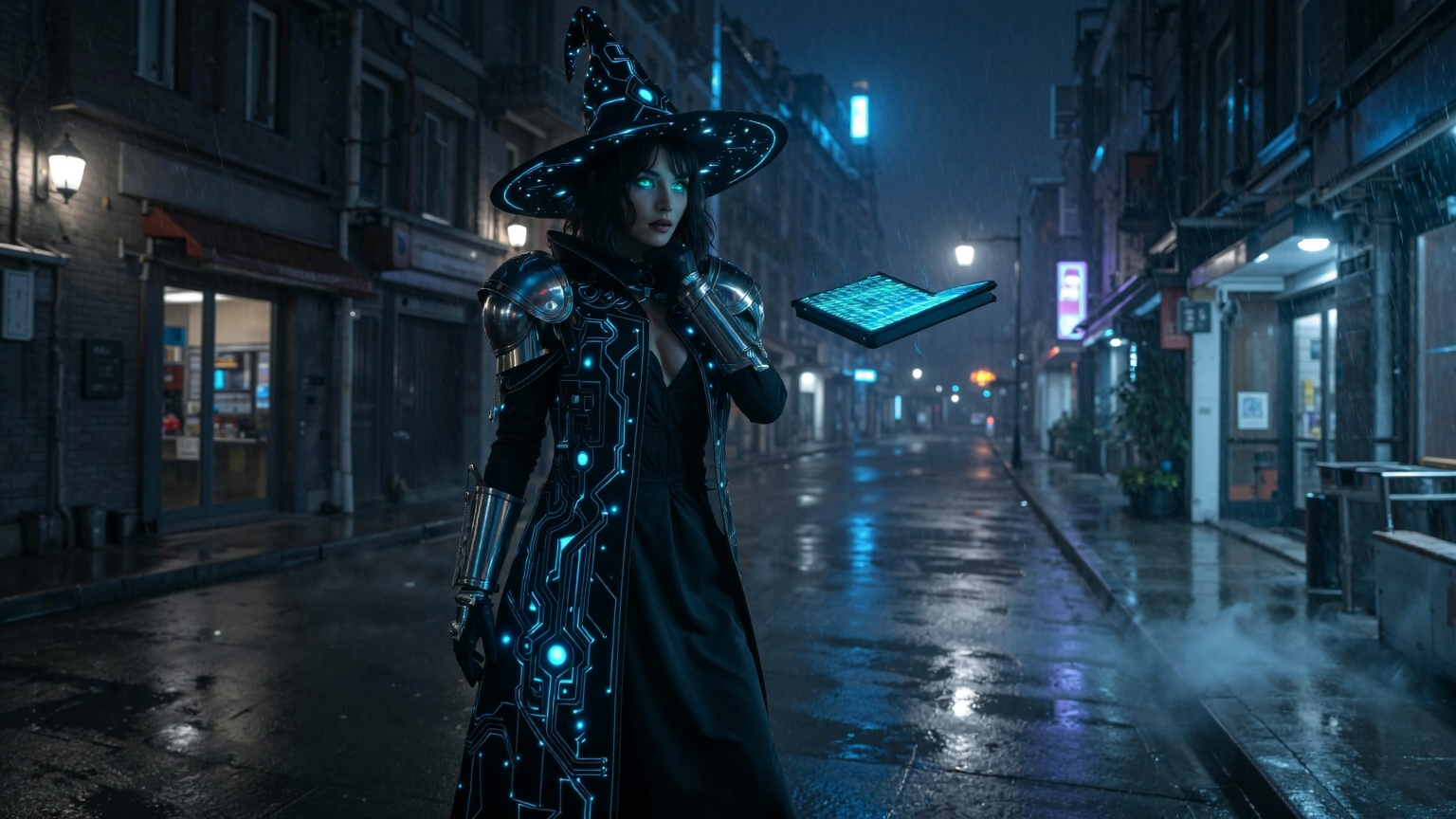 Futuristic characters with Happyhorse 1.0
Futuristic worlds, otherworldly atmospheres, and imaginative environments with real cinematic gravity.
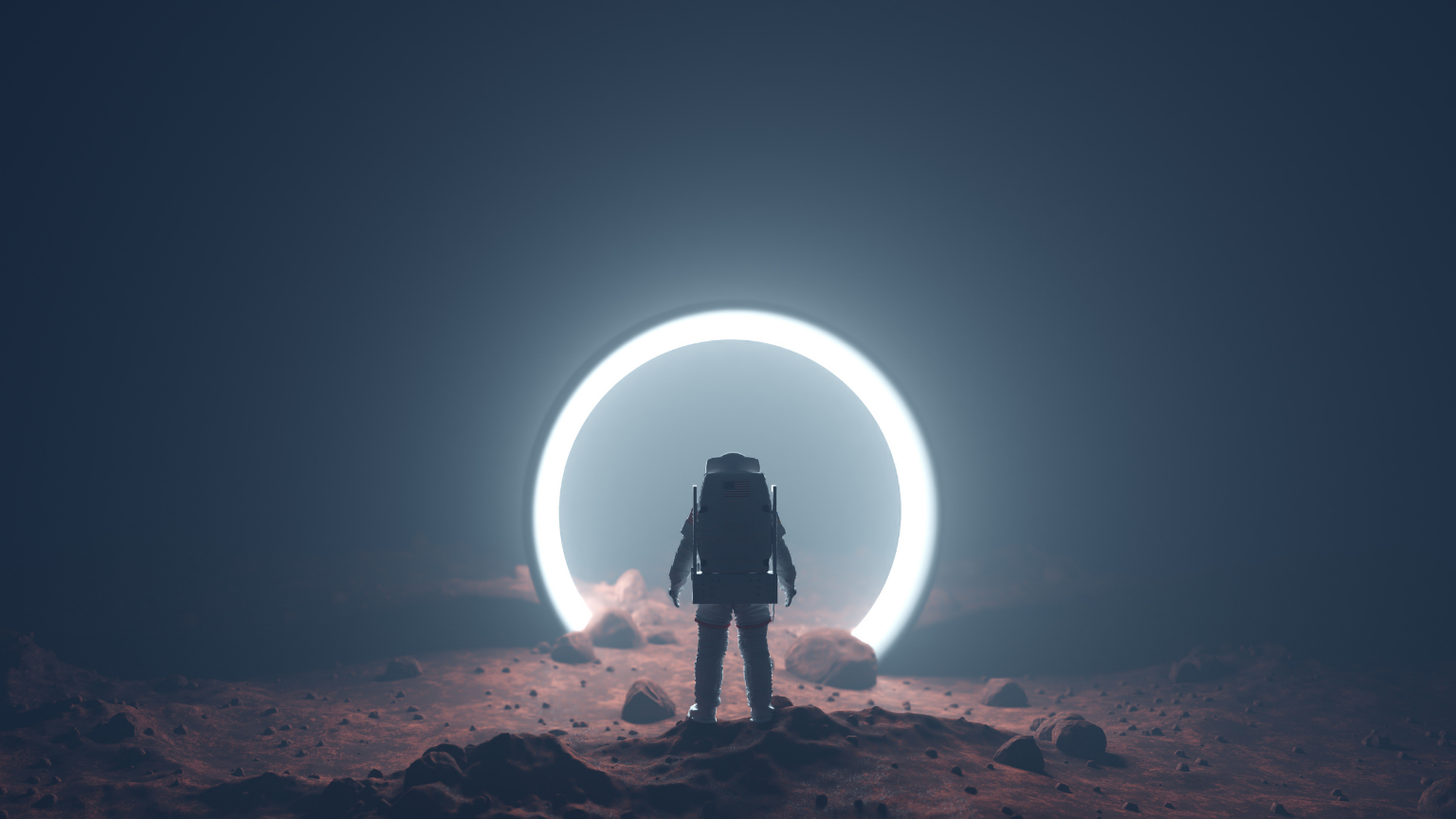
- A lone figure in a white enviro-suit walks across a vast orange desert planet surface, aerial drone pull-back revealing scale, two moons visible in the pale sky, flat cold daylight.
- A futuristic underground transit hub, curved concrete tunnels lit by blue bioluminescent strips, commuters moving as small figures, steadicam push down the central corridor, cold blue light.
- An ancient stone temple overgrown with glowing blue bioluminescent vines in a dark jungle, slow lateral orbit around a central monolith, no ambient light source except the vines.
- A massive spacecraft enters orbit above a cloud-covered planet, locked-off static wide, spacecraft moving slowly left to right across frame, star field behind, engine glow only light source.
- A hooded figure walks through a flooded medieval city at night, lantern in hand, steadicam follow from behind, amber lantern light reflecting on black water surface, deep shadows.
9. Documentary & Photojournalistic Style
Raw, candid, and handheld footage that captures authentic human moments.
- A street food vendor in a Bangkok night market works a wok over high flame, handheld follow drifting between vendor and crowd, warm lantern light, steam and motion, candid and unposed.
- An elderly man plays chess alone in a sunlit park, pigeons moving around his feet, locked-off static wide, flat overcast daylight, slow and observational, no camera movement.
- A field medic treats a patient in a makeshift outdoor clinic, handheld follow close, harsh midday sunlight, busy hands and focused expression, background activity slightly blurred.
- A schoolteacher writes on a chalkboard in an open-air classroom in rural Kenya, children visible in foreground, handheld wide, warm flat afternoon light, slight camera drift.
- Fishermen haul a net onto a small wooden boat at dawn, handheld follow from the bow, mist on the water, cold blue hour light, physical effort visible in body language.
10. Multi-Clip Character Consistency
Keep your character locked across scenes with a master sheet anchor and scene prompts.
Character Anchor (use this first — paste into every subsequent prompt):
Character: A woman named Sera. Mid-30s, athletic build, short natural hair, dark brown skin, sharp eyes. Always wearing a worn olive field jacket, dark trousers, and brown leather boots. Moves with quiet confidence. Calm expression as default.
Scene Prompts:
- Sera walks through a crowded outdoor market in the early morning, steadicam follow from behind at mid distance, warm low sunlight, market noise implied by crowd movement. Same character — do not change appearance, clothing, or movement quality.
- Sera crouches at the edge of a rooftop, looking out over a city at dusk, locked-off static wide from across the rooftop, orange and purple sky, city lights beginning below. Same character, same jacket, same build.
- Sera pushes through a heavy door into a rain-soaked alley, pauses, looks both ways, moves left, handheld follow from behind, night, single streetlamp overhead. Do not change character appearance.
- Close-up on Sera's face as she listens to someone off-screen, expression shifting from neutral to concern, locked-off static close-up, cold fluorescent interior light, shallow depth of field. Same character — no changes to facial features.
- Sera runs across an empty industrial lot at night, steadicam follow from the side at ground level, motion blur, single distant light source behind her, long shadows. Same character build and clothing visible during motion.
Once you've generated your scene clips, bring them together with built-in ImagineArt AI video editor.
Words to Never Use in Your Prompts
HappyHorse 1.0 operates on a fixed computational budget. Every word in your prompt competes for the model's attention. Decorative adjectives don't add quality — they consume resources that should be going toward your subject, action, and camera.
Remove these immediately:
- beautiful, stunning, gorgeous — push output toward a generic model-default look
- amazing, breathtaking, epic — signal nothing the model can render visually
- masterpiece, cinematic masterpiece — keyword stacking that cancels itself out
- ultra detailed, hyperrealistic — vague quality cues that dilute subject tokens
Replace with specifics instead:
- Instead of "beautiful lighting" → "soft golden backlight with rim glow on subject's shoulder"
- Instead of "cinematic feel" → "shallow depth of field, slow dolly, warm colour grade"
- Instead of "stunning landscape" → "vast red canyon, aerial pull-back, overcast diffused light"
- Instead of "epic action" → "low-angle wide, subject sprinting toward camera, motion blur on legs"
The rule: if it can't be photographed, don't write it. Put these rules to the test on ImagineArt AI video generator.
Common Prompting Mistakes to Avoid
HappyHorse 1.0 rewards precision and punishes habit. These are the patterns that consistently produce weaker outputs:
- Writing emotionally instead of visually. "A lonely figure full of regret" tells the model nothing it can render. "A man sits alone at an empty bar, staring at a glass, shoulders slightly forward" gives it everything.
- Prose-format multi-step sequences. "First she walks in, then she stops, then she looks up" compresses into one blurred motion. Use shot-list format with timecodes for any multi-beat sequence.
- Skipping camera motion entirely. Without a camera cue, output feels flat and directionless. Even "locked-off static" is better than nothing — it tells the model the camera is intentionally still. Explore more about camera movement prompts on ImagineArt blog.
- Keyword stacking. "Ultra cinematic 4K HDR dramatic masterpiece lighting" is eleven tokens of noise. One strong, specific cue — "single hard key light with deep falloff" — does more work than all eleven combined.
- Prompts longer than the scene needs. If the core of your shot isn't clear in one sentence, the prompt is too long. Long prose prompts without structure cause faces to genericize, hand geometry to break down, and character movement to lose physical weight.
- Forgetting reference inheritance on image-to-video inputs. If you're feeding in a character or scene image, always explicitly state what must be preserved. The model won't assume. Without the instruction, it will reinterpret freely.
Start Creating with HappyHorse 1.0
HappyHorse 1.0 doesn't reward the most words — it rewards the right ones. A 20-word prompt with a clear subject, a specific action, and one strong camera cue will outperform a 200-word creative brief every time.
Now you have the framework and 50 prompts to prove it. Pick a category, adapt a prompt to your scene, and run it. The gap between a flat AI clip and a genuinely cinematic one is usually just a camera cue you forgot to include.
Tooba Siddiqui
Tooba Siddiqui is a content marketer with a strong focus on AI trends and product innovation. She explores generative AI with a keen eye. At ImagineArt, she develops marketing content that translates cutting-edge innovation into engaging, search-driven narratives for the right audience.