
Umaima Shah
March 2, 2026 • Updated June 29, 2026
9 mins Read
Making Instagram reels isn’t your second job. You've got the idea, the energy, and the concept — the last thing you need is five different apps standing between you and the publish button. ImagineArt puts every tool you need for creating Instagram reels inside one platform. No switching. No re-exporting. No "wait, which app did I edit that in?" moments at midnight before a post goes live.
Before you start, make sure your output is set to the right format. The best aspect ratio for Instagram Reels is 9:16 at 1080×1920 — every tool below works best when you build to those specs from the start.
Here are the 12 AI tools for creating Instagram reels, making viral content happen.
1. AI Video Generator
No footage? No problem. Seriously — you don't need a camera for this one. ImagineArt’s AI Video Generator is one of the best AI tools for creating Instagram reels because it turns text prompts and still images into clips ready to drop straight into your reel:
- Generate cinematic intros and aesthetic transitions from a single text prompt
- Turn product descriptions into dynamic visual reveals without a photoshoot
- Create abstract visual loops, scene sequences, and motion backgrounds on demand
- Build complete reel-ready clips without filming a single second of footage
Your concept becomes a video clip before you've even picked up your phone. Creators who want scroll-stopping reels without the production overhead — this is exactly where that starts.
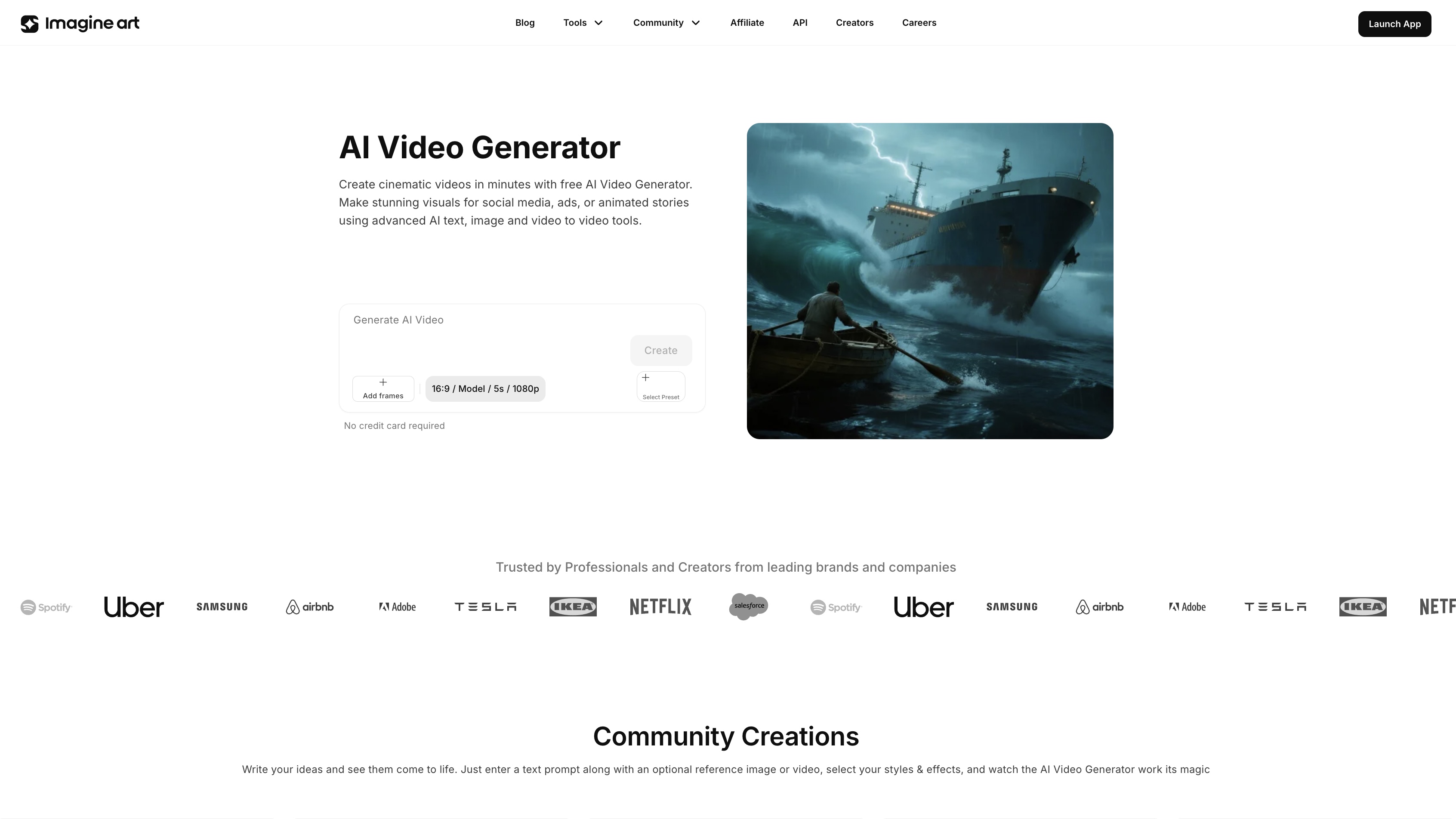 AI video Generator
2. AI Video Editor
Raw clips don't become reels on their own. Pacing does that, and pacing is everything.
If you're serious about finding the best AI tools for creating Instagram Reels, editing is where most creators lose — and ImagineArt's AI Video Editor is exactly where that changes:
- Trim dead air at the start so viewers never get a reason to swipe away
- Tighten transitions so the energy of the clip matches the track underneath it
- Adjust pacing so the cut feels intentional rather than accidental
- Sequence multiple clips into one cohesive reel without rebuilding the edit from scratch
The difference between a reel that gets watched once and one that gets rewatched and shared is almost always in the edit. The AI Video Editor handles that inside the same platform — no switching, no exporting, no starting over.
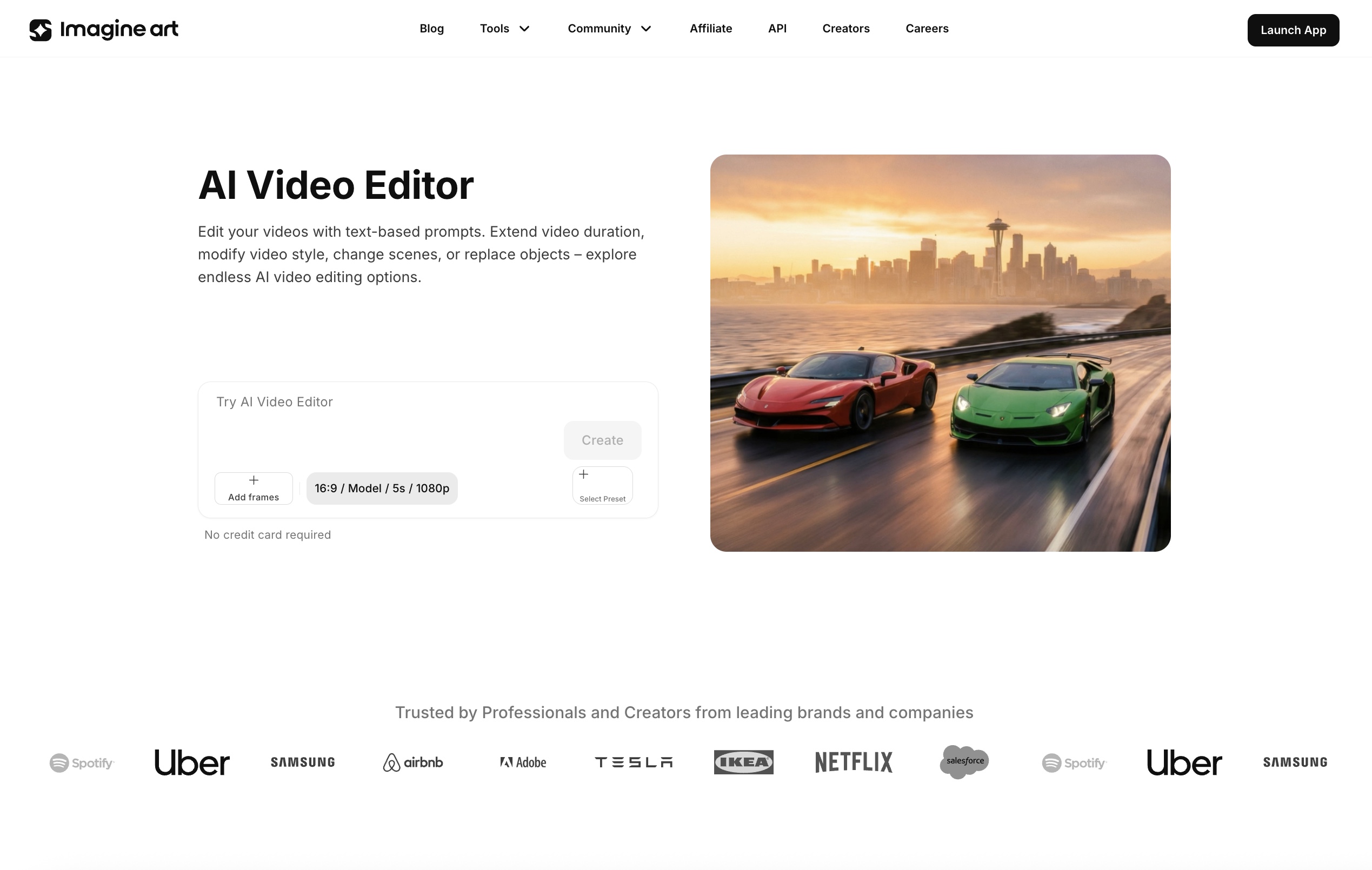 AI Video Editor
3. AI Image Generator — Image to Video
That photo sitting in your camera roll doing nothing? It's actually a Reel waiting to happen.
The AI Image Generator powers image-to-video workflows that make it one of the best AI tools for creating Instagram Reels from content you already have:
- Turn product shots into cinematic reveal clips without a video setup
- Convert portrait photography into atmospheric reel openers with real motion
- Transform landscape images into immersive visual transitions between scenes
- Give any static visual the kind of movement that stops a scroll mid-thumb
For creators who shoot photography but want to compete in a video-first feed, this is the bridge. Your existing visuals get a motion upgrade — and your reels get a production quality that looks like a full video shoot delivered it.
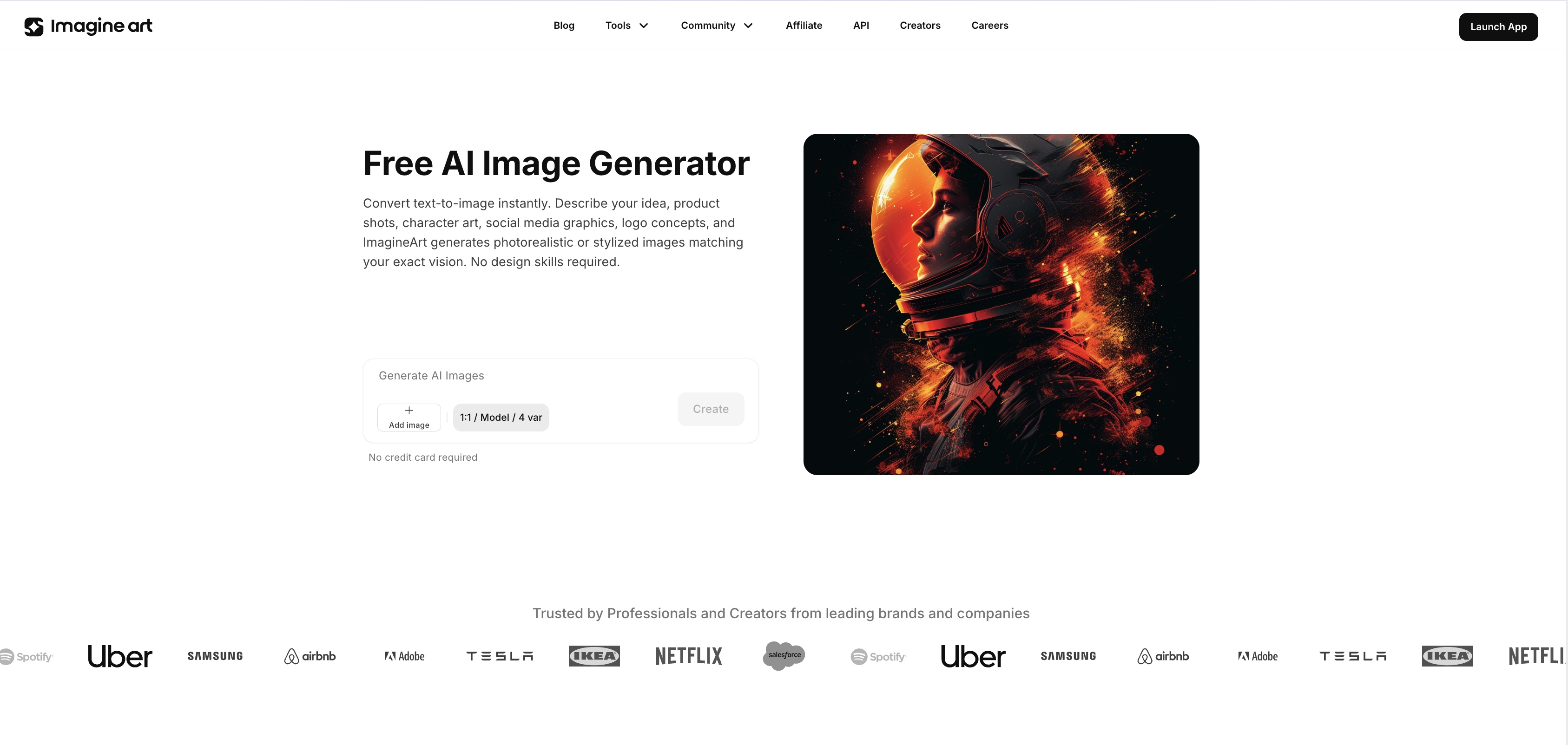 Ai Image Generator
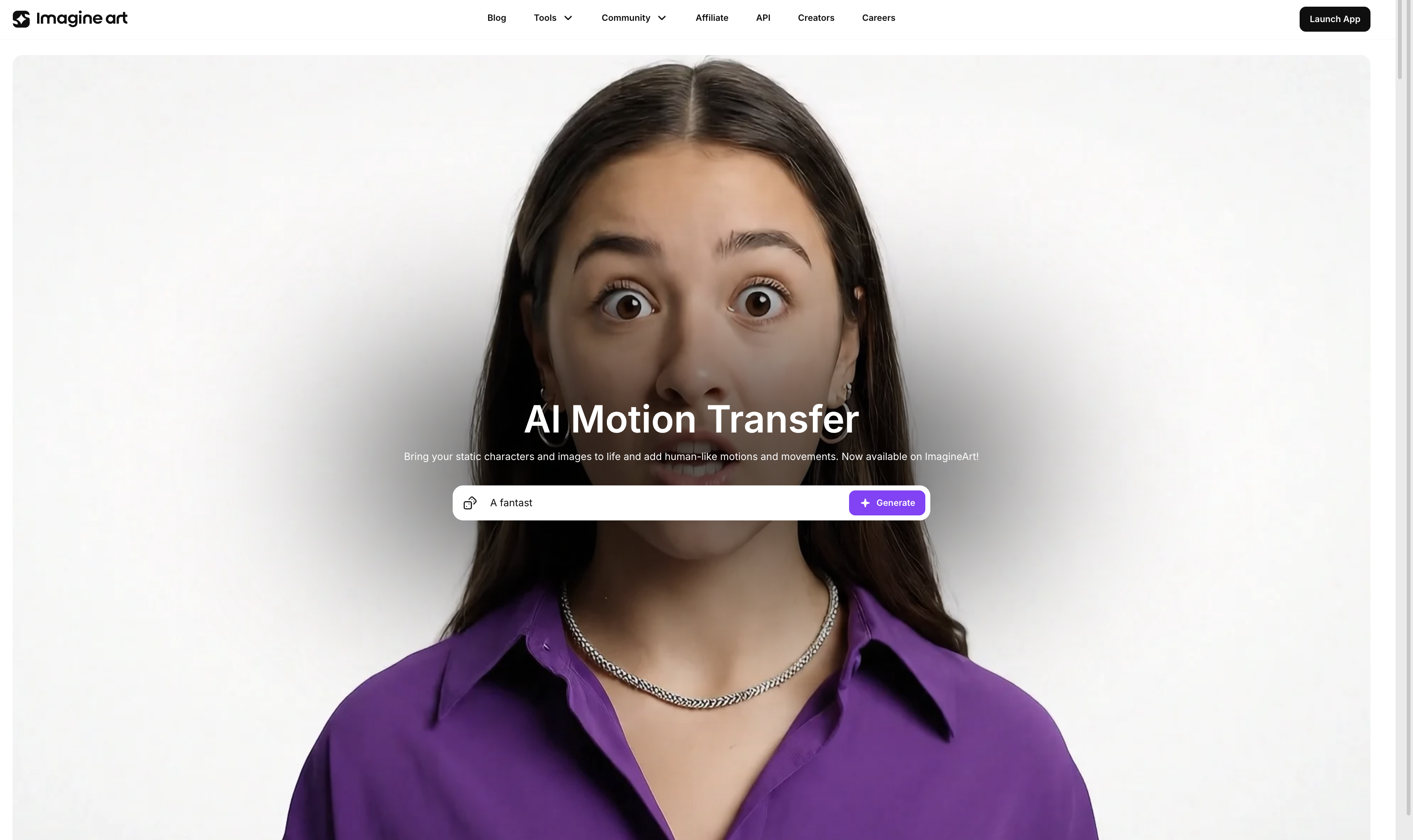
4. Motion Transfer
Still images that actually move — not in a cheap GIF way, in a "wait, how did they do that" way.
Motion Transfer is one of the best AI tools for creating Instagram Reels from static content — applying controlled, realistic movement to still images and turning them into dynamic Reel assets:
- Hair moves with the wind in portrait shots without touching animation software
- Water ripples, fabric flows, and particles drift across lifestyle and product visuals
- Artwork and illustrations come alive with subtle cinematic movement
- Brand graphics and editorial images become scroll-stopping motion assets in seconds
If you are already a fan of Kling, ImagineArt has a dedicated motion control app using Kling 3. For creators whose content lives in fashion, beauty, food, art, and lifestyle — Motion Transfer turns every strong image into a reel asset without booking a video shoot to go with it. Produce more reels from the photography you're already creating.
 Ai Motion Transfer
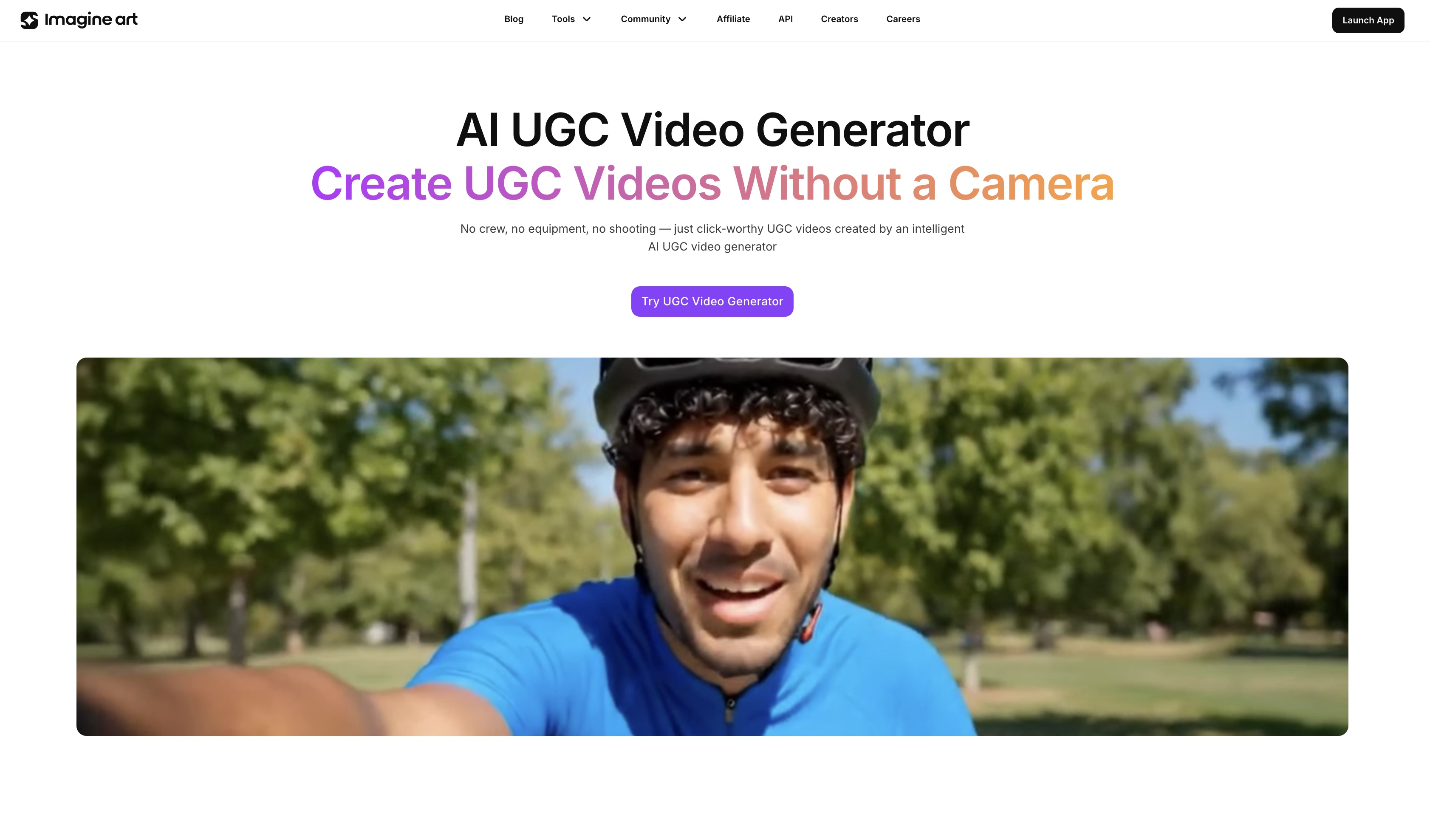
5. AI UGC Video Generator
UGC performs better than polished ads. The data is clear on that. The problem is producing it consistently without a creator on speed dial.
Among the best AI tools for creating Instagram Reels that actually convert, the AI UGC Video Generator stands out by creating creator-format video content that feels native to the platform:
- Generate unboxing-style clips and product reaction videos without filming anything
- Produce talking-head style product breakdowns that feel organic, not promotional
- Create casual recommendation-format reels that convert like genuine creator content
- Build testimonial-style clips for brand accounts without booking external talent
For brands, product creators, and agencies managing multiple clients, this closes the gap between what UGC performance data says works and what most teams can actually produce consistently. Generate it, post it, watch it perform.
 AI UGC Video Generator
6. AI Anime Video Generator
Tired of your Reels looking like everyone else's? Good. Let's fix that.
For creators who want to stand out, the AI Anime Video Generator is one of the best AI tools for creating Instagram Reels with a visual identity nobody else on the platform has:
- Create character animations and stylised scene sequences without drawing a single frame
- Generate cinematic anime transitions in Ghibli, cyberpunk, dark fantasy, or kawaii styles
- Produce short narrative clips and animated story content that stops scrollers cold
- Build a distinct visual identity that stands out in a feed full of standard video content
For anime creators, gaming producers, storytellers, and anyone who wants their reels to carry a personality most creators can't replicate — this is the tool that makes different look deliberate. And different always wins on Instagram.
7. AI Image Editor
Great Reels need great visuals at every layer — not just the video but every still element that goes into it.
When it comes to the best AI tools for creating Instagram Reels, most creators overlook the still layer entirely — and the AI Image Editor is what keeps every visual element at the same quality standard as the video itself:
- Adjust lighting and colour grading on cover frames to match your reel's aesthetic
- Clean up distracting background elements that pull focus from the subject
- Enhance product shot detail and sharpness for image-to-video sequences
- Maintain colour consistency across a content series so your profile grid looks intentional
Nothing undermines a great clip faster than a cover image that looks like an afterthought. The AI Image Editor makes sure every still element in your reels earns its place — and keeps your overall visual standard exactly where it needs to be.
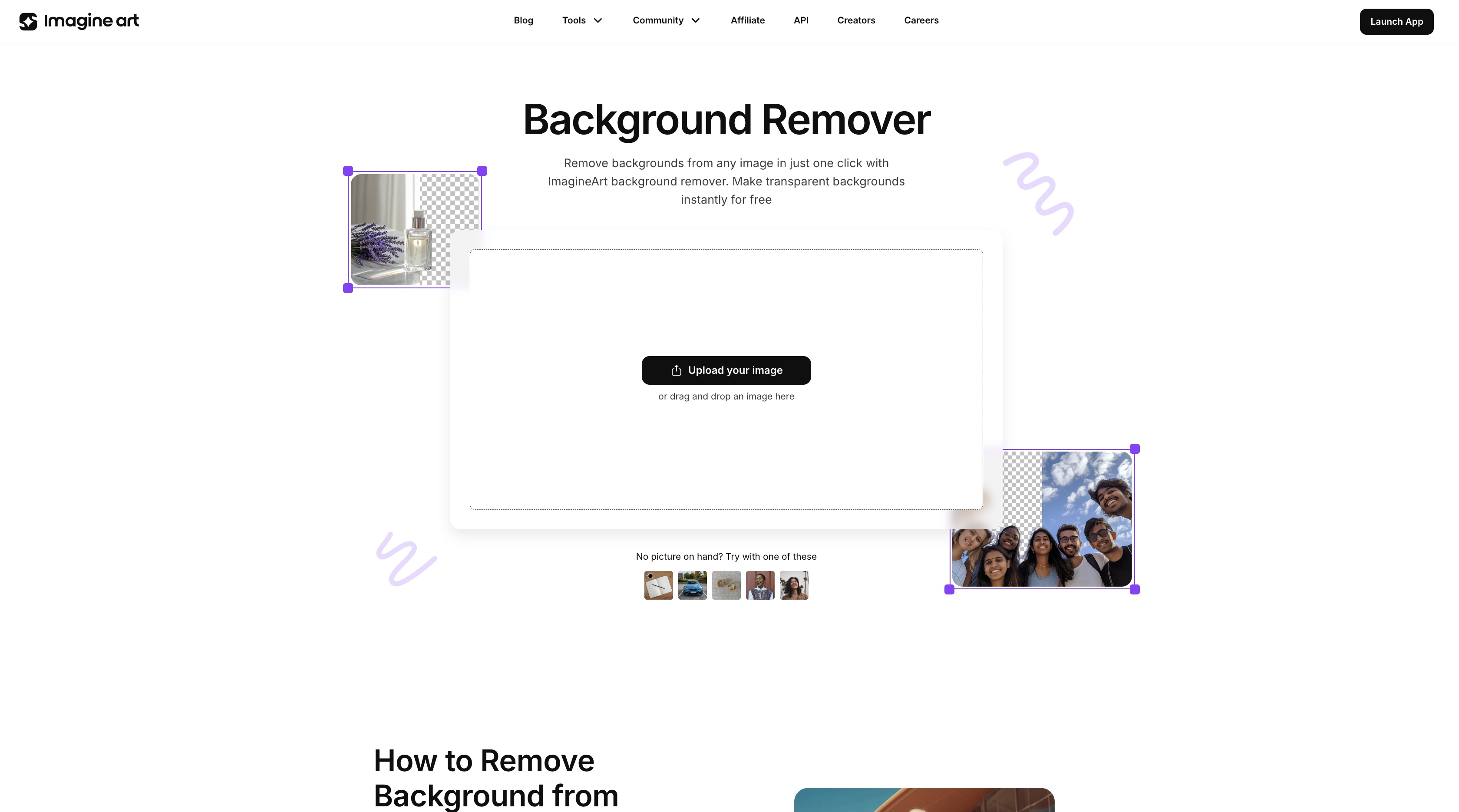
8. Background Remover
The background you filmed in front of was never the background you wanted. It rarely is.
The Background Remover solves one of the most overlooked problems in Reels production — and that's exactly why it earns its place among the best AI tools for creating Instagram Reels:
- Isolate products for studio-quality shots without booking a studio
- Remove location limitations from personal brand content entirely
- Place subjects inside generated scenes that match your reel's visual direction
- Create clean transparent-layer exports that work across every reel format
For product creators, this means studio-quality isolation without the studio overhead. For personal brand creators, it means your location stops dictating your content aesthetic. Clean subject isolation is one of those production details that separates reels that look professional from ones that look like they were made in a hurry — and this handles it in seconds.
 AI Background Remover
9. AI Object Remover
The distraction in the background. The cable running through the frame. The stranger who walked into the shot at the worst possible moment.
ImagineArt AI Object Remover eliminates unwanted elements from any image using a text prompt — no manual masking, no brush selection, no Photoshop expertise required. Describe what needs to go, and it goes:
- Remove photobombers and bystanders from lifestyle and travel shots used in Reels
- Erase brand logos and labels from props for cleaner, neutral product content
- Clear cables, cords, and technical equipment from behind-the-scenes flat lays
- Remove distracting foreground elements without touching the rest of the frame
- Clean up real estate and interior shots for property-focused Reels in seconds
ImagineArt AI Object Remover takes a text instruction and delivers a clean image in seconds. For creators posting daily, that difference compounds across every shoot.
10. Thumbnail Maker
Your Reel cover is doing the selling before the video even plays. Treat it that way.
Thumbnails are where the best AI tools for creating Instagram Reels separate themselves from the ones creators abandon after a week — and the Thumbnail Maker makes sure your cover earns the click every time:
- Design covers that communicate the reel's content without giving everything away
- Add text overlays that read clearly at mobile scale without disappearing in the crop
- Maintain a consistent cover aesthetic so your reel archive looks like a strategy not an accident
- Build series-specific thumbnail formats that make your content instantly recognisable on the grid
A weak cover costs views before the video gets a single second of watch time. The Thumbnail Maker makes sure the effort you put into every reel actually gets seen — because nobody taps on a cover that looks like a placeholder.
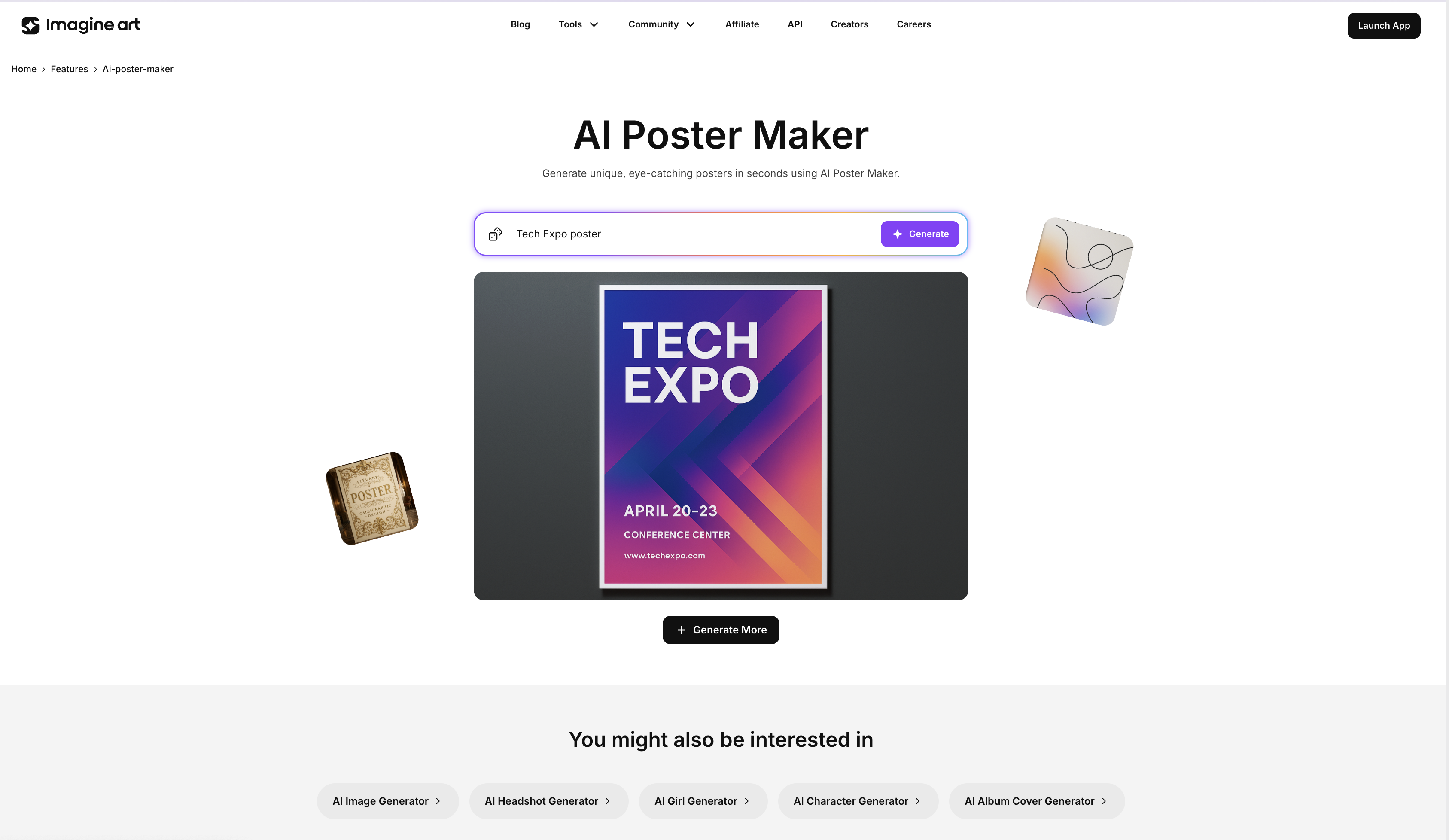
11. Poster Maker
Some Reels need a graphic that sets the scene before the content even starts. This is the tool for that.
The Poster Maker handles the graphic production layer that makes it one of the best AI tools for creating Instagram reels for creators who treat their feed like a brand:
- Build launch announcement graphics that open reels with the same energy as the video following them
- Create branded series covers that make your reel archive feel like a content publication
- Design promotional graphics for product drops and campaign launches at reel format dimensions
- Produce high-contrast social overlays that work across both the reel itself and the grid preview
For creators building a recognisable brand on Instagram, the Poster Maker handles the graphic production layer that makes each reel feel like part of a bigger creative system rather than a standalone post that disappears after 24 hours.
 Ai Poster Maker
12. AI Workflows
One great Reel is a post. A system of great reels is a content strategy. There's a big difference.
AI Workflows is the infrastructure that ties together every one of the best AI tools for creating Instagram Reels on this list — turning individual production steps into a repeatable pipeline that runs your full content calendar:
- Batch generate video assets for the entire week inside one focused session
- Build template systems for recurring reel formats so series content stays visually consistent
- Duplicate proven production pipelines for new campaigns without restarting from zero
- Organise assets by format, series, and publish date so nothing falls through between creation and posting
Posting consistently isn't a discipline problem — it's a systems problem. AI Workflows is the system that solves it, so showing up on Instagram stops feeling like a daily emergency and starts feeling like a production schedule you actually control.
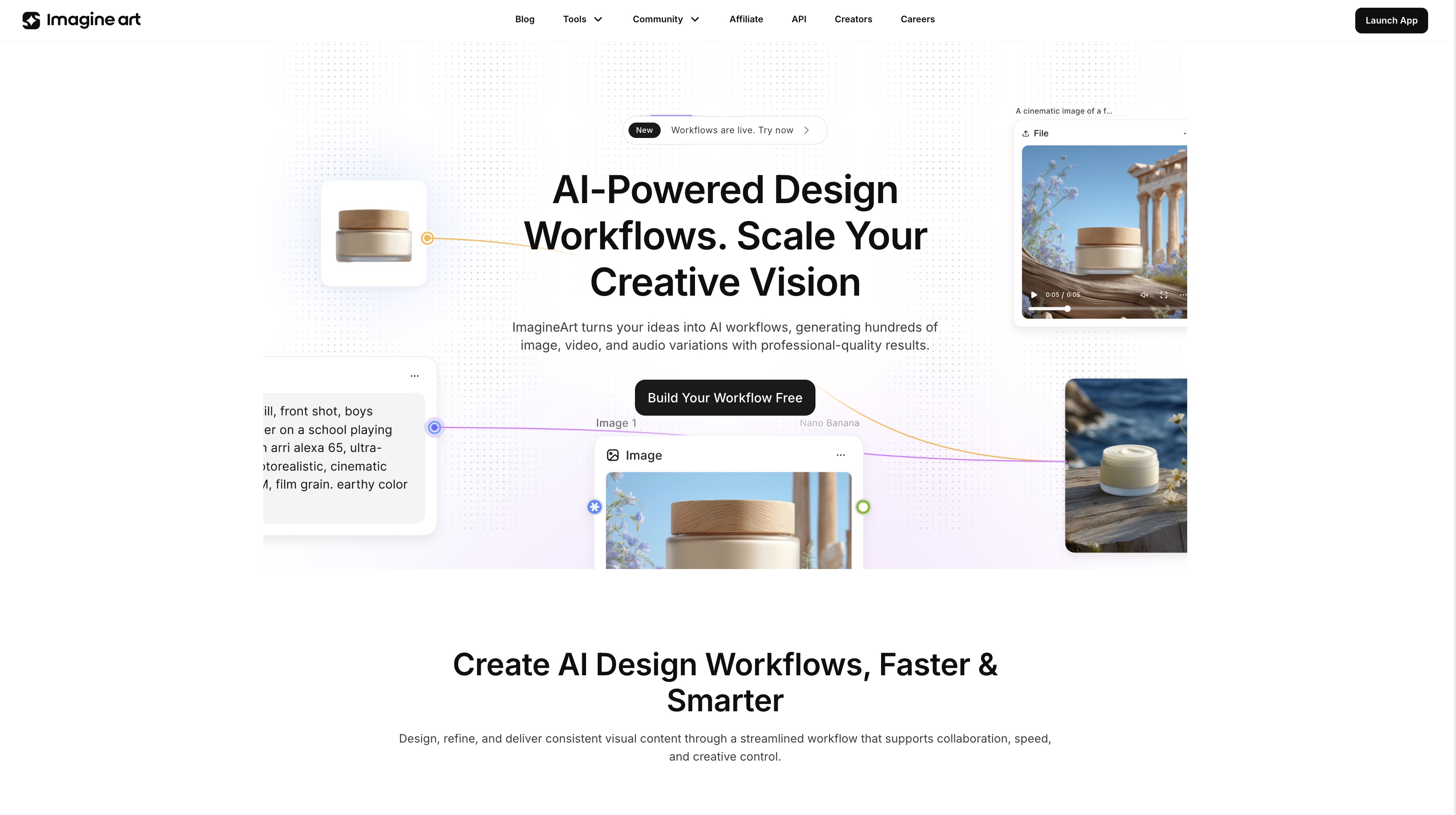 Node Base Ai Workflow
Your Next reel Starts Inside ImagineArt
Twelve tools. One platform: everything you need to create, edit, enhance, and publish Instagram reels without the app-switching chaos that usually comes with it.
Solo creator, brand account, or agency managing ten clients — ImagineArt gives you the production infrastructure to keep reels coming without the burnout that follows when there's no system behind the content.
Stop planning the reel. Start making it.
Umaima Shah
Umaima Shah is a creative content strategist specializing in AI tools, image generation, and emerging technologies. She focuses on translating complex platforms into clear, practical insights for creators, designers, and product teams