
Arooj Ishtiaq
July 29, 2026 • Updated July 29, 2026
8 mins Read
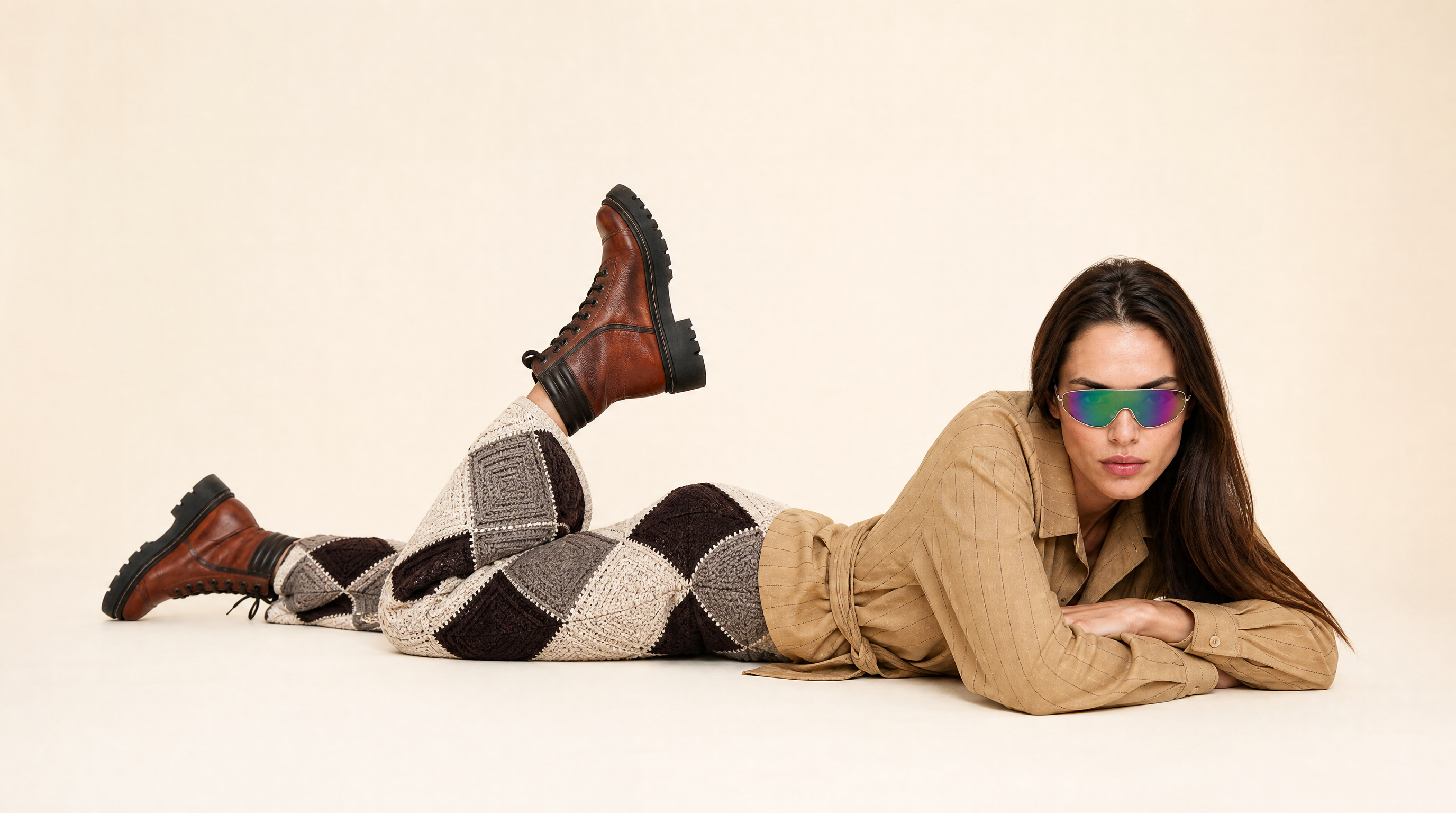
An AI clothing generator takes a garment, real or described, and renders it on a model without a physical photoshoot behind it. That's the simple version.
The harder question is what actually separates a generator that produces convincing, sellable imagery from one that produces something obviously synthetic. This guide covers three things:
- How the category works under the hood
- Why fabric and logo accuracy is a genuinely hard technical problem, not a solved one
- What to evaluate before you choose a tool
What Is an AI Clothing Generator?
An AI clothing generator is software that renders a garment on a model image using AI rather than a physical shoot. Most tools work from one of two starting points:
- An uploaded photo of a real garment. A flat lay, ghost mannequin, or hanger shot.
- A text description. A garment you want the AI to design and render from scratch.
The first category is what most fashion brands actually need, since the goal is showing an actual product accurately rather than inventing a new one. The second serves a different purpose entirely: concept exploration, mood boards, or early design ideation rather than photographing a real, sellable product. Confirm which category a tool falls into before evaluating it against your actual use case.
How AI Clothing Generators Actually Work
Nearly every serious AI clothing generator today runs on a diffusion model, the same underlying technology behind image generators like Stable Diffusion, adapted for a task researchers call virtual try-on. Understanding roughly how this evolved explains why some tools handle fabric and print detail far better than others.
Early diffusion-based virtual try-on
TryOnDiffusion, published by Google researchers in 2023, is a commonly cited starting point. It used two parallel neural networks, one reading the garment image and one reading the person image, connected through a cross-attention mechanism so the garment's shape could map onto the person's pose. This was a real leap over older GAN-based methods, but it still struggled with fine detail.
Detail loss through the image encoder
Most systems encode the garment image using a vision-language model called CLIP before feeding it into the diffusion process. CLIP captures what a garment generally looks like, but compresses away fine detail: exact print scale, small logos, precise seam placement. That's the actual reason a striped shirt sometimes comes out with slightly different stripes, or a logo renders as an illegible smudge. It's a structural bottleneck, not a random quality issue.
How later systems fixed it
Newer architectures added a second, dedicated encoder just for the garment image, feeding richer detail into the diffusion process through additional cross-attention layers. This is why fabric and logo accuracy varies so much between tools, even when the marketing sounds identical. A tool built on a lighter-weight encoder loses more detail than one with a dedicated garment pathway.
Garment warping as a preprocessing step
Before generation runs, many pipelines first warp the flat garment image to roughly match the target pose and body shape. A garment photographed at an awkward angle or with visible wrinkles produces a worse result, because the warping step is working from a flawed reference to begin with. Getting the source photo right matters more than most people assume, covered in our guide to flat lay photography.
2D generation vs. 3D simulation
Two genuinely different approaches exist here:
- 2D diffusion analyzes a flat garment image and predicts how it would drape on a body, no 3D model, no physics calculation.
- 3D garment simulation models fabric physics, weight, and stretch directly, producing more accurate drape but requiring far more setup.
Most consumer and ecommerce tools use 2D diffusion. 3D simulation matters more upstream, during garment design and pattern development, before a physical sample exists at all.
Text-prompt generators work differently from everything above. Instead of preserving an existing garment, they generate an entirely new design from a written description, useful for concept work but not for photographing a product that already exists.
What to Look for in an AI Clothing Generator
Four factors separate a genuinely useful tool from one that produces unconvincing output.
- Fabric and detail accuracy. Upload a garment with a small logo or fine print and check whether it survives generation legibly. Blurred or redrawn detail usually points to a lighter-weight encoder.
- Pose control. Look for tools that let you specify a pose rather than offering one default stance. This is what separates basic catalog shots from the more expressive range covered in editorial fashion photography ideas.
- Model diversity and consistency. A useful generator locks one model's identity so it stays consistent across a product range. Identity-locking techniques generally fall into two families: zero-shot adapters working from a single reference photo, and per-subject fine-tuning trained on several reference images. Worth knowing: most identity research targets facial consistency specifically, not the full combination of face, body, skin tone, and styling a fashion catalog actually needs held constant. A tool that only solves facial consistency can still drift on body type or skin tone.
- Catalog and editorial support. Some tools only do clean catalog output. Others also support styled, scene-based editorial generation from the same setup. Confirm which you actually need, a distinction covered in our comparison of the best AI fashion model generators of 2026.
AI Clothing Generator vs. AI Fashion Design Tools
These two categories get confused often, but they solve different problems.
AI Fashion Design Tools
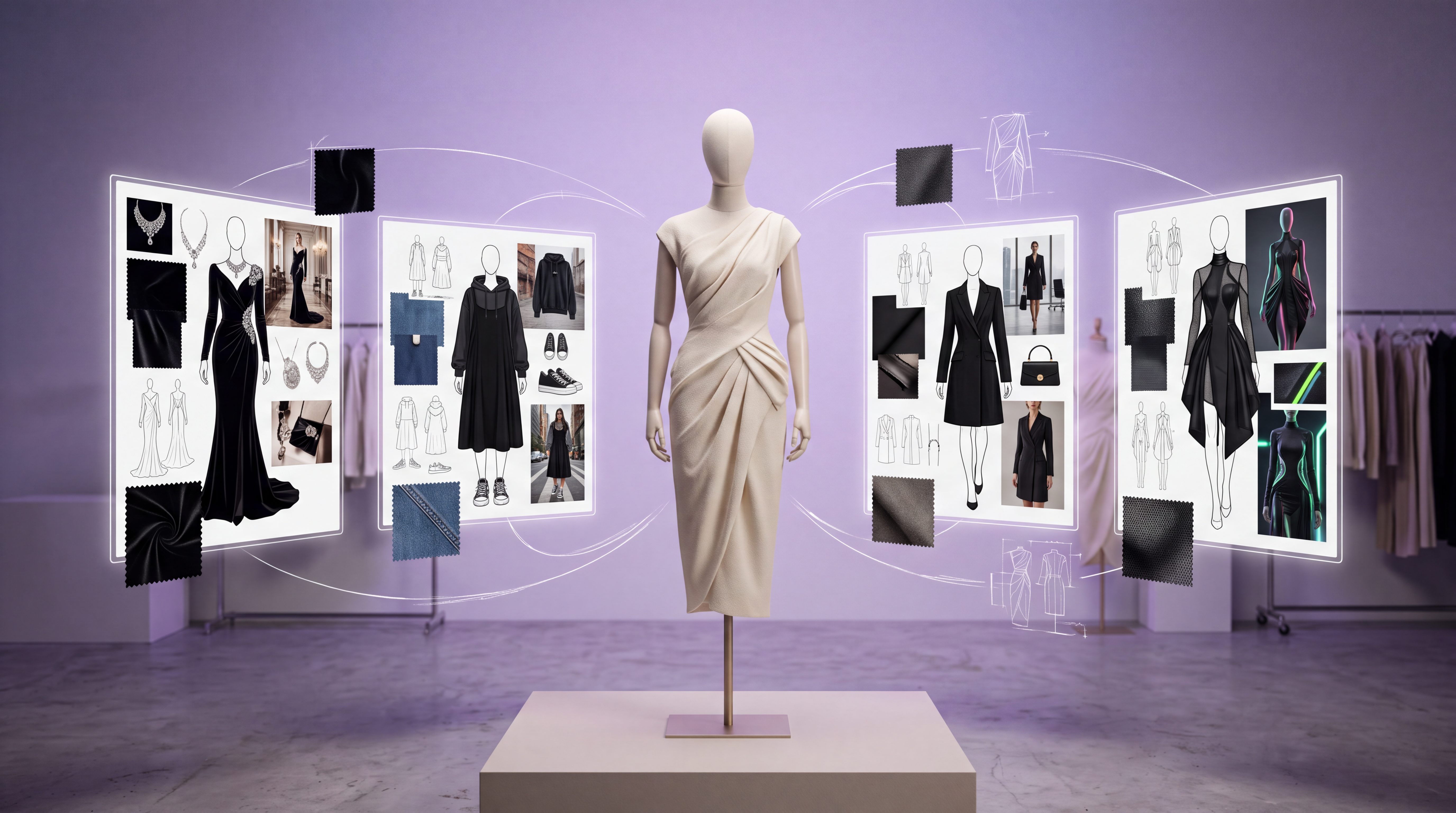
AI fashion design tools (sketch-to-render platforms, digital pattern and fabric simulation software) exist earlier in the pipeline, turning a sketch or prompt into a new garment concept that doesn't physically exist yet. The more advanced ones lean on full 3D fabric simulation, showing how a proposed material would drape before a sample is ever cut, some supporting dozens of fabric types and direct export to production tech packs.
AI Clothing Generator
An AI clothing generator works downstream of that. It takes a garment that already exists, or a described one, and renders it on a model for photography purposes. Designers visualizing an unbuilt concept want a design and simulation tool. Brands photographing a real product without a physical shoot want a clothing generator built around preserving an existing garment's actual details, which is the focus here.
Where AI Fashion Studio Fits
AI Fashion Studio covers the garment-based category specifically: upload a real garment, choose or upload a model, and generate output that preserves the actual product. It addresses all four evaluation criteria above directly:
- Fabric and detail accuracy comes from generation built on Nano Banana Pro for images and Seedance 2.0 for video, current-generation models rather than a lighter-weight pipeline.
- Pose control is a dedicated step in the six-step workflow: select a preset, upload a reference, or describe one.
- Model consistency is built in by design. A model built once is saved and reusable, keeping the same face, body, and skin tone, not just facial identity, across an entire season.
- Catalog and editorial both run from the same project, with a clean backdrop or outdoor scene selectable at the background step.
Related Fashion Photography Resources
An AI clothing generator is one piece of a broader toolkit. An AI photoshoot is the wider category a garment-based generator sits inside. AI background generators and AI generative fill cover the finishing tools you'll likely use alongside it, both built on the same general-purpose AI image generator toolset.
If you're starting from a physical flat lay rather than a prompt, our complete guide to flat lay photography and ghost mannequin photography and how AI replaces it cover the two most common source formats, and clothing photography 101 covers the lighting fundamentals that determine how clean your source image is before it reaches the diffusion model.
Once you've generated a still, AI fashion video covers animating it into motion, and our guide to color draping and choosing a shoot palette covers matching background and garment color. For a direct comparison rather than a category overview, the best AI fashion model generators of 2026 benchmarks nine platforms, and what an AI fashion model actually is addresses realism in more depth.
Conclusion
An AI clothing generator is only as useful as its fabric accuracy, pose control, model consistency, and catalog-versus-editorial range. The accuracy differences between tools trace back to specific architectural choices in how each system encodes the garment reference, not inconsistent output quality.
Evaluate any tool against those four criteria with your own garments before committing. AI Fashion Studio addresses all four through a defined six-step workflow built around real, existing garments.
Frequently Asked Questions
Is there a free AI clothing generator?
Many platforms offer free trial credits or a limited free tier, though ongoing catalog use typically needs a paid plan. Free tiers are reasonable for testing output quality on your own garments first.
What's the difference between an AI clothing generator and an AI fashion model generator?
The terms overlap. "AI clothing generator" sometimes means tools that design new garments from a prompt. "AI clothing model generator" and "AI fashion model generator" more consistently mean tools that render an existing garment on a model. Confirm which a tool actually does.
Why do some AI clothing generators struggle with logos and small prints?
Most virtual try-on systems encode the garment through a vision-language model before generation, and that step compresses away fine detail. Tools with a dedicated, higher-fidelity garment encoder preserve it far better, which is why testing your own garments matters more than reading a features list.
Can an AI clothing generator preserve my exact product details?
Quality fashion-specific tools preserve real cut, print, and color rather than reinterpreting the garment. Test this directly with your own photos, since accuracy varies significantly, particularly on complex prints and logos.
Does an AI clothing generator support video as well as still images?
Some do. AI Fashion Studio, for example, generates both from the same model and garment setup, with adjustable aspect ratio and clip length for video.
Arooj Ishtiaq
Arooj is a SaaS content writer specializing in AI models and applied technology. At ImagineArt, she creates sharp, product-focused content that helps creators and businesses understand, adopt, and get real value from AI tools.