3D animation maker for clay, toy and turntable clips
Type a scene or upload a render. Get video that looks 3D, not a model file.
Trusted by Professionals and Creators from leading brands
One fox barista, five 3D looks
The animated-film look, from one prompt
The animated-feature look comes down to three phrases: "soft rounded characters, warm subsurface glow, global illumination". Put them after your character and the beat, such as "a shy robot finds a flower". This 3d ai video generator renders the shading from those words, so there's no modeling, no UV unwrapping and no lighting rig to build first.
Clay and vinyl toy, set by material words
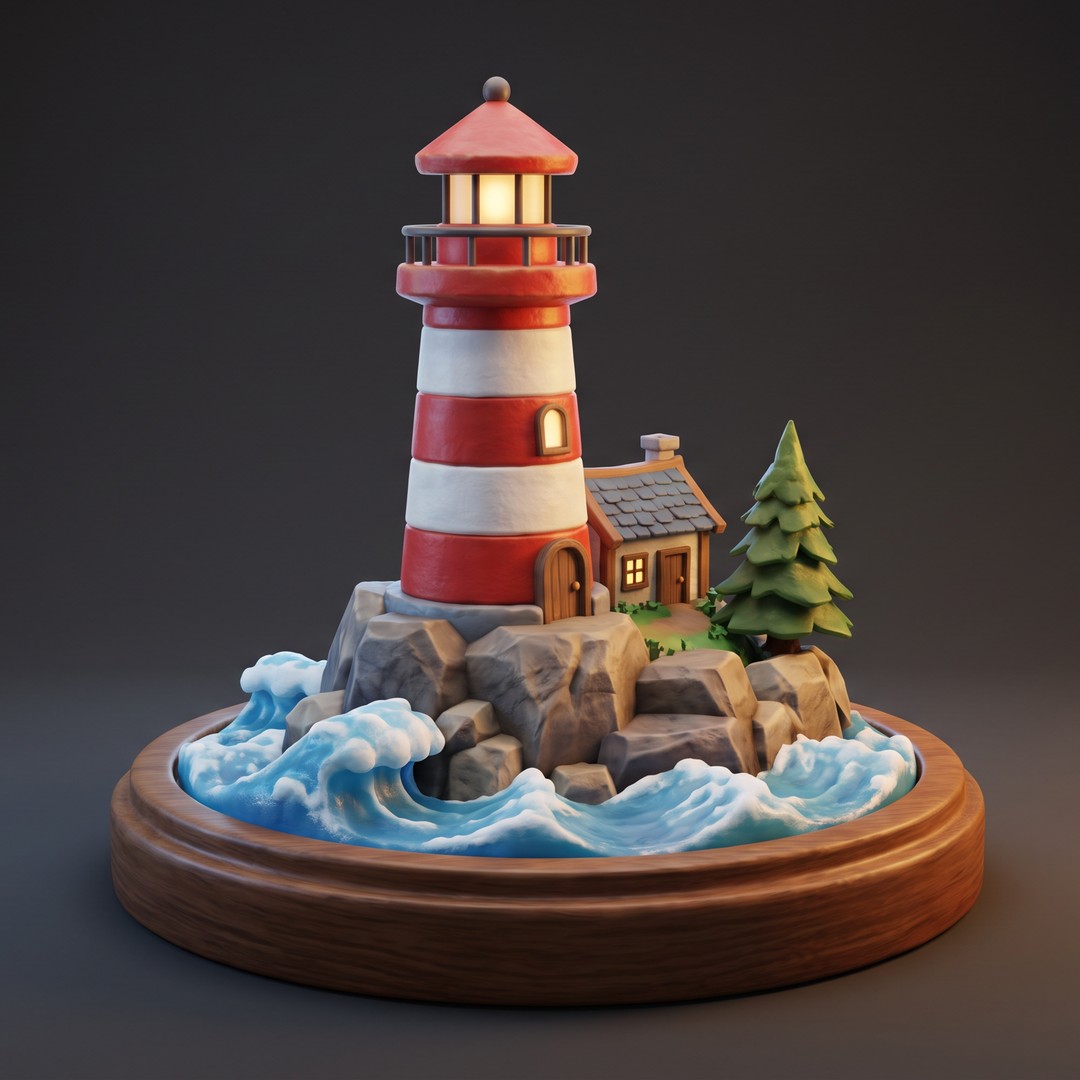
Material decides the 3D look more than the subject does. For stop-motion clay, write "claymation, thumbprint texture, miniature set". For a smoother sculpt, try "3D clay render, smooth matte material, soft studio lighting". For toys, write "glossy vinyl" or "matte plastic", then add a softbox or rim light and a macro lens. The shot reads small and hand-made.
Product turntables from one photo
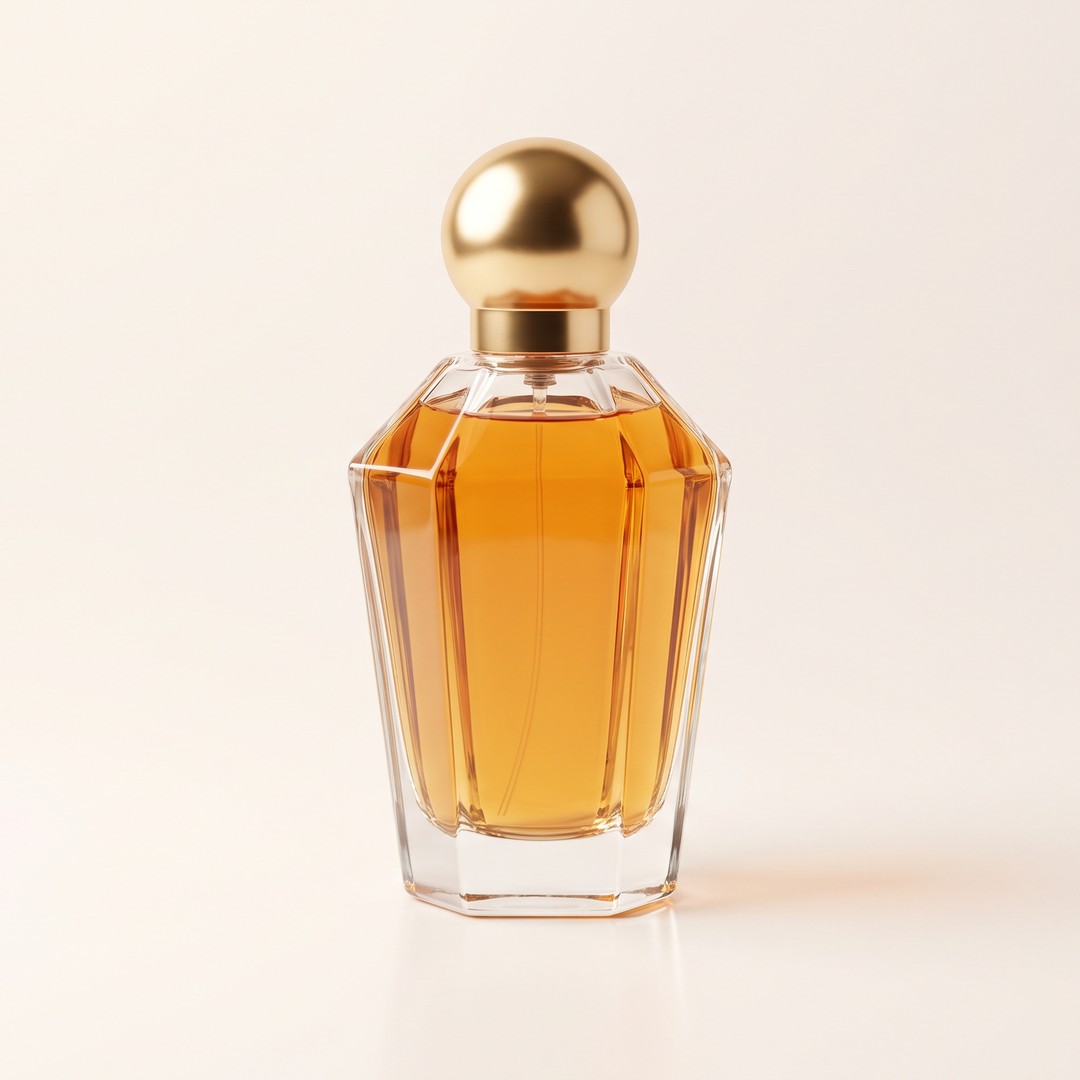
A turntable shows the back and sides of a product, not just the front. Upload a product shot on a plain backdrop and ask for a slow 360-degree turn. Kuaishou gives Kling 3.0 clips of 3 to 15 seconds, enough for one unhurried rotation. Keep the spin slow so labels stay sharp. It's a 3d video maker that starts from the photo you already have.
How to make a 3D animation
Step 1
Start from words or a still
Describe the scene for text to video. For image to video, upload a still render, a sculpt photo or a product shot as the first frame.
Step 2
Write material, light, then camera
Use subject + material + lighting + camera move + lens. Example: "ceramic owl, matte glaze, rim light, slow orbit, 35 mm".
Step 3
Pick the model for the output
Kuaishou's Kling 3.0 renders native 4K. MiniMax's Hailuo H3 renders 2K by default. ByteDance's Seedance 2.5 makes clips up to 30 seconds. Generate, then download the video.
Recipe: bring a Blender still to life
Export one frame from your scene and upload it. Ask for a slow orbit, and reuse your render's lighting words, such as "three-point softbox, warm key". Lightricks' LTX 2.3 is a good pick for this slow orbit.
Recipe: product photo to a spinning listing clip
Shoot the product on a plain backdrop, upload it and ask for a slow 360-degree turn. ByteDance says Seedance 2.5 makes clips up to 30 seconds in one generation, which leaves room for a full turn and a hold at the end. Use a square frame for shop grids, if your model offers 1:1.
What this maker won't give you
It renders video, not a mesh. There's no FBX, GLB or OBJ export and no rig. If you need a model for Blender or a game engine, use a 3D asset generator, then animate renders here.
Purchase a Subscription
Upgrade to get access to pro features and generate more and better
Basic
For newcomers taking their first steps
View Plans
Billed monthly
Included in plan
3Kcredits per month
Additional Features
Up to ~600 Image Generations/month
Up to ~97 Video Generations/month
General Commercial Terms
Image Generation Visibility: Public
4 Concurrent Image Generations
Complimentary Access
All GPT Models
All Gemini Models
All Claude Models
Unlimited Generations
10 Image Models
9 Video Models
Standard
For rising creators to level up their game
View Plans
Billed monthly
Included in plan
8Kcredits per month
Additional Features
Up to ~1.6k Image Generations/month
Up to ~265 Video Generations/month
General Commercial Terms
Image Generation Visibility: Private
8 Concurrent Image Generations
Complimentary Access
All GPT Models
All Gemini Models
All Claude Models
Unlimited Generations
Nano Banana
Runway Gen 4 Turbo
Midjourney V7
8 more Image Models
8 more Video Models
Ultimate
Peak performance for pros
View Plans
Billed monthly
Included in plan
16Kcredits per month
Additional Features
Up to ~3.2k Image Generations/month
Up to ~530 Video Generations/month
All styles and models
General Commercial Terms
Image Generation Visibility: Private
Complimentary Access
All GPT Models
All Gemini Models
All Claude Models
Unlimited Generations
All image models in Standard plan
All video models in Standard plan
Kling 2.6 Pro
Seedance 1.5 Pro
ChatGPT 1.5
Creator
A full production engine for powerhouses
View Plans
Billed monthly
Included in plan
100Kcredits per month
Additional Features
Up to ~20k Image Generations/month
Up to ~3.3k Video Generations/month
All styles and models
General Commercial Terms
Image Generation Visibility: Private
Complimentary Access
All GPT Models
All Gemini Models
All Claude Models
Unlimited Generations
All image models in Ultimate plan
All video models in Ultimate plan
Kling 3.0 Pro
Seedance 2 Fast
Nano Banana 2
What creators say about ImagineArt

ApexStudios
This is AI video creation at its finest! The model is super intelligent and creates exactly what you want and how you want. With multiple image and element references, I can direct the AI about character positions, camera angles, and scene compositions. My new go-to video tool!
Alexandra Elena
Verified User

DreamWorks
Finally, a model that delivers complete creative freedom, not just fake promises. I can try as many backgrounds as I want, manipulate objects and subjects, and even add text. This is the Photoshop of videos, incredibly fast and precise but without any software download.

Anna Chierici
Creator (IT)

Pixels
The speed at which this 25th AI video generator edits results is quite impressive. What impresses me the most is how well it maintains the quality and coherence of videos after shot extension and style changes. Highly recommended!

Anya Petrova
Marketing Designer

Shopify
I work in filmmaking and have used a ton of video tools. But I’ve never come across a model that produces and edits visuals with such accuracy. There literally is no need to make any manual edits. What a life-saver!
Ben Harris
Product Manager

TechNova
As a social media lead, I have to create a multitude of video content for daily upload. ImagineArt video editor has completely changed my workflow. Now, I can edit on the go, create UGC with image references, and even extend shorter clips with video references. A must-have for creators!

Isabelle Kim
Concept Artist
Have questions?
We have answers!
Describe the scene, or upload a still render, and generate it as video. Name the material, the light and one slow camera move, such as a slow orbit. The result is a video clip, not a rigged model.
No. This ai 3d animation generator outputs video only, with no FBX, GLB or OBJ export and no rig. Tools that export meshes and rigs are a separate category: 3D asset and motion-capture generators.
Yes. Upload the photo and ask for a slow 360-degree turn, or a half orbit for an arc. Use a plain backdrop and keep the spin slow so labels stay sharp.
Any look you can name as a material. "Claymation, thumbprint texture" gives stop-motion clay, "glossy vinyl toy" a collectible, "low-poly, flat shaded facets" a game look, and "soft rounded characters, warm subsurface glow" an animated-feature look.
Up to 30 seconds with Seedance 2.5, per ByteDance. Kuaishou lists 3 to 15 seconds for Kling 3.0, and MiniMax says Hailuo H3 runs up to 15 seconds at 2K. For longer pieces, cut several clips together.
Yes, with Kling 3.0. Kuaishou added native 4K generation to the Kling 3.0 series. For a step below, MiniMax says Hailuo H3 renders 2K by default.
Yes. Upload the render or a photo of the sculpt as the first frame and describe the motion. This 3d animation video maker keeps closest to your scene when the prompt repeats its lighting words and asks for a slow orbit.
For testing prompts, yes, but on ImagineArt's in-house models only. Kling 3.0, Seedance 2.5, Hailuo H3 and LTX 2.3 need a paid plan. Free credits refill every 24 hours, with 720p exports, no watermark and non-commercial use.
16:9 for YouTube, 9:16 for Reels. Google lists 16:9 as YouTube's standard, recommends MP4 and lists common frame rates from 24 to 60 fps, and Instagram's Reels spec tops out at vertical 9:16. Pick the ratio before you generate, because an ai 3d video generator frames the orbit for the ratio you choose, and cropping later cuts the subject off mid-turn.