AI YouTube Banner Maker
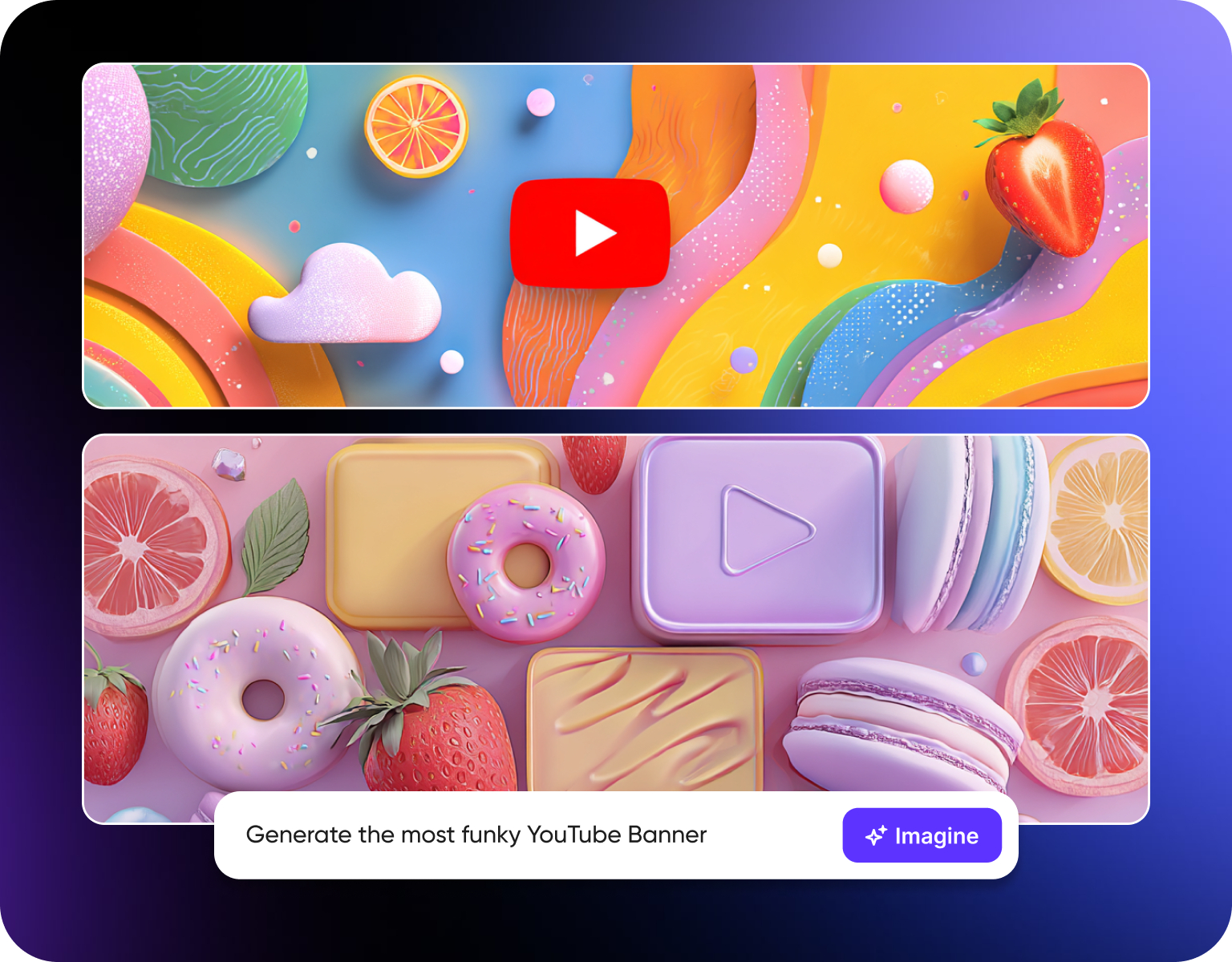
Struggling to design a YouTube banner that actually reflects your channel’s unique style? Create high-quality, on-brand banners instantly using AI-no design skills or templates required.
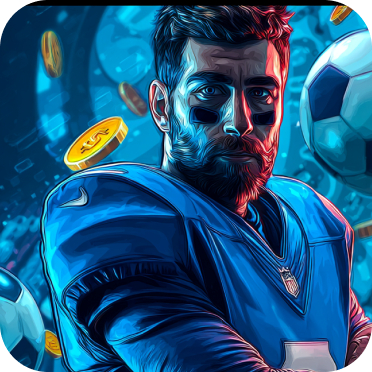
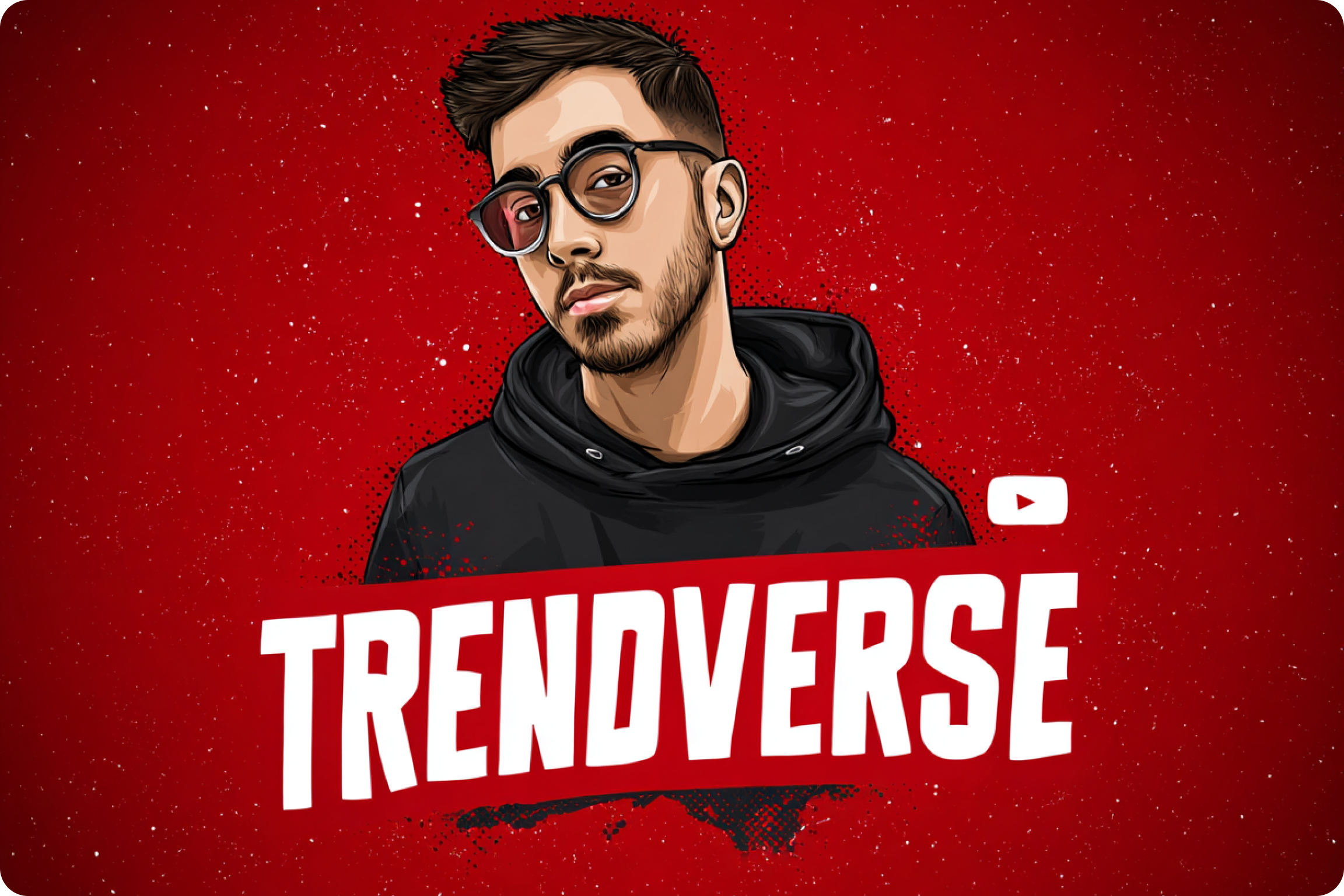
You might also be interested in
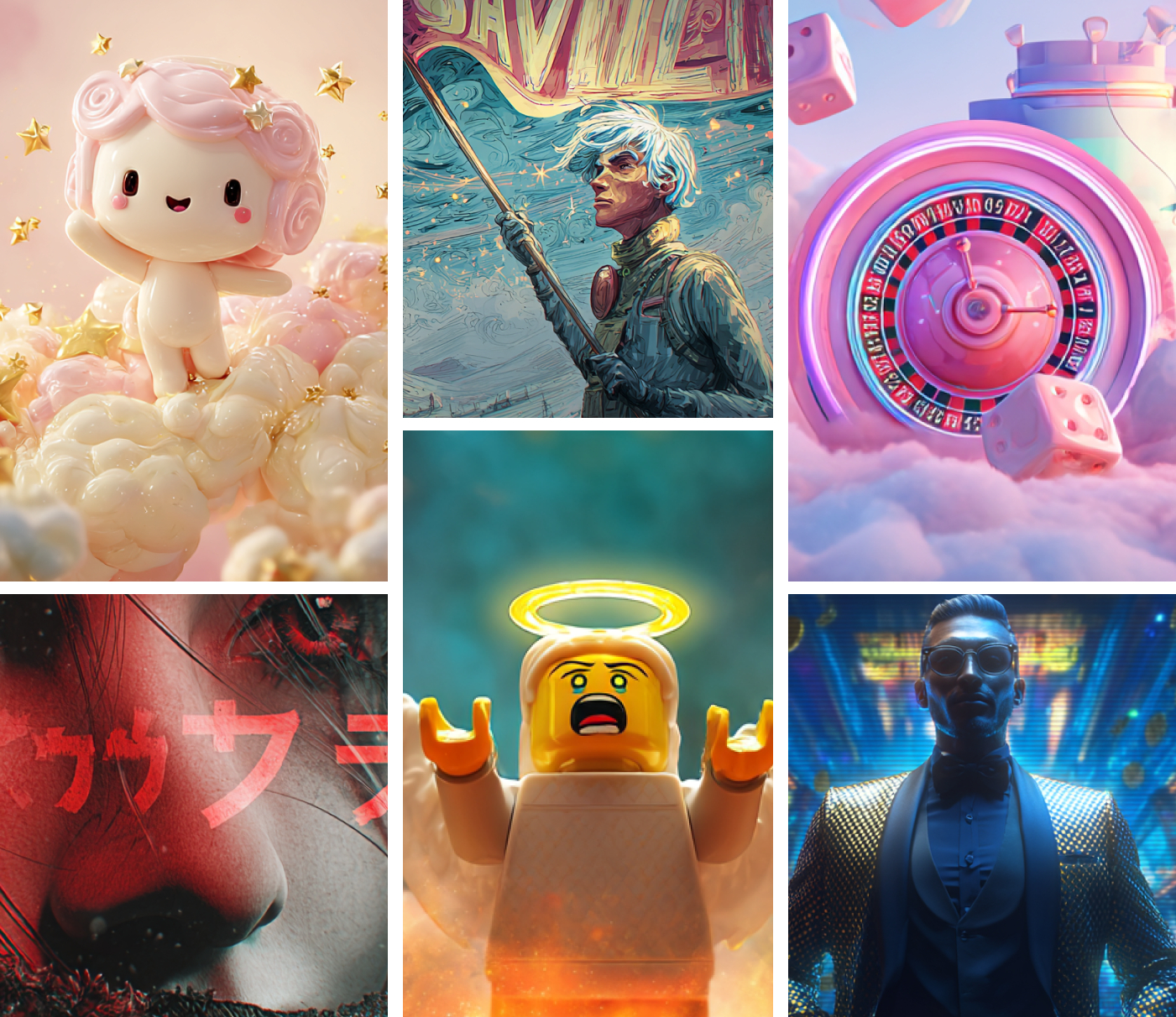
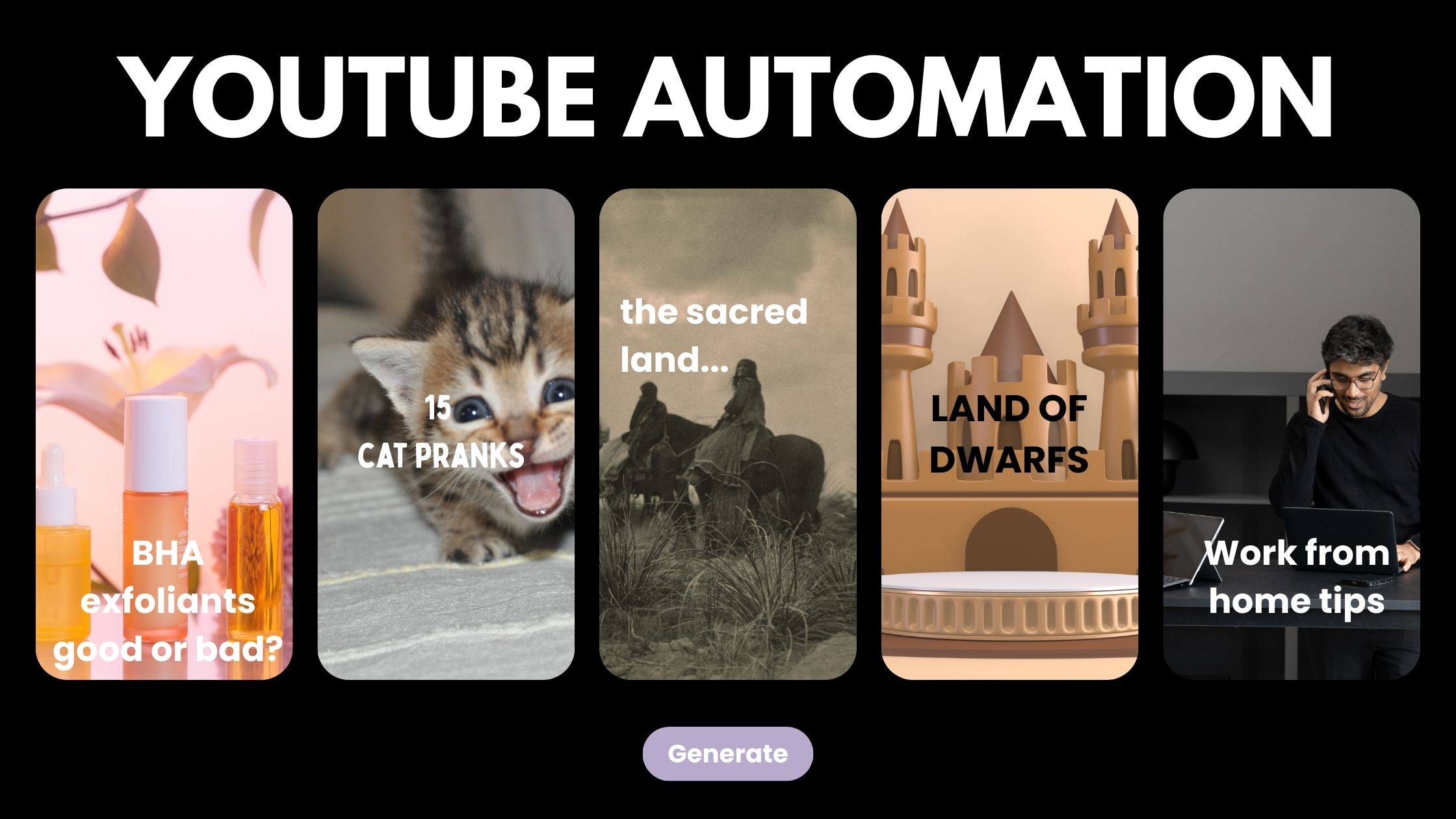
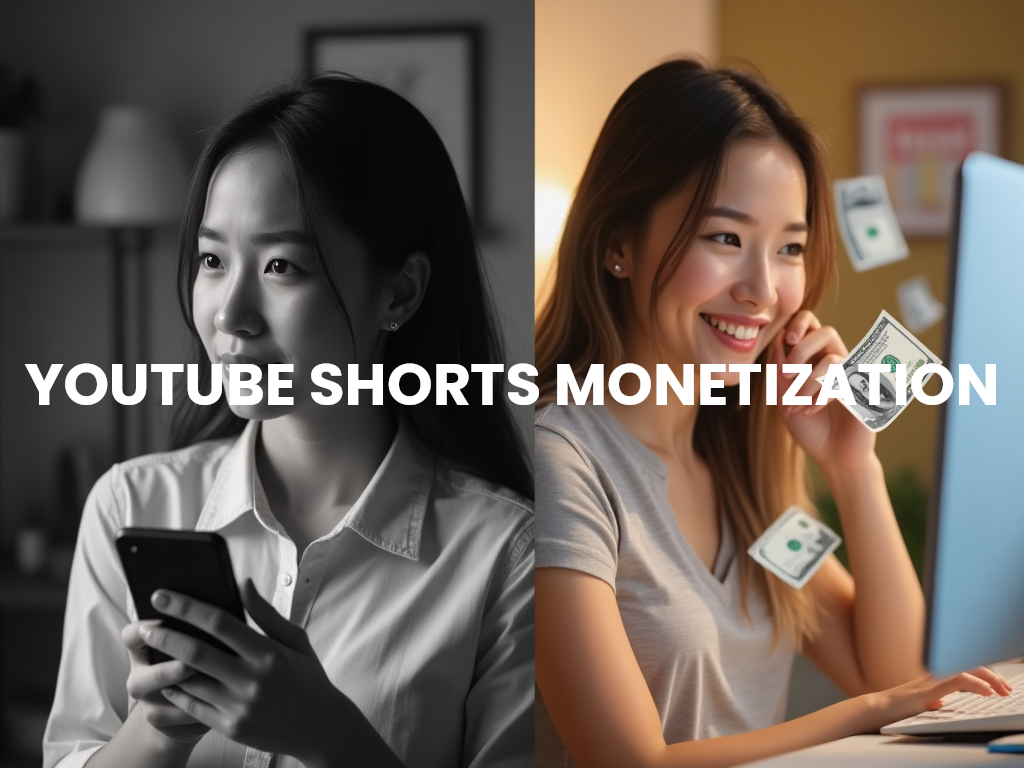
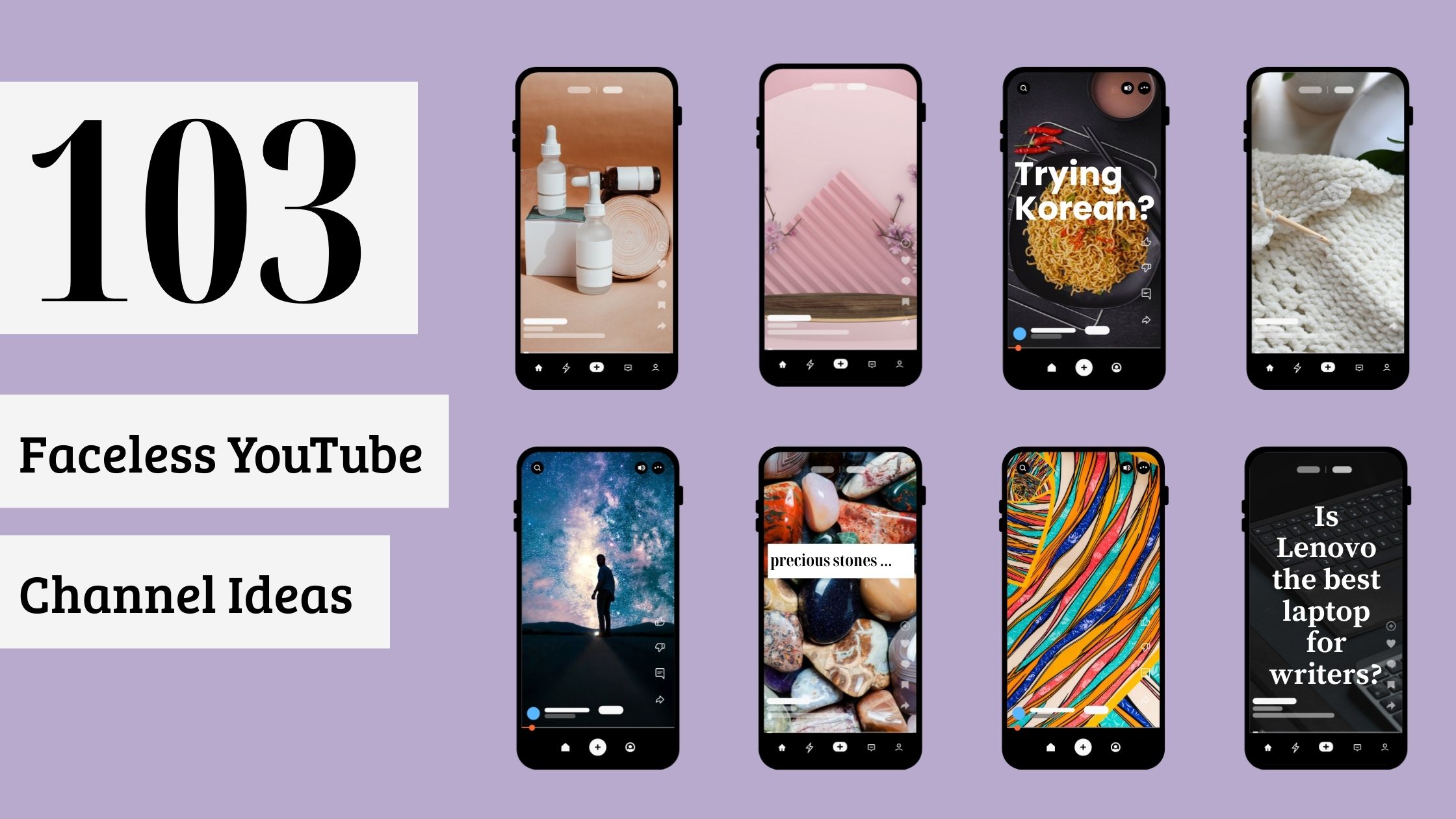
Community Creations
Design Smarter, Not Harder
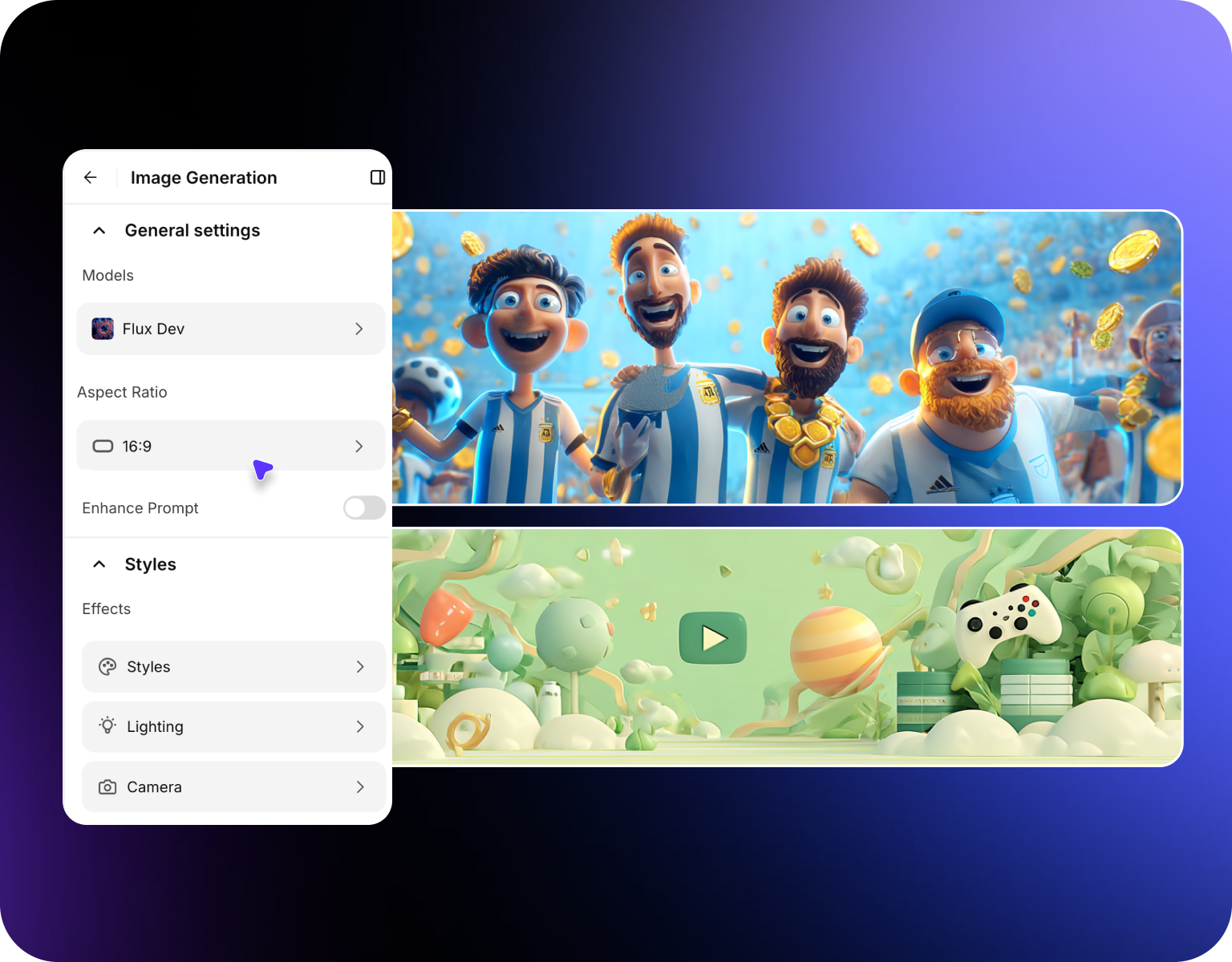
Tired of wasting hours creating banners from scratch? Our AI YouTube banner maker simplifies the process by understanding your creative direction. No need for complex software-just enter a prompt and watch the visuals come to life, tailored perfectly to your channel's tone and audience. Built on the same prompt-driven engine as our AI image generator, it turns a simple description into a ready-to-use banner.
High-Quality Banners In Seconds
Get polished results without the learning curve. Our YouTube banner maker AI tool generates professionally designed graphics instantly-no cropping, no resizing, no blurry outputs. Whether you're launching a new channel or rebranding, it's the fastest way to get high-resolution visuals that are sized just right for YouTube.
Made For Creators & Teams Alike
Managing multiple channels or brands? Our AI banner generator for YouTube helps you stay organized while keeping your designs fresh and on-brand. Ideal for agencies, marketers, or content creators who want consistent, high-quality banners without repetitive work or licensing concerns. For agencies producing banners across dozens of channels, ImagineArt AI workflows automates the entire branding pipeline so every banner stays consistent at scale.
Explore Visual Styles With Total Creative Control
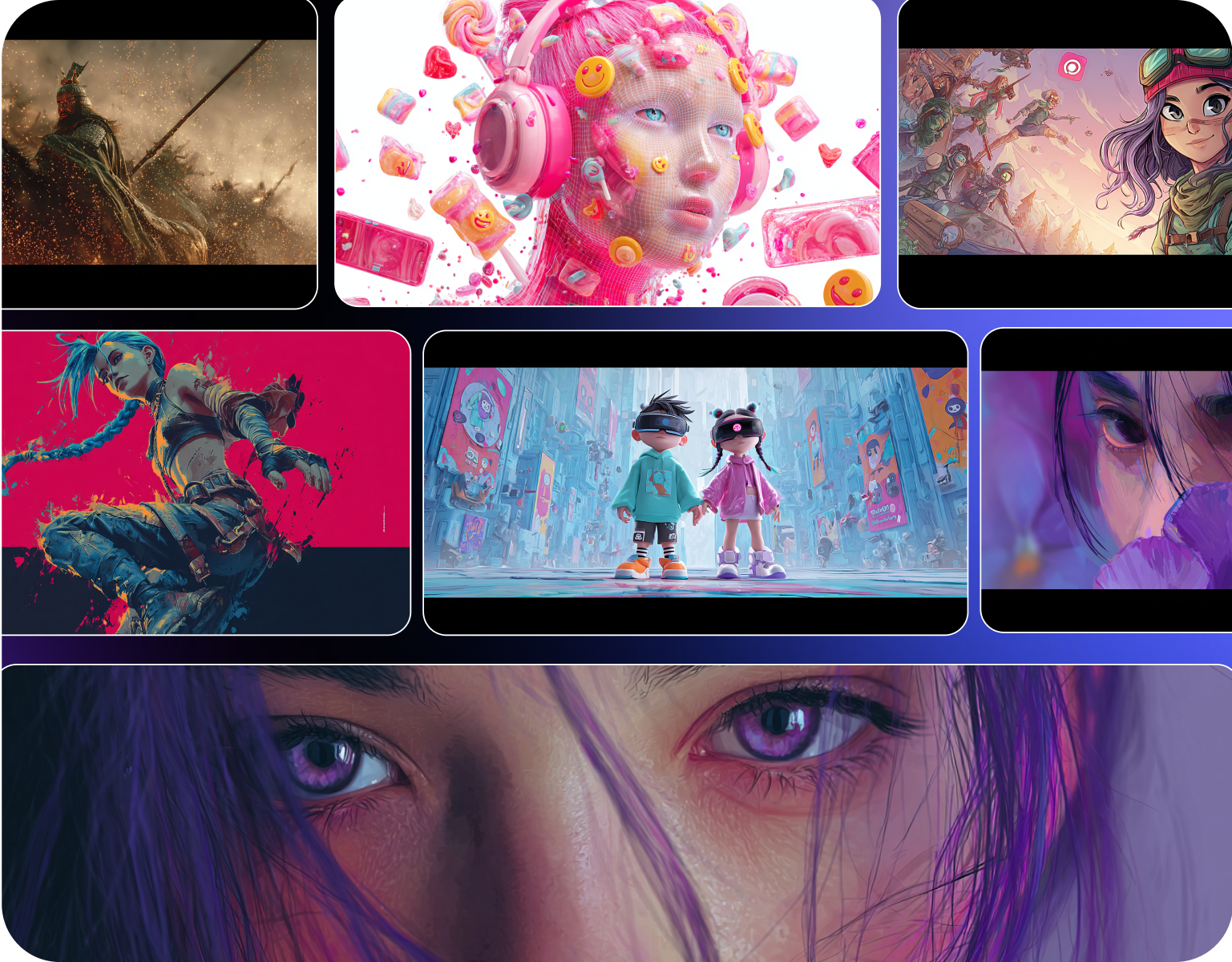
Want a sleek, bold, or artistic look? Use prompt-based inputs with our AI YouTube banner generator to explore endless creative styles in seconds. It’s perfect for trying out new aesthetics quickly while ensuring your banner fits your audience and aligns with your channel’s overall theme. Take your channel branding further with ImagineArt AI video generator, creating intro videos, shorts, and trailers that match your banner aesthetic perfectly.
How It Works
Step 1
Set The Aspect Ratio & Style
Start by selecting the 16:9 aspect ratio, which is perfect for YouTube banners. Next, choose a visual style that matches your channel theme.
Step 2
Describe Your Idea In A Prompt
Write a clear and detailed textual prompt describing what you want on your banner. Include key elements such as colors, imagery, typography style, and any objects or scenes you want.
Step 3
Generate, Refine & Download
Use your prompt to generate banner designs with the AI tool. Review the results, make edits or tweak the prompt if needed until you get the perfect design.
AI Youtube Banner Maker Testimonials
Lear what AI creators say about ImagineArt AI youtube maker.

“I love this platform very easy to navigate through whatever you need to create. Excellent image generation and video generation. The pricing is very reasonable also. Thank you Imagineart for an amazing experience.”
“Imagine art is one of the best platforms for new AI creators offering the best prices, the market leader like Higgsfield are great but their prices are too high. Thank you imagine art for making AI Video models affordable.”
“ImagineArt is a powerful creative suite, but if you want to leverage its flagship photorealistic and cinematic models, you’ll need to invest in a top‑tier account. For casual creators, the free/basic tier is sufficient, but professionals aiming for commercial‑grade visuals will find the upgrade essential.”
“ImagineArt is an amazing AI art platform with an intuitive interface, fast image generation, and impressive results. It offers a great variety of styles and tools, making it easy to bring creative ideas to life. Whether you're a beginner or a professional, it's a reliable and enjoyable tool for creating high-quality artwork. Highly recommended!”
“ImagineArt has a really amazing interface, well layered and clean. The workflow feature really makes working easy with all tools available in one place. One other thing, when I tested models like for instance Nano Banana 2 on ImagineArtAi and other Ai brands I got better results and higher quality on ImagineArtAi. It goes to show how much they have invested in making it the best of the best”
“I have tried quite a few AI image generators, and ImagineArt has quickly become one of my favourites. The image quality is consistently impressive, with detailed, creative, and highly accurate results from even simple prompts. The platform is easy to use, generates images quickly, and offers a great variety of styles and customisation options. One of the main ways I use ImagineArt is to create artwork for my YouTube music videos. I generate unique images and then animate them as visuals to accompany my music. The quality and creativity of the images make them perfect for this purpose, and they often require very little editing before I can use them in my projects. What stands out most is how well it understands complex prompts and turns ideas into stunning visuals with minimal effort. Whether you're creating concept art, character designs, content for social media, or visuals for videos, ImagineArt delivers excellent results. The regular updates and new features show that the team is actively improving the platform, and the overall experience feels polished and reliable. It's become an important part of my creative workflow, and I'd highly recommend it to anyone looking for a powerful and user-friendly AI image generation tool.”
Purchase a Subscription
Upgrade to get access to pro features and generate more and better
Basic
For newcomers taking their first steps
View Plans
Billed monthly
Included in plan
3Kcredits per month
Additional Features
Up to ~600 Image Generations/month
Up to ~97 Video Generations/month
General Commercial Terms
Image Generation Visibility: Public
4 Concurrent Image Generations
Complimentary Access
All GPT Models
All Gemini Models
All Claude Models
Unlimited Generations
10 Image Models
9 Video Models
Standard
For rising creators to level up their game
View Plans
Billed monthly
Included in plan
8Kcredits per month
Additional Features
Up to ~1.6k Image Generations/month
Up to ~265 Video Generations/month
General Commercial Terms
Image Generation Visibility: Private
8 Concurrent Image Generations
Complimentary Access
All GPT Models
All Gemini Models
All Claude Models
Unlimited Generations
Nano Banana
Runway Gen 4 Turbo
Midjourney V7
8 more Image Models
8 more Video Models
Ultimate
Peak performance for pros
View Plans
Billed monthly
Included in plan
16Kcredits per month
Additional Features
Up to ~3.2k Image Generations/month
Up to ~530 Video Generations/month
All styles and models
General Commercial Terms
Image Generation Visibility: Private
Complimentary Access
All GPT Models
All Gemini Models
All Claude Models
Unlimited Generations
All image models in Standard plan
All video models in Standard plan
Kling 2.6 Pro
Seedance 1.5 Pro
ChatGPT 1.5
Creator
A full production engine for powerhouses
View Plans
Billed monthly
Included in plan
100Kcredits per month
Additional Features
Up to ~20k Image Generations/month
Up to ~3.3k Video Generations/month
All styles and models
General Commercial Terms
Image Generation Visibility: Private
Complimentary Access
All GPT Models
All Gemini Models
All Claude Models
Unlimited Generations
All image models in Ultimate plan
All video models in Ultimate plan
Kling 3.0 Pro
Seedance 2 Fast
Nano Banana 2
Have questions?
We have answers!
A YouTube banner maker is a tool that creates the channel art displayed across the top of your page. With ImagineArt's AI-powered maker, you just describe your idea in a prompt and get a finished, high-resolution banner sized right for YouTube in seconds-no templates or design skills needed.
Unlike template-based tools, our AI designs your banner from scratch based on your input. It feels personal and more aligned with your channel’s tone, saving time and boosting originality.
Yes! All banners are license-free and watermark-free, so you're cleared to use them commercially with no restrictions on YouTube monetization.
No design experience needed! Our platform is built for creators. Just describe your channel, choose a style, and let AI handle the visuals.
Most users generate and finalize their YouTube banner in under 60 seconds. It’s fast, intuitive, and requires zero editing in external tools.
No worries! Just tweak your prompt or style instructions and regenerate. The AI learns from your input to improve results.
Just describe your channel idea in a prompt, choose a visual style, and set the 16:9 aspect ratio. Our AI generates a finished banner in seconds-no templates or editing software needed. Review the result, tweak your prompt if you want, and download.
Set your aspect ratio to 16:9, which matches the 1024x576 ratio, then generate your design from a text prompt. The AI outputs high-resolution visuals that scale cleanly to YouTube's recommended banner dimensions without cropping or blurring.
YouTube banners display differently across TV, desktop, and mobile, so the safe zone matters. Generating at a 16:9 ratio keeps your key text and imagery centered in the area that stays visible on every device, so nothing important gets cut off.
Ready To Make Your YouTube Channel Shine?
Try our AI YouTube Banner Maker now and transform your channel’s look with stunning, personalized designs.