Kling Image 3.0
Turn your words into stunning 4K images instantly. Kling Image 3.0 creates beautiful, realistic, and artistic images from text and image prompts while maintaining cinematic quality and character consistency.
You might also be interested in
Community Creations
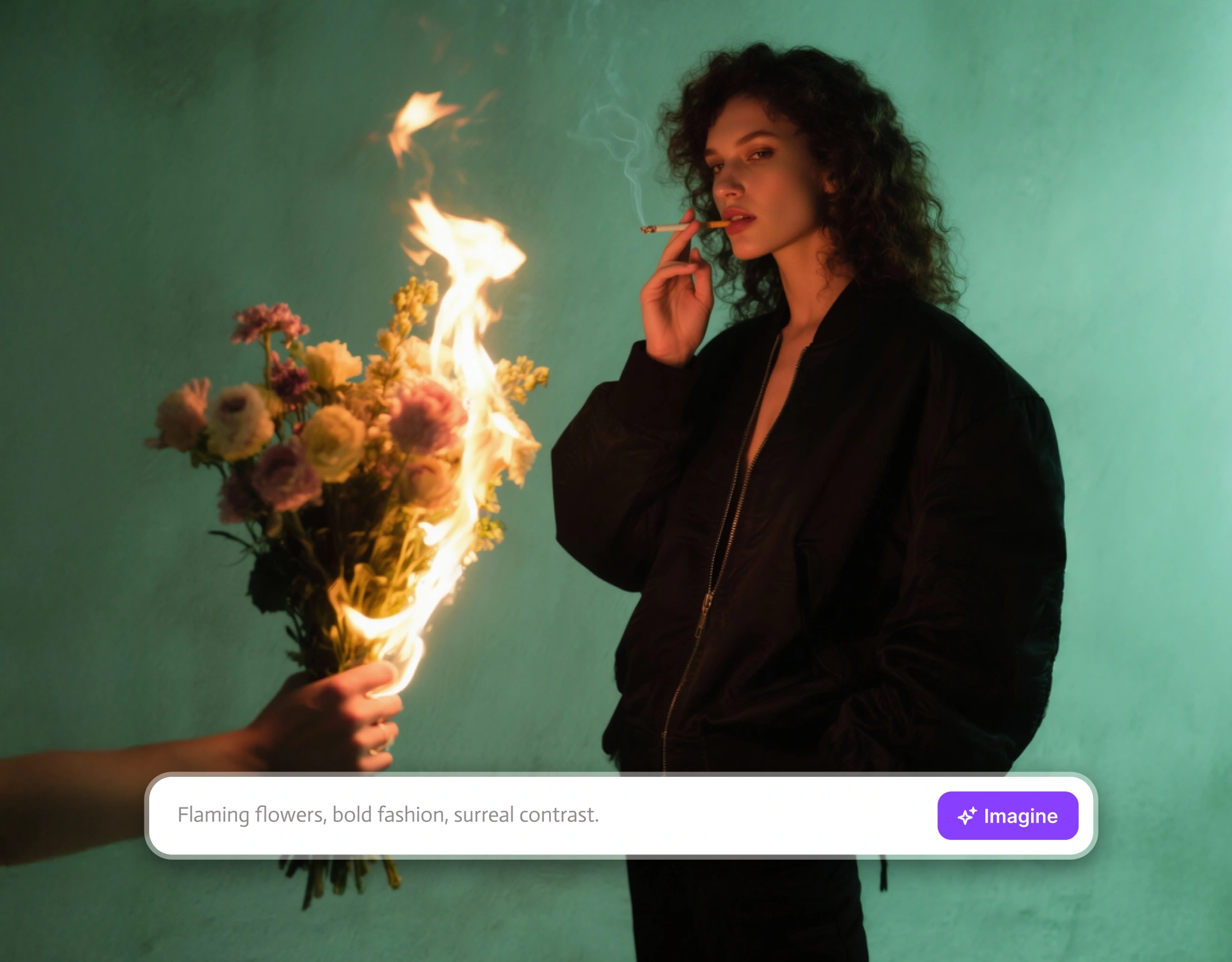
Use Up to 10 Reference Images at Once
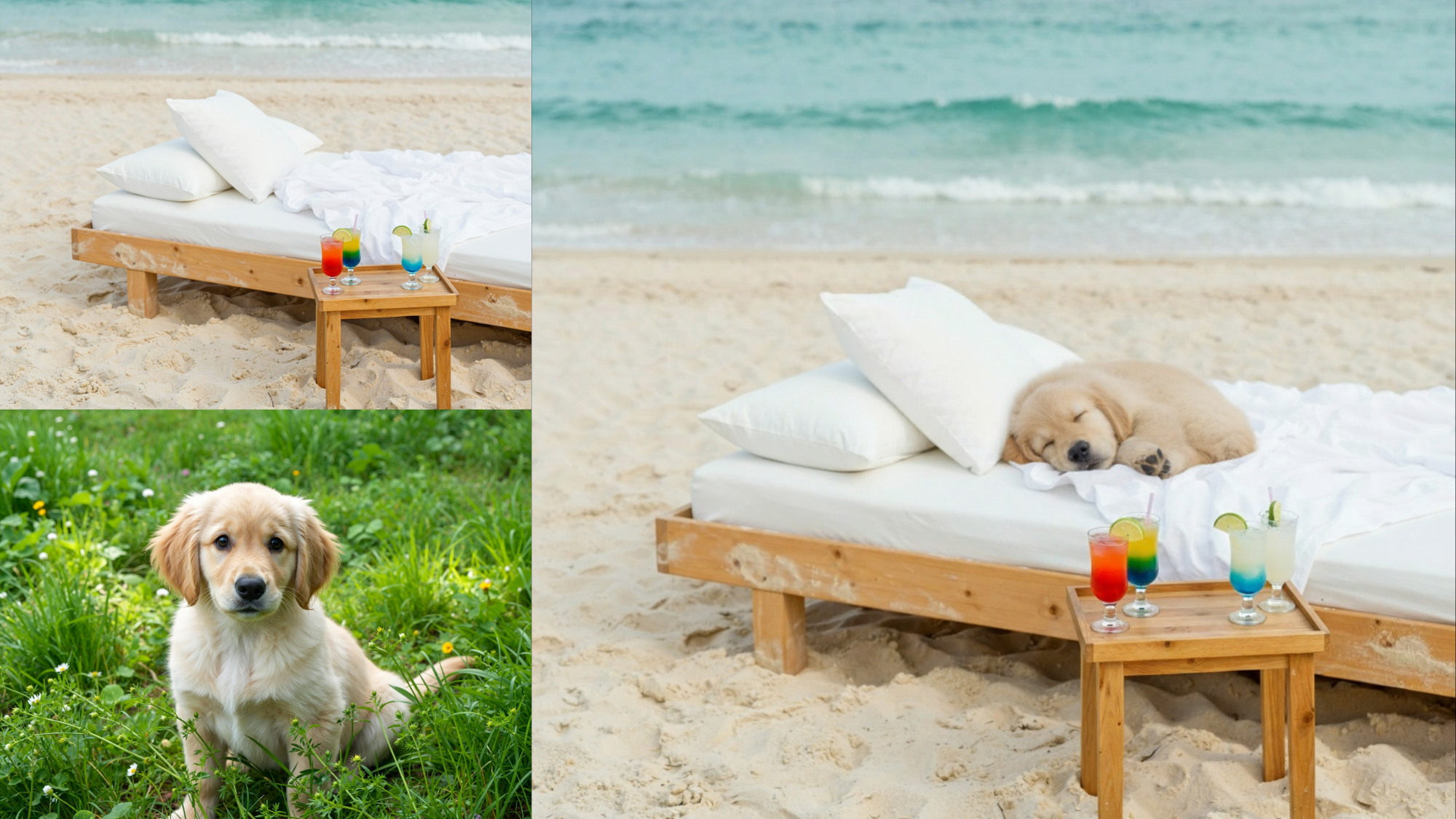
Use up to 10 reference images in a single generation with built-in batch optimization for faster, consistent results. Combine different character poses, outfit details, environmental elements, and style references in one go. It analyzes subject outlines, core elements, and color tones from each reference image to keep your final output clean and consistent.
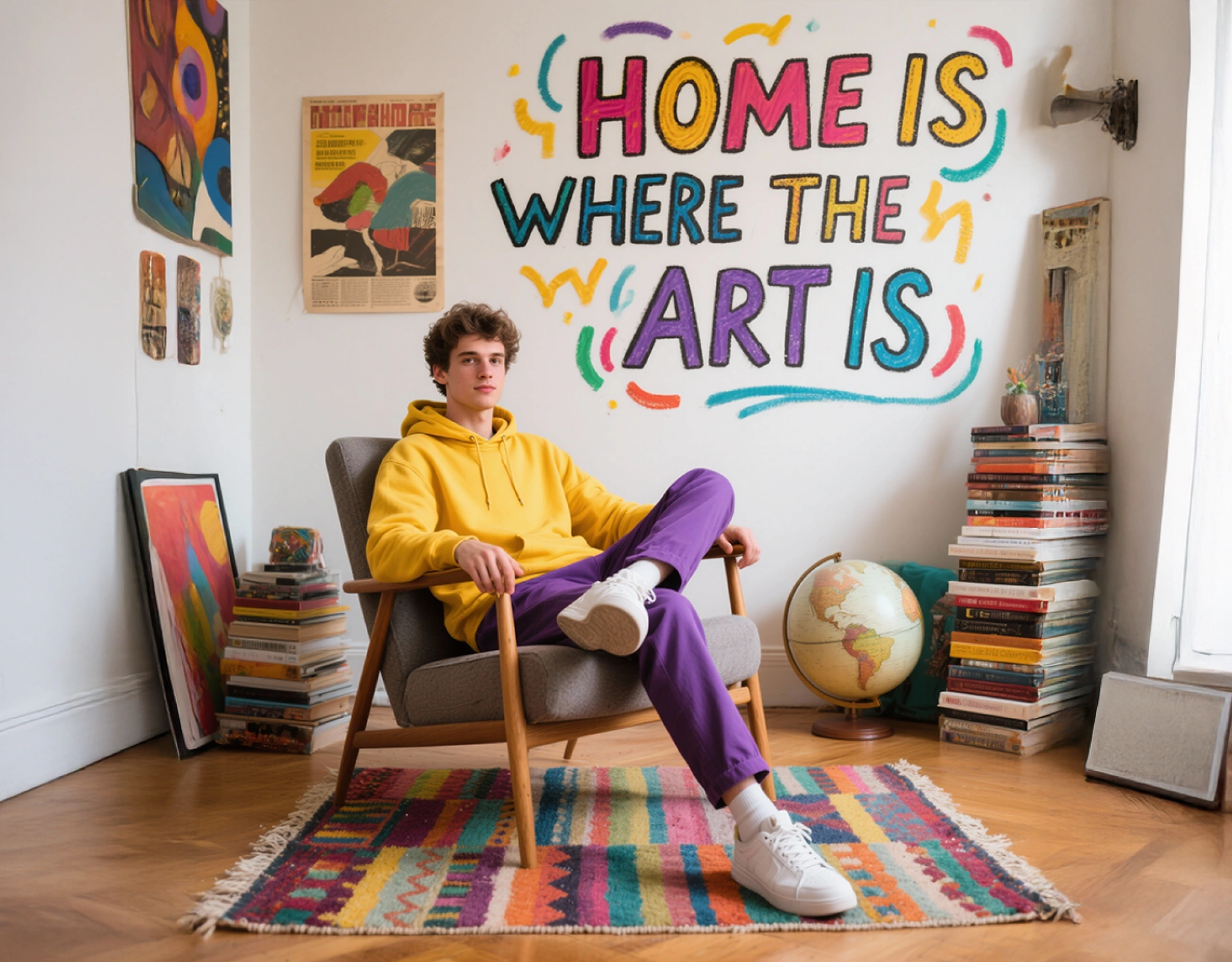
Multi-Reference Blending Without Switching Tools
Use style transfer, portrait reference, character reference, and multi-image blending all in one workflow. Make local edits: add, remove, or modify elements, without switching between different features. Everything works together and is connected for unrestricted, flexible creative control.
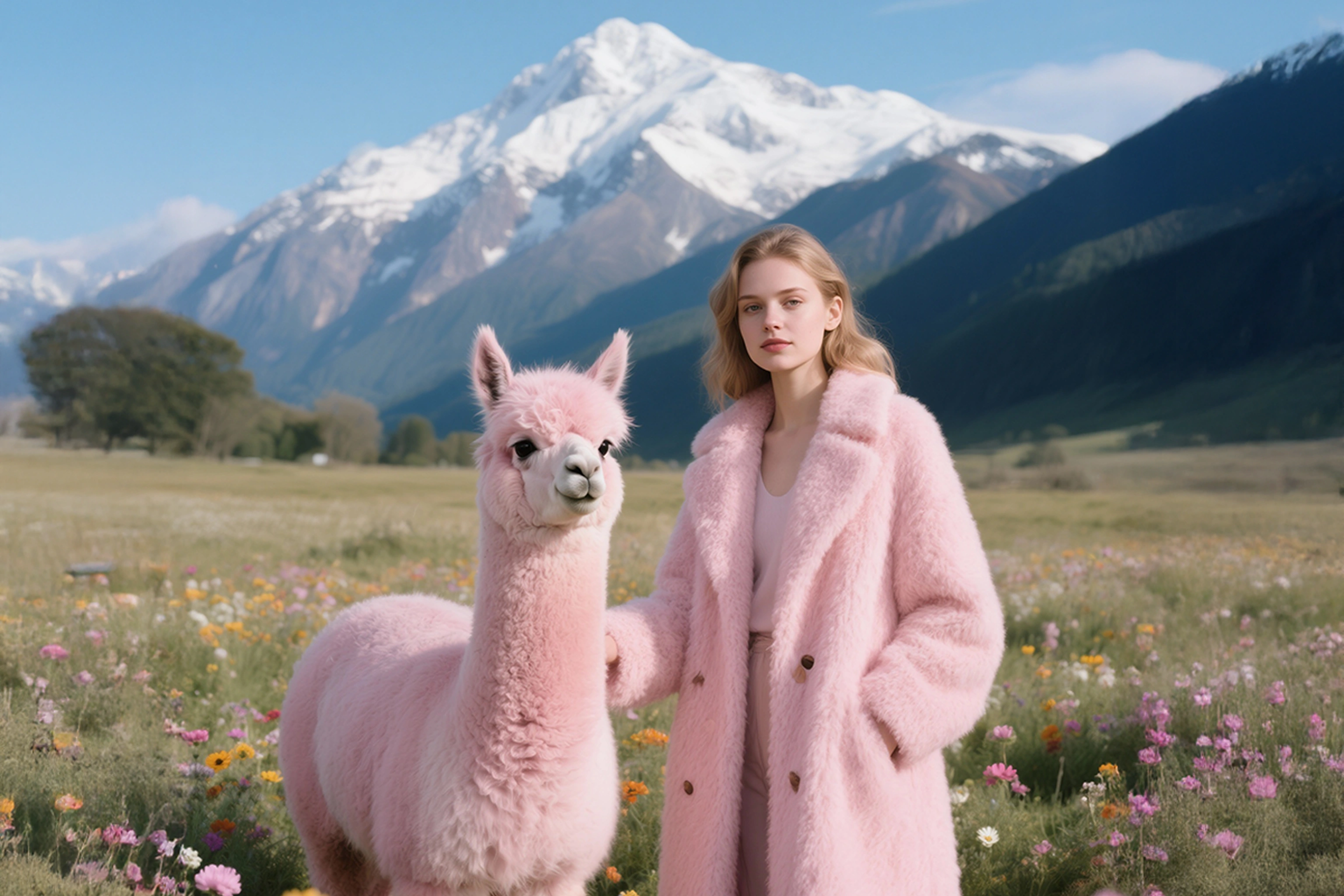
Cinematic Color Grading
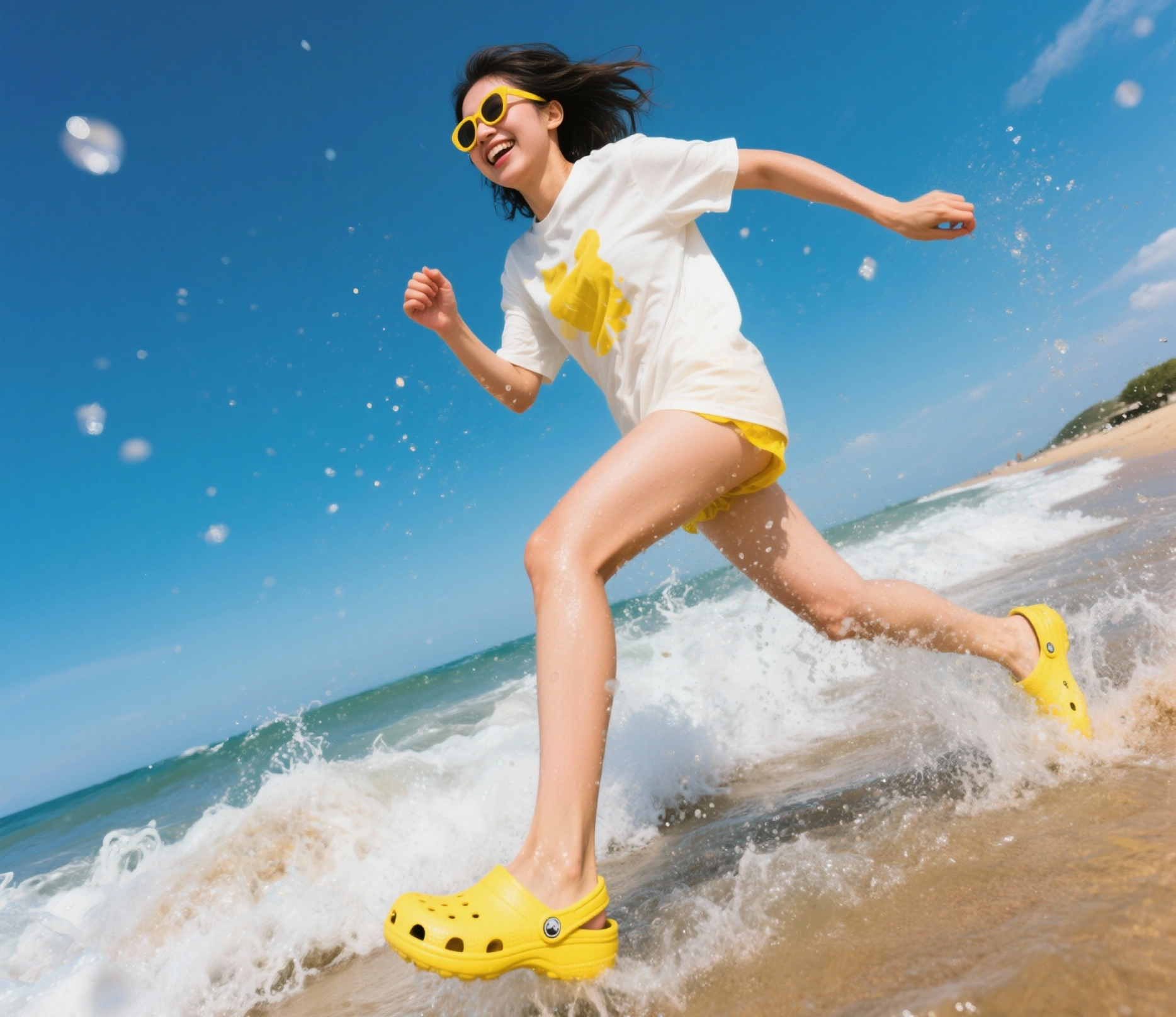
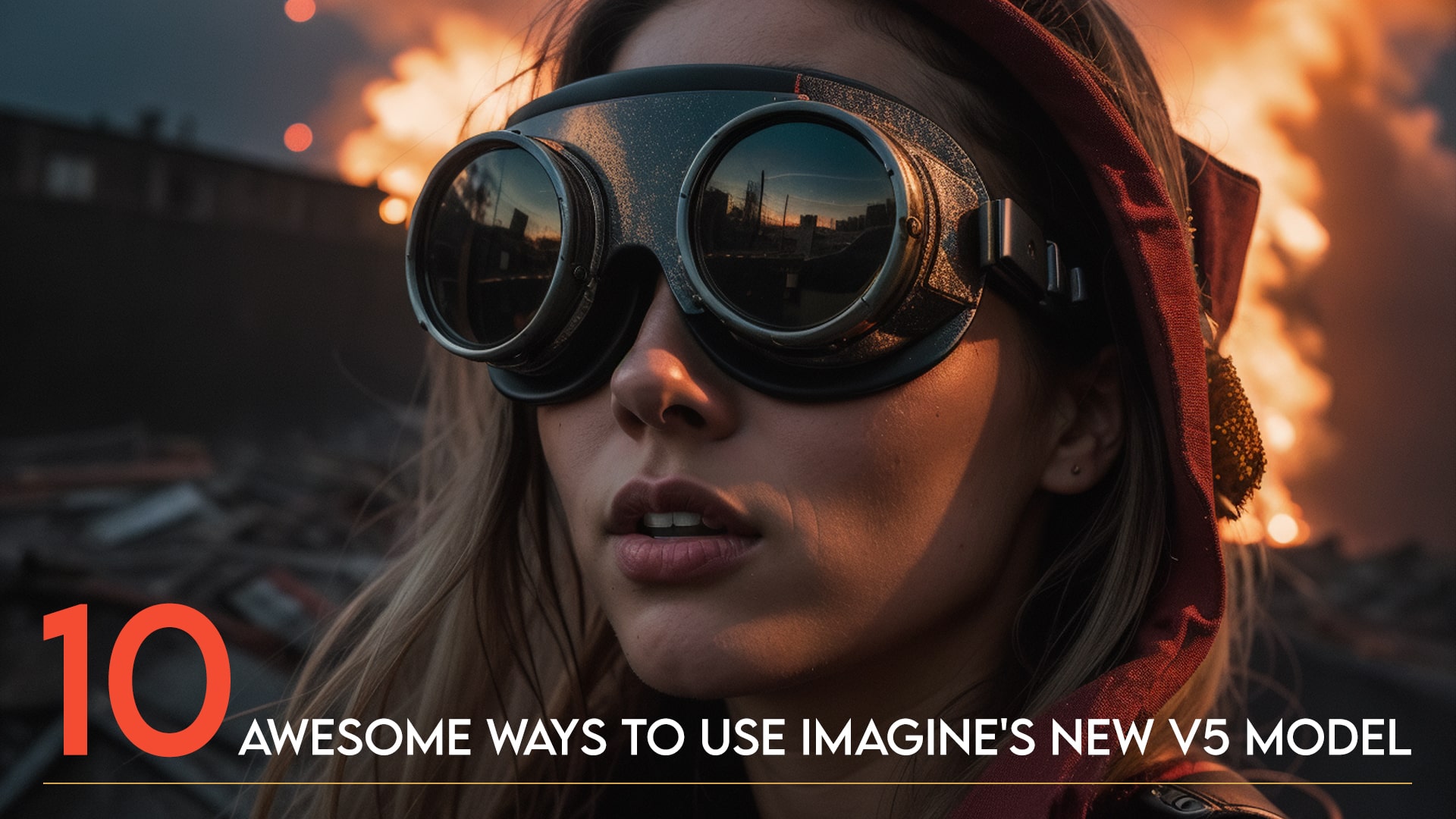
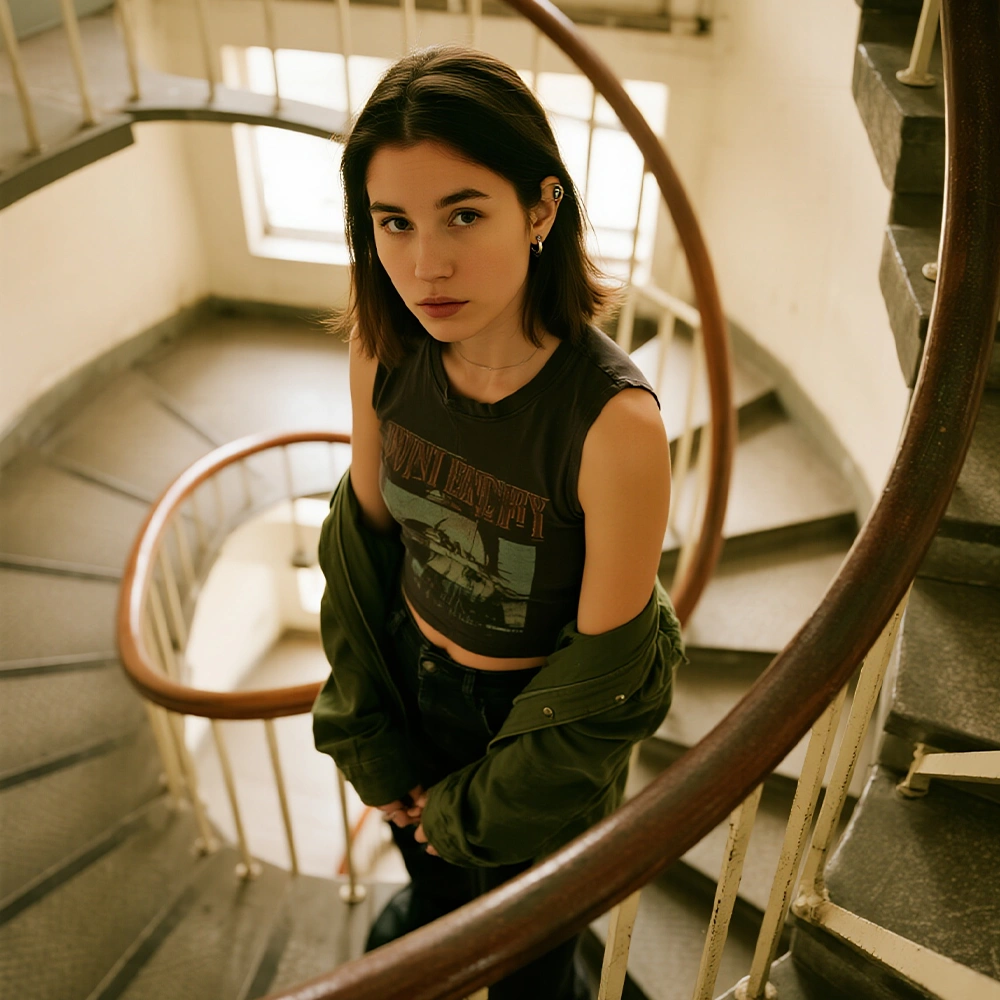
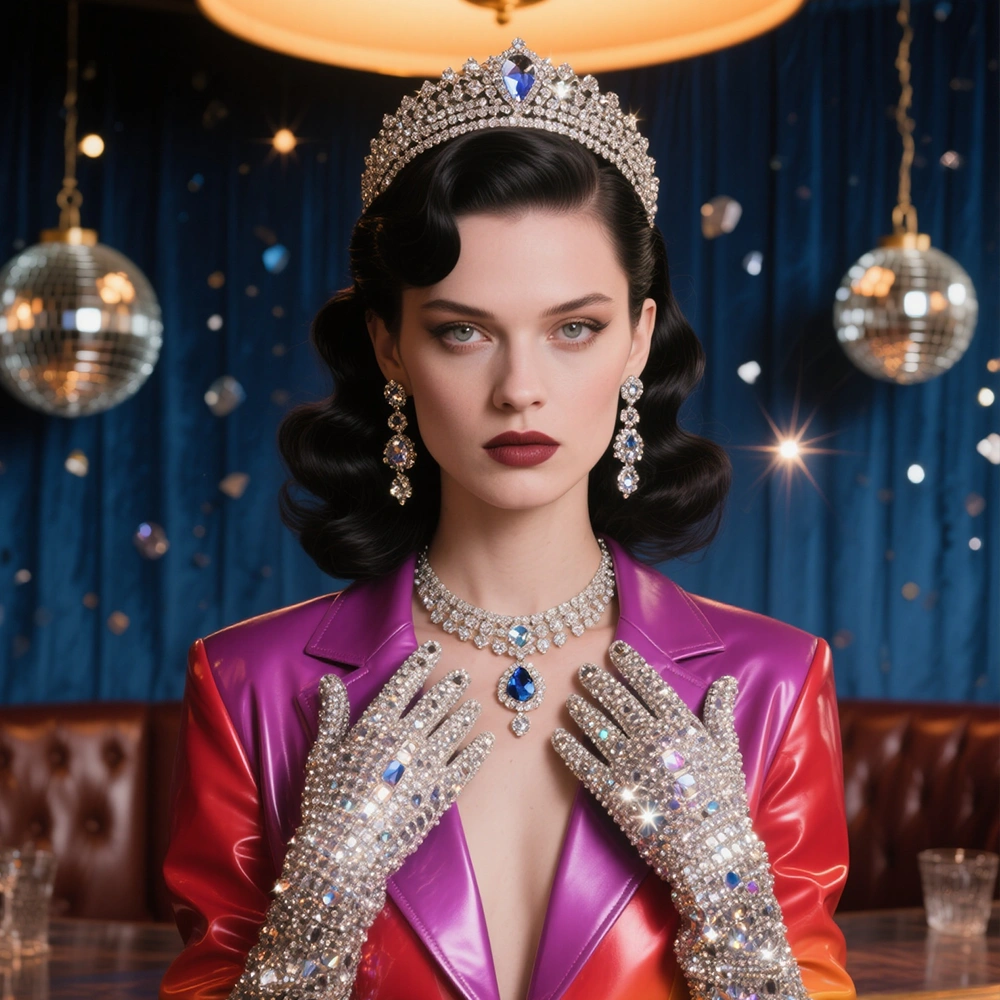
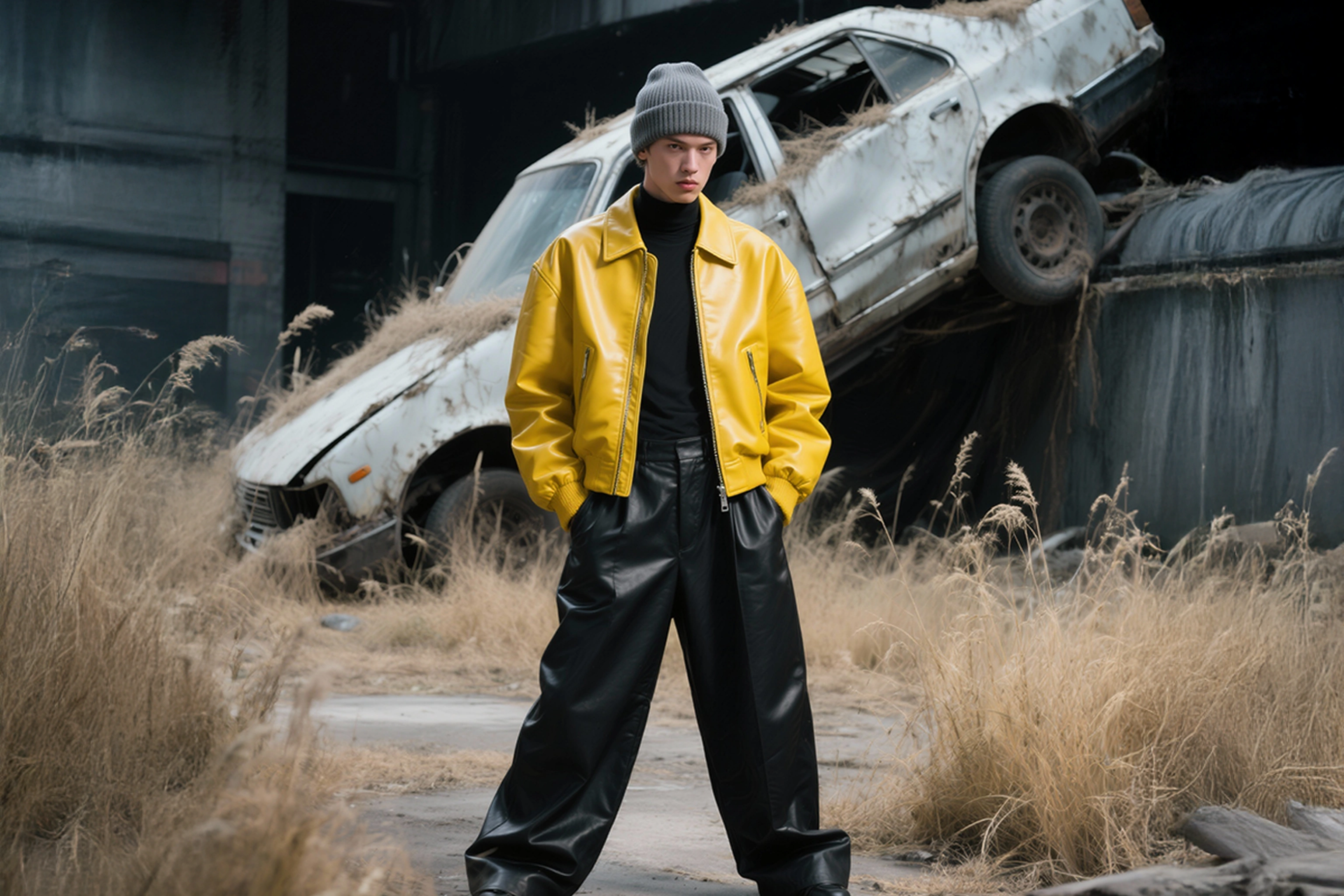
Kling Image 3.0 redefines portrait realism, bringing more natural expressions, finer skin details, and lifelike textures. Cinematic-grade color grading adds depth, mood, and atmosphere, giving every image the look and feel of a film scene. Enhanced details across the frame ensure richer visuals and a stronger overall impact.
How to Create Images with Kling 3.0?
Step 1
Describe Your Image
Write your prompt. Be specific about subjects, setting, lighting, mood, and style. "A peaceful zen garden at sunrise with morning mist" works better than just "garden."
Step 2
Choose Your Settings
Select image size (1K, 2K, or 4K), pick aspect ratio (square, portrait, or landscape), and set how many variations you want to generate.
Step 3
Generate & Download
Click generate and wait 10-30 seconds. Preview your results, regenerate with tweaks if needed, then download your high-quality 4K image.
Customer Testimonials

ApexStudios
Kling 3.0 changed how I create content. The 4K quality makes everything look professional, and I can generate dozens of variations in minutes instead of hours in Photoshop.

Anya Petrova
Marketing Designer

DreamWorks
The text rendering is unbelievable. We create poster designs and ad layouts directly in Kling 3.0 now. Typography actually works, which is rare for AI tools.

Ben Harris
Product Manager

Pixels
I use Kling 3.0 for early concept development. The cinematic composition and storytelling quality help clients visualize ideas before we commit to final art.

Isabelle Kim
Concept Artist

Shopify
We visualize products in lifestyle settings without photoshoots. The consistency feature means our brand look stays perfect across hundreds of product images.

Michael Chenn
Product Designer
Trusted by Professionals and Creators from leading brands
Sign up for freePurchase a Subscription
Upgrade to get access to pro features and generate more and better
Basic
For newcomers taking their first steps
View Plans
Billed monthly
Included in plan
3Kcredits per month
Additional Features
Up to ~600 Image Generations/month
Up to ~97 Video Generations/month
General Commercial Terms
Image Generation Visibility: Public
4 Concurrent Image Generations
Complimentary Access
All GPT Models
All Gemini Models
All Claude Models
Unlimited Generations
10 Image Models
9 Video Models
Standard
For rising creators to level up their game
View Plans
Billed monthly
Included in plan
8Kcredits per month
Additional Features
Up to ~1.6k Image Generations/month
Up to ~265 Video Generations/month
General Commercial Terms
Image Generation Visibility: Private
8 Concurrent Image Generations
Complimentary Access
All GPT Models
All Gemini Models
All Claude Models
Unlimited Generations
Nano Banana
Runway Gen 4 Turbo
Midjourney V7
8 more Image Models
8 more Video Models
Ultimate
Peak performance for pros
View Plans
Billed monthly
Included in plan
16Kcredits per month
Additional Features
Up to ~3.2k Image Generations/month
Up to ~530 Video Generations/month
All styles and models
General Commercial Terms
Image Generation Visibility: Private
Complimentary Access
All GPT Models
All Gemini Models
All Claude Models
Unlimited Generations
All image models in Standard plan
All video models in Standard plan
Kling 2.6 Pro
Seedance 1.5 Pro
ChatGPT 1.5
Creator
A full production engine for powerhouses
View Plans
Billed monthly
Included in plan
100Kcredits per month
Additional Features
Up to ~20k Image Generations/month
Up to ~3.3k Video Generations/month
All styles and models
General Commercial Terms
Image Generation Visibility: Private
Complimentary Access
All GPT Models
All Gemini Models
All Claude Models
Unlimited Generations
All image models in Ultimate plan
All video models in Ultimate plan
Kling 3.0 Pro
Seedance 2 Fast
Nano Banana 2
Have questions?
We have answers!
Kling Image 3.0 is an AI image generator that creates high-quality 4K images from text descriptions. It supports up to 10 reference images, generates consistent image series, enables batch optimization, and allows precise local re-editing. With cinematic color grading and enhanced portrait realism, Kling Image 3.0 delivers polished, professional results.
You can use up to 10 reference images in a single generation. Kling Image 3.0 identifies subject outlines, core elements, and color tones from each reference for precise consistency.
Multi-reference blending combines features from multiple images, style transfer, portrait reference, and character reference, all in one workflow. You can add, remove, or modify elements without switching between different features.
No. Just describe what you want in plain English and upload optional reference images. The AI handles composition, lighting, colors, style, and cinematic color grading automatically.
The Portrait Realism upgrade in Kling 3.0 makes faces look lifelike. It adds natural expressions and realistic skin details, so portraits feel authentic rather than artificial.
Yes. Local re-editing in Kling 3.0 Image lets you add, remove, or modify elements without regenerating the entire image. Make precise changes while maintaining overall consistency.
Kling Image 3.0 generates native 4K resolution images (up to 3840x2160 pixels) without upscaling. You can also choose 1K or 2K for smaller file sizes.
Ready to Create Stunning Images?
Turn your ideas into cinematic 4K visuals with Kling 3.0. Batch optimize, refine locally, and deliver consistent, professional results.