AI Product Packaging Mockup Generator
Upload a flat label or design file to this ai packaging mockup generator and get a realistic 3D packaging mockup, box, bottle, or jar, ready for a product listing, pitch deck, or lifestyle marketing scene.
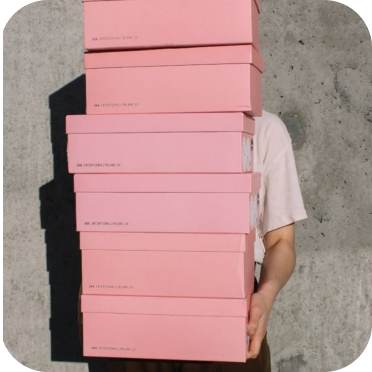
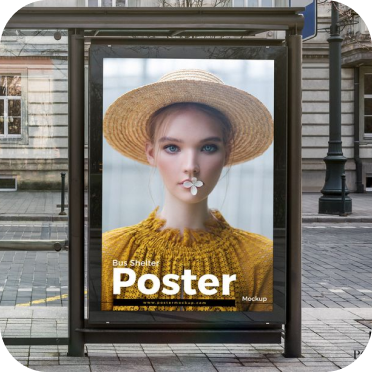
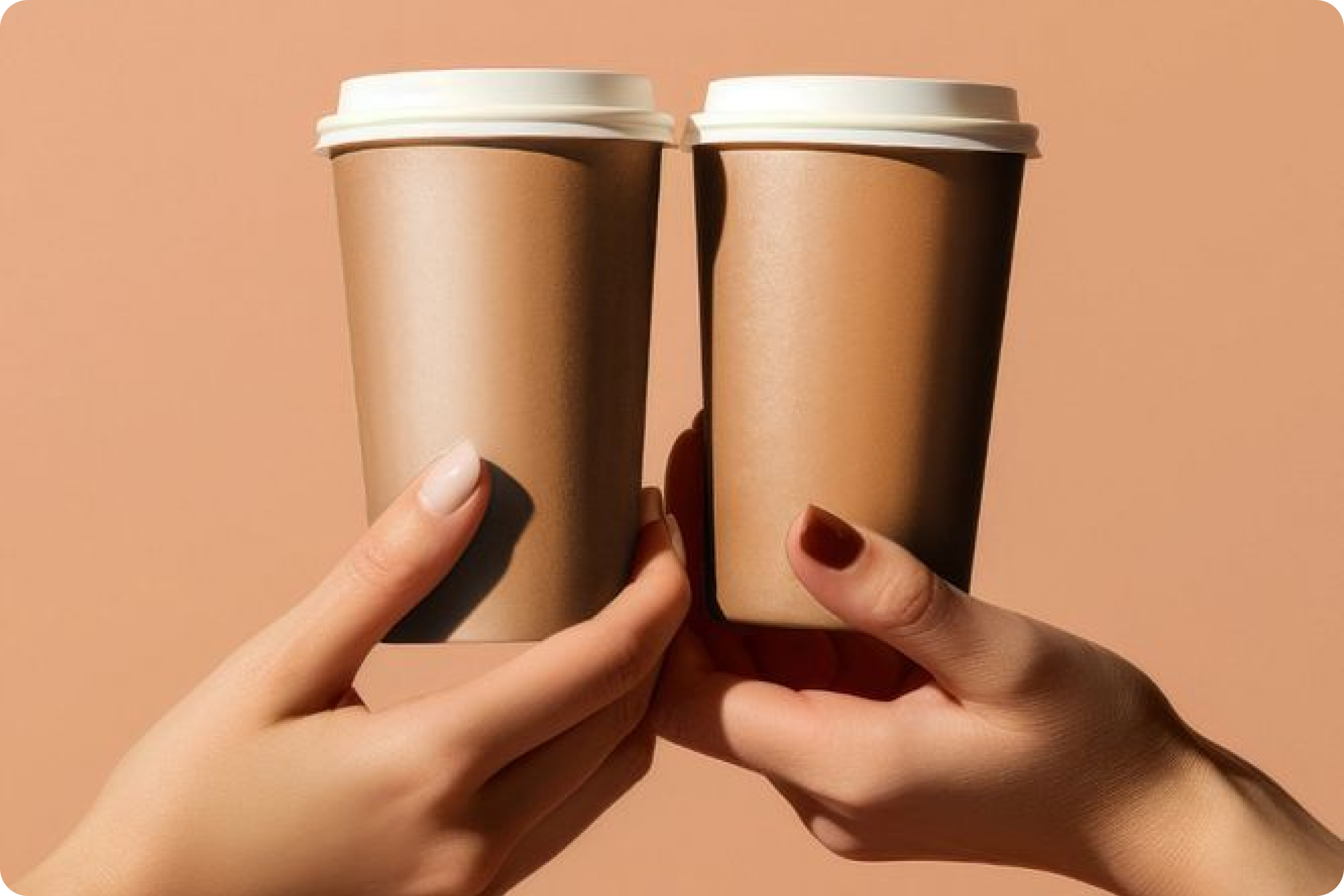
Community Creations of AI Product Packaging Mockups!
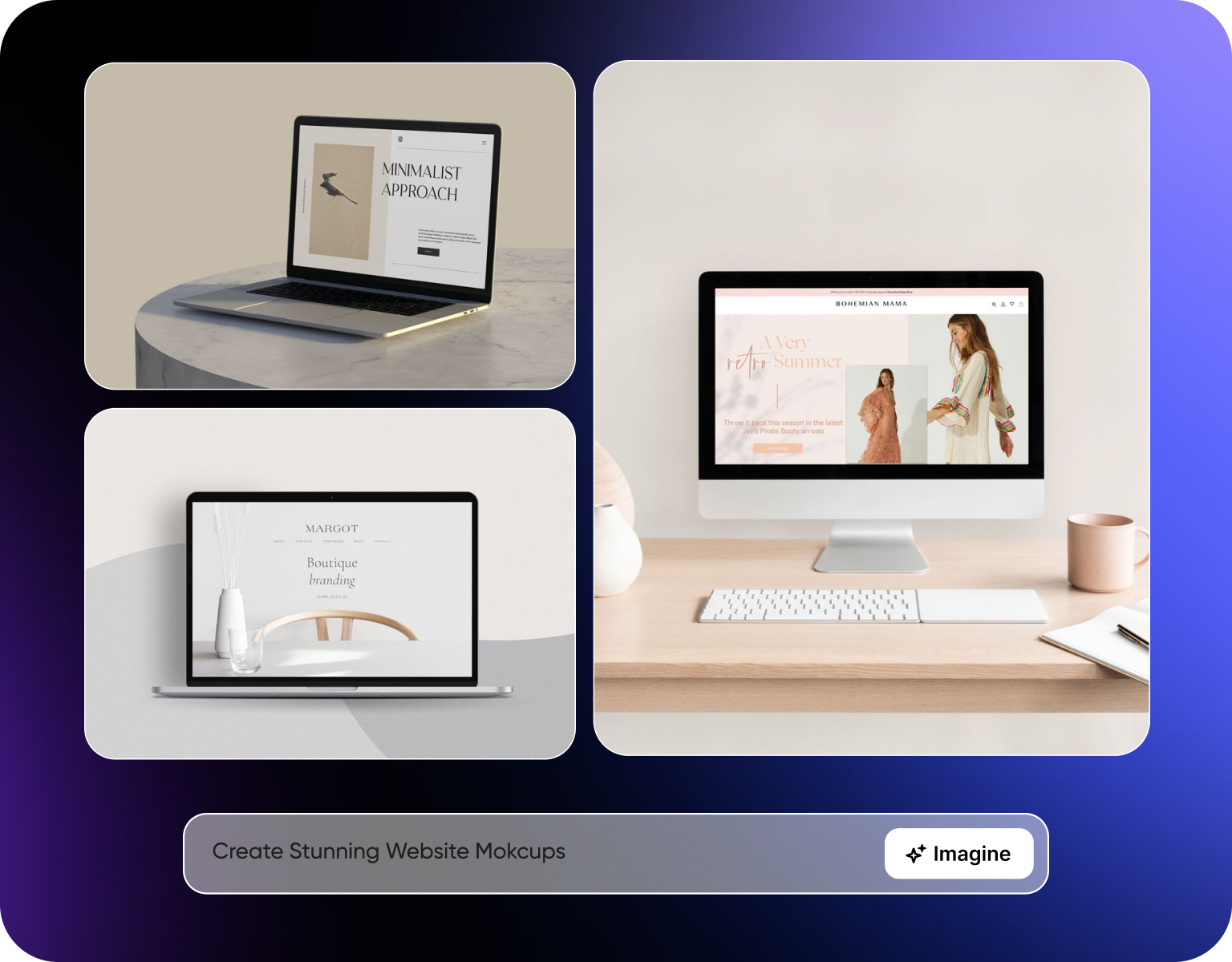
Showcase Products with Realistic Website Mockups
A label or box design usually gets approved as a flat file, long before there's a physical print run to photograph, which is exactly where an ai packaging mockup generator like this one fits in. This tool wraps that flat design onto a 3D container, box, bottle, jar, or pouch, so it can be reviewed and shown as if the product already exists on a shelf. Part of the broader AI art generator platform, it's built for pitching a product, running ads, or listing on a marketplace before physical inventory is ready. That matters for pitching a product, running ads, or listing on a marketplace before physical inventory is ready.
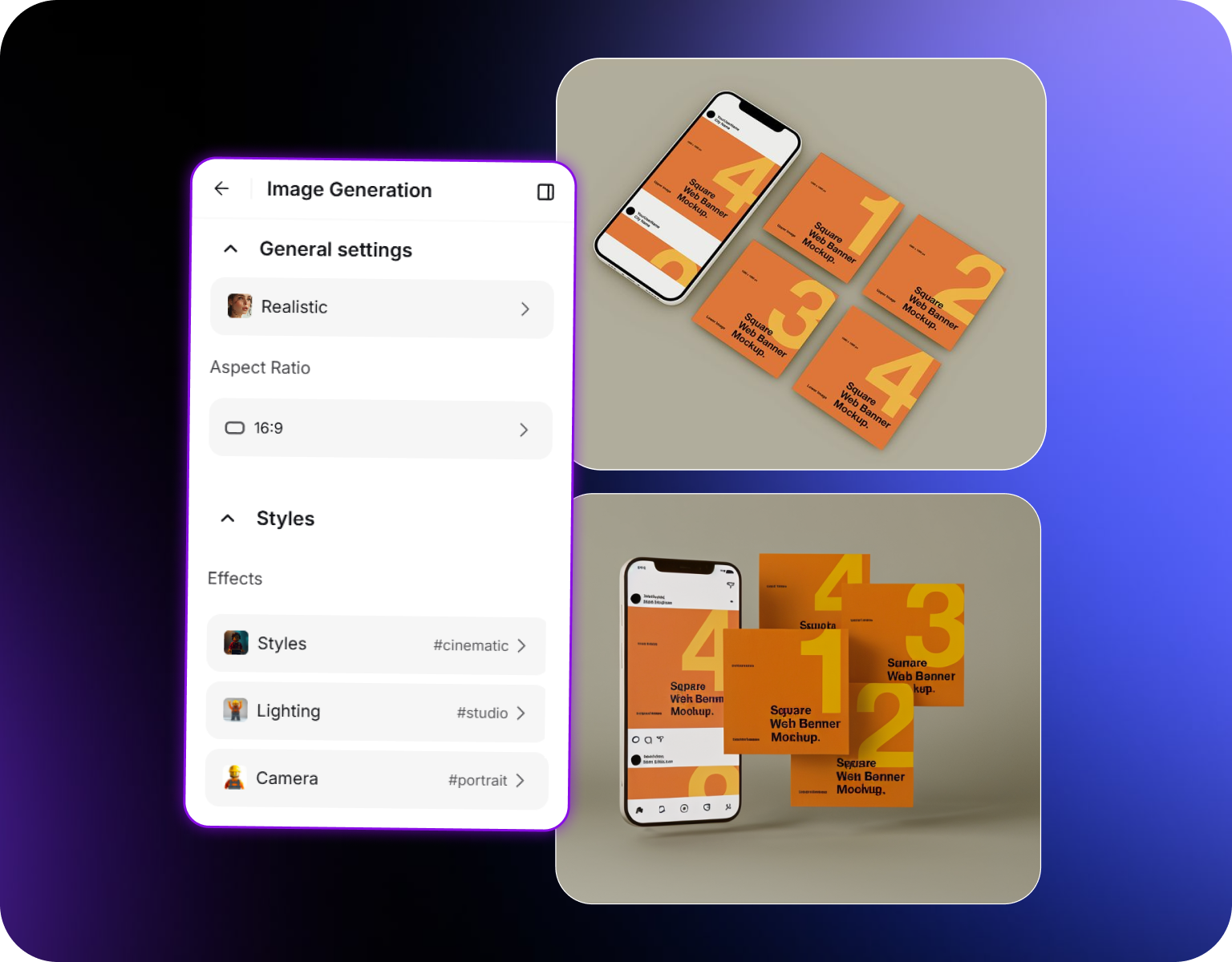
Any Container Shape, Without a Separate Template
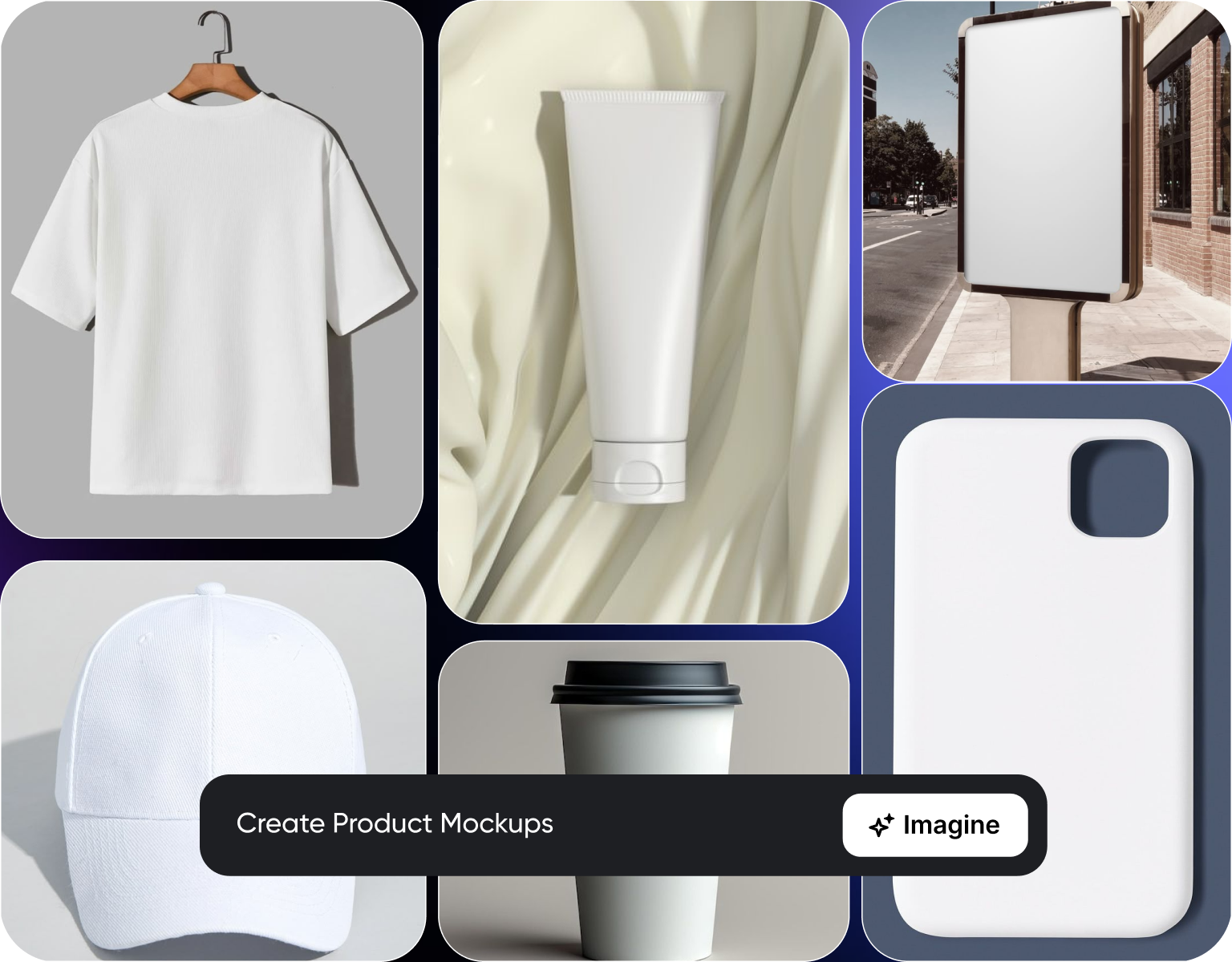
Boxes, bottles, jars, tubes, and pouches all wrap a flat label differently, which is why this doubles as a box mockup generator as much as a bottle or jar one. Curved surfaces distort a design in ways a flat mockup template can't show accurately. Upload the container type along with the label, and the wrap accounts for that shape automatically. There's no need to source a separate mockup template for every container type a product line uses.
Placed in a scene, not just on white
A plain white background mockup answers whether the label looks right. A lifestyle scene answers whether the product looks right on a shelf, a kitchen counter, or in someone's hand. Mockups can be placed into a lifestyle setting appropriate to the product category, and for fully custom backdrops ImagineArt AI image generator can build a scene from a prompt, giving a result closer to what a customer sees in store than an isolated studio render.
Built for teams shipping packaging changes often
Packaging updates, seasonal variants, and new SKUs happen more often than most teams can schedule a physical photo shoot for. Generating a mockup from the updated flat file means a new variant can be reviewed and used in marketing before a single physical unit is produced. That's useful for approval cycles, ecommerce listings, and catalog updates that move faster than a production run.
How To Create Realistic AI Mockups with ImagineArt AI
Step 1
Upload your label or design file
Start with a flat label, box design, or print-ready file, along with the container type, box, bottle, jar, tube, or pouch. No 3D modeling file is required. The design as approved for print is enough input to generate an accurate mockup of how it wraps onto the actual container shape.
Step 2
Generate the 3D mockup
As an ai packaging mockup generator, the flat design is wrapped onto the selected container shape, accounting for curves, seams, and proportions specific to that container type. Preview the mockup on a plain background first to check label placement and wrap accuracy before adding a lifestyle scene around it.
Step 3
Export or place in a lifestyle scene
Download the mockup on a plain background for catalog use, or place it into a lifestyle scene suited to the product category for marketing and social use. Export at resolution suitable for product listings, pitch decks, or paid ad creative without a separate photo shoot.
What the mockup includes
- Accurate container wrap:The flat label is mapped onto the actual container shape, box, bottle, jar, tube, or pouch, accounting for curves and seams.
- Multiple container types:As an ai packaging mockup generator built for more than one format, generate mockups across different box, bottle, and jar styles from the same source label without separate templates.
- Plain background renders:Clean, isolated mockups suited for catalog listings and internal approval review.
- Lifestyle scene placement:Place the same mockup into a scene appropriate to the product category for marketing use.
- Fast variant turnaround:Generate a new mockup as soon as a label or box design is updated, without waiting on a physical print run.
Where these mockups get used?
- Ecommerce listings:Product images for marketplace listings before physical inventory exists, including as a cosmetic mockup generator for jars and bottles ahead of a launch.
- Pitch decks and investor materials:Realistic packaging visuals for products still in production or pre-launch.
- Marketing and ad creative:Lifestyle-scene mockups used directly in paid social or display ad creative.
- Internal approval reviews:A visual check on how a flat design actually looks once wrapped onto its container, before sign-off.
- Catalog and SKU expansion:Mockups generated for new variants or seasonal packaging as they're designed.
Part of the product catalog workflow
- Pairs with Agentic Product Catalog Generation: Use generated mockups as the base images for automated catalog and listing creation.
- No physical prototype required:Review packaging decisions against a realistic render before committing to a print run, without juggling separate mockup tools for every container type.
- Consistent across SKUs:Generate mockups for an entire product line in the same container style and scene for a consistent catalog look.
- Faster approval cycles:Replace a physical sample photo shoot with a mockup review for early-stage design decisions.
- Reusable across channels:The same mockup set works for listings, ads, and pitch materials without regenerating separately for each.
Reviews About Product Packaging Mockup Generator
Learn what user say's about ImagineArt AIImagineArt AI.

“I have tried quite a few AI image generators, and ImagineArt has quickly become one of my favourites. The image quality is consistently impressive, with detailed, creative, and highly accurate results from even simple prompts. The platform is easy to use, generates images quickly, and offers a great variety of styles and customisation options. One of the main ways I use ImagineArt is to create artwork for my YouTube music videos. I generate unique images and then animate them as visuals to accompany my music. The quality and creativity of the images make them perfect for this purpose, and they often require very little editing before I can use them in my projects. What stands out most is how well it understands complex prompts and turns ideas into stunning visuals with minimal effort. Whether you're creating concept art, character designs, content for social media, or visuals for videos, ImagineArt delivers excellent results. The regular updates and new features show that the team is actively improving the platform, and the overall experience feels polished and reliable. It's become an important part of my creative workflow, and I'd highly recommend it to anyone looking for a powerful and user-friendly AI image generation tool.”
“Easy interface with all the latest models. Great pricing and worth using for advanced AI generations.”
“ImagineArt offers an impressive range of AI image generation styles and tools. The platform is intuitive and produces high-quality results across different creative styles. The support team is responsive and genuinely helpful. Would recommend to anyone looking for a versatile AI image tool. ”
“Using imagine has honestly been a great experience overall. The image quality is impressive, especially for cinematic and anime-style generations, and the platform feels smooth compared to many other AI tools. Prompt understanding is strong, and the renders usually come out detailed and visually appealing even without overly complex descriptions. One thing I really like is how easy the interface is to use. It doesn’t feel confusing for beginners, but still has enough features for advanced creators. The video and motion tools also have a lot of potential and can create very eye-catching content for reels and edits. ”
“its the most versitile platform i have been using and its just amazing to get early access to many models, User experience is just mind blowing .”
“I walked into ImagineArt mostly by chance and with little previous experience creating images with AI. I think I'd seen some effusively positive reference to the site but I can't be sure. I would strongly reccommend watching the instructional videos before you attempt anything. The videos made translating the vision in my head to killer images for Instagram easy and natural. It's not hard, just talk to it as if you were explaining your idea to a person and you'll do just fine. I see no need to look elsewhere for AI image generation programs, ImagineArt does it all!”
Purchase a Subscription
Upgrade to get access to pro features and generate more and better
Basic
For newcomers taking their first steps
View Plans
Billed monthly
Included in plan
3Kcredits per month
Additional Features
Up to ~600 Image Generations/month
Up to ~97 Video Generations/month
General Commercial Terms
Image Generation Visibility: Public
4 Concurrent Image Generations
Complimentary Access
All GPT Models
All Gemini Models
All Claude Models
Unlimited Generations
10 Image Models
9 Video Models
Standard
For rising creators to level up their game
View Plans
Billed monthly
Included in plan
8Kcredits per month
Additional Features
Up to ~1.6k Image Generations/month
Up to ~265 Video Generations/month
General Commercial Terms
Image Generation Visibility: Private
8 Concurrent Image Generations
Complimentary Access
All GPT Models
All Gemini Models
All Claude Models
Unlimited Generations
Nano Banana
Runway Gen 4 Turbo
Midjourney V7
8 more Image Models
8 more Video Models
Ultimate
Peak performance for pros
View Plans
Billed monthly
Included in plan
16Kcredits per month
Additional Features
Up to ~3.2k Image Generations/month
Up to ~530 Video Generations/month
All styles and models
General Commercial Terms
Image Generation Visibility: Private
Complimentary Access
All GPT Models
All Gemini Models
All Claude Models
Unlimited Generations
All image models in Standard plan
All video models in Standard plan
Kling 2.6 Pro
Seedance 1.5 Pro
ChatGPT 1.5
Creator
A full production engine for powerhouses
View Plans
Billed monthly
Included in plan
100Kcredits per month
Additional Features
Up to ~20k Image Generations/month
Up to ~3.3k Video Generations/month
All styles and models
General Commercial Terms
Image Generation Visibility: Private
Complimentary Access
All GPT Models
All Gemini Models
All Claude Models
Unlimited Generations
All image models in Ultimate plan
All video models in Ultimate plan
Kling 3.0 Pro
Seedance 2 Fast
Nano Banana 2
Have questions?
We have answers!
It's a tool that turns a flat label or packaging design into a realistic 3D mockup, wrapped onto a box, bottle, jar, or other container shape. Optionally, the mockup can be placed in a lifestyle scene suited to the product category. It's built for teams that need to see and use realistic packaging visuals before a physical print run or product unit exists.
Yes. Upload the flat label or design file as it was approved for print, along with the container type, and it's wrapped onto that container shape automatically. There's no need for a 3D modeling file or a separate mockup template matched to your exact container. The design as it exists today is enough to generate an accurate render.
Yes. Boxes, bottles, jars, tubes, and pouches each wrap a flat label differently because of curves, seams, and proportions specific to that shape. Select the container type along with the label, and the wrap adjusts automatically to match. A single label design can be previewed across multiple container types without sourcing a separate template for each one.
Yes. Beyond a plain-background render for catalog use, mockups can be placed into a lifestyle scene appropriate to the product category, a kitchen counter, a bathroom shelf, or a retail display, depending on the product. That version is built for marketing and ad use, where a product needs to look like it belongs somewhere, not just isolated for a listing photo.
Yes, you can directly share your created mockups from our platform to social media, making it easier to collaborate and get feedback.
Turn your label design into a real mockup
Upload a flat label or design file to this ai packaging mockup generator, choose the container shape, and get a realistic 3D mockup ready for a listing, pitch deck, or marketing scene.