AI Flyer Generator
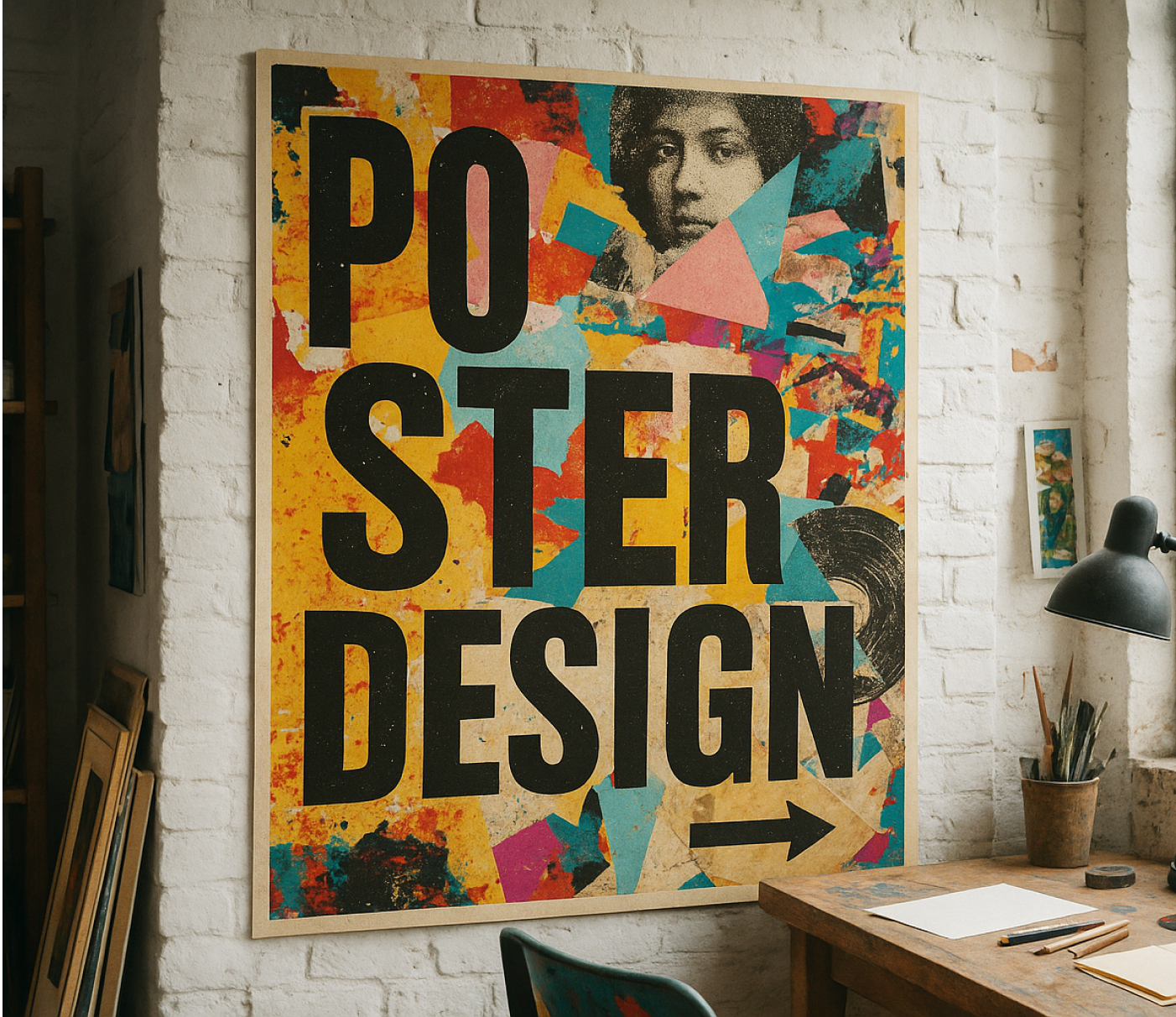
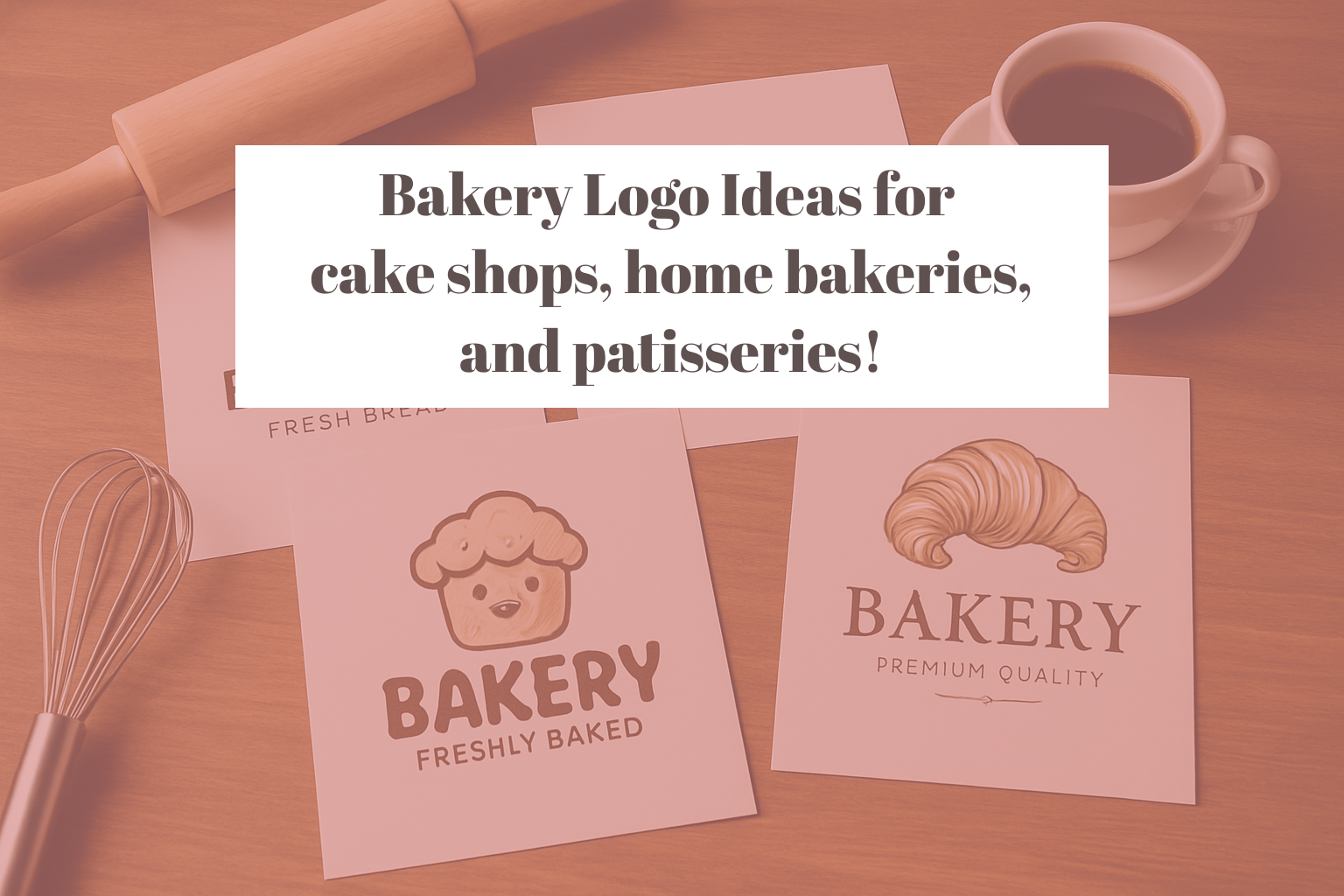
Describe the sale, concert, or open house you're promoting and this ai flyer generator gets a fully laid-out flyer back in under a minute. Built for anyone who needs a designer-quality flyer without opening a design program or hiring one.
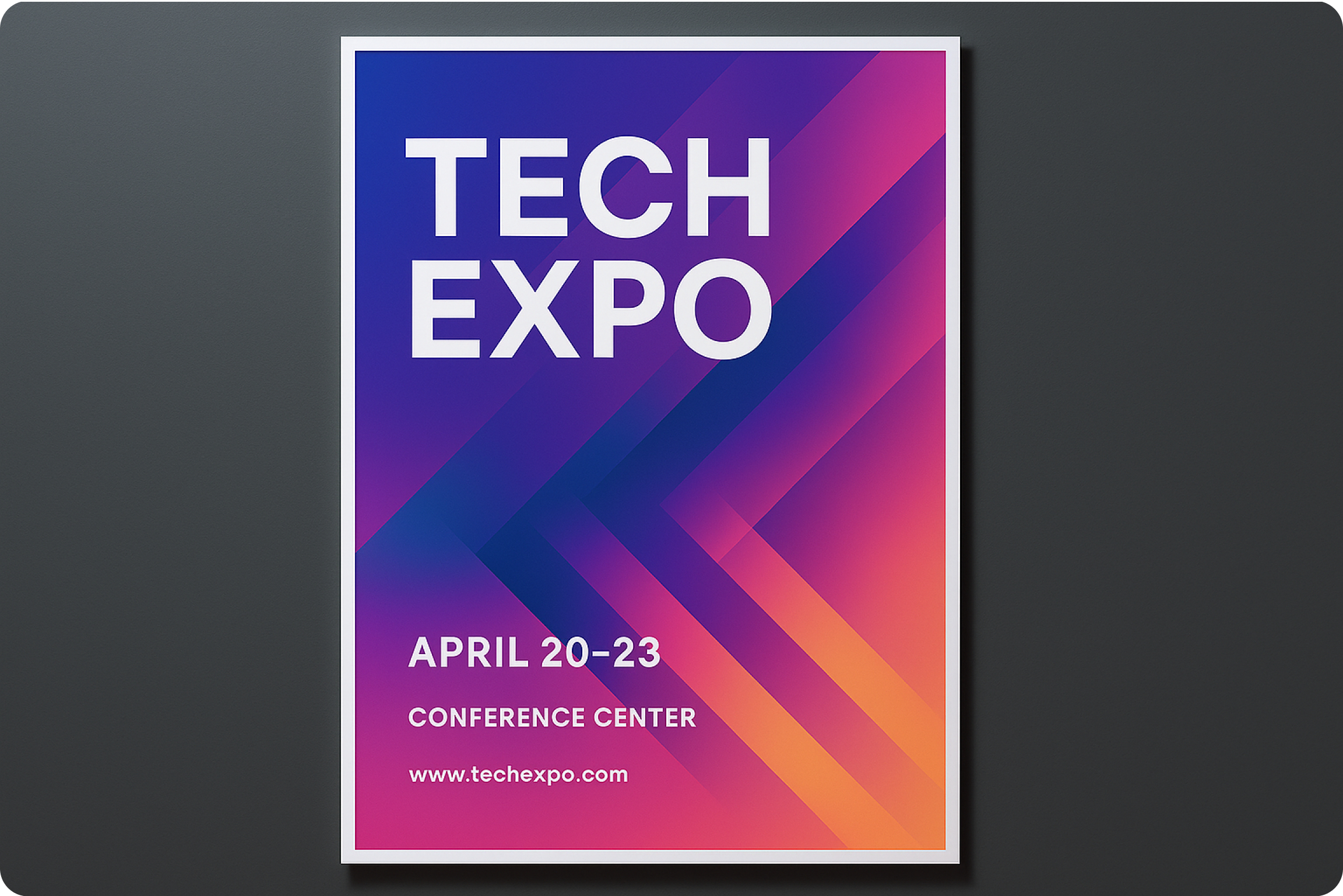
AI Flyer Community Creations
What the AI flyer generator actually does
Type what the flyer is for: a Saturday sale, a concert date, an open house address, and it produces a full layout with a headline hierarchy, imagery, and color palette already arranged. You are not picking a blank template and filling in text boxes one at a time. The layout, type pairing, and spacing come out matched to the event type you described, ready to edit from there rather than build from a grid. Need a custom hero image instead of a stock one? The AI image generator creates one from a prompt to drop straight into the flyer.
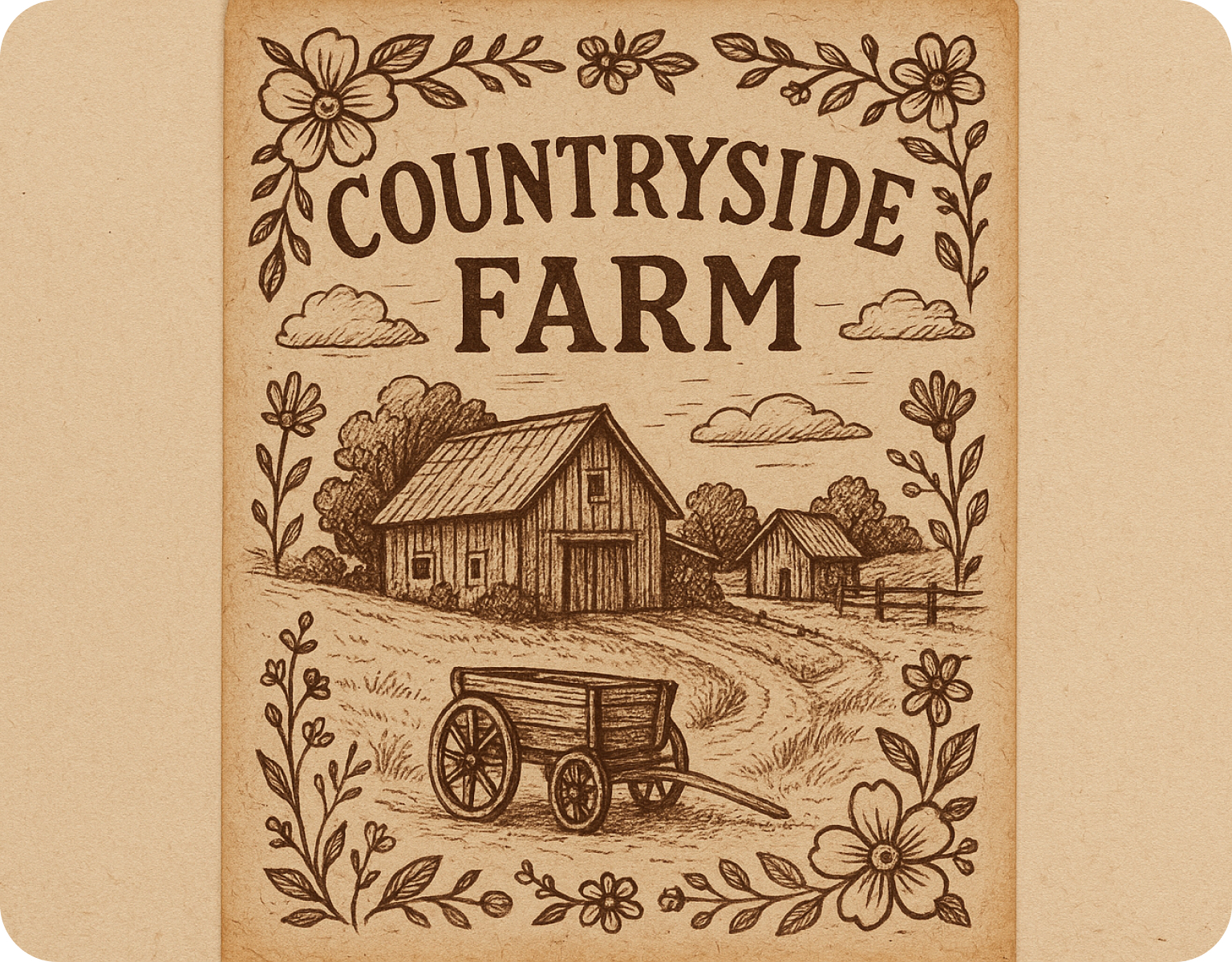
A Canva alternative for people who don't want to learn Canva
Canva still asks you to choose a template, then manually align text boxes, then pick fonts that work together. This tool skips the template-browsing step: describe the event and get a finished draft, then adjust colors, swap a photo, or change a headline. For a small business owner making one flyer a month, that means minutes instead of the half hour Canva's blank-canvas workflow usually takes.
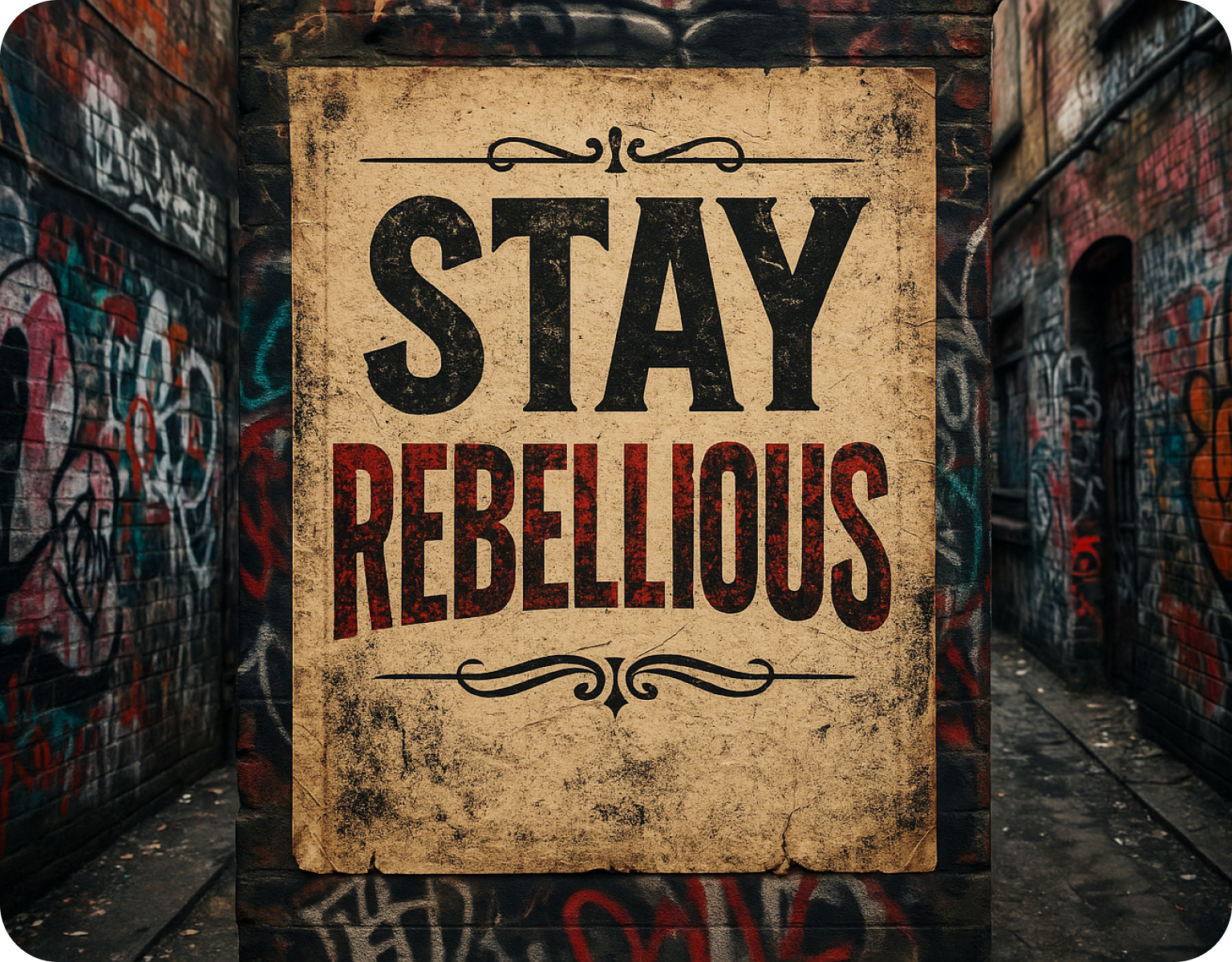
Built for specific event types, not one generic template
A concert flyer needs a bold headline and a date-and-venue block. A sale flyer needs a price callout and a store address. An open house flyer needs a photo-forward layout with an agent's contact block. The generator adjusts layout structure to the event type you name instead of forcing every flyer through the same generic box-and-headline template regardless of what you're actually promoting. For a web or social header promoting the same event, the AI banner generator builds a matching banner.
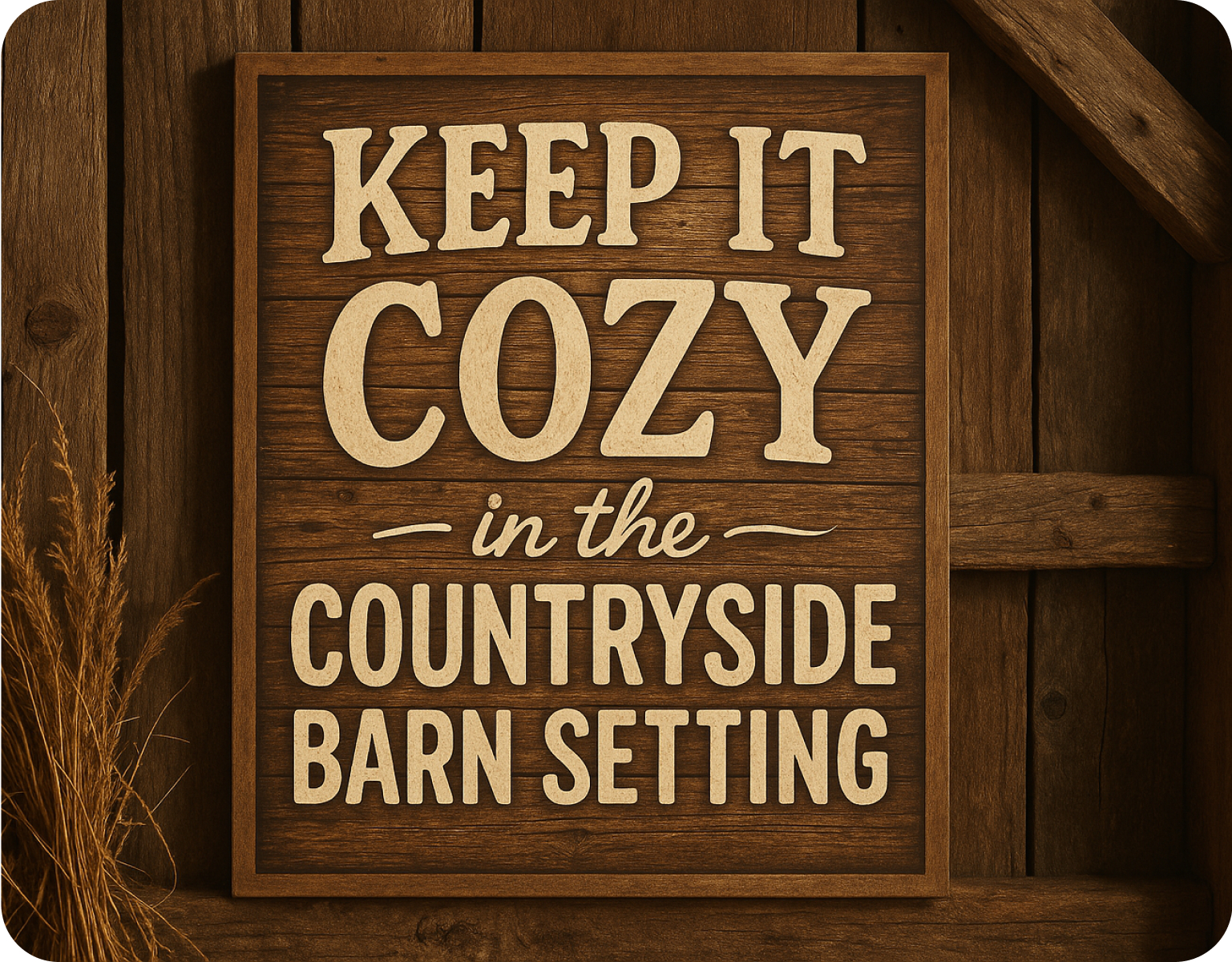
Keep a series of flyers looking like one campaign
Run five weekly sale flyers or ten open house flyers for different listings and set a color palette and font pairing once. Each new flyer generated after that pulls the same palette and type choices, so a customer scrolling past three of your flyers on social media recognizes them as coming from the same business without you re-entering brand colors on every single one. The same brand setup carries across the AI art generator and its design tools, from banners to business cards.
How to Generate Flyer with AI
Step 1
Describe your event
Enter what you're promoting: the event name, date, location, price or offer, and any contact details. Mention the vibe you want, like bold and colorful for a concert or clean and minimal for a corporate open house. A few sentences is enough for a usable first draft.
Step 2
Generate the flyer
The system builds a full layout: headline, supporting text, imagery placement, and color palette, based on what you described. Regenerate for a different layout style or swap the color scheme without starting over. Each variation takes under a minute to produce.
Step 3
Download and export
Export as a print-ready PDF with bleed margins for a physical flyer, or as a social-sized JPEG or PNG for an Instagram post or story. Both formats generate from the same design, so you don't have to rebuild the layout twice for two different uses.
Customize every flyer down to the detail
- Event-type layouts:Choose a structure suited to a sale, a concert, an open house, or a community event rather than one generic box.
- Color and font control:Adjust the palette and type pairing directly, or lock in a brand set to reuse across flyers and in the ai business card generator for matching contact cards.
- Image placement:Swap a hero photo, a logo, or a background image without disturbing the surrounding text layout.
- QR code insertion:Add a scannable code linking to a ticket page, a menu, or a booking form.
- Editable text fields:Change the headline, date, price, or contact line directly without regenerating the whole design.
Export formats built for how flyers actually get used
- Print-ready PDF:Export with bleed margins and CMYK-appropriate color for a local print shop run.
- Social-shareable formats:Export a square crop for a feed post or a vertical crop for a story, from the same design.
- Multiple resolutions:Download a high-resolution file for printing and a compressed version for a quick text message share.
- Batch-friendly workflow:Generate a series of flyers for recurring events, like weekly specials, from one saved brand setup.
- No plugin required:Files open directly in a standard PDF viewer or image app, no special software needed on the other end.
Reviews About AI Flyer Maker
Learn what creators say about ImagineArt AI.

“Great platform, lots of useful features. All the models you would want under one roof. Multi variation parallel generation of images and videos. workflows. awesome stuff THOUGH lots and I mean lots of popups.”
Purchase a Subscription
Upgrade to get access to pro features and generate more and better
Basic
For newcomers taking their first steps
View Plans
Billed monthly
Included in plan
3Kcredits per month
Additional Features
Up to ~600 Image Generations/month
Up to ~97 Video Generations/month
General Commercial Terms
Image Generation Visibility: Public
4 Concurrent Image Generations
Complimentary Access
All GPT Models
All Gemini Models
All Claude Models
Unlimited Generations
10 Image Models
9 Video Models
Standard
For rising creators to level up their game
View Plans
Billed monthly
Included in plan
8Kcredits per month
Additional Features
Up to ~1.6k Image Generations/month
Up to ~265 Video Generations/month
General Commercial Terms
Image Generation Visibility: Private
8 Concurrent Image Generations
Complimentary Access
All GPT Models
All Gemini Models
All Claude Models
Unlimited Generations
Nano Banana
Runway Gen 4 Turbo
Midjourney V7
8 more Image Models
8 more Video Models
Ultimate
Peak performance for pros
View Plans
Billed monthly
Included in plan
16Kcredits per month
Additional Features
Up to ~3.2k Image Generations/month
Up to ~530 Video Generations/month
All styles and models
General Commercial Terms
Image Generation Visibility: Private
Complimentary Access
All GPT Models
All Gemini Models
All Claude Models
Unlimited Generations
All image models in Standard plan
All video models in Standard plan
Kling 2.6 Pro
Seedance 1.5 Pro
ChatGPT 1.5
Creator
A full production engine for powerhouses
View Plans
Billed monthly
Included in plan
100Kcredits per month
Additional Features
Up to ~20k Image Generations/month
Up to ~3.3k Video Generations/month
All styles and models
General Commercial Terms
Image Generation Visibility: Private
Complimentary Access
All GPT Models
All Gemini Models
All Claude Models
Unlimited Generations
All image models in Ultimate plan
All video models in Ultimate plan
Kling 3.0 Pro
Seedance 2 Fast
Nano Banana 2
Have questions?
We have answers!
It is a tool that turns a written description of an event, sale, or promotion into a fully designed flyer, including headline, supporting text, imagery, and color palette. Instead of starting from a blank template and manually placing text boxes, you describe what the flyer is for and get a complete first draft to edit from. It is built for small businesses, event organizers, and anyone without in-house design support.
Yes. The layout structure adjusts to the event type you describe. A sale flyer gets a price callout and store details, a concert flyer gets a bold date-and-venue block, and an open house flyer gets a photo-forward layout with a contact block for the agent. Naming the event type in your description is enough for the generator to choose an appropriate structure rather than a one-size layout.
Yes. Every flyer can be exported as a print-ready PDF with bleed margins suited for a local print shop, and separately as a JPEG or PNG sized for a social feed post or story. Both come from the same underlying design, so there's no need to rebuild the layout separately for print versus social use.
Yes. Set a color palette and font pairing once and apply it to every new flyer you generate afterward. This is commonly used by businesses running recurring promotions, such as a weekly sale or a series of open houses, so each flyer reads as part of the same campaign rather than looking like it came from a different source each time.
Create Amazing AI Flyers Today!
Describe your next sale, show, or open house and let this ai flyer generator hand back a finished design before your coffee's done. Print it, post it, or send it, all from one description and one export.