AI Menu Design Generator
Upload your dish list, or a few photos of the food, and this ai menu design generator gets a laid-out restaurant menu back in minutes. Built for owners and managers who need a menu that looks designed without hiring a designer for a one-page job.

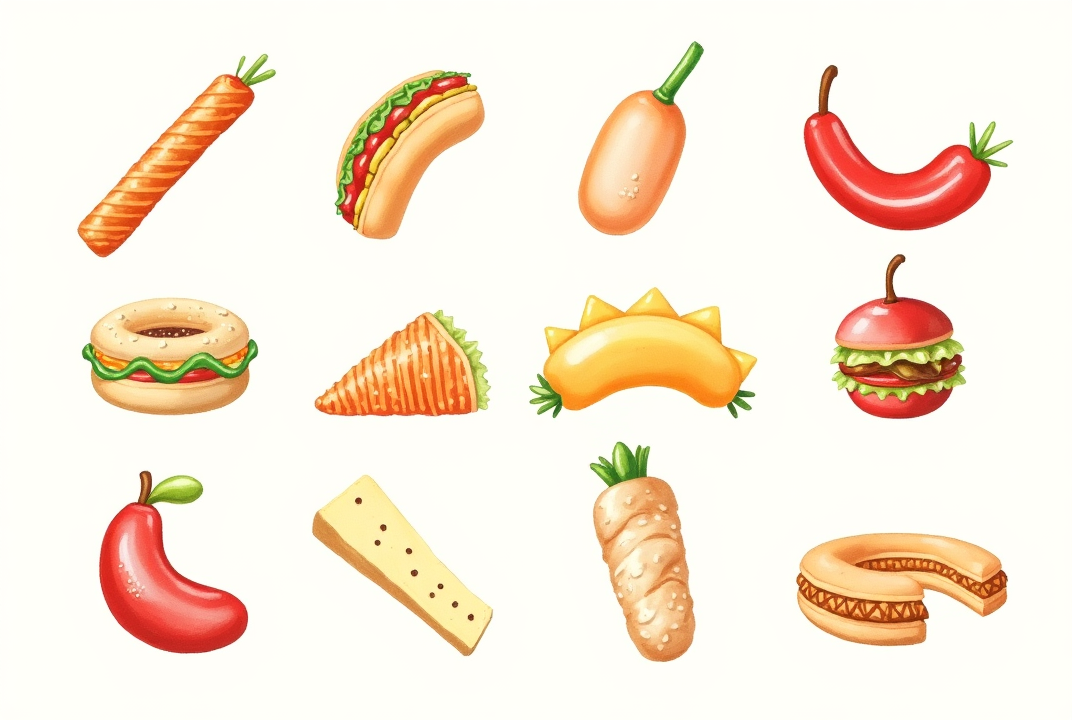

Menus from the ImagineArt Community
What the AI menu design generator actually does
Enter your dish names, descriptions, and prices, or a few photos of the food itself, and the generator arranges them into a full menu layout: section headers, price alignment, and typography chosen to match your restaurant's style. A fine-dining list of six courses gets a different visual treatment than a fast-casual counter menu with twenty items. You're not filling in a single fixed template regardless of what kind of restaurant you're running, the way a generic menu maker usually works. It's one of the design tools on the AI art generator platform.
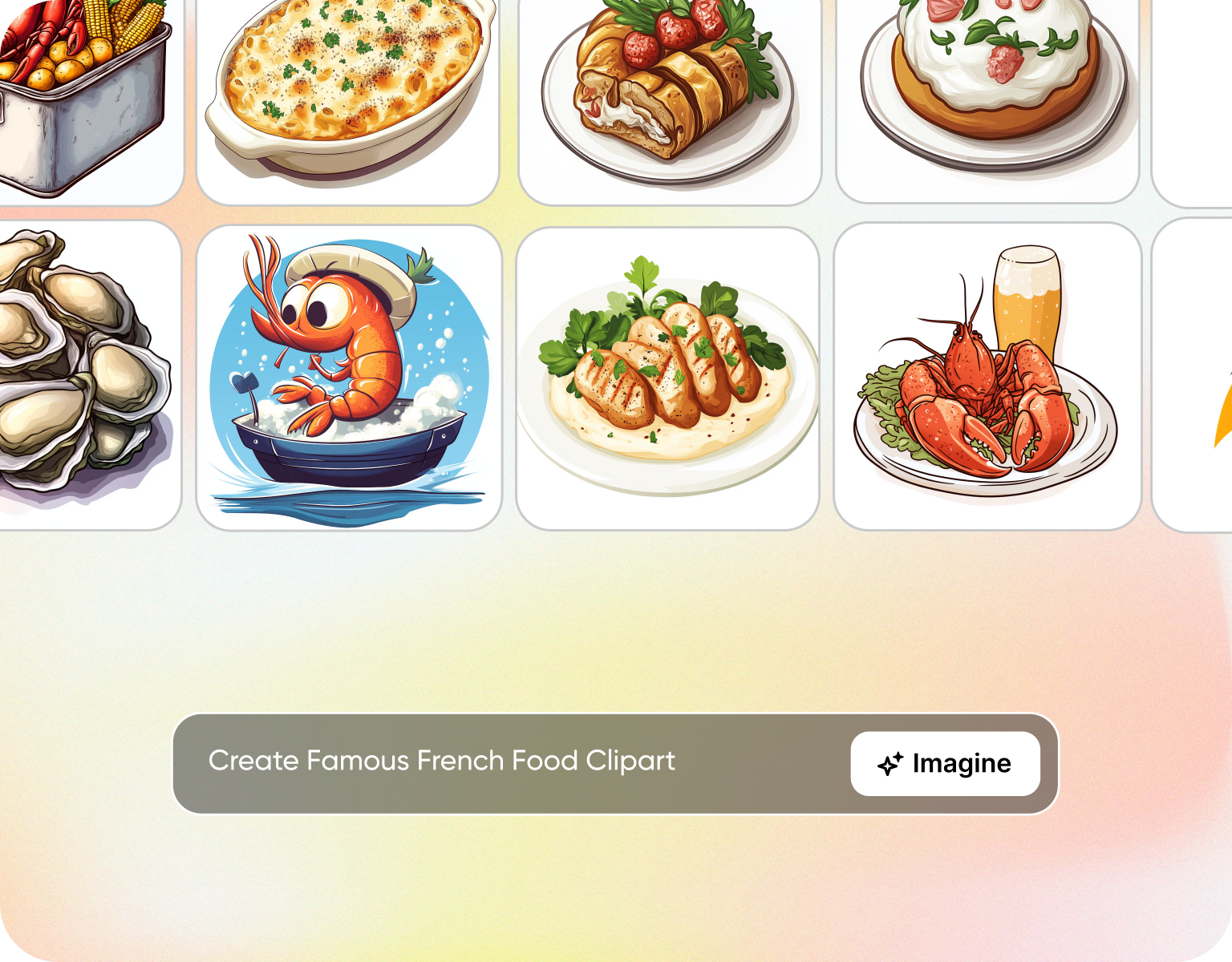
From a plain dish list to something a guest wants to hold
Most menus start as a spreadsheet or a text document: dish name, short description, price, repeated down the page. That format works for the kitchen but not for a guest deciding what to order. Feeding that same list into this restaurant menu maker produces a version with visual hierarchy, appetizers separated from entrees, price points aligned, and a typeface that fits a cafe differently than it fits a steakhouse. For dishes without a photo on hand, our AI image generator can create visuals to feature alongside them.
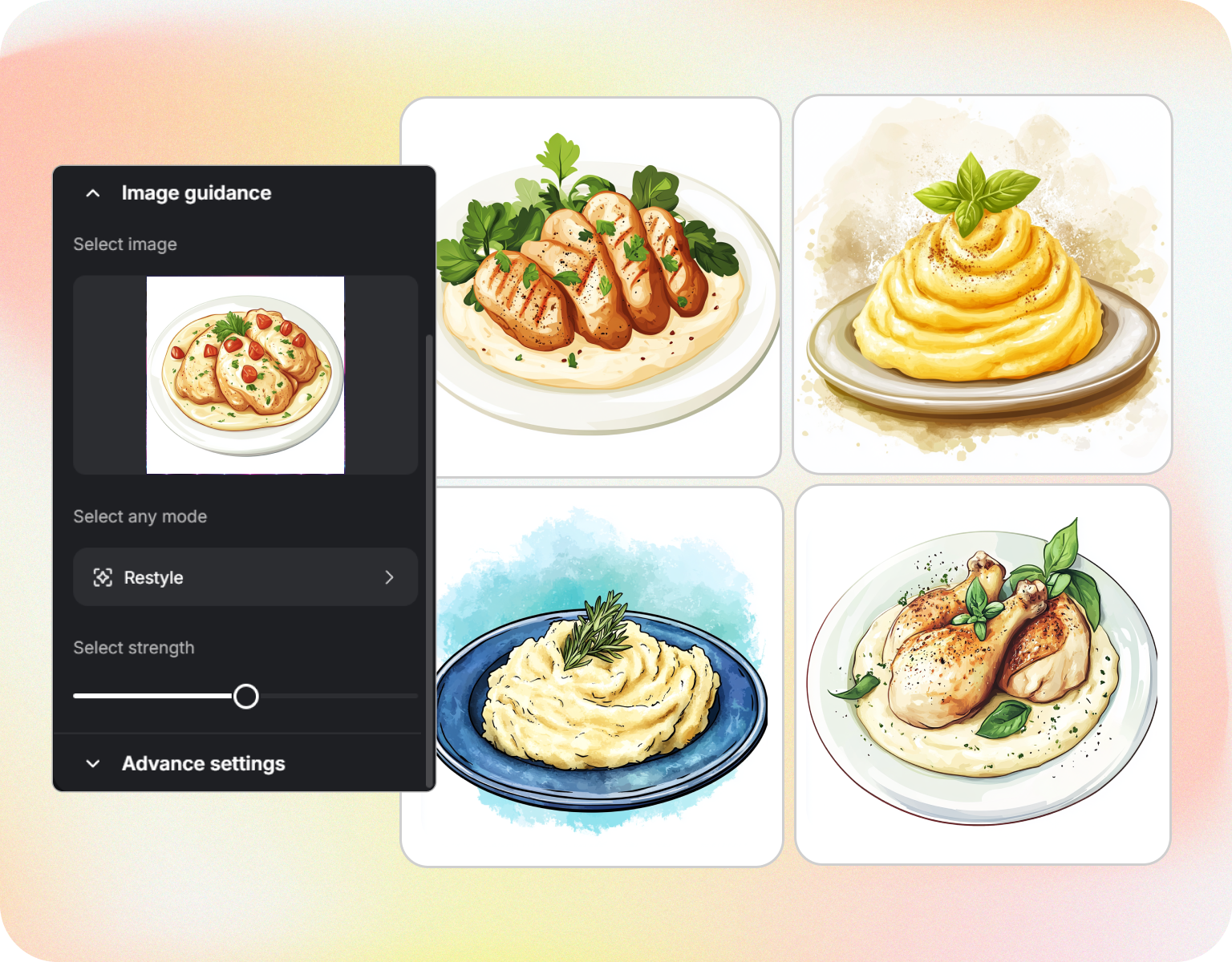
Built around how often menus actually need to change
A seasonal rotation, a new dish, or a price adjustment shouldn't require rebuilding the whole layout. Update the dish list and regenerate in this menu builder, and the new version keeps the same visual structure as the last one, so guests see a familiar-feeling menu even when three dishes have changed. This matters most for restaurants that rotate a specials section weekly or seasonally without touching the rest of the menu.
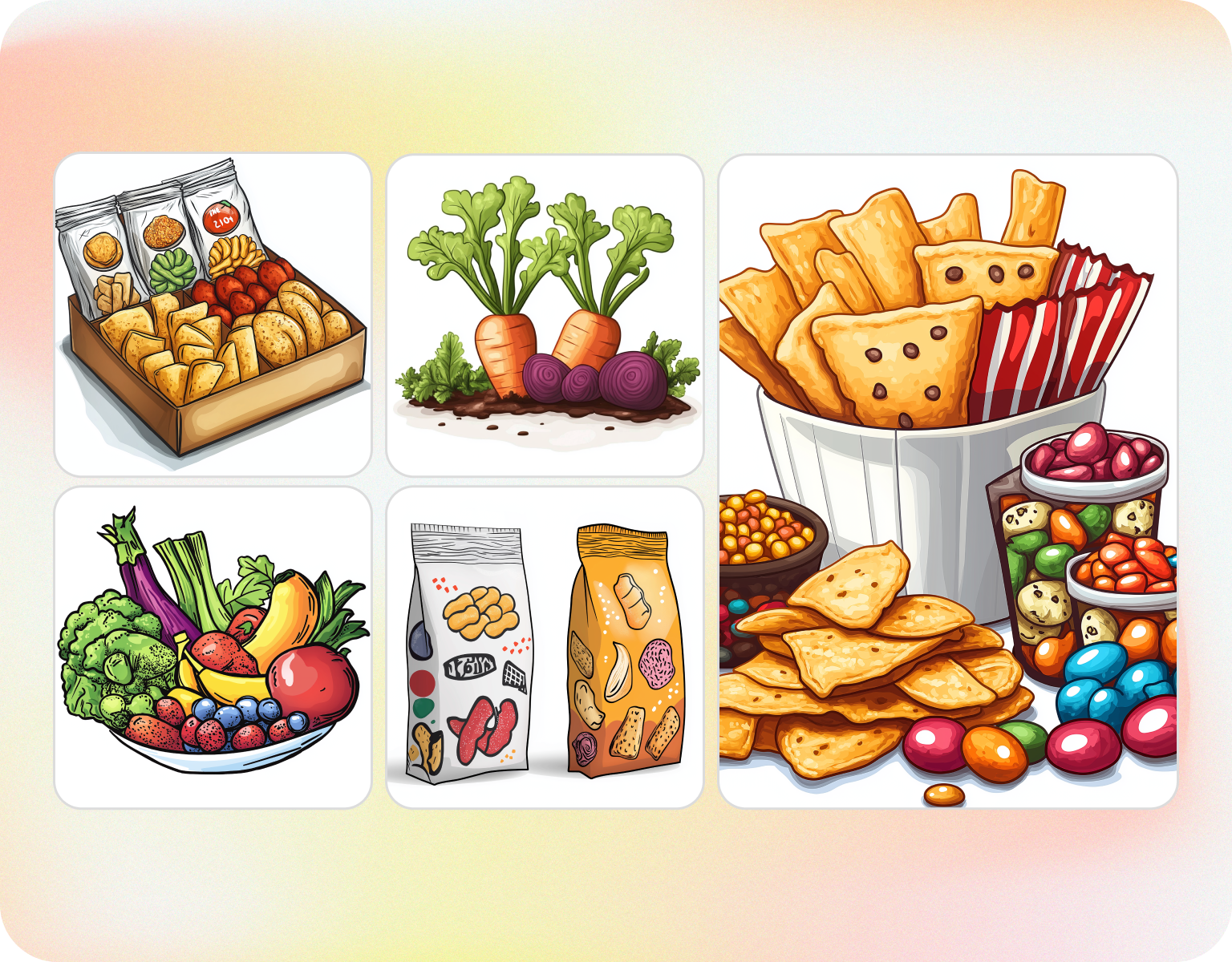
One tool for the whole front-of-house paper trail
The same menu creator produces a dinner menu, a drink list, a kids' menu, and a to-go insert, each pulling from the same brand fonts and colors set once. A restaurant running four different printed pieces at the counter doesn't end up with four slightly mismatched looks, because every piece traces back to one saved style setup rather than four separate design files. For custom dish visuals across those pieces, the text to image generator creates images from a prompt.
How AI menu Design Generator Works
Step 1
Add your dishes
Enter dish names, descriptions, and prices as a list, or upload a few photos of the food if you want the menu to include imagery. Note the restaurant style you're going for, like fine dining, cafe, or fast-casual, so the layout matches the setting whether you create restaurant menu concepts for an opening night or a weekly refresh.
Step 2
Generate the menu
The system arranges your dishes into sections, aligns prices, and applies typography suited to the style you specified. Regenerate for a different layout structure or a different visual tone without re-entering the dish list. Each variation is ready in under a minute.
Step 3
Download print-ready files
Export as a print-ready PDF sized for a table tent, a trifold, or a full-page menu, with bleed margins included for a professional print run. A digital version exports separately for a QR-code menu or a website listing, working as an online menu maker for restaurants that skip print entirely.
Adjust the layout to match your restaurant
- Style presets:Choose a layout suited to fine dining, cafe, fast-casual, or bar menus rather than one generic format, the kind of range a dedicated menu designer would normally set up by hand.
- Section control:Organize dishes into appetizers, mains, desserts, or drinks with headers that reorder as your list changes.
- Photo integration:Add dish photos to specific menu sections, like a specials board, while keeping other sections text-only.
- Price alignment:Prices align consistently down the page regardless of how long each dish description runs.
- Seasonal updates:Swap in a seasonal dish list and regenerate while keeping the same overall visual structure.
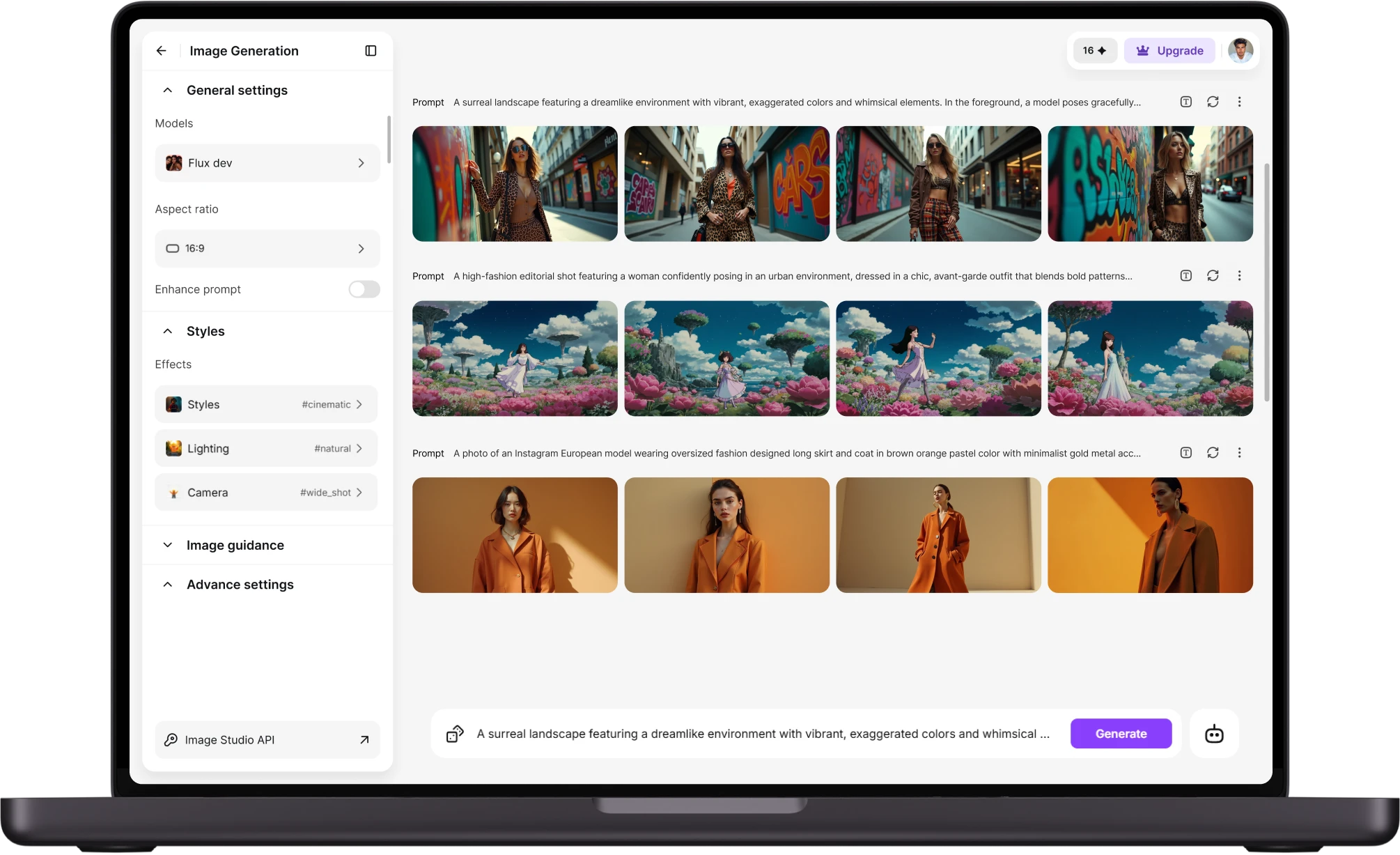
Export formats built for a working restaurant
- Print-ready PDF:Bleed margins and print-appropriate color settings included for a local print shop order.
- Multiple sizes:Export a full-page menu, a trifold, or a table tent insert from the same design.
- Digital-friendly formats:A web or tablet version for a QR-code menu, sized for on-screen reading rather than paper.
- Brand consistency:Fonts and colors set once carry across a dinner menu, drink list, and kids' menu.
- Fast reprints:Update a price or swap a dish and regenerate a corrected file without redesigning the whole page.
Where restaurants use this most
- New restaurant openings:Make a restaurant menu design before opening week without a separate design contract.
- Seasonal rotations:A refreshed specials section three or four times a year without touching the core menu layout.
- Multi-location consistency:The same brand style applied across menus for several locations of one restaurant group.
- Catering and events:A one-off menu design for a private event or holiday prix fixe, built quickly for a single use.
- QR and print pairing:A matching printed and digital menu produced from the same dish list and layout
Customer Testimonials About Restaurant Menu Design Generator
Learn what restaurant owenrs say's about ai menu design generator.

“Amazing product! Love working with it. They have all the best models and settings available. Fun for personal and professional projects. Good price as well. Recommend. Just the interface a bit buggy but is fine they always upgrading.”
“I've been using ImagineArt. It's one of the best alternatives for any of the tools, and it is providing faster models, faster generation, and it is my go-to platform.”
“I love how ImagineArt makes the interface so easy to explore, create and try new things. The way the interface allows you to see all your videos playing without having to hit play makes it perfect for reviewing your generations. As well, the option to have access to many great models lets you find the right tool for the right prompt.”
“I've been using ImagineArt for almost a full year now, and while there have been the occasional issues, for the most part they are the best AI generation platform I use, and I have used several. I love the selection of models available for image and video generation, especially their in house image model for photorealistic images.”
“I have made so much viral content generating images on imagineart ai website, love their relight, ai clothe changer and the fact that all models are in one place!”
Purchase a Subscription
Upgrade to get access to pro features and generate more and better
Basic
For newcomers taking their first steps
View Plans
Billed monthly
Included in plan
3Kcredits per month
Additional Features
Up to ~600 Image Generations/month
Up to ~97 Video Generations/month
General Commercial Terms
Image Generation Visibility: Public
4 Concurrent Image Generations
Complimentary Access
All GPT Models
All Gemini Models
All Claude Models
Unlimited Generations
10 Image Models
9 Video Models
Standard
For rising creators to level up their game
View Plans
Billed monthly
Included in plan
8Kcredits per month
Additional Features
Up to ~1.6k Image Generations/month
Up to ~265 Video Generations/month
General Commercial Terms
Image Generation Visibility: Private
8 Concurrent Image Generations
Complimentary Access
All GPT Models
All Gemini Models
All Claude Models
Unlimited Generations
Nano Banana
Runway Gen 4 Turbo
Midjourney V7
8 more Image Models
8 more Video Models
Ultimate
Peak performance for pros
View Plans
Billed monthly
Included in plan
16Kcredits per month
Additional Features
Up to ~3.2k Image Generations/month
Up to ~530 Video Generations/month
All styles and models
General Commercial Terms
Image Generation Visibility: Private
Complimentary Access
All GPT Models
All Gemini Models
All Claude Models
Unlimited Generations
All image models in Standard plan
All video models in Standard plan
Kling 2.6 Pro
Seedance 1.5 Pro
ChatGPT 1.5
Creator
A full production engine for powerhouses
View Plans
Billed monthly
Included in plan
100Kcredits per month
Additional Features
Up to ~20k Image Generations/month
Up to ~3.3k Video Generations/month
All styles and models
General Commercial Terms
Image Generation Visibility: Private
Complimentary Access
All GPT Models
All Gemini Models
All Claude Models
Unlimited Generations
All image models in Ultimate plan
All video models in Ultimate plan
Kling 3.0 Pro
Seedance 2 Fast
Nano Banana 2
Have questions?
We have answers!
An AI menu design generator is a tool that turns a dish list, names, descriptions, and prices, into a fully laid-out restaurant menu, arranging sections, aligning pricing, and applying typography suited to your restaurant type. It supports fine dining, cafe, and fast-casual styles, built for owners who need a professional menu without commissioning a separate design project.
Yes. Upload photos of your dishes alongside your dish list, and the generator incorporates that imagery into sections like a specials board or featured-dish callout. For a seasonal refresh, swap in new dish photos and descriptions and regenerate, the new menu keeps the same visual structure as the previous season, so it stays on-brand.
Yes. The generator adjusts layout to the restaurant style you specify: fine dining gets more white space and fewer items per page, while fast-casual gets a denser grid for a longer item count. The same tool produces appropriately different results for a steakhouse versus a counter-service spot.
Yes. Menus export as a print-ready PDF with bleed margins and print-appropriate color settings, in formats including a full-page menu, trifold, or table-tent insert. A separate digital version exports for a QR-code menu or website listing, both generated from the same underlying design.
Easily fine-tune your results by adjusting your prompt details. Need help crafting the perfect prompt? Use ImagineBot to generate an initial idea, then tweak it for your exact needs.
Design your next menu before your next shift
Add your dish list and let this ai menu design generator hand back a print-ready menu before your prep list is done, free to try on your first design. One list in, a finished menu out, ready for the printer or the QR code.