
Syed Anas Hussain
June 11, 2026 • Updated June 11, 2026
14 mins Read
I kept seeing "MCP server" everywhere, Claude Code docs, Discord servers, developer videos, and every article explaining what is an MCP server was written for people who build infrastructure, not people who use AI agents to create things. So I went and figured it out myself, connected one to my own Claude Code setup, and I want to explain it the way I wish someone had explained it to me: what it actually is, why it matters for creators specifically, and how to get one running today without touching a single line of backend code.
Quick Answer: An MCP server is a connector that gives your AI agent access to external tools, databases, APIs, creative generation platforms, as native capabilities, without leaving your agent session. The Model Context Protocol is the open standard that makes this possible across Claude Code, Cursor, Codex, and other agents.
The Problem MCP Solves (Why Your AI Agent Can't Do Everything Alone)
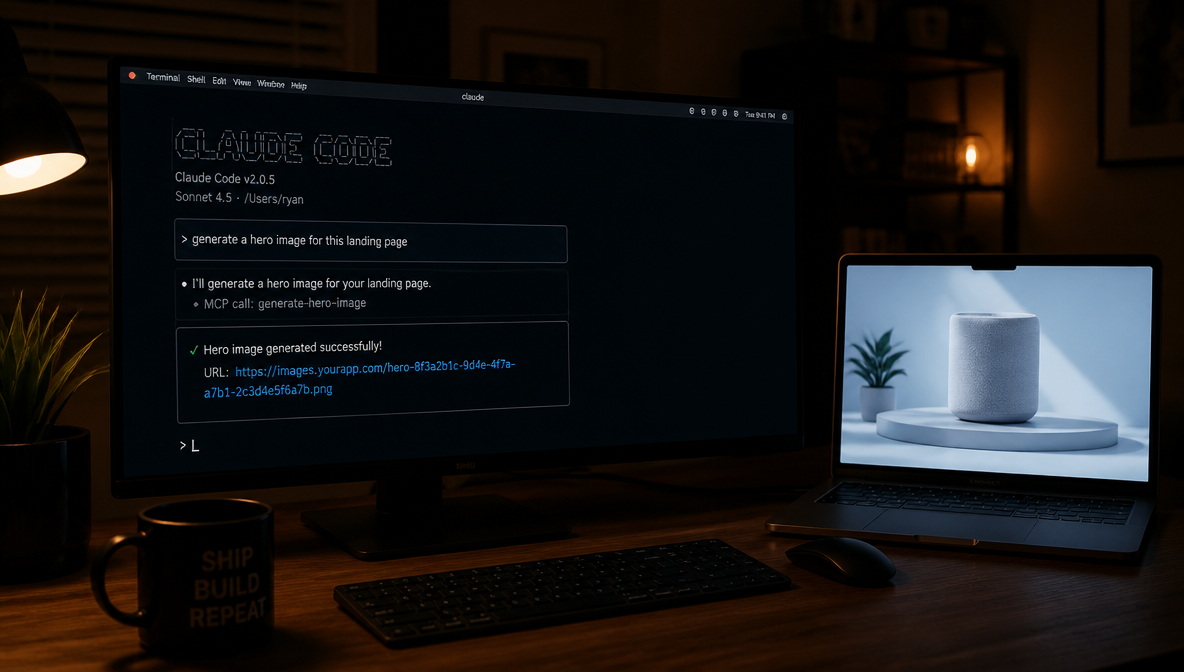
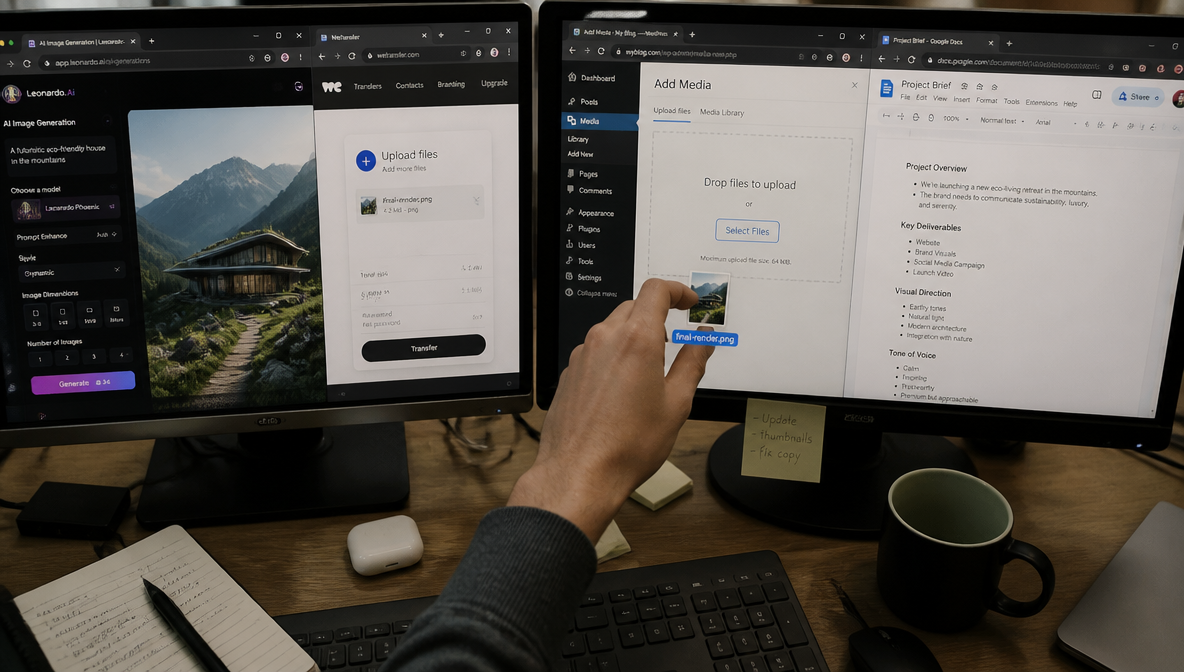
Here's the friction I kept hitting: I'd be deep in a Claude Code session, writing product copy, building a landing page structure, thinking through a campaign, and then I'd need a visual. Hero image, product mockup, background-removed product shot. The work would stop. I'd switch to a browser tab, open an image generation tool, generate something, download it, upload it somewhere, grab the URL, come back. Five minutes gone, flow broken, thread of thought lost.
AI agents are extraordinarily capable at reasoning and generation within a conversation. But by default, they're closed systems. They can only work with what's already in the session, the text you've given them, the files you've pasted in. They can't reach out and call an external service, read a live database, or trigger a generation API unless something explicitly bridges that gap.
That bridge is the Model Context Protocol. The model context protocol explained simply: it's an open standard, originally developed by Anthropic and now adopted across the broader AI ecosystem, that defines how an AI agent communicates with external services in a structured, consistent way. MCP doesn't change what the agent thinks, it changes what the agent can do.
What Is an MCP Server, Exactly?
Think of USB-C. Before USB-C, every device had its own port, its own cable, its own adapter situation. USB-C standardized the connection layer, now one port can handle power, data, and video across thousands of different devices. What is an MCP server in the same framing? MCP is the USB-C standard. An MCP server is a specific device you plug in.
More precisely: the Model Context Protocol defines a client-server architecture with three components working together.
The Host is the AI agent environment you're working in, Claude Code, Cursor, OpenAI Codex, Claude Desktop. The host is the thing doing the thinking and having the conversation with you.
The Client runs inside the host. It's the part that manages the connection to an external service, it speaks MCP protocol, handles authentication, and passes requests and responses back and forth. You never interact with the client directly; it works invisibly in the background.
The Server is the external service, mcp.imagine.art, a GitHub integration, a PostgreSQL connector, a Notion bridge. The server exposes capabilities that the agent can call. When you ask Claude Code to do something that requires an external tool, the client reaches out to the server, the server does the work, and the result comes back into your conversation.
What is model context protocol at its core? It's a contract that makes all of this interoperable. Any agent that speaks MCP can connect to any server that speaks MCP, without custom integrations, without bespoke plugins for every combination.

MCP vs API vs CLI: Key Differences
The three terms come up together constantly in MCP documentation and developer discussions, and they describe genuinely different things. Knowing which to reach for — and when — matters for how you structure your agent setup.
MCP vs API
A traditional API is a direct contract between your code and an external service. You write the integration yourself: you handle authentication headers, format the request, parse the response, and deal with errors. The connection is bespoke — written for one service, by you, in your codebase.
An MCP server exposes those same underlying API capabilities as structured tools that an AI agent can discover and call automatically, in plain language response to a user request. The agent handles the technical layer. You never write a request body or parse a JSON response — you ask for something and it happens.
The practical difference:
- API: You call it. You write the code. You manage auth, retries, and error handling.
- MCP: Your agent calls it. You authenticate once. The agent manages everything else.
MCP is essentially an AI-native abstraction layer built on top of APIs. The underlying service is often the same — what changes is who writes and manages the integration code.
MCP vs CLI
A CLI (command-line interface) lets you trigger actions by running commands in a terminal. CLIs are human-operated: you type a command, it executes, you read the output. They're powerful, but they're synchronous, single-step, and require you to be present and typing.
MCP lets an AI agent call external capabilities mid-conversation, autonomously, as part of a larger task — without you issuing individual commands. The agent decides when a tool is needed, calls it, incorporates the result, and continues.
The practical difference:
- CLI: You run it. One command at a time. Requires your presence.
- MCP: The agent runs it. Inline, mid-task, as part of a longer sequence. You stay in the conversation.
When to use which:
- Use an API directly when you're building a product that needs programmatic, code-level integration with full control over the request/response cycle
- Use a CLI when you need to trigger a specific action manually or script a repeatable terminal task
- Use an MCP server when you want an AI agent to call an external capability automatically, inline, as part of a natural-language workflow — without you managing the technical layer
How MCP Servers Work: The Client-Server Model in Plain English
When I ask Claude Code to generate a hero image, I'm not switching tabs. I'm calling an MCP server, and the process is nearly invisible from my side.
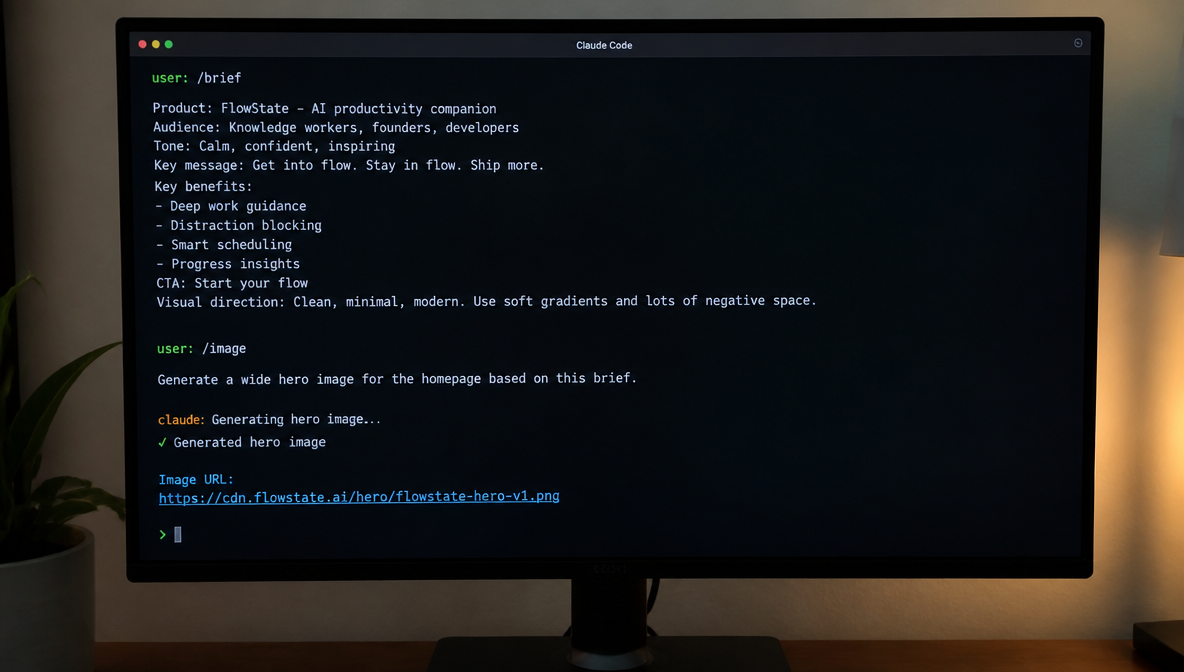
Here's what actually happens under the hood: I type something like "generate a hero image of a creator at a desk, cinematic light, dark mood." Claude Code recognizes that this requires an external capability it doesn't have natively. It routes the request through its built-in MCP client, which sends a structured tool call to the connected server. The server, in this case, mcp.imagine.art, receives the request, runs the generation, and returns a result (a URL, a file, a confirmation). That result surfaces back in my Claude Code session as a response. The whole round-trip takes seconds.
This is where the MCP server for AI agents concept becomes genuinely powerful. A server can expose three types of capabilities:
- Tools, callable functions. Generate an image. Remove a background. Run a SQL query. Create a GitHub issue. These are actions the agent can take on your behalf.
- Resources, data or files the agent can read. A document, a database row, a file in cloud storage.
- Prompts, pre-written prompt templates the agent can reference, useful for standardizing how certain requests get structured.
Most creative use cases live in the Tools category. When I'm building a campaign and I ask Claude to generate a product visual, upscale it, and strip the background, each of those is a discrete tool call to the same MCP server, happening sequentially, inside one conversation.
Types of MCP Servers
Not all MCP servers are the same. The ecosystem has developed into several distinct categories, each solving a different kind of workflow problem. Understanding the types helps you build a stack that covers your actual needs without redundant overlap.
Code and Repository Servers
These give your agent direct access to your codebase, version control, and development infrastructure. GitHub MCP is the most widely used example — it lets your agent read issues, open PRs, search commit history, and interact with your repository without leaving the session. GitLab and Git MCPs serve the same function for those ecosystems.
Documentation and Context Servers
These inject live, version-specific reference material into your agent's context. Context7 is the leading example — it pulls current API documentation directly into the conversation, preventing the hallucinated function signatures and deprecated method calls that plague agents working from training data alone.
Database and Storage Servers
These connect your agent to your data layer. PostgreSQL, Supabase, SQLite, and MongoDB MCPs let the agent run read queries, explore schemas, and generate data-aware code without you copying and pasting schema definitions into the session.
Productivity and Collaboration Servers
These bridge your agent to the tools your team actually works in. Notion MCP gives access to project documentation and specs. Linear and Jira MCPs connect to sprint and issue tracking. Slack MCP surfaces conversation history and team decisions.
Creative and Media Generation Servers
This is the category most MCP guides skip entirely. Creative MCPs give your agent access to image generation, video generation, audio production, and editing tools as native capabilities. The ImagineArt MCP is the most complete example in this category — image generation, video generation (up to 10 seconds), music generation, background removal, and 4x upscaling, all from one server. For a full comparison of creative MCPs, Best MCP Servers for Claude Code covers the landscape.
Browser and Automation Servers
These give your agent the ability to interact with web interfaces and run automated browser tasks. Playwright MCP is the most-installed example — 25+ tools for browser automation, E2E testing, and web scraping, callable directly from your agent session.
Workflow and Integration Servers
These connect your agent to automation platforms and third-party services. n8n MCP lets your agent build and trigger cross-platform automations in natural language. Zapier MCP connects to thousands of external services without you writing API integrations.
Most well-designed agent stacks combine three to six servers across these categories — typically one from Code & Repository, one from Documentation, one from Database, and one from Creative Generation if visual output is part of the workflow.
Real-World MCP Use Cases (Including Creative Generation)
The developer use cases get all the attention in MCP documentation. GitHub for version control, commit, push, open issues without leaving your agent. PostgreSQL for live database queries. Linear for issue tracking. These are genuinely useful. But they're also not why I got excited about MCP.
The gap nobody was writing about was creative generation. The ability to turn an AI agent into a full creative workstation, not just a writing assistant, but something that can build the visuals, the audio, the video, all inline.
This is what becomes possible with MCP server for image generation and beyond: you write product copy in Claude Code, then ask it to generate a matching hero image. You ask it to strip the background and upscale to 4x for a retargeting ad. You ask it to generate a 10-second video clip for the social version. You ask it to produce a background music track for the video. All of this in one session. No browser tabs, no file transfers, no context-switching. The workflow chain that used to require four separate tools and 20 minutes of overhead collapses into a conversation.
This kind of connected creative pipeline is exactly what ImagineArt Workflow is designed for, and when you add MCP to the mix, that pipeline becomes something you can run from inside your agent, instructing it in plain language at every step.
I've used this to build client deliverables that would have taken a full afternoon in a couple of focused hours. The quality of thinking goes up because the friction of execution goes down. That's the real case for MCP in a creative context, it's not a technical curiosity, it's a workflow multiplier.
How I Connected the ImagineArt MCP Server to Claude Code, And What Happened Next
The first time I generated an image inside a Claude Code session without switching tabs, I genuinely stopped and stared at it for a moment. Not because it was magic, once you understand MCP, it makes complete logical sense, but because the experience of it still felt different from anything I'd used before.
Setup took about 45 seconds. One command:
claude mcp add imagine --transport http https://mcp.imagine.art
That's it. Claude Code prompts you to authenticate, you go through a standard OAuth flow using your existing ImagineArt account, no API key to generate, no separate billing to set up, no credits to purchase before you start. The free tier gives you 100 credits per day at no cost. I was generating images inside my session within two minutes of deciding to try it.
The personal moment that made it click: I was building a product landing page for a client. I had a draft in Claude Code, headlines, subheadings, feature bullets, the whole structure. I needed a hero image. Instead of doing what I'd done a hundred times before (switch apps, generate, download, upload, copy URL, come back), I just asked: "Generate a hero image for this landing page, clean desk setup, modern laptop, ambient creative light, wide aspect ratio, dark tones." Claude called the tool. Thirty seconds later it returned a URL. I dropped it into the page and kept writing. The flow never broke.
You're on the ImagineArt MCP server free tier from the moment you connect, 100 credits per day, no card required, OAuth with your existing account. For the full breakdown of what the six tools can do and how to prompt them, What Is the ImagineArt MCP? has everything. This article is the "why", that one is the "how."
How to Get Started With an MCP Server Today (No Coding Required)
The thing that surprised me most about MCP is how accessible it is if you're connecting to a pre-built hosted server rather than building your own. You don't write any backend code. You run a command, authenticate, and you're in. Knowing how to use an MCP server as a creator is really just knowing those steps.
Path 1, MCP inside your agent (recommended):
- Install Claude Code (free at claude.ai/code) or Cursor
- Open your terminal
- Run:
claude mcp add imagine --transport http https://mcp.imagine.art - Follow the OAuth prompt, sign in with your existing ImagineArt account
- In your next Claude Code session, ask it to generate an image or video, it will route through the MCP automatically
- You're live. 100 free credits per day, no card required
Path 2, Browser, no setup:
If you're not ready to work inside a terminal-based agent, the AI Image Generator works in the browser right now with nothing to install. It's a great place to get comfortable with what the generation tools can produce before you bring them into an agent workflow.
When people ask me about the best MCP servers for creators, ImagineArt MCP is the one I lead with, because it's one of the very few that covers image, video, and music generation in a single connected server. For a broader list of what's worth connecting to your agent, Best MCP Servers for Claude Code covers the landscape well.
You can also see a real-world example of what's possible when MCP powers a full creative campaign in ImagineArt Campaign Director, it shows the kind of multi-step creative output that becomes achievable when your agent has full access to generation tools.
FAQs
An MCP server is an external service that your AI agent can connect to and call as if it were a built-in capability. Instead of switching to a separate app to generate an image, query a database, or fetch a file, your agent calls the MCP server directly inside the conversation and returns the result inline. The Model Context Protocol is the open standard that makes this communication possible across different agents and servers.
The MCP client runs inside your AI agent (Claude Code, Cursor, Codex) and manages the connection to external services. It speaks the MCP protocol, handles authentication, and passes requests and responses. The MCP server is the external service itself, for example, mcp.imagine.art, that exposes tools, resources, or prompt templates for the agent to use. You interact with neither directly; the client and server communicate in the background while you work in plain conversation.
No. Connecting to a pre-built hosted MCP server requires running a single terminal command and authenticating with an existing account. For the ImagineArt MCP, it's one line: claude mcp add imagine --transport http https://mcp.imagine.art. After that, your agent handles everything. Building your own MCP server from scratch requires coding, but using one that already exists does not.
MCP has been adopted broadly across the agent ecosystem. Agents that support MCP servers include Claude Code, Cursor, Cline, Claude Desktop, and OpenAI Codex. Because MCP is an open standard, any agent that implements the protocol can connect to any compliant server.
For creators, an MCP server turns your AI agent into a full creative production environment. Instead of bouncing between a writing tool, an image generator, a video tool, and an audio tool, you stay in one session and call each capability as a tool. With the ImagineArt MCP specifically, you can generate images, create short videos, remove backgrounds, upscale to 4x resolution, and produce music tracks, all from inside Claude Code or Cursor, without switching apps.
Yes. The ImagineArt MCP server has a free tier that includes 100 credits per day with no credit card required. You authenticate using your existing ImagineArt account, there's no separate API key to generate and no additional billing to set up. You can check your balance at any time using the built-in balance inquiry tool.
A traditional API requires you to write code that calls it, you handle authentication headers, request formatting, response parsing, and error handling yourself. An MCP server exposes those same underlying capabilities as structured tools that an AI agent can discover and call automatically, in plain-language response to a user request. The agent handles the technical layer. From your perspective, you ask for something and it happens, you never write a request or parse a response. MCP is essentially an AI-native abstraction layer over APIs.
Syed Anas Hussain
Syed Anas Hussain is a computer scientist blending technical knowledge with marketing expertise and a growing passion for AI innovation. Curious by nature, he dives into new AI sciences and emerging trends to produce thoughtful, research-led content. At ImagineArt, he helps audiences make sense of AI and unlock its value through clear, practical storytelling.