
Syed Anas Hussain
June 11, 2026 • Updated June 11, 2026
10 mins Read
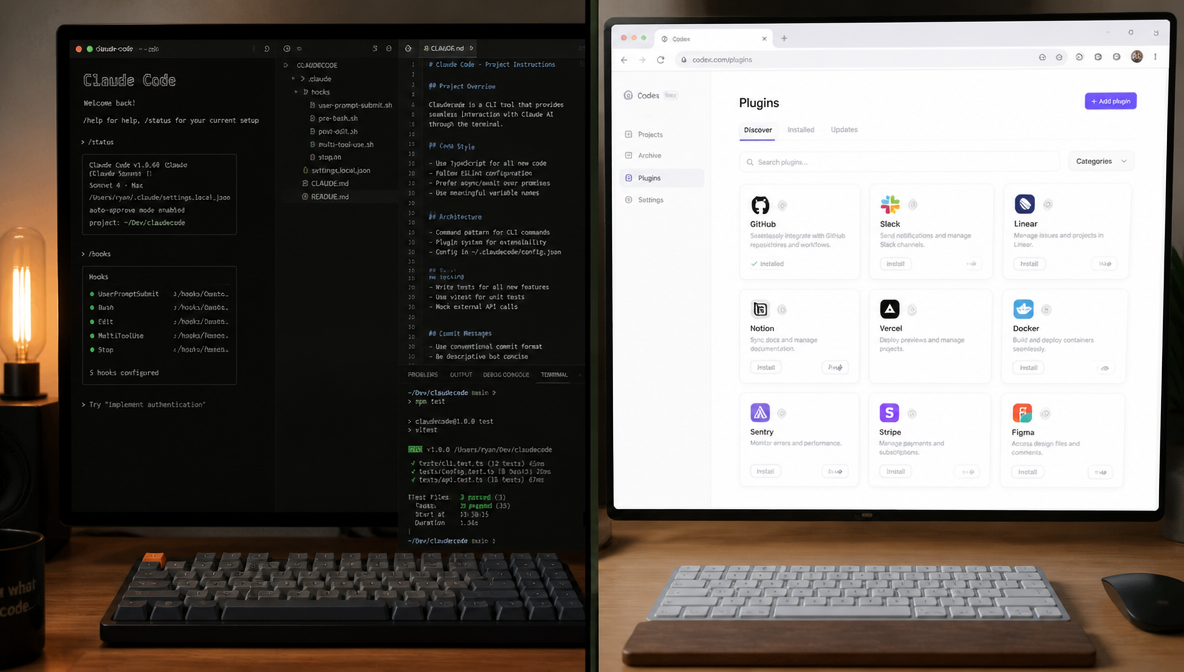
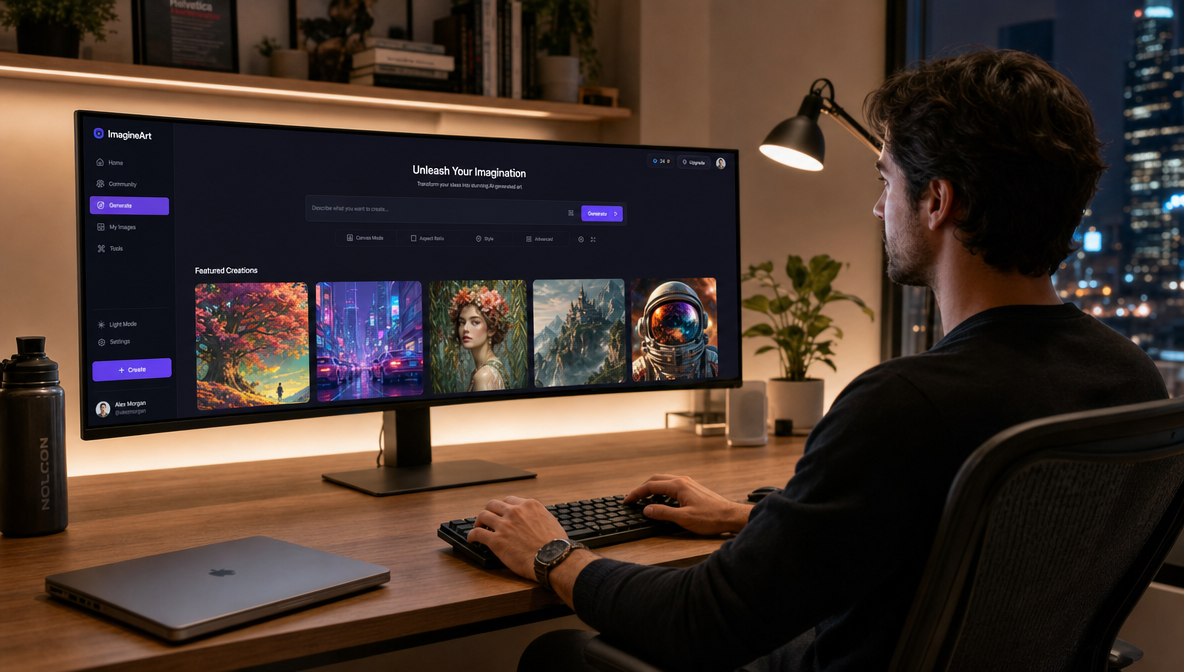
I was thirty minutes into building a landing page inside Claude Code when I needed three product mockups. I stopped, opened a browser tab, navigated to an image generator, described the asset, downloaded it, found the file, and dragged it back into my project. Then I did the same thing twice more. By the time I was back in my flow state, I'd lost fifteen minutes to tool-switching that should have taken fifteen seconds. The ImagineArt MCP eliminates that entirely — images, video, music, and editing tools live inside Claude Code now, and I haven't opened a separate creative tab since.
What is the ImagineArt MCP?
The ImagineArt MCP is a hosted Model Context Protocol server that connects ImagineArt's full creative suite — image generation, video generation, background removal, 4× upscaling, and music generation — directly into Claude Code and any other MCP-compatible client. One install command gives Claude six new creative tools it can call natively, mid-conversation, without you leaving your workspace.
What Is MCP and Why Does It Matter for Image Generation?

MCP stands for Model Context Protocol — Anthropic's open standard for connecting AI agents to external tools and data sources. Think of it as a USB-C port for AI: any MCP-compatible client (Claude Code, Claude Desktop, Cursor, Cline) can connect to any compliant server, and they communicate using a shared protocol neither party needs to custom-build.
For image generation specifically, MCP changes everything. Claude Code cannot generate images natively — it's a language model, not a generative media model. Before MCP, the only way to get images into a Claude Code workflow was to generate them elsewhere and paste them in. Now, you point Claude at an MCP server like ImagineArt, and image generation becomes a native tool call — the same way Claude calls a database or searches the web.
The ImagineArt MCP is hosted remotely, which means no npm install, no local Python environment, no Docker container. It's a single HTTP endpoint that Claude connects to and authenticates against your existing ImagineArt account.
Why Generate Images Inside Your IDE?
The tab-switching problem is obvious, but the deeper benefit is context. When I ask Claude Code to "generate a hero image for this landing page," Claude already knows what the landing page says, what the brand colors are, what components exist, and what tone the copy uses. It generates something contextually appropriate rather than something I described in isolation to a tool that knows nothing about my project.
Three things changed in my workflow after connecting ImagineArt MCP:
Images match the build. Claude reads my project structure, existing assets, and brand colors before generating. The output fits what I'm building rather than requiring manual adjustment to match.
Iteration happens inline. Instead of "download, not right, regenerate, download again," I type "try with warmer lighting and make the background softer" and the next variation appears in the conversation. The context carries forward.
One credit pool, one interface. My ImagineArt credits work across the web app, the mobile app, the AI Workflow builder, and the MCP. No new subscription, no new dashboard to check.
What the ImagineArt MCP Actually Does: All 6 Tools
The server exposes six tools that Claude can call independently or chain together inside a single workflow.
1. Text to Image
Generates marketing assets, product shots, lifestyle images, social media content, and posters from a natural language description. Powered by ImagineArt 2.0 — the same model behind ImagineArt's AI Image Generator.
This is the tool I use most. I describe the asset I need in plain English and Claude handles the prompt engineering internally. "A product shot of a glass water bottle on a white marble surface, overhead angle, soft diffused light, minimal shadows" produces something usable in one pass most of the time. For dedicated product photography with full studio controls, ImagineArt's AI Product Photography feature on the web platform is worth exploring alongside the MCP.
2. Text to Video
Generates video clips up to 10 seconds in any aspect ratio from a text prompt. Powered by Seedance 2.0 (ByteDance's video foundation model). The generation is asynchronous — Claude submits the job and polls for completion, so your conversation isn't blocked while it processes.
I use this for quick concept videos and UGC-style ad spots. A brief like "product demo: someone holding a coffee cup, morning light, kitchen background, casual" produces a usable clip without a camera or actor. See our AI video generation guide for more on what Seedance 2.0 can do.
3. Background Removal
Pixel-accurate background removal that preserves hair, edges, and fine details. Outputs transparent PNG files ready for compositing. The quality is meaningfully better than the standard "remove.bg" approach — it handles complex edges like fur, flyaway hair, and product packaging without the jagged cutlines that cheaper tools produce. For compositing and further refinement after removal, ImagineArt's AI Image Editor picks up exactly where the MCP output leaves off.
4. Image Upscale
Up to 4× resolution enhancement using detail-aware diffusion. The key difference from standard upscaling: it doesn't smear or painterly-ize the image. Skin texture stays skin texture, text stays sharp, product details stay crisp. I run this on every image that's going to print or large-format digital display.
5. Music Generation
Generates production-ready, royalty-free music tracks from a description of mood, tempo, and instruments. Commercial use is cleared. This is the capability that makes ImagineArt's MCP genuinely unique — no other image generation MCP offers music. I've used it to generate background tracks for product videos generated in the same Claude Code session, without touching a separate audio tool. The full ImagineArt Music Studio on the web platform gives you additional controls over genre, instrumentation, and duration.
6. Balance Inquiry
Calls imagine.balance() to display current credits, usage, and renewal date. I always run this before a video generation request — video costs more credits than images, and it's worth knowing what's available before a long async job starts.

How to Connect the ImagineArt MCP to Claude Code
The full setup takes under two minutes. No API key required — authentication uses your existing ImagineArt account via OAuth.
Claude Code (Terminal)
Run this in your terminal:
claude mcp add imagine --transport http https://mcp.imagine.art
Claude Code will prompt you to authenticate. Sign in with your ImagineArt account, authorize the connection, and you're done. Verify the server is connected with:
claude mcp list
You should see imagine listed as an active MCP server. Now open any Claude Code session and type:
Check my ImagineArt balance.
If Claude returns your credit balance, the MCP is working.
Claude Desktop (GUI)
- Open Claude Desktop → Settings → Connectors → Add custom connector
- Name:
Imagine MCP - URL:
https://mcp.imagine.art - Click Add, then Connect
- Sign in with your ImagineArt credentials when prompted
Cursor
Add to your .cursor/mcp.json file:
1{
2  "mcpServers": {
3    "imagine": {
4      "url": "https://mcp.imagine.art"
5    }
6  }
7}
Restart Cursor. The ImagineArt tools will appear in Cursor's tool list on next load.
Cline (VS Code Extension)
In VS Code, open Cline settings → MCP Servers → Add → HTTP → Enter https://mcp.imagine.art → Authenticate with your ImagineArt account.
Your First Generation: What to Expect
Once connected, you don't need to think about tool names or parameters. Claude handles the routing. Just describe what you need:
"Generate a product image of a minimalist skincare bottle on a white background, soft studio lighting, shadows visible at the base, square format."
Claude will call the text-to-image tool, return the image inline in the conversation, and wait for your feedback. If you want to iterate:
"Nice. Now generate a version on a beige linen background with warmer light."
For video:
"Generate a short video of someone opening a laptop in a bright home office. Natural light, casual, 16:9 format."
For music:
"Generate a calm, upbeat background track for a product demo video. 110 BPM, synth pad and light percussion, no vocals."
For background removal:
"Remove the background from this product image [paste image URL] and return a transparent PNG."
The first image typically appears within 10–15 seconds. Video is asynchronous and takes longer depending on the clip duration — Claude will poll and report back when it's ready.
ImagineArt MCP vs. Other Image Generation MCPs
ImagineArt is not the only MCP that adds creative tools to Claude Code. Here's how the main options compare:
| Feature | ImagineArt | Pixa | Higgsfield |
|---|---|---|---|
| Image generation | Yes (ImagineArt 2.0) | Yes (multiple models) | Yes (30+ models) |
| Video generation | Yes (Seedance 2.0) | Yes (Kling, Luma, Hailuo) | Yes (Sora 2, Veo 3.1, Kling 3.0) |
| Music generation | Yes (royalty-free) | No | No |
| Background removal | Yes | Yes | No |
| 4x Upscaling | Yes (detail-aware diffusion) | Yes (up to 4096px) | No |
| API key required | No (OAuth) | No (OAuth) | No (OAuth) |
| MCP-first design | Yes | Yes | CLI recommended |
| Free tier | Yes (100 credits/day) | Yes (limited) | Limited |
The differentiator worth calling out: music generation. No other image generation MCP in the current ecosystem generates music. If you need full multimedia output from a single MCP — images, video, AND a background track — ImagineArt is the only option that doesn't require adding a separate audio MCP.
Higgsfield has a broader video model roster (30+ models vs. ImagineArt's Seedance 2.0), but Higgsfield's own documentation recommends their CLI over MCP for Claude Code specifically. ImagineArt is purpose-built MCP-first — the same platform that powers ImagineArt 2.0 and the broader creative suite.
For a deeper dive into prompting strategies across all these MCPs, see Prompting Image Models through MCP: Best Practices.
Credits and Pricing
The ImagineArt MCP uses the same credit system as the ImagineArt web platform — no separate billing, no new subscription. If you already have an ImagineArt account, your credits work immediately.
| Plan | Price (annual billing) | Credits | Best For |
|---|---|---|---|
| Free | $0 | 100/day | Evaluation, occasional use |
| Basic | $9/mo | 3,000/mo | Solo developers and freelancers |
| Standard | $20/mo | 8,000/mo | Active content production |
| Ultimate | $34/mo | 16,000/mo | Agencies and power users |
| Creator | $175/mo | 100,000/mo | High-volume production |
Image generations cost fewer credits than video. Use the imagine.balance() tool before starting a batch job to confirm you have enough credits in reserve. Video generation with Seedance 2.0 is the most credit-intensive operation.
Frequently Asked Questions
The ImagineArt MCP is a hosted Model Context Protocol server that adds ImagineArt's creative tools — image generation, video generation, background removal, 4x upscaling, and music generation — directly to Claude Code and other MCP-compatible clients. It connects via a single command with no API key required.
Run claude mcp add imagine --transport http https://mcp.imagine.art in your terminal. Claude Code will prompt you to authenticate with your ImagineArt account via OAuth. No API key or local installation required. Verify the connection with claude mcp list.
The ImagineArt MCP exposes six tools: text-to-image generation (ImagineArt 2.0), text-to-video generation (Seedance 2.0, up to 10 seconds), background removal (transparent PNG output), 4x image upscaling, music generation (royalty-free, commercial use cleared), and a balance inquiry tool to check your available credits.
Yes. The ImagineArt free tier provides 100 credits daily with no credit card required. The MCP itself has no additional cost — it uses your existing ImagineArt account credits. Paid plans start at $9/mo (billed annually) for 3,000 monthly credits.
Yes — and ImagineArt is currently the only image generation MCP that also generates music. You describe the mood, tempo, and instruments you want, and the tool returns a production-ready, royalty-free track cleared for commercial use. I use it to generate background audio for product videos created in the same Claude Code session.
ImagineArt is the only MCP in this category that includes music generation. Higgsfield has a broader video model roster (30+ models) but their own documentation recommends CLI over MCP for Claude Code. Pixa is strong on image editing tools (object erasure, asset library). ImagineArt is purpose-built MCP-first with the most complete multimedia output of any image MCP.
Yes. Add the server URL to your .cursor/mcp.json file under mcpServers with the key imagine and value https://mcp.imagine.art. Restart Cursor to load the connection. ImagineArt MCP also supports Cline, Hermes, and OpenClaw.
Video generation via Seedance 2.0 is asynchronous — Claude submits the job and polls for completion. A 5-second clip typically takes 60–120 seconds to generate depending on server load. Claude will report back when the video is ready without blocking your conversation in the meantime.
Final Thoughts
The best tools are the ones you don't notice using. Since connecting ImagineArt MCP to Claude Code, I've stopped thinking about image generation as a separate step in my workflow — it's just something Claude does, alongside writing code and searching documentation, all in the same session. The music generation tool was the surprise — it removed the last creative task I was still context-switching for.
The setup takes under two minutes. The free tier gives you 100 credits a day to test every tool. Once you see a generated image appear inline in your Claude Code session for the first time, the old tab-switching workflow feels genuinely hard to go back to.
Syed Anas Hussain
Syed Anas Hussain is a computer scientist blending technical knowledge with marketing expertise and a growing passion for AI innovation. Curious by nature, he dives into new AI sciences and emerging trends to produce thoughtful, research-led content. At ImagineArt, he helps audiences make sense of AI and unlock its value through clear, practical storytelling.