
Tooba Siddiqui
April 17, 2026 • Updated April 17, 2026
16 mins Read
Not long ago, creating a detailed piece of digital art meant hours of sketching, layering, and refining. Today, you can type a sentence and have a stunning visual ready in seconds. That shift is what makes AI drawing one of the most exciting developments in modern creative technology.
What is AI Drawing, Really?
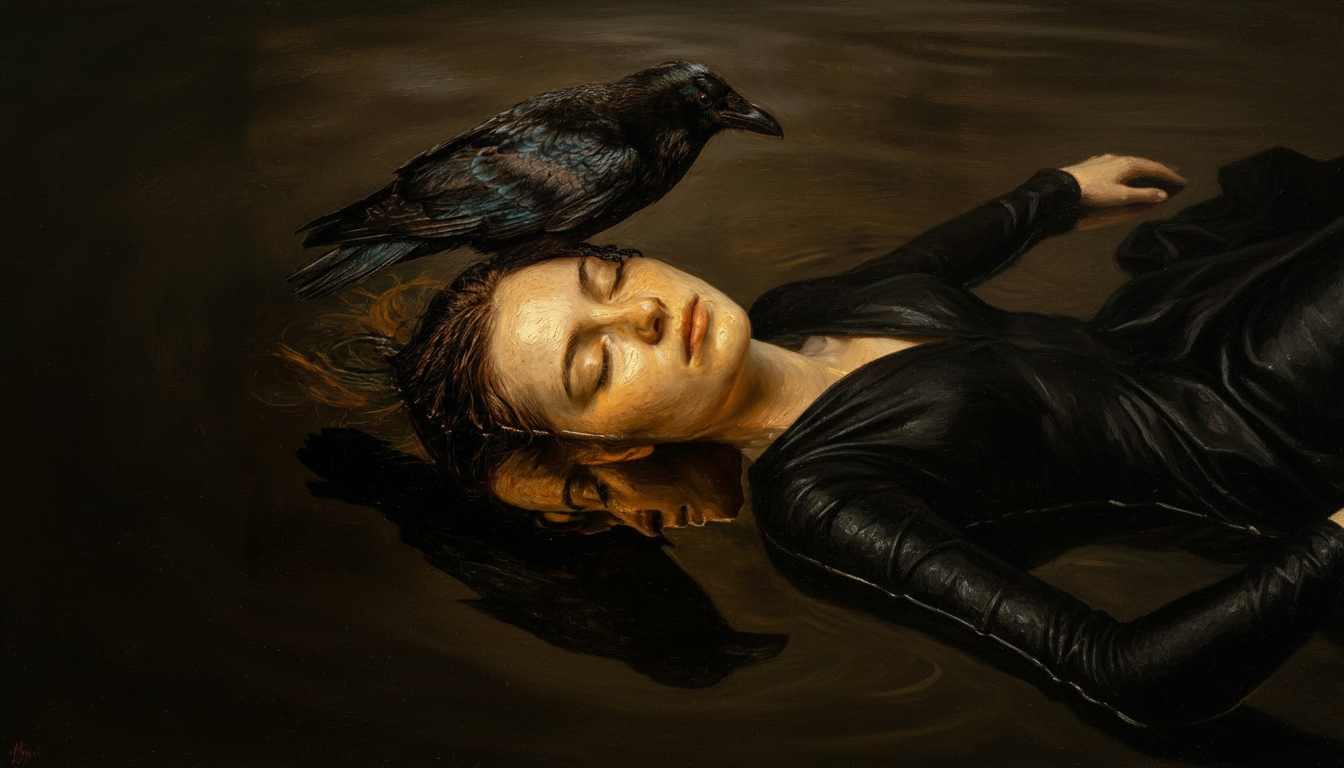 AI drawing of a raven perched on a sleeping woman as she sinks into dark water in oil painting style
AI drawing refers to the use of artificial intelligence to generate visual artwork from a text description, a reference image, or a combination of both. You describe what you want, and the AI produces it. No drawing skills, no design software expertise, no hours of manual work.
It is not the same as digital art, where a human manually creates every element. With AI drawing, the model does the creative heavy lifting based on patterns it has learned from millions of images during training.
There are several types of AI drawing:
- Text-to-image: You type a prompt and the AI generates a matching image from scratch. This is the most common format.
- Image-to-image: You provide a reference image, and the AI transforms or reimagines it in a new style or with added elements.
- Sketch-to-image: You upload a rough sketch, and the AI fills it in with realistic or stylized detail.
- Style transfer: The AI applies the visual style of one image to the content of another.
One common misconception is that AI is being "creative" in the human sense. It is not. AI drawing tools generate images by statistically predicting what pixels, shapes, and textures make sense together given your prompt, based on everything they have seen during training. The creativity in AI drawing still comes from the person writing the prompt.
How Does AI Drawing Work?
Understanding how AI drawing works helps you use it more effectively. The short version: modern AI drawing tools use deep learning models trained on massive datasets of images and text descriptions. When you enter a prompt, the model interprets it and generates an image that matches.
The longer version involves a few key technologies.
What Happens When You Type a Prompt?
When you type a prompt into an AI drawing tool, the model first processes your text to understand what you are asking for. It breaks down the meaning of individual words and phrases, including the subject, style descriptors, mood cues, and compositional details.
That interpreted input is then used to guide image generation. The AI image generator works through thousands of tiny refinement steps, progressively shaping a coherent image from what initially looks like visual noise. The more specific and well-structured your prompt is, the more control you have over the output.
Word choice matters more than most people expect. "A dog in a park" and "a golden retriever sitting in a sunlit park, oil painting style, warm afternoon light" will produce very different results, even though both describe a dog outdoors.
Tips for Writing Prompts That Actually Work
Strong prompts are the difference between a generic output and something that genuinely matches your vision. A few principles that make a real difference:
- Include the subject, setting, mood, lighting, and drawing style in a single prompt
- Use specific style keywords: "watercolor," "ink sketch," "photorealistic," "dark fantasy," "Studio Ghibli-inspired," "low poly"
- Describe what you want rather than what you do not want
- Experiment with short prompt variations to understand how the model responds
Use the ImagineArt Prompt Stack
Strong prompts follow a consistent structure. Rather than guessing what to include each time, use this sequence as your starting point:
Subject → Setting → Mood → Lighting → Style → Quality modifier
For example: A lone wolf (subject) standing on a frozen mountain peak (setting), melancholic and still (mood), under cold blue moonlight (lighting), oil painting style (style), ultra-detailed, 4K (quality modifier)
Each layer adds information the model uses to narrow its interpretation. Leaving one out does not break the prompt, but including all six gives the model significantly more to work with and produces noticeably more intentional results. Once this structure becomes habitual, writing strong prompts takes seconds rather than trial and error.
How to Make an AI Drawing with ImagineArt (Step-by-Step)
ImagineArt AI drawing generator makes the process fast, accessible, and genuinely usable free tier . Here is exactly how to go from a blank page to a finished AI drawing.
- Step 1: Go to ImagineArt AI Drawing Generator
Head to ImagineArt and open the AI drawing generator. No complex setup or design background is required. The interface is built to be intuitive from the first use.
- Step 2: Write your text prompt
Type a description of the image you want to create. Be specific about the subject, setting, mood, lighting, and drawing styles. The more detail you include, the closer the output will be to what you have in mind.
For example: "a lone wolf standing on a snowy mountain at dusk, cinematic lighting, oil painting style" will produce a far more intentional result than just "a wolf in snow."
- Step 3: Choose AI image model
ImagineArt offers a range of AI image model options that specialize in different drawing styles such as hyper-realistic, cinematic, anime, fantasy, and line art. Select the AI image model that fits your creative direction before generating.
- Step 4: Adjust your settings
Set the aspect ratio, number of generations, and resolution based on your intended use. A square format works well for social media, while a wider ratio suits desktop wallpapers, banners, or presentation visuals.
- Step 5: Generate and review
Hit generate. ImagineArt AI drawing generator processes your prompt and delivers your drawing in seconds. Review the result and, if needed, refine your prompt and regenerate. Small changes in wording can meaningfully shift the output.
- Step 6: Edit or enhance
Use ImagineArt built-in AI image editor app to make targeted adjustments. You can tweak colors, remove unwanted elements, enhance specific areas, or add detail, all without leaving the platform.
- Step 7: Download or integrate into a workflow
Export your drawing in your preferred format. If you are working on a larger project, you can plug it directly into ImagineArt AI workflow to combine it with other generated assets, batch-process outputs, or build a repeatable creative pipeline.
Common AI Drawing Styles and When to Use Them
One of the most practical advantages of AI drawing tools is the range of visual styles available within a single platform. Understanding what each style produces helps you choose the right one before you write your first prompt, rather than generating and guessing.
Photorealistic
Produces images that closely resemble real-world photography. Best suited for product mockups, architectural visualizations, portrait-style imagery, and any content where you want the output to look like it could have been captured by a camera.
Anime and Manga
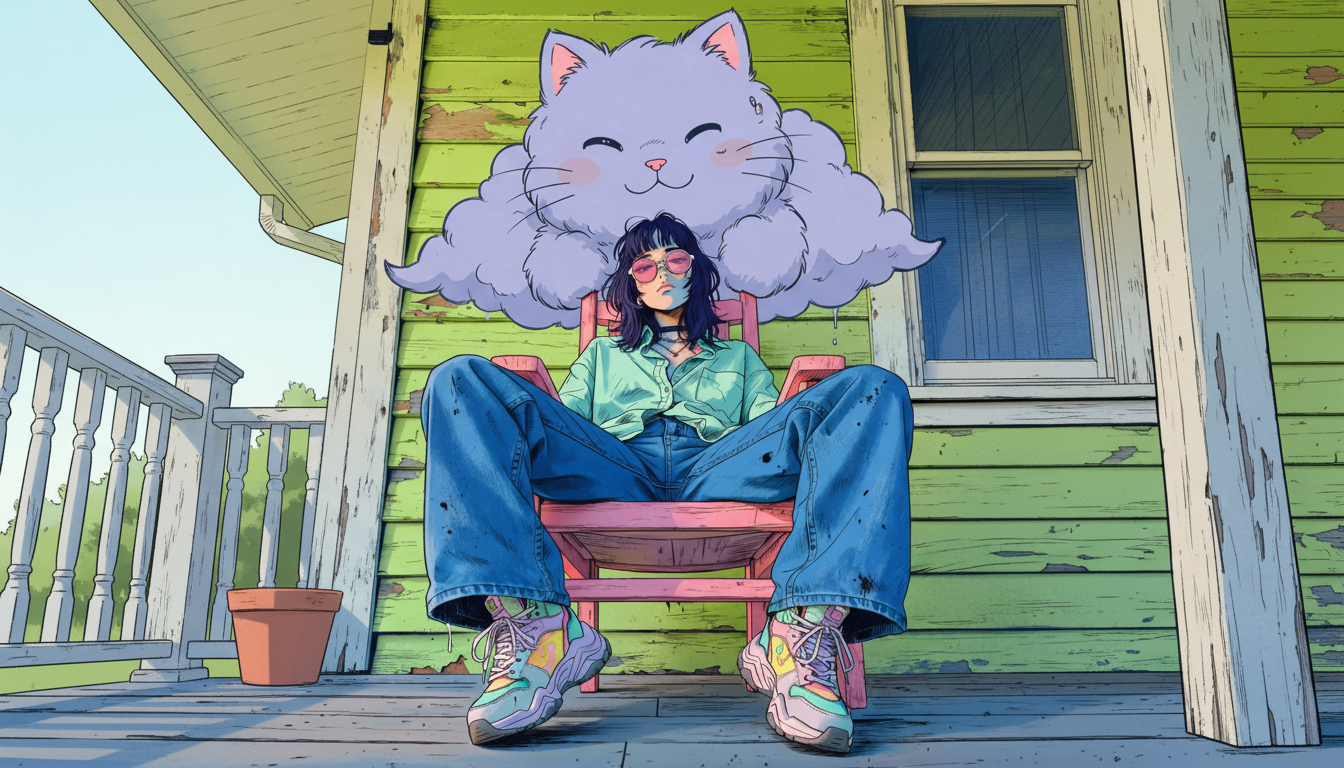 Anime-style AI drawing generated by ImagineArt AI Image Generator
Follows the visual conventions of Japanese animation and illustration, including bold outlines, expressive eyes, stylized proportions, and flat color areas. A popular choice for character design, fan art, and digital storytelling.
Watercolor
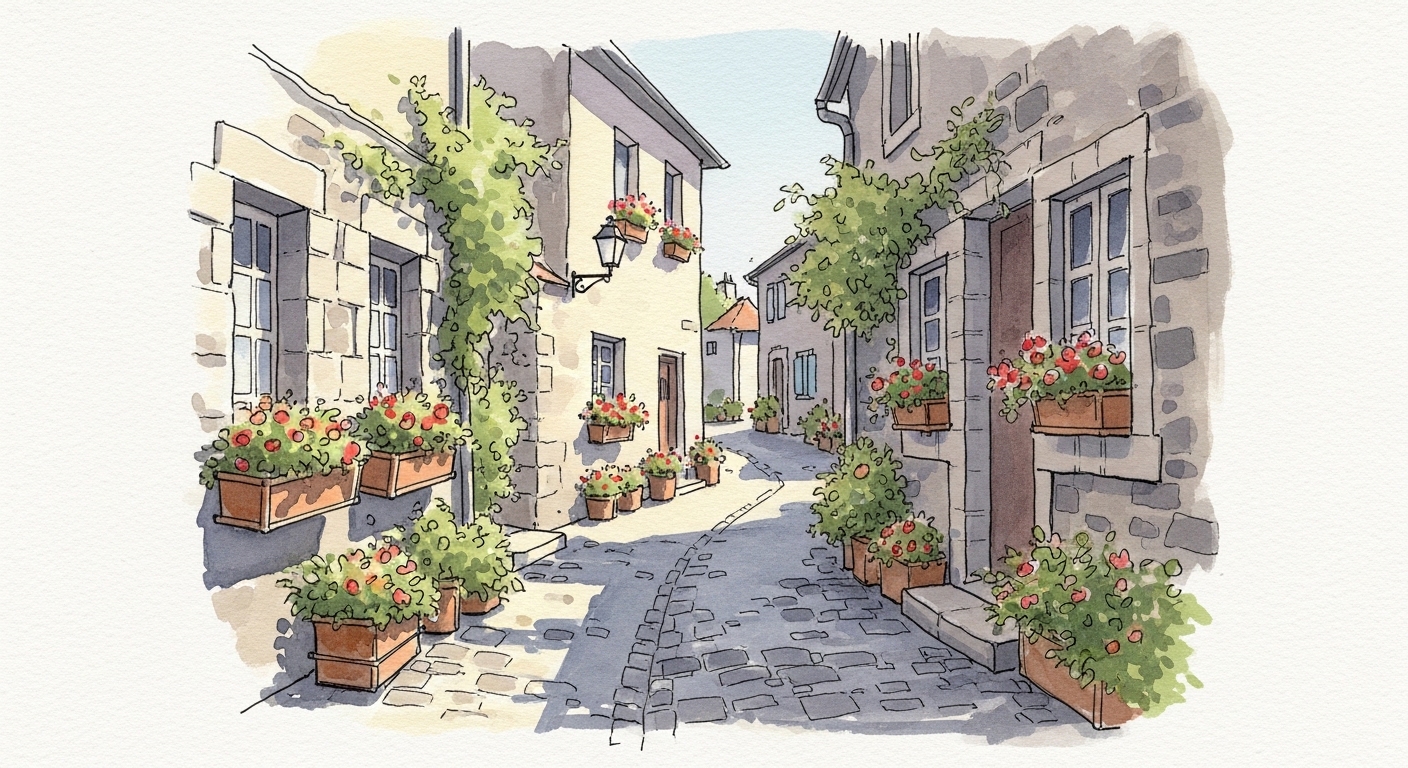 Watercolor-style AI drawing generated by ImagineArt AI Image Generator
Soft, translucent, and paint-like in texture. Works well for editorial illustration, greeting cards, book covers, and any project that calls for an organic, hand-crafted aesthetic rather than a polished digital finish.
Oil Painting
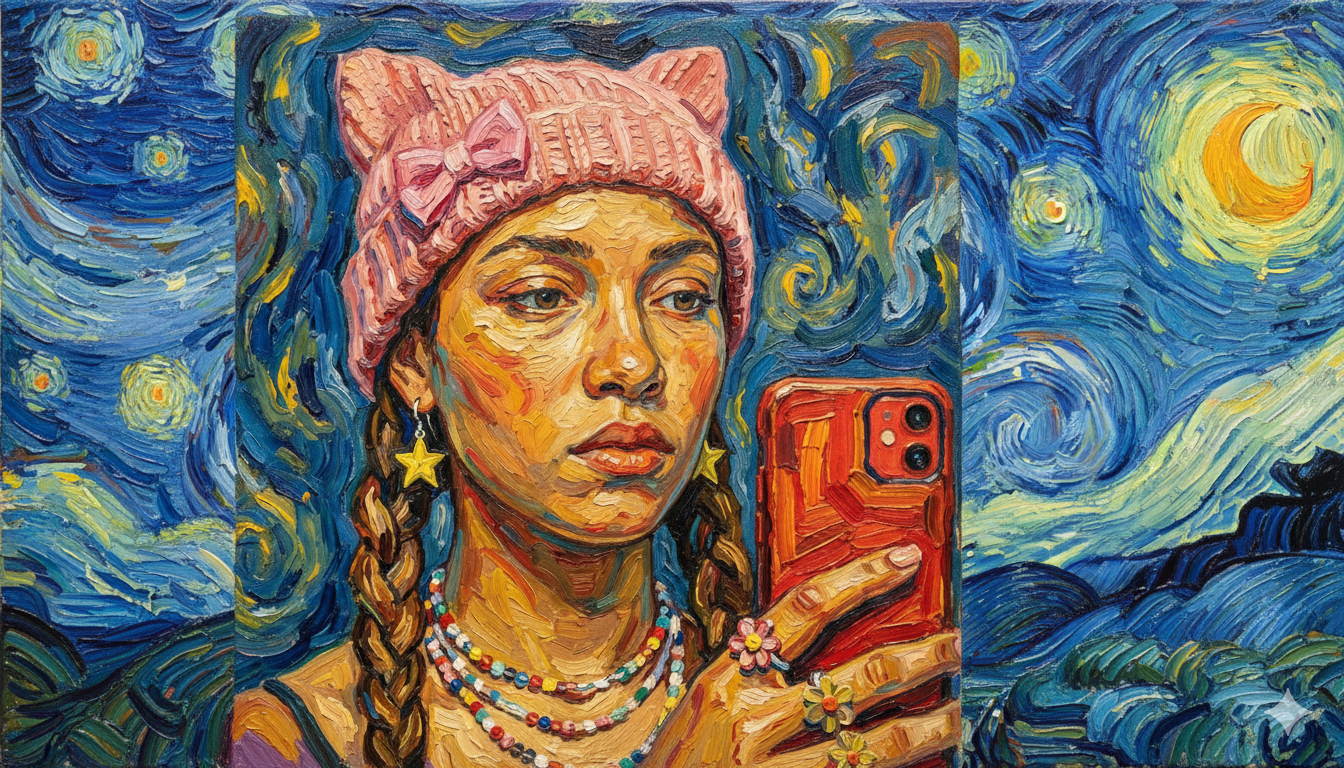 Oil painting generated by ImagineArt AI Image Generator
Rich in texture and depth, with the visual character of traditional oil on canvas. Well-suited for portraits, landscapes, fantasy scenes, and content that needs to feel timeless or classical rather than contemporary.
Line Art and Sketch
Clean outlines with minimal shading, ranging from tight technical-style drawings to looser gestural sketches. Useful for illustration projects, educational diagrams, comic-style content, and workflows where you plan to add color or detail manually.
Dark Fantasy
High-contrast, dramatic lighting with moody atmospheric elements. Common in gaming, horror, and fantasy genres for character design, environments, and promotional visuals.
Pixel Art
Retro-style imagery built from visible pixels, associated with classic gaming aesthetics. Used in game development, nostalgia-driven branding, and social media content aimed at gaming communities.
Abstract
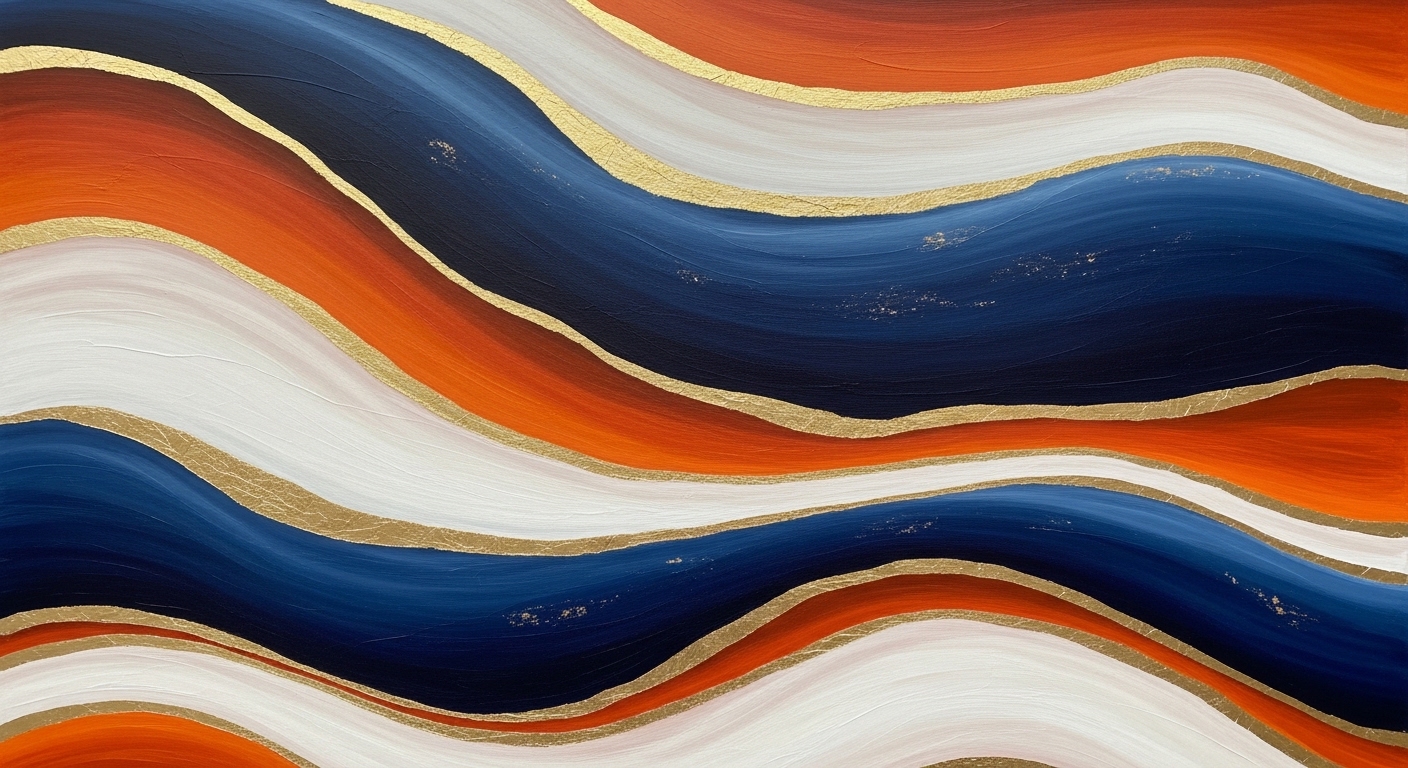 Abstract art generated by ImagineArt AI Image Generator
Non-representational imagery focused on color, form, and texture rather than recognizable subjects. Useful for backgrounds, textures, brand visuals, and artistic experimentation.
Most AI drawing tools, including ImagineArt, let you specify these styles directly in your prompt or select a model pre-tuned for a particular visual direction. Testing two or three style variations on the same subject is one of the fastest ways to find the visual direction that fits your project.
Best AI Drawing Tools
The AI drawing space has several strong options, and the right choice depends on what you are actually trying to do.
ImagineArt
ImagineArt is one of the best free AI drawing tools. It is built around accessibility and workflow integration. It covers a wide range of drawing styles within a single platform, includes built-in editing and image-to-image tools, supports end-to-end workflows from generation to video. For creators who want quality output across multiple styles without managing separate tools or subscriptions, it is one of the most complete options available
Midjourney
Midjourney produces some of the most visually striking and artistically polished outputs available, particularly for stylized, painterly, and atmospheric imagery. The main limitations are that it runs through Discord rather than a dedicated interface, offers no free tier, and gives you less direct control over fine compositional details. It is well-suited for experienced users who prioritize output quality over ease of use.
Also read: Midjourney Alternatives
DALL-E 3
Available through ChatGPT, it is notably strong at interpreting complex, multi-element prompts accurately and is one of the few tools that handles text within images with reasonable reliability. Its accessibility and integration with ChatGPT make it a natural starting point for users already in the OpenAI ecosystem, though the stylistic range is narrower than dedicated image generation platforms.
Also read: DALL-E Alternatives
Leonardo AI
Leonardo AI has built a strong reputation specifically for game asset creation, character design, and concept art. Its consistency features — which help maintain the same character or subject across multiple generations — are more developed than most competing platforms, making it particularly useful for projects that require visual coherence across a series of images. It has a free tier and a dedicated interface, and it allows fine-tuning on custom datasets for users who need a model trained closer to their specific style. The trade-off is that it is more tailored toward structured creative workflows than casual or exploratory use.
Also read: Leonardo AI Alternatives
Stable Diffusion
Stable Diffusion is open-source and can be run locally, giving technically capable users the highest degree of customization available — including fine-tuning models, using LoRAs, and controlling generation parameters precisely. The barrier to entry is significantly higher than cloud-based tools, and it is not well-suited for users who want a straightforward interface.
Read a comprehensive comparison of best AI drawing generators on ImagineArt blog.
What to Look for in an AI Drawing Tool
Most AI drawing tools look comparable in demo conditions. The differences become clear when you push them. Here are the criteria worth testing before committing to a platform.
Output resolution on the free tier
Many tools cap resolution, add watermarks, or limit export quality unless you are on a paid plan. Check what the free tier actually delivers — not what the platform is capable of at the top tier — since that is what you will be working with during evaluation.
Prompt sensitivity
A stable model should produce meaningfully different results when you change your prompt, and broadly similar results when you do not. Test this early by making minor prompt variations and observing how much the output shifts.
Consistency across generations
If your project requires the same character, subject, or visual identity across multiple images, test this specifically. Most tools struggle with cross-generation consistency.
Whether editing is actually integrated
Some platforms advertise editing capabilities that are, in practice, limited to basic adjustments or that route you to a separate third-party tool. Test image inpainting features and region-specific editing directly.
Commercial licensing terms
Free tier outputs are not always cleared for commercial use. If you are generating assets for client work, marketing, or anything that generates revenue, read the licensing terms before you generate any AI drawing.
Style range in practice, not in marketing
Most tools claim to support a wide range of styles. The more useful test is how well an AI drawing tool handles styles at the edges of its range — not the styles it was clearly optimized for. A tool that produces excellent photorealistic output but muddy, inconsistent results for line art or watercolor has a narrower effective range than advertised.
Generation speed under real conditions
If the platform has a free tier, test generation times during normal working hours rather than late at night, which is when most users run benchmark comparisons.
Why AI Drawing Tool Has Changed Creative Work
The most significant shift AI drawing generators represent is not speed, though they are fast. It is access. Producing a polished, stylistically consistent illustration no longer requires years of technical practice or a budget for commissioned artwork. A writer, marketer, educator, or entrepreneur with a clear idea and a well-written prompt can now produce visual output that would previously have required a specialist.
For working designers and artists, the value sits elsewhere — in the early phases of a project. AI drawing compresses the time between having an idea and having something visual to react to. That changes how quickly teams can align on a creative direction, how many concepts get explored before one is chosen, and how much of a designer's time goes toward refinement rather than groundwork. For projects that extend beyond static imagery, a finished AI drawing can also feed directly into an AI video generator or AI video editor, keeping the entire creative pipeline fast and consistent without switching between unconnected tools.
For teams producing at volume, the cumulative time advantage compounds quickly. What once required a dedicated designer and a multi-day turnaround for each asset can now be generated, refined, and approved in a single session. ImagineArt Enterprise is built specifically for organizations that need that kind of output at scale — consistent quality across large volumes of work without proportionally scaling headcount.
How to Use AI for Drawing: Practical Use Cases
Knowing how to use AI for drawing is one thing. Knowing where it fits into real creative and professional workflows is what makes it genuinely useful.
Here are some of the most practical applications:
Social Media Content
Generate custom illustrations, banners, and visual posts quickly without relying on stock imagery or a design team for every asset. AI drawing lets you maintain a consistent visual identity across platforms without the cost or turnaround time of commissioning original artwork for every post. You can produce platform-specific formats, experiment with drawing styles, and keep your feed visually fresh on a daily basis.
Concept Art
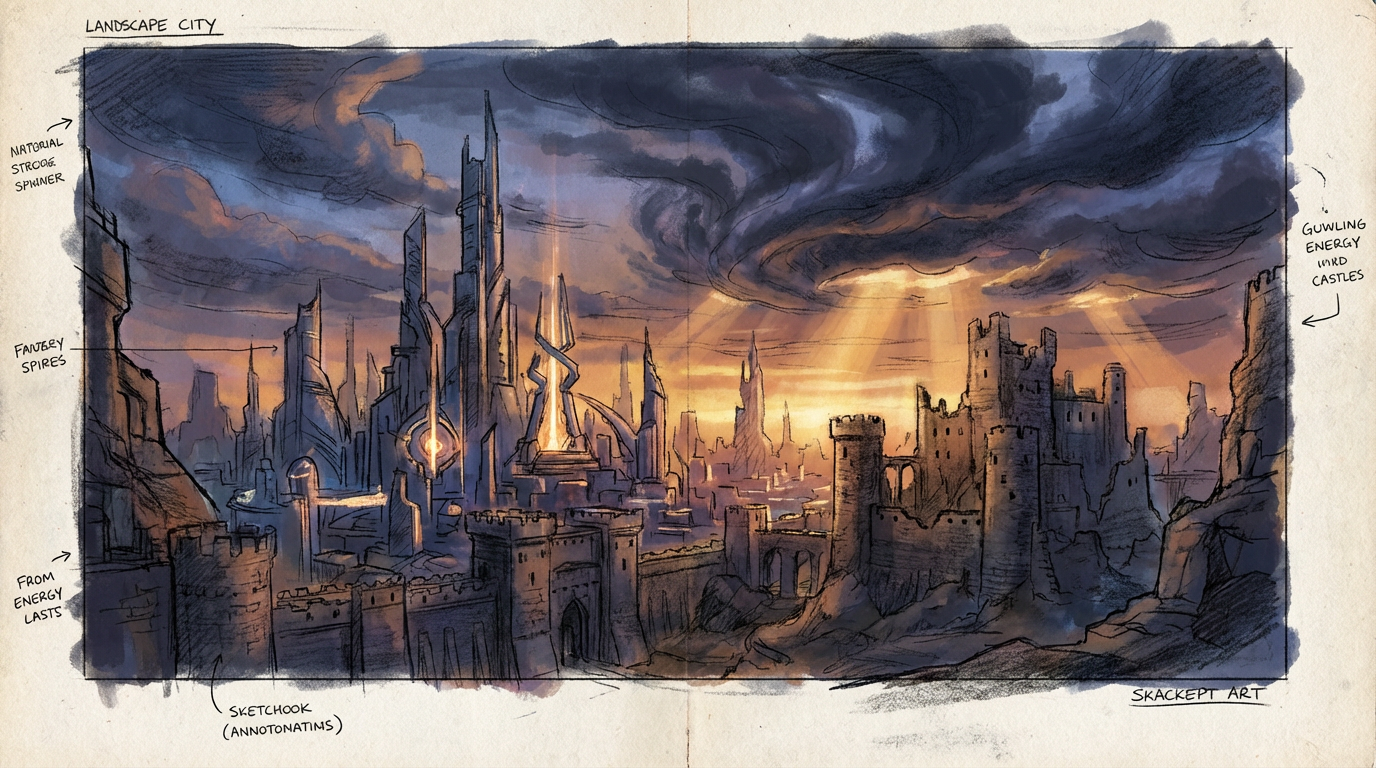 Concept art generated by ImagineArt AI Image Generator
Game developers, filmmakers, and product designers use AI drawing to rapidly prototype visual ideas before committing to full production. Instead of waiting days for a concept artist to deliver the first round of sketches, teams can generate dozens of visual directions in an afternoon and align on a creative vision much earlier in the process. This makes AI drawing especially valuable during pre-production, where speed and flexibility matter more than polish.
Blog and Marketing Visuals
Instead of searching for a stock image that only loosely fits your content, generate something tailored to your exact message. A custom AI drawing that reflects the specific topic, tone, and style of your article is far more effective than a generic photo from a stock library, and it reinforces your brand identity in a way that borrowed imagery cannot. It also removes the licensing concerns that come with using third-party stock assets.
Personal Creative Projects
Explore artistic ideas, create custom prints, design characters, or build visual worlds for stories and games. AI drawing gives hobbyists and independent creators the ability to bring detailed, fully realized visuals to projects that would otherwise be limited by technical skill or budget. Whether you are designing a tabletop game, illustrating a self-published book, or building a visual concept for a passion project, the barrier to producing quality artwork is now significantly lower.
Professional Artist Workflows
Rather than replacing the manual craft, AI drawing accelerates the early phases of the creative process, helping artists break through creative blocks, explore compositional options, and generate rough references faster than sketching from scratch. As AI artist Refik Anadol, whose work has been exhibited at MoMA, puts it: "The balance is about 50–50. My creations are true human-machine collaborations." The final work still reflects the artist's eye and judgment, with AI handling the time-consuming groundwork.
Education and Training Materials
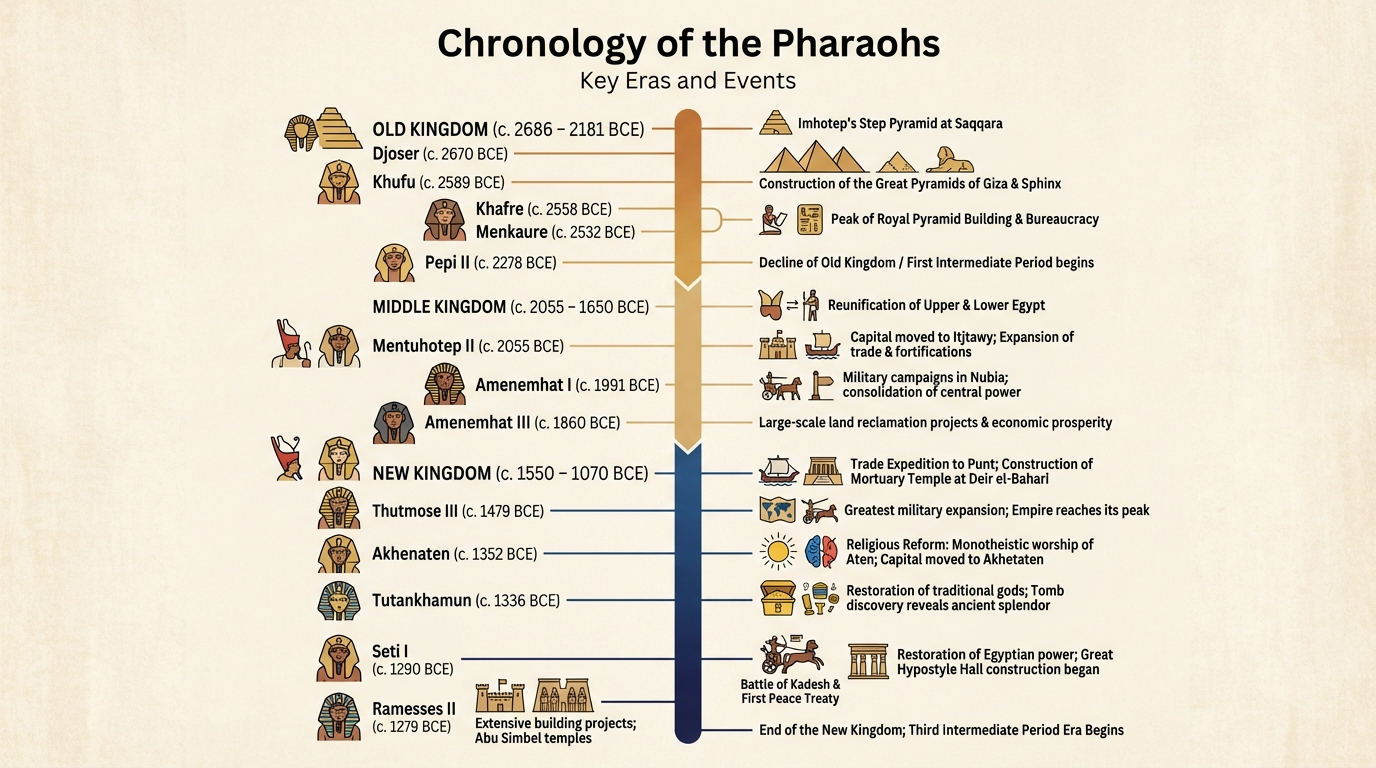 Educational material generated by ImagineArt AI Image Generator
Educators, instructional designers, and course creators use AI drawing to produce custom diagrams, illustrated examples, and engaging visuals for learning content. Sourcing or commissioning unique illustrations for every lesson or module is rarely practical, but AI drawing makes it achievable without a large production budget. The result is more visually engaging material that holds attention and aids comprehension.
Where AI Drawing Currently Falls Short
Being clear about the limitations of AI drawing helps you set realistic expectations and plan your workflow accordingly.
The most widely documented issue is hands and fingers. Current models frequently produce anatomically incorrect results when hands are prominent in the image — extra fingers, unusual proportions, or merged digits are common. If hands are critical to your composition, expect to regenerate several times or use the editing tools to refine those areas manually.
Text within images is another known weak point. AI drawing tools generally do not reliably render readable words or letters inside a generated image. If your visual needs legible text, it is better to add it in post-production using a separate tool.
Consistency across generations is also limited. If you need the same character, face, or object to appear identically across multiple images, standard text-to-image generation will not reliably deliver that. Some platforms offer features to help with this, but it remains an area where AI drawing is still maturing.
Finally, precise compositional control can be difficult to achieve through prompting alone. Getting the exact arrangement of elements you have in mind often requires iteration, and the output will never be pixel-perfectly predictable. For highly specific layouts or compositions, combining AI generation with manual editing will produce more reliable results than prompting alone.
Ready to Create AI Drawing with ImagineArt?
AI drawing has moved from a novelty to a genuinely powerful creative tool in a short amount of time. Whether you want to generate a single illustration, build a library of marketing visuals, or integrate AI into a full creative production pipeline, ImagineArt makes it accessible with capability of producing professional-quality results.
The best place to start is simply to start. Type your first prompt, see what comes back, and iterate from there. That is all it takes.
Frequently Asked Questions
AI drawing uses machine learning models to generate images automatically from a text prompt or reference input. Regular digital art is created manually by a human using design tools. The key difference is that AI drawing automates the visual generation process, while traditional digital art requires direct human execution of every element.
You can make an AI drawing for free using ImagineArt AI drawing generator. Head to the platform, enter a text prompt describing what you want to create, select a style, and generate your image. Free tiers typically include access to the core generation experience with some limitations on volume or export resolution.
ImagineArt is a strong option for beginners because the interface is straightforward, the style options are varied, and you do not need any prior design experience. You simply type what you want and the tool handles the rest.
No. AI drawing tools are best described as creative accelerators, not replacements. They handle technical execution, freeing artists and designers to focus on what AI cannot replicate: narrative intent, emotional nuance, and human perspective. Many professionals already use AI drawing as part of their workflow to generate references, explore compositions, and prototype ideas faster.
Tooba Siddiqui
Tooba Siddiqui is a content marketer with a strong focus on AI trends and product innovation. She explores generative AI with a keen eye. At ImagineArt, she develops marketing content that translates cutting-edge innovation into engaging, search-driven narratives for the right audience.