
Umaima Shah
April 9, 2026 • Updated April 17, 2026
13 mins Read
Starting a product review YouTube channel is no piece of cake, especially when there is strong competition and scaling opportunities with faceless videos. So, what do you do? You capitalize on the opportunity with AI-powered faceless channels, creating AI influencers, and deploy avatars that shoot for you while you sleep. Want to know how that works for a product review channel on YouTube? I’ll tell you exactly that and more in this blog.
But Why Should You Start a Product Review Channel?
Advertisers pay premium rates to reach audiences actively researching purchases.
- A finance review channel earns between $8 and $22 per thousand views.
- A tech review channel earns $6 to $15.
Both demolish the platform average of $2 to $5 for general entertainment content.
But here is what stops most people before they publish video two:
- They post inconsistently
- Editing takes longer than filming
- No visual identity exists across videos,
- Creating time-consuming product visuals and thumbnails.
- Long review videos sit unwatched while Shorts drive all the early discovery traffic
- Professional-looking product photography and lifestyle visuals feel out of reach without a studio
So before we get into the tools, the workflows, and the AI stack that makes all of this possible, let us start with the most important decision you will make for your entire channel: what you are going to review.
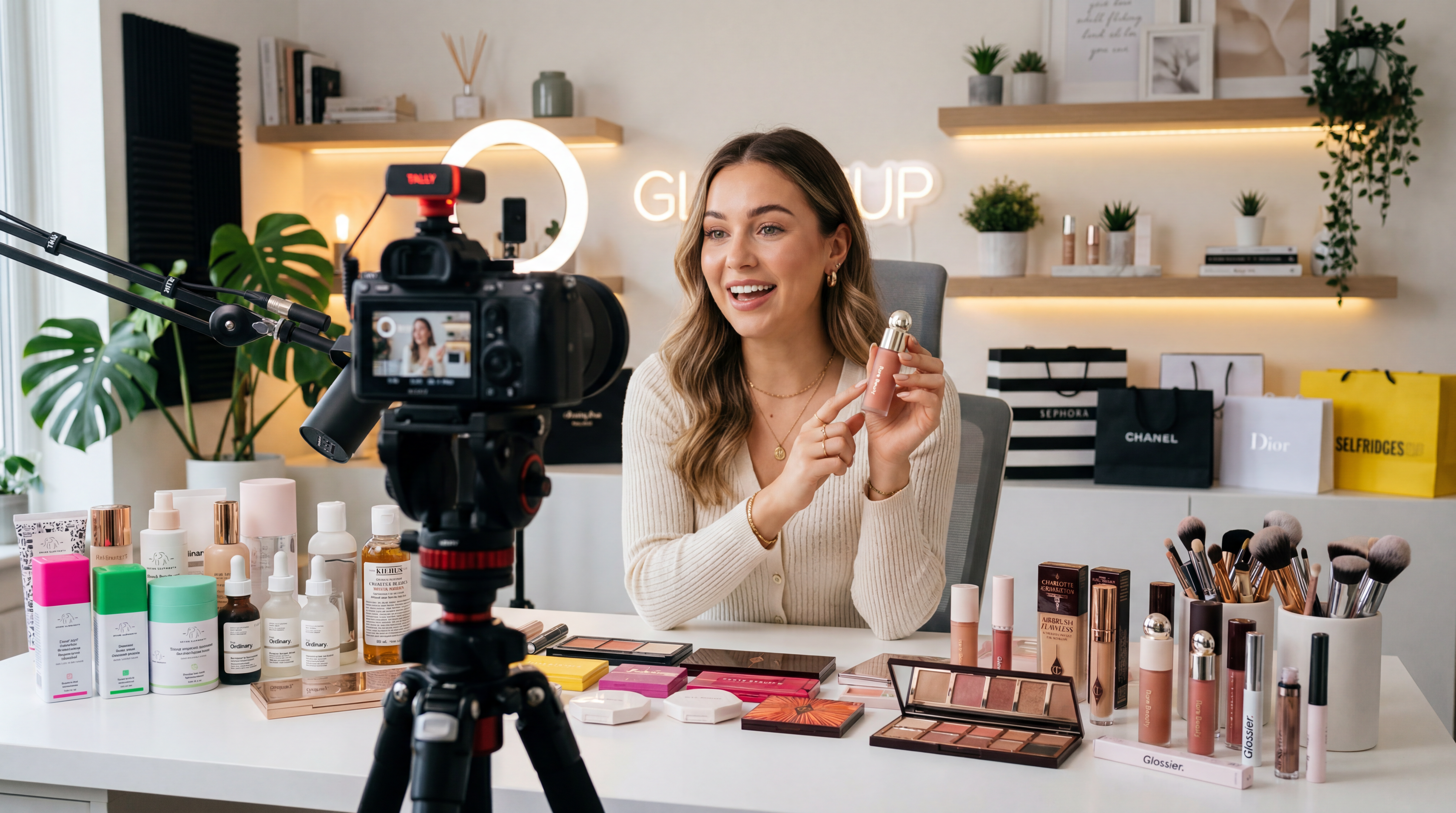 Beauty creator reviewing a Sephora shopping haul for YouTube
12 Product Review YouTube Channel Channel Ideas
Before you film anything, you need to know what you are reviewing. The niche you pick decides your CPM, your affiliate commission rates, and how fast you can build authority in search. Too broad, and you compete against channels with eight-figure production budgets. Too obscure and there is no audience to capture.
You are also not just picking a topic. You are picking a production style, a content calendar, and a set of tools that serve that niche specifically. Here are 12 product review channel ideas worth building in 2026, with the ImagineArt tools that make each one faster to produce:
1. Budget Tech Reviews
High search volume year-round, $6 to $15 CPM, and a massive purchase-intent audience that researches before every buy.
- Phones, earbuds, laptops, and tablets under $300
- Use the ImagineArt AI Video Generator to produce cinematic product showcase clips without a studio setup
2. Skincare and Beauty Reviews
One of the highest direct-brand affiliate commission niches at 10% to 20% per sale.
- Serums, moisturisers, sunscreens, and beauty tools
- Use ImagineArt AI Product Photography to generate professional lifestyle product images from a single phone photo
3. Kitchen Gadget Reviews
Strong evergreen search intent with repeat buyers who upgrade their kitchen setups constantly.
- Air fryers, coffee gear, blenders, and Instant Pots
- The ImagineArt food and beverage industry platform supports food-adjacent channels with AI-generated recipe visuals and product lifestyle content at scale
4. Home Office Setup Reviews
Average order values run $150 to $600, making this one of the highest affiliate payout niches per click.
- Desks, chairs, monitors, webcams, and lighting setups
- The ImagineArt interior design platform supports workspace visualisation and branded setup visuals for this niche
5. Finance Product Reviews
The highest CPM on all of YouTube is $8 to $22 per thousand views.
- Credit cards, investment apps, budgeting platforms, and financial tools
- The ImagineArt ecommerce solutions platform supports brands in this space for visual content production at volume
6. Gaming Gear Reviews
Highly engaged audience with strong purchase intent around every new hardware and accessory release.
- Headsets, controllers, gaming chairs, keyboards, and peripherals
- Use ImagineArt Anime Fight and the Game Verse app suite to create gaming-themed thumbnail visuals and channel intro content
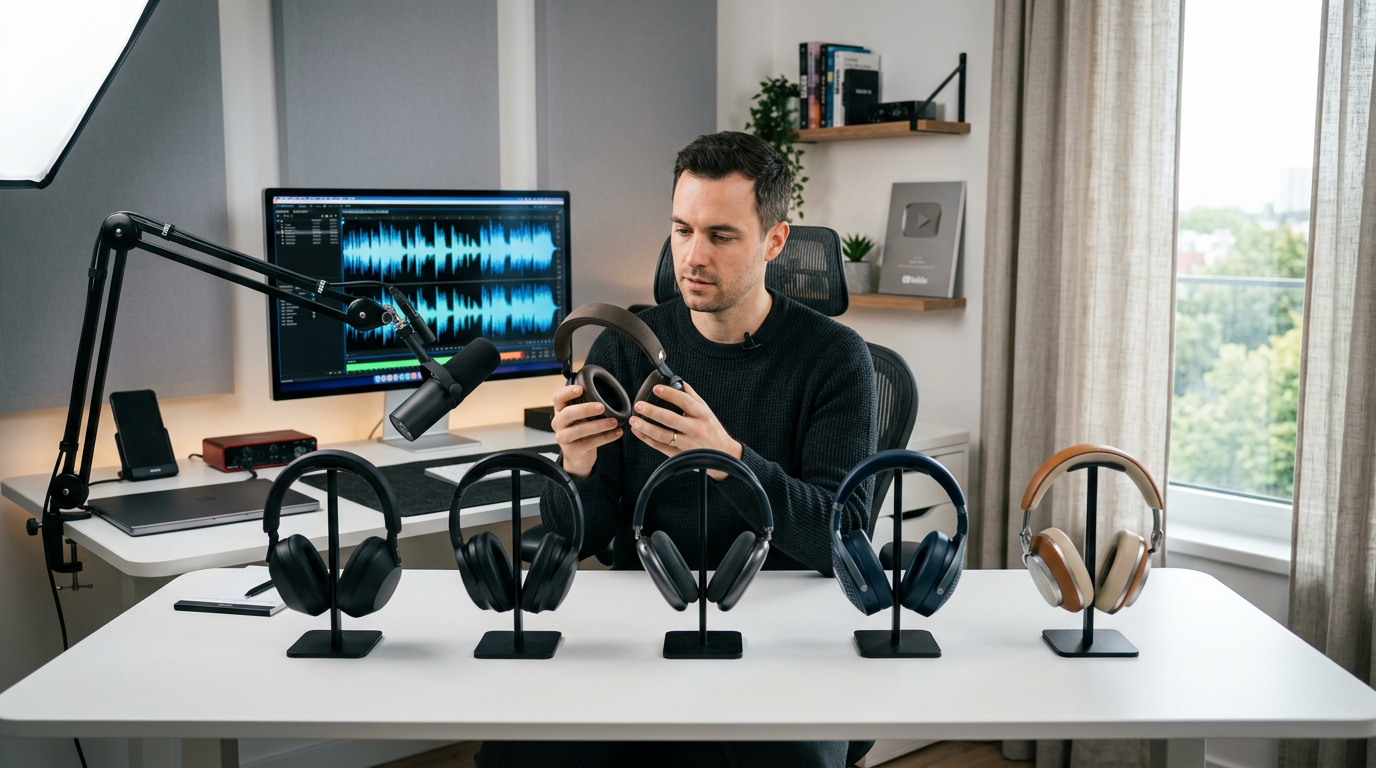 Reviewing wireless headphones for a YouTube product comparison
7. Fitness Equipment Reviews
High repeat purchase rate as audiences continuously build out their home gym setups over time.
- Resistance bands, dumbbells, recovery tools, and home gym equipment
- The ImagineArt Adrenaline Rush app generates high-energy action-packed visual content perfect for fitness review intros and Shorts teasers
8. Pet Product Reviews
The US pet industry crossed $150 billion in 2024. A deeply loyal audience that buys without hesitation when trust is established.
- Pet food, toys, health supplements, and grooming equipment
- Use the ImagineArt AI Image Generator with Nano Banana Pro to generate pet lifestyle thumbnail visuals
9. Fashion and Style Reviews
A visual-first niche where thumbnail quality directly determines whether the channel grows or stagnates.
- Clothing hauls, accessory comparisons, and outfit reviews
- ImagineArt Studio, Tryon and AI Clothes Swap make virtual try-on thumbnail and social content possible without arranging a wardrobe shoot.
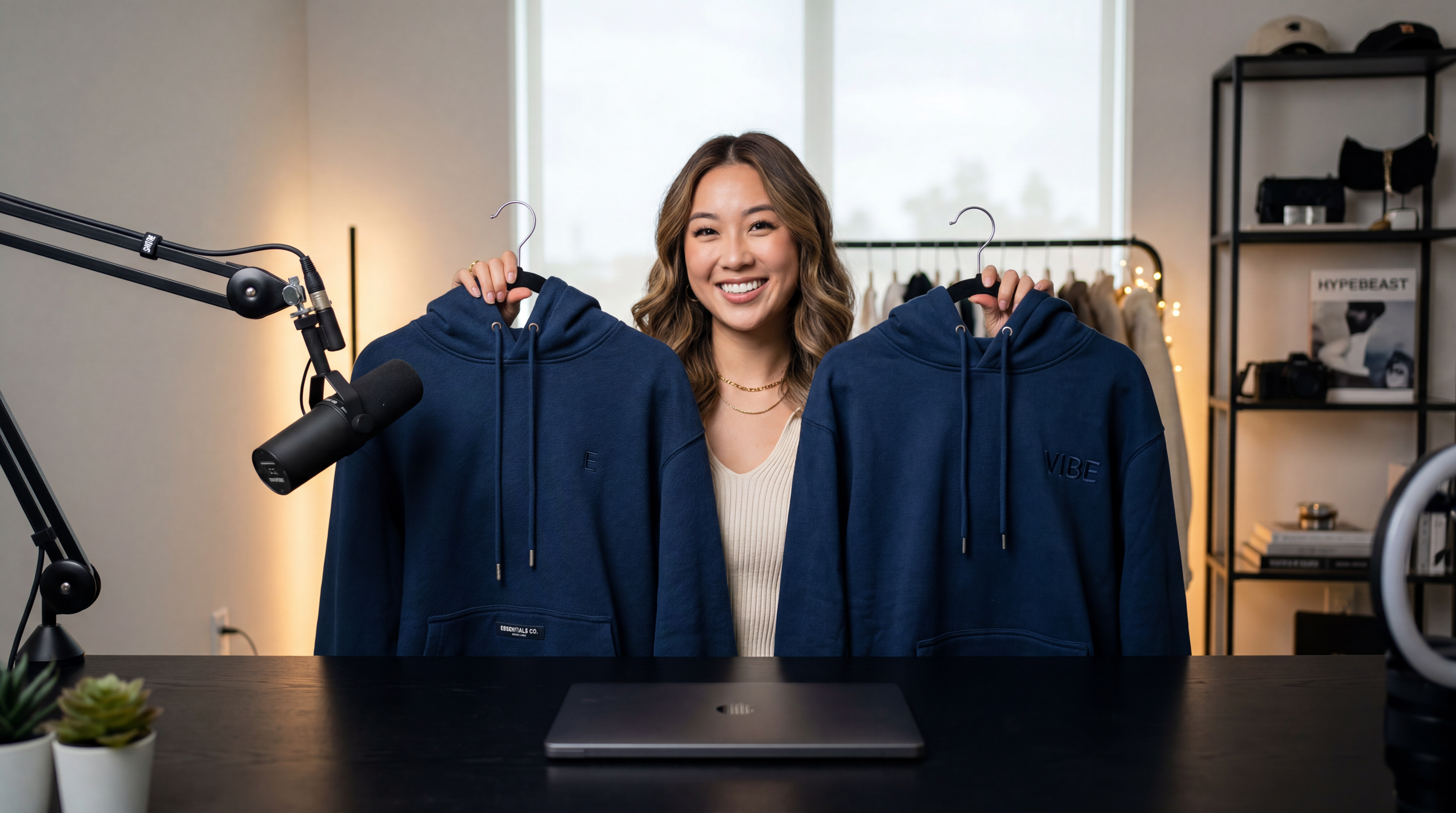 Breaking down designer vs dupe clothing details
10. Smart Home and IoT Reviews
Repeat buyers as smart home ecosystems expand, meaning subscribers return for every new device recommendation.
- Cameras, doorbells, smart plugs, and thermostats
- The ImagineArt real estate industry platform supports property technology visual content at volume.
11. Book Reviews
Zero product cost, strong Amazon affiliate rates, and a loyal subscriber base that returns for every new recommendation.
- Fiction, non-fiction, self-help, and niche subject matter
- Use the ImagineArt AI Image Editor to create stylised thumbnail art without Photoshop skills
12. Travel Gear Reviews
Evergreen search intent with high purchasing spikes before every holiday and travel season.
- Luggage, packing cubes, travel tech, and portable power banks
- Use ImagineArt Luma AI to generate cinematic destination scenes for travel gear thumbnail backgrounds.
 Faceless hands-on product review filming setup
Now that you know which niche you are going into, the next step is getting your channel actually live before you film a single video.
Set Up Your Product Review Channel the Right Way
Most creators rush straight to filming and wonder three months later why the channel looks unfinished. The prep stage takes less than a day and changes how professional every video feels from the first upload.
- Channel name: Make it searchable and niche-specific. "TechUnder300" tells a new visitor exactly what the channel covers before they read a word. Your name should include either the product category or a clear value signal, not a personal name with "reviews" attached.
- Logo and branding: Use the ImagineArt AI Logo Generator to create a scalable, professional channel icon in seconds, powered by Nano Banana Pro and Seedream V4. Download in high resolution with a transparent background, ready for YouTube, social media, and channel art immediately.
- Thumbnail template: Set your visual format before you publish video one. The ImagineArt YouTube Thumbnail Maker generates high-resolution thumbnail options from a text description with real-time previews built specifically for YouTube. Build a consistent layout, same font treatment, same contrast style, same positioning on every video.
Research before filming:
- Search your target product keyword on YouTube autocomplete and note which channels under 100,000 subscribers are ranking
- Look for niches where top videos are less than 18 months old, not 2021 content no one has replaced
- Validate affiliate commission rates before committing to a product category
- Plan your first 10 video titles before you buy or request a single product
With your channel set up and your first video titles planned, here is the exact three-step process for how to start a product review YouTube channel and build it into a consistent publishing machine.
Steps to Start a Product Review YouTube Channel
Step 1: Validate Your Product Idea Before You Film
Before you buy a single product or set up a light, spend 20 minutes doing this:
- Search your exact target keyword on YouTube, not the category, the specific product model
- Check Google Trends for seasonal spikes and avoid niches that only spike once a year
- Use VidIQ or TubeBuddy to confirm search volume and competition level before committing
- Look for at least two to three review videos from channels with under 100,000 subscribers already ranking
What makes a product idea worth pursuing:
- Affiliate commission rate above 5%
- Average product price above $80
- Competing review videos less than 18 months old
That combination tells you the niche has real buyer demand, is still winnable by a new channel, and will pay when someone clicks your affiliate link.
Step 2: Build Your Quick Video Production Workflow
Your production workflow determines whether you publish consistently or burn out after month two. Decide before you hit record:
- Which AI tool generates your product visuals and thumbnails
- Whether your channel uses your face, an AI influencer persona, or a voiceover-only format
- How will you produce your weekly content in batches rather than one video at a time
Step 3: Publish, Optimise, and Repeat
Your first video does not need to be perfect. It needs to exist. Here is what publishing actually looks like:
- Film your first review on your smartphone, no studio required
- Generate your thumbnail using ImagineArt before you upload anything
- Write a 200-word description with your primary keyword in the first two sentences
- Add chapter timestamps so YouTube indexes each section of your review separately
- Publish and move immediately to the next video
The channels that grow in year one are the ones that publish one optimised video every week without stopping. Not the ones that planned for three months and posted twice.
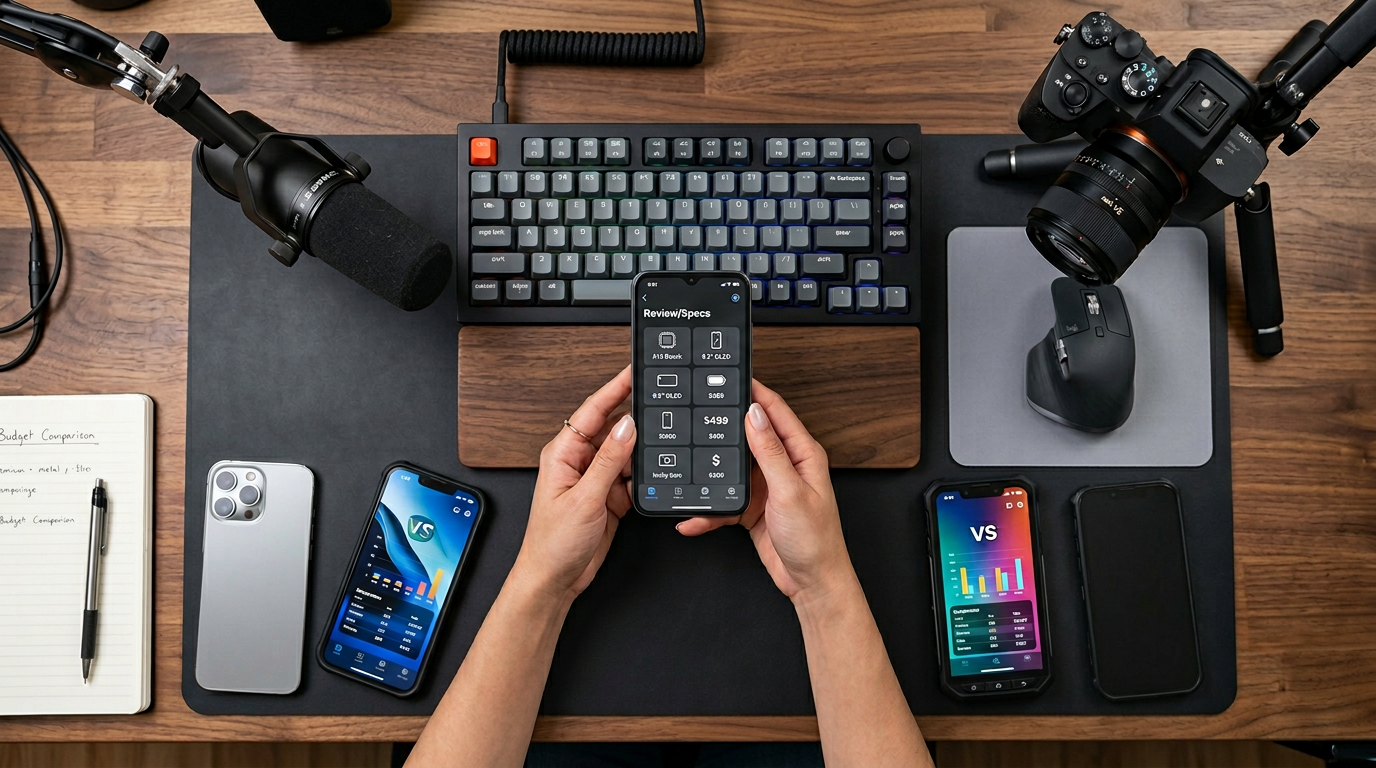 Testing viral products for YouTube review
Your channel is set up, and your workflow is locked in. Now every video needs to look professional, publish consistently, and generate the kind of visual quality that earns the click before anyone hits play. This is where ImagineArt becomes the core of your production stack.
Create Product Review Content at Scale Using ImagineArt
Here is the truth about running a product review channel: the filming is the easy part. The part that kills consistency is everything that comes after:
- Thumbnails
- Product images
- Video editing
- Social clips
- Brand deliverables
That is where most creators lose hours every week and eventually abandon their publishing schedules entirely.
ImagineArt handles roughly 80% of that production work for you. What is left is the customisation layer, and that takes minutes, not hours.
Here is how each tool fits directly into a product review workflow:
1- Faceless Reviews
Camera-shy or just prefer staying off camera? ImagineArt AI Influencer generates a fully customisable virtual presenter that hosts your reviews, appears in thumbnails, and pitches brands on your behalf.
Then make it move. Kling Motion Control transfers real human gestures, product demos, and unboxing movements from any reference video onto your AI influencer with natural-looking accuracy.
- One persona across every upload
- No filming, no studio, no on-camera time
2- Studio-Quality Product Shots From Your Phone
Upload one product photo to ImagineArt AI Product Photography and get back professional lifestyle scenes with accurate lighting and styled environments automatically.
- Need someone holding it naturally? Make People Hold Product handles that without a model or shoot
- Need better lighting on the original shot? Relight AI fixes it in seconds
3- Cinematic Product Videos From a Single Prompt
Kling 3.0 generates multi-shot cinematic video up to 15 seconds with six camera cuts and synchronised audio in one pass.
- Fast social teasers: Hailuo 2.3 at 2.5x generation speed
- Character-consistent product demos: Runway AI
- Multi-input cinematic storytelling: Seedance 2.0
4- UGC Brand Deals, Delivered at Scale
Brands pay $150 to $800 per video for authentic-looking review content for their own ads. ImagineArt AI UGC Video Generator produces organic-feeling review videos with AI scripts and voiceovers in 30 languages.
- Branded review backdrops and animations: Product Review App
- Both run alongside your main channel without extra filming time
5- Clean Footage, Zero Editing Hours
Video Object Removal removes any unwanted elements from footage using a text prompt.
- Wrong background on a product still: Background Changer
- Flat or washed-out footage: AI Video Color Correction
- Any image needing 4K resolution: Image Upscaler
6- Batch a Full Week of Content in One Session
ImagineArt Workflow connects image generation, video generation, and editing into one reusable automated pipeline.
- Set it up once, run it every week
- Thumbnails, product images, and promo clips for the full week in under 30 minutes.
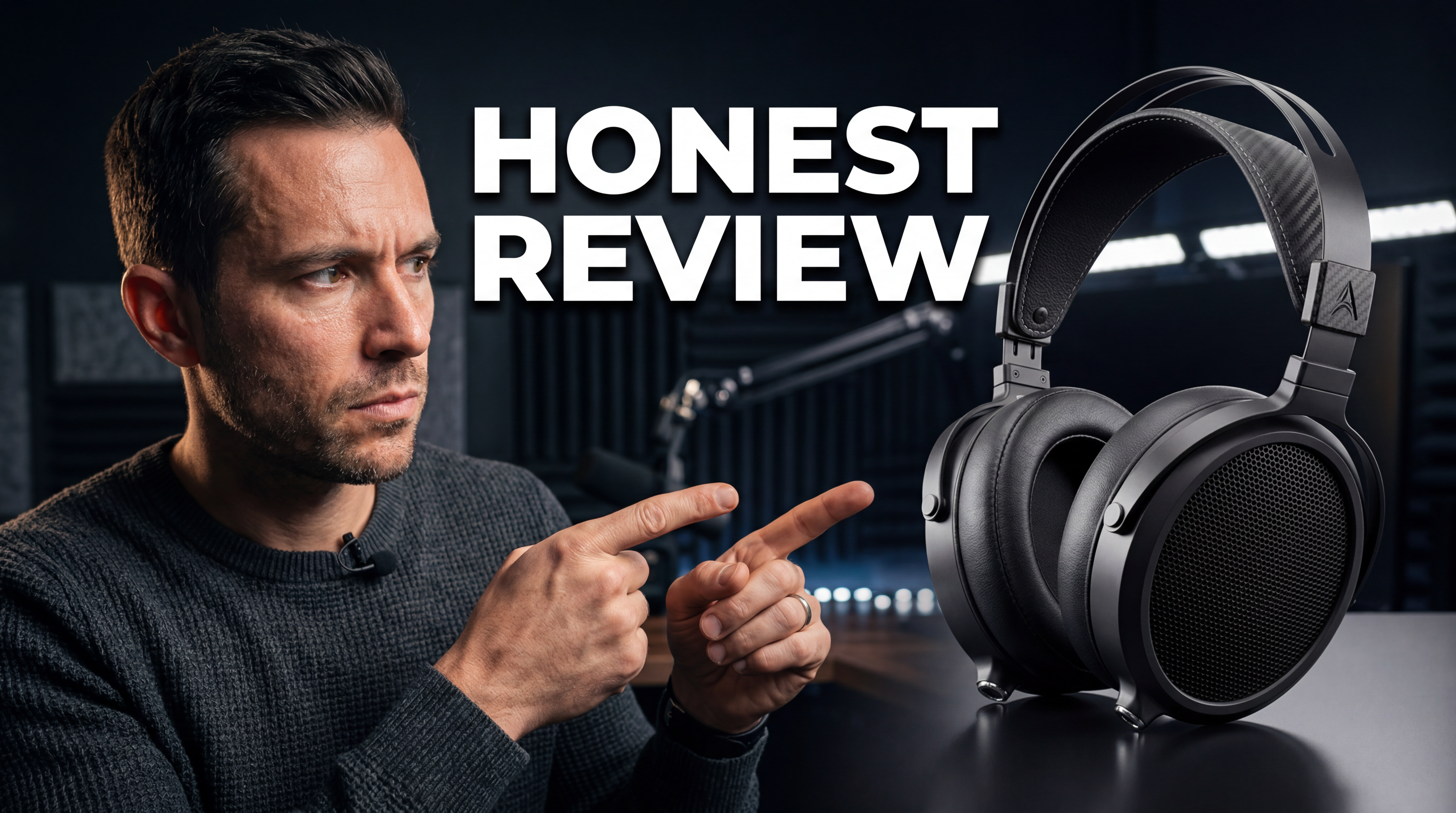 Create professional grade thumbnail in seconds
How Product Review Channels Make Money
A product review YouTube channel is one of the only content formats where you earn before the algorithm starts pushing your videos. Here is exactly how the revenue stacks.
1- YouTube AdSense
YouTube AdSense pays significantly above the platform average because your audience arrives with buying intent, not just curiosity. Finance product reviews earn $8 to $22 per thousand views. Tech reviews pull $6 to $15. Home and kitchen sits at $4 to $10. General entertainment, for comparison, averages $2 to $5. The niche alone doubles or quadruples what the same view count would earn on a different channel.
2- Affiliate Marketing
Affiliate income starts on video one if that video ranks in search. Amazon Associates pays 3% to 6% per sale with a 24-hour cookie and accepts new channels regardless of subscriber count. Direct brand programs pay 10% to 20% per sale with 30 to 90-day cookies, meaning more of your traffic converts into commission even days after the initial click. Many direct programs also include free review products, which cuts your content cost entirely.
3- Brand sponsorships
Brand sponsorships arrive earlier than most new creators expect. Channels with 500 to 2,000 subscribers in high-intent niches regularly attract inbound offers because the audience is commercially specific. Rates for small review channels run $150 to $500 per sponsored segment, and that number grows quickly as the channel builds authority in a defined niche.
4- UGC creator
UGC creator contracts are the income stream most review creators completely ignore. Brands pay $150 to $800 per deliverable for authentic-looking product review content for their own ads and Amazon listings. No subscriber count required, only a polished niche portfolio. The ImagineArt AI UGC Video Generator lets you fulfill these contracts at volume without interrupting your main channel publishing schedule.
5- AI influencer
AI influencer partnerships are the newest and fastest-growing revenue stream available to review creators in 2026. A trained virtual creator persona built on ImagineArt pitches brands for paid posts, ambassador deals, and long-term content partnerships the same way a human creator does, without your face, your schedule, or your personal brand at risk. The AI influencer market reached $6.06 billion in 2026 and is growing at over 26% annually, and brands are actively looking for virtual creator partnerships right now.
Analytics, Brand Sponsorships, and Scaling Your Channel
Once you have 10 to 15 published videos, four numbers predict everything:
- CTR above 4% means your thumbnails and titles are working. Below 2% means fix the thumbnail before anything else
- An average view duration above 50% means your review structure holds the viewer. Below 40% means your hook or pacing needs attention
- Affiliate clicks per video tell you which topics convert buyers, not just which ones get views
- Impressions growth shows whether YouTube is distributing your content beyond your existing subscribers
Review these every two weeks. Find the two or three videos earning the most affiliate clicks and replicate their topic structure, title format, and thumbnail approach on every new upload. That compounding pattern builds the channel faster than chasing views.
For brand sponsorships, start pitching directly at 1,000 subscribers. Build a media kit showing your niche, average views per video, and a portfolio of your best content including any AI-generated UGC samples. Brands in high-intent niches prioritise audience specificity over raw subscriber count, and a polished-looking channel produced with ImagineArt signals professionalism before any pitch conversation starts.
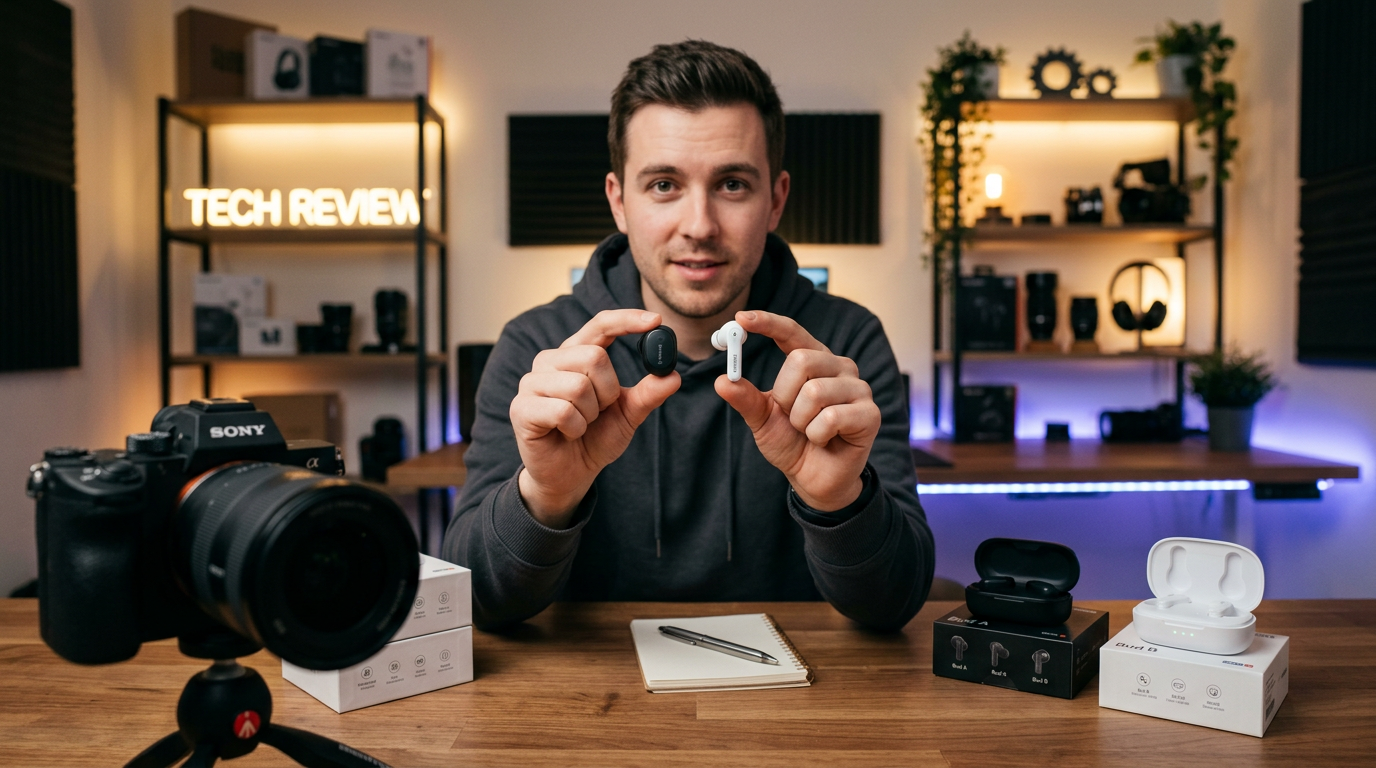 Comparing budget earbuds for a review video.png
Frequently Asked Questions
1[
2{
3"id": "1",
4"question": "How do I choose the right niche to start a product review YouTube channel?",
5"answer": "Pick a niche narrow enough to dominate early but with enough product volume to keep publishing consistently. Validate by searching your target keyword on YouTube, confirming affiliate commission rates above 5%, and checking that videos from channels under 100,000 subscribers are ranking. Finance, tech, and skincare reviews consistently earn the highest CPM and affiliate rates across the platform."
6},
7{
8"id": "2",
9"question": "Can I start a product review YouTube channel without showing my face?",
10"answer": "Yes. The ImagineArt AI Influencer app generates a custom virtual creator persona that hosts every review, appears in every thumbnail, and handles brand partnerships without you appearing on camera. Voice narrated walkthroughs, hands on demo formats, and AI generated presenter content all perform as well as on camera reviews for most product categories."
11},
12{
13"id": "3",
14"question": "How long before a product review channel starts earning?",
15"answer": "Affiliate income starts on video one if the video ranks in search. UGC brand contracts can begin within weeks of launching if you build a polished portfolio using ImagineArt tools. YouTube AdSense requires 1,000 subscribers and 4,000 watch hours, which typically takes 6 to 12 months for a channel publishing weekly in a well chosen niche."
16},
17{
18"id": "4",
19"question": "How do I get free products to review?",
20"answer": "Apply to Amazon Vine and direct brand ambassador programs. Email PR teams at brands in your niche with a short pitch, your channel link, and your top performing video once you have five to ten published reviews. Use platforms like Grin and AspireIQ, which connect brands with smaller creators specifically for product gifting and review partnerships."
21}
22]
Umaima Shah
Umaima Shah is a creative content strategist specializing in AI tools, image generation, and emerging technologies. She focuses on translating complex platforms into clear, practical insights for creators, designers, and product teams