
 Codex
Codex Claude Code
 Hermes
 OpenClaw
 For
For Terminal
npm i -g @imagineartofficial/mcpSet up ImagineArt for me so I can generate images, video and music from here.
1. Install the CLI: run npm i -g @imagineartofficial/mcp.
2. Add the server to Terminal: run imagine install cli. It opens my browser to sign in: tell me when it needs me, and wait. If it stops because something is missing, install that and run it again.
3. Tell me it is ready, and what I need to type in Terminal to pick up the new config.https://mcp.imagine.artThe Whole Studio, From Your Terminal.
One package: it installs the MCP server, and generates on its own.
Real output, trimmed. Those two links open the files that run made.
Try one
$ imagine image "a red bicycle on a beach at dawn" --ratio 16:9A still, at the shape you asked for, in the folder you are standing in.
$ imagine video "a drone shot over the coast" --duration 5Five seconds of video from one sentence.
$ imagine image "a matte black logo on concrete" -n 4Four at once, when you want something to choose between.
Everything else
imagine image "<prompt>"Text to image. -n for a batch.imagine video "<prompt>"Text to video, or --image to animate a still.imagine music "<prompt>"Text to music, up to a full track.imagine ad "<brief>"Ad Studio: product, avatar, hook, setting.imagine fashion "<brief>"Fashion Studio: model, wardrobe, scene, pose.imagine install [client]Writes the server into Claude, Cursor and nine more.imagine orgPin the workspace you are billed to.imagine statusSign-in, workspace, credits, tool count.imagine agentThe machine-readable contract for a CI job.
imagine, imagineart and imagine-mcp are the same binary. Every image argument takes a local file or a URL, so a dragged-in photo works as a reference.
Every Creative Model, InsideTerminal.
One connection, every model: image, video, audio and avatars.
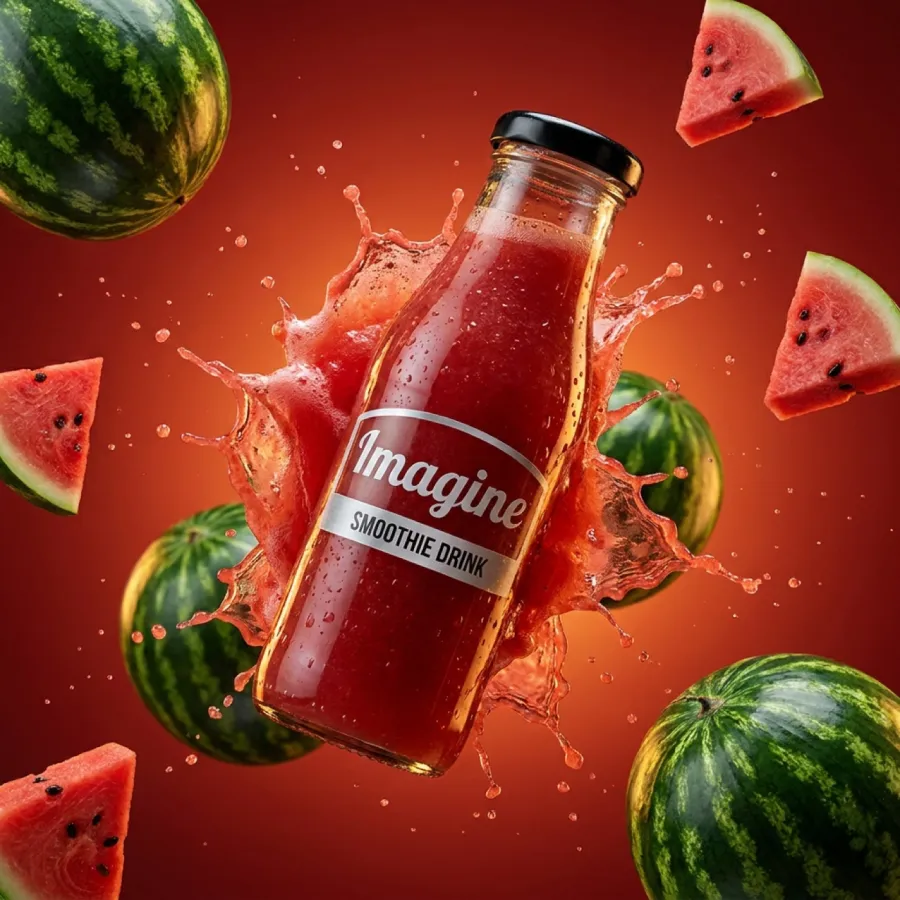
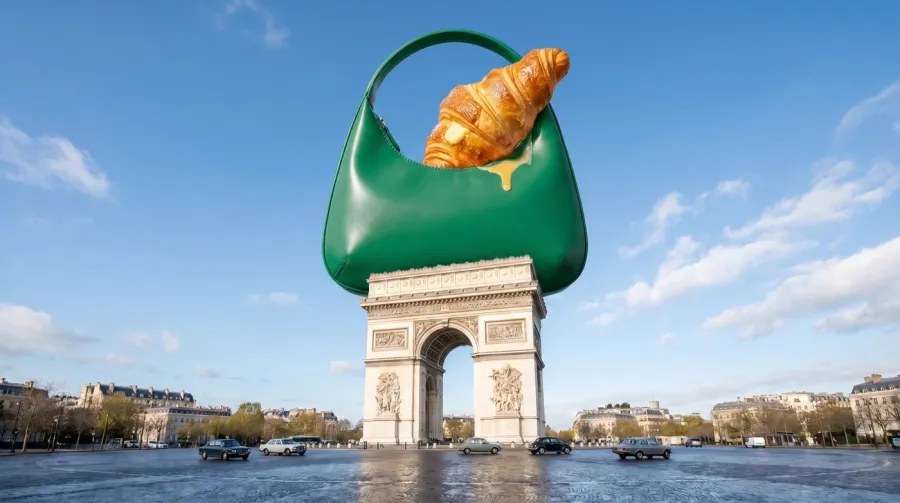

Your Questions Answered
Everything worth knowing about connecting Imagine to your agent, and what it costs once you have.
Imagine MCP uses the Model Context Protocol, an open standard that gives AI agents access to external tools. Add https://mcp.imagine.art in your agent's connector settings, sign in with your imagine.art account, and the agent can generate images, video and music, run the studios, upscale assets, remove backgrounds and check your credit balance, all inside one conversation.
Any client that speaks MCP, including custom ones you run yourself. Two commands, npm i -g @imagineartofficial/mcp and then imagine install, set it up for you in eleven of them: Claude, Claude Code, Cursor, Codex, VS Code, Windsurf, Cline, Gemini CLI, Hermes, OpenClaw and Grok. In ChatGPT, ImagineArt is in the plugin directory: install it, connect your imagine.art account and type @ImagineArt, with nothing to paste. For Claude on the web there is nothing to install either: paste the server URL into the connector settings and you are done in under a minute.
They are the same tools reached two ways, and one npm package ships both, installed with npm i -g @imagineartofficial/mcp. Imagine MCP is the server your agent talks to, so you ask in plain language and the agent picks the tool. The Imagine CLI is for your terminal, where you name the tool yourself: imagine image, imagine video, imagine music, imagine ad, imagine fashion. Use the CLI when you want a file on disk in one line, scriptable and without an agent in the loop.
Ninety-six, all native MCP tools callable directly in conversation. Seven cover most of what people ask for: text-to-image, text-to-video, music, fashion photoshoots, upscaling, background removal and your credit balance. The rest are tuned to specific jobs: product ads, UGC avatars, drone shots, cooking videos, 3D logo animations, interior restyling, Instagram posts and YouTube thumbnails, plus the tools that manage the products, avatars, models and wardrobes those jobs draw on.
Images up to 4K, video clips of five or ten seconds depending on the model, and original music tracks of around thirty seconds. Because every tool is callable in the same session, you can chain them: generate an image, upscale it, strip its background, then hand it to a video tool without leaving the conversation.
No. Authentication runs over OAuth against your imagine.art account, so there are no keys to generate, store or rotate. Your agent opens a browser once to sign in, and the credentials stay on your own machine.
Imagine MCP uses the same credits as the imagine.art platform, so an existing plan works through any connected agent with nothing extra to buy. Each generation costs credits according to the tool and model you pick. Ask your agent for your balance at any time and it will report the remaining credits and your renewal date.
Images usually land in a few seconds; video takes longer, depending on the model, the resolution and the length of the clip. Every job runs asynchronously. Your agent submits it, polls for the result, and delivers the file the moment it is ready, so the conversation keeps moving while it renders.