AI Presentation Maker
Slides Made Simple
Imagine Computer's AI presentation maker turns a rough idea, an outline, or an old PDF into a fully designed deck. Written, structured, and styled in one pass, so the only thing left to do is present it.
No design skills or credit card needed.
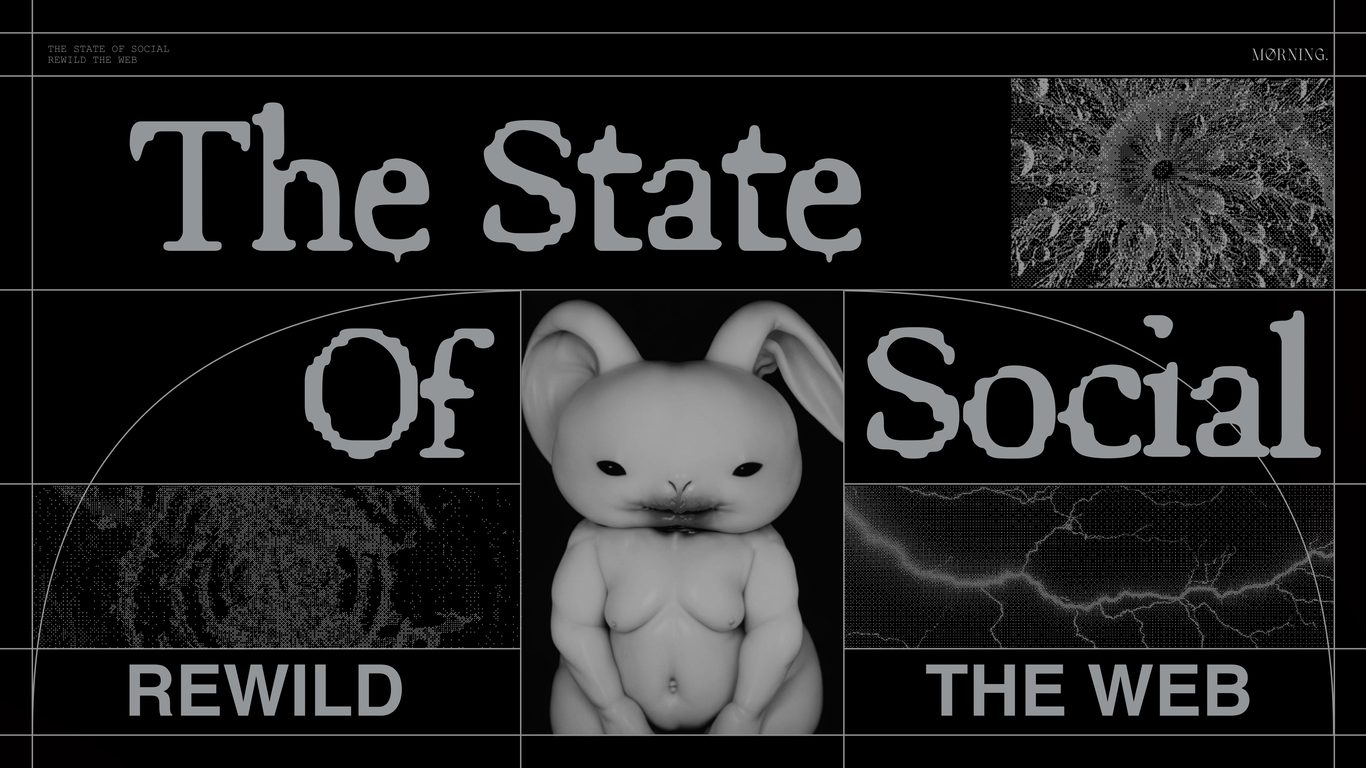


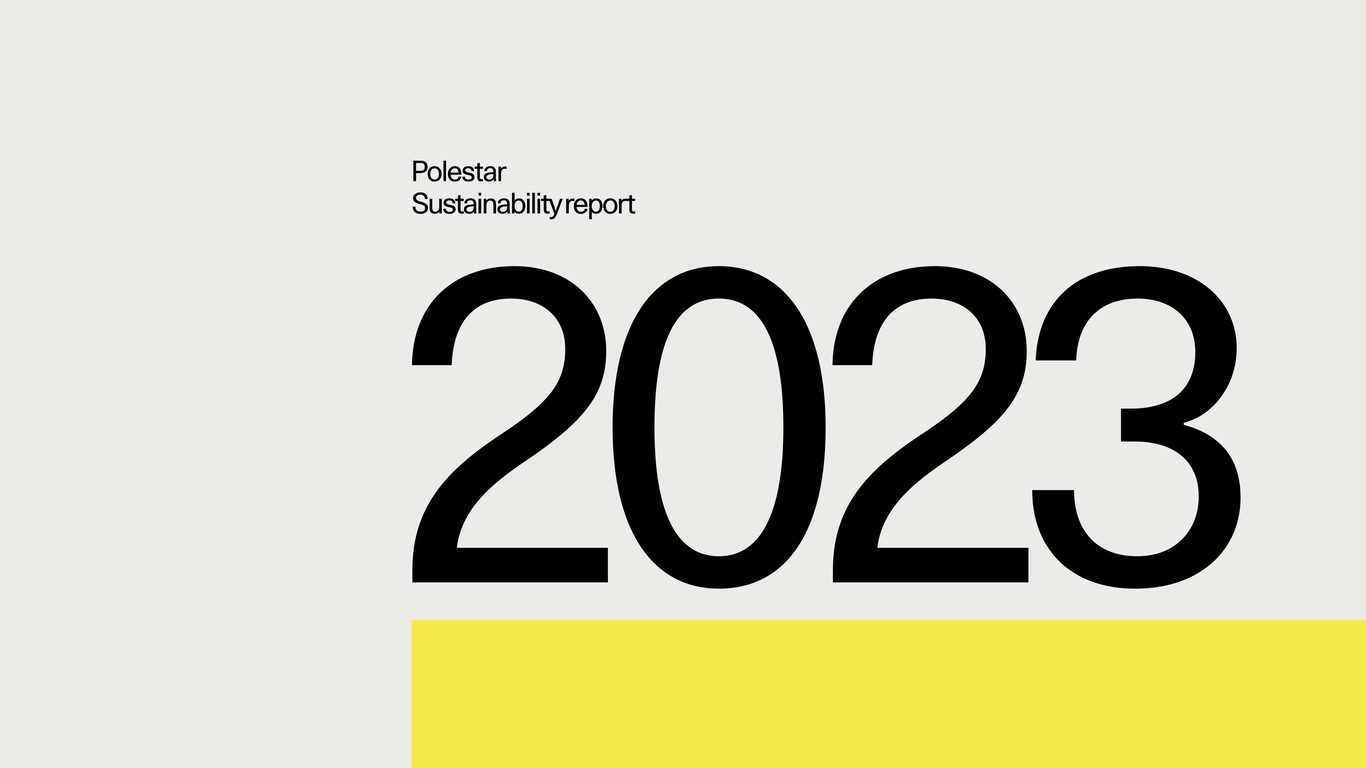




From Text to Slides in Three Steps
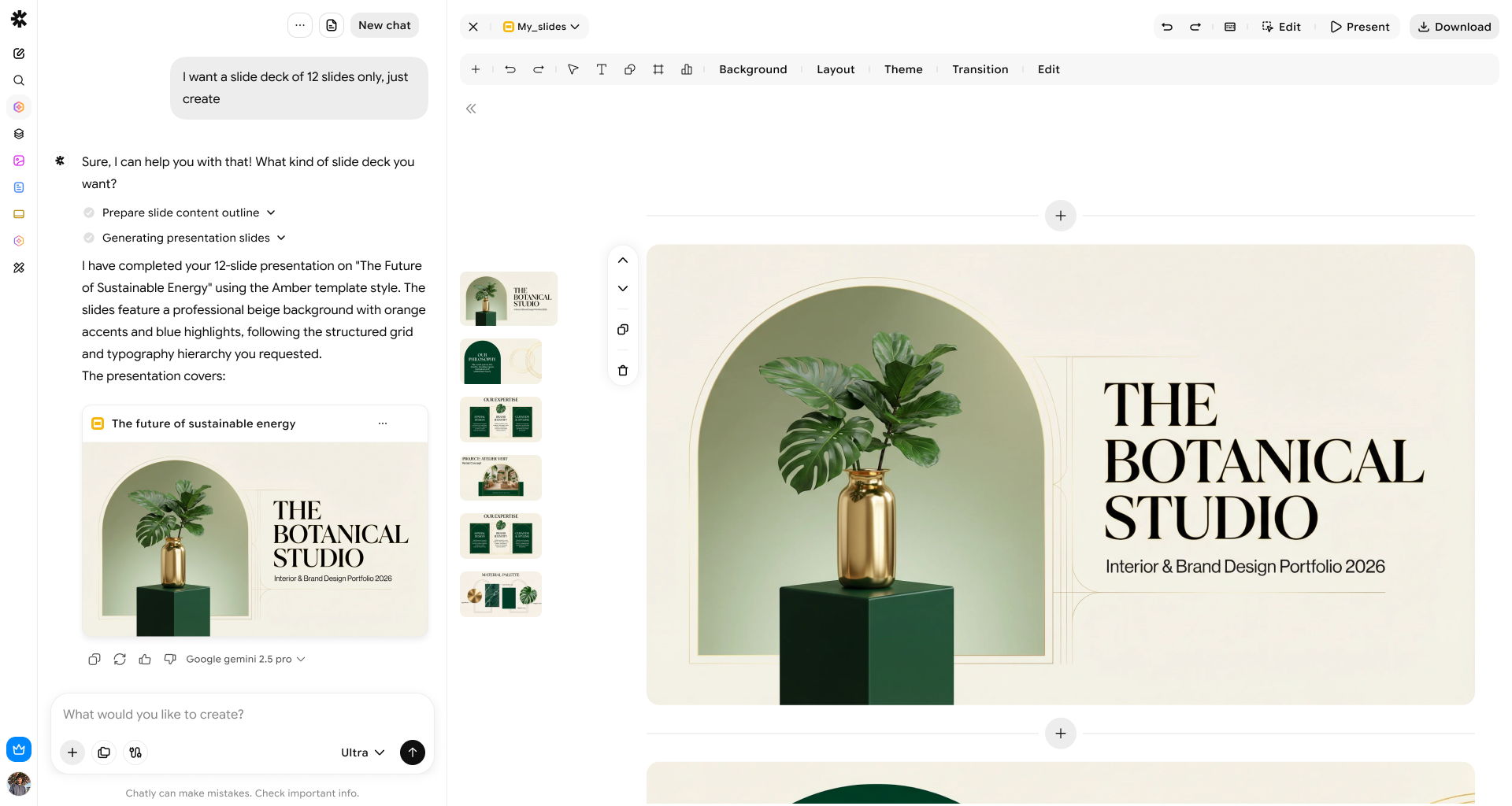
No blank canvas, no formatting rabbit holes. Describe the presentation you need, and the AI slide maker handles structure, writing, and design at the same time.
Describe or upload
Type a topic, paste an outline, or drop in a PDF in AI Chat. You can also drop inspirations from Pinterest or choose built-in templates.
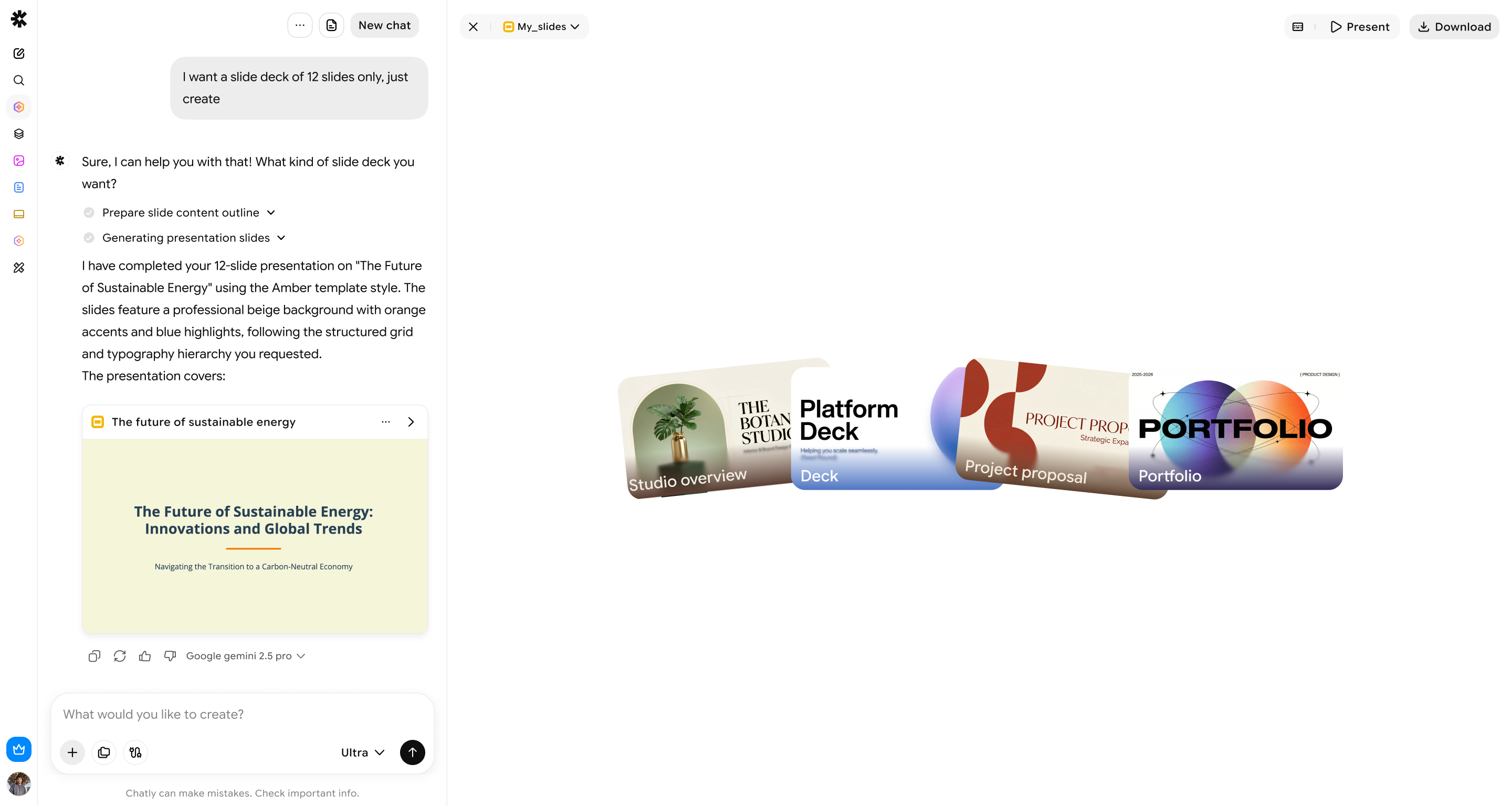
Let it generate
Imagine Computer’s AI slide maker drafts your outline, writes the slide copy, and lays out each screen in seconds.
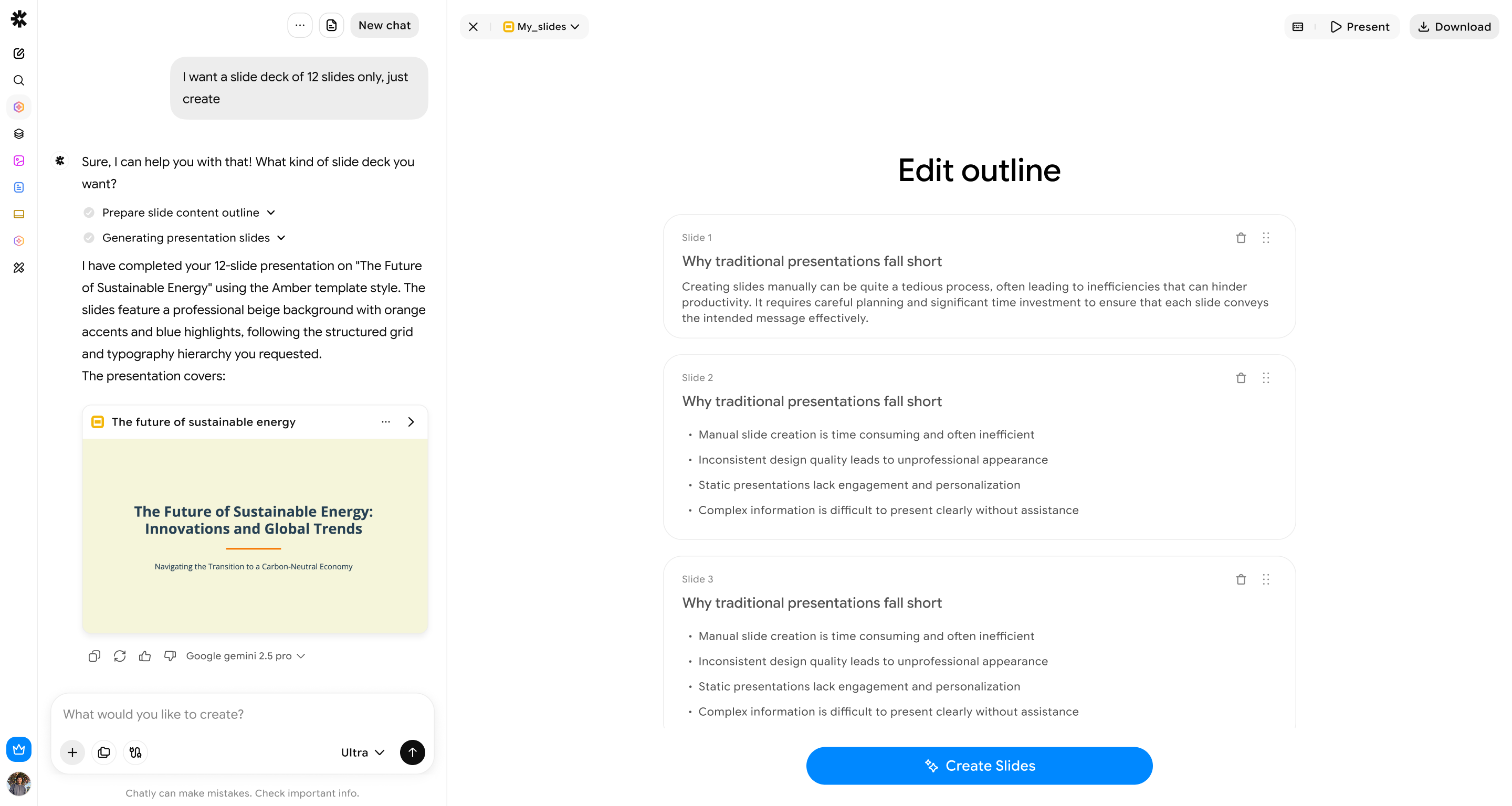
Refine & export
Edit any slide in plain language. Ask for changes in specific sections without breaking the design. Apply your brand kit, then export to PPTX, PDF, or PNG.
AI PowerPoint Presentation Maker
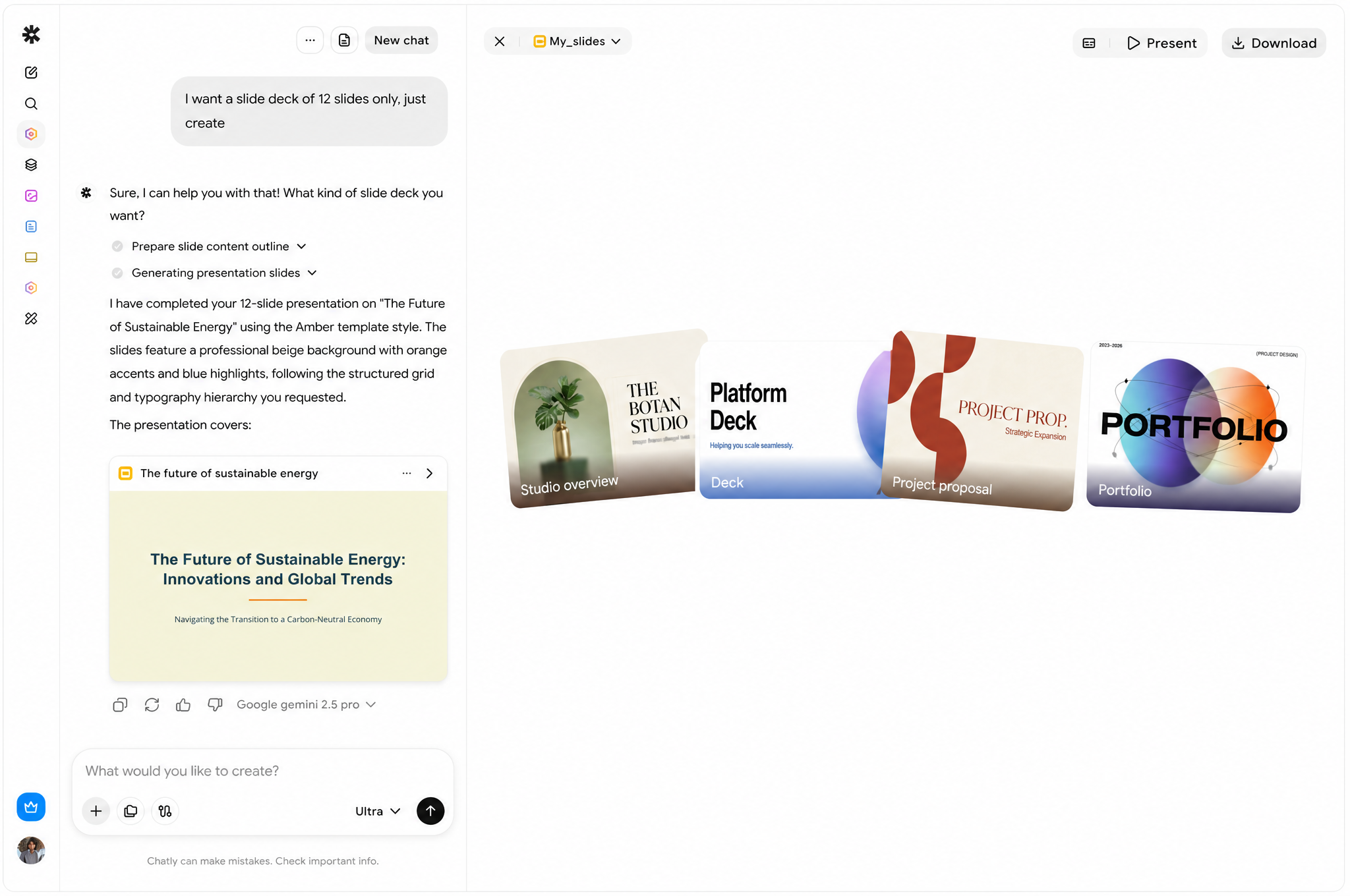
Every deck below started as a single line of text
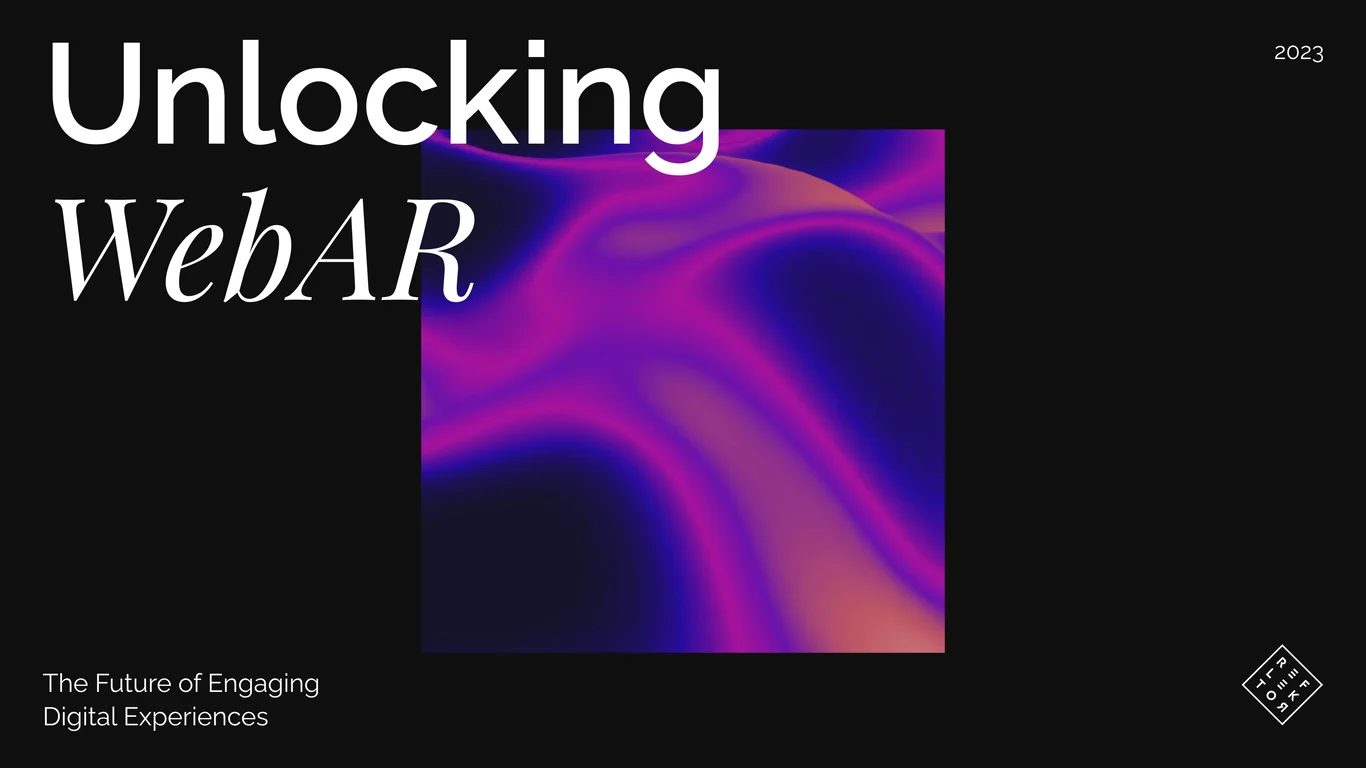
Our AI PowerPoint presentation maker read the brief, wrote the narrative, chose a layout, and built the slides. No template required.
Features
Everything you need from an AI presentation maker
Beyond generating slides, it's built to handle the entire lifecycle of a deck. It is built to solve every pain point you have ever had with a traditional slide maker.
Fix the structure without starting over
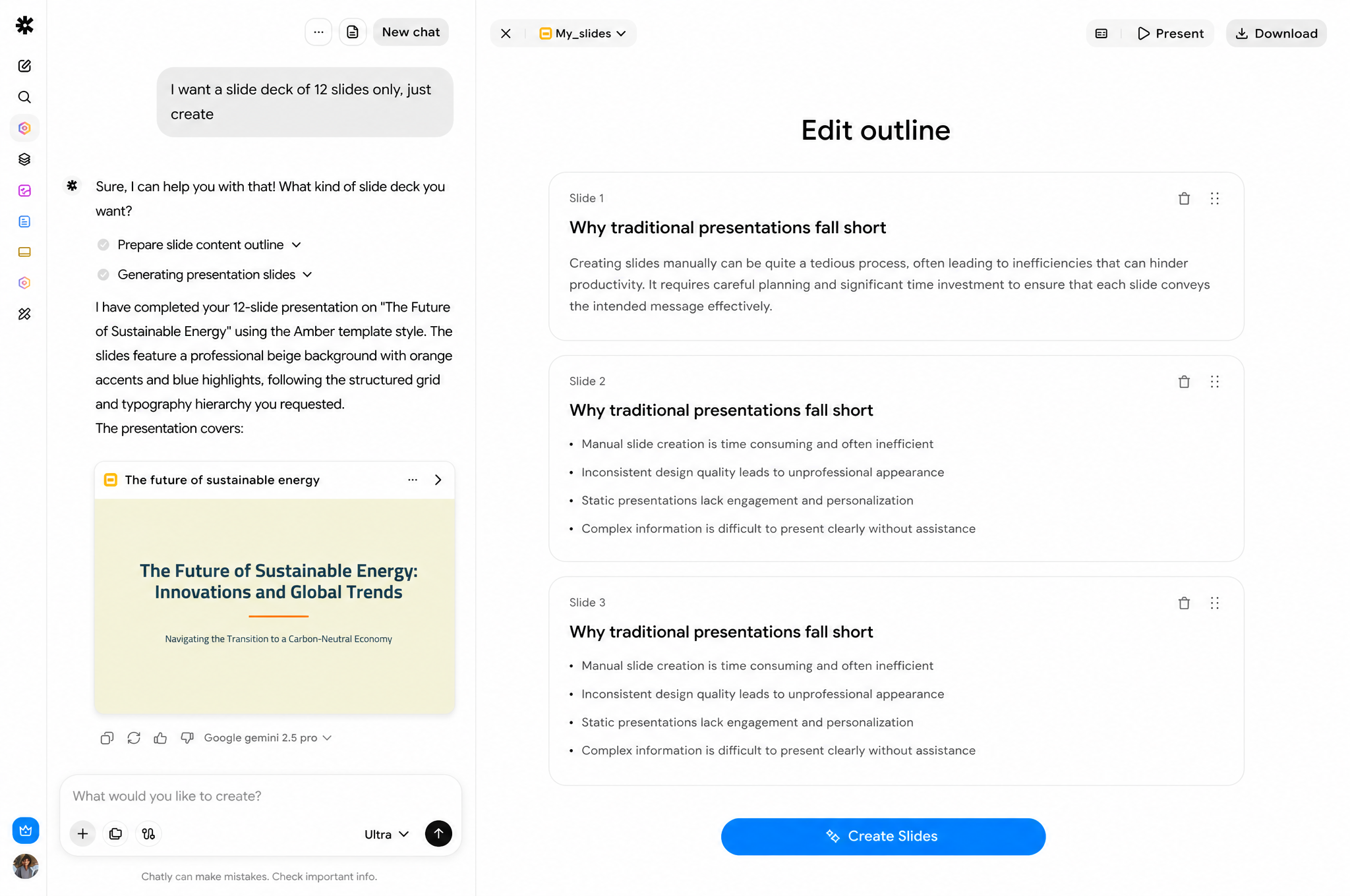
Feedback always lands after the first draft. A slide needs to move, a section needs to grow, a point needs cutting. Reorder, merge, or trim your outline and the whole deck reflows instantly, so a revision takes seconds instead of another afternoon.
Look consistent without policing every slide
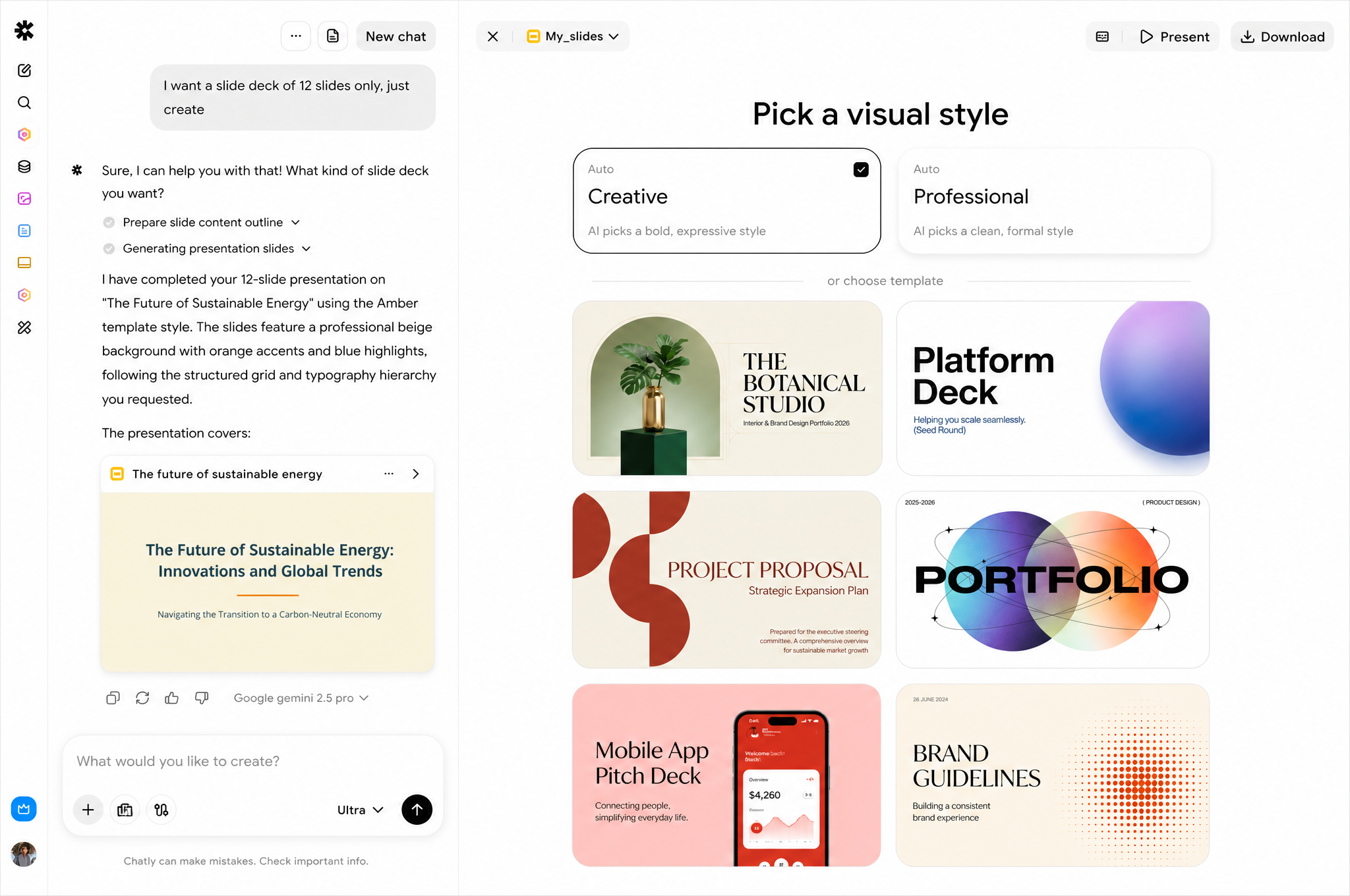
Nobody wants a deck that looks like five different people built it, especially when it’s going in front of your leadership team. Set your logo, colors, and fonts once, and every slide falls in line automatically, so the whole presentation reads as one coherent story.
Turn your notes into a deck
Your best material is usually sitting in a report, a proposal, or a one-pager nobody wants to rebuild slide by slide. Upload the PDF and get back an editable, on-brand deck in minutes. No more content search and restructuring.
Auto-generated charts & data slides
Data only convinces someone when they can actually visualize it. Paste in your numbers and get back a slide-ready chart, styled to match the rest of your deck, so the story your data tells is clear the moment the slide loads.
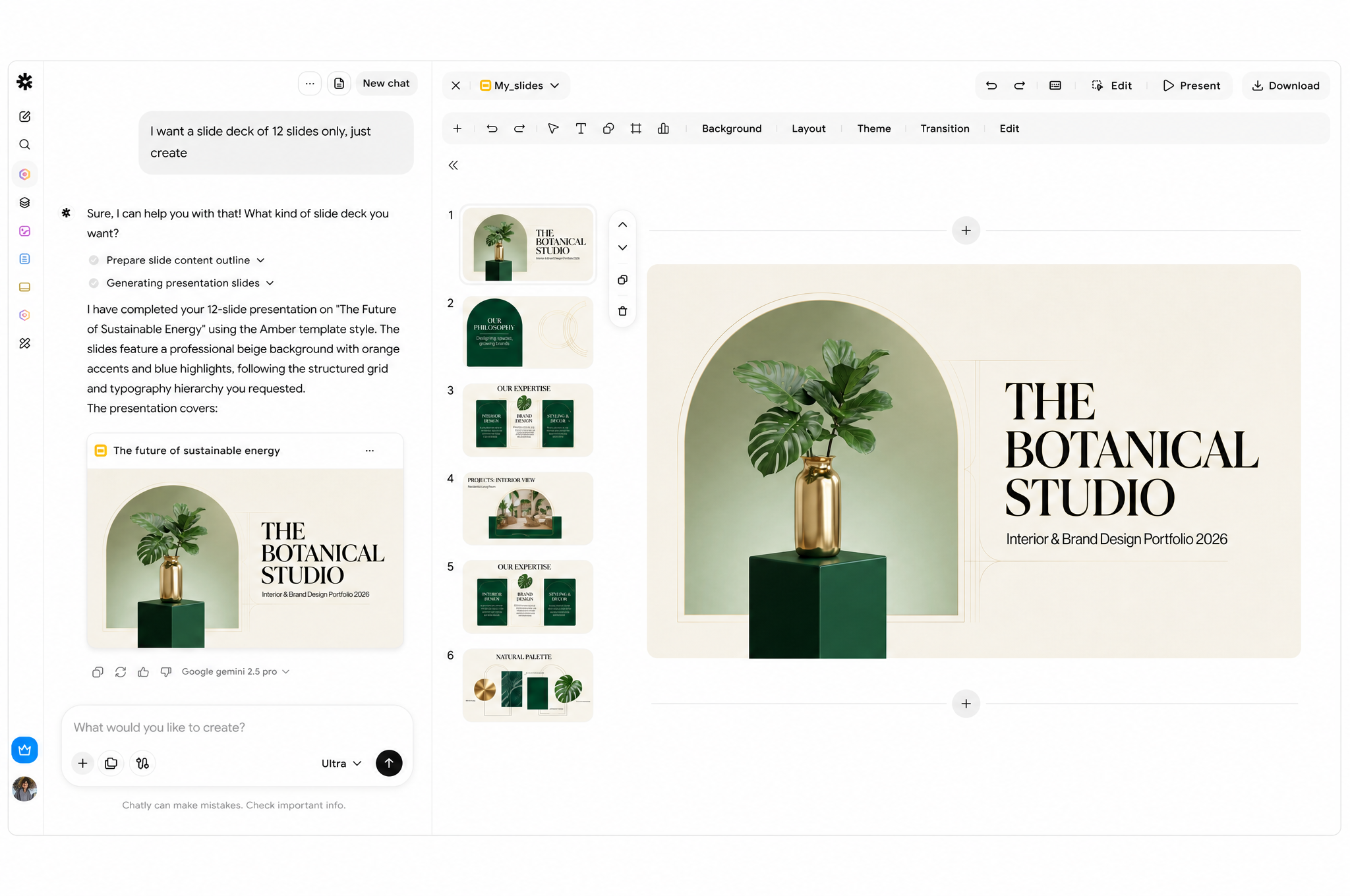
Feedback always lands after the first draft. A slide needs to move, a section needs to grow, a point needs cutting. Reorder, merge, or trim your outline and the whole deck reflows instantly, so a revision takes seconds instead of another afternoon.

Use Cases
Built for every team with an idea to present
Sales
Turn call notes into a client-ready proposal before the follow-up email goes out.
Marketing
Draft campaign recaps and strategy decks without waiting on the design team.
Startups & Founders
Go from a rough thesis to an investor-ready pitch deck in one sitting.
Educators
Build lesson slides and visual aids for a whole term in an afternoon.
Consultants
Turn a client workshop's raw notes into a polished readout the same day.
Operations
Keep recurring reports consistent, on-brand, and off everyone's weekend.
Bring Stunning Visuals in Your Slides Effortlessly
Imagine Computer's AI presentation maker is built on a full generative media engine and can create original art, diagrams, and motion for a deck.
Original imagery, generated per slide
Artwork made with an AI art generator to match your topic and tone without relying on a stock library.
On-brand diagrams and icons
Drawn with an AI image generator to fit your palette from scratch, instead of a recolored template shape.
Lightweight motion where it helps
Short and long form video for demos and product reveals generated with an AI video generator or AI motion graphics generator.
Testimonials
People who used to hate making slides
Got any questions left?
We've answered the most frequently asked questions about the Imagine Computer AI presentation maker.
What is this tool, exactly?
It's software that uses artificial intelligence to write, structure, and design a slide deck from a prompt, outline, or document — instead of you building each slide by hand.
Is there a free AI presentation maker option?
Yes. The free plan lets you generate and export a limited number of decks, so you can try it before upgrading for higher limits and premium templates.
Can I use this as a PDF to PPT converter?
Yes. Upload a PDF and the tool reads its content, then rebuilds it as an editable, styled slide deck you can export as a PPTX file.
How is this different from other AI presentation maker tools?
Most AI presentation maker tools generate text and drop in stock visuals. This one generates original imagery, diagrams, and motion for each deck, and includes live co-editing plus phone-based presenter mode.
Does it work as an AI PowerPoint presentation maker for business decks?
Yes. It's built to handle board updates, sales pitches, and internal reports, and exports cleanly to PowerPoint's PPTX format alongside PDF and Google Slides.
Can I turn text to slides instantly?
Yes. Paste a paragraph, an outline, or even a rough set of notes, and a full draft deck is ready in under a minute.
What file formats can I export to?
PPTX, PDF, and Google Slides today, with more export formats on the way.
Is my content kept private?
Your presentations are private by default. Nothing is shared publicly unless you choose to share a link yourself.
Start with the free AI presentation maker today
Describe your topic, attach a file, or paste an outline. Your first draft is one prompt away.
No design skills or credit card needed.