Power Your AI Chat With the Best Models Available
There's no single "best AI chat" model for every job. You need different models for different needs and AI Chat gives you all of them without paying for a second subscription.


How It Works
How AI Chat Works
Starting with AI Chat is as simple as texting. Send a message, get a reply.
Ask anything
Type it, or talk to it. Voice input sits right next to the model picker.
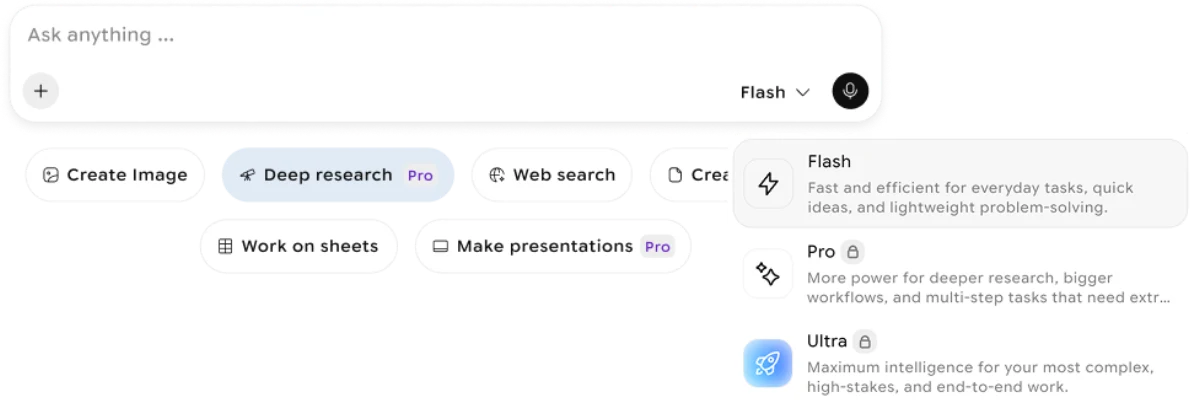
Pick your model and power tier
Choose the AI model for the job, then set Think for quick answers, Pro for deeper work, or Ultra for the hardest problems.
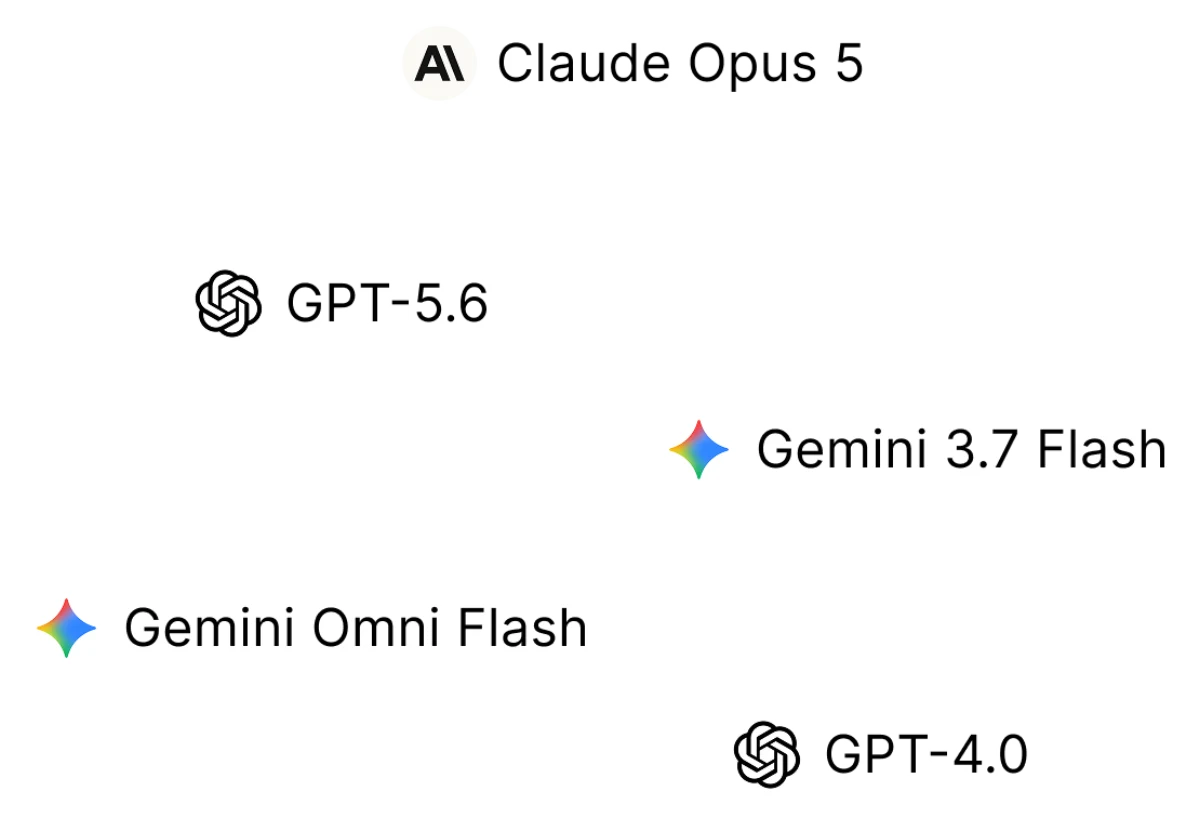
Decide how much rope it gets
Set Auto to let it create, edit, and run intensive actions without stopping to ask. Or switch to Ask for approval when you'd rather review each step first.
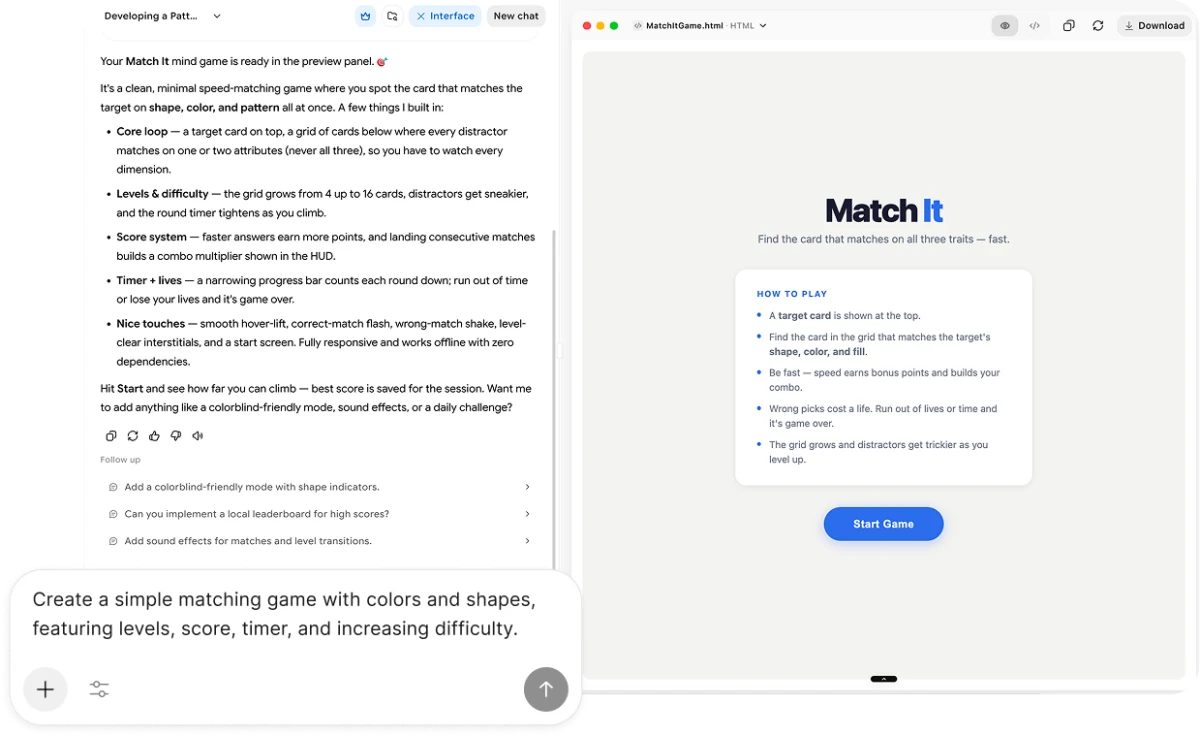
Get your answer
Follow-up questions are suggested automatically, so the conversation and the artifacts keep moving.
What You Can Do With AI Chat
Most AI chatbots give you one model and a text box. Ours gives you seven model families, real access to your files and apps, and something to show for the conversation.
Ask & get cited answers
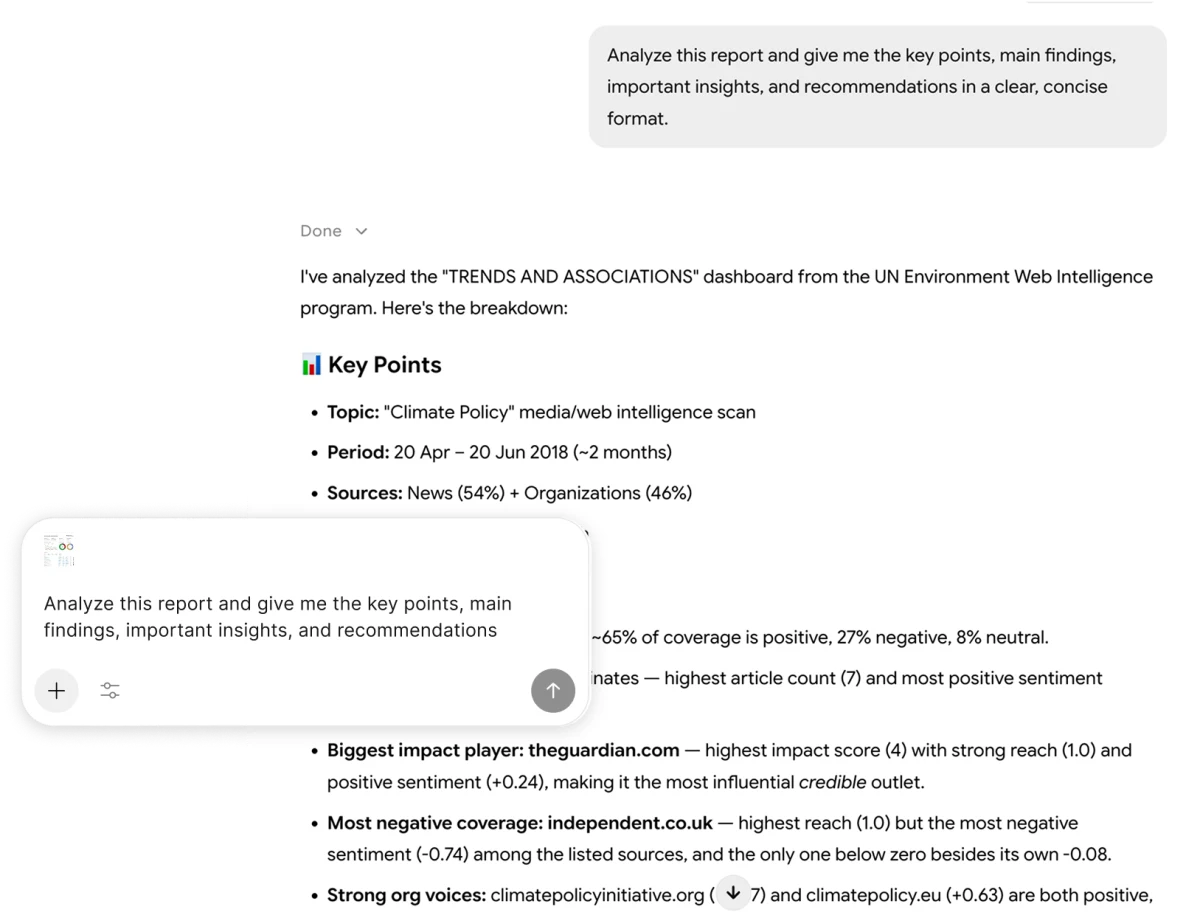
Chat with AI the way you'd ask a sharp colleague: comparisons, fact-checks, explainers, research questions. AI Chat pulls in live web sources when something needs current information, and cites them.
Ask your first question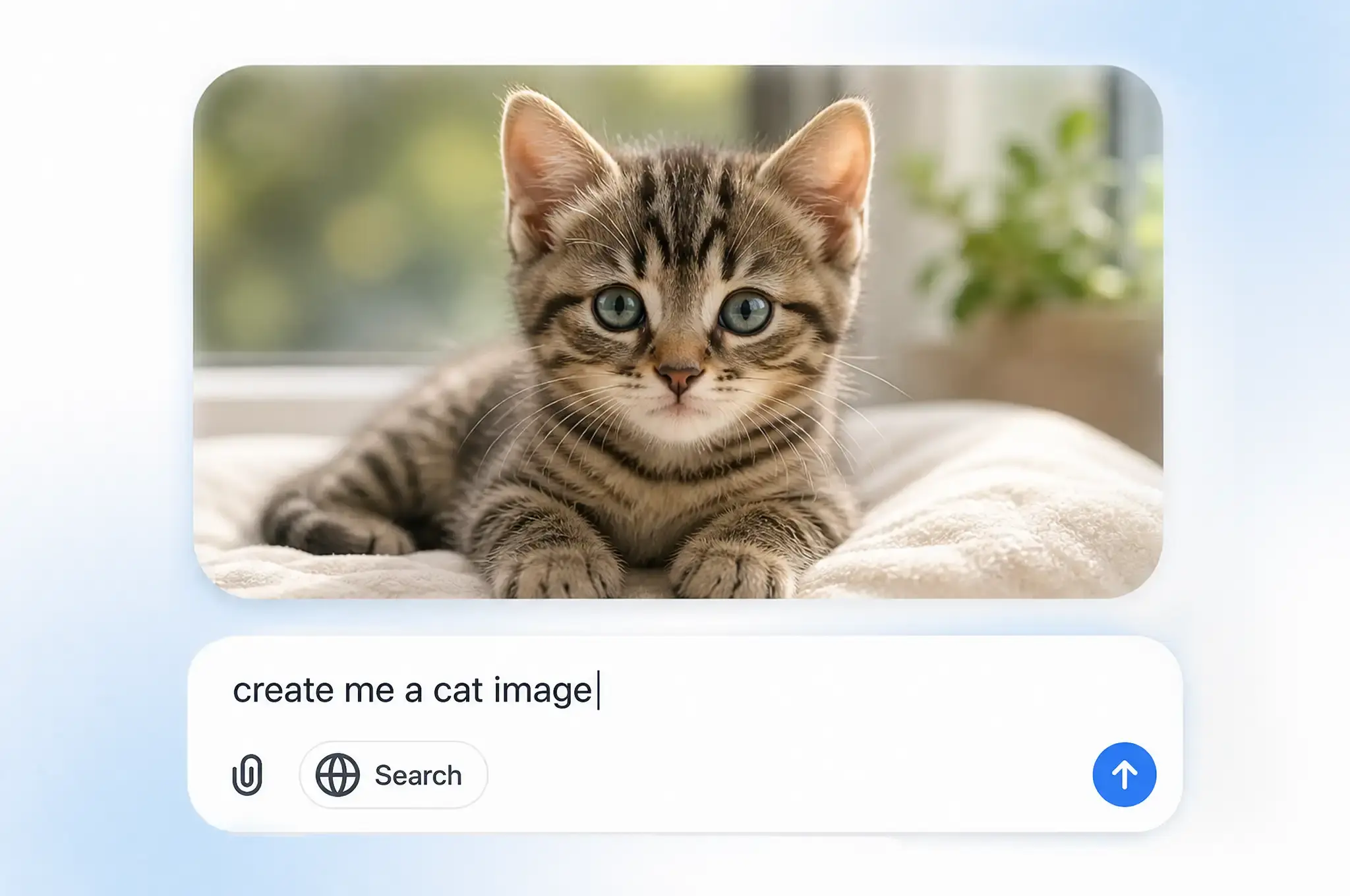
Draft, rewrite, and refine
Emails, cover letters, scripts, reports. Ask for a first draft, then talk it into shape.
Start writing now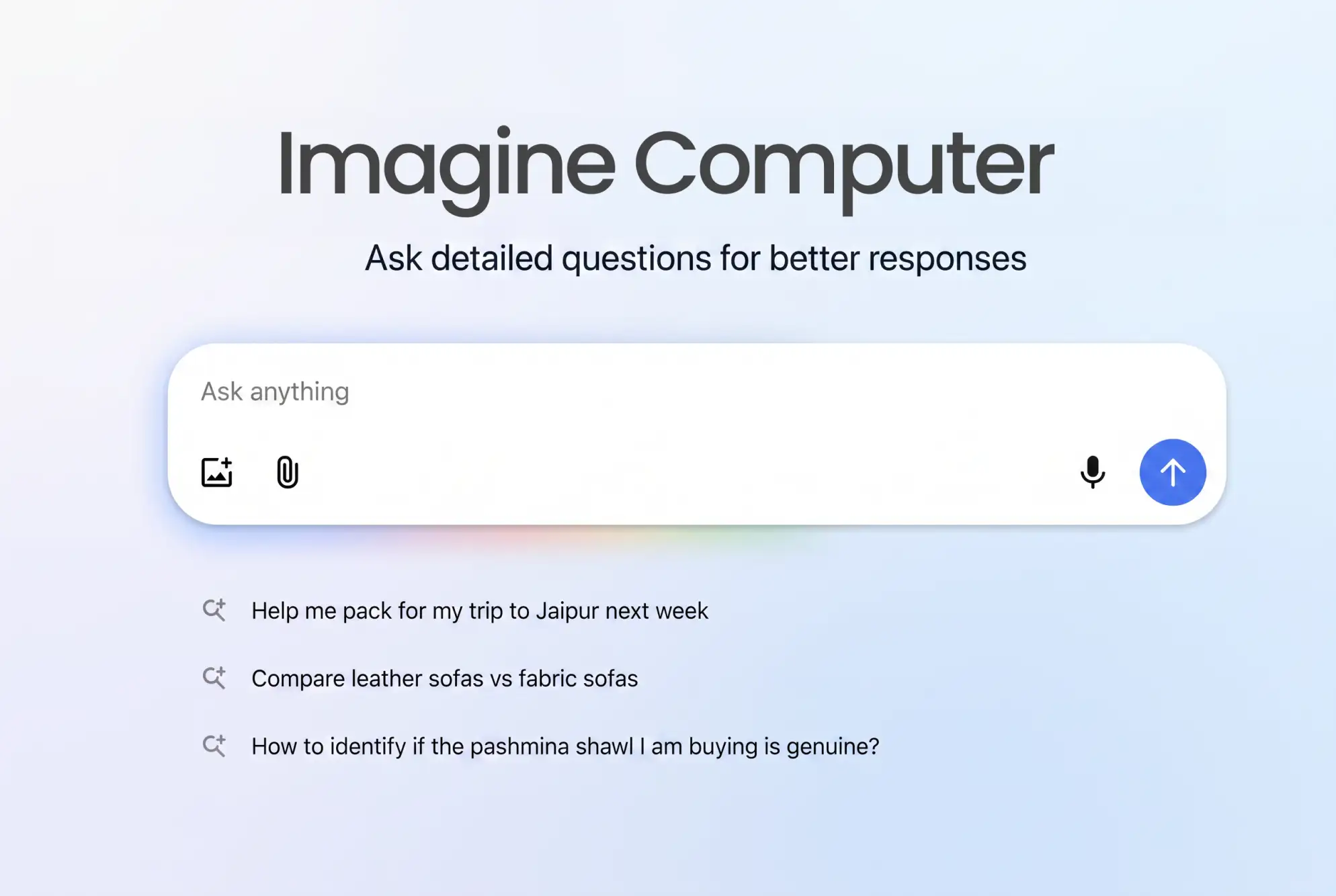
Work with what you already have
Turn your files into a Source once, then reuse them in any chat. Connect Gmail, Slack, Drive, and Notion so AI Chat can act on the apps you already run your day on.
Connect your tools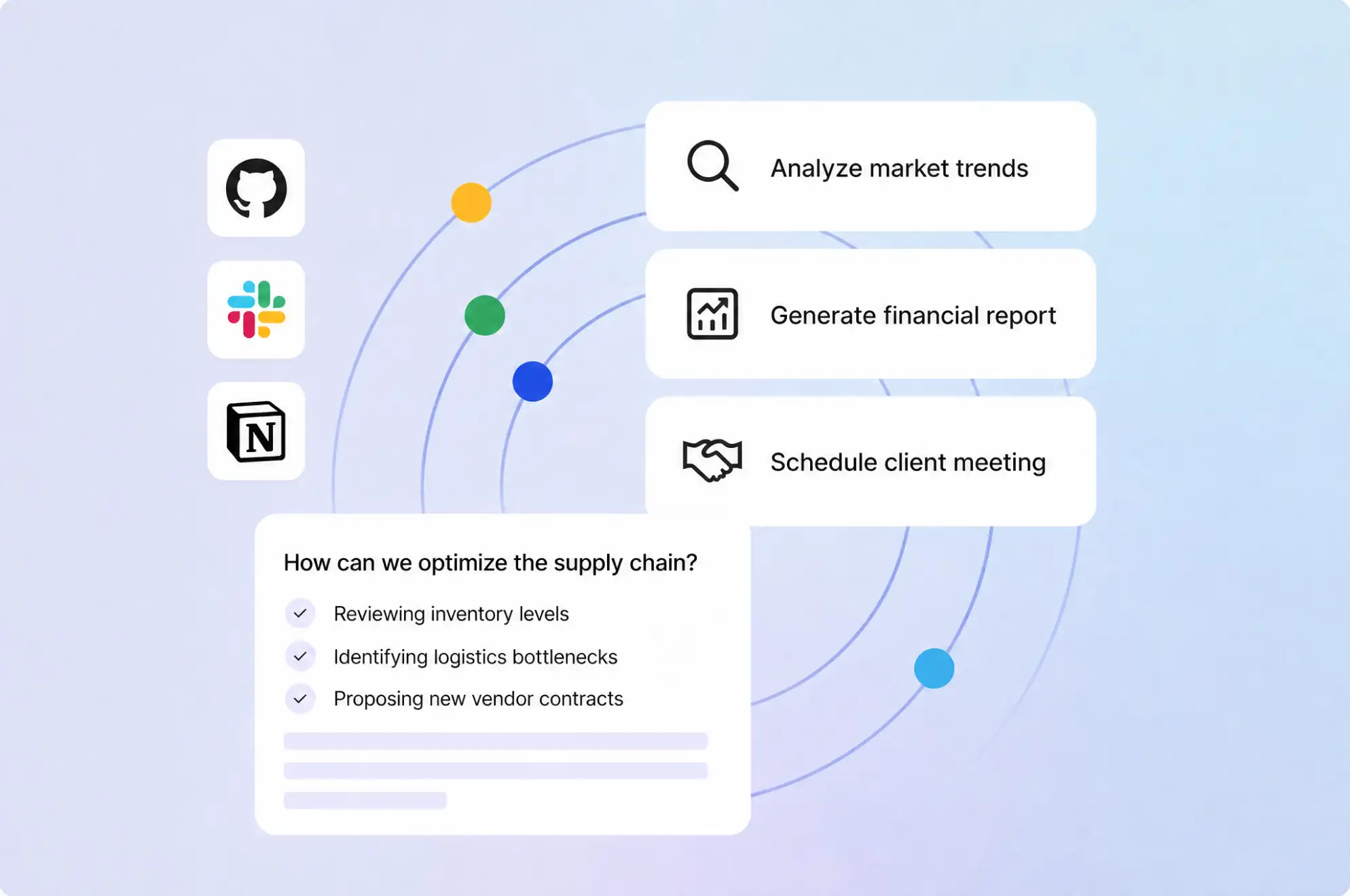
Build something you can actually use
Ask for a game and you get a game you can play, not a code block to copy into an IDE. Ask for a chart, a deck, a doc, or a small web app, and AI Chat hands you a live artifact you can interact with immediately.
Build a live artifact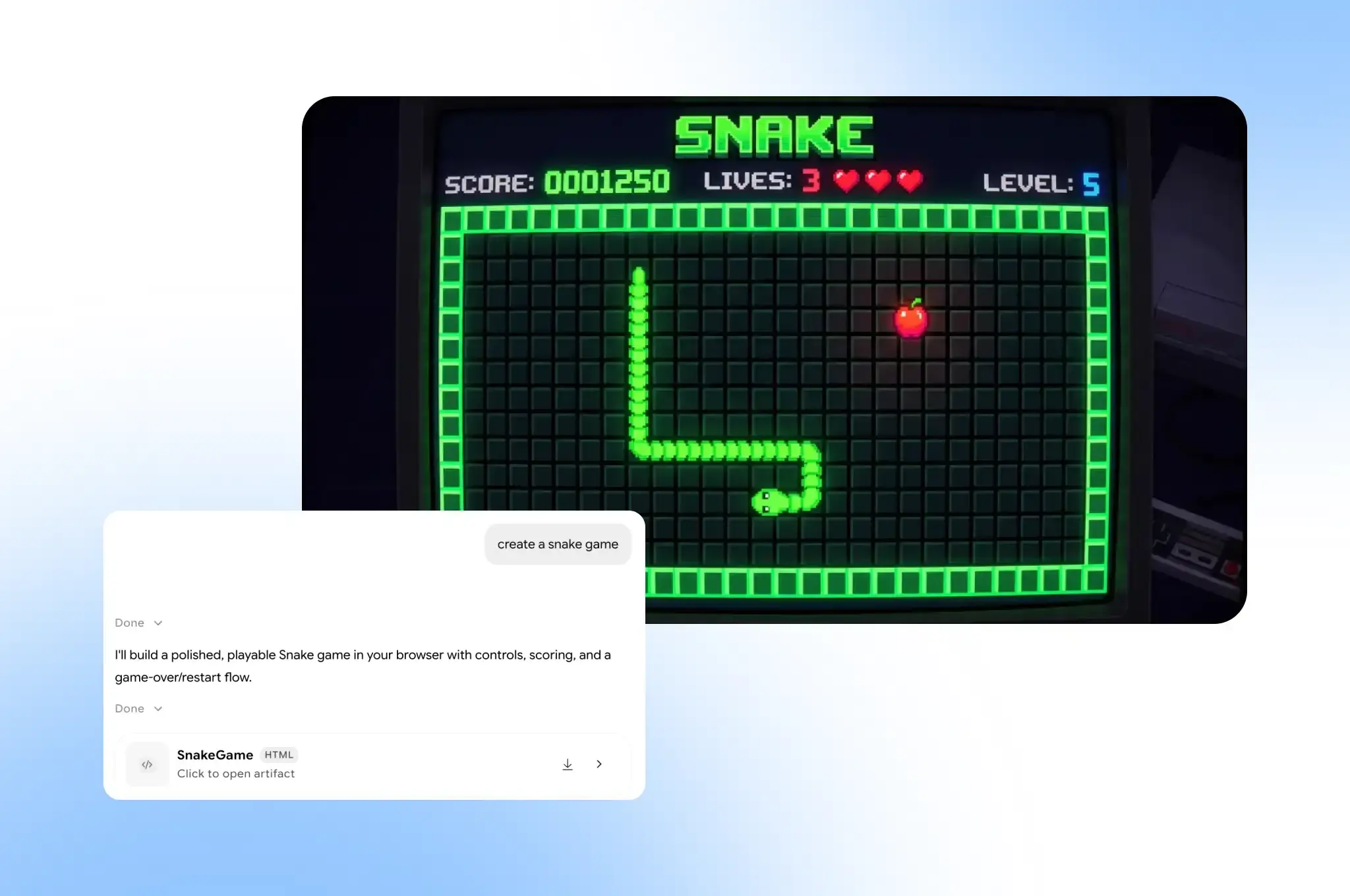
Who It's For
Built for Every Kind of Work
Chat with AI the way you need. The same AI chat flexes from a quick fact-check to a cited research brief to a working prototype, without switching tools.
Developers
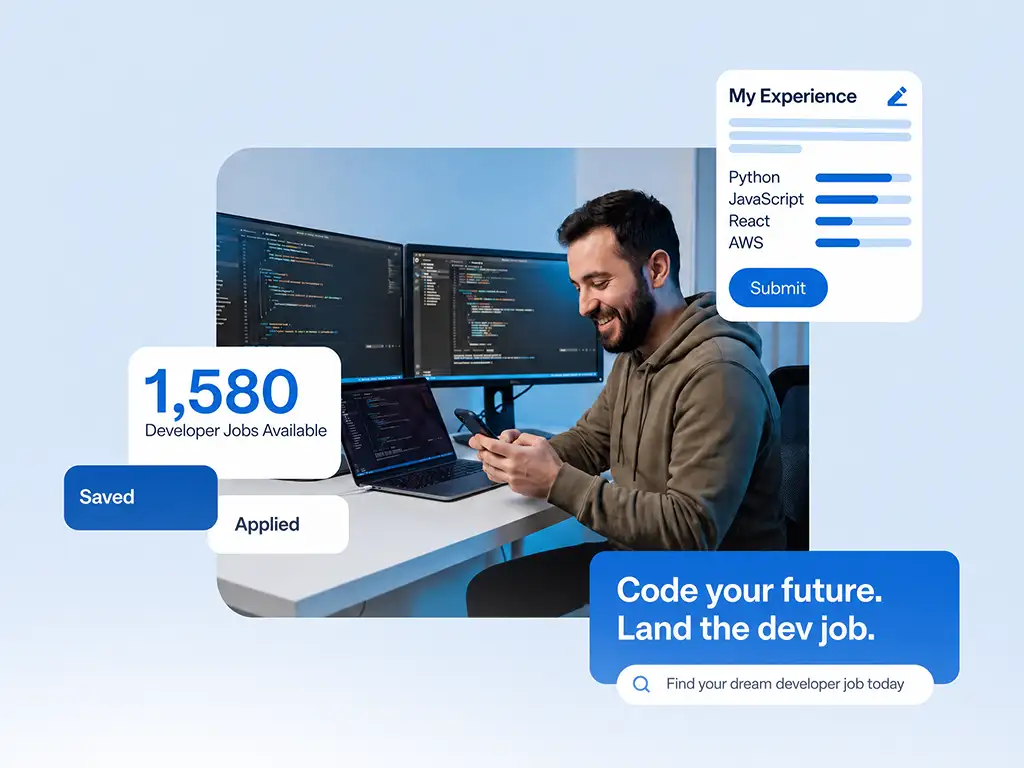
Plan architecture, debug stuck logic, and preview the result without leaving the thread. Ask for a working app or a small game and get a live, playable artifact back, not just a code block. Switch between GPT, Claude, Grok, and Gemini mid-conversation as the problem changes shape.
Writers
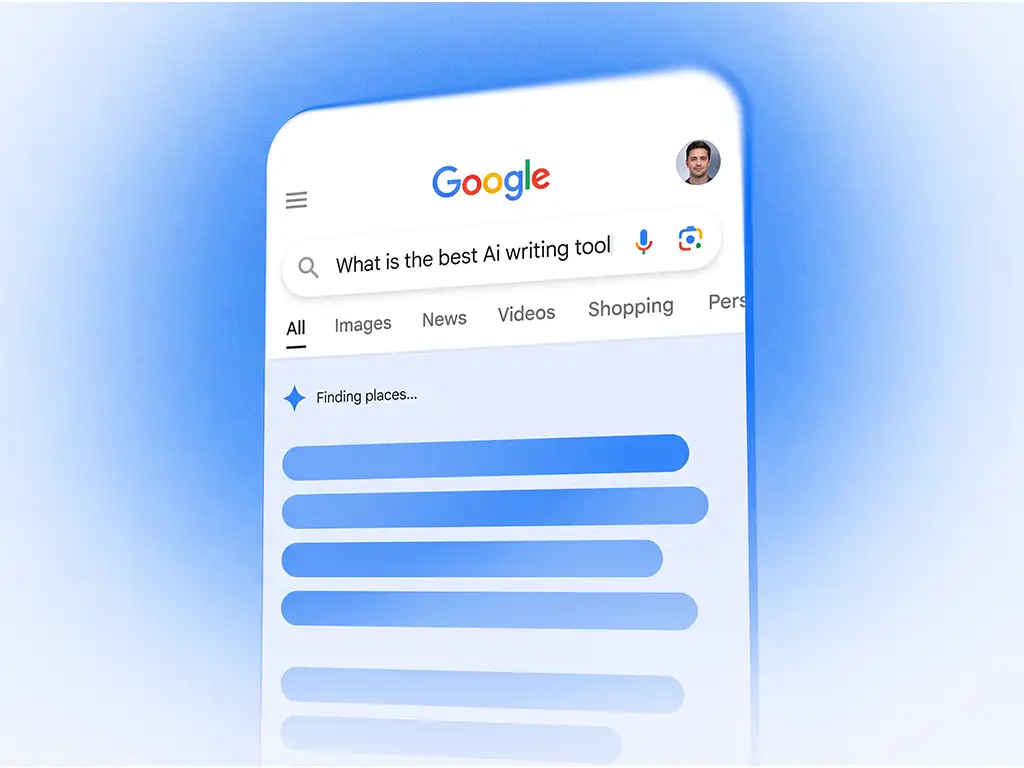
Draft blog posts, emails, ad copy, and long-form reports. Chat AI through tone, length, and structure without losing the thread, and turn a rough idea into a polished draft in the same conversation.
Researchers
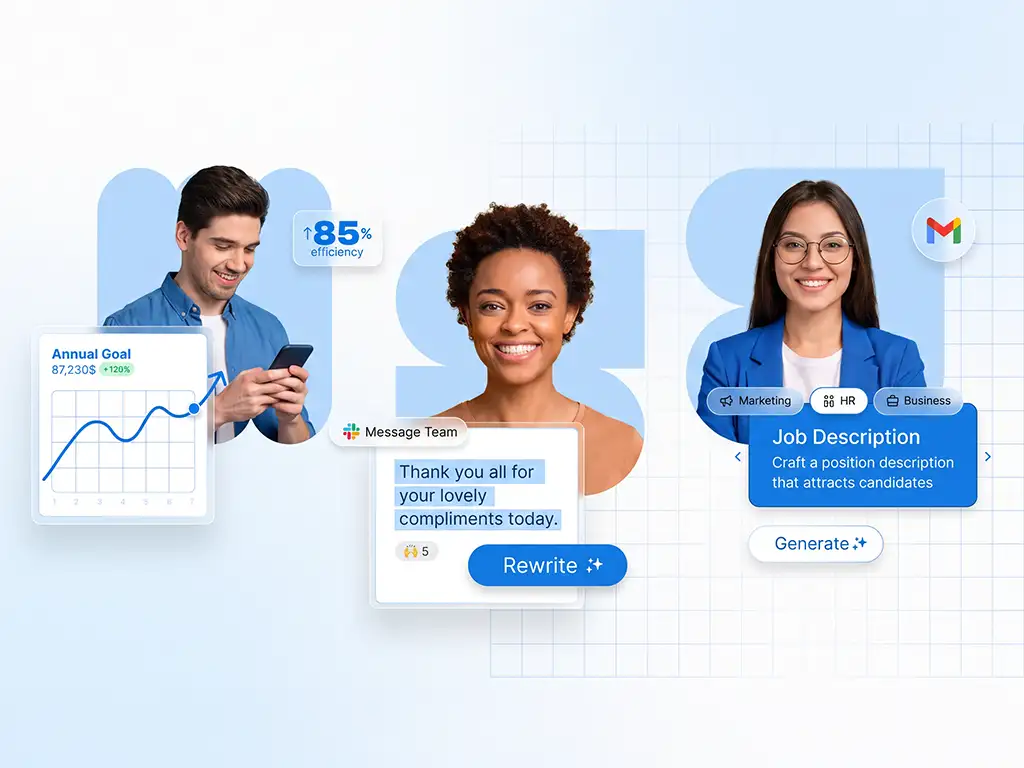
Run comparisons, fact-checks, market scans, and competitive analysis, with web sources cited whenever the answer depends on current information. Upload documents as Sources and ask questions grounded in your own material.
Students
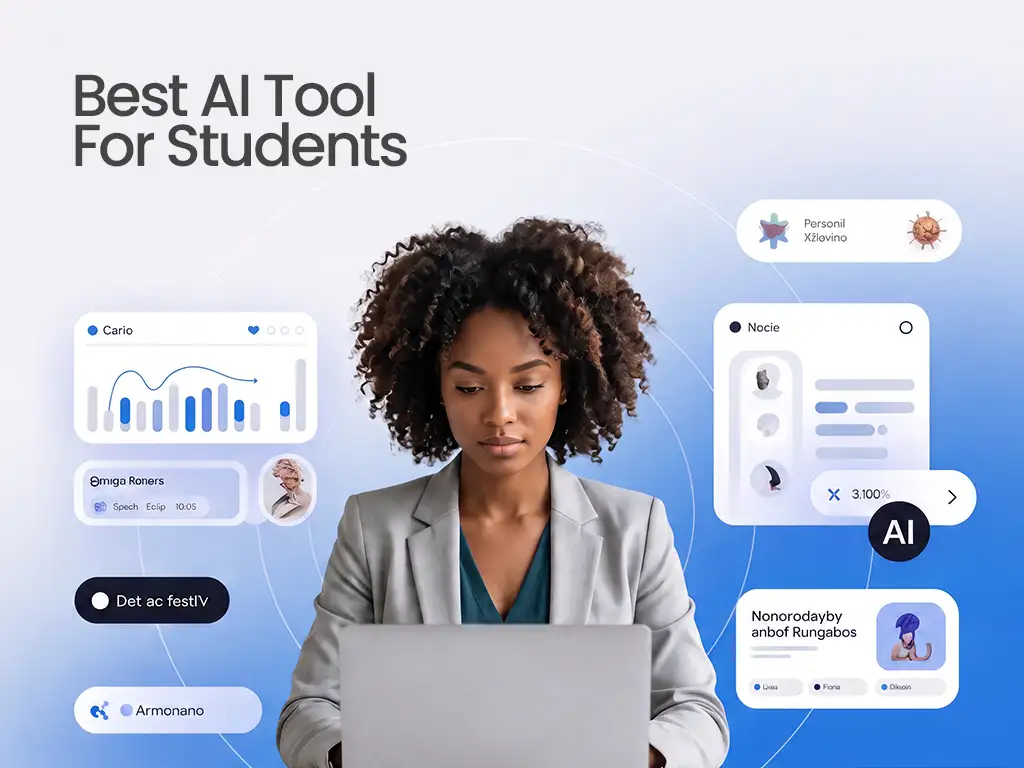
Ask it to explain a concept, summarize a paper, or quiz you before an exam. Chat with AI the way you'd ask a patient tutor, and get sourced, cited answers instead of a confident guess.
Founders & Operators
Move from a rough plan to a working prototype, a one-pager, or a pitch deck. Connect Slack, Gmail, and your calendar so AI Chat can act on the tools you already run your day on.

Marketers
Brainstorm campaign angles, product names, and content calendars. Turn a single brief into ad copy, a landing page draft, and a social post, all from the same thread.
What Makes This the Best AI Chat for Multiple Models
Most people already juggle ChatGPT, Claude, and Gemini in separate tabs. Here's what changes when it's one chat instead of four subscriptions.
Testimonials
People Already Trust AI Chat with Real Work
Got any questions left?
We've answered the most frequently asked questions about AI Chat.
Start Creating Solutions with AI Chat
Open the chat, pick a model, and let Imagine Computer handle the rest. It's a free AI chat to start.