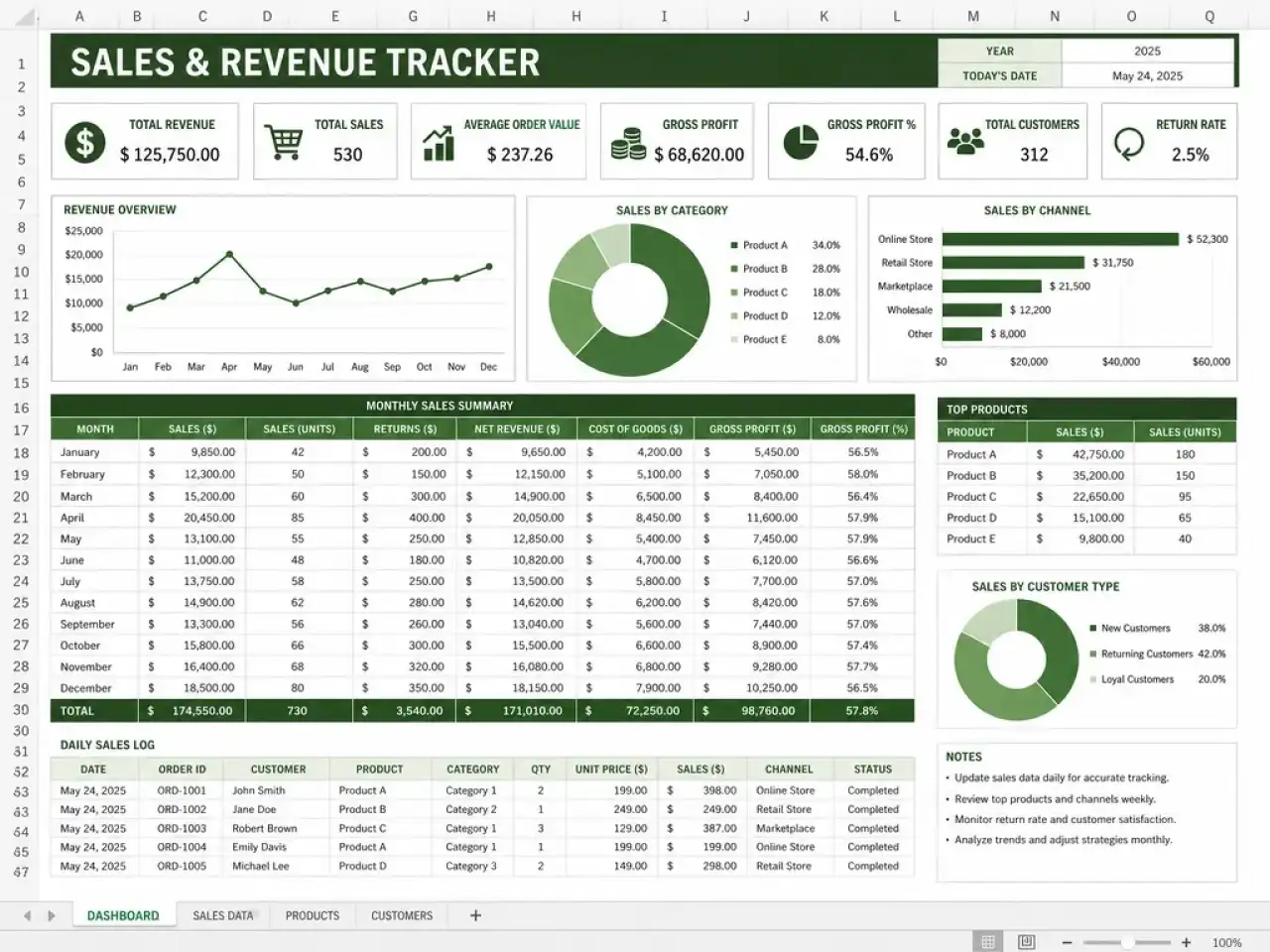
AI Spreadsheet Generator – Create Excel Files Instantly Without any Pain
Describe what you need and Imagine Computer's AI spreadsheet generator converts prompts, PDF files, and raw data into clean, organized excel files. It writes the columns, checks the math, and hands you a working .xlsx.
Start from a template to avoid complex setups
30+ templates from the same AI template generator for budgets, trackers, gradebooks, pipelines. Click one, or type your own and skip the list.
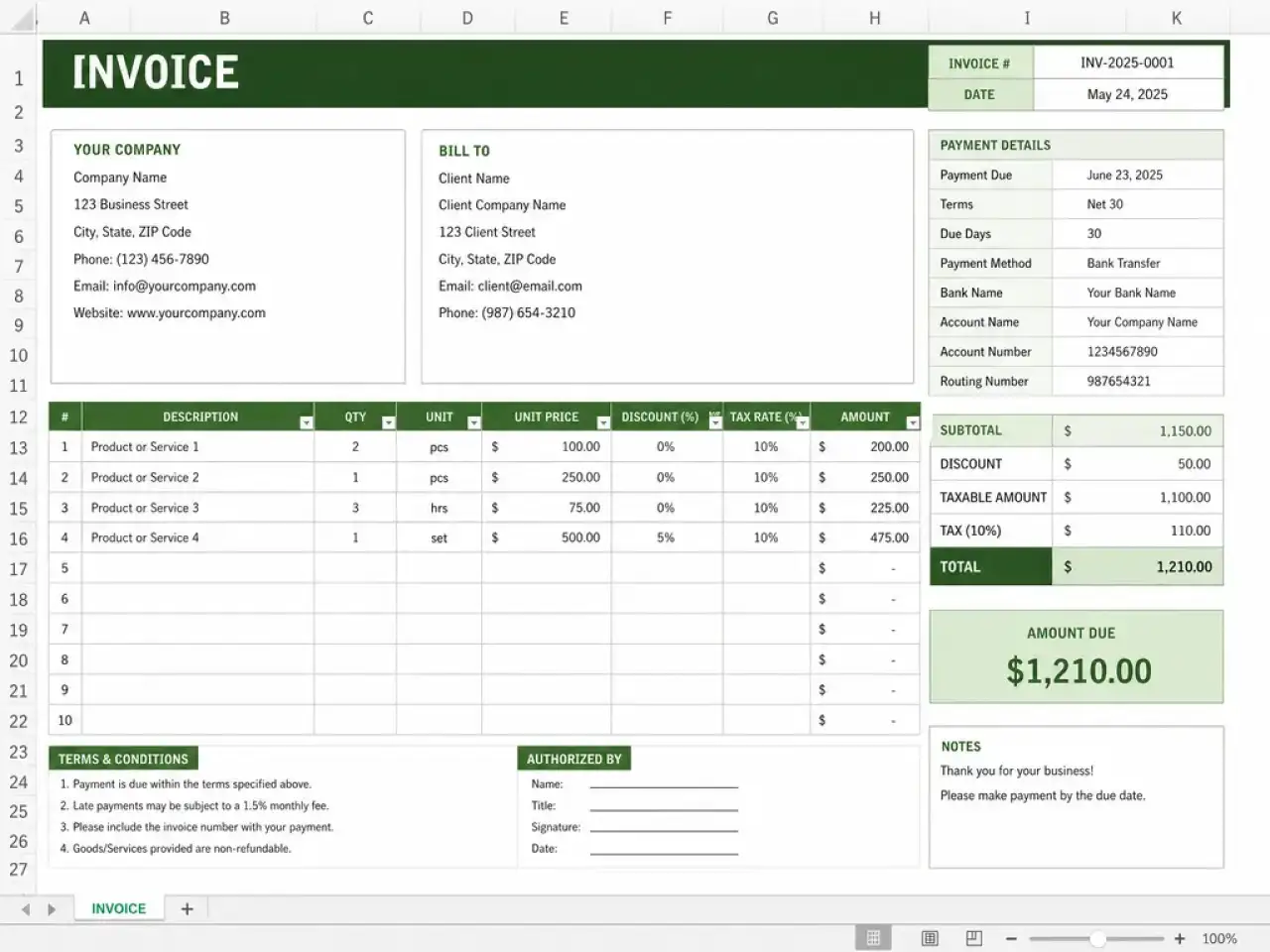
Invoice Generator
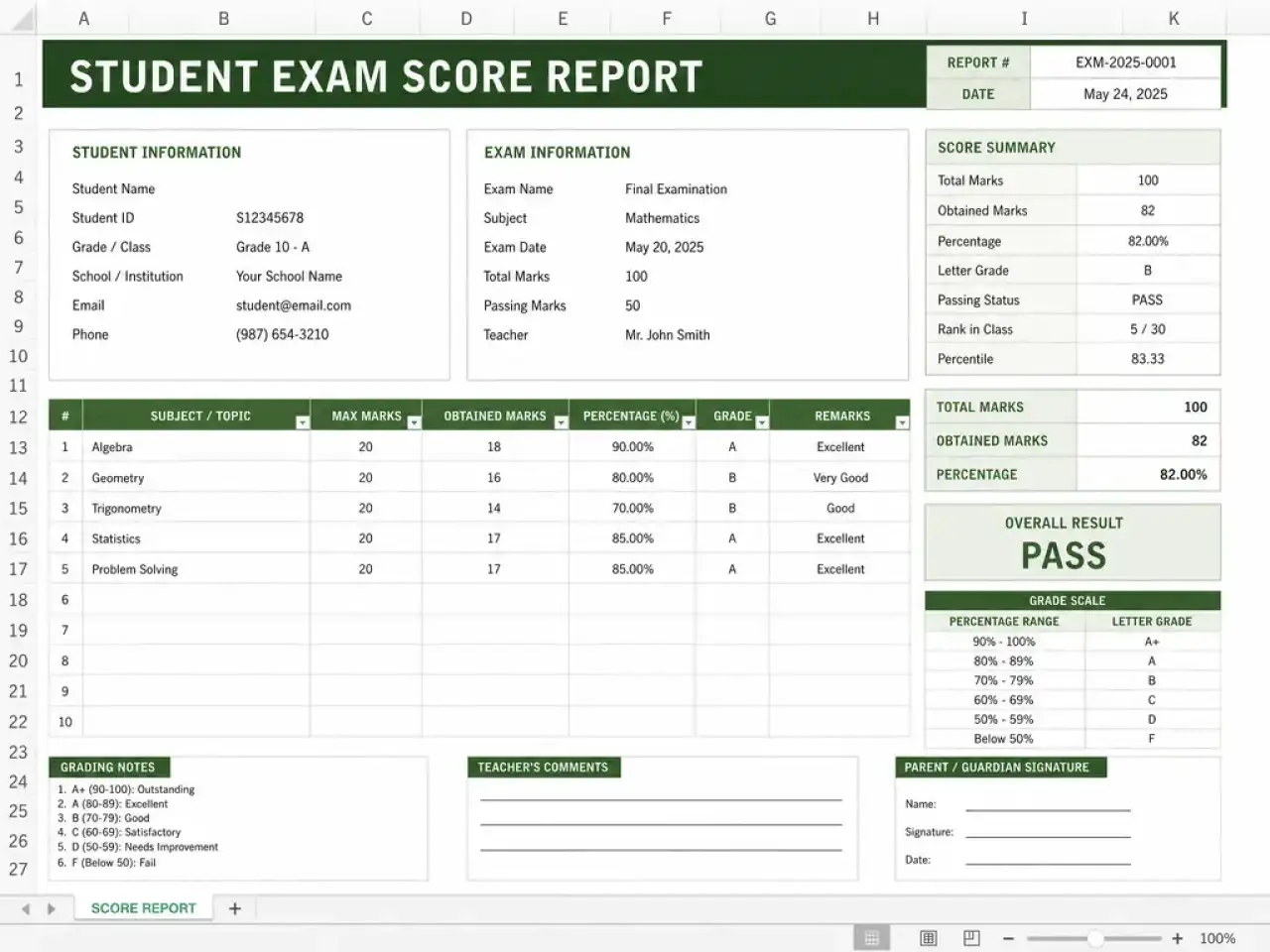
Exam Score Report
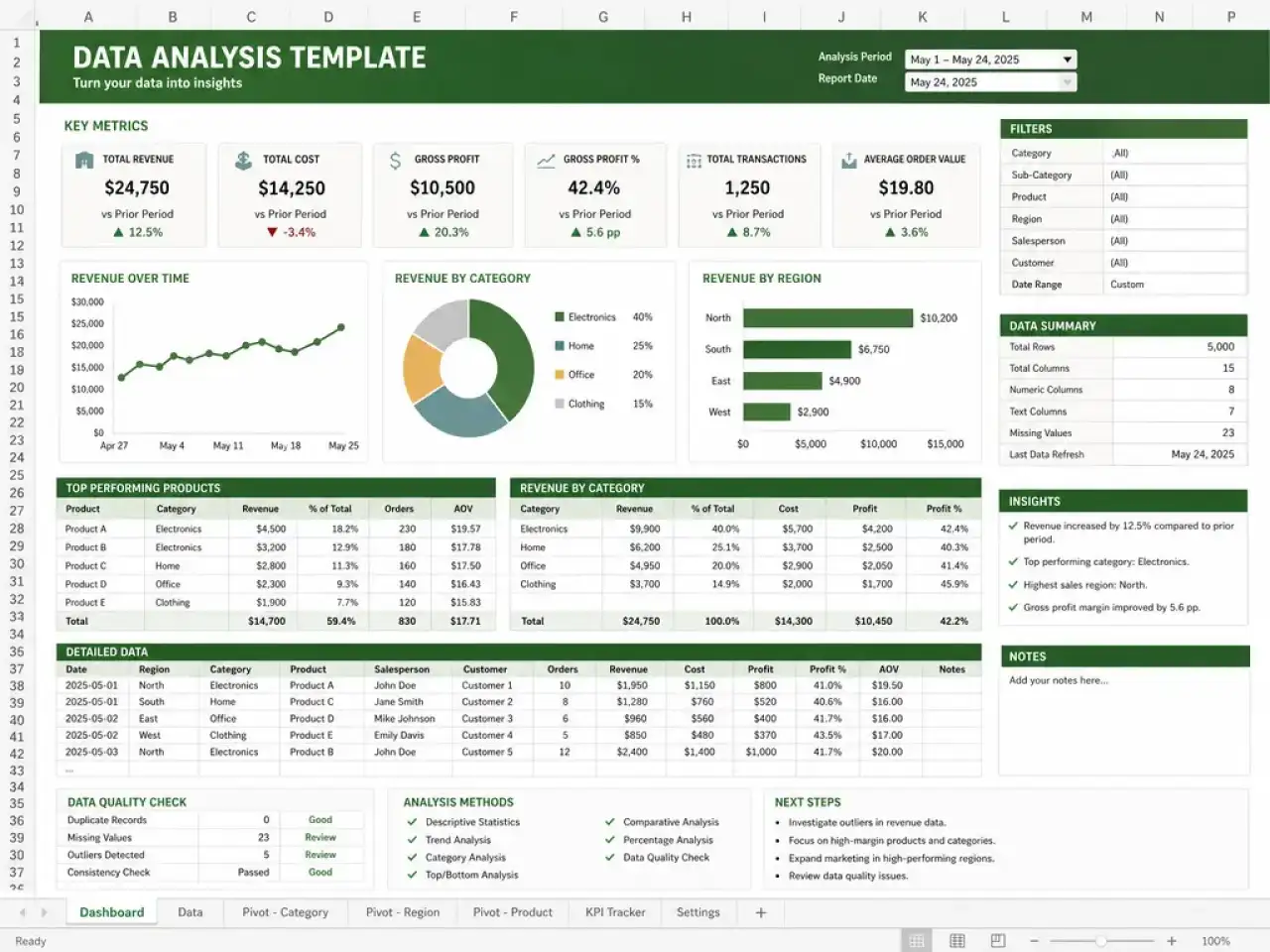
Data Analysis Template
✦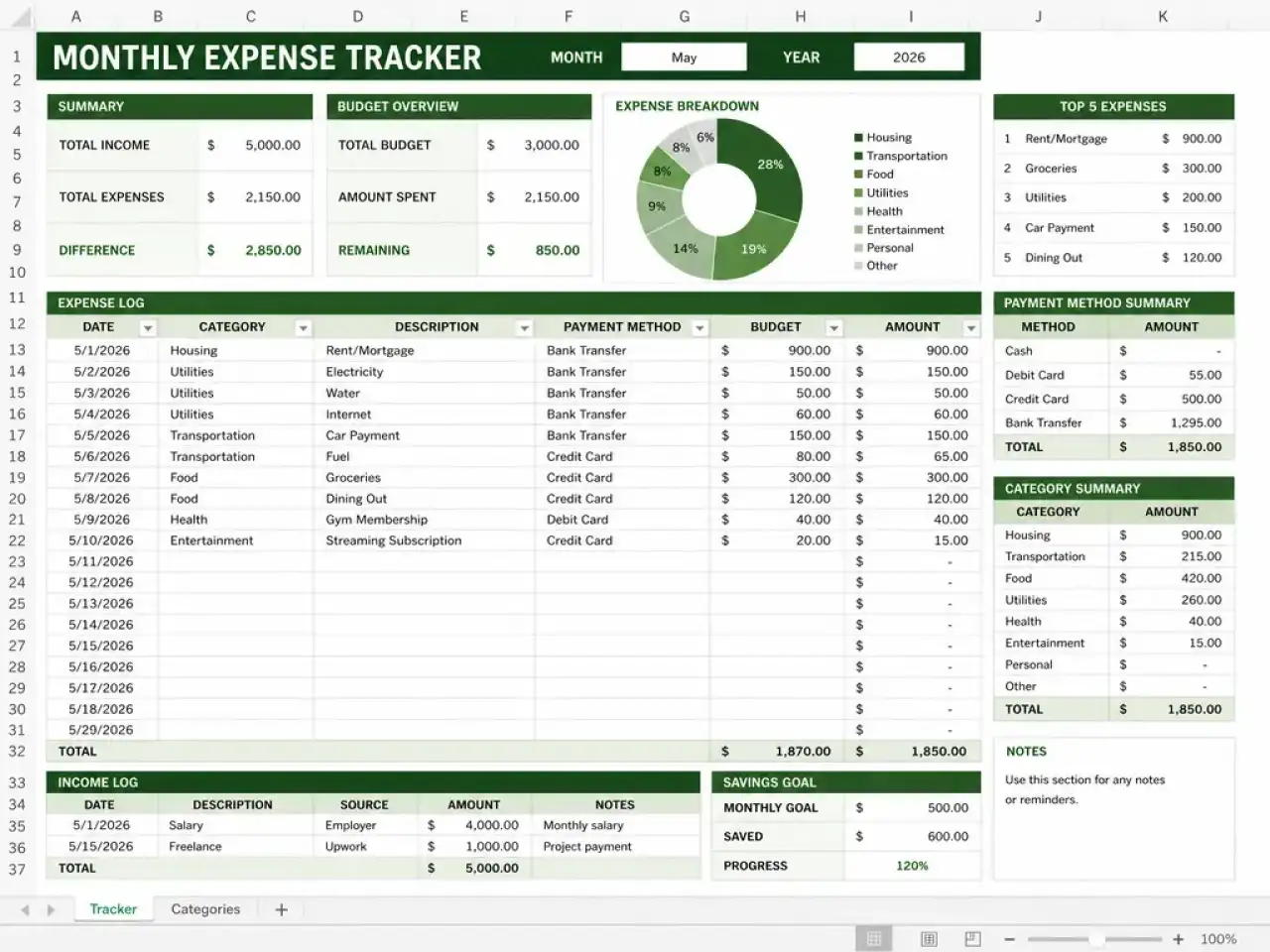
Expense Tracker
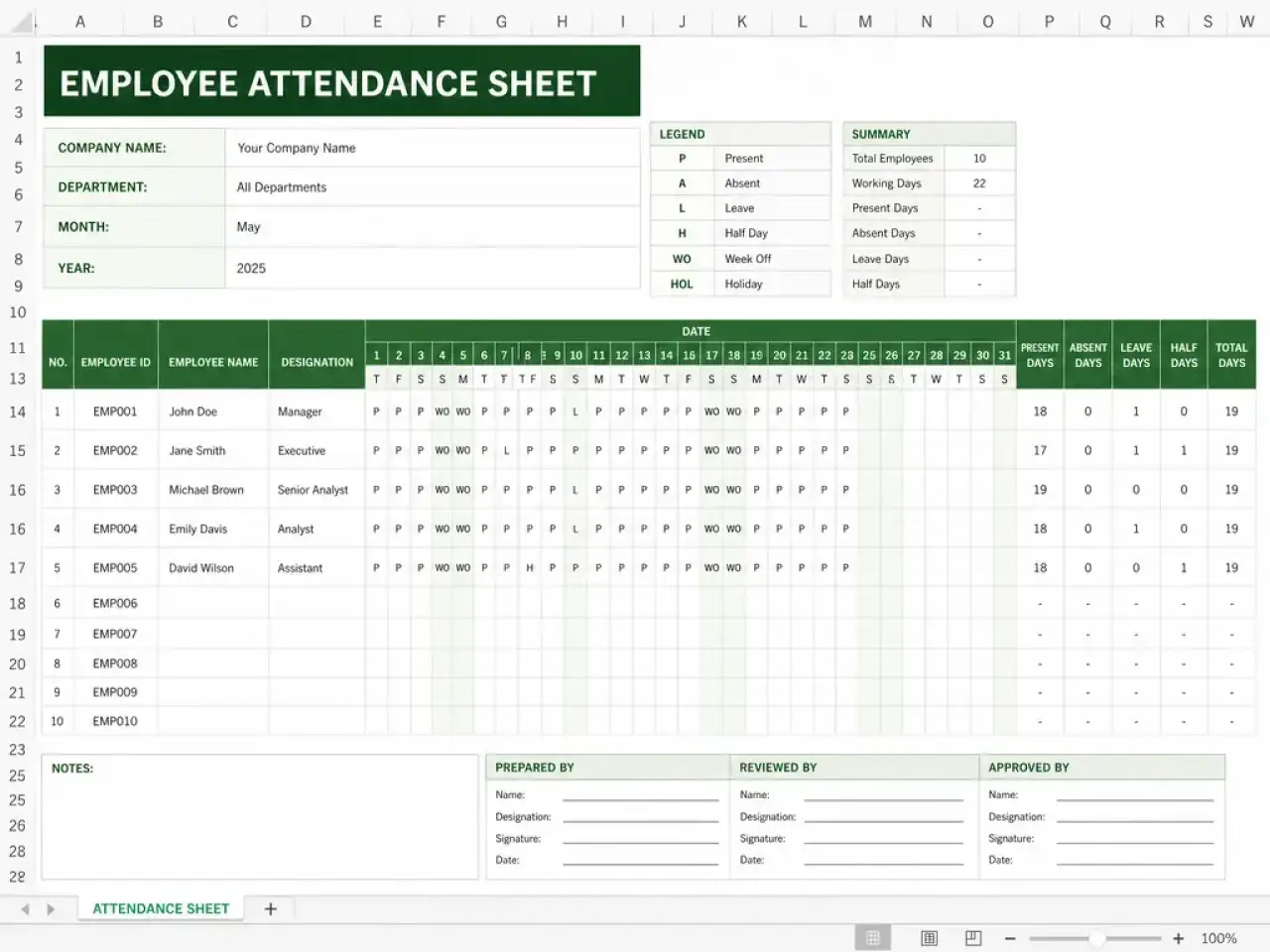
Attendance Sheet
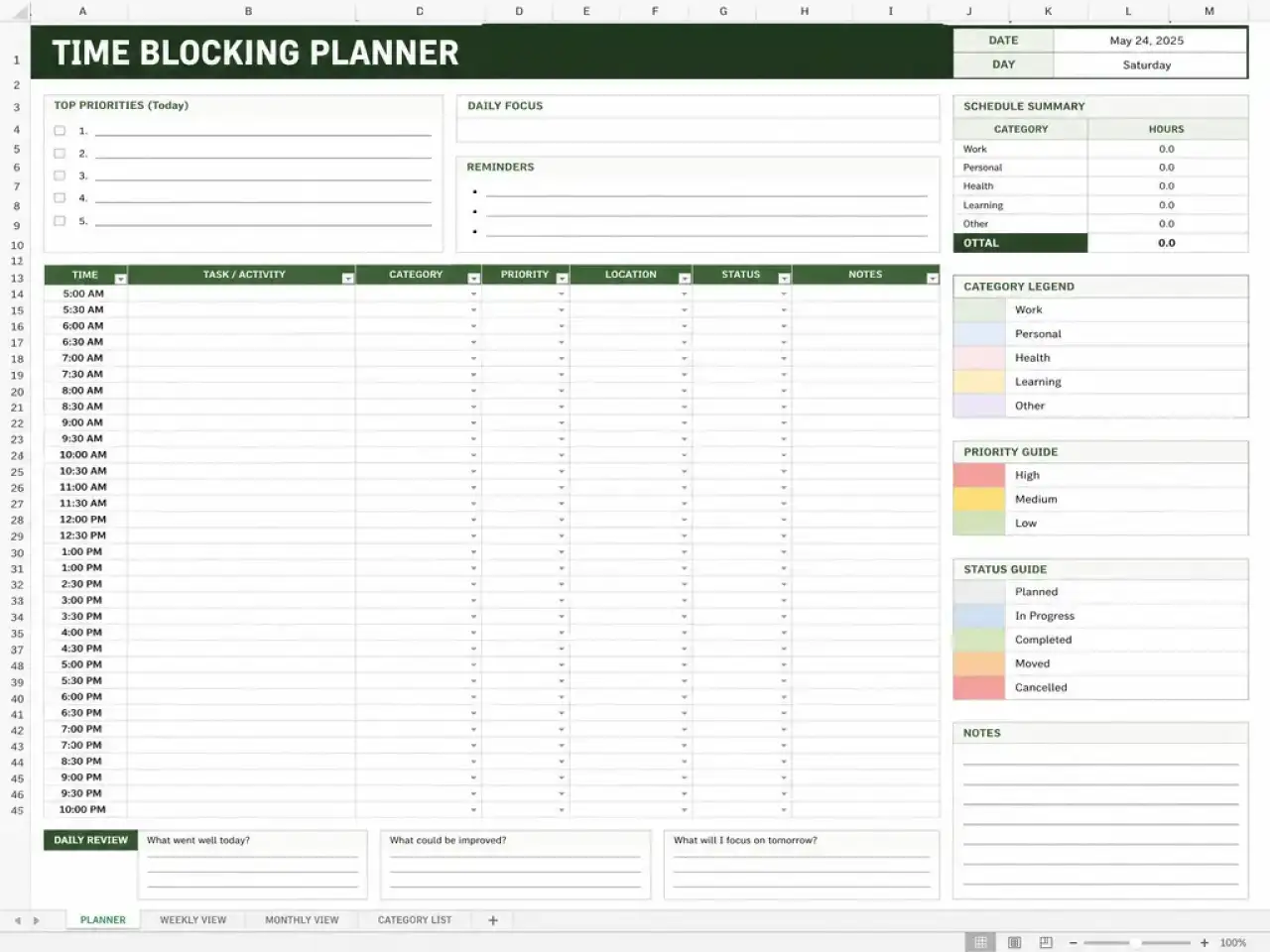
Time Blocking Planner
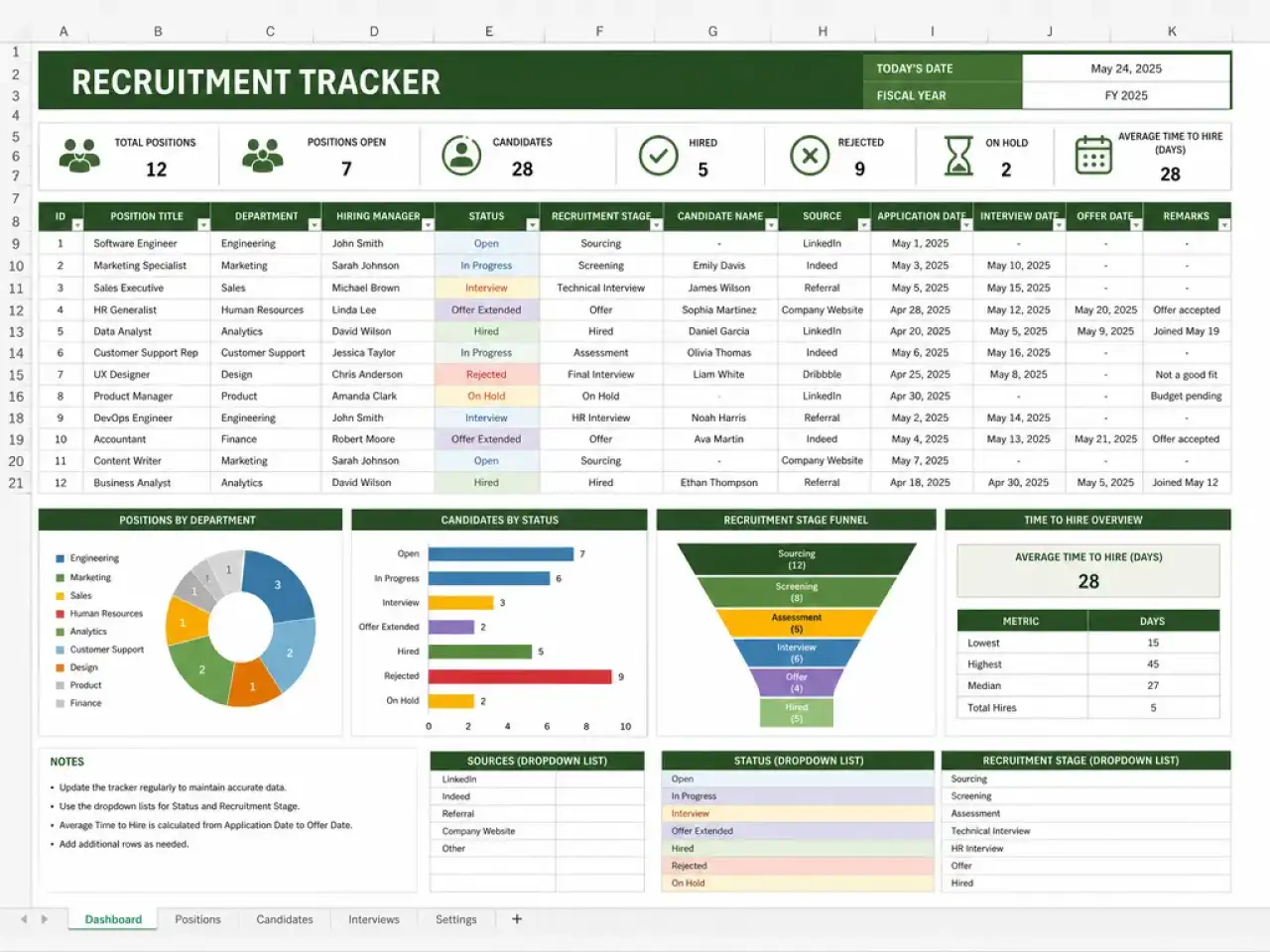
Recruitment Tracker
How the Spreadsheet maker AI agent works
From a plain sentence to a working file, checked before you ever see it.
01You describe
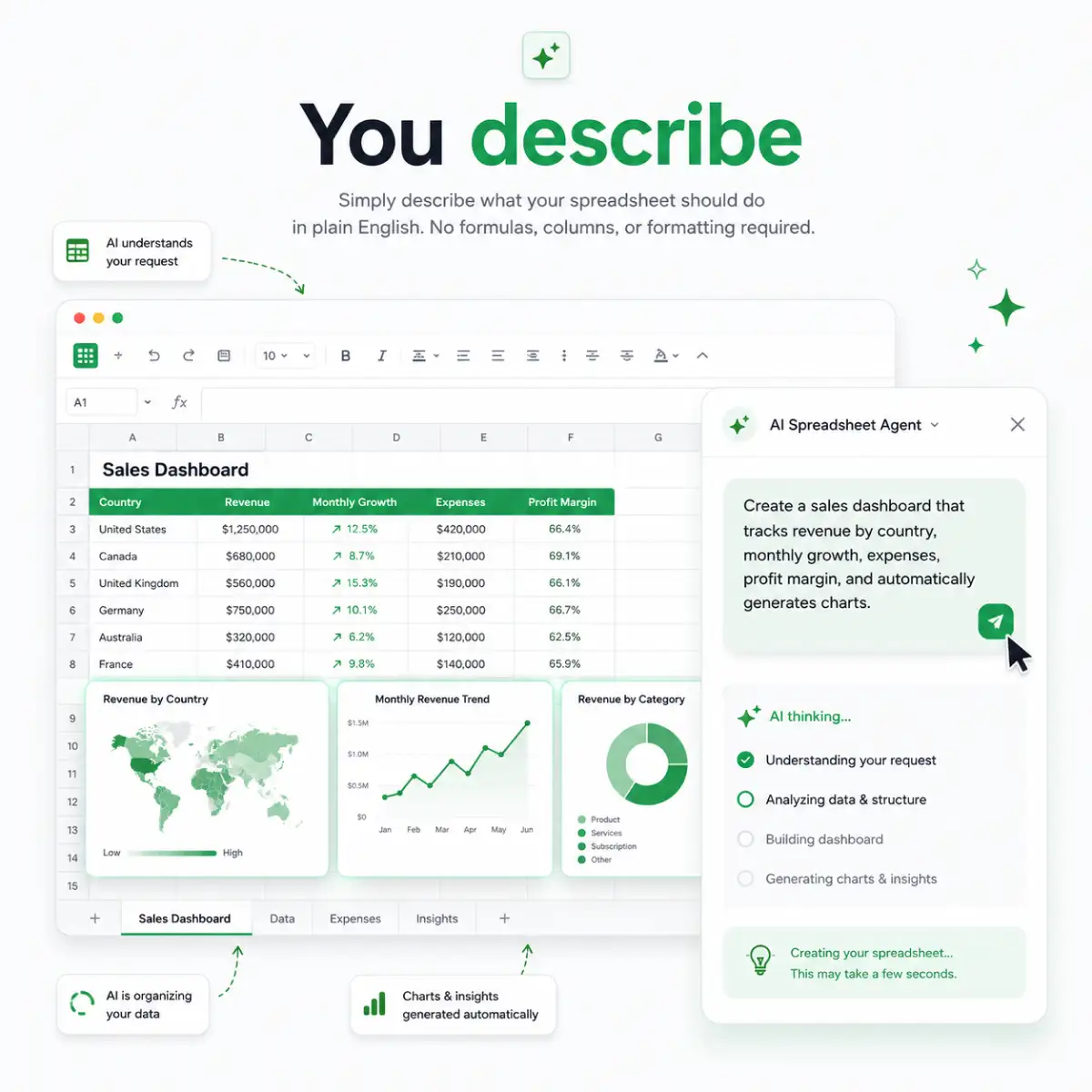
Say what the sheet needs to do, in plain language, no columns or formulas required, and it works out the layout from there.
02It builds
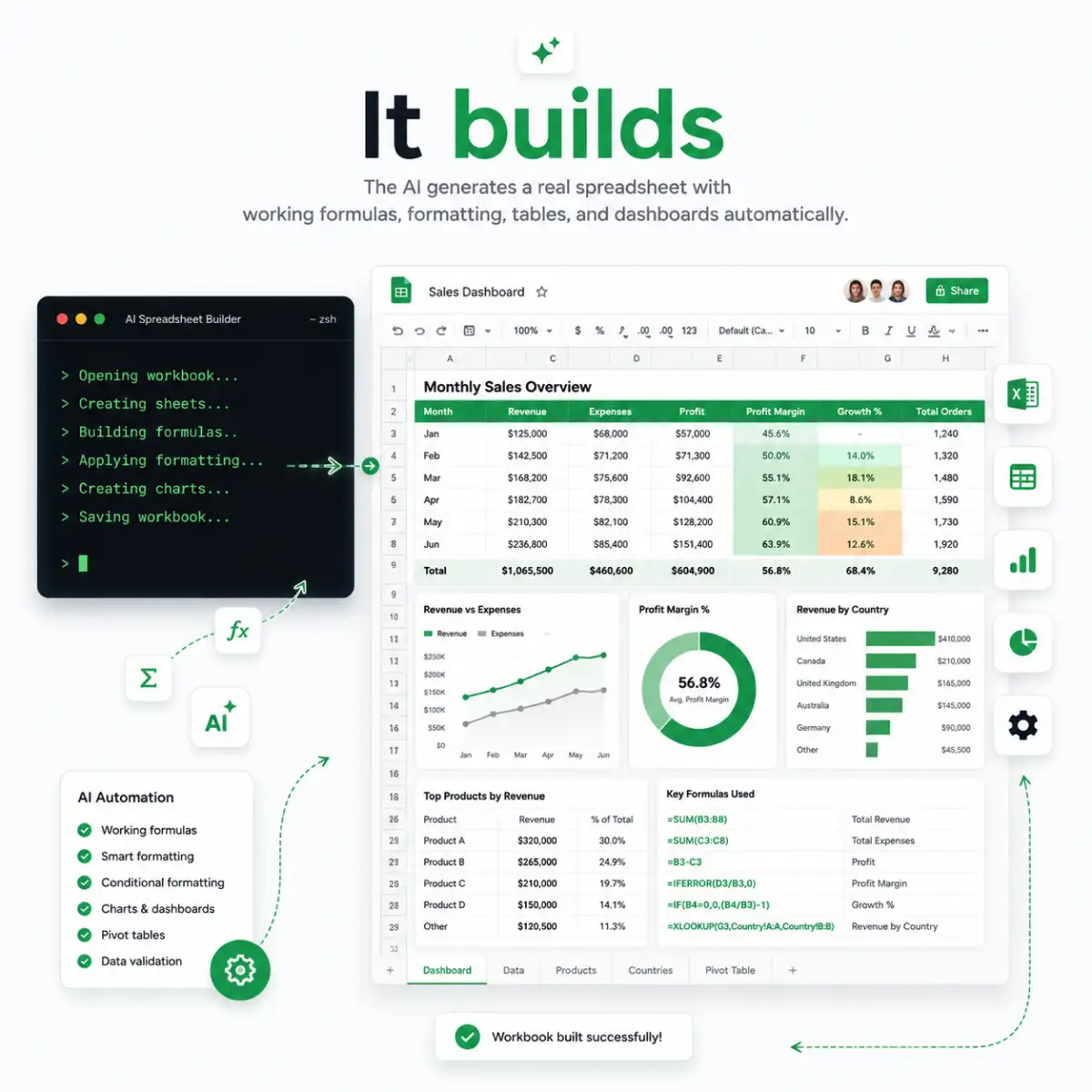
It opens a real terminal, writes the file line by line, and fills in working formulas instead of placeholder numbers that only look right.
03It recalculates
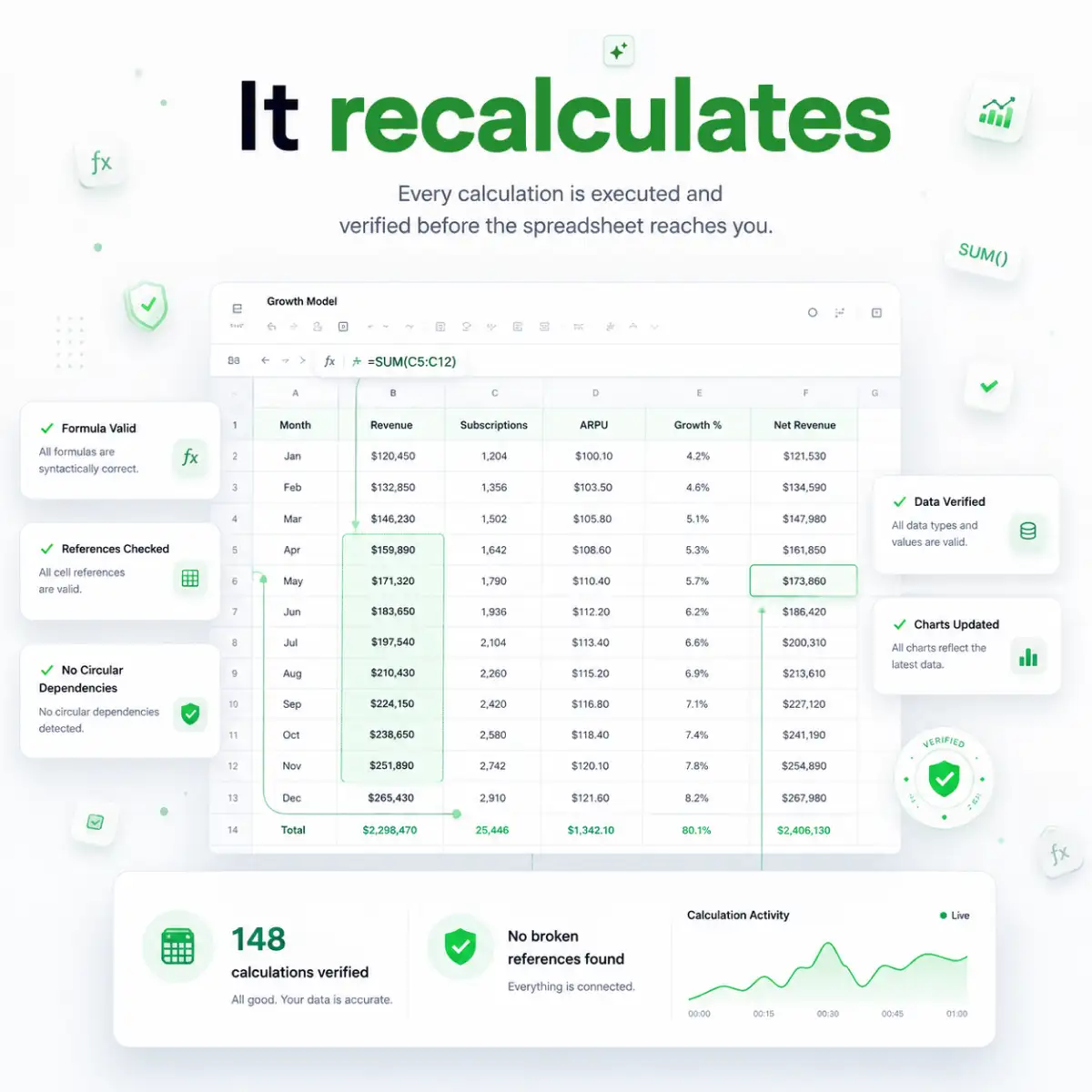
Every formula gets executed and checked against the data before anything reaches you, catching a broken reference before you'd ever notice one.
04It publishes
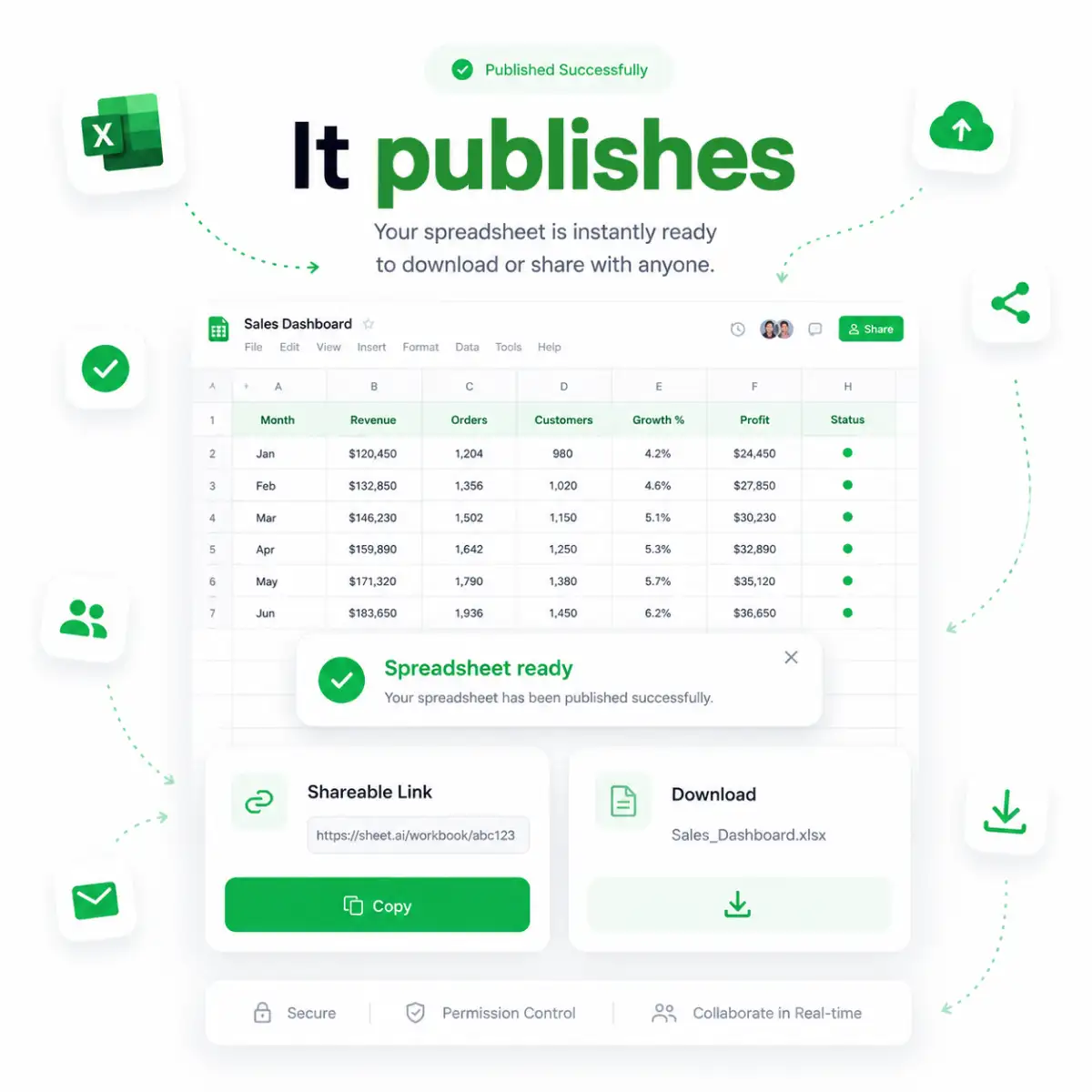
You get a shareable link and a direct download, both live immediately, ready to open in Excel or send straight to someone else.
AI Spreadsheet Generator Solves every Painpoint
Most AI spreadsheet generator tools stop at the blank page. This one keeps working after that.
01
Every formula gets checked before you see it
Before the file reaches you, every formula runs and gets verified against the real data, not just typed in and trusted. That's what catches a reference quietly pointing to the wrong row after someone inserts one above it.
→Verify My Formulas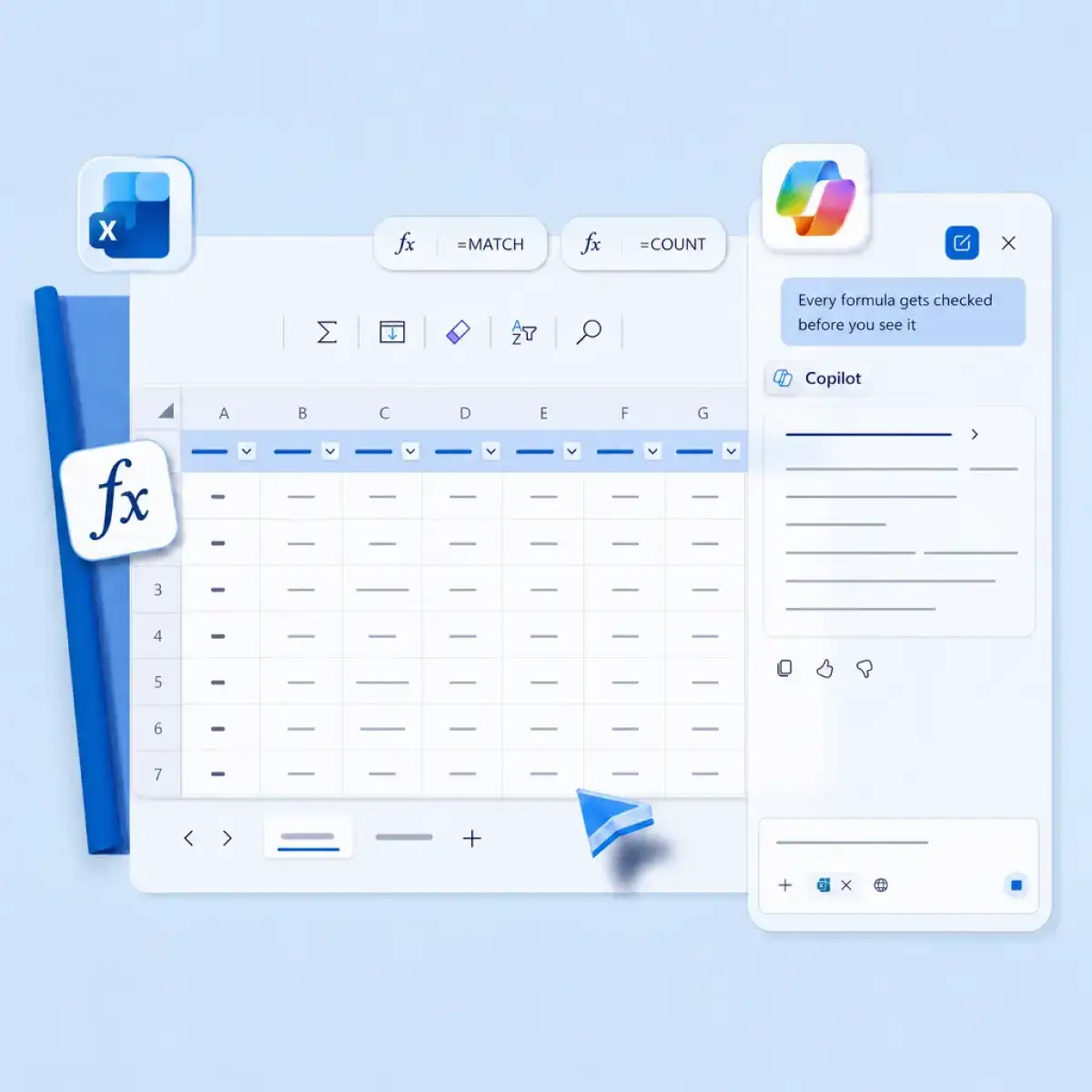
02
Have a chat with AI to change anything
Ask for a new column, a rebuilt section, or a plain explanation of what a formula does, and it edits the file directly in response. Nobody has to be that one person who remembers which cells feed which formulas just to make a small change.
→Chat To Edit
03
Opens in Excel or Google Sheets
Opens directly in Excel or Google Sheets with nothing to convert first. That means no broken formatting and formulas caused by data migration. Get consistent, clean data every single time.
→Open In Excel
04
Your numbers come in automatically
Connect a Slack channel or a live Stripe feed, and the numbers land in the sheet straight from the source. That closes off errors caused by someone retyping a number from a chat thread and fumbling a digit.
→Connect My Data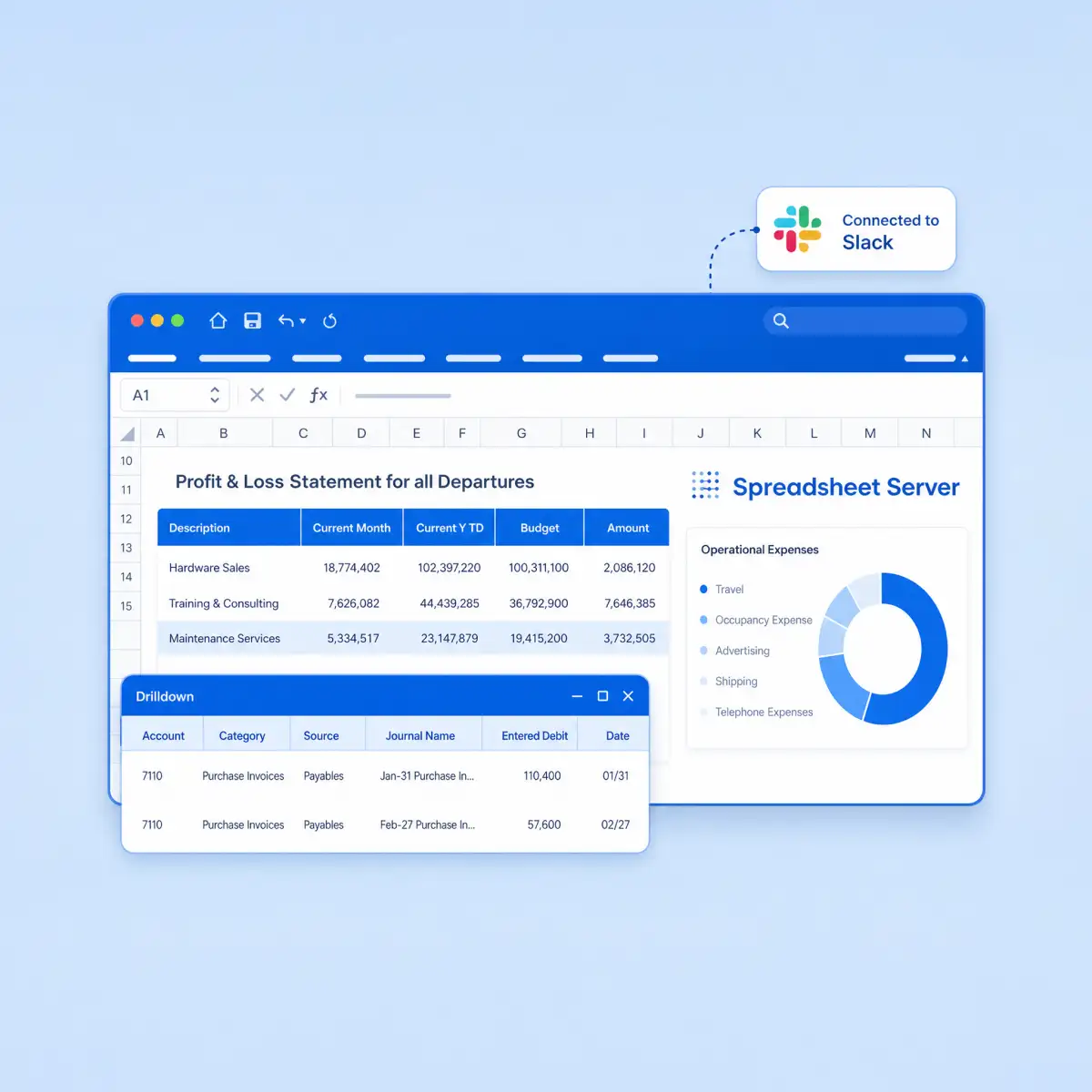
05
Formatting rules that cover every row
Conditional formatting gets applied across the whole range the moment the sheet's built, not dragged down by hand and left to run out twenty rows later. Row two hundred gets flagged exactly the same way row one did.
→Format Every Row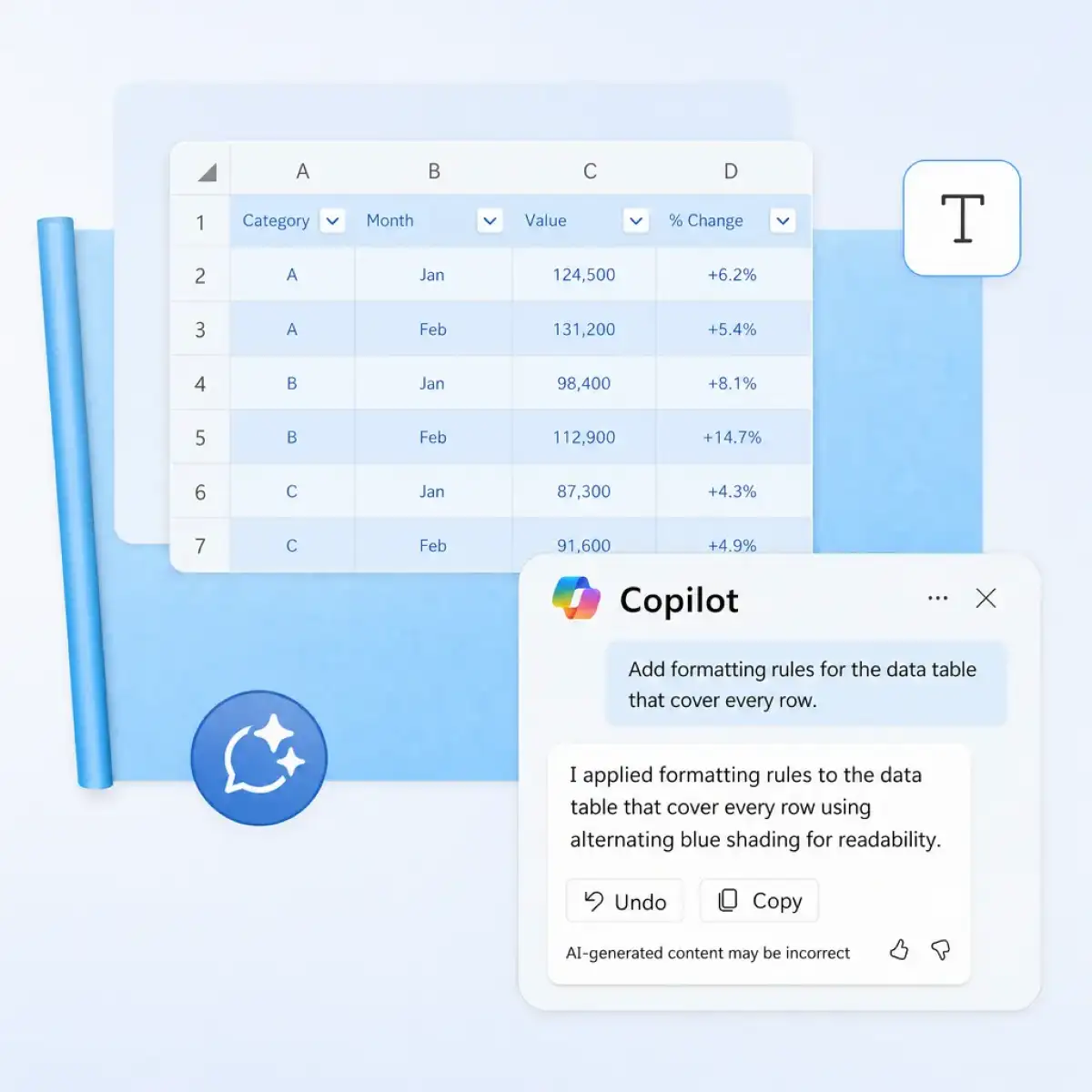
06
Built to deliver what you need
Describe the exact columns and formulas the sheet needs, and that's what gets built, not a template that's close and still needs half an hour of renaming and re-fixing to fit. There's nothing left to bend into shape afterward.
→Build This Sheet
Old Way vs. New Way
Not just a formula bot
This Excel AI agent finishes what a formula generator starts.
A Formula GeneratorAI Spreadsheet Generator

Without the AI Generator
Paste, check, repeat
- ✕A formula string you paste into a cell yourself
- ✕One column at a time, one prompt at a time
- ✕You're the one who checks the math
- ✕A static template you still edit by hand
- ✕Copy-paste out of a chat window
With the AI Generator
One prompt, done
- ✓A finished file, already sitting in the cell
- ✓A whole workbook, tabs and all, from one prompt
- ✓It recalculates every formula before handing it over
- ✓Sample data, formatting, and logic already in place
- ✓A real, published .xlsx with a working link
How to prompt
Your perfect excel sheet awaits the perfect prompt. Provide every detail to get it right the first time.
Sheet type
Say what it is. "Tracker," "model," and "report" all get built differently.
Columns
List the exact fields. Not a category. The actual column names.
Data
Real numbers if you have them. Otherwise say "sample data" and mean it.
Formulas
Name the calculation. "Margin" isn't specific enough; "selling price minus cost, divided by selling price" is.
Formatting
Say what formatting you want and what needs to appear where.
Output
Ask for the file directly. That's what pushes it to build a real .xlsx instead of just answering in chat.
Who this is built for
Whatever you're tracking, budgeting, or reporting on, there's already a template built for it.
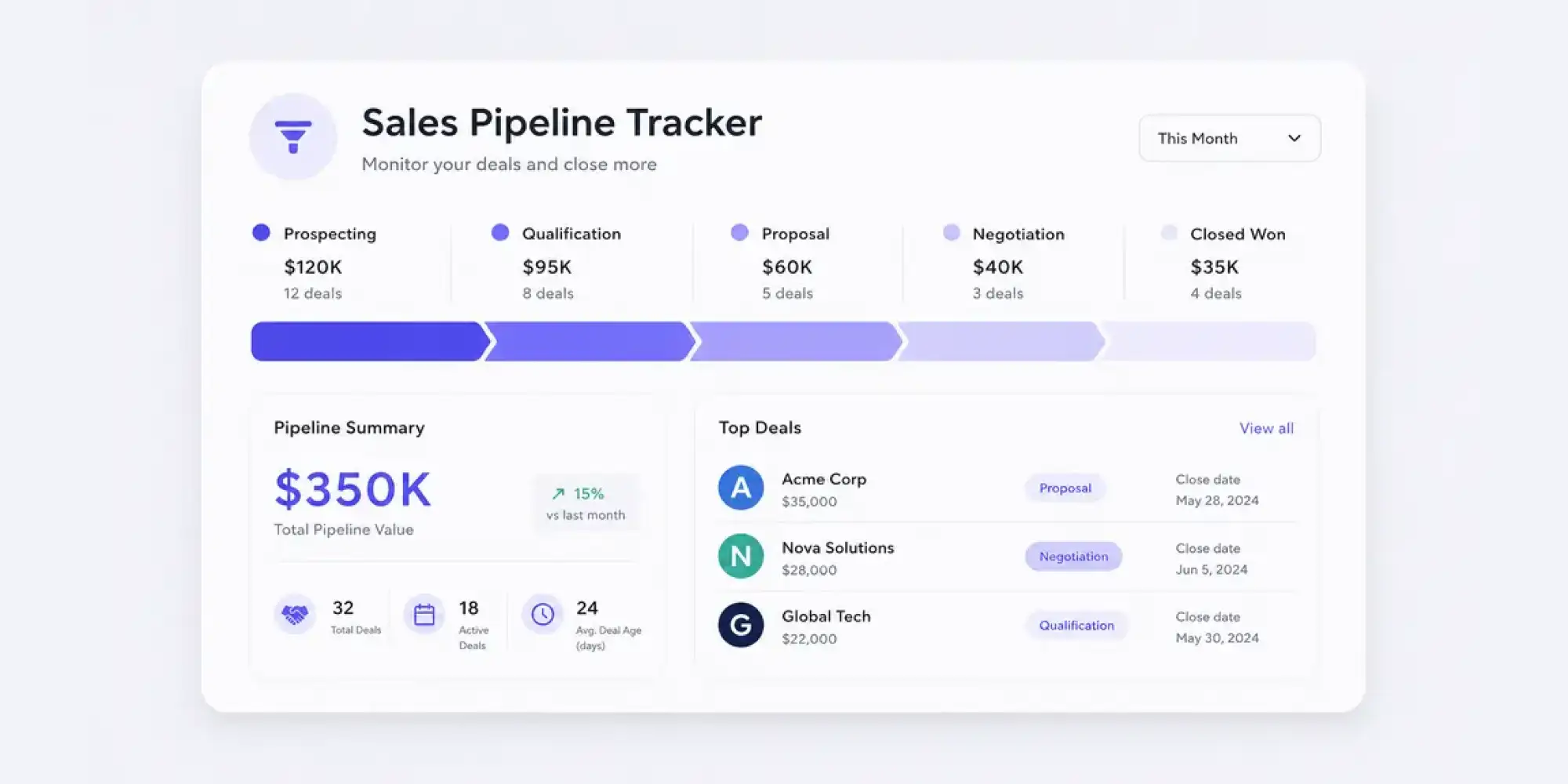
Marketing & sales teams
Runs a sales pipeline or a campaign tracker the same way a rep would build one by hand, just without the Friday afternoon it usually costs.
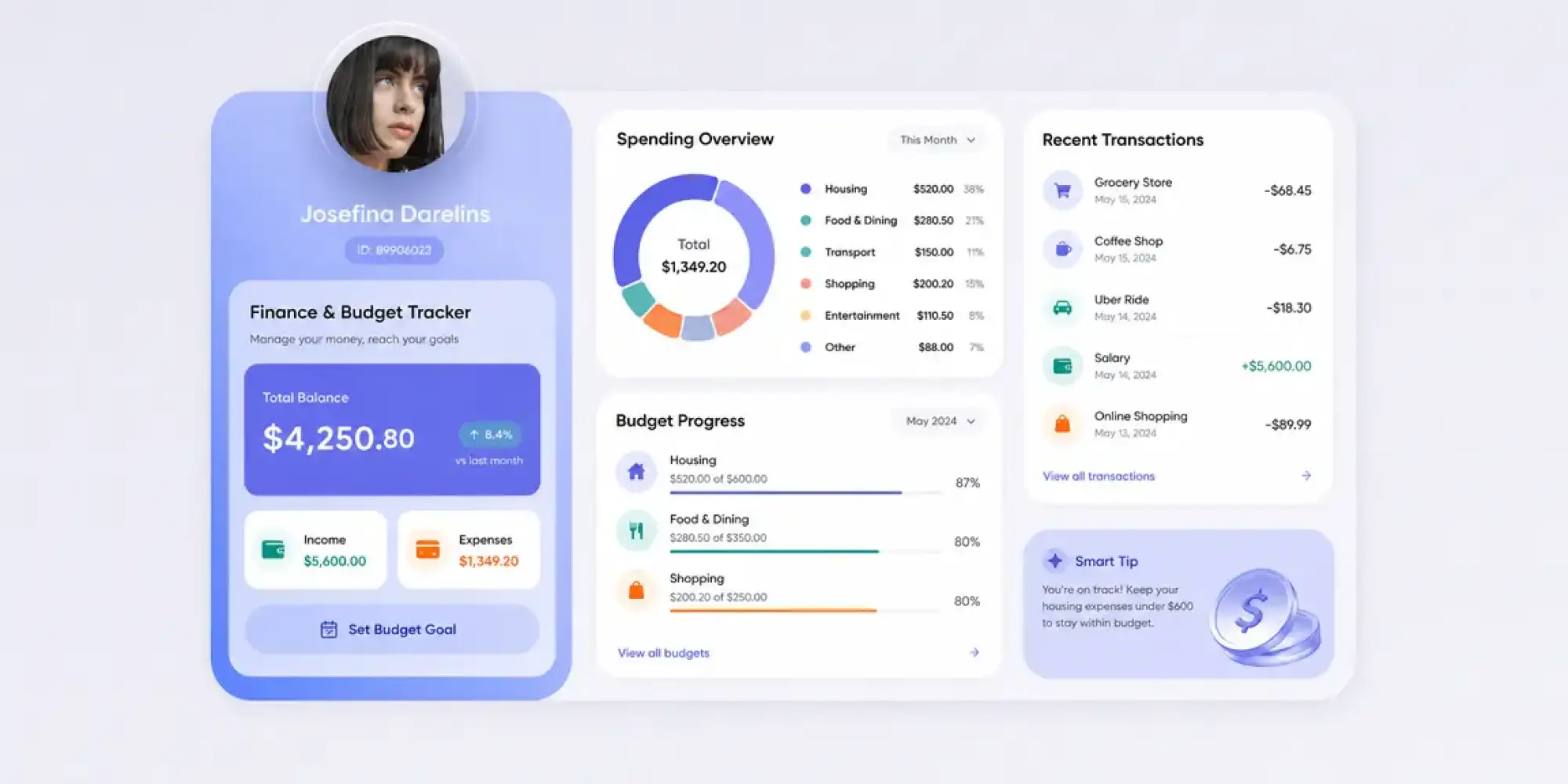
Finance & operations
Budgets, P&L trackers, and loan schedules with formulas built to survive a Monday review, not just look right in the meeting.

Small business owners
Invoices and an expense report that don't need a bookkeeper on retainer just to get set up.
Freelancers & solo operators
A time log or a project timeline that exists before the client asks where it is.


HR & people ops
Onboarding checklists and timesheets that don't start life as somebody else's template from a different company.
Works where your data lives
Connect these, and it pulls real data instead of asking you to paste it in.

Slack
Pulls conversations and shared files straight into the sheet.

Gmail
Pulls receipts, replies, or attachments without forwarding anything manually.

Notion
Pulls pages and databases in as structured rows.

Stripe
Pulls real transaction and payout data for financial trackers.

Linear
Pulls issues and project status into a tracker sheet.

Jira
Pulls tickets and sprint data into a project sheet.

Canva
Pulls design assets into a content or campaign tracker.

Pulls contact or lead data into a CRM sheet.
Got any questions left?
We've answered the most common questions about our AI spreadsheet generator.
It's the former. Ask it for a workbook and it opens a sandbox, writes the file, and runs every formula to confirm it calculates correctly before handing you a real .xlsx to download. It doesn't leave anything sitting in the chat window.
The output is a standard .xlsx, so it opens in Excel, Google Sheets, or Numbers with no conversion step. You're not locked into one program to use what it builds.
Yes. Since the file is a real .xlsx, importing it into Google Sheets keeps the formulas and formatting intact. Nothing needs rebuilding.
You can, though it's built for full sheets by default. Ask for a single formula and it still runs through the same build pipeline behind the scenes.
Every cell is live. Change a number, add a row, or ask for a section to be rebuilt, and the formulas and formatting adjust with it.
Slack, Gmail, Notion, Google Sheets, Google Calendar, Stripe, Linear, Jira, Canva, Google Meet, and LinkedIn, at last count.
Flash handles a quick tracker in seconds. Pro takes on research-heavy builds. Ultra is for a workbook with several interlocking tabs and a summary section that has to hold up under scrutiny.