Tooba Siddiqui
August 4, 2025 • Updated September 2, 2026
8 mins Read
In a landscape filled with AI image generators, Ideogram AI has emerged as a favorite for creators who want fast, sharp, and highly stylized outputs — especially for text-based images, posters, and logos. From building brand assets to simply experimenting with ideas, this AI image generator offers a smooth, reliable experience without a steep learning curve.
This guide covers Ideogram 3.0, the version available on ImagineArt AI image generator. Ideogram 4.0 launched in June 2026 with editable text layers, bounding-box layout control, and alpha channel output. Use Ideogram 4.0 on ImagineArt.
What Is Ideogram AI?
Ideogram AI is a free-to-use image generation model built specifically for creatives who want beautiful, coherent visuals — particularly those that involve graphic design elements like logos, posters, and stylized text. It performs especially well when generating images that contain words or letterforms, something that many other diffusion models struggle with.
The model allows you to guide your generations using up to three reference images for style influence — making it one of the most flexible and consistent tools in the AI art space.
Key Features of Ideogram AI
Here’s what makes Ideogram AI stand out:
1. Text-Aware Generation
Ideogram can generate images that include readable text — whether it's for logos, banners, or quote graphics. Unlike other diffusion models, which often distort or misspell embedded text, Ideogram produces surprisingly accurate, legible results.
In benchmark testing, Ideogram 3.0 produces legible, accurately spelled embedded text with 90%+ accuracy and outperforms both DALL-E 3 and Midjourney, which either distort letterforms or do not reliably support embedded text at all. For any output where typography is part of the design, Ideogram is the strongest model available at its price point.
Best for:
- Logo design
- Branded visuals
- Social media quote cards
2. Style Reference Uploads (Up to 3)
Users can upload up to three reference images to guide the style of their generations. Whether you want a watercolor texture, cyberpunk lighting, or vintage poster aesthetics, just drag and drop a few styles, and Ideogram will blend them into your result.
Best for:
- Consistent visual branding
- Moodboard-style explorations
- Combining different aesthetics (e.g., vaporwave + corporate)
3. Highly Stylized Outputs
Ideogram shines when you want creative, visually expressive results. From bold poster art to clean corporate design, it supports dozens of aesthetic directions.
Notable styles include:
- Streetwear
- Y2K
- Cyberpunk
- Editorial collage
- Line art & doodle
4. Advanced Prompt Understanding
Unlike generic models, Ideogram is optimized for creative prompts. It understands nuance in descriptions like:
“Logo for a modern vegan skincare brand, beige tones, minimal, with subtle leaf elements.”
This level of clarity makes it a strong fit for marketers, designers, and product teams who need quick visuals with minimal back-and-forth.
5. Fast Generation Speed
Ideogram is fast. Even complex prompts take only a few seconds to render. This makes it ideal for iterative creative sessions where you're refining outputs across many versions.
6. Batch Generation for Creative Scalability
Ideal for high-volume workflows, the batch generation feature lets users render dozens or hundreds of images at once. You can apply different prompt variations, style references, or layout options in one go—great for campaign design or ideation sprints.
7. Multilingual Text Support
The model can accurately render text in language other than English, Spanish, Italian, and French—while preserving legibility and styling fidelity, making it ideal for global marketing or multilingual campaigns. However, rendering images in non-Latin scripts such as Chinese and Arabic is still a challenge for Ideogram 3.0. For better-quality image generation, it is advise to use natural English language for prompting.
8. Prompt Magic & AI-Assisted Prompting
Ideogram 3.0 includes a “Prompt Magic” feature that expands simple prompts into detailed instructions including lighting, color tone and palettes, composition, and even emotional atmosphere—perfect for users unfamiliar with technical prompt writing.
How to Use Ideogram AI on ImagineArt
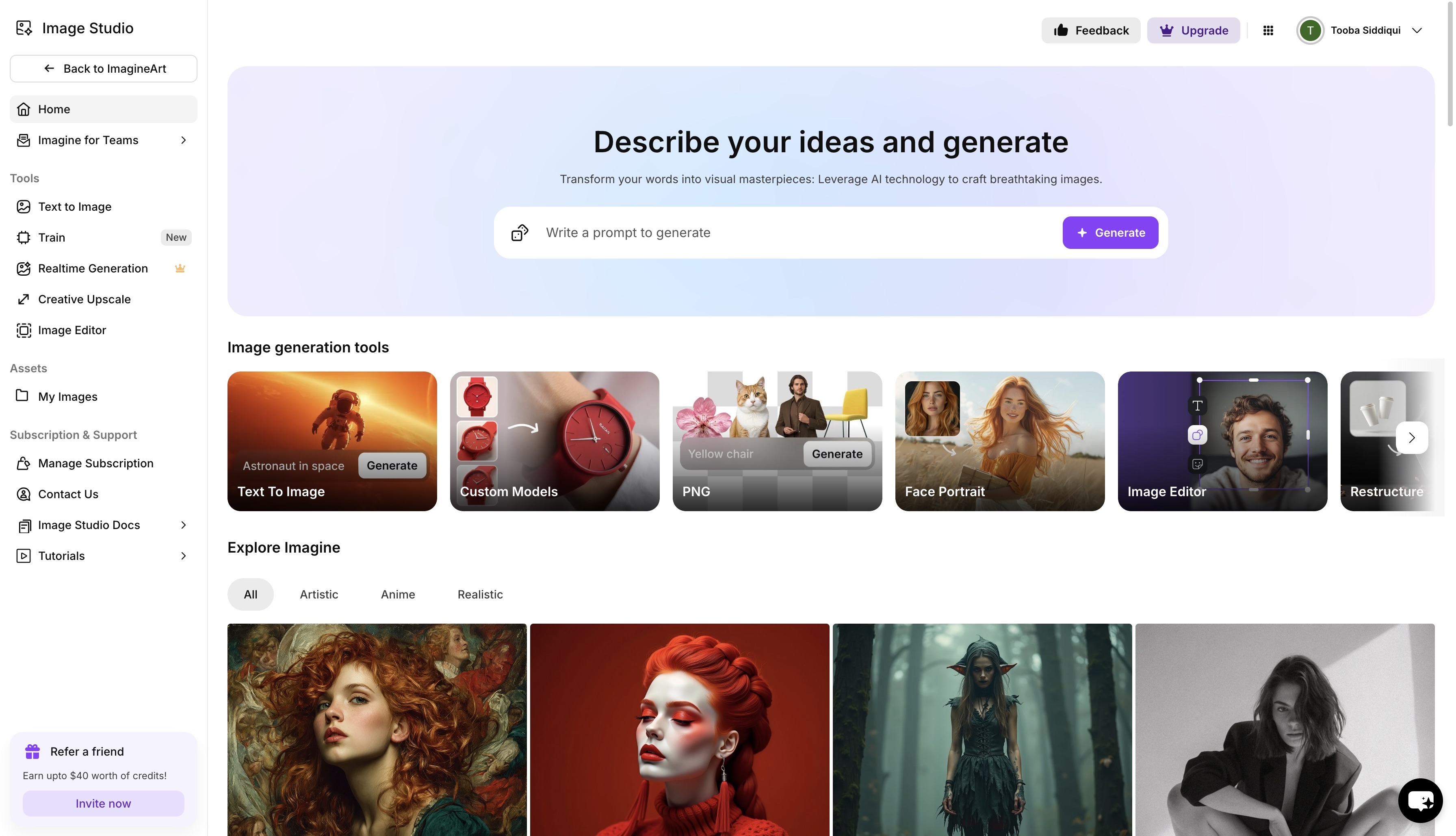 Imagine Image Studio dashboard
You can access Ideogram AI directly on the ImagineArt AI Image Generator. Here’s how:
Step 1: Head to Image Studio
From your ImagineArt dashboard, click “Image” from the side panel. Choose Ideogram 3.0 from the model list.
Step 2: Write a Creative Prompt
Example:
“Logo for an indie film festival, bold serif typeface, black and gold color scheme, retro cinema vibes.”
You can also start with templates or explore community prompts.
Step 3: (Optional) Upload Image References
Click the 'add image' button, and you can upload images as reference and pair it up with a detailed prompt. This is great for keeping brand consistency or combining visual styles.
Step 4: Choose Image Settings
- Aspect ratio: Choose from 1:1, 4:3, 3:4, 16:9, or 9:16
- Settings: Select the number of image generations (up to 8 per prompt)
- Resolution: Select from available resolution
- Prompt enhancer (optional): You can let AI improve your prompt for more tailored results.
Step 5: Generate
Click generate and watch your prompt come to life in seconds. You can remix or upscale if needed, or try different style combinations instantly.
Top Use Cases for Ideogram AI
Wondering what you can use Ideogram for? Here are some real-world applications:
1. Logo Design
With prompt-based control and clean typography handling, Ideogram is a go-to for quick, creative logo generations. Ideal for startups, freelancers, or branding agencies looking to test visual directions before finalizing designs.
Prompt Example:
"Design a minimalist blueprint-style logo for Northedge Design with the initials “ND” in a blueprint grid, drawn in fine white lines on a navy blue background. Keep the type sleek and minimal."
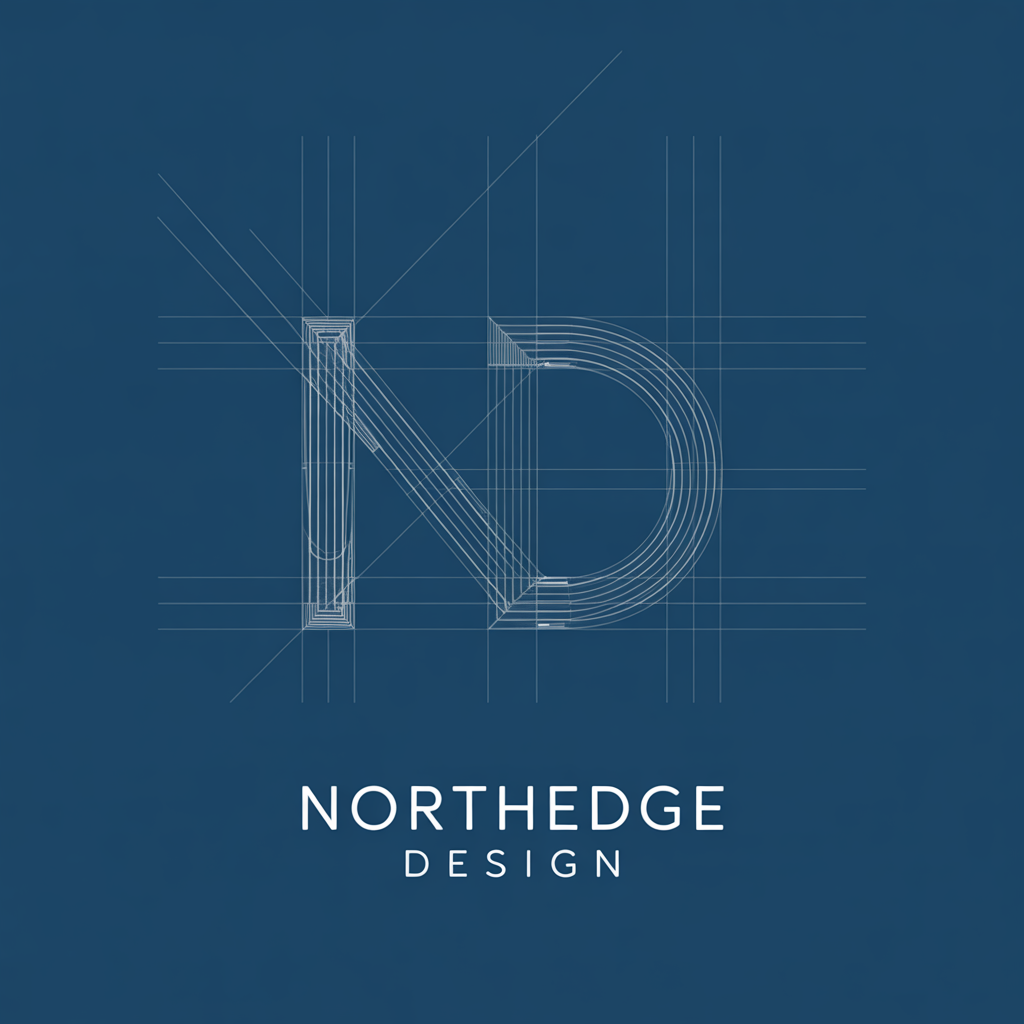 Logo Design generated using Ideogram on ImagineArt
2. Social Media Graphics
Whether it’s a quote card, event teaser, or carousel post — Ideogram creates scroll-stopping visuals that match your brand voice.
Prompt Example:
"Instagram quote graphic, beige background, bold serif font, centered quote: 'Design is thinking made visual.'"
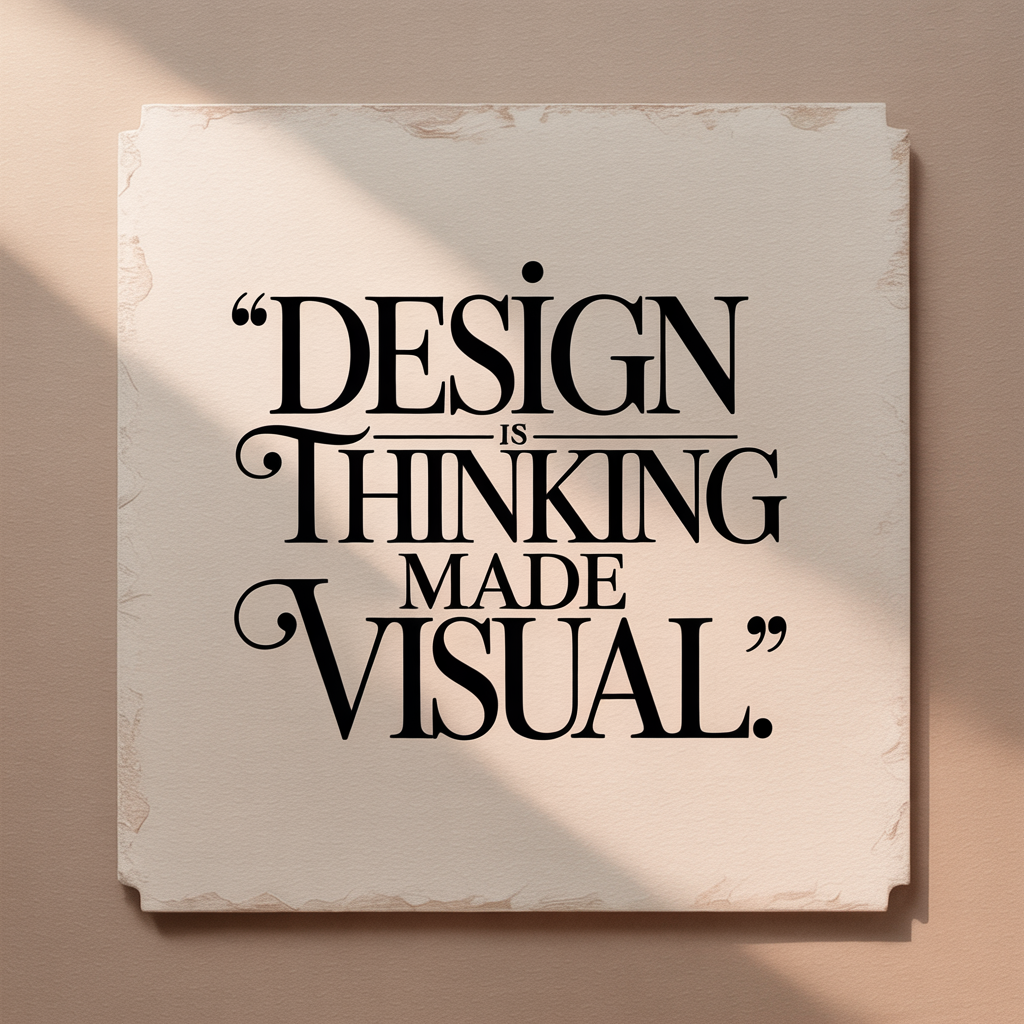 Social Media Graphics generated using Ideogram on ImagineArt
3. Poster Design
Ideogram can simulate real poster layouts — perfect for artists, musicians, or product launches.
Prompt Example:
"Retro-style gig poster for a jazz night, bold fonts, abstract shapes, muted purple tones."
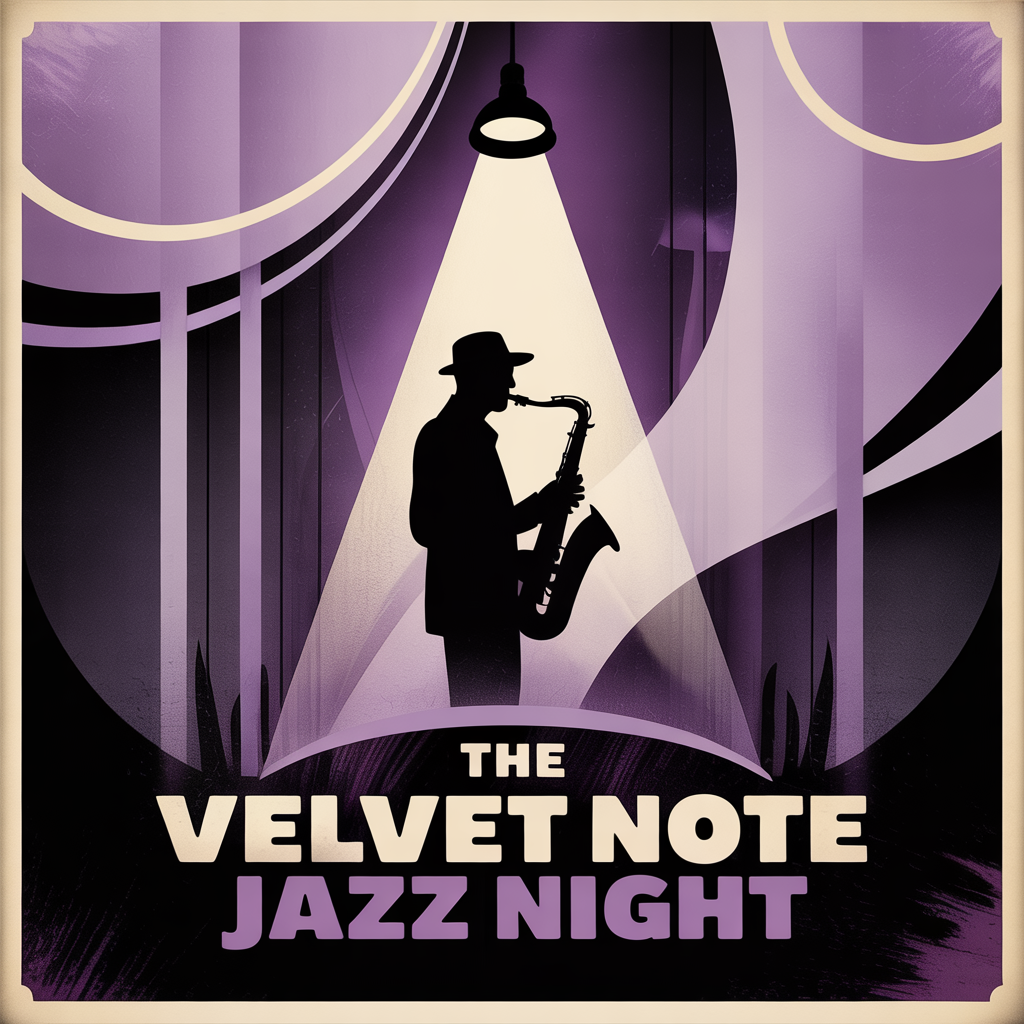 Poster Design generated using Ideogram on ImagineArt
4. Product Branding
Generate packaging mockups, label designs, or brand concepts using descriptive prompts and reference images.
Prompt Example:
"Organic skincare label for a face serum, minimalist, green & gold tones, leaf illustrations."
 Label Design generated using Ideogram on ImagineArt
5. Creative Exploration / Moodboarding
Use Ideogram to test ideas and aesthetics before committing to full design production.
Prompt Example:
"Y2K collage style moodboard for fashion campaign, holographic overlays, techwear textures."
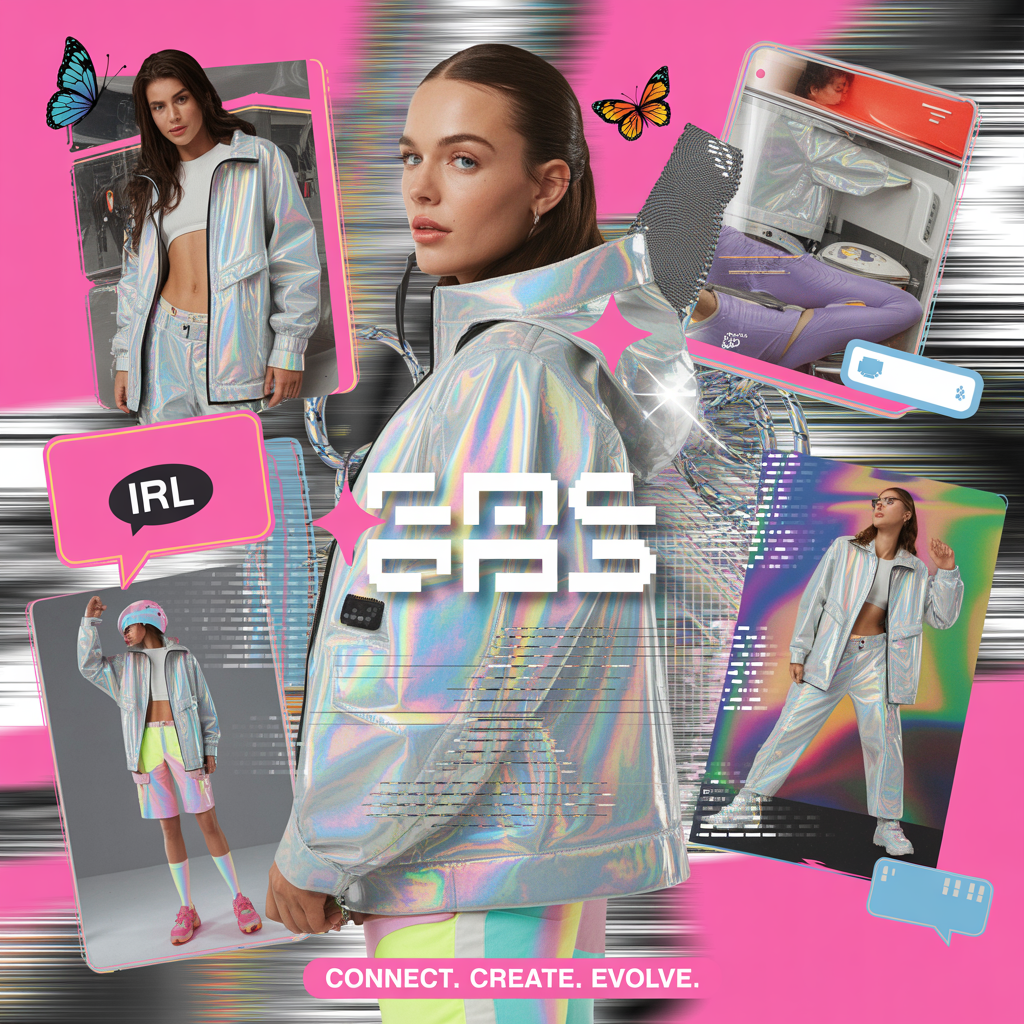 Moodboard generated using Ideogram on ImagineArt
Ideogram AI Pricing
Ideogram is available for free use with limited slow credits and limited access to Canvas. The subscription plans start $7/month, the plus plan is billed at $16/month, and pro plan is billed at $48/month. On ImagineArt, Ideogram 3.0 is included in all plans — including free tiers and consumes 25 credits per generation. You only consume credits when you generate images, and usage is extremely credit-efficient.
- Free plan:
- Access to Ideogram
- Limited daily credits
- Standard plan:
- Complete access to Ideogram
- More credits and faster generation
- Professional plan:
- Complete access to Ideogram
- Best value for better design and client work
Ideogram 3.0 vs Ideogram 4.0
Ideogram 4.0 launched in June 2026. Key additions over 3.0:
- Editable text layers returned directly from generation
- Bounding-box layout control for precise element placement
- Alpha channel output for transparent background cutouts
- 2K resolution
- Open weights for self-hosted and fine-tuned deployment
For a full breakdown of what changed, see Ideogram 4.0 Overview
Final Thoughts
If you're exploring creative ideas and need quick, clean, and expressive visuals — Ideogram AI is one of the best image generators available. It’s especially valuable for designers, marketers, and content creators who need prompt-based precision and fast results.
By using Ideogram through ImagineArt, you get a complete, frictionless creative pipeline that blends flexibility with power — and gives your visual content the clarity and style it deserves.
Frequently Asked Questions
Ideogram AI is an advanced image generation model that focuses on stylized outputs with accurate text handling, used commonly for logos, posters, and design mockups.
Yes, Ideogram AI is free to use on ImagineArt’s Free plan, with limited daily credits. You can also access it with higher limits on paid plans.
Ideogram is ideal for concepting and mockups. You can download and refine the output in design software if needed.
Ideogram AI is used for any output where text is part of the design, such as logos, poster copy, social media quote cards, product labels, and branded visuals. It is also strong for highly stylized graphic design outputs: Y2K, cyberpunk, editorial collage, and streetwear aesthetics.
Yes, significantly. Midjourney does not reliably render readable embedded text and letters are frequently distorted or misspelled. Ideogram 3.0 was specifically built for text-accurate image generation, which is why it is the preferred model for logo design, poster copy, and any graphic design output where typography needs to be legible.
Related readings:
Best AI Image Generation Models in 2025
Ideogram vs. MidJourney vs. ImagineArt
Tooba Siddiqui
Tooba Siddiqui is a content marketer with a strong focus on AI trends and product innovation. She explores generative AI with a keen eye. At ImagineArt, she develops marketing content that translates cutting-edge innovation into engaging, search-driven narratives for the right audience.