Free AI Wallpaper Generator
Type a description, get back a finished wallpaper sized for your phone, desktop or tablet. Landscapes, anime scenes, abstract art and minimal patterns, all from a text prompt or a photo, sharp enough for a 16:9 ratio 4K screen.


Related AI Wallpaper & Art Tools
AI Wallpapers Created by the ImagineArt Community

Wallpapers sized for every screen you own
The iPhone screen is 2622 × 1206 pixels, close to 9:19.5, so a 9:16 image leaves iOS cropping the sides to fill the height. For a similar model phone, use 9:19.5, which Grok from xAI supports at up to 2K. Android phones sit closer to 9:20, which Grok also offers. If you want a phone wallpaper at 4K, 9:16 is the ratio to use, available in Google’s Nano Banana Pro and Black Forest Labs’ Flux 3. For a 4K monitor, go with 16:9 in Nano Banana Pro or OpenAI’s GPT Image 2.5. Ultrawide screens need 21:9, which Google’s Nano Banana and Flux 3 both list. For a dual setup of two 16:9 monitors (32:9), generated at 4:1 in Google’s Nano Banana 2.1, then crop to fit
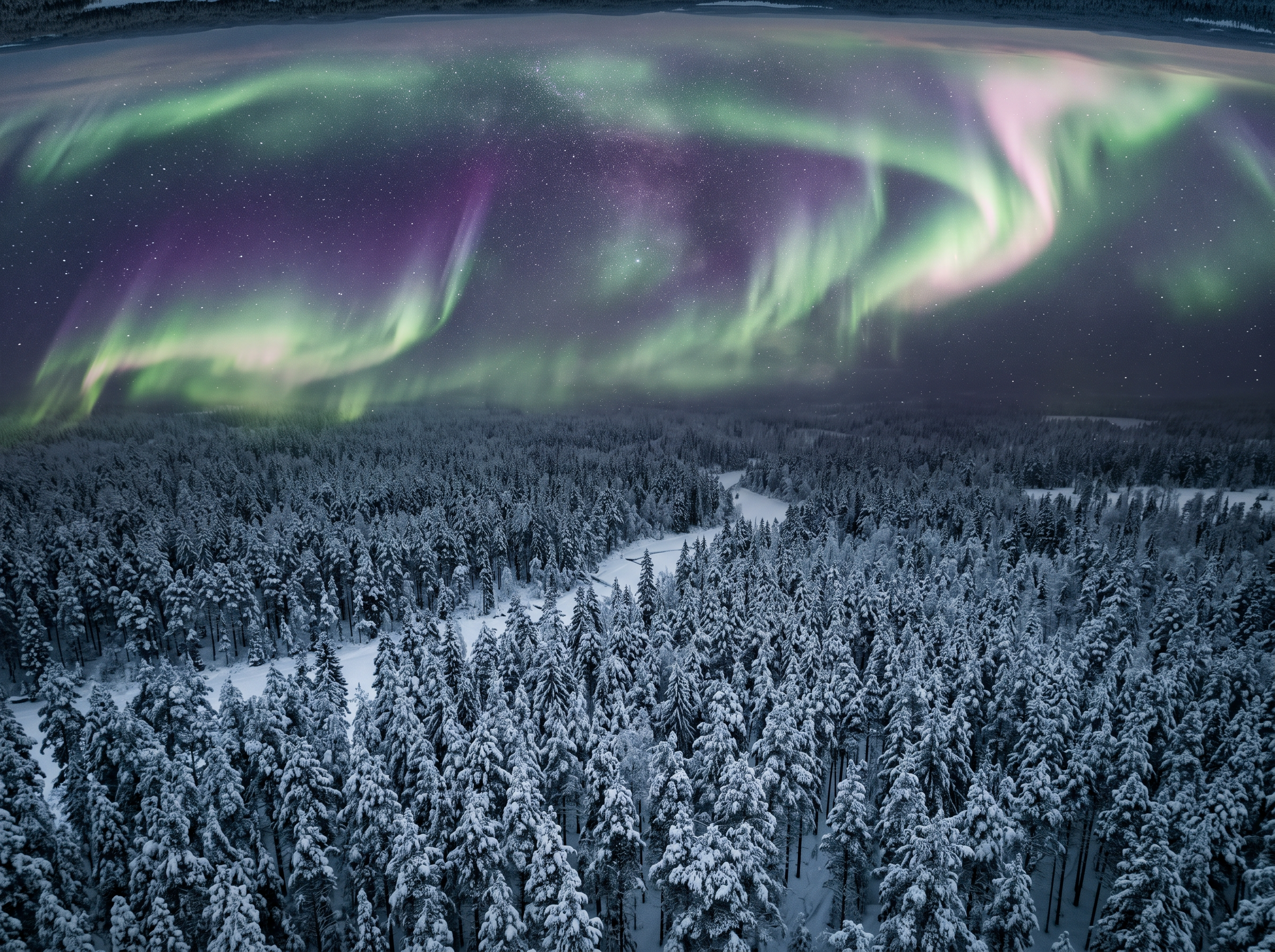
Sharp enough for a 4K screen
4K UHD screens are 3840 × 2160 pixels, and an AI wallpaper 4K file gets there by two routes. Render it native: Google lists 5504 × 3072 at 16:9 for Nano Banana 2 and Pro, Black Forest Labs offers a 4K tier on Flux 3, and OpenAI sizes GPT Image 2.5 up to 3840 × 2160, calling anything above 2560 × 1440 experimental. Or keep a wallpaper you like and send it to the Image upscaler, which runs Topaz Gigapixel.
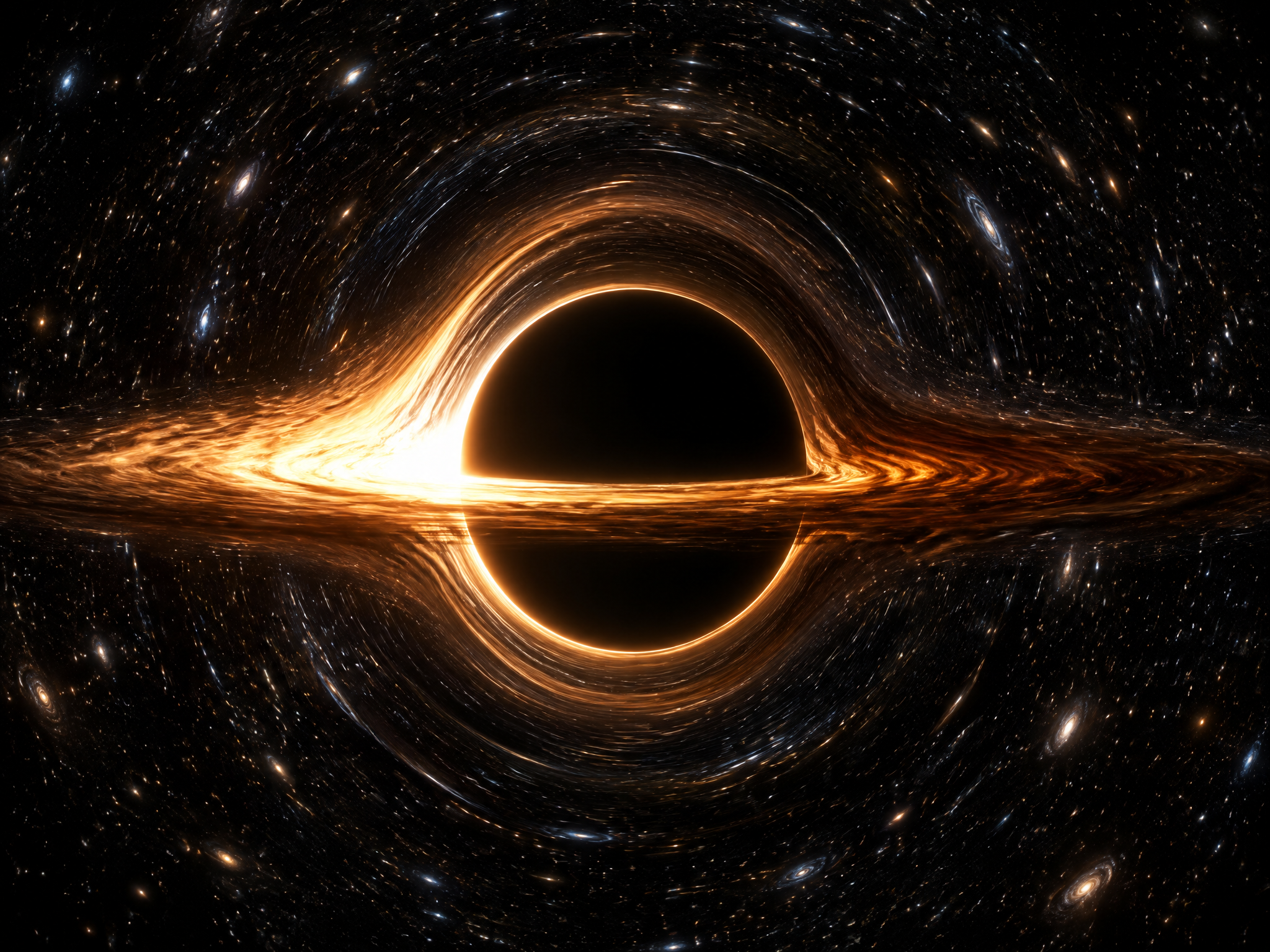
From your photo to a moving lock screen
Upload a photo you took or have the rights to and edit the image by saying what changes: your street at night, your dog in watercolor. Or add a reference image to borrow its style. ImagineArt keeps content PG-13 and may block prompts for disallowed content. For motion, take the still into Image to Video; video needs a paid plan. Samsung Galaxy lock screens accept the clip. Apple's wallpaper steps (iOS 16 and later) list Photos and Photo Shuffle with no video option, so on iPhone, set the still.
How to Use Our AI Wallpaper Generator
Step 1
Write the scene and leave space for the clock
Open the Image tool. Name one subject, the light and a palette, then say where the empty space goes. Lock screen formula: subject in the lower half, plain sky across the top third, nothing under the clock.
Step 2
Set the ratio and the resolution
Pick 9:19.5 on Grok (xAI's iPhone ratio) or 9:16 for an Android, 16:9 or 21:9 for a monitor; the table above shows which maker lists each. Choose 4K where offered.
Step 3
Download and set the wallpaper
Download your wallpaper in high resolution, or upscale to 4K first. Then set it as your phone lock screen. On iPhone: Settings, Wallpaper, Add New Wallpaper, Photos, then Set as Wallpaper Pair for both screens. On a Android: touch and hold the lock screen, then tap Wallpapers.
Why Use an AI Wallpaper Generator
- Wallpapers in Seconds: Create a wallpaper from a short text prompt or [edit an image](https://www.imagine.art/apps/ai-image-editor) to fit your screen background, without searching stock sites.
- Made for Your Screen:Generate in phone or desktop proportions so your wallpaper fits without stretching or cropping.
- 4K Quality:Create AI wallpapers at up to 4K, or upscale any result for large monitors and high-density phone screens.
- Any Art Style:Switch between photorealistic, [anime](https://www.imagine.art/image-tool/ai-anime-generator), watercolor, 3D render and minimal styles from 100+ options.
- Start From a Photo:Turn your own pictures into AI art wallpaper with image prompt.
- Live WallpapersAnimate any wallpaper into a short video clip for a moving lock screen.
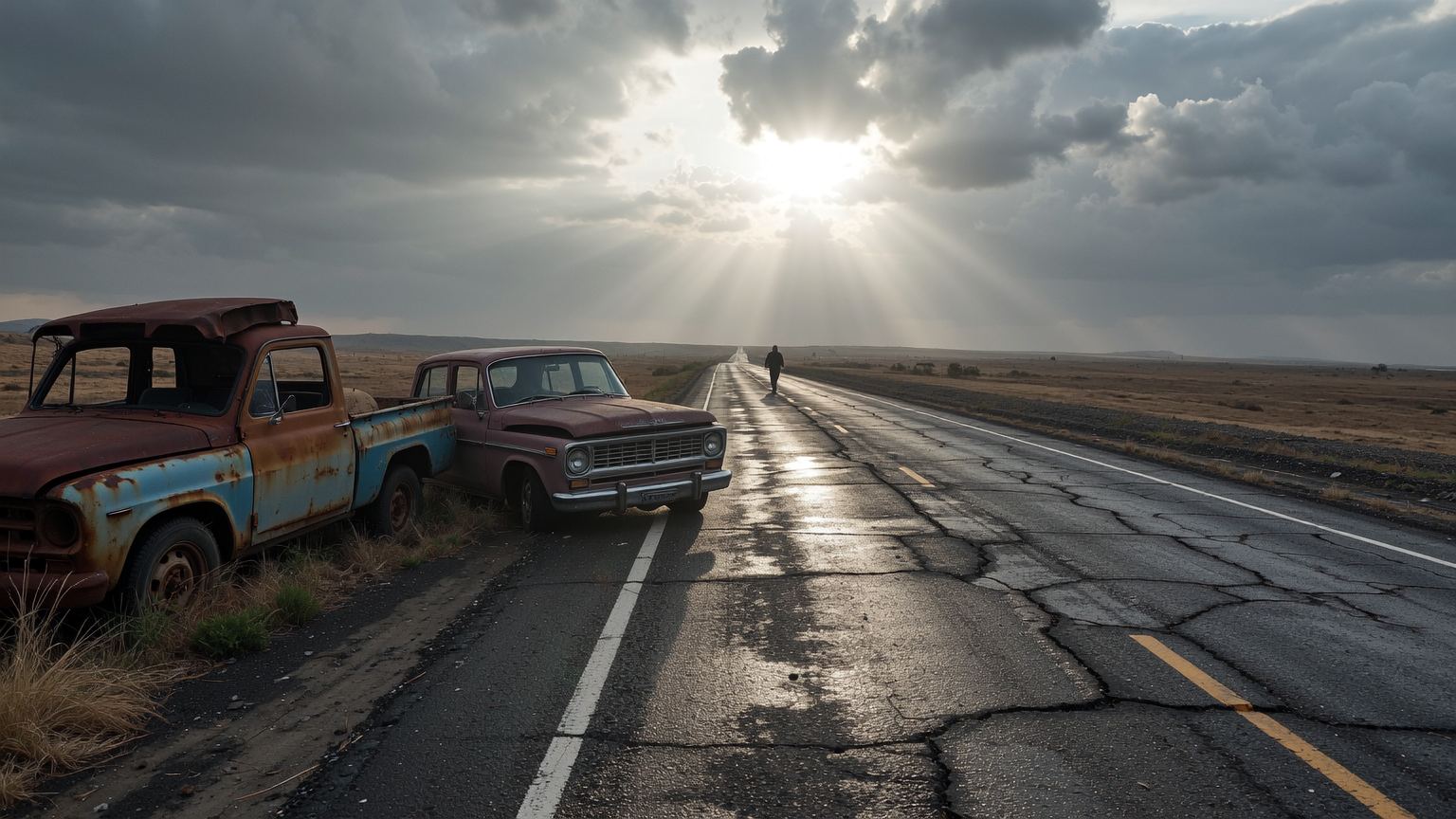
What This Generator Gets Right For Screens
- Phone-Shaped Ratios:xAI lists 9:19.5 for iPhone and 9:20 for Android on Grok, closer than 9:16.
- Room For IconsFor desktops, put the subject on the right third and keep the left side calm for icons.
- Matching SetsOne prompt, one palette named in the prompt, rendered at 9:16 and 16:9.
- Pixels To SpareGoogle lists 5504 × 3072 for 16:9 at 4K on Nano Banana, more than a 3840 × 2160 monitor shows.
- Ultrawide And Multi-Screen21:9 on Flux 3 and Nano Banana, 4:1 and 8:1 on Nano Banana 2 and 2.1, per their makers.
- 30+ Image ModelsIf an AI generated wallpaper misses, rerun the prompt on another model rather than rewriting it.
- Daily CreditsThis wallpaper generator gives every account 100 free credits a day on models such as Flux Dev.
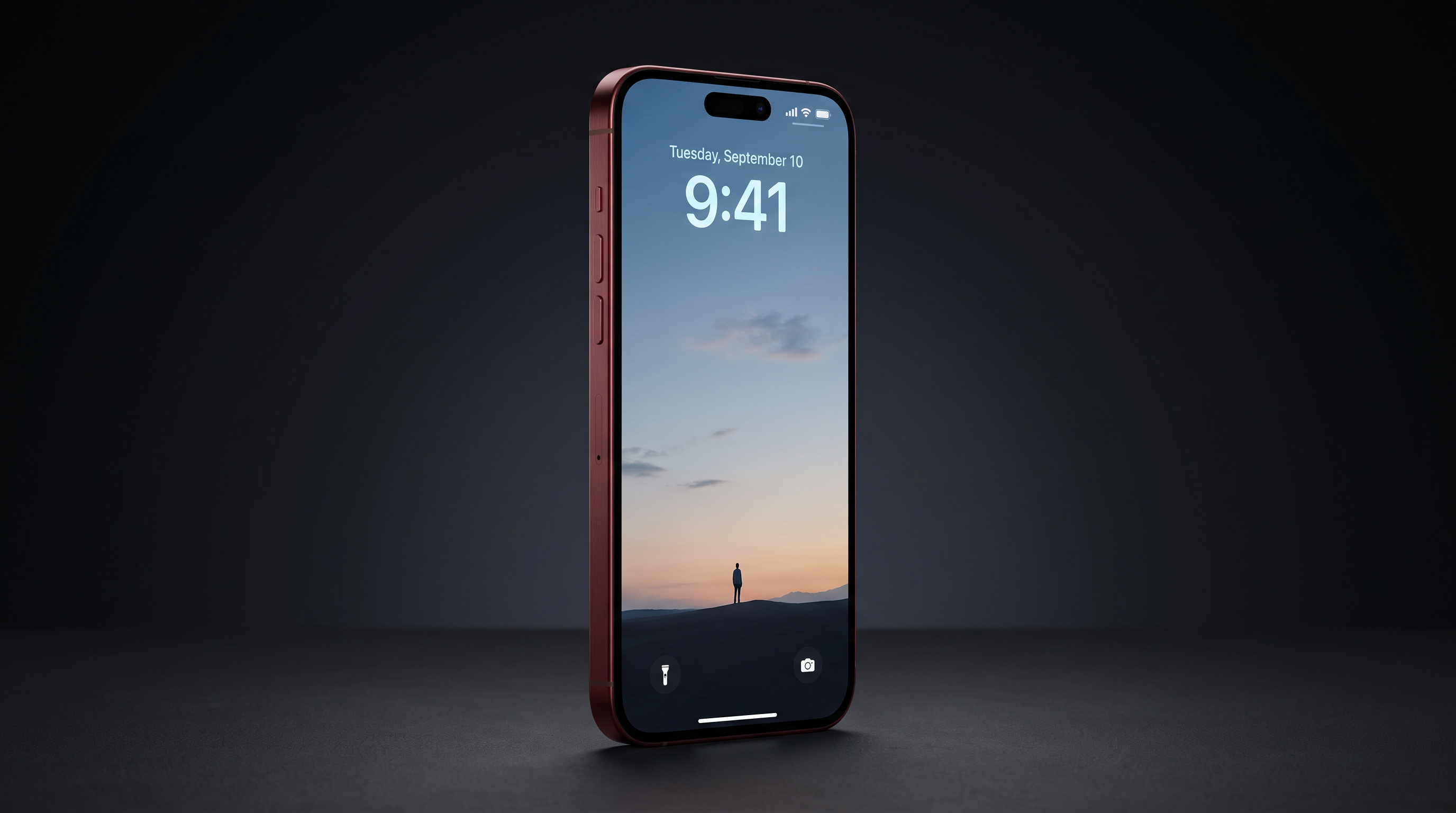
AI Wallpaper Generator Reviews

TechNova
Easy interface with all the latest models. Great pricing and worth using for advanced AI generations.

Alexandra Elena
Verified User
Trustpilot
Amazing product! Love working with it. They have all the best models and settings available. Fun for personal and professional projects. Good price as well. Recommend.
Anna Chierici
Creator (IT)
Trustpilot
Its the perfect portal for everything, be it AI wallpapers, AI art, or even editing my own photos. Easy to add credits. Quick and reponsive

Isabelle Kim
Concept Artist
Trustpilot
I absolutely love Imagine Art. It makes creating AI wallpapers effortless. And I love how I can quickly restyle the AI generated wallpapers without going to any other tool
Patrick Quan
Creative User (US)
TechNova
Imagine.Art is the best AI art platform I’ve used so far. It’s powerful, fun, inspiring, and surprisingly easy to use. Whether you’re an artist or a total beginner, you’re going to love it.

Ravi Patel
Creative Manager
Trusted by Professionals and Creators from leading brands
Sign up for freePurchase a Subscription
Upgrade to get access to pro features and generate more and better
Basic
For newcomers taking their first steps
View Plans
Billed monthly
Included in plan
3Kcredits per month
Additional Features
Up to ~600 Image Generations/month
Up to ~97 Video Generations/month
General Commercial Terms
Image Generation Visibility: Public
4 Concurrent Image Generations
Complimentary Access
All GPT Models
All Gemini Models
All Claude Models
Unlimited Generations
10 Image Models
9 Video Models
Standard
For rising creators to level up their game
View Plans
Billed monthly
Included in plan
8Kcredits per month
Additional Features
Up to ~1.6k Image Generations/month
Up to ~265 Video Generations/month
General Commercial Terms
Image Generation Visibility: Private
8 Concurrent Image Generations
Complimentary Access
All GPT Models
All Gemini Models
All Claude Models
Unlimited Generations
Nano Banana
Runway Gen 4 Turbo
Midjourney V7
8 more Image Models
8 more Video Models
Ultimate
Peak performance for pros
View Plans
Billed monthly
Included in plan
16Kcredits per month
Additional Features
Up to ~3.2k Image Generations/month
Up to ~530 Video Generations/month
All styles and models
General Commercial Terms
Image Generation Visibility: Private
Complimentary Access
All GPT Models
All Gemini Models
All Claude Models
Unlimited Generations
All image models in Standard plan
All video models in Standard plan
Kling 2.6 Pro
Seedance 1.5 Pro
ChatGPT 1.5
Creator
A full production engine for powerhouses
View Plans
Billed monthly
Included in plan
100Kcredits per month
Additional Features
Up to ~20k Image Generations/month
Up to ~3.3k Video Generations/month
All styles and models
General Commercial Terms
Image Generation Visibility: Private
Complimentary Access
All GPT Models
All Gemini Models
All Claude Models
Unlimited Generations
All image models in Ultimate plan
All video models in Ultimate plan
Kling 3.0 Pro
Seedance 2 Fast
Nano Banana 2
Have questions?
We have answers!
An AI wallpaper generator creates phone and desktop wallpapers from a text description or a photo. You describe the scene, style and colors, pick a screen size, and the AI generates a wallpaper that matches in seconds.
Yes. You can create wallpapers for free with the daily credits every ImagineArt account gets. Pro models, 4K generation and higher limits are available on paid plans.
Type a description of the wallpaper you want, choose the 9:16 aspect ratio and click Generate. Download the result and set it as your lock screen or home screen in your phone's settings.
Yes. Choose a 4K-capable model such as Seedream 5 Pro or Nano Banana Pro, or upscale any wallpaper to 4K with the Image Upscaler before you download it.
Yes. Create your wallpaper, then animate it with Image to Video in the AI Video Generator. Set the clip as a live wallpaper on any phone that supports video wallpapers.
The best AI wallpaper generator in 2026 is one that sizes images for your screen, outputs in 4K, and lets you switch models and styles. ImagineArt does all three, and can also turn a photo into a wallpaper and animate it into a live wallpaper.
Match your screen. An iPhone 17 Pro is 2622 × 1206 pixels, near 9:19.5, a ratio xAI lists for iPhone on its Grok model at up to 2K. For 4K, use 9:16 (Google lists 3072 × 5504 on Nano Banana Pro) and iOS crops the sides.
Yes, on a paid plan. Wallpapers made on the free plan may be limited to personal use under ImagineArt's terms and conditions.
Create Your Own Wallpapers with ImagineArt
Start creating wallpapers today. Try the AI Wallpaper Generator for free and design a background for your phone, desktop and every screen in between