Wan 3.0: Alibaba's Open-Source 4K AI Video Generator
Alibaba's next-generation AI video model generates native 4K clips up to 30 seconds long, holding character identity and camera continuity across up to six linked shots from a single prompt.
Trusted by Professionals and Creators from leading brands and companies
Wan 3.0 Community Creations
See what creators are building with Wan 3.0
Prompt:
A fashion model seamlessly changes outfits in seconds, showcasing multiple stylish looks in one video.
Prompt:
Animated teenagers ride bicycles through vibrant city streets, capturing the energy of urban life.
Prompt:
Lightning flashes dramatically above a rugged mountain peak as thunder rolls through the stormy sky.
Prompt:
A red-haired model floats gracefully in midair, creating a striking and surreal visual.
Prompt:
A person hikes up a rocky mountain trail in foggy, overcast weather, wearing a backpack and warm outdoor gear.
Generate Native 4K AI Videos Up to 30 Seconds Long
Wan 3.0 renders clips natively in 4K UHD, a jump from the 1080p ceiling on Wan 2.5 and 2.7. Clips run up to 30 seconds, and the model can build as many as six linked shots from a single prompt, holding lighting, location, and character placement steady between them instead of resetting the scene with every cut.
Identity Lock Keeps Characters Consistent Across Every Shot
Identity Lock holds a character's face and features steady across multiple generations, so the same person can appear consistently through a multi-shot sequence instead of drifting in appearance from one clip to the next. Multi-subject consistency extends this to scenes with more than one character, keeping faces and clothing stable across frames.
Audio Generated in the Same Pass as the Picture
Wan 3.0 generates its audio alongside the video in a single pass, timed to the action in the frame rather than added afterward in post. Combined with camera movements like push, pull, pan, orbit, and crane, the result is a clip with motion and sound built together instead of layered on top of each other.
Open Source, Built on a 60B-Parameter Mixture of Experts
Wan 3.0 runs on a 60-billion-parameter mixture-of-experts architecture that activates only the parameters a given generation needs, and the full model is released open source under the Apache 2.0 license, with weights available on Hugging Face. On ImagineArt, that same model runs in the cloud, so there's no local GPU or setup required to use it.
The Features You Need In An AI Video Model

Native 4K UHD Output
Wan 3.0 renders every clip natively at 4K UHD, a real jump from the 1080p ceiling on Wan 2.5 and 2.7. Sharper detail and better texture preservation hold up even in fast motion or busy scenes.
Up to 30-Second Clips
Generate a single continuous clip running up to 30 seconds, well beyond the short bursts most video models are limited to. Longer runtime means fewer stitched-together generations and less seam work in post.
Six Linked Shots Per Prompt
One prompt can build up to six connected shots, holding lighting, location, and character placement steady between each cut. The scene doesn't reset itself every time the camera changes angle, so continuity carries through the whole sequence.
Identity Lock
Identity Lock holds a character's face and features steady across multiple generations, so the same person keeps looking like themselves from one clip to the next instead of drifting in appearance shot to shot.
Multi-Subject Consistency
When a scene has more than one character, Wan 3.0 keeps faces, clothing, and identity stable for each person across every frame, instead of letting secondary characters shift or blur between shots.
Native Audio Generation
Audio is generated in the same pass as the video, timed to the action happening in frame rather than added afterward. Dialogue, movement, and ambient sound line up with the picture from the first generation.
Advanced Camera Movements
Direct the shot with push, pull, pan, follow, orbit, zoom, and crane movements, all specified directly in the prompt. Camera motion stays stable across the full clip instead of drifting or jittering mid-shot.
Up to 12 Reference Images
Feed in up to 12 reference images to guide a generation, whether that's a character's face, a product, or a specific setting. More references mean tighter control over exactly what ends up on screen.
Open Source (Apache 2.0)
Wan 3.0 is released under the Apache 2.0 license, with model weights available on Hugging Face and ModelScope for anyone to use, modify, or fine-tune commercially. On ImagineArt, it runs in the cloud, so no local GPU is required.
How to Make AI Videos Using Wan 3.0?
Step 1: Upload Your References and Enter a Prompt
Select Text to Video or Image to Video, upload up to 12 reference images if you have them, and describe the scene, characters, and camera movement you want.
Step 2: Configure Your Settings
Set your aspect ratio from the available formats, select your clip duration up to 30 seconds, and choose your resolution. Wan 3.0 is optimized for 4K-ready output.
Step 3: Generate and Export
Submit your inputs and preview the result once generation finishes. Download the finished 4K clip, or send it into ImagineArt AI video editor to trim or adjust before publishing.
More AI Video Models You Can Access on ImagineArt
ImagineArt provides access to Seedance 2.0, Seedance 2.0 Mini, Kling 3.0, Hailuo 3.0, Veo 3.1, Grok Imagine 1.5 Video, Runway Gen 4.5, and more, letting you experiment with alternative models for faster, more cinematic, or more cost-effective results.

Seedance 2.0
Use Seedance 2.0 for fully synced audio-visual cinematic output with director-level camera and lighting control. Try Seedance 2.0 Mini for fast, lightweight generations when speed matters more than scale.

Kling 3.0
Use Kling 3.0 for physics-accurate motion, AI Director multi-shot storyboarding, and native audio sync with lip-sync across languages. Try Kling 3.0 Pro for higher-fidelity 1080p output, custom character elements, and structured multi-shot cinematic control.

Gemini Omni Flash
Use Gemini Omni Flash for conversational video generation and editing that reasons across text, image, audio, and video in one prompt. Every edit builds on the last, preserving characters, physics, and scene continuity with natural language instructions.

Runway Gen-4.5
Use Runway Gen-4.5 for the world’s top-rated video model, delivering unmatched visual fidelity and creative control. It sets new standards for motion quality, temporal consistency, realistic physics, and precise generation across every mode.

Google Veo 3.1
Use Google Veo 3.1 for cinematic footage with native audio, including high-quality dialogue and synchronized sound effects generated in a single pass. Try Veo 3.1 Fast for quicker turnaround, or Veo 3.1 Lite for lower-cost generation.

Wan 2.5
Use Wan 2.5 for efficient one-pass audio-visual sync with natural lip-matching straight from a single prompt or reference. It’s a lightweight, cost-effective model optimized for fast, multilingual video production.

Sora 2 Pro
Sora 2 Pro delivers physically accurate motion with synchronized dialogue and sound effects generated natively in a single pass. Built for complex, high-motion scenes, it handles everything from athletic sequences to fluid dynamics with a level of realism prior video models couldn't achieve.

Hailuo 2.3
Use Hailuo 2.3 for realistic body movement, natural facial micro-expressions, and industry-leading physics simulation with strong stylization options. Try Hailuo 2.3 Fast for quicker, budget-friendly generations while maintaining solid character performance and motion control.
Best Uses of Wan 3.0 AI Video Generator
Wan 3.0 fits any AI video generation workflow, where a scene needs more than one connected shot instead of a single isolated clip.
Product Ads That Hold Continuity Across Every Shot
Build a product ad as six linked shots instead of one flat clip, moving from a close-up on packaging to an in-use scene to a final hero shot, with lighting and product appearance held steady throughout by multi-subject consistency. Audio generates in the same pass, so a voiceover or sound effect lines up with the product's motion without a separate edit.
Storyboarding and Pre-Visualization for Filmmakers
Turn a script beat into a full six-shot sequence before committing to a real shoot, directing camera movement like push, pull, orbit, or crane straight from the prompt. Identity Lock keeps a character recognizable across every angle, so a director can preview an entire scene's blocking and continuity in one generation, without booking a location or cast first.
Short-Form Social Content With Audio Built In
Generate a vertical clip for TikTok, Reels, or Shorts with audio timed to the action already baked into the same generation pass, instead of adding sound in a separate editing step. A single prompt can produce a finished, publish-ready short in native 4K, with camera motion and pacing set directly by the prompt. Each one ties back to a specific confirmed feature (multi-shot continuity, Identity Lock, native audio) rather than a generic restatement of the use case list.
Purchase a Subscription
Upgrade to get access to pro features and generate more and better
Basic
For newcomers taking their first steps
View Plans
Billed monthly
Included in plan
3Kcredits per month
Additional Features
Up to ~600 Image Generations/month
Up to ~97 Video Generations/month
General Commercial Terms
Image Generation Visibility: Public
4 Concurrent Image Generations
Complimentary Access
All GPT Models
All Gemini Models
All Claude Models
Unlimited Generations
10 Image Models
9 Video Models
Standard
For rising creators to level up their game
View Plans
Billed monthly
Included in plan
8Kcredits per month
Additional Features
Up to ~1.6k Image Generations/month
Up to ~265 Video Generations/month
General Commercial Terms
Image Generation Visibility: Private
8 Concurrent Image Generations
Complimentary Access
All GPT Models
All Gemini Models
All Claude Models
Unlimited Generations
Nano Banana
Runway Gen 4 Turbo
Midjourney V7
8 more Image Models
8 more Video Models
Ultimate
Peak performance for pros
View Plans
Billed monthly
Included in plan
16Kcredits per month
Additional Features
Up to ~3.2k Image Generations/month
Up to ~530 Video Generations/month
All styles and models
General Commercial Terms
Image Generation Visibility: Private
Complimentary Access
All GPT Models
All Gemini Models
All Claude Models
Unlimited Generations
All image models in Standard plan
All video models in Standard plan
Kling 2.6 Pro
Seedance 1.5 Pro
ChatGPT 1.5
Creator
A full production engine for powerhouses
View Plans
Billed monthly
Included in plan
100Kcredits per month
Additional Features
Up to ~20k Image Generations/month
Up to ~3.3k Video Generations/month
All styles and models
General Commercial Terms
Image Generation Visibility: Private
Complimentary Access
All GPT Models
All Gemini Models
All Claude Models
Unlimited Generations
All image models in Ultimate plan
All video models in Ultimate plan
Kling 3.0 Pro
Seedance 2 Fast
Nano Banana 2
Free
billed annually
- 3000 credits / month
- In-house models only
- 36k credits per year
- 1 Fast Image concurrency



Trusted by 30M+ creative team, designers and marketers.
User Reviews
See what our users are actually saying

“We used to generate six separate clips and manually match the lighting and character look between them. Wan 3.0 does that in one prompt, and the continuity actually holds.”
“Identity Lock is the reason we can finally use the same AI-generated presenter across a whole campaign instead of every clip looking like a slightly different person.”

“Our product ads used to need a separate shoot for the close-up, the in-use shot, and the hero frame. Now it's one generation, and the product looks identical in all three."”
“Being able to run Wan 3.0 through ImagineArt without setting up a GPU ourselves is what actually made it usable for our team, we get the open-source model without the open-source hassle."”
Frequently Asked Questions
Get answers to every possible query you have related to Wan 3.0
Wan 3.0 is Alibaba's open-source AI video generation model, released under the Apache 2.0 license. It generates native 4K clips up to 30 seconds long, holds character identity across up to six linked shots per prompt, and produces synchronized audio in the same generation pass as the video.
Wan 3.0 moves from a 1080p resolution ceiling to native 4K, extends maximum clip length, adds Identity Lock for character consistency across shots, and generates audio directly instead of requiring a separate step.
Wan 3.0 supports text-to-video and image-to-video generation, with up to 12 reference images accepted per generation to guide character appearance, style, and scene composition.
Yes. Audio is generated in the same pass as the video, timed to the action in the frame instead of layered on afterward.
Yes. Wan 3.0 is released under the Apache 2.0 license, with model weights available on Hugging Face and ModelScope for commercial use, modification, and fine-tuning. On ImagineArt, the model runs in the cloud, so no local GPU or setup is required.
More resources
Wan 2.5 Alternatives for AI Video Generation | ImagineArt
Looking for alternatives to Wan 2.5? Explore the best AI video generators, including ImagineArt, Sora 2, Veo 3.1, and more. Learn about their features, limitations, pricing, and how they compare to Wan 2.5.

Wan 2.5 Overview
Find everything you want about Wan 2.5: features, pricing, how to access Wan 2.5, use cases, how to make films with Wan 2.5 and Wan 2.5 alternatives.
Wan 2.6 — What Can We Expect? | ImagineArt
Discover what Wan 2.6 has to offer in 2025. From longer video length to music creation, learn about its key features and creative possiblities.
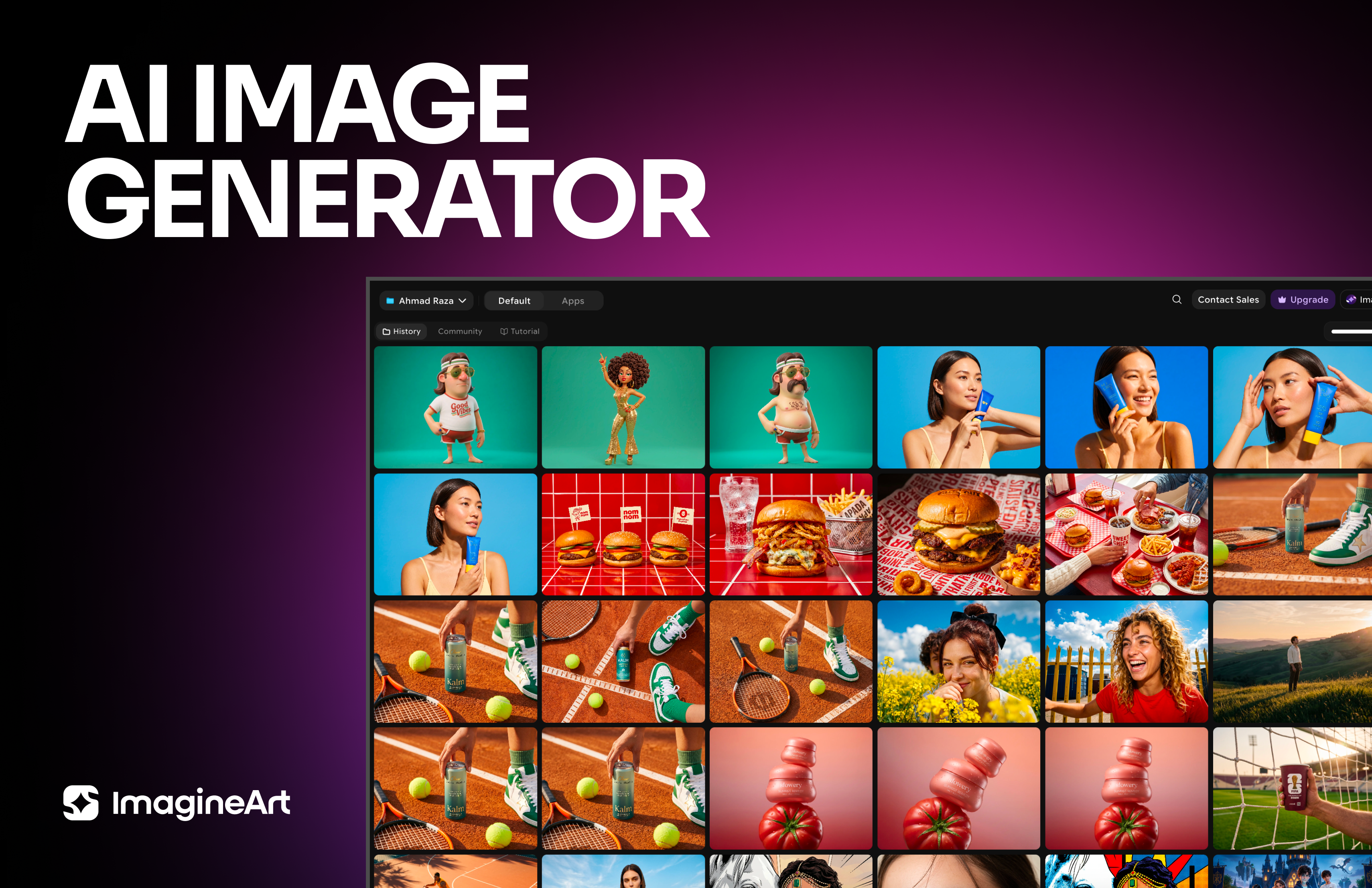
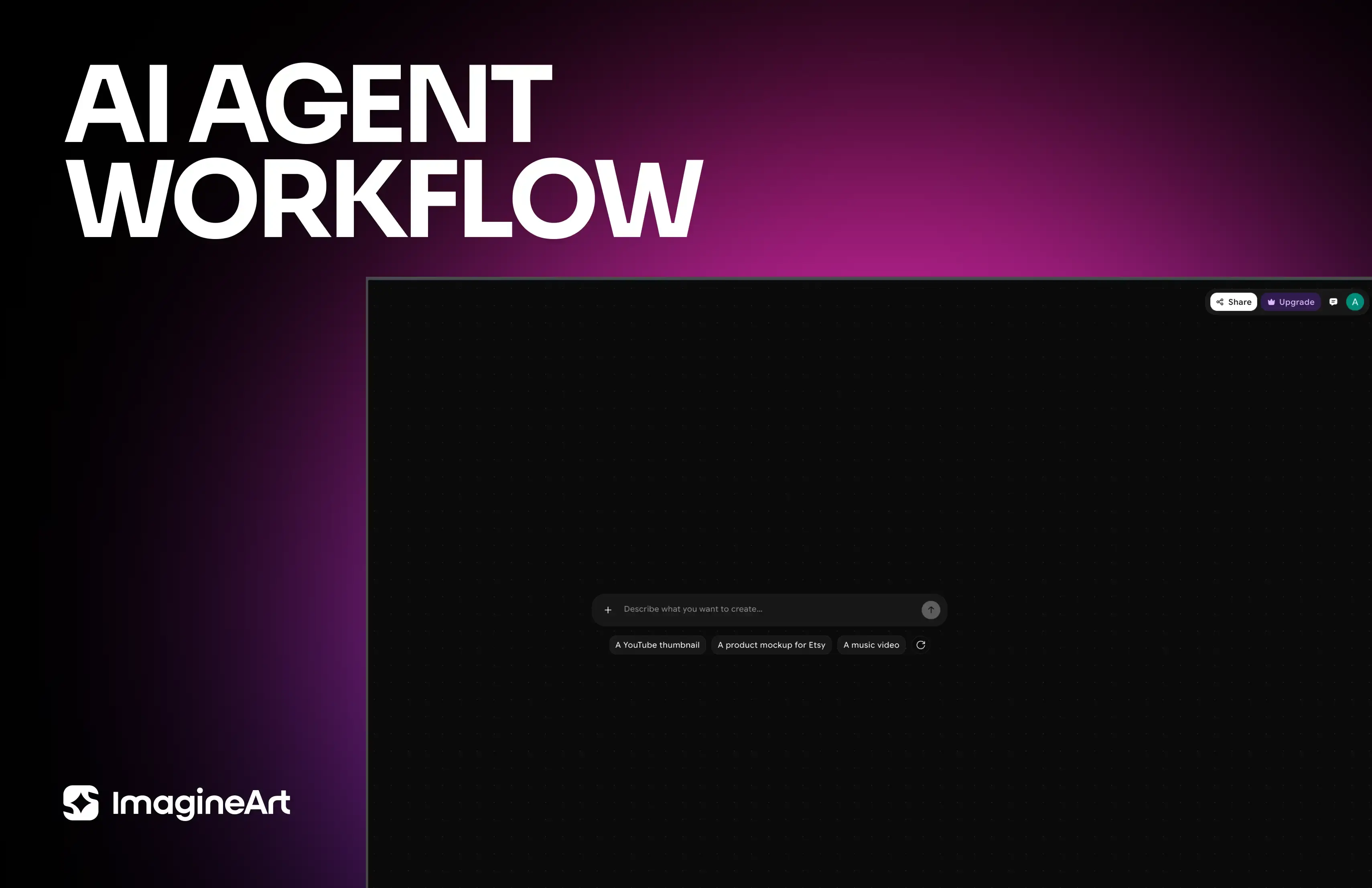
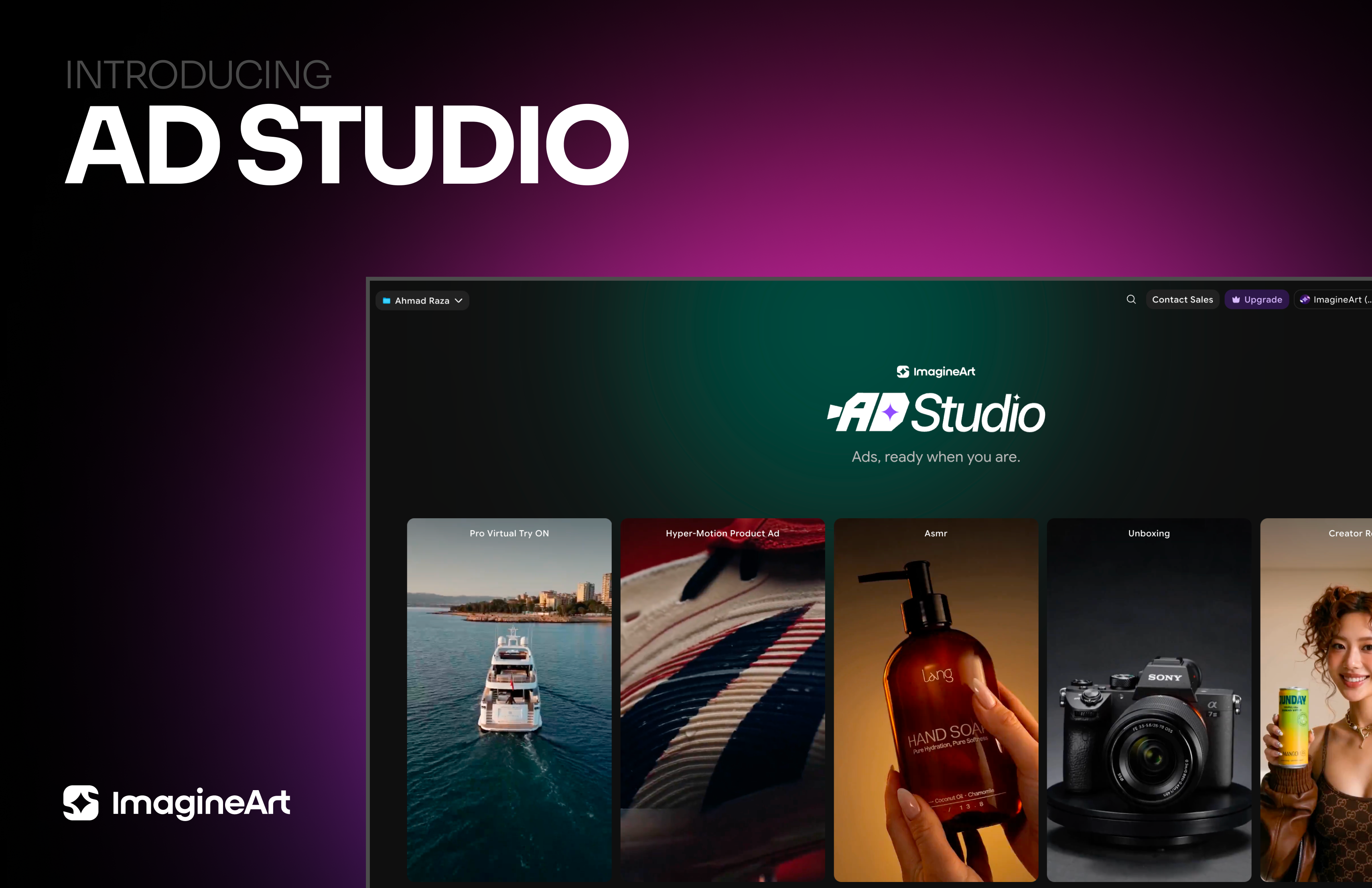
Imagine More with AI Creative Suite
ImagineArt gives you everything you need to create, customize, and bring your ideas to life in one seamless platform.
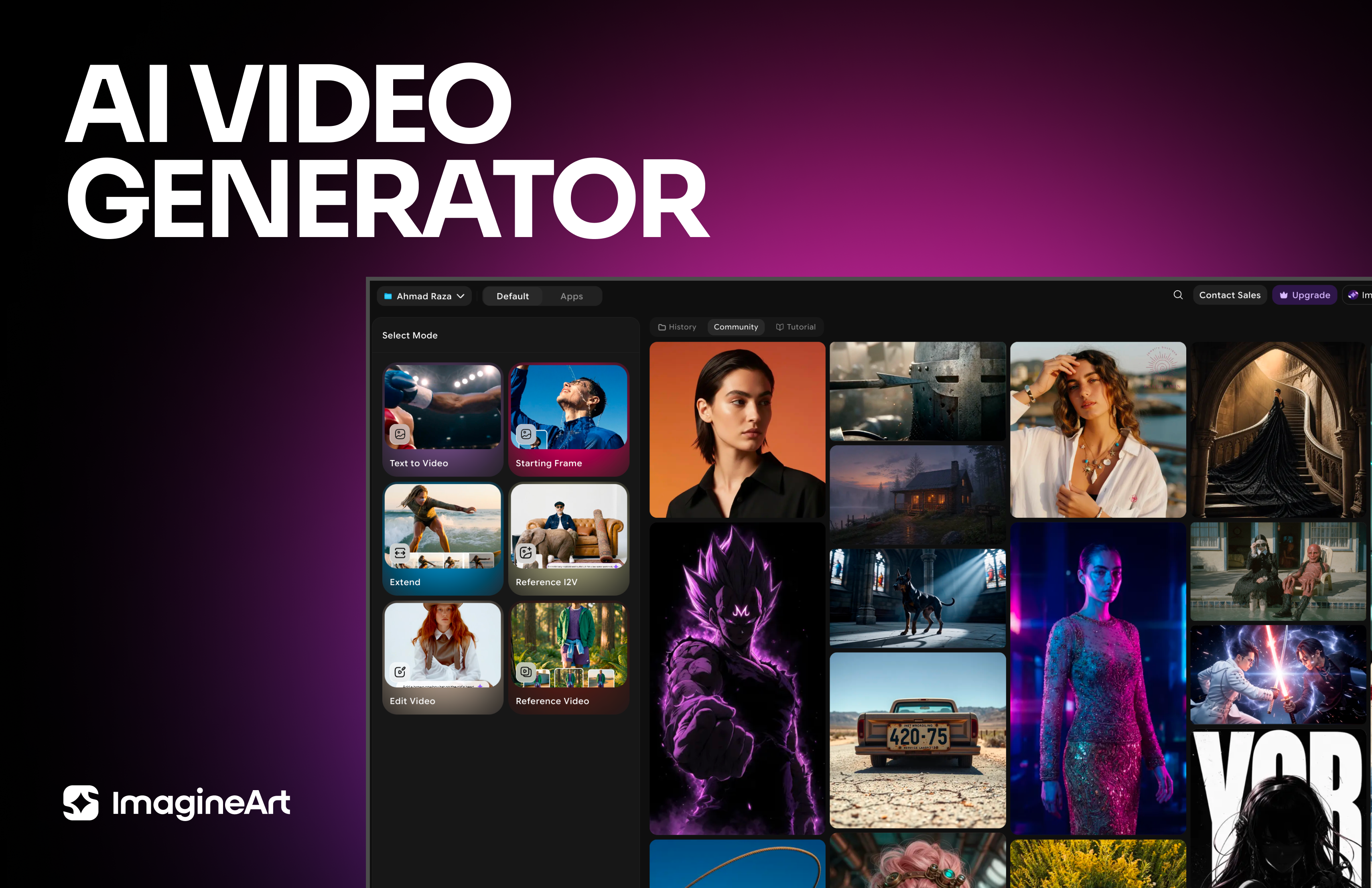


Ready to Generate with Wan 3.0?
Generate high-volume AI videos with Wan 3.0 on ImagineArt.
Try Wan 3.0