AI Video Resizer
Resize video for any platform in seconds: Instagram, TikTok, YouTube, Facebook, or X, all from the same upload. ImagineArt's video resizer supports MP4, MOV, AVI, and more, keeps your original resolution intact with no visible quality loss, and adds no watermark to your export.
Trusted by Professionals and Creators from leading brands and companies
Community Creations
Write your ideas and see them come to life. Just enter a text prompt along with an optional reference image or video, select your styles & effects, and watch the AI Video resizer work its magic!
Prompt:
A knight in full armor rides a white horse, sword raised, through a dramatic, motion-blurred landscape with fiery orange and dark, cloudy skies.
Prompt:
Dynamic shot of a motocross rider mid-air during a jump, with dirt flying and the sun backlighting the action, conveying speed and excitement.
Prompt:
Blue sports car driving on a snow-covered landscape with ice formations under a bright sun, creating tire tracks in the snow.
Prompt:
Man skateboarding downhill on mountain road with blurred motion, capturing freedom and adventure in scenic landscape.
Prompt:
A person hikes up a rocky mountain trail in foggy, overcast weather, wearing a backpack and warm outdoor gear.
One Upload, Every Aspect Ratio
Upload your video once and resize video for Instagram Reels, TikTok, YouTube Shorts, Facebook feeds, or X, all with real-time previews so you can see exactly how each crop looks before exporting. Drag to reposition key elements so your subject stays centered and readable in every aspect ratio, instead of getting awkwardly cropped out of a vertical or square frame.
Add Context Without Losing Focus
Highlight key features and messages with customizable text, titles, and captions in fonts, colors, and sizes that match your brand. Add logos, stickers, and overlays, or swap and remove backgrounds entirely as you resize video, so the final export does more than just fit a new frame; it actually communicates.
Precise, Frame-Accurate Editing
With ImagineArt video resizer, arrange scenes in the correct order, adjust clip lengths, and fix transition or sync errors as part of the same online video resize workflow, instead of switching to a separate editor for cleanup. Real-time previews mean you catch a misaligned cut or an awkward jump before you've already exported and re-uploaded.
All The Features That You Need In A Video Resizer

Flip Clips
Flip your videos horizontally or vertically to ensure each frame aligns correctly as you resize videos. Create cohesive videos ready for all and any platform.
Add Text & Titles
Highlight key features and messages to add context to your resized videos. Customize font styles, colors, sizes, and text and title placements to make your content more accessible.
Timeline Editing
Arrange scenes in the right sequence, adjust clip length, and resize videos with real-time previews. Spot and fix the errors for perfect transition and synchronization.
Add Overlays & Images
Add your logos, images, graphics, stickers, and overlays. Seamlessly blend images with videos and create visually rich and dynamic content in a few clicks.
Background Removal & Editing
Swap backgrounds or completely remove them as you resize videos online. Focus on key elements and important moments to make visually appealing scenes.
Video Quality Preservation
No grainy or dull quality edited videos. The video resizer maintains sharp visual quality and clarity without a resolution drop or addition of visual artefacts.
How to Use a Video Resizer?
Upload Assets
Upload your assets to resize videos. You can add your images and audio for video enhancement. Make sure your videos and visuals are of high quality.
Edit & Resize Videos
Select the preset size and drag and drop the video to the selected template. Split, trim, or cut the video to ensure the correct duration. You can also add and arrange music, text, and images as you resize videos.
Export
Click the download button if you are satisfied with the result. You can further refine and resize videos by selecting a different size or adding refining visual elements on ImagineArt AI video editor.
More AI Video Models You Can Access Free on ImagineArt
ImagineArt provides 7 days of free access to top models such as VEO, Seedance, Sora, WAN, Pixverse, Hailuo, Runway, and Other Kling versions, letting you experiment with alternative versions for faster, more cinematic, or more realistic results.

Kling AI
Use Kling 1.5, 1.6, 2.1, 2.5 turbo, 2.6 and O1 (Omni One) for ai video generation and editing.

Pixverse AI
Try other Pixverse AI models like V3.5, V4, V4.5, V5 for cinematic AI videos with vivid detail and realism.

Google VEO
Explore Google VEO, VEO 2, 3, 3 Fast, 3.1, and 3.1 Fast for fast, lifelike videos.

Sora AI
Explore Sora 2 for advanced AI storytelling with cinematic visuals and realism.

WAN AI
Access WAN 2.2, WAN 2.2 Animate, WAN 2.5 for hyperrealistic AI videos with precise motion.

Hailuo AI
Try Hailuo 2.0, 2.3, 2.3 Fast for fluid cinematic AI videos with natural motion effects.
Runway AI
Try Runway Aleph, Runway Act II for professional AI video production and editing tools.

Seedance AI
Use Seedance 1.0, Seedance Pro Fast for rhythmic, expressive AI-generated video sequences.
Why ImagineArt Is The Best Video Resizer?
ImagineArt Video Resizer makes professional video editing simple, fast, and accessible.
Best for Social Media Content Creation
Resize videos and share your content across all major social media platforms, without losing visual quality and original framing. Switch between vertical, horizontal, or square formats without awkward crops. Make your content look native and professional on Facebook, Instagram, TikTok, and more.
Optimize Videos for Ad Campaigns
Create publish-ready ads for your marketing campaigns while meeting platform specifications, including mobile feeds and desktop display. Test different formats with ImagineArt video resizer, ensuring your messaging and visuals remain consistent as you scale campaigns.
Ideal for Website & Landing Page Videos
Resize videos online for your websites, product pages, and landing pages without layouts. Optimize the user experience with well-formatted hero videos, product demos, and explainers, and maintain quality and performance across mobile and desktop.
Purchase a Subscription
Upgrade to get access to pro features and generate more and better
Basic
For newcomers taking their first steps
View Plans
Billed monthly
Included in plan
3Kcredits per month
Additional Features
Up to ~600 Image Generations/month
Up to ~97 Video Generations/month
General Commercial Terms
Image Generation Visibility: Public
4 Concurrent Image Generations
Complimentary Access
All GPT Models
All Gemini Models
All Claude Models
Unlimited Generations
10 Image Models
9 Video Models
Standard
For rising creators to level up their game
View Plans
Billed monthly
Included in plan
8Kcredits per month
Additional Features
Up to ~1.6k Image Generations/month
Up to ~265 Video Generations/month
General Commercial Terms
Image Generation Visibility: Private
8 Concurrent Image Generations
Complimentary Access
All GPT Models
All Gemini Models
All Claude Models
Unlimited Generations
Nano Banana
Runway Gen 4 Turbo
Midjourney V7
8 more Image Models
8 more Video Models
Ultimate
Peak performance for pros
View Plans
Billed monthly
Included in plan
16Kcredits per month
Additional Features
Up to ~3.2k Image Generations/month
Up to ~530 Video Generations/month
All styles and models
General Commercial Terms
Image Generation Visibility: Private
Complimentary Access
All GPT Models
All Gemini Models
All Claude Models
Unlimited Generations
All image models in Standard plan
All video models in Standard plan
Kling 2.6 Pro
Seedance 1.5 Pro
ChatGPT 1.5
Creator
A full production engine for powerhouses
View Plans
Billed monthly
Included in plan
100Kcredits per month
Additional Features
Up to ~20k Image Generations/month
Up to ~3.3k Video Generations/month
All styles and models
General Commercial Terms
Image Generation Visibility: Private
Complimentary Access
All GPT Models
All Gemini Models
All Claude Models
Unlimited Generations
All image models in Ultimate plan
All video models in Ultimate plan
Kling 3.0 Pro
Seedance 2 Fast
Nano Banana 2
Free
billed annually
- 3000 credits / month
- In-house models only
- 36k credits per year
- 1 Fast Image concurrency




Trusted by 30M+ creative team, designers and marketers.
User Reviews
See what our users are actually saying

“I used to manually edit and resize videos for every social media platform. With ImagineArt video resizer, I simply upload the video once and resize it for multiple platforms in one go! Such a time-saver. ”

“Manual video resizing is a tedious task, and it used to take us days to finalize one ad. This video resizer lets me match the exact ad specs without any loss of quality. Huge win for my ad & marketing campaigns! ”

“I love how flexible and super easy to use it is. I can resize videos, crop, flip, and trim – all in one place. The video export quality is top-notch! ”
“ImagineArt video resizer is exactly what I was looking for. The UI is intuitive without any complicated features. Just upload, resize, customize, and export! ”
Frequently Asked Questions
Get answers about every possible query you have related to the Video Resizer.
ImagineArt's video resizer lets you resize video using preset sizes for Instagram, TikTok, Facebook, YouTube, X, and more. Beyond resizing, you can trim, crop, add music, images, transitions, and text, all in the same tool.
On ImagineArt video resizer, upload the video you want to resize. Click the ‘resize’ button, and an extensive selection of preset sizes will pop open. Select the preferred size and add your video to the template. Drag the corner of the video to fit the screen, customize the video, and export.
ImagineArt video resizer supports a wide variety of video formats, including MP4, AVI, MOV, and more. Upload the clip in any format and start editing instantly.
Yes, you can easily resize videos online without watermarks. ImagineArt video resizer lets you change aspect ratio and orientation without adding any watermarks, ensuring your videos can be used for commercial purposes.
Yes, ImagineArt video resizer can be accessed for free. Once you sign up, click on the ‘video editor’ icon on the side navigation bar, create a project, upload, and resize videos online. ImagineArt also gives 100 free daily credits that you can use to create videos.
No, you don’t need any video editing skills or experience to use ImagineArt video resizer. The platform is designed for both professional and beginner-level users.
Yes. Select the Instagram preset (1:1 for feed posts, 9:16 for Reels and Stories) and the tool crops and repositions your video automatically while keeping the key subject in frame.
No. The video resizer maintains resolution and clarity with no added visual artifacts, so a resized export looks as sharp as the original upload.
If your resized clip needs to run longer, the AI Video Extender can extend it by 30-60 seconds while keeping motion, lighting, and audio in sync with the original footage.
Yes. For object removal, background swaps, or full color regrading beyond what the resizer handles, the AI Video Editor and Video Recolor tools are built for that next level of editing.
If you don't have footage to resize yet, the AI Video Generator can create a video from a text prompt or a still image, which you can then resize using this same tool for any platform.
More resources
10 Best AI Video Editing Tools for Digital Marketers (2026) — Tested & Ranked
Discover the best AI video editing tools for digital marketers in 2026. Explore top platforms like Runway, InVideo, ImagineArt, Synthesia, and more, and find the ideal solution for efficient and creative video content creation.
6 Best AI Video Editing Tools For Influencer Marketing
Discover the best AI video editing tools for influencer marketing. Explore top platforms like CapCut, Canva, ImagineArt, Lumen5, InShot, and Descript to enhance your video content for TikTok, Instagram, and YouTube.
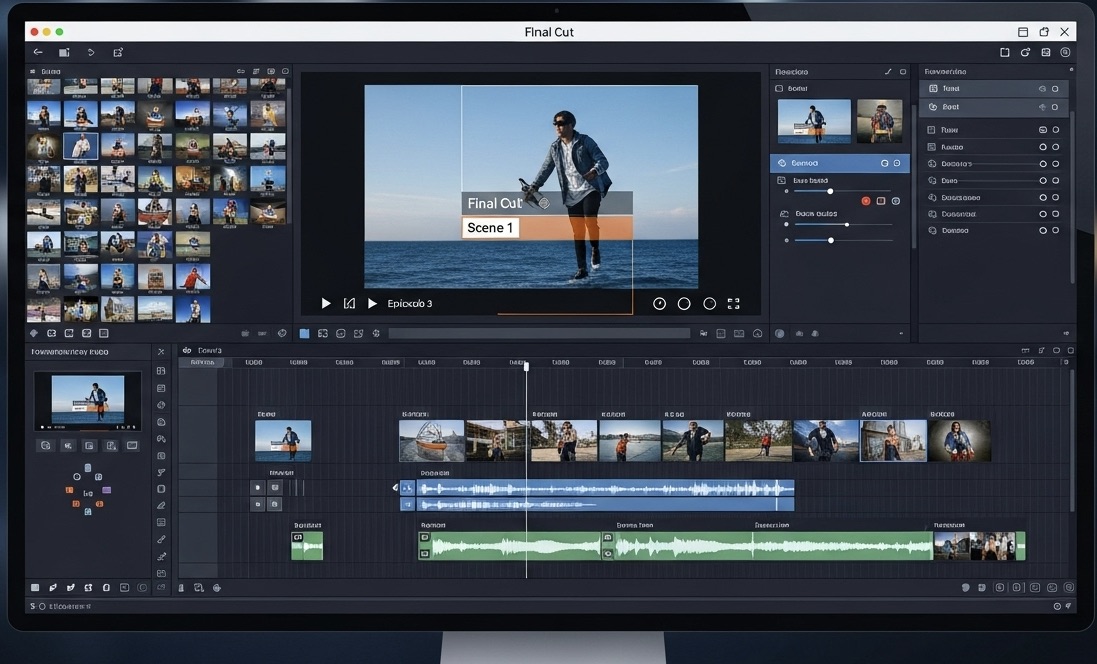
20+ Video Editing Tips for Beginners and Professionals (2026)
Learn 20+ practical AI-powered video editing tips for beginners and pros. Boost your workflow with ImagineArt video tools — no experience needed.
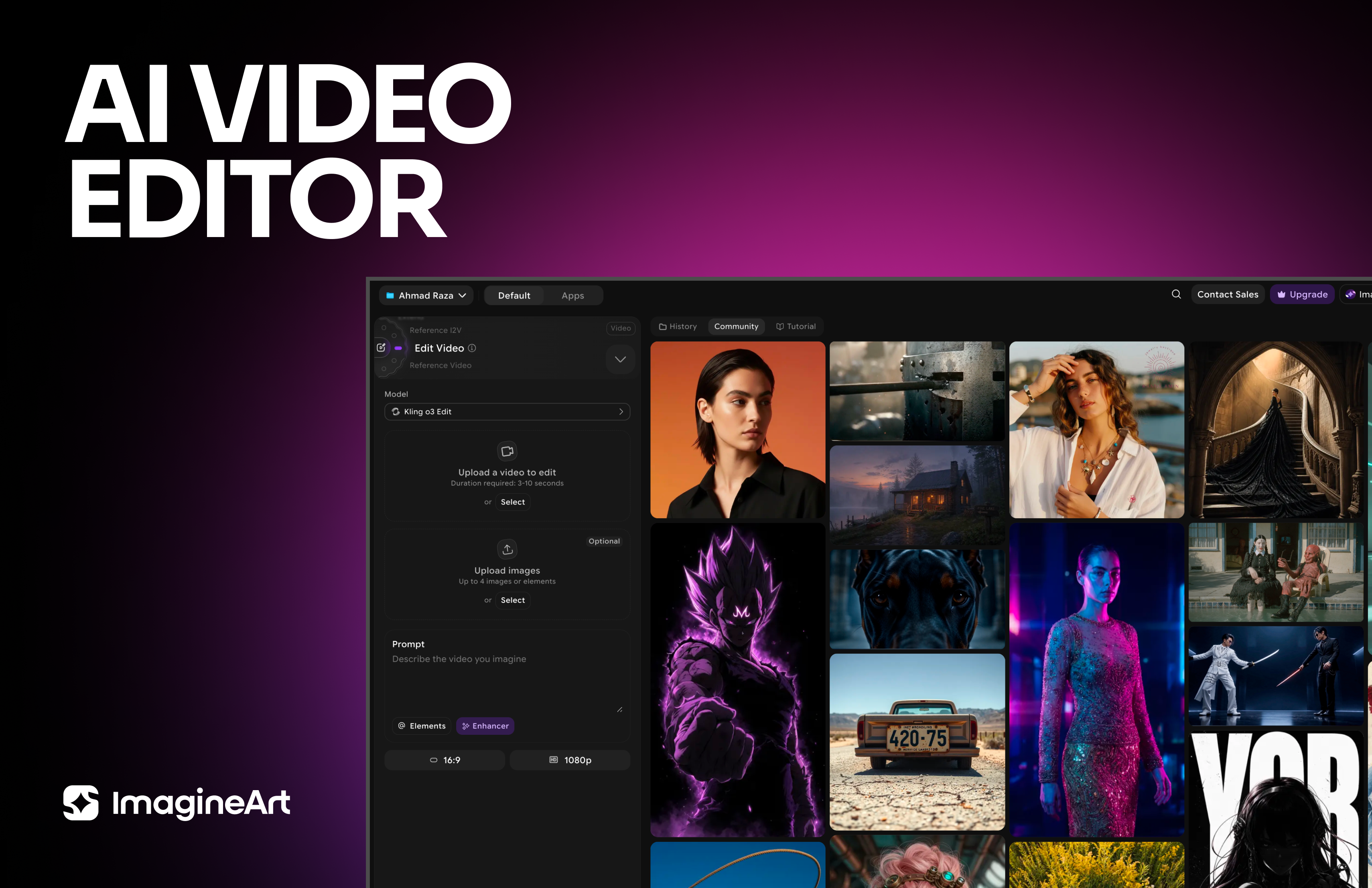
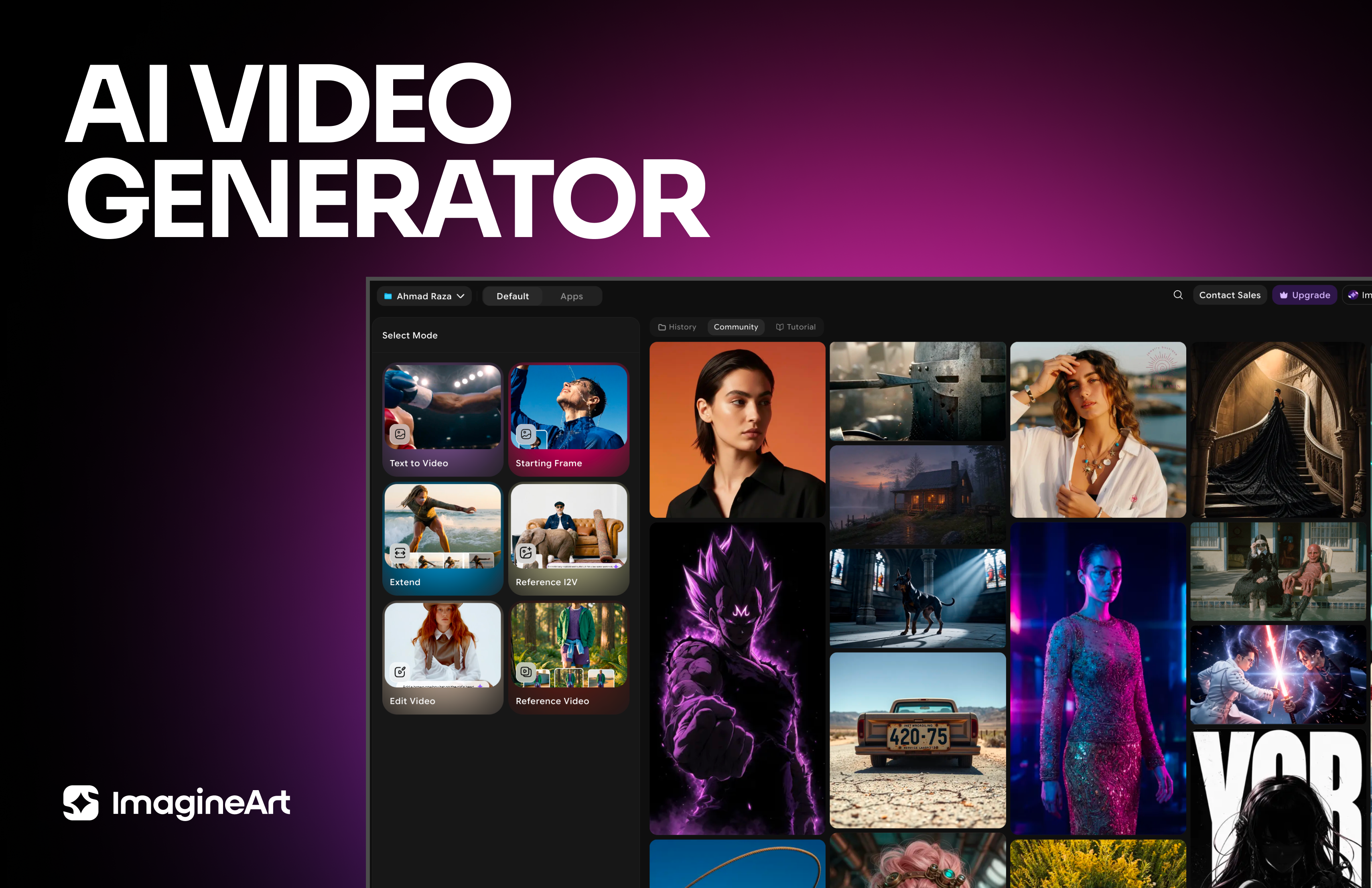
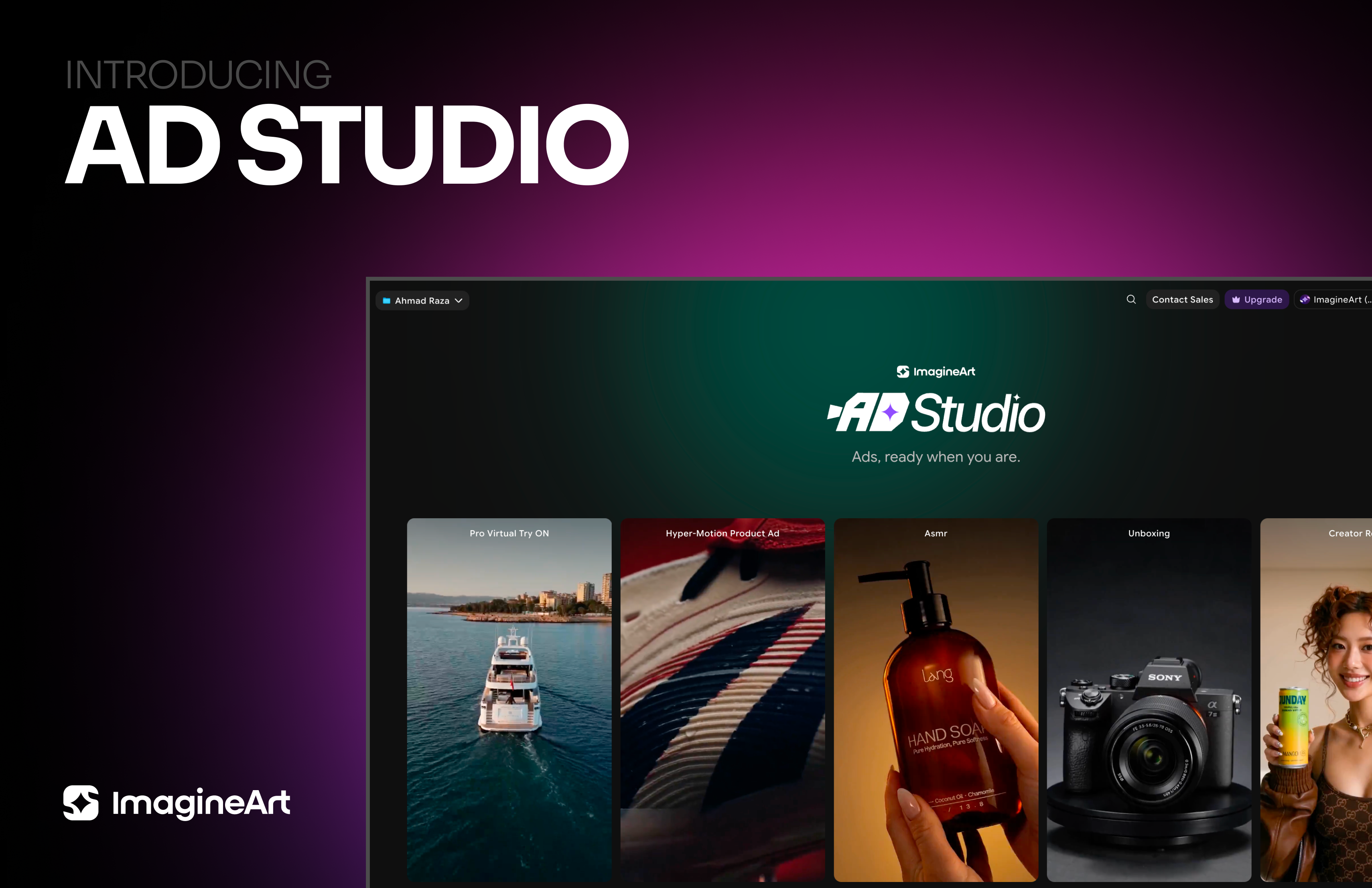
Imagine More with AI Creative Suite
ImagineArt gives you everything you need to create, customize, and bring your ideas to life in one seamless platform.

The Future of AI Video Editing
Resize videos effortlessly with ImagineArt Video Resizer
Try Video Resizer