Try AI Video Enhancer Now
Turn blurry, low-resolution footage into sharp, high-definition video in seconds with ImagineArt's AI video enhancer. Fix noise, restore lost detail, and upscale resolution up to 4K with a single click, no editing software, no manual color correction, no learning curve required.
Trusted by Professionals and Creators from leading brands
Videos Enhanced by Users
Upscale Video Quality Instantly
Blurry or low-resolution footage doesn't have to stay that way. ImagineArt analyzes each frame, restores detail that's been lost to compression or poor source quality, and brings out sharper edges, richer color, and lifelike clarity, the kind of result you'd expect from reshooting in better conditions, without reshooting anything.
Denoise and Enhance Video Resolution Seamlessly
Grain, digital noise, and visual distortion get cleaned up automatically as resolution increases, so you're not just adding pixels; you're removing the artifacts that made the original footage look rough in the first place. Motion stays smooth and edges stay defined even as the frame gets sharper, so the result looks clean rather than artificially oversharpened.
Sharpen & Restore Details Automatically
AI Video Enhancer is built for short-form content specifically. This tool adjusts lighting, motion, and clarity so a clip shot on a phone in imperfect conditions still holds up on TikTok, Reels, or YouTube Shorts, where flaws get magnified on a small screen and a crowded feed.
How to Use ImagineArt AI Video Enhancer
Step 1
Upload Video
Import the video that requires enhancement. ImagineArt AI Video Enhancer automatically prepares the clip for high definition, optimizing it for precise AI processing.
Step 2
Enhance Automatically
Use ImagineArt AI Video Enhancer to improve details, boost color accuracy, and remove blur or noise. Each frame will have enhanced resolution for seamless playback.
Step 3
Export HD Video
Finalize the enhanced video and download it instantly. The AI Video Enhancer produces high-quality output ready for social media or professional production use.
Boost Your Social Media Performance
Transform your short-form videos into viral-ready content with ImagineArt AI Video Enhancer. Whether you post on TikTok, Instagram Reels, or YouTube Shorts, the AI video enhancer instantly sharpens visuals, enhances colors, and stabilizes motion so every clip looks professional. Use the video quality enhancer free online to make your videos brighter, smoother, and more scroll stopping because good content deserves great quality.
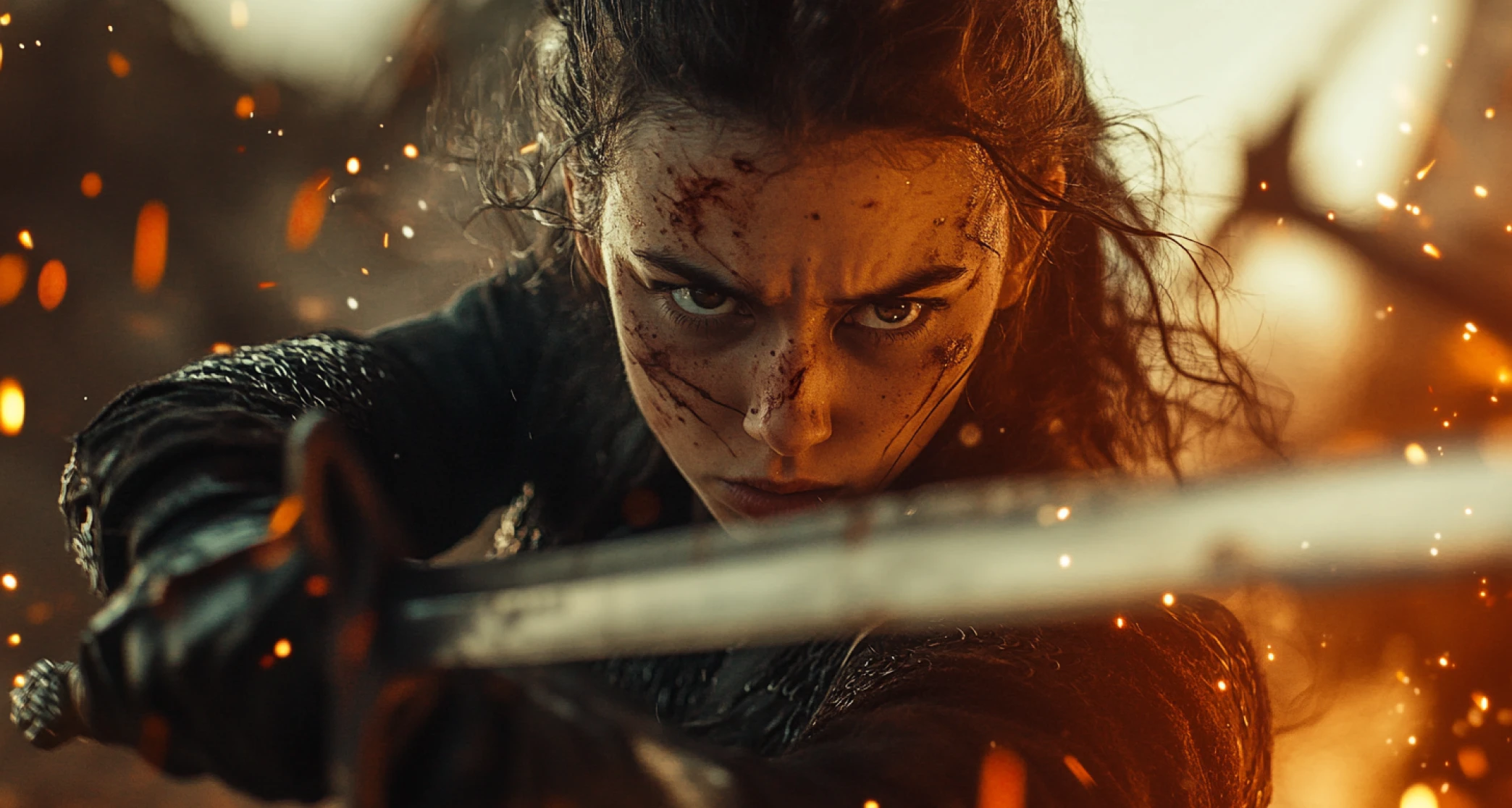
Revive Old Footage with Modern Clarity
Turn back time with ImagineArt AI Video Enhancer and relive your favorite memories in crystal clear quality. The AI video quality enhancer restores old, blurry, or low-resolution footage into HD or 4K visuals full of color and detail. You can enhance video quality for free, remove grain and noise, and make every frame look like it was captured yesterday. For home videos, vintage clips, or travel archives, this AI video enhancer makes nostalgia look brand new.
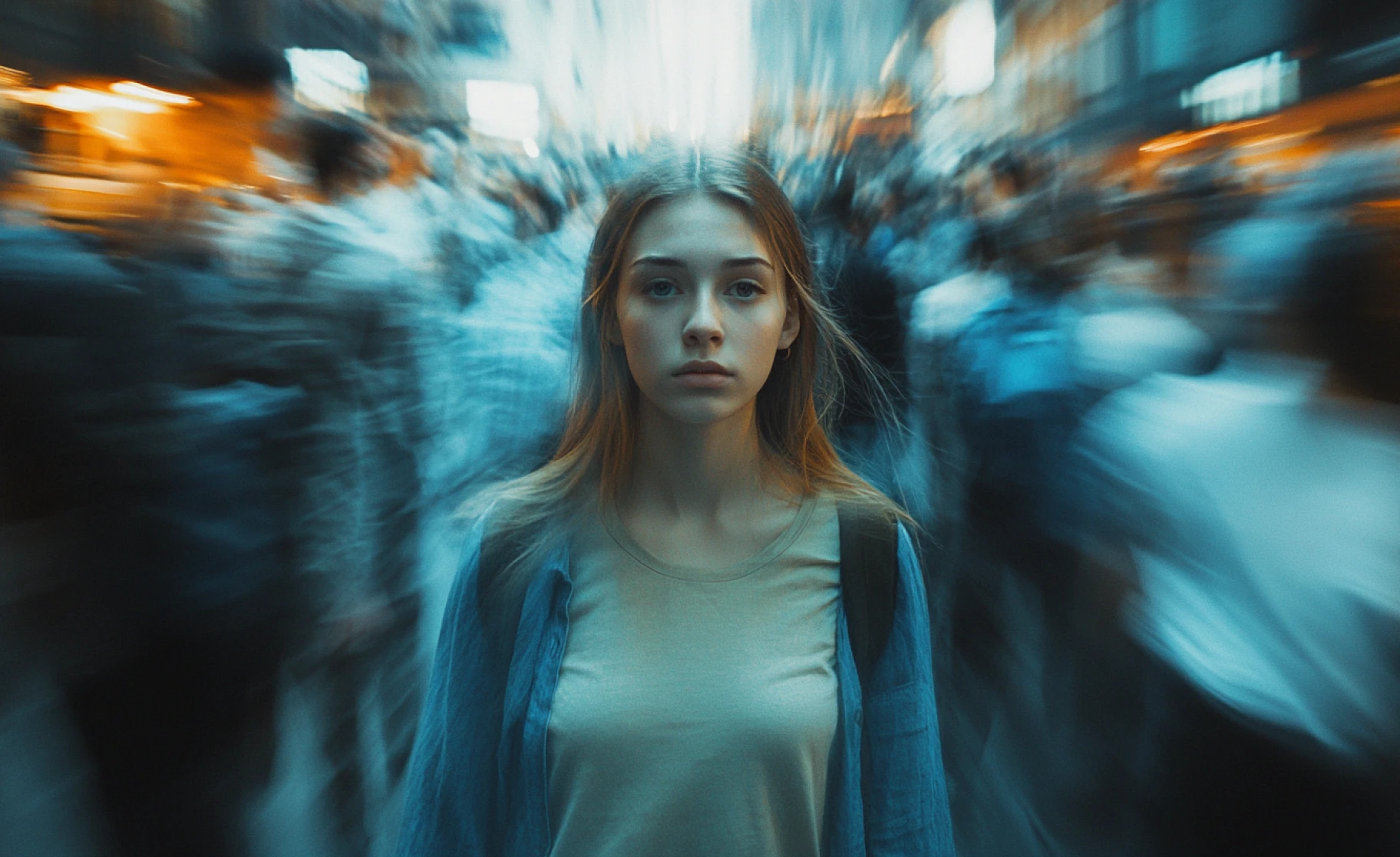
Fast and Easy Video Production
Pair this with the AI Video Generator for a complete production pipeline: generate new intros, transitions, or additional shots, then bring everything up to the same polished, high-resolution standard before it goes out the door. Useful for ads, product demos, and campaigns where footage from different sources needs to look consistent. For still images specifically, the Image Upscaler does the same job for photos and graphics.
Purchase a Subscription
Upgrade to get access to pro features and generate more and better
Basic
For newcomers taking their first steps
View Plans
Billed monthly
Included in plan
3Kcredits per month
Additional Features
Up to ~600 Image Generations/month
Up to ~97 Video Generations/month
General Commercial Terms
Image Generation Visibility: Public
4 Concurrent Image Generations
Complimentary Access
All GPT Models
All Gemini Models
All Claude Models
Unlimited Generations
10 Image Models
9 Video Models
Standard
For rising creators to level up their game
View Plans
Billed monthly
Included in plan
8Kcredits per month
Additional Features
Up to ~1.6k Image Generations/month
Up to ~265 Video Generations/month
General Commercial Terms
Image Generation Visibility: Private
8 Concurrent Image Generations
Complimentary Access
All GPT Models
All Gemini Models
All Claude Models
Unlimited Generations
Nano Banana
Runway Gen 4 Turbo
Midjourney V7
8 more Image Models
8 more Video Models
Ultimate
Peak performance for pros
View Plans
Billed monthly
Included in plan
16Kcredits per month
Additional Features
Up to ~3.2k Image Generations/month
Up to ~530 Video Generations/month
All styles and models
General Commercial Terms
Image Generation Visibility: Private
Complimentary Access
All GPT Models
All Gemini Models
All Claude Models
Unlimited Generations
All image models in Standard plan
All video models in Standard plan
Kling 2.6 Pro
Seedance 1.5 Pro
ChatGPT 1.5
Creator
A full production engine for powerhouses
View Plans
Billed monthly
Included in plan
100Kcredits per month
Additional Features
Up to ~20k Image Generations/month
Up to ~3.3k Video Generations/month
All styles and models
General Commercial Terms
Image Generation Visibility: Private
Complimentary Access
All GPT Models
All Gemini Models
All Claude Models
Unlimited Generations
All image models in Ultimate plan
All video models in Ultimate plan
Kling 3.0 Pro
Seedance 2 Fast
Nano Banana 2
What Our Customers Say

TechNova
"ImagineArt AI Video Enhancer completely revived my old home videos. Grainy birthday clips and shaky travel footage now look crystal-clear. This AI Video Enhancer made preserving family memories effortless and stunning."

Ben Harris
Product Manager

Shopify
"As a TikTok creator, the AI Video Enhancer from ImagineArt has been a game-changer. It sharpens every frame and boosts colors instantly, making my Reels and Shorts scroll-stopping without hours of editing."

Michael Chenn
Product Designer

Pixels
"ImagineArt AI Video Enhancer elevated our promotional videos to studio-quality visuals. The clarity, color correction, and smooth motion gave our brand content a polished, professional edge that impressed clients immediately."

Anya Petrova
Marketing Designer

ApexStudios
"I love filming short clips as a hobby, and ImagineArt AI Video Enhancer made everything look cinematic. The video resolution enhancer improved the details and colors, making even casual footage feel high-end."

Ravi Patel
Creative Manager

DreamWorks
"For online tutorials and presentations, ImagineArt AI Video Enhancer enhances clarity and readability instantly. This video quality enhancer ensured that all content was sharp, engaging, and easy to follow for students and viewers."

Isabelle Kim
Concept Artist
Have questions?
We have answers!
Yes. This AI Video Enhancer free tool processes videos securely without storing personal content. Users can enhance video quality and improve resolution with confidence.
ImagineArt AI Video Enhancer is the best as it combines clarity, color correction, and upscaling features. Tools like video quality enhancer and video resolution enhancer software deliver professional-grade results faster than most free video enhancer apps.
Beginners benefit from free AI Video Enhancer online options that automatically enhance video quality. Video enhancer AI tools simplify editing while improving sharpness, color, and resolution.
AI Video Enhancer software enhances each frame by sharpening details, removing blur, and boosting colors. Video resolution enhancer and video quality enhancer features combine for smooth, high-definition footage.
Advanced AI video quality enhancer tools, like ImagineArt AI Video Enhancer, analyze lighting, contrast, and saturation. Video enhancer AI solutions with superior color correction consistently produce richer, more vibrant visuals compared to free video enhancer alternatives.
Most AI Video Enhancer software supports MP4, MOV, and AVI formats. Users can choose output optimized for social media, streaming platforms, or professional projects using a video resolution enhancer.
Yes. Video enhancer AI software removes blur, grain, and compression artifacts automatically. Free video enhancer tools deliver smooth, polished visuals without manual adjustments.
Absolutely. Video quality enhancer tools improve clarity, resolution, and colors, making content stand out. Free AI Video Enhancer options save time while enhancing videos to a professional standard.
Yes. Video resolution enhancer and AI video quality enhancer tools restore details, remove artifacts, and improve sharpness. Even heavily compressed footage can achieve high-definition results.
Free AI Video Enhancer software enhances sharpness, color, and resolution automatically. Video enhancer tools turn casual or personal projects into cinematic-quality clips with minimal effort.