AI Stock Video Generator
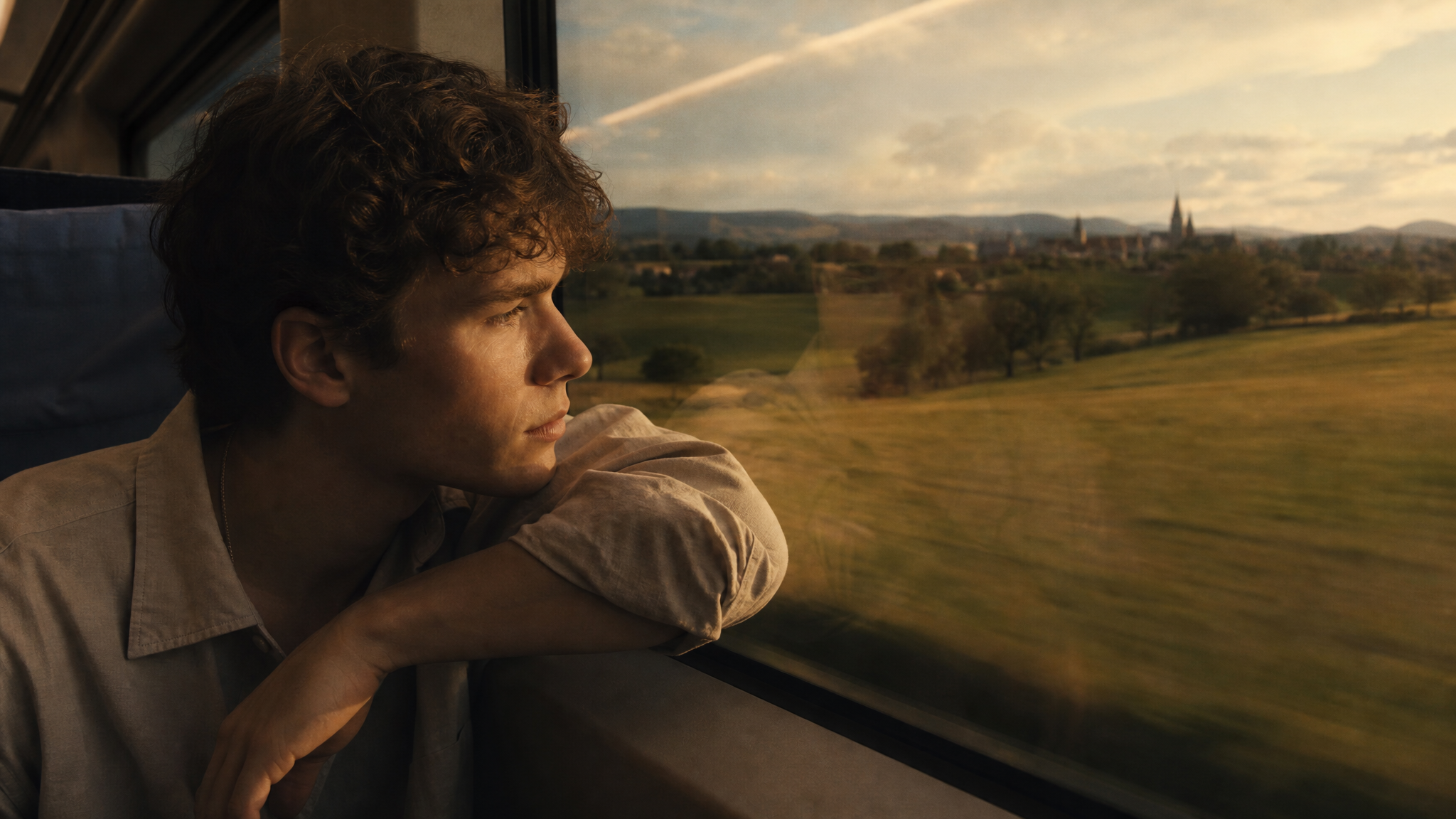
Elevate your videos with customizable AI stock footage and AI-generated stock footage, built from your own prompt instead of pulled from a library everyone else is already using. Describe the scene, subject, and style you need, and get royalty-free, commercially usable footage in minutes, no licensing fees, no searching through thousands of clips that never quite match what you had in mind.
Trusted by Professionals and Creators from leading brands
Community Creations
Custom Backdrops Without Green Screen
ImagineArt's video background changer replaces cluttered or distracting footage with clean, distraction-free scenes, isolating the subject precisely and swapping in a new background without color spill or awkward edges. Working from a still product photo instead of video? The BG Remover handles the image version of the same job before you animate it. Don't have footage to work with at all? ImagineArt's AI video generator creates professional video clips from a simple text prompt, ready to have their background changed and customized for any platform. Perfect for social media creators and influencers building dynamic Reels, YouTube Shorts, and TikToks.
Generate Engaging E-Learning Materials
Turn a simple recording into an immersive learning experience. Use the video background changer to swap in classroom environments, presentation layouts, topic-related visuals, or contextual backdrops that make lessons more interactive. A prompt like "a warm, sunlit university library with bookshelves in soft focus behind the speaker" replaces a cluttered home office in seconds. Ideal for educators, trainers, and online course creators producing professional-looking e-learning content without an expensive studio setup.
Create Multiple Product Ads with Unique Backgrounds
Change a product video's background to visuals that reinforce your brand message instead of a dull, generic setting, a marble kitchen counter for a cookware brand, a sunlit outdoor patio for a skincare line, a minimalist studio backdrop for tech accessories. Pair this with the AI Product Video Generator if you're building the product video itself from scratch, not just changing an existing clip's backdrop. For brands managing campaigns at scale, ImagineArt AI Workflows let you build automated ad-variation pipelines that produce dozens of branded video versions across markets and formats without manual effort, generating multiple ad variations, demo videos, and product showcases in different styles without a single reshoot.
How It Works
Step 1
Enter the Prompt
The prompt is where you describe the video you want to create. The more detailed your description, the better the output will be. Include specifics about the setting, characters, and any other details you want to feature.
Step 2
Generate the Video
Once you submit the prompt, our AI video generator will create the video. It may generate multiple versions for the same prompt, so you can choose the one that best fits your needs.
Step 3
Download and Share
Once you're satisfied with the video, download it. You can also use the Music Studio to generate background music, or the AI Video Editor to trim, combine, or adjust the footage before it goes into your final project.
Upgrade Your Presentations
Stock footage does a lot of the heavy lifting in a presentation, whether that's for work or school. ImagineArt's AI stock footage gives you the flexibility to generate visuals for any topic on demand, instead of settling for the same generic slide-deck clip everyone else in your industry is also using.

Perfect for Every Platform
Need footage for YouTube, Instagram, or somewhere else entirely? ImagineArt covers every common aspect ratio and gives you a choice of AI models to match, so your ai generated stock footage is sized and styled correctly for the platform you're actually publishing to, not just a generic 16:9 clip you have to crop yourself.
Simplify Your Marketing
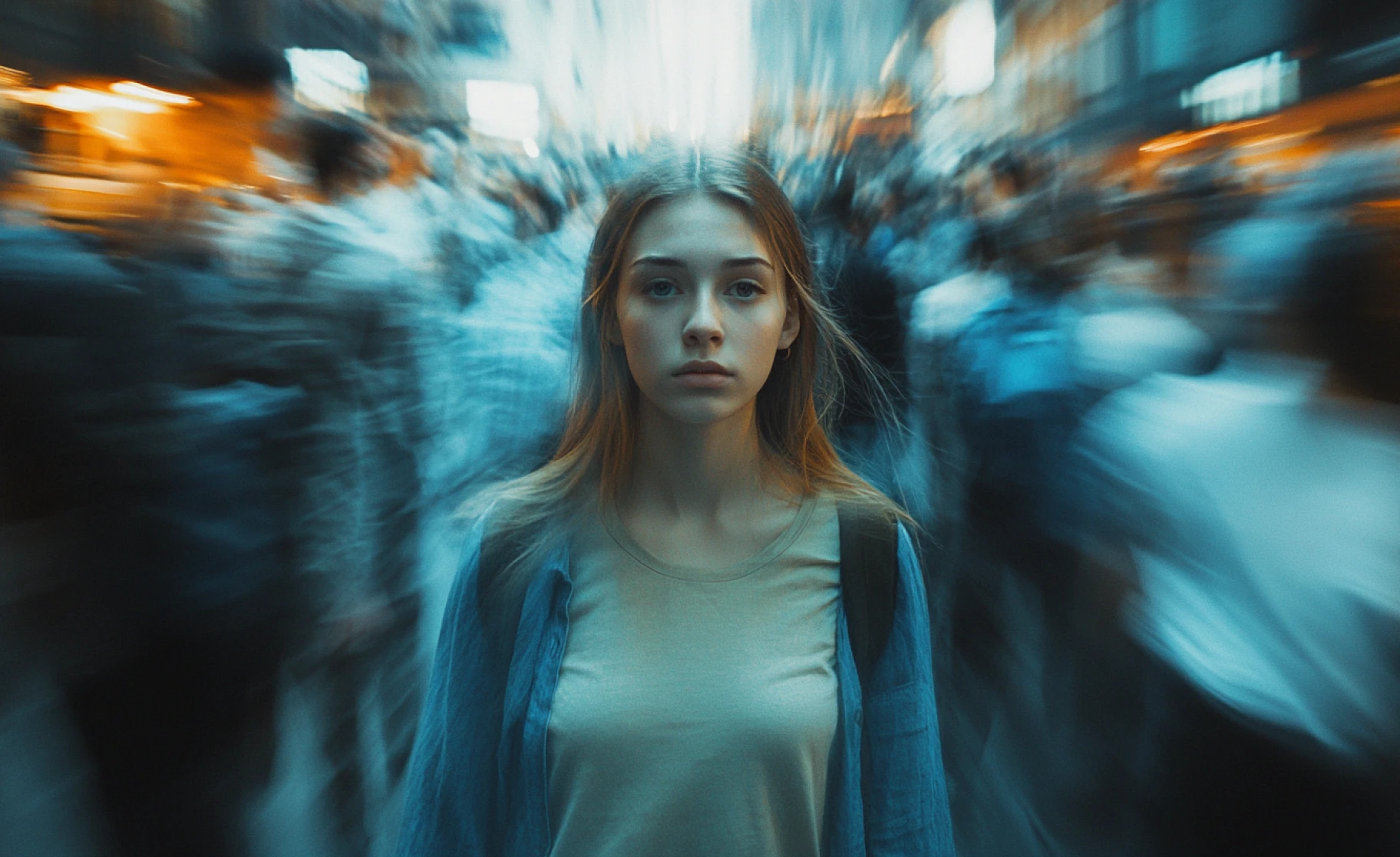
ImagineArt's AI stock video generator streamlines marketing production by turning a prompt directly into footage customized to your brief. Whether you're building an ad, developing a personal brand, or just need clean b-roll to cut between shots, generating your own ai stock footage skips the licensing search entirely.
Purchase a Subscription
Upgrade to get access to pro features and generate more and better
Basic
For newcomers taking their first steps
View Plans
Billed monthly
Included in plan
3Kcredits per month
Additional Features
Up to ~600 Image Generations/month
Up to ~97 Video Generations/month
General Commercial Terms
Image Generation Visibility: Public
4 Concurrent Image Generations
Complimentary Access
All GPT Models
All Gemini Models
All Claude Models
Unlimited Generations
10 Image Models
9 Video Models
Standard
For rising creators to level up their game
View Plans
Billed monthly
Included in plan
8Kcredits per month
Additional Features
Up to ~1.6k Image Generations/month
Up to ~265 Video Generations/month
General Commercial Terms
Image Generation Visibility: Private
8 Concurrent Image Generations
Complimentary Access
All GPT Models
All Gemini Models
All Claude Models
Unlimited Generations
Nano Banana
Runway Gen 4 Turbo
Midjourney V7
8 more Image Models
8 more Video Models
Ultimate
Peak performance for pros
View Plans
Billed monthly
Included in plan
16Kcredits per month
Additional Features
Up to ~3.2k Image Generations/month
Up to ~530 Video Generations/month
All styles and models
General Commercial Terms
Image Generation Visibility: Private
Complimentary Access
All GPT Models
All Gemini Models
All Claude Models
Unlimited Generations
All image models in Standard plan
All video models in Standard plan
Kling 2.6 Pro
Seedance 1.5 Pro
ChatGPT 1.5
Creator
A full production engine for powerhouses
View Plans
Billed monthly
Included in plan
100Kcredits per month
Additional Features
Up to ~20k Image Generations/month
Up to ~3.3k Video Generations/month
All styles and models
General Commercial Terms
Image Generation Visibility: Private
Complimentary Access
All GPT Models
All Gemini Models
All Claude Models
Unlimited Generations
All image models in Ultimate plan
All video models in Ultimate plan
Kling 3.0 Pro
Seedance 2 Fast
Nano Banana 2
What Our Customers Say

TechNova
Great for small businesses! The AI Stock Video Generator is easy to use, and the videos are high-quality. Would love more industry-specific examples. Solid product.

Ben Harris
Product Manager

Shopify
As a marketer, this tool is a game-changer! Easy to use, quick-loading page, and high-quality AI-generated videos. It saved me so much time. Highly recommend for anyone in content creation!

Michael Chenn
Product Designer

Pixels
Simple and effective. The AI-generated stock videos are excellent, but I’d like more customization options and clearer format details. Still a great tool!

Anya Petrova
Marketing Designer

ApexStudios
As a content creator, the AI Stock Video Generator saves time and effort. The interface is simple, and the stock-generated videos are impressive. The only downside is the lack of local language tutorials. Great tool overall.

Ravi Patel
Creative Manager

DreamWorks
The AI Stock Video Generator is intuitive and produces high-quality videos. It’s perfect for quick content creation.

Isabelle Kim
Concept Artist
Have questions?
We have answers!
ImagineArt's AI stock video generator creates custom stock footage based on your detailed prompts. Simply describe what you need, and the AI will generate videos tailored to your specifications.
Yes! You receive 50 free tokens every 12 hours, allowing you to generate stock footage without any cost. There are no hidden fees or subscriptions required.
Absolutely! Unlike traditional stock footage, the videos you generate with ImagineArt are fully customizable. You can adjust settings, characters, and more to fit your needs.
Our AI video generator offers various effects and styles, including lighting, camera movements, and artistic enhancements, so you can create videos with the perfect visual appeal.
ImagineArt provides stock footage in multiple aspect ratios, making it suitable for any platform, whether it’s for YouTube, Instagram, or other projects.
Yes! The stock footage you create with ImagineArt can be used for personal, educational, or commercial projects, giving you full flexibility to include it in your ads, videos, or marketing campaigns.
Yes. Generate background music in the Music StudioMusic Studio, or use the AI Video EditorAI Video Editor to trim, combine, or adjust your generated footage before using it in a final project.
Yes. Generate multiple pieces of footage and assemble them into a longer sequence using the AI Video EditorAI Video Editor, or the AI Film StudioAI Film Studio for a more structured, multi-scene production.

![Best AI Video Generators for Movie Trailers [2026 Edition]](https://blogs-cdn.imagine.art/Best_AI_Video_Generator_for_movies_trailers_ef6d217424.webp)