AI Training Video Maker
Turn a script or an existing slide deck into a narrated training video with an avatar presenter, captions, and pacing built for compliance and onboarding content. As ai training video maker built to create training videos with AI, it needs no camera, no voice talent booking, and no waiting on a video team's queue before a new policy update reaches every employee.
Trusted by Professionals and Creators from leading brands
Community Creations
From a script to a finished training module
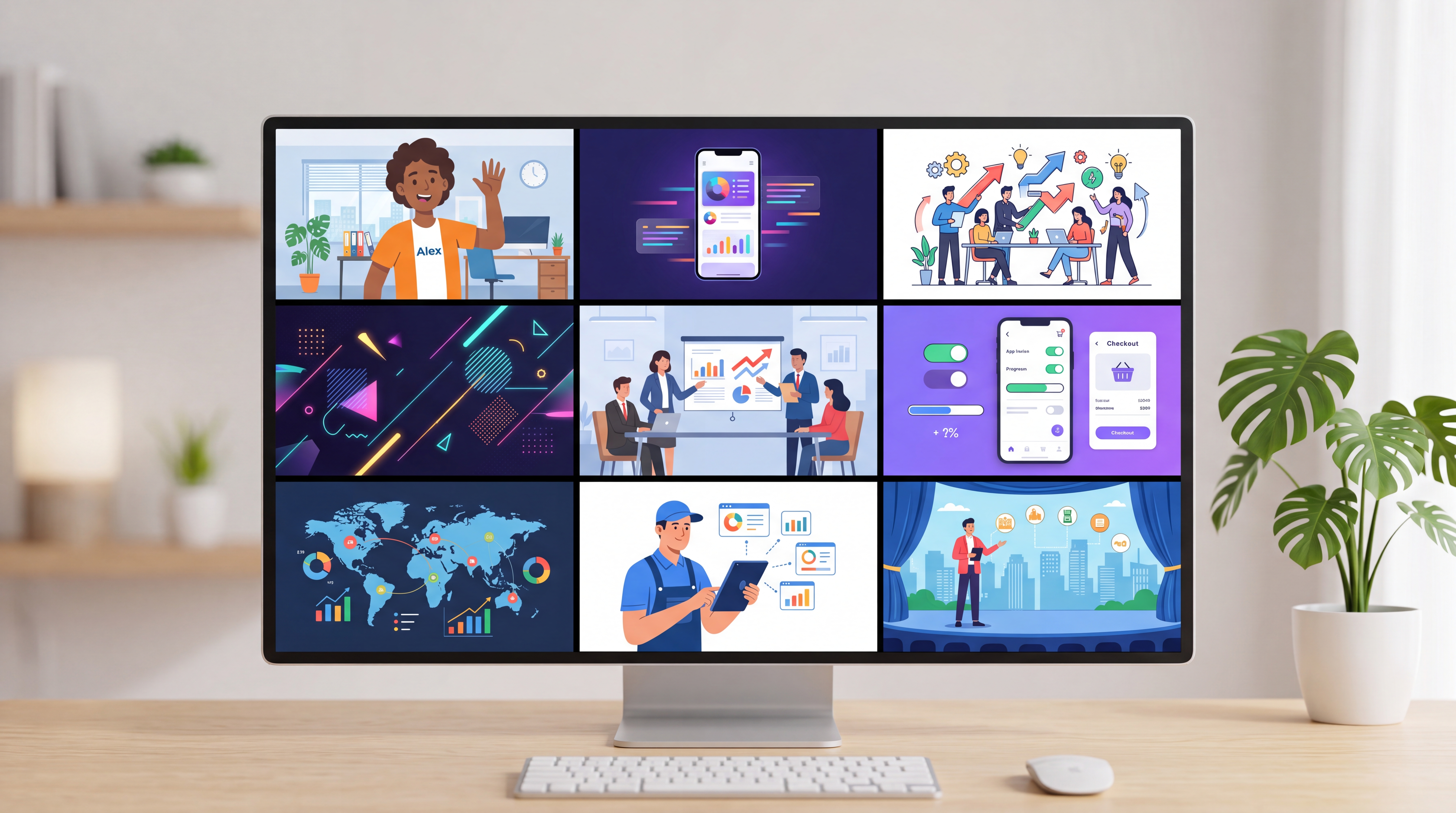
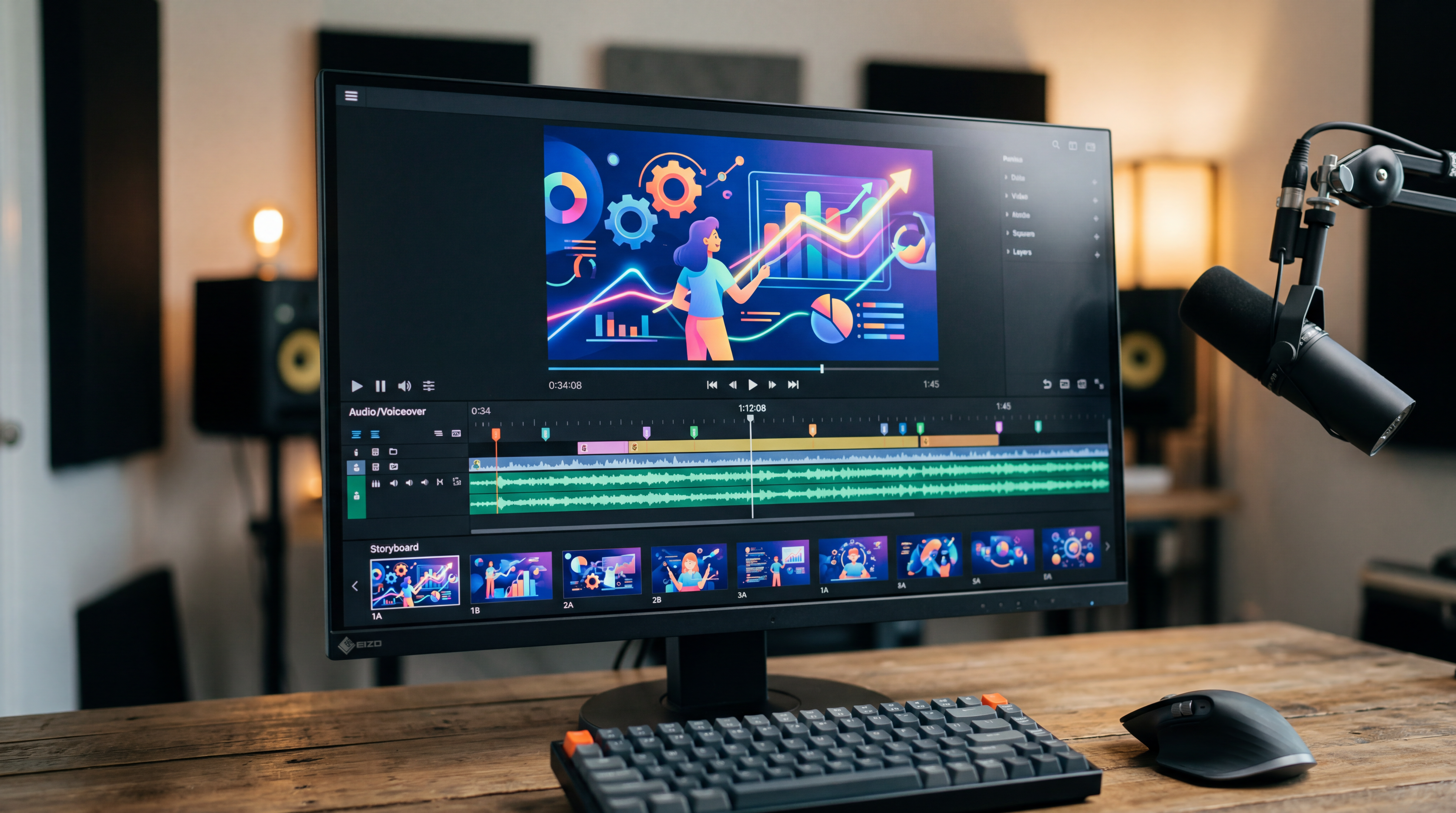
A new hire onboarding module or a compliance policy update usually starts as a written script sitting in a document, not yet a video anyone can actually watch. ImagineArt's AI Video generator reads the script and generates a narrated video with an avatar presenter, timed captions, and pacing suited to instructional content.
Slide decks become narrated video without a rebuild
Many training programs already have a slide deck covering the material, and rebuilding that content as a video from scratch wastes work that's already been done. ImagineArt reads an existing slide deck and generates narration and pacing around it directly, turning static slides into a video module without a manual redesign.
A training video maker built for avatar presenters
Compliance and HR training often calls for a consistent, professional presenter rather than requiring an actual employee to be filmed reading a script on camera. ImagineArt, as a training video maker, generates an avatar presenter that delivers the script directly, with a consistent look and tone across every module produced.
How the Training Video Maker Works
Step 1
Upload your script or slide deck
Paste in a script, or upload an existing slide deck if the training content is already built as slides. ImagineArt reads either format and identifies the structure needed to pace a narrated video around it. No specific formatting is required beyond a clear, sequential script or deck.
Step 2
Pick an avatar and generate
Select an avatar presenter and voice, then generate the narrated video. Pacing adjusts automatically to match instructional content, holding longer on complex points. Preview the draft and regenerate with a different avatar or pacing if a section needs more time.
Step 3
Export and publish
Download the finished training video sized for an LMS or internal training portal, ready wherever a team needs to create training videos with AI at scale. Export runs in a few minutes, depending on the script's length. Publish directly to wherever training content already lives without a separate format conversion step.
Multi-language versions from the same script
A training module built for one region often needs to reach employees in several languages, and rebuilding a video per language traditionally means rebooking voice talent for each one. As an AI training video generator, ImagineArt creates multi-language versions of the same module from the original script, with the avatar presenter delivering each language directly.

Update one module without rebuilding the whole thing
A policy update or a corrected figure in a compliance module shouldn't require rebuilding an entire video from scratch. Edit the script or slide, regenerate, and the updated module is ready to redistribute, keeping the same avatar and pacing as the version it replaces.
Built for the training team without a video department
Most HR and compliance teams don't have an in-house video production unit, and outsourcing every module gets expensive at scale. ImagineArt is built for that gap: a training team can produce a full year of modules internally, at a pace outsourcing a script-to-video vendor couldn't match.
Purchase a Subscription
Upgrade to get access to pro features and generate more and better
Basic
For newcomers taking their first steps
View Plans
Billed monthly
Included in plan
3Kcredits per month
Additional Features
Up to ~600 Image Generations/month
Up to ~97 Video Generations/month
General Commercial Terms
Image Generation Visibility: Public
4 Concurrent Image Generations
Complimentary Access
All GPT Models
All Gemini Models
All Claude Models
Unlimited Generations
10 Image Models
9 Video Models
Standard
For rising creators to level up their game
View Plans
Billed monthly
Included in plan
8Kcredits per month
Additional Features
Up to ~1.6k Image Generations/month
Up to ~265 Video Generations/month
General Commercial Terms
Image Generation Visibility: Private
8 Concurrent Image Generations
Complimentary Access
All GPT Models
All Gemini Models
All Claude Models
Unlimited Generations
Nano Banana
Runway Gen 4 Turbo
Midjourney V7
8 more Image Models
8 more Video Models
Ultimate
Peak performance for pros
View Plans
Billed monthly
Included in plan
16Kcredits per month
Additional Features
Up to ~3.2k Image Generations/month
Up to ~530 Video Generations/month
All styles and models
General Commercial Terms
Image Generation Visibility: Private
Complimentary Access
All GPT Models
All Gemini Models
All Claude Models
Unlimited Generations
All image models in Standard plan
All video models in Standard plan
Kling 2.6 Pro
Seedance 1.5 Pro
ChatGPT 1.5
Creator
A full production engine for powerhouses
View Plans
Billed monthly
Included in plan
100Kcredits per month
Additional Features
Up to ~20k Image Generations/month
Up to ~3.3k Video Generations/month
All styles and models
General Commercial Terms
Image Generation Visibility: Private
Complimentary Access
All GPT Models
All Gemini Models
All Claude Models
Unlimited Generations
All image models in Ultimate plan
All video models in Ultimate plan
Kling 3.0 Pro
Seedance 2 Fast
Nano Banana 2
What Our Customers Say

TechNova
Every feature launch ships with a product explainer now. I paste the announcement script, generate the scenes, and the demo video is done before the release notes are.

Ben Harris
Product Manager

Shopify
We turned forty pages of SOPs into a training video series. Same style across every module, and when a process changes I regenerate one scene instead of rebooking a studio.

Michael Chenn
Product Designer

Pixels
Our animated explainer video for the landing page came from a script and an afternoon. The agency quote for the same thing was five figures and six weeks.

Anya Petrova
Marketing Designer

ApexStudios
I make educational explainers scene by scene and the synchronized audio saves me the entire dubbing step. My students get a new concept video every week.

Ravi Patel
Creative Manager

DreamWorks
The style range is the reason we switched. Whiteboard for internal training, motion graphics for data stories, cinematic for brand. One tool, and nothing looks templated.

Isabelle Kim
Concept Artist
Have questions?
We have answers!
Yes. Paste in a script or upload an existing slide deck, and ImagineArt's AI training video generator creates a narrated video with an avatar presenter, timed captions, and pacing suited to instructional content. There is no camera, voice talent booking, or video editing software required. Review the generated draft before publishing to confirm it matches the script's intent.
Enter your script directly or upload a slide deck already covering the material, select an avatar presenter and voice, then generate. ImagineArt paces the video for instructional content, holding longer on complex points, and exports a finished module ready for an LMS or internal training portal in a few minutes.
Yes. Paste the SOP or policy text in as a script, and ImagineArt handles the rest, generating an avatar presenter, timed captions, and pacing suited to the material without any manual video editing. This works the same way whether the source is a formal policy document, a training SOP, or a plain script.
Yes. Generate the training video in multiple languages from the same original script, with the avatar presenter delivering each language version directly. This replaces the traditional process of rebooking voice talent separately for each language a training program needs to reach.
Yes. Select an avatar presenter and voice to deliver the script, giving compliance and HR content a consistent, professional presenter across every module without filming an actual employee on camera. The same avatar can be reused across a full year of modules for visual and tonal consistency.
Yes. Upload a slide deck already built for the training content, and ImagineArt generates narration and pacing around the existing slides directly, rather than requiring a manual redesign into a video format. Updating one slide and regenerating produces an updated module without rebuilding the rest.