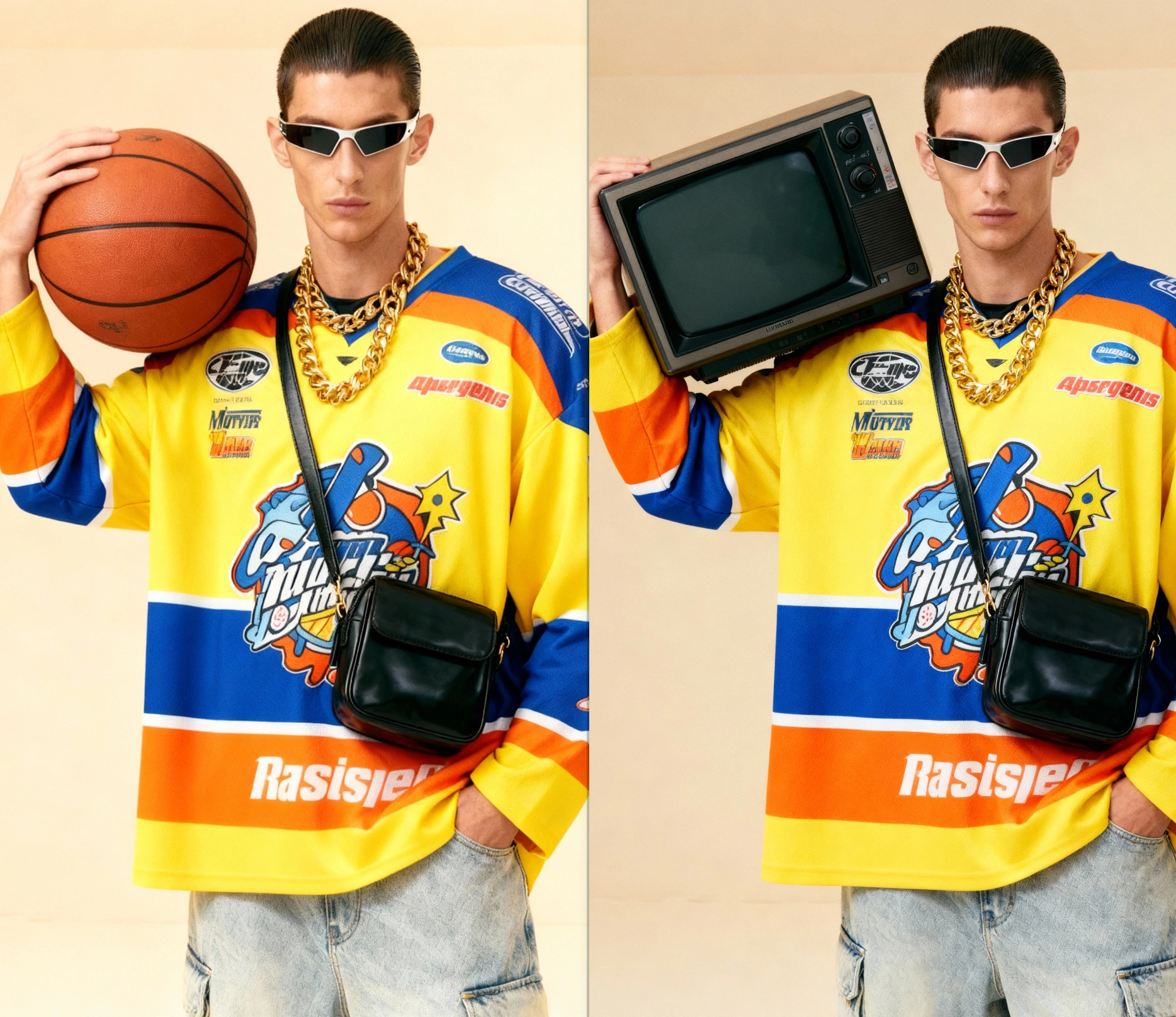
AI Object Replacer - Powered By Latest AI Image Editors
ImagineArt AI Object Replacer lets users swap or remove photo elements (people, objects, backgrounds) using text prompts, producing realistic edits quickly without design skills, ideal for personal, product, and marketing use.
You might also be interested in
Community Creations
Replace Objects In Photos With Text Prompts
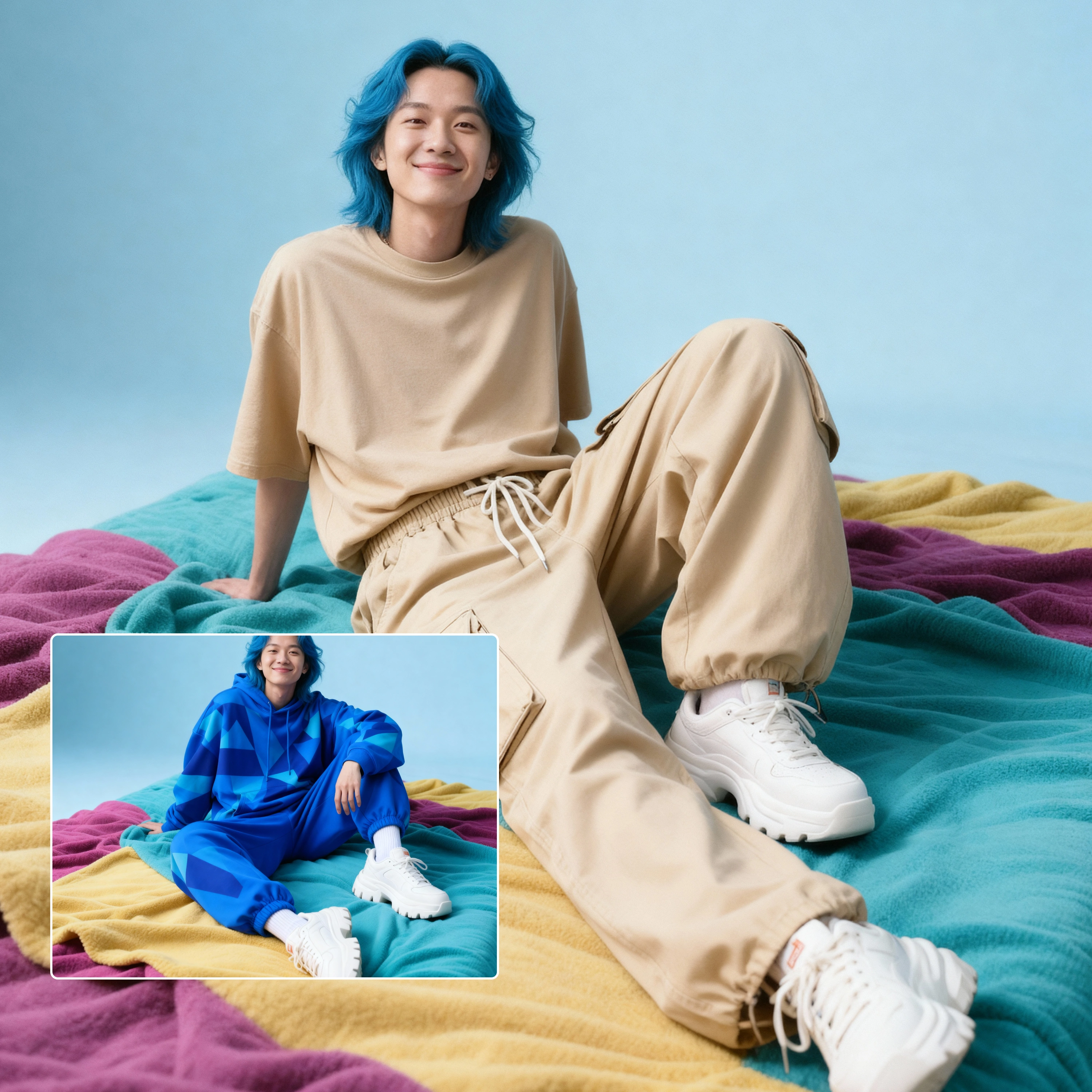
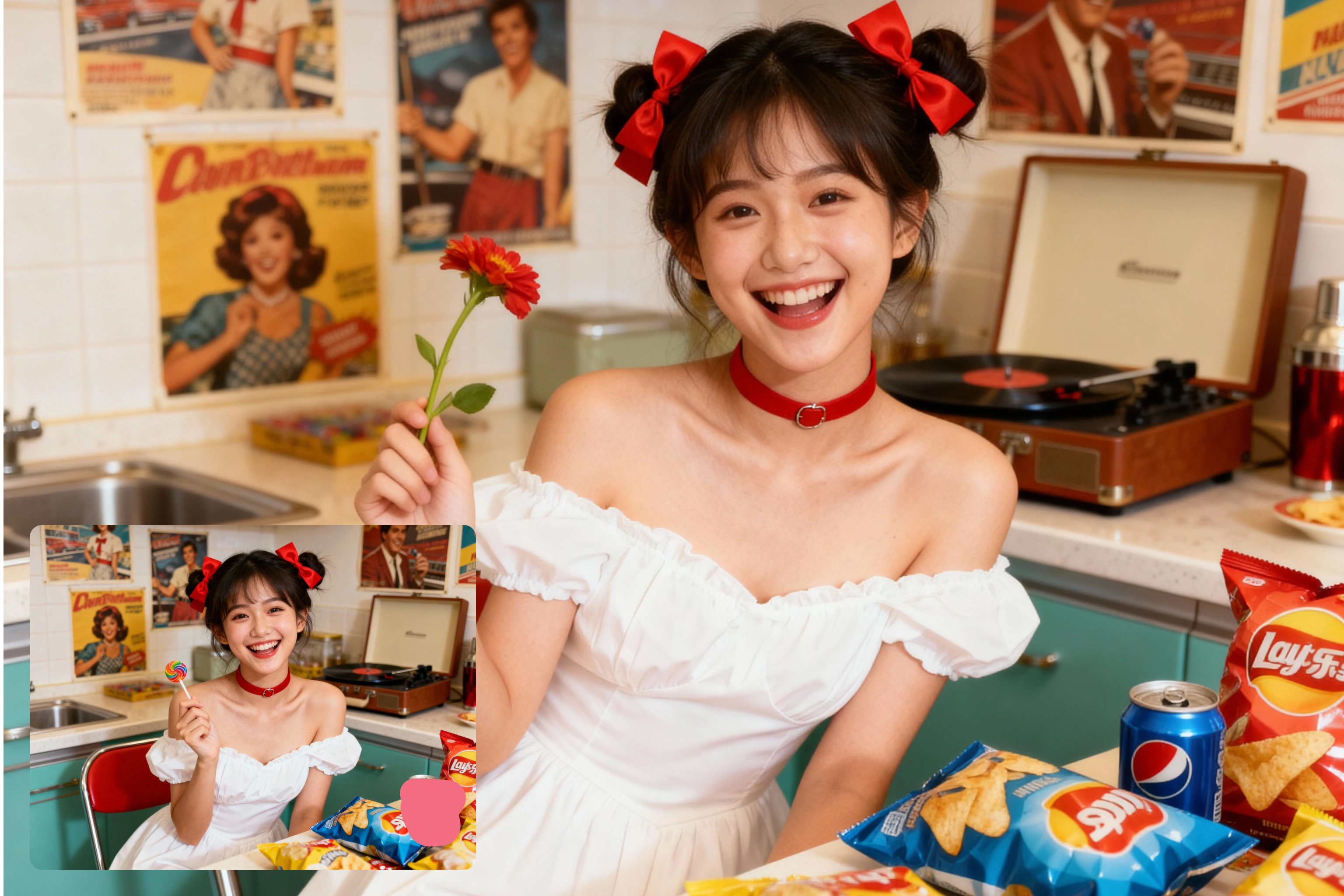
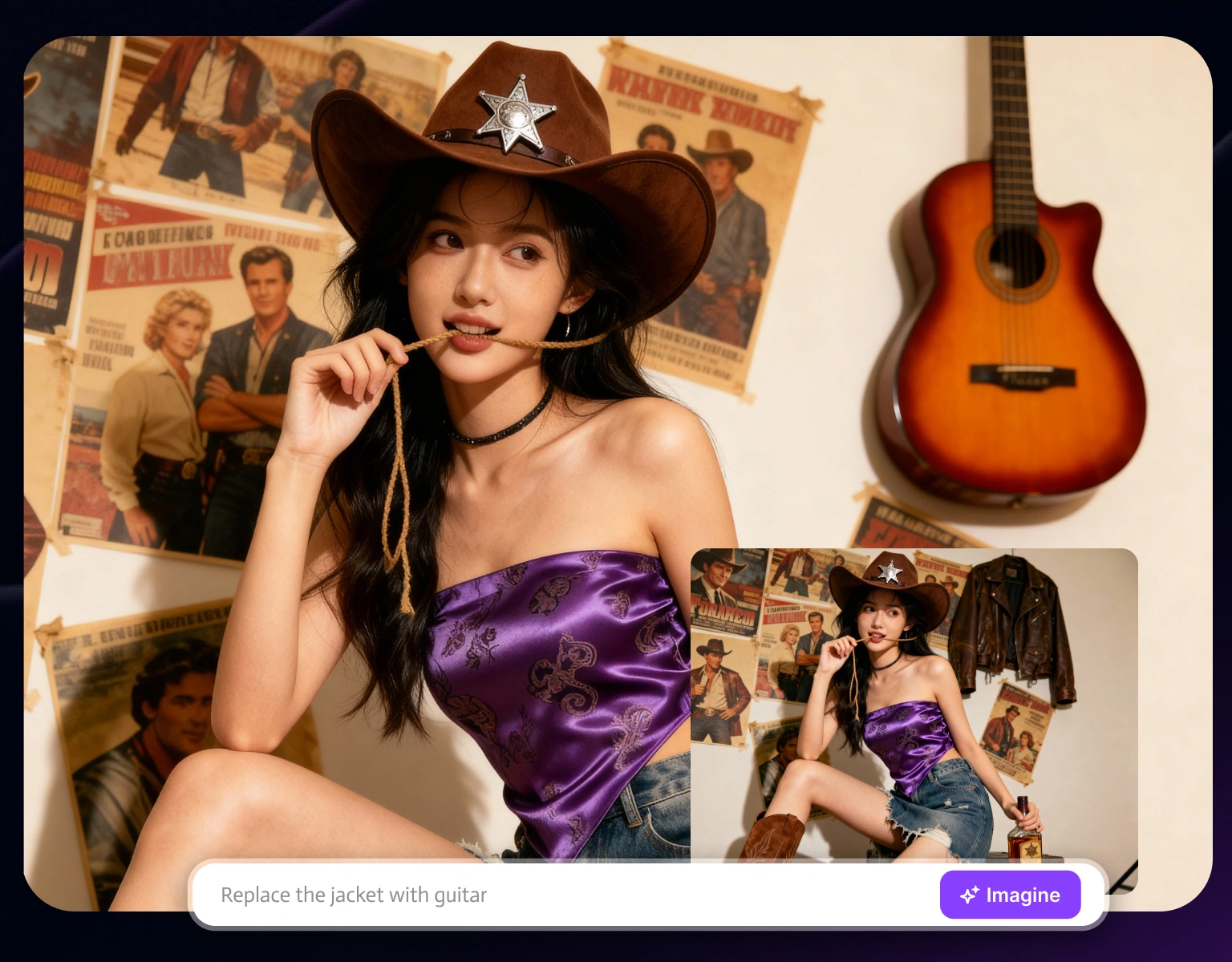
ImagineArt AI Object Replacer brings unparalleled simplicity to photo editing. Unlike traditional tools that require precise selection and brushing, ImagineArt AI Object Replacer lets you describe what you want to replace and what should appear instead. Whether you're swapping backgrounds, adding objects, or removing distractions, the process takes seconds.

Professional-Quality Results Without Professional Skills
ImagineArt AI Object Replacer, with the help of advanced AI image editors like Nano Banana and Seedream 4.0, analyzes your image's lighting, shadows, and perspective to ensure replacements look completely natural. ImagineArt AI Object Replacer maintains consistent image quality, preserves important details, and blends new elements seamlessly with existing elements.
Transform Personal Photos With Creative Possibilities
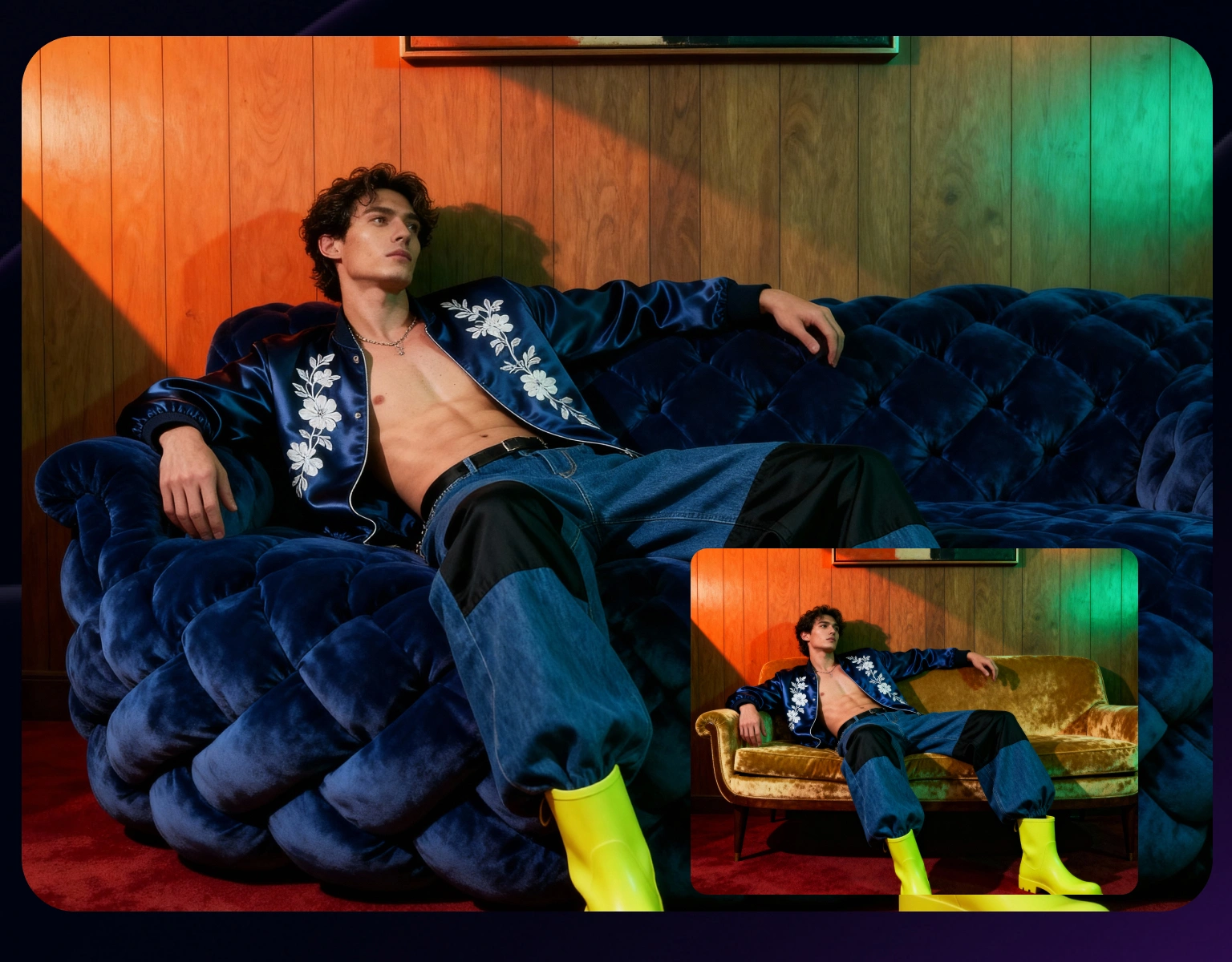
Breathe new life into your personal photo collection with endless creative possibilities. Add your pet to vacation photos where they couldn't join you, swap dull skies for dramatic sunsets, or update outdated elements in cherished memories. Try different hairstyles and colors before your next salon visit, or remove photobombers from group shots. ImagineArt AI Object Replacer technology preserves the authenticity of your images while enhancing them.

Perfect For Product Photos
ImagineArt AI Object Replacer lets you instantly swap products, change backgrounds, or add seasonal elements to existing photos. Update your product photography for different seasons, place your products in aspirational settings, or remove distracting elements from otherwise perfect shots. This versatility saves time and resources while ensuring your visual content remains fresh, engaging, and perfectly aligned with your brand identity.
How To Replace Object In Photos
Step 1
Upload Your Image
Select any photo from your device and upload it on ImagineArt simple interface.
Step 2
Enter Your Text Prompt
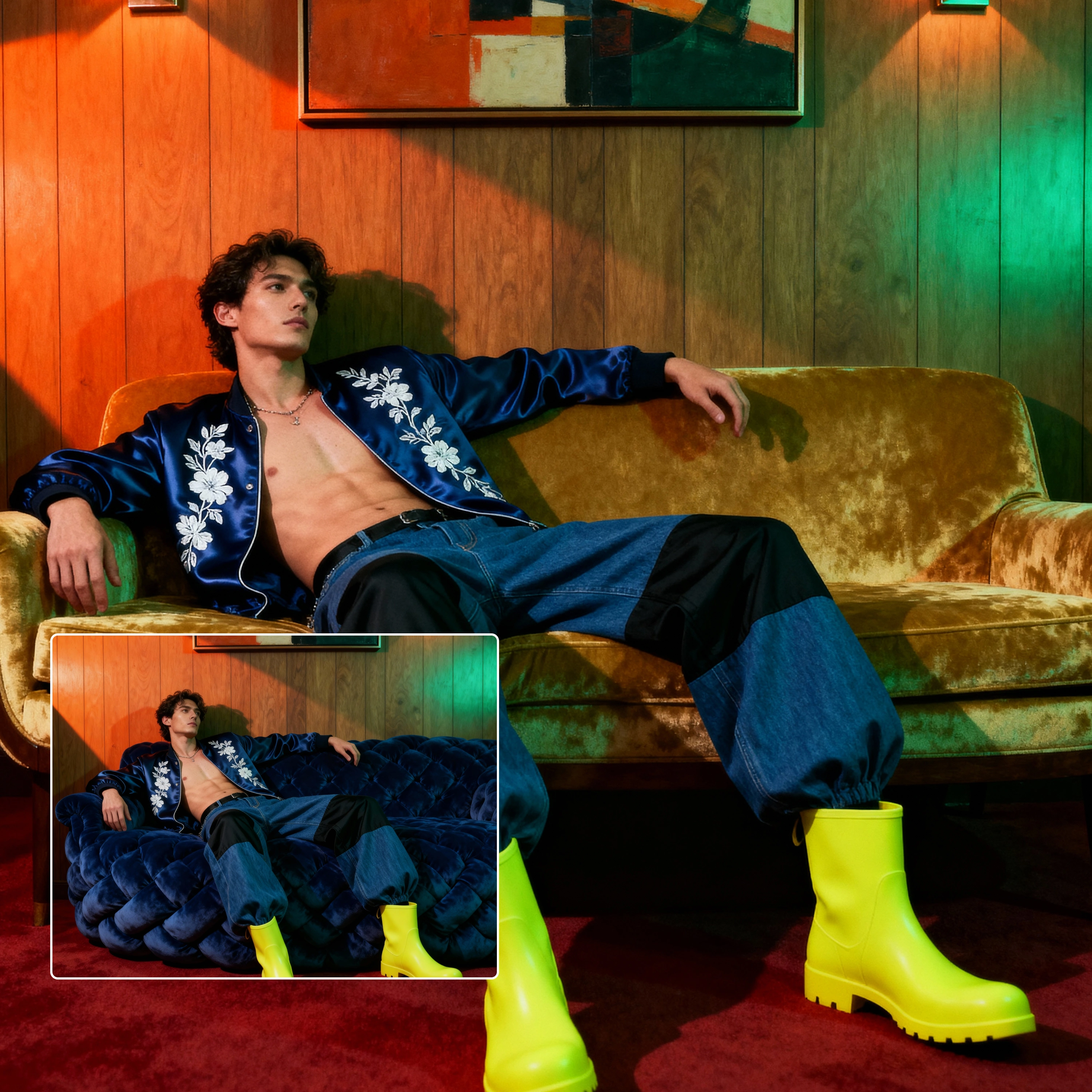
Simply describe what you want to replace and what should appear instead. For example: "Replace the couch with a modern blue sectional" or "Change the sky to a sunset."
Step 3
Review & Adjust
ImagineArt generates your replacement instantly. If needed, refine your prompt for different results.
Customer Testimonials

ApexStudios
I used to spend hours in Photoshop trying to replace backgrounds in product photos. With ImagineArt, I type what I want, and it's done in seconds—with better results!

Anya Petrova
Marketing Designer

DreamWorks
As a real estate agent, I needed to show how a property would look with different furniture. ImagineArt's object replacer let me create virtual stagings instantly that my clients loved.

Ben Harris
Product Manager

Pixels
I tested five different hairstyles before my big makeover using ImagineArt. Showed my stylist exactly what I wanted, and now I'm in love with my new look!

Isabelle Kim
Concept Artist

Shopify
Our marketing team uses ImagineArt daily. We can update seasonal campaigns by swapping elements in existing photos rather than scheduling new photoshoots.

Michael Chenn
Product Designer

TechNova
I removed my ex from our vacation photos and replaced him with my dog. Best decision ever, and the results look completely natural!

Ravi Patel
Creative Manager
Trusted by Professionals and Creators from leading brands
Sign up for freePurchase a Subscription
Upgrade to get access to pro features and generate more and better
Basic
For newcomers taking their first steps
View Plans
Billed monthly
Included in plan
3Kcredits per month
Additional Features
Up to ~600 Image Generations/month
Up to ~97 Video Generations/month
General Commercial Terms
Image Generation Visibility: Public
4 Concurrent Image Generations
Complimentary Access
All GPT Models
All Gemini Models
All Claude Models
Unlimited Generations
10 Image Models
9 Video Models
Standard
For rising creators to level up their game
View Plans
Billed monthly
Included in plan
8Kcredits per month
Additional Features
Up to ~1.6k Image Generations/month
Up to ~265 Video Generations/month
General Commercial Terms
Image Generation Visibility: Private
8 Concurrent Image Generations
Complimentary Access
All GPT Models
All Gemini Models
All Claude Models
Unlimited Generations
Nano Banana
Runway Gen 4 Turbo
Midjourney V7
8 more Image Models
8 more Video Models
Ultimate
Peak performance for pros
View Plans
Billed monthly
Included in plan
16Kcredits per month
Additional Features
Up to ~3.2k Image Generations/month
Up to ~530 Video Generations/month
All styles and models
General Commercial Terms
Image Generation Visibility: Private
Complimentary Access
All GPT Models
All Gemini Models
All Claude Models
Unlimited Generations
All image models in Standard plan
All video models in Standard plan
Kling 2.6 Pro
Seedance 1.5 Pro
ChatGPT 1.5
Creator
A full production engine for powerhouses
View Plans
Billed monthly
Included in plan
100Kcredits per month
Additional Features
Up to ~20k Image Generations/month
Up to ~3.3k Video Generations/month
All styles and models
General Commercial Terms
Image Generation Visibility: Private
Complimentary Access
All GPT Models
All Gemini Models
All Claude Models
Unlimited Generations
All image models in Ultimate plan
All video models in Ultimate plan
Kling 3.0 Pro
Seedance 2 Fast
Nano Banana 2
Have questions?
We have answers!
AI object replacer by ImagineArtuses artificial intelligence to identify and replace specific elements in photos based on text descriptions. ImagineArt AI Object Replacer specifically uses this technology to allow users to transform images without technical editing skills, simply by describing what they want changed.
To replace objects, simply upload your image on ImagineArt, describe the object you want to replace and what you want to replace it with, review the AI-generated preview, make any needed adjustments by refining your description, and download your transformed image.
Replacing people follows the same intuitive process: upload your photo, identify the person with a simple description, describe their replacement with relevant details, review the preview, fine-tune if necessary, and save your transformed image.
Yes! ImagineArt's advanced AI analyzes your image's lighting conditions, perspective, shadows, and overall style to ensure replacements blend seamlessly with the original. The AI maintains consistent image quality and preserves important details for natural-looking results.
You can replace anything in your photos. ImagineArt can replace people, objects, backgrounds, clothing, hairstyles, colors, textures, and more. From swapping furniture in interior design photos to changing outfits in portraits or replacing backgrounds in product photography, the possibilities are nearly limitless.
No, you don’t need any design skills for this. ImagineArt was designed specifically to make professional-quality editing accessible to everyone.
Replace Anything In A Photo For Free
Don't settle for ordinary photos when extraordinary is just a text prompt away. Join thousands of creators, marketers, and photography enthusiasts who are revolutionizing their visual content with ImagineArt AI Object Replacer.