AI Montage Video Maker
Describe the montage you want, and this AI montage maker generates a fast-paced video built from that description, with clips, transitions, and pacing suited to a montage style. No footage to upload, no editing timeline, just a written prompt and a finished video.
Trusted by Professionals and Creators from leading brands
Community Creations
Turn a Prompt Into a Montage
A montage relies on quick cuts and varied shots working together to build a feeling rather than tell one continuous scene. This AI montage maker takes a text description of the mood, theme, or moments you want and generates a video sequenced with that fast-paced, multi-shot montage rhythm. A concept that would otherwise need multiple filmed clips and a manual edit comes back from the AI video generator as one video.
Generate Montage-Style Video From Text
Traditional montage editing means gathering separate clips or photos and cutting them together by hand. This video montage creator skips that step entirely, generating the full sequence directly from a written description rather than requiring source footage to assemble. A creator with an idea but no existing clips can still produce a finished montage-style video from the prompt.
Describe Photo-Style or Video-Style Montages
Some montages read like a sequence of still moments, others like fast-cut video clips, and the prompt controls which style comes back. This photo montage video maker can generate a video styled after still-photo pacing when the prompt calls for it, or a faster clip-style montage when that fits the description better, all from text input rather than uploaded source material.
How This AI Montage Maker Works
Step 1
Write Your Prompt
Describe the montage you want: the theme, the mood, the pacing, and any specific moments or visuals to include. The more specific the prompt, the more the generated sequence matches what you had in mind. No footage, photos, or files need to be prepared beforehand.
Step 2
Generate Your Montage
The engine generates a full video sequence from the prompt, with cuts, pacing, and transitions suited to a montage style rather than a single continuous scene. Preview the result and revise the prompt if the pacing or content doesn't match what you wanted.
Step 3
Export and Share
Download the finished montage video in a format ready for social media, a personal project, or a presentation. Export finishes in a few minutes. Share or publish it wherever the original idea was meant to go, without a separate editing step first.
Build Montages Without Source Footage
Montage editing traditionally starts with a folder of clips or photos already shot or collected, which not every idea has behind it. This video montage creator works from a prompt alone, so a concept for a montage can become a finished video even without any existing footage to draw from.
Style Your Montage for Any Mood
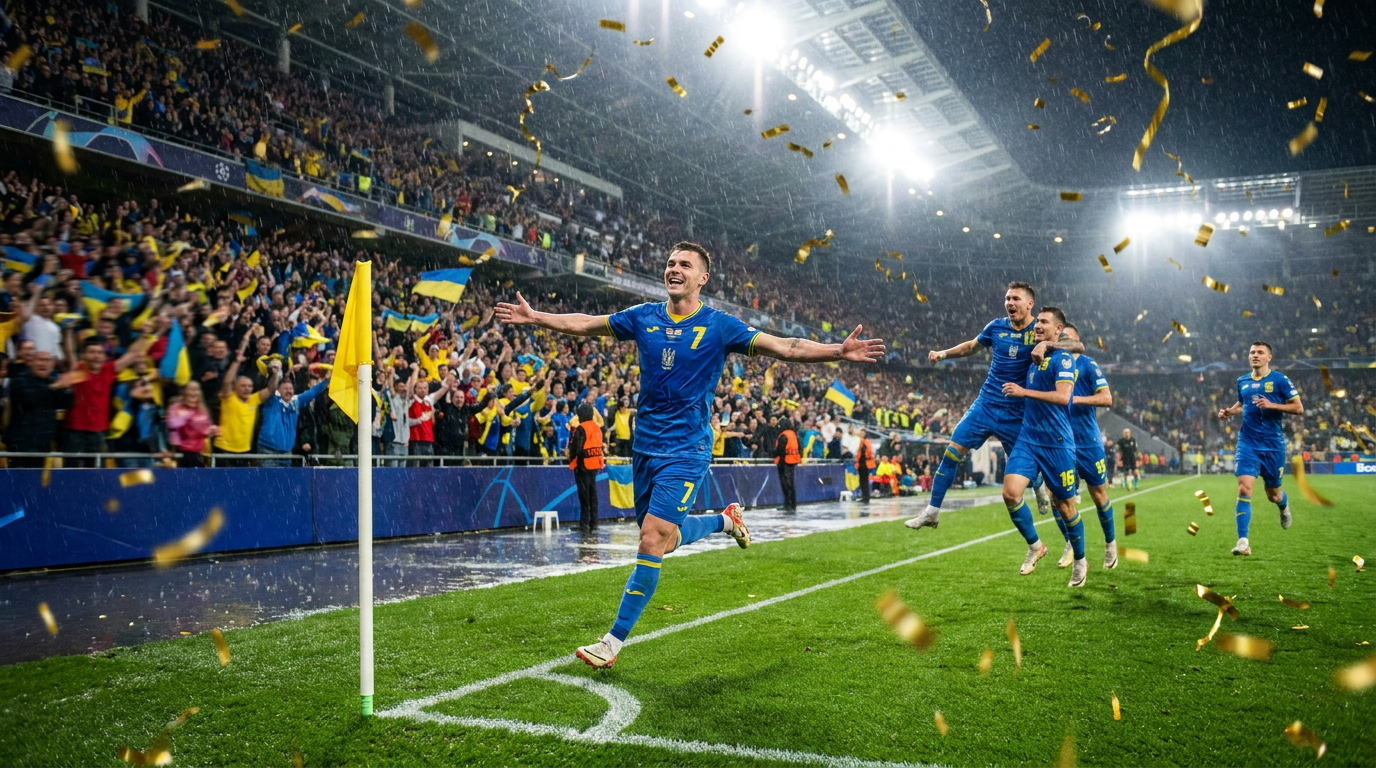
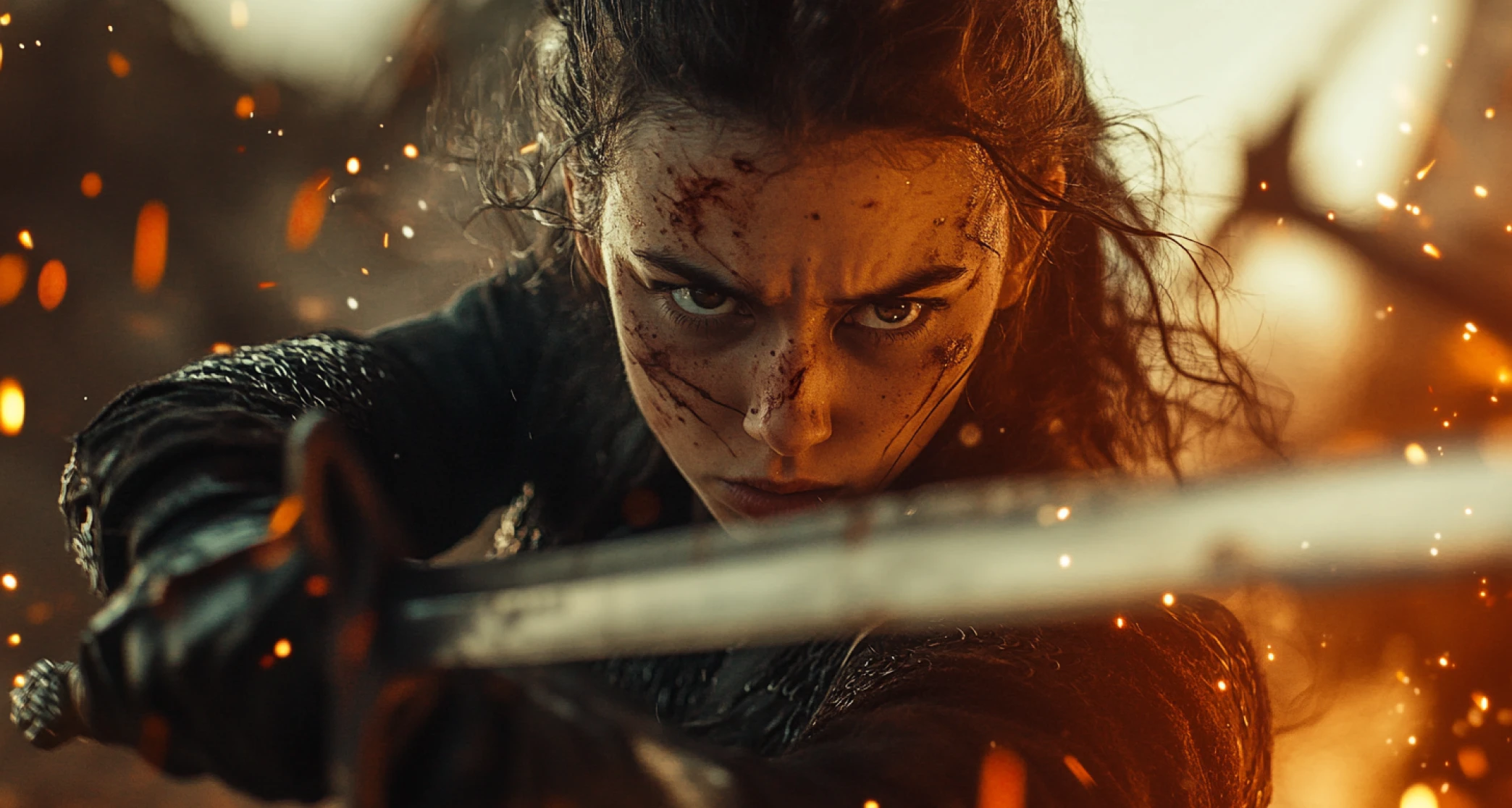
A quick, high-energy cut and a slower, reflective sequence call for different pacing and rhythm, and the prompt controls which one comes through. Describe the mood and pacing you want, fast-paced, nostalgic, celebratory- and the generated video matches that description rather than defaulting to one fixed style.
Share Montages Anywhere Video Works
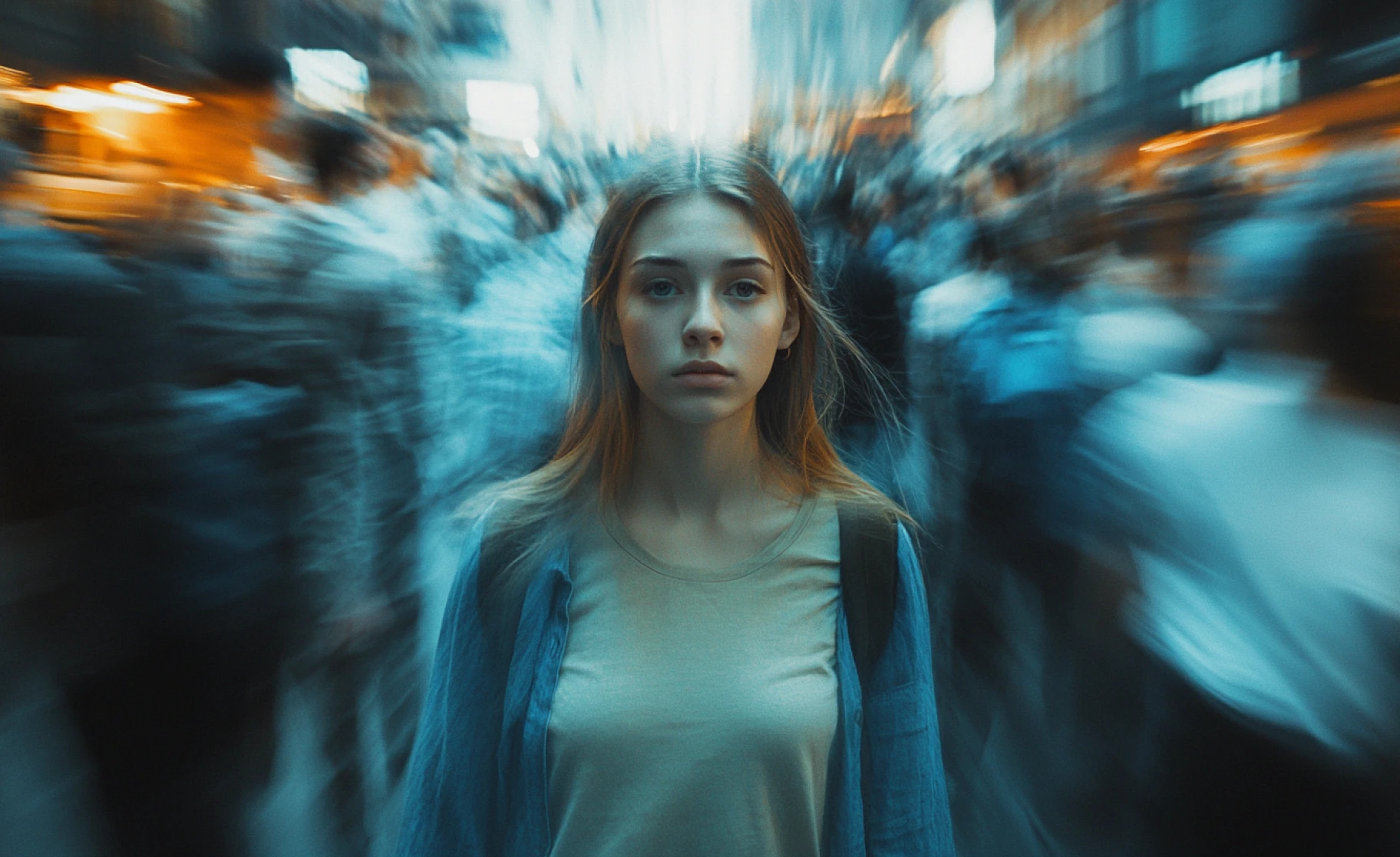
A generated montage video exports in a standard video format usable wherever video already gets shared, a social feed, a personal project, or a presentation. This AI montage maker doesn't require a separate export step or format conversion to move from generation to posting.
Purchase a Subscription
Upgrade to get access to pro features and generate more and better
Basic
For newcomers taking their first steps
View Plans
Billed monthly
Included in plan
3Kcredits per month
Additional Features
Up to ~600 Image Generations/month
Up to ~97 Video Generations/month
General Commercial Terms
Image Generation Visibility: Public
4 Concurrent Image Generations
Complimentary Access
All GPT Models
All Gemini Models
All Claude Models
Unlimited Generations
10 Image Models
9 Video Models
Standard
For rising creators to level up their game
View Plans
Billed monthly
Included in plan
8Kcredits per month
Additional Features
Up to ~1.6k Image Generations/month
Up to ~265 Video Generations/month
General Commercial Terms
Image Generation Visibility: Private
8 Concurrent Image Generations
Complimentary Access
All GPT Models
All Gemini Models
All Claude Models
Unlimited Generations
Nano Banana
Runway Gen 4 Turbo
Midjourney V7
8 more Image Models
8 more Video Models
Ultimate
Peak performance for pros
View Plans
Billed monthly
Included in plan
16Kcredits per month
Additional Features
Up to ~3.2k Image Generations/month
Up to ~530 Video Generations/month
All styles and models
General Commercial Terms
Image Generation Visibility: Private
Complimentary Access
All GPT Models
All Gemini Models
All Claude Models
Unlimited Generations
All image models in Standard plan
All video models in Standard plan
Kling 2.6 Pro
Seedance 1.5 Pro
ChatGPT 1.5
Creator
A full production engine for powerhouses
View Plans
Billed monthly
Included in plan
100Kcredits per month
Additional Features
Up to ~20k Image Generations/month
Up to ~3.3k Video Generations/month
All styles and models
General Commercial Terms
Image Generation Visibility: Private
Complimentary Access
All GPT Models
All Gemini Models
All Claude Models
Unlimited Generations
All image models in Ultimate plan
All video models in Ultimate plan
Kling 3.0 Pro
Seedance 2 Fast
Nano Banana 2
What people are saying
What creators are making with ImagineArt, in their own words.
“I love this platform very easy to navigate through whatever you need to create. Excellent image generation and video generation. The pricing is very reasonable also. Thank you Imagineart for an amazing experience.”
“Imagine art is one of the best platforms for new AI creators offering the best prices, the market leader like Higgsfield are great but their prices are too high. Thank you Imagineart for making AI Video models affordable.”
“Using imagine has honestly been a great experience overall. The image quality is impressive, especially for cinematic and anime-style generations. The video and motion tools also have a lot of potential and can create very eye-catching content for reels and edits. ”
“Strong creative potential, but best results come with careful prompting. We have been using ImagineArt AI as part of a real creative workflow to generate images, refine concepts, and test short-form video ideas. Our experience has been positive overall, especially when working on visual concepts for education, marketing, and social media content.”
Have questions?
We have answers!
A video montage is a sequence of quick shots or moments edited together to build a feeling, theme, or passage of time, rather than showing one continuous scene. It typically relies on fast cuts and varied pacing rather than a single unbroken shot.
Yes. Describe the montage you want, the theme, mood, and pacing, and this AI montage maker generates a full video sequence from that text prompt. There is no footage to upload or manual editing timeline required.
A regular video usually follows one continuous scene or narrative, while a montage cuts between multiple shots or moments to build a feeling or compress time. Montages tend to move faster, with pacing built around the cuts themselves rather than one unbroken take.
This tool generates montage-style video directly from a written prompt rather than from uploaded photos or video clips. It can produce output styled after still-photo pacing or faster video-style cuts depending on how the prompt is written, but it does not accept uploaded photos or footage as source material.
Yes. The finished montage exports in a standard video format ready to post directly to social platforms, without a separate resize or conversion step. It's suited to the kind of fast-paced, multi-shot content social feeds typically favor.