AI Intro Maker
Generate free intro videos online in seconds, no watermark, no editing skills needed. Create intro videos with high-quality visuals, immersive sound effects, and well-synced captions and subtitles.
Trusted by Professionals and Creators from leading brands and companies
Community Creations
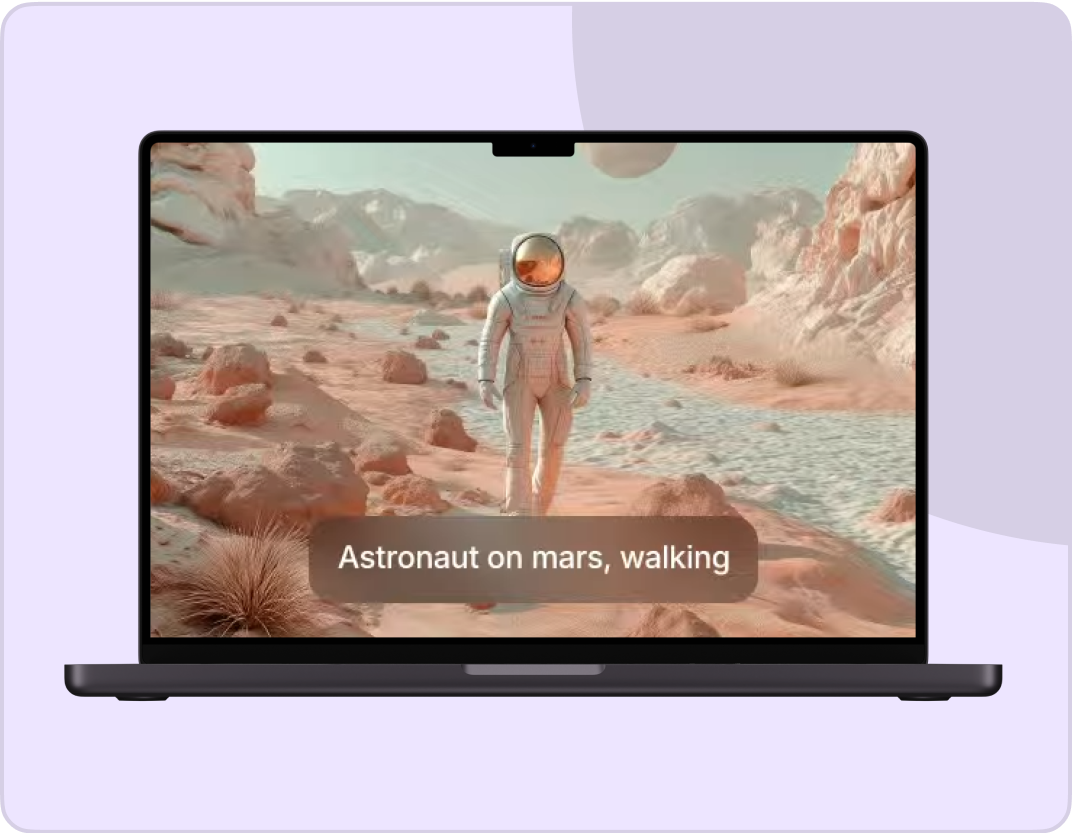
Write your ideas and see them come to life. Just enter a text prompt along with an optional reference image or video, select your styles & effects, and watch the AI work its magic!
Prompt:
A knight in full armor rides a white horse, sword raised, through a dramatic, motion-blurred landscape with fiery orange and dark, cloudy skies.
Prompt:
Dynamic shot of a motocross rider mid-air during a jump, with dirt flying and the sun backlighting the action, conveying speed and excitement.
Prompt:
Blue sports car driving on a snow-covered landscape with ice formations under a bright sun, creating tire tracks in the snow.
Prompt:
Man skateboarding downhill on mountain road with blurred motion, capturing freedom and adventure in scenic landscape.
Prompt:
A person hikes up a rocky mountain trail in foggy, overcast weather, wearing a backpack and warm outdoor gear.
Multi-Modal Input Support
ImagineArt Intro Maker uses images, text prompts, and even reference videos to generate tailored intro videos online. The AI blends whichever inputs you provide, a photo, a rough clip, a few descriptive lines, to understand your creative vision and handle the pace, tone, and mood of the finished video without you having to specify every technical detail yourself.
Customize Your Intros
AI Intro Maker gives you creative control over the video composition from the first draft onward. Edit intro videos using simple follow-up prompts for quick fixes, tweaking a color, a movement, or a mood without starting over, or switch to the built-in AI video editor to add logos, change visual elements, or include text overlays. Either path gets you to an intro that feels uniquely yours rather than a template with your name dropped in.
Add Voiceovers & Audio
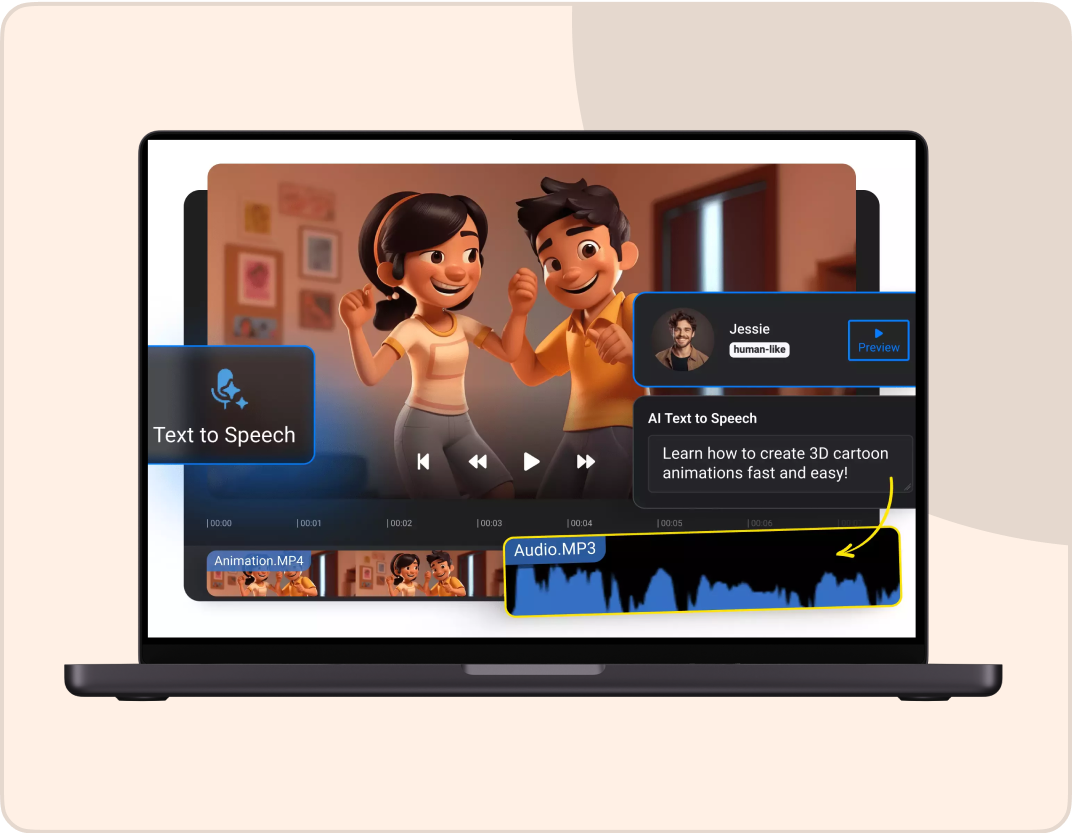
ImagineArt Intro Maker comes with native audio generation and lipsync features built in, not bolted on as an afterthought. Describe the audio cues, dialogue, and sound effects you want, or upload your own audio file directly, and the AI Intro Maker synchronizes it precisely with lip movements, expressions, and emotions, so a spoken intro looks as natural as a silent, purely visual one.
All The Features That You Need In An AI Intro Maker

AI Background Changer
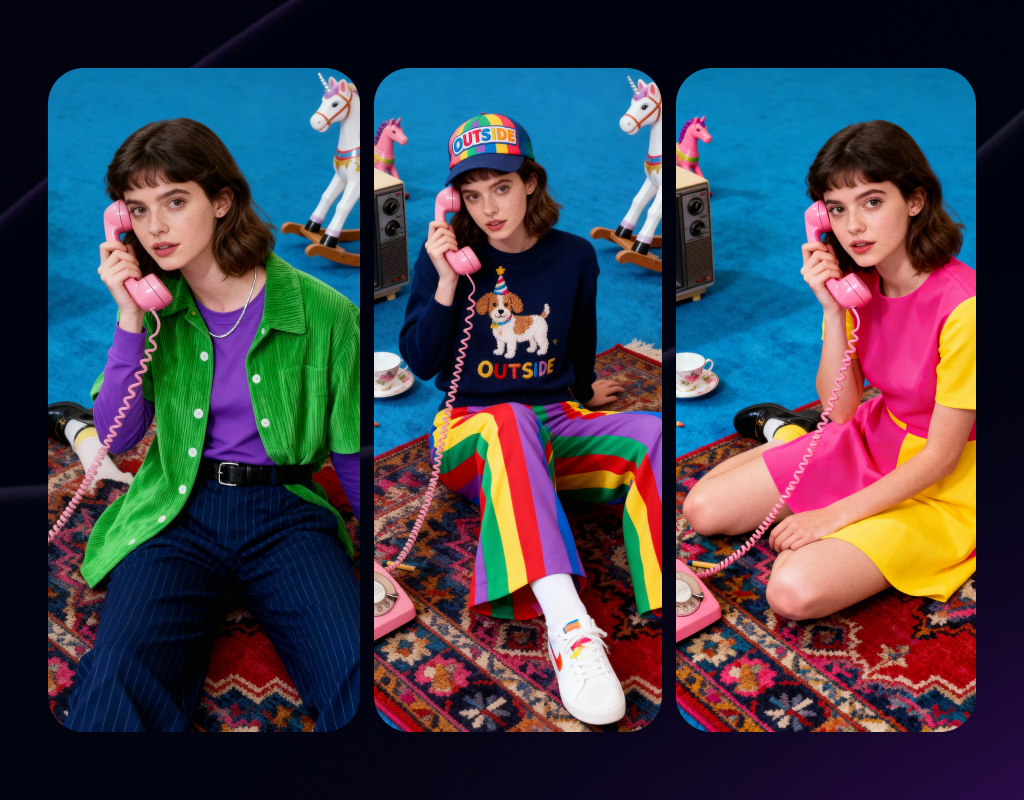
Experiment with different scenes, environmental settings, and backdrops. The AI ensures precise editing without overlapping or distorting any other element.
AI Video Angle Changer
The AI Intro Maker lets you have complete control over the camera logic. Test different angles and aspect ratios to find the right fit.
Endless Style Options
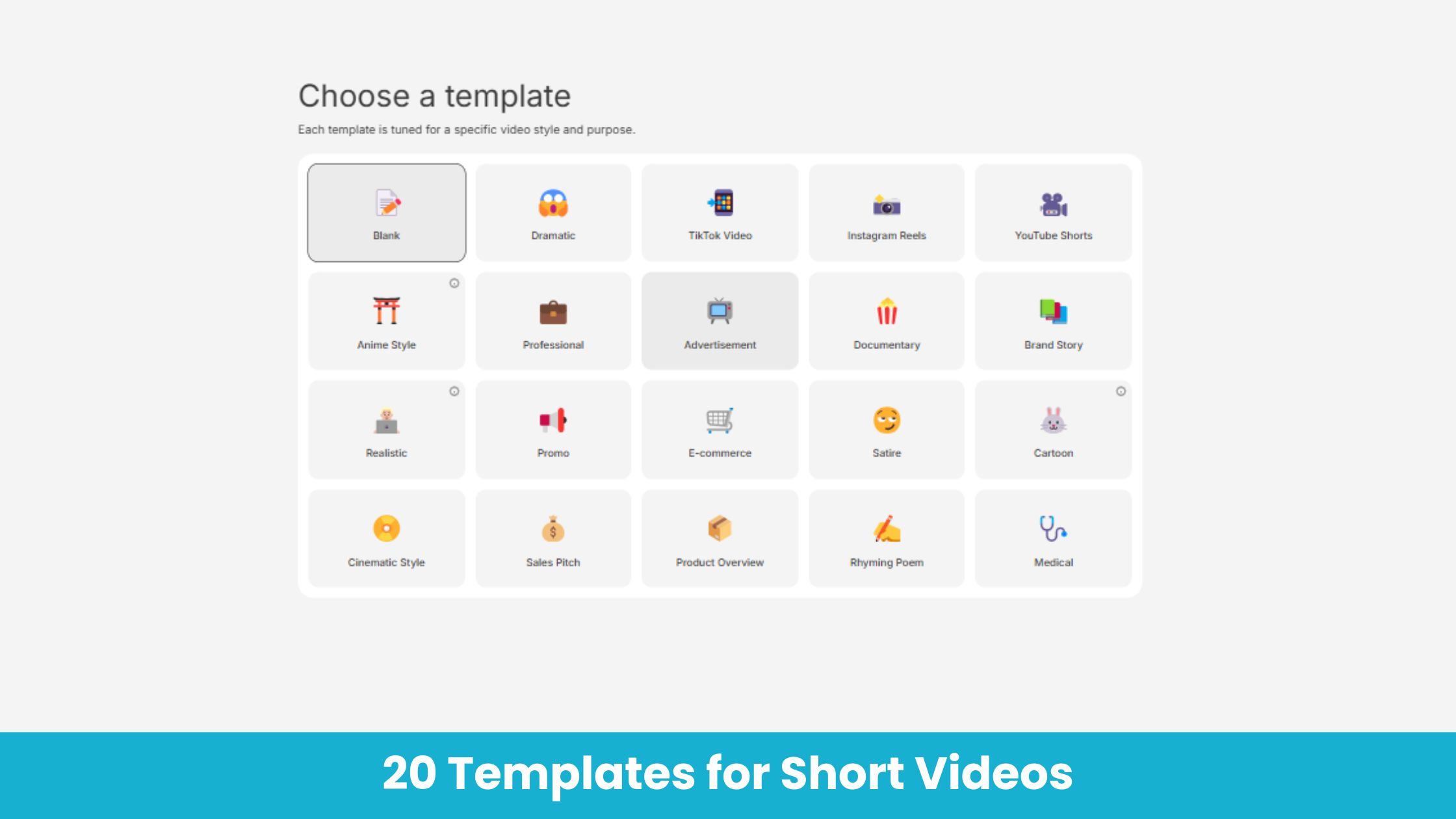
Switch between cinematic, animated, photorealistic, or surreal aesthetics in seconds. Every style looks handcrafted by a pro.
AI Video Extender
Expand short clips into longer intro videos. The AI adds motion, context, shots, and transitions while maintaining character consistency and visual continuity.
AI Video Face Swap
Replace your character’s face with any celebrity or person of your preference. The AI Intro maker matches the movements and expressions for a realistic and natural look.
Video Quality Enhancer
Fix shaky, grainy, or dull clips in seconds. The AI enhances color, texture, and clarity so every frame looks cinematic without reshooting.
How to make Intro videos using AI Intro Maker?
Add Input
Add a prompt or import the images and video you want to work on. Make sure your prompt is comprehensive, mentioning details about the scene, character, object, background, and more.
Generate
Select the preferred AI video generation model, aspect ratio, video duration, and video resolution. ImagineArt AI Intro Maker supports all video formats, including MP4, MOV, AVI, and more.
Export
Click the download button if you are satisfied with the result. You can use the built-in ImagineArt AI video editor to further refine or personalize your video.
More AI Video Models You Can Access Free on ImagineArt
ImagineArt provides 7 days of free access to top models such as VEO, Seedance, Sora, WAN, Pixverse, Hailuo, Runway, and Other Kling versions, letting you experiment with alternative versions for faster, more cinematic, or more realistic results.
Kling AI
Use Kling 1.5, 1.6, 2.1, 2.5 turbo, 2.6 and O1 (Omni One) for ai video generation and editing.
Pixverse AI
Try other Pixverse AI models like V3.5, V4, V4.5, V5 for cinematic AI videos with vivid detail and realism.
Google VEO
Explore Google VEO, VEO 2, 3, 3 Fast, 3.1, and 3.1 Fast for fast, lifelike videos.
Sora AI
Explore Sora 2 for advanced AI storytelling with cinematic visuals and realism.
WAN AI
Access WAN 2.2, WAN 2.2 Animate, WAN 2.5 for hyperrealistic AI videos with precise motion.
Hailuo AI
Try Hailuo 2.0, 2.3, 2.3 Fast for fluid cinematic AI videos with natural motion effects.
Runway AI
Try Runway Aleph, Runway Act II for professional AI video production and editing tools.
Seedance AI
Use Seedance 1.0, Seedance Pro Fast for rhythmic, expressive AI-generated video sequences.
Why ImagineArt Is The Best AI Intro Maker?
ImagineArt AI Intro Maker makes professional video creation simple, fast, and accessible.
Ideal for YouTube Intros
Create professional-quality YouTube intros that make viewers stay, watch, and subscribe. A strong opening in the first few seconds does more for retention than almost anything later in the video. ImagineArt helps build brand recognition for content creators, influencers, and independent filmmakers alike, generating a free intro online in seconds, with no watermark on the final download and no editing software required to get there.
Ideal for Gaming & Streaming
With ImagineArt, gamers and streamers can generate AI intro videos with dynamic motion, bold styles, and effects that set the right tone before a stream or upload even begins. Whether the channel's vibe is high-energy montage cuts or a calmer, atmospheric build-up, the same prompt-based workflow adapts to it, aligning naturally with YouTube gaming channels and Twitch overlays alike, all without templates to wrestle into shape.
Perfect for Marketing & Advertising
ImagineArt lets businesses, branding professionals, and marketers create eye-catching AI intro videos for ad campaigns, product demos, tutorials, and promotional content to increase engagement. A consistent, polished opener across every video, whether it's a movie-style trailer intro for a product launch or a simple branded bumper for a course series, helps an audience recognize the content before a single word is spoken, and it's ready in minutes rather than a production cycle.
Purchase a Subscription
Upgrade to get access to pro features and generate more and better
Basic
For newcomers taking their first steps
View Plans
Billed monthly
Included in plan
3Kcredits per month
Additional Features
Up to ~600 Image Generations/month
Up to ~97 Video Generations/month
General Commercial Terms
Image Generation Visibility: Public
4 Concurrent Image Generations
Complimentary Access
All GPT Models
All Gemini Models
All Claude Models
Unlimited Generations
10 Image Models
9 Video Models
Standard
For rising creators to level up their game
View Plans
Billed monthly
Included in plan
8Kcredits per month
Additional Features
Up to ~1.6k Image Generations/month
Up to ~265 Video Generations/month
General Commercial Terms
Image Generation Visibility: Private
8 Concurrent Image Generations
Complimentary Access
All GPT Models
All Gemini Models
All Claude Models
Unlimited Generations
Nano Banana
Runway Gen 4 Turbo
Midjourney V7
8 more Image Models
8 more Video Models
Ultimate
Peak performance for pros
View Plans
Billed monthly
Included in plan
16Kcredits per month
Additional Features
Up to ~3.2k Image Generations/month
Up to ~530 Video Generations/month
All styles and models
General Commercial Terms
Image Generation Visibility: Private
Complimentary Access
All GPT Models
All Gemini Models
All Claude Models
Unlimited Generations
All image models in Standard plan
All video models in Standard plan
Kling 2.6 Pro
Seedance 1.5 Pro
ChatGPT 1.5
Creator
A full production engine for powerhouses
View Plans
Billed monthly
Included in plan
100Kcredits per month
Additional Features
Up to ~20k Image Generations/month
Up to ~3.3k Video Generations/month
All styles and models
General Commercial Terms
Image Generation Visibility: Private
Complimentary Access
All GPT Models
All Gemini Models
All Claude Models
Unlimited Generations
All image models in Ultimate plan
All video models in Ultimate plan
Kling 3.0 Pro
Seedance 2 Fast
Nano Banana 2
Free
billed annually
- 3000 credits / month
- In-house models only
- 36k credits per year
- 1 Fast Image concurrency




Trusted by 30M+ creative team, designers and marketers.
User Reviews
See what our users are actually saying

“As a YouTuber, the YouTube intro matters the most to me. I have tried creating one on my own, but I wasn’t impressed at all. Tried ImagineArt AI Intro Maker, and it did a way better job than I could have. Will definitely use it again! ”

“As a marketing executive, creating video intros is one of my many time-consuming tasks. But ImagineArt AI Intro Maker has made it a lot simpler and faster for me. I add all the relevant assets, type a prompt, and I have my intro video for demos, launch, and social media. ”

“I am not tech-savvy and don’t know much about video creation or editing at all. I needed to edit my anniversary video and somehow found this tool. It made me feel like a pro editor – the results were amazing and of incredible quality. ”
“I am starting out my career as a gaming streamer, and this gaming Intro Maker has been my savior. I can add and adjust my own voice, customize themes, add text and images – without needing any other tool. ”
Frequently Asked Questions
Get answers about every possible query you have related to AI Intro Maker.
- What is an AI Intro Maker?
- AI Intro Maker is an easy-to-use AI tool by ImagineArt that let you create intro videos using text prompts and reference images or videos, while ensuring audio-visual synchronization, high visual quality, and consistency.
- What’s a suitable duration for an intro video?
- Preferably, the intro video shouldn’t be longer than 10 seconds. The intro video duration can vary from 3 seconds to 10 seconds. Keeping the intro videos short helps in retaining the attention and hooking the audience.
- Can I customize the AI intro video after generation?
- Yes, you can customize the AI intro videos after generation. You can upload the existing footage as a reference video and add prompts to edit. Or you can use ImagineArt AI video editor to add text, music, voiceover, change scenes and visual elements, and more.
- What video and image formats are supported?
- ImagineArt AI Intro Maker supports all image and video formats. For images, the AI Intro Maker accepts JPEG, PNG, JPG, and more. For video, the AI Intro Maker supports MP4, AVI, MOV, and more.
- Is the AI Intro Maker free to use?
- Yes, ImagineArt AI Intro Maker can be accessed for free. Upon sign-up, you receive 100 free daily credits that you can use to edit videos. The daily credits are refilled every 12 hours.
- Is this AI Intro Maker cloud-based?
- Yes, ImagineArt AI Intro Maker is completely cloud-based. You can access your edited and generated content from anywhere and on any device, without worrying about losing any project assets.
More resources
![Best AI Video Generators for Movie Trailers [2026 Edition]](https://blogs-cdn.imagine.art/Best_AI_Video_Generator_for_movies_trailers_ef6d217424.webp)
Best AI Video Generators for Movie Trailers [2026 Edition]
Create cinematic movie trailers with AI in minutes. Compare the best AI video generators for movie trailers, including Sora 2 Pro, Veo 3.1, and Runway Gen-4.
The Best AI Video Generators 2026 - 10+ Tried and Tested | ImagineArt
Discover the top AI video generators 2026 and explore their core features, pricing, use cases, and ImagineArt integration for seamless, creative video content generation.
Best AI Video Generators for Movies | ImagineArt
Discover the top AI video generators for movie production in 2025. Compare Kling O1, LTX-2, Veo 3.1, Wan 2.6, and others based on features, pricing, and limitations for creating cinematic content.
Imagine More with AI Creative Suite
ImagineArt gives you everything you need to create, customize, and bring your ideas to life in one seamless platform.