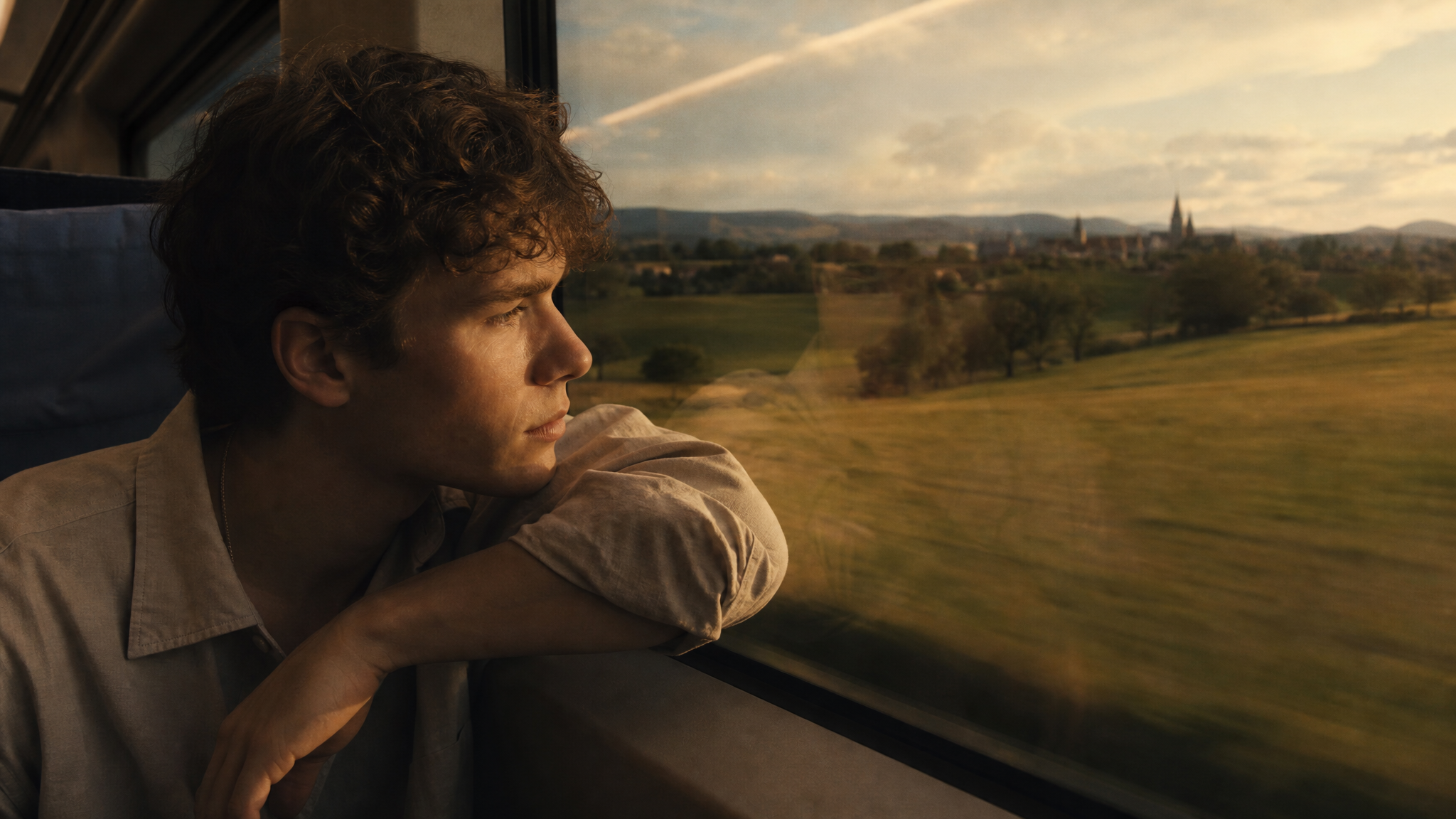
AI Flying Video Generator
Bring flight to life in seconds, sweeping aerial views, a character soaring through the sky, or an object drifting weightlessly through a scene. ImagineArt's AI flying video generator turns a short prompt or reference image into smooth, realistic flying motion, no drone, no rigging, no visual effects software required.
Trusted by Professionals and Creators from leading brands
Community Creations
Flying Videos from Text or Image
ImagineArt lets you turn any flying idea, an aerial view, a floating object, a character mid-flight, into a fully animated video from a simple description. Whether you're picturing a bird's-eye view sweeping over a landscape or a more fantastical scene, upload a reference image or just describe what you're imagining, and the AI handles the motion, speed, and camera path to make it feel real rather than stiff or mechanical.
Customize Everything with Styles and Effects
From realistic drone-style shots to magical, imaginative flying sequences, adjust the flight path, camera angle, lighting, and art style until the scene matches exactly what you had in mind. Once you've generated a clip, bring it into the AI Video Editor to trim the pacing, combine multiple flying shots into one sequence, or make final adjustments before exporting.
Premium AI Models for High-Quality Outputs
ImagineArt uses current AI models, including Kling, Veo, Seedance, and PixVerse, to produce smooth, high-quality flying sequences. Each model handles motion a little differently, some excel at fast, dynamic camera movement, others at slow, sweeping, cinematic pans, so you can match the model to the specific feel your flying scene needs.
Three Simple Steps to Create Stunning Clothing Videos
Step 1
Write Your Prompt
Start by describing the flying scene you envision—whether it’s a bird’s-eye view, a soaring character, or a sweeping landscape. You can also upload a reference image to help guide the AI’s animation.
Step 2
Customize Your Video
Choose from various art styles, camera motions, and lighting effects to create the perfect flying video. Tailor the speed, angle, and flight path to match your specific needs, and use Kling AI Motion Control if you're animating flight from a still image and want more precise control over the direction and pace of movement.
Step 3
Download or Keep Experimenting
Once your flying video is ready, download it for use or continue experimenting with new prompts, styles, and effects to perfect the flying sequence.
Aerial Footage & Drone Shots
ImagineArt's AI video generator is well suited for aerial shots or drone-style footage without needing to own or fly actual equipment. Whether you're showcasing landscapes, cities, or a live event from above, the AI generates flying sequences that mimic professional drone footage, at a fraction of the cost and without the logistics of an actual flight permit or pilot.
Fantasy & Creative Flying Sequences
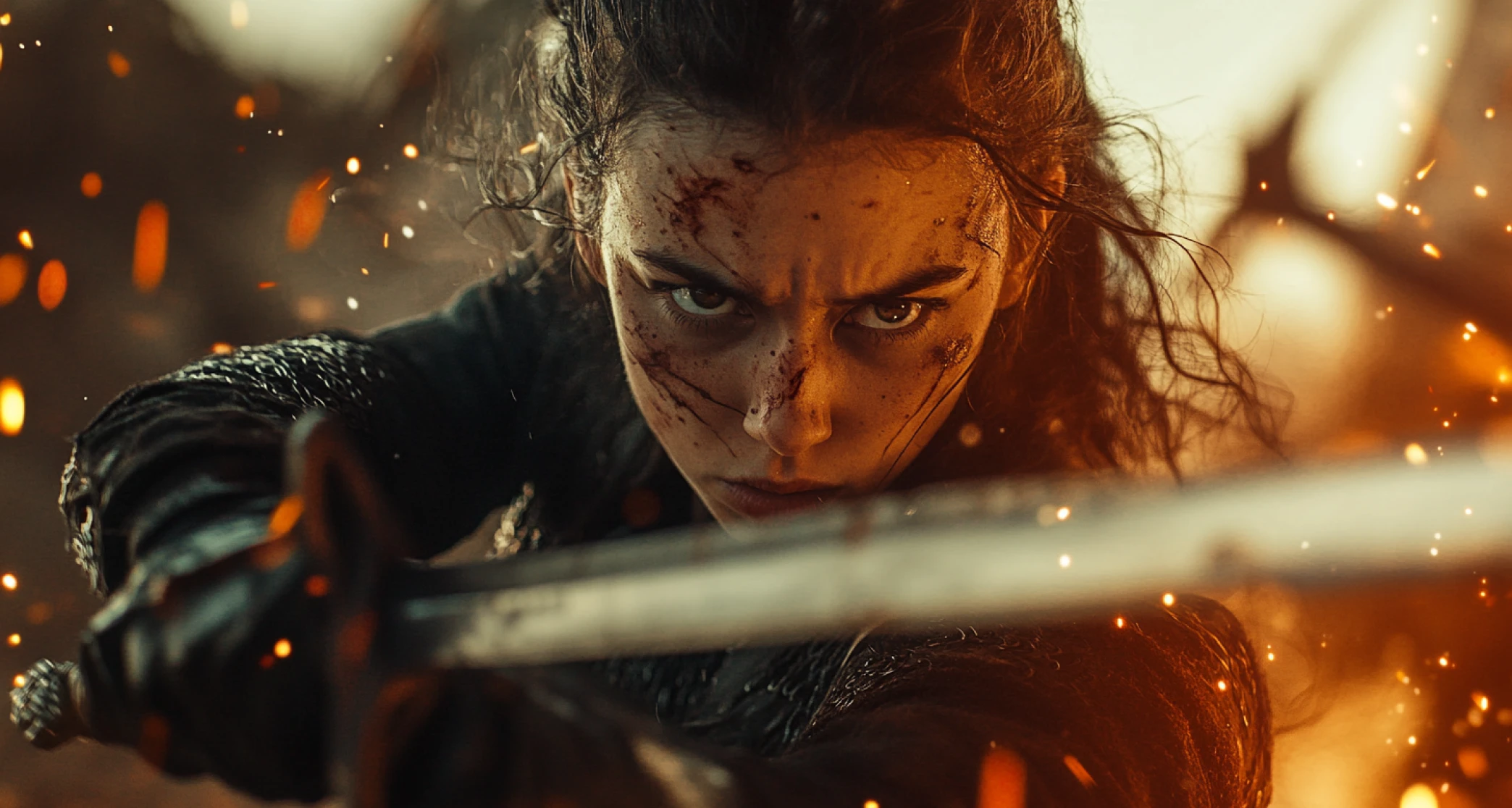
Create imaginative flying scenes for films, animations, or advertisements, a character soaring through clouds, a fantastical object drifting through a dreamlike setting, or anything in between. Need the same character to appear consistently across multiple flying shots? Start with a clear reference image so the AI has something concrete to anchor the character's appearance to across every scene.
Product Demos with Aerial Views
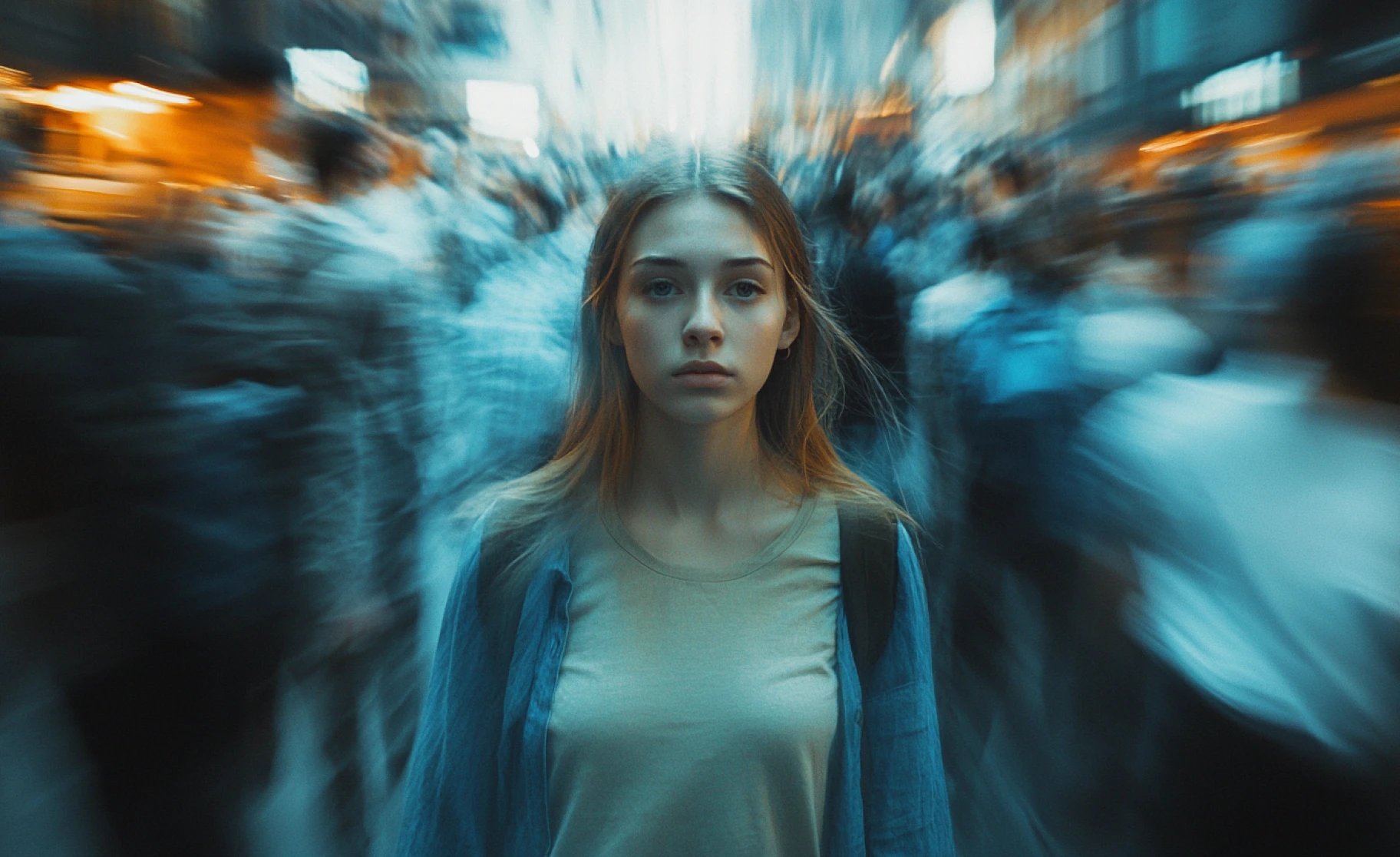
A sweeping aerial shot can make a product demo feel more cinematic than a standard flat angle ever could. Whether you're launching something new or want to showcase a product's features from above, ImagineArt helps you capture that unique perspective. For a demo built entirely around product presentation rather than just one aerial shot, the AI Product Video Generator is built specifically for that.
Purchase a Subscription
Upgrade to get access to pro features and generate more and better
Basic
For newcomers taking their first steps
View Plans
Billed monthly
Included in plan
3Kcredits per month
Additional Features
Up to ~600 Image Generations/month
Up to ~97 Video Generations/month
General Commercial Terms
Image Generation Visibility: Public
4 Concurrent Image Generations
Complimentary Access
All GPT Models
All Gemini Models
All Claude Models
Unlimited Generations
10 Image Models
9 Video Models
Standard
For rising creators to level up their game
View Plans
Billed monthly
Included in plan
8Kcredits per month
Additional Features
Up to ~1.6k Image Generations/month
Up to ~265 Video Generations/month
General Commercial Terms
Image Generation Visibility: Private
8 Concurrent Image Generations
Complimentary Access
All GPT Models
All Gemini Models
All Claude Models
Unlimited Generations
Nano Banana
Runway Gen 4 Turbo
Midjourney V7
8 more Image Models
8 more Video Models
Ultimate
Peak performance for pros
View Plans
Billed monthly
Included in plan
16Kcredits per month
Additional Features
Up to ~3.2k Image Generations/month
Up to ~530 Video Generations/month
All styles and models
General Commercial Terms
Image Generation Visibility: Private
Complimentary Access
All GPT Models
All Gemini Models
All Claude Models
Unlimited Generations
All image models in Standard plan
All video models in Standard plan
Kling 2.6 Pro
Seedance 1.5 Pro
ChatGPT 1.5
Creator
A full production engine for powerhouses
View Plans
Billed monthly
Included in plan
100Kcredits per month
Additional Features
Up to ~20k Image Generations/month
Up to ~3.3k Video Generations/month
All styles and models
General Commercial Terms
Image Generation Visibility: Private
Complimentary Access
All GPT Models
All Gemini Models
All Claude Models
Unlimited Generations
All image models in Ultimate plan
All video models in Ultimate plan
Kling 3.0 Pro
Seedance 2 Fast
Nano Banana 2
Customer Testimonials

ApexStudios
I used ImagineArt to create stunning aerial shots for my travel vlog. The AI captured the beauty of the landscapes from above perfectly!

Anya Petrova
Marketing Designer

DreamWorks
As a filmmaker, this tool is a game-changer! I was able to generate smooth, professional-quality flying sequences in no time.

Ben Harris
Product Manager

Pixels
ImagineArt helped me create a fantastical flying sequence for my animation project. The flying motion was so fluid and realistic!

Isabelle Kim
Concept Artist

Shopify
This is perfect for showcasing my products from a unique aerial view. I created an amazing product demo with a sweeping flying shot.

Michael Chenn
Product Designer

TechNova
Quick, easy, and stunning. I created dynamic flying footage that was exactly what I envisioned for my marketing campaign.

Ravi Patel
Creative Manager
Have questions?
We have answers!
The AI Flying Video Generator by ImagineArt allows you to create dynamic flying animations from your product images, sketches, or prompts. Whether you need aerial views, floating objects, or soaring characters, this tool makes it easy to generate flying videos.
You can create aerial footage, drone shots, fantasy flying sequences, and product demos with dynamic flying perspectives. Whether it’s for a commercial, animation, or creative project, ImagineArt makes flying video creation simple.
Most flying videos are ready in just 3–5 minutes, allowing you to quickly visualize your flying concepts.
No, the AI handles all animation and video creation. Simply describe your scene or upload a reference image, and ImagineArt will generate a fully animated flying video.
Yes! You can choose from different art styles, camera angles, flight paths, and lighting effects. Customize every aspect of your flying video to suit your vision.
Yes, the videos generated are suitable for commercial use, whether for advertisements, creative projects, or product demonstrations.
Absolutely! You can modify aspects like the format, aspect ratio, and lighting effects, or even add background music to enhance your flying video.
Models like Kling, PixVerse, Google Veo 3, and Hailuo are perfect for creating realistic, smooth flying animations. These models ensure your flying videos are fluid and visually captivating.

![Best AI Video Generators for Movie Trailers [2026 Edition]](https://blogs-cdn.imagine.art/Best_AI_Video_Generator_for_movies_trailers_ef6d217424.webp)