
Umaima Shah
April 19, 2026 • Updated April 20, 2026
11 mins Read
Google Stitch is an AI-powered UI design tool from Google Labs that generates complete interface layouts, connected screens, and production-ready code from text, sketches, or voice. Powered by Google's Gemini models, Stitch lets you go from idea to working interface without starting from a blank canvas or placing components manually. This changes how UI design gets done. No more waiting on wireframes, no more slow first drafts, no more design bottlenecks. Just describe what you want and Stitch builds the structure for you, faster, simpler, and far more accessible than traditional workflows.
What is Google Stitch
Google Stitch is an AI-powered UI design platform from Google Labs that generates complete interface layouts, interactive prototypes, and frontend code from text, images, and voice.
Google’s Gemini models power Stitch and handle layout structure, component logic, and multi-screen flows inside one workspace. Stitch doesn’t just create mockups—it builds structured UI outputs that match real product flows.
Designers, founders, and product teams use Stitch to move from idea to interface fast without spending hours on wireframes or manual layout building.
At its core, Stitch turns early-stage UI work into a prompt-driven workflow and cuts the time from concept to usable design down to minutes.
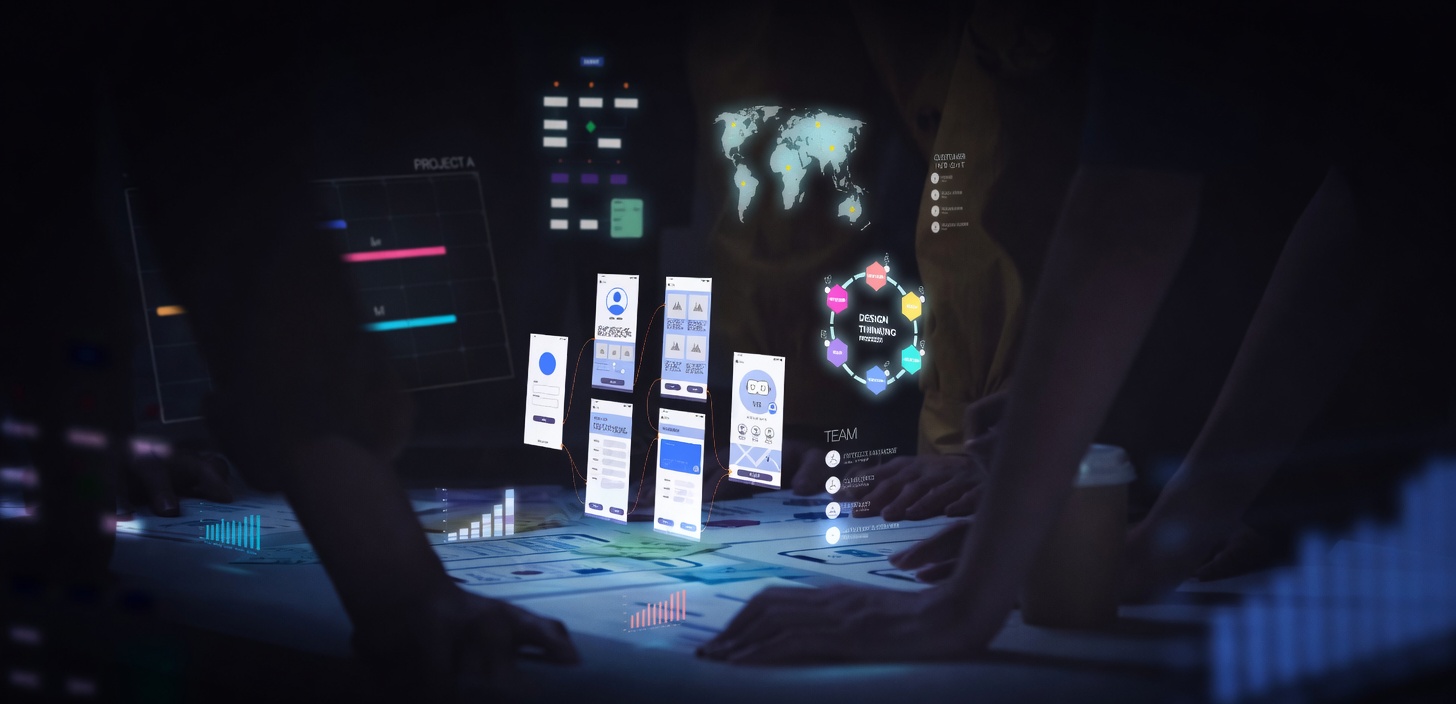 Don’t stop at one screen. Use ImagineArt to generate the same UI and test different styles, flows, and visuals instantly.
Core Components of Google Stitch
1. Gemini 3 Flash: Fast UI Generation
Gemini 3 Flash powers Standard Mode in Google Stitch, generating complete interface layouts from text prompts in seconds. Built for speed and rapid iteration, it helps teams explore multiple design directions without slowing down.
Designers rely on it during early concept exploration and sprint sessions where quick output matters more than perfect fidelity. With 350 generations per month, it supports continuous experimentation without breaking workflow momentum.
The same model family also powers Nano Banana on ImagineArt. After generating UI layouts in Stitch, teams can create and refine the visual assets inside those layouts using Nano Banana's AI image editing and generation tools, keeping output consistent across both design and visuals.
2. Gemini 3.1 Pro: Advanced Reasoning for Complex Flows
Gemini 3.1 Pro powers Thinking Mode in Google Stitch and handles complex, multi-screen design challenges with deeper reasoning.
It runs across three thinking levels: low, medium, and high — giving teams control over how much depth the model applies before generating output. High thinking mode supports advanced UI flows where layout logic, component hierarchy, and design system consistency need to align across an entire product experience.
On the visual side, Nano Banana Pro on ImagineArt builds on the same model generation. It produces 4K photorealistic images with strong style control and character consistency. Teams often pair both tools together, using Gemini 3.1 Pro for UI structure and Nano Banana Pro for high-quality visual assets.
3. Gemini Live: Voice Canvas Interaction
Gemini Live powers the voice canvas inside Google Stitch, allowing users to design through conversation instead of typing prompts.
Users speak directly to the interface, and the AI responds in real time, asking clarifying questions, suggesting improvements, and updating layouts instantly. It understands intent beyond literal commands, so phrases like "this header feels too heavy" trigger meaningful design adjustments rather than rigid changes.
This turns the design process into a fluid back-and-forth interaction instead of a prompt-and-wait cycle.
4. Firebase Studio: Production Handoff
Firebase Studio handles the transition from design to development.
Once a layout is ready, Google Stitch exports it directly into Firebase Studio, where it connects with backend logic, APIs, and deployment infrastructure. This creates a seamless path from prompt-generated UI to a working application inside Google's ecosystem.
For teams already building on Google Cloud, this removes friction between design and engineering.
Alongside this, Imagen 4 on ImagineArt helps generate the visual assets that fill those interfaces, from hero sections to product imagery, keeping both structure and visuals aligned.
5. Figma: Design Refinement and Collaboration
Figma handles production refinement and team collaboration after initial generation.
Google Stitch exports designs into Figma with structured layers, grouped components, and Auto Layout intact. Teams don't rebuild from scratch, they refine, iterate, and finalize.
Most professional workflows follow a simple pattern: generate layout directions in Stitch, select the strongest concept, then polish it inside Figma.
6. Google AI Studio: Functional Prototyping
Google AI Studio connects Stitch-generated interfaces with live AI behavior.
Teams export layouts into AI Studio and attach Gemini-powered logic, including dynamic content, chat interactions, and real-time responses. This turns static UI designs into functional, testable applications without rebuilding the interface layer.
For AI-first products, this shortens the path from concept to working prototype significantly.
7. MCP Server and Antigravity: Developer Workflow Integration
The Stitch MCP server connects Google Stitch with coding tools like Cursor, Claude Code, Gemini CLI, and Antigravity IDE.
These tools pull Stitch outputs: including HTML, screenshots, and screen flows, and use them as a foundation for generating working application code. This creates a direct bridge between design and development.
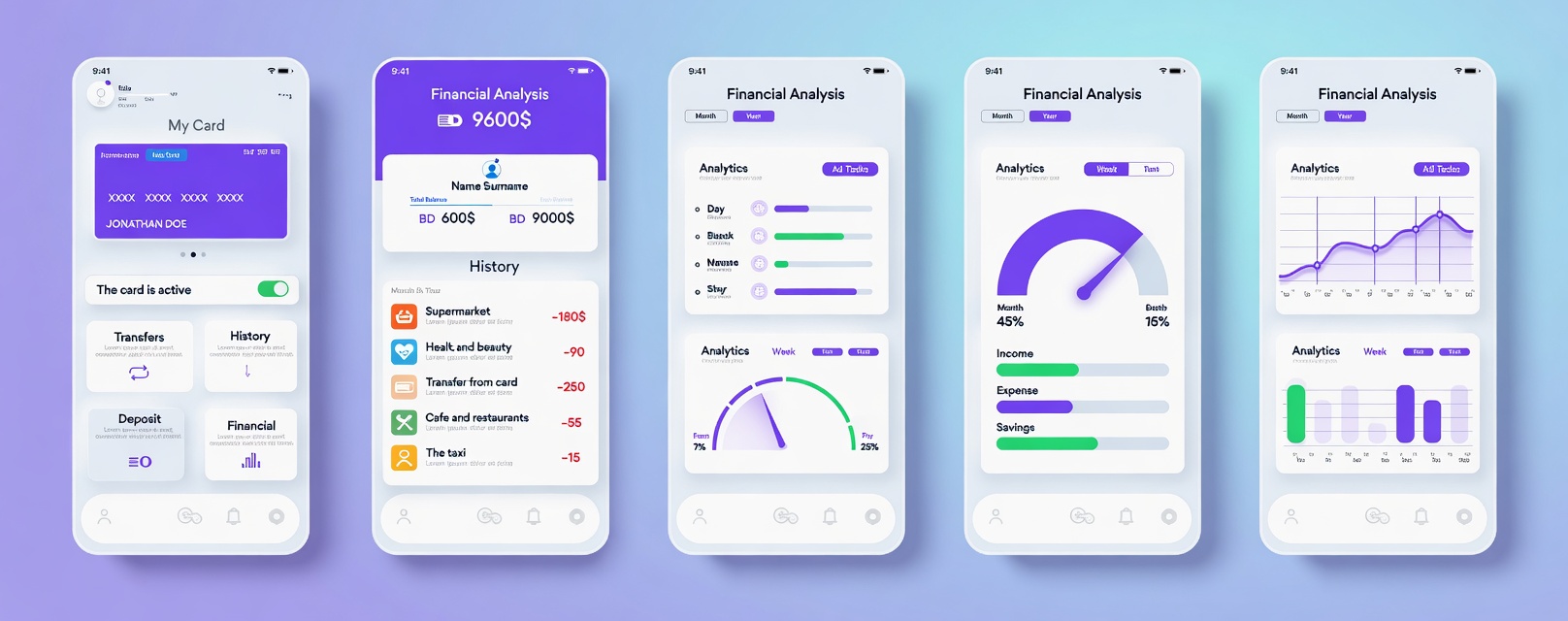 Turn one UI idea into multiple versions using ImagineArt. Compare, iterate, and pick what works.
Key Features of Google Stitch
Google Stitch ships with a focused feature set built for speed, iteration, and design quality:
Vibe Design
Instead of starting with wireframes and exact component specs, vibe design lets you describe a feeling, a business objective, or a creative direction. Google Stitch generates multiple layout directions matching that intent. You explore broadly before committing to one direction — replacing the wireframe-first workflow with an intention-first one.
Multi-Screen Generation
Generate up to five connected screens from a single prompt. Google Stitch automatically maps user journeys between screens. A product team building a SaaS onboarding flow gets a welcome screen, account setup, goal selection, dashboard, and confirmation — all connected, from one prompt. Click Play to turn them into an interactive prototype instantly.
Voice Canvas
Speak directly to your canvas using Gemini Live. The AI agent gives real-time design critiques, generates layout variants, asks clarifying questions about your goals, and makes live updates as you talk. Say "show me three different menu layouts" or "switch this to a dark palette," and it updates in real time — no typing required.
Instant Prototype
Click Play, and static connected screens become a clickable interactive prototype. The AI automatically generates the next logical screens based on user clicks, mapping the full user journey. Share a prototype link or QR code for mobile preview without exporting anything.
Direct Edits
Click any element and manually edit text, swap images, or adjust spacing without re-prompting. This was one of the most requested features since launch and arrived with the March 2026 update. It closes the gap between AI generation and the manual polish every design needs before it leaves the tool.
Design System Support
Extract a design system from any URL you provide. Upload your own design tokens — colors, typography, spacing scales — and every screen generated will conform to those constraints automatically. The DESIGN.md file exports and imports design rules in an agent-friendly format that syncs across tools and projects.
Code Export
Clean HTML, CSS, Tailwind, and React code exports directly from the tool. Firebase Studio export handles production handoff for Google-native stacks. Figma export delivers editable layers with proper Auto Layout structure for professional design refinement.
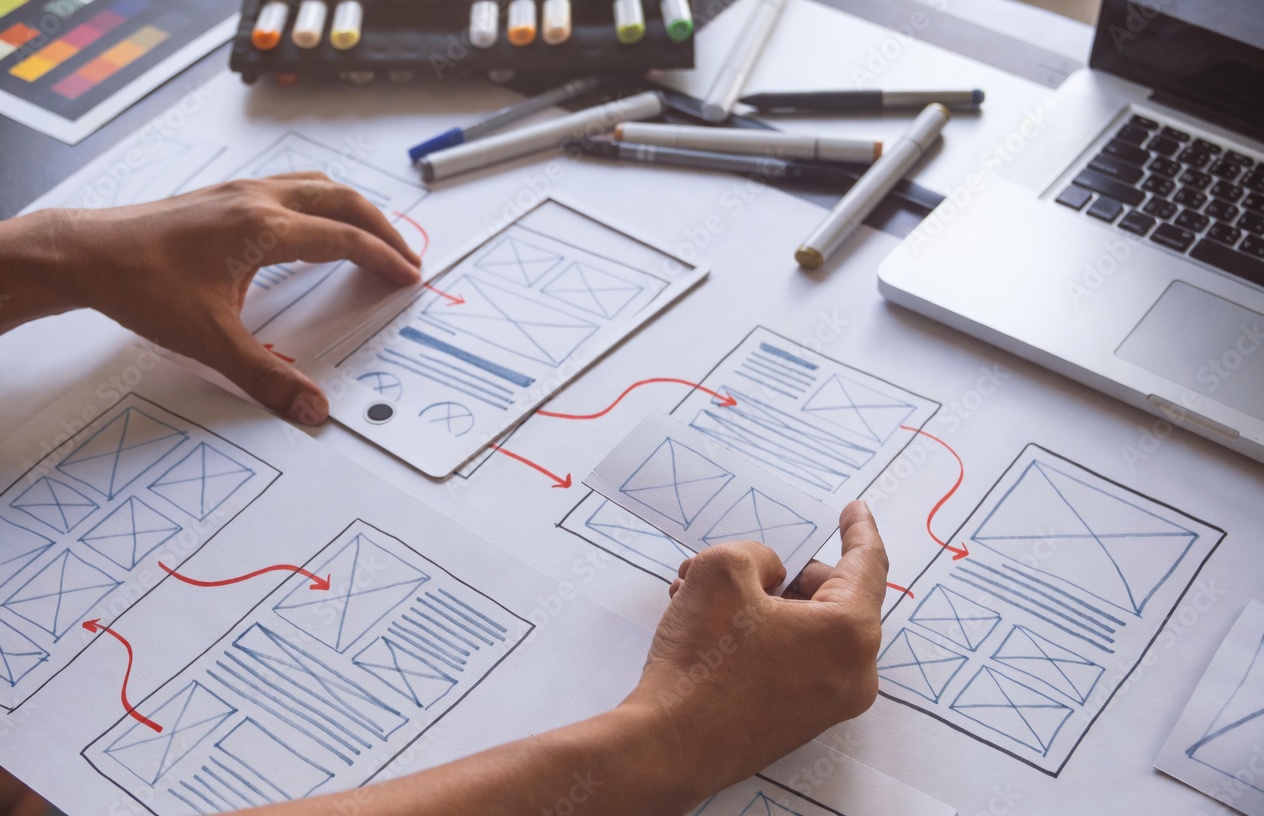 Take any Stitch-style UI and recreate it inside ImagineArt with full control over visuals and variations.
How Google Stitch Works
Google Stitch uses a four-step pipeline to take your description to a working interface:
Step 1 — Input: Describe the interface in text, upload a reference image or sketch, extract a design system from a URL, or speak your design idea using the voice canvas powered by Gemini Live. Include platform, color direction, use case, and key components. Specific inputs produce usable outputs. Vague inputs produce generic ones.
Step 2 — Generation: Gemini interprets your design intent, builds a component hierarchy, applies layout logic, and renders a visual output. Since March 2026, Google Stitch generates up to five connected screens from a single prompt with automatic user-journey mapping between them.
Step 3 — Iterate: Refine with follow-up prompts or use Direct Edits to click any element, rewrite text, swap images, or adjust spacing without re-prompting the full design. The AI-native infinite canvas lets you run multiple design directions in parallel without losing earlier work.
Step 4 — Export: Google Stitch outputs clean HTML, CSS, Tailwind, and React code. It exports directly to Firebase Studio for production handoff and to Figma with editable layers and Auto Layout structure intact.
You can also access Ideogram and Nano Banana Pro models outside these subscriptions through platforms like ImagineArt.
Real-World Applications of Google Stitch
1. Generate Complete App Screens
Instead of designing one screen at a time, Google Stitch creates multiple connected screens from a single prompt.
You describe your app idea, and it generates a full flow, like onboarding, dashboard, and navigation, instantly. You start with something real instead of starting from zero.
2. Create Clickable Prototypes
Google Stitch turns generated screens into clickable prototypes instantly. You can move through screens, simulate user actions, and test navigation without exporting to another tool.
This makes ideas easier to validate because people can experience the product instead of imagining it.
3. Get Code With Your Design
Google Stitch generates clean, exportable code alongside the interface. You don’t just get a mockup, you get something developers can use immediately.
This removes friction between design and development and speeds up the path to a working product.
Google Stitch Alternatives
ImagineArt Workflows
ImagineArt is the best platform to access the Gemini-powered creative tools that work alongside Google Stitch, and its Workflow is the clearest alternative to Stitch's single-session design pipeline.
While Google Stitch generates one UI project at a time in a single workspace, ImagineArt Workflows lets you build node-based automated creative pipelines that connect image generation, video generation, editing, and output steps in one repeatable system.
Figma
Figma is the production-grade collaborative design tool that Google Stitch feeds into. It has mature plugin ecosystems, shared component libraries, design system management, and real-time team collaboration. Most professional workflows use both: Stitch to generate initial directions, Figma to refine and deliver.
Vercel v0
v0 generates React components and full pages from natural language prompts with a stronger developer focus. It outputs production-ready React code and integrates directly with Vercel's deployment infrastructure — the closest direct competitor to Google Stitch for developer-first teams.
Uizard
Uizard is built specifically for non-designers — founders, product managers, and marketers who need fast wireframes without a design background. It supports hand-drawn sketch scanning, collaborative editing, and has more stability than Google Stitch's current Labs status offers.
Framer AI
Framer generates entire websites from text prompts with live preview, built-in CMS, hosting, and interaction design. The better choice for teams that need the final published website rather than a design mockup, though it costs more than Google Stitch's current free tier.
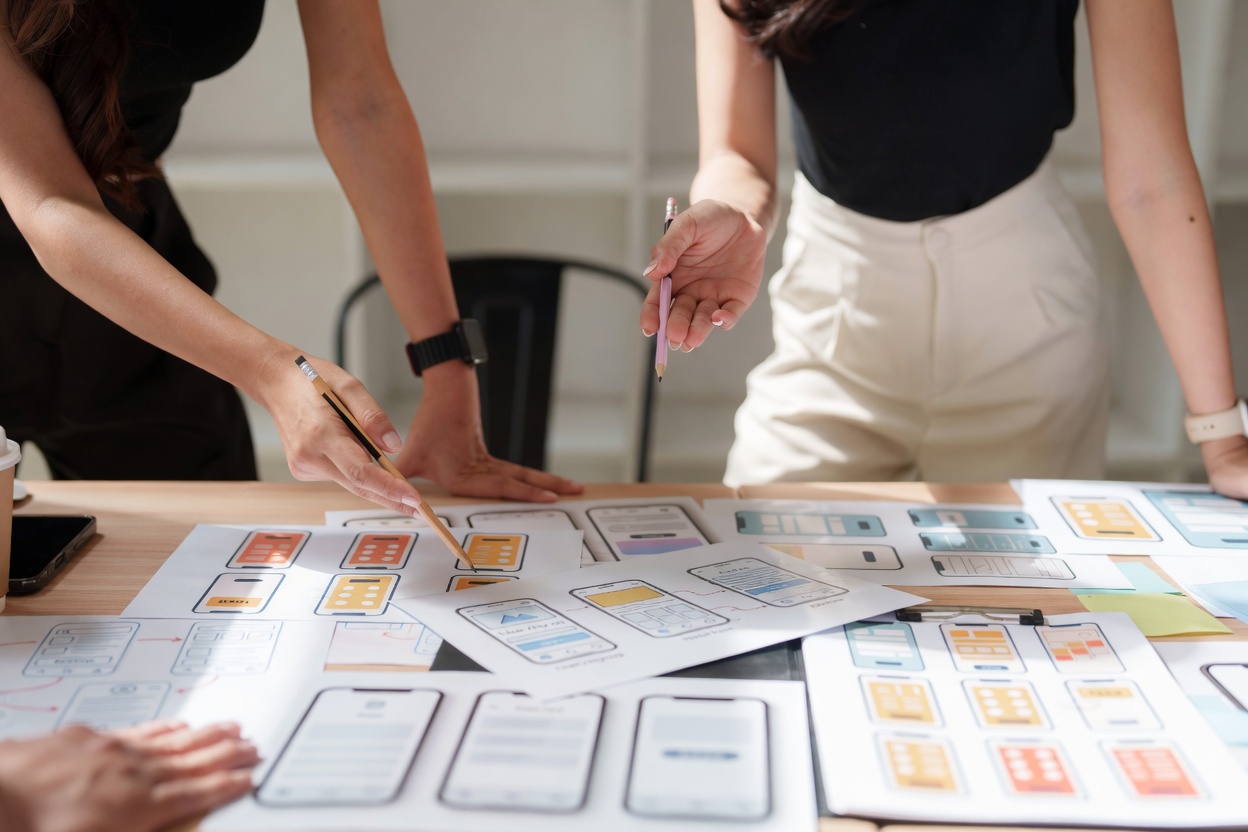 Use ImagineArt to create and test multiple UI versions quickly.
Use Google Stitch's Gemini Models on ImagineArt
Google Stitch builds the UI structure — layouts, connected screens, prototypes, and code — using Gemini 2.5. The next step is visual assets: hero images, product visuals, illustrations, and backgrounds that go inside those layouts.
ImagineArt gives you direct access to the same Gemini-family models. Use Imagen 4 for 2K photorealistic visuals. Use Nano Banana Pro for 4K image generation with fine style and character control. Use the AI Image Editor to match visuals precisely to your layout's color direction. All in one platform, at a fraction of what Google's paid tiers will cost.
Frequently Asked Questions
Google Stitch is an AI-powered UI design tool from Google Labs that converts text prompts, sketches, images, and voice input into complete interface layouts and exportable code. It removes the need to start from a blank canvas and generates usable screens in seconds.
Google Stitch takes a prompt, interprets the design intent using Gemini models, and generates structured UI layouts with connected screens. You can refine the output, turn it into a clickable prototype, and export both design and code from the same workspace.
Google Stitch runs on Gemini models. Gemini Flash focuses on fast layout generation, while Gemini Pro handles higher-quality outputs and more complex design tasks. These models enable both speed and precision within the same workflow.
Yes. Google Stitch can generate up to five connected screens from a single prompt and automatically map the user flow between them. This allows you to create complete product journeys instead of isolated screens.
Yes. Google Stitch turns generated screens into interactive prototypes instantly. You can click through flows, test navigation, and share a working experience without using a separate prototyping tool.
Yes. Google Stitch exports clean HTML, CSS, Tailwind, and React code along with your UI designs. This allows developers to take the output forward without rebuilding the interface from scratch.
Yes. Google Stitch is free as of 2026 through Google Labs with monthly generation limits. Paid plans are expected as the product moves out of the experimental phase.
Vibe design allows you to describe a feeling, goal, or direction instead of a structured layout. Google Stitch generates multiple UI directions based on that intent, helping you explore ideas before committing to a specific design.
Yes. Google Stitch removes the need for advanced design skills by generating layouts automatically from simple prompts. Beginners can create usable interfaces without learning complex design tools.
Google Stitch focuses on generating UI layouts quickly from prompts, while Figma focuses on detailed design, collaboration, and production workflows. Most teams use Stitch for fast ideation and Figma for refinement and final delivery.
Umaima Shah
Umaima Shah is a creative content strategist specializing in AI tools, image generation, and emerging technologies. She focuses on translating complex platforms into clear, practical insights for creators, designers, and product teams