GPT Image 2 AI image generator
Now on ImagineArt
OpenAI's image model for layouts that carry real words.
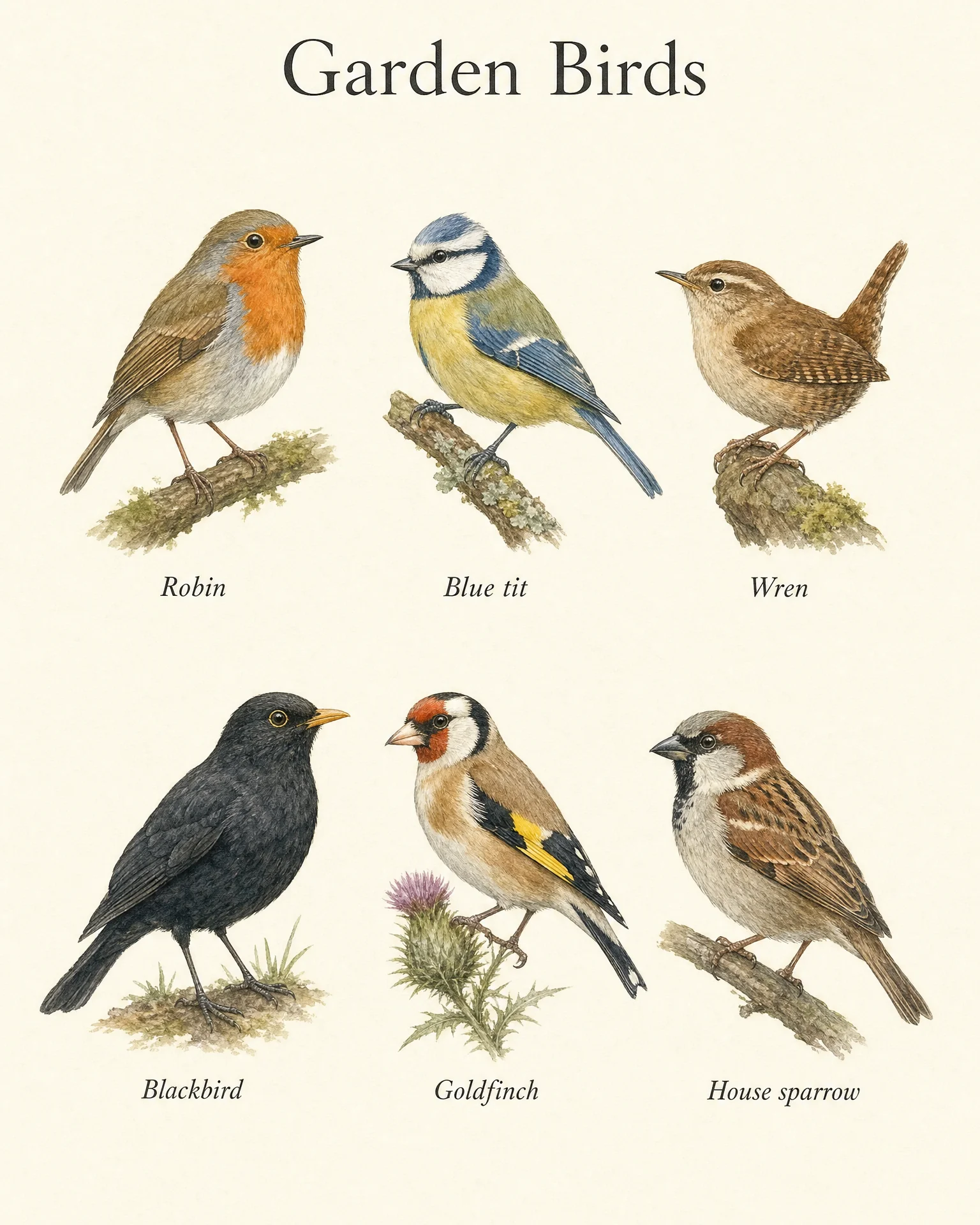
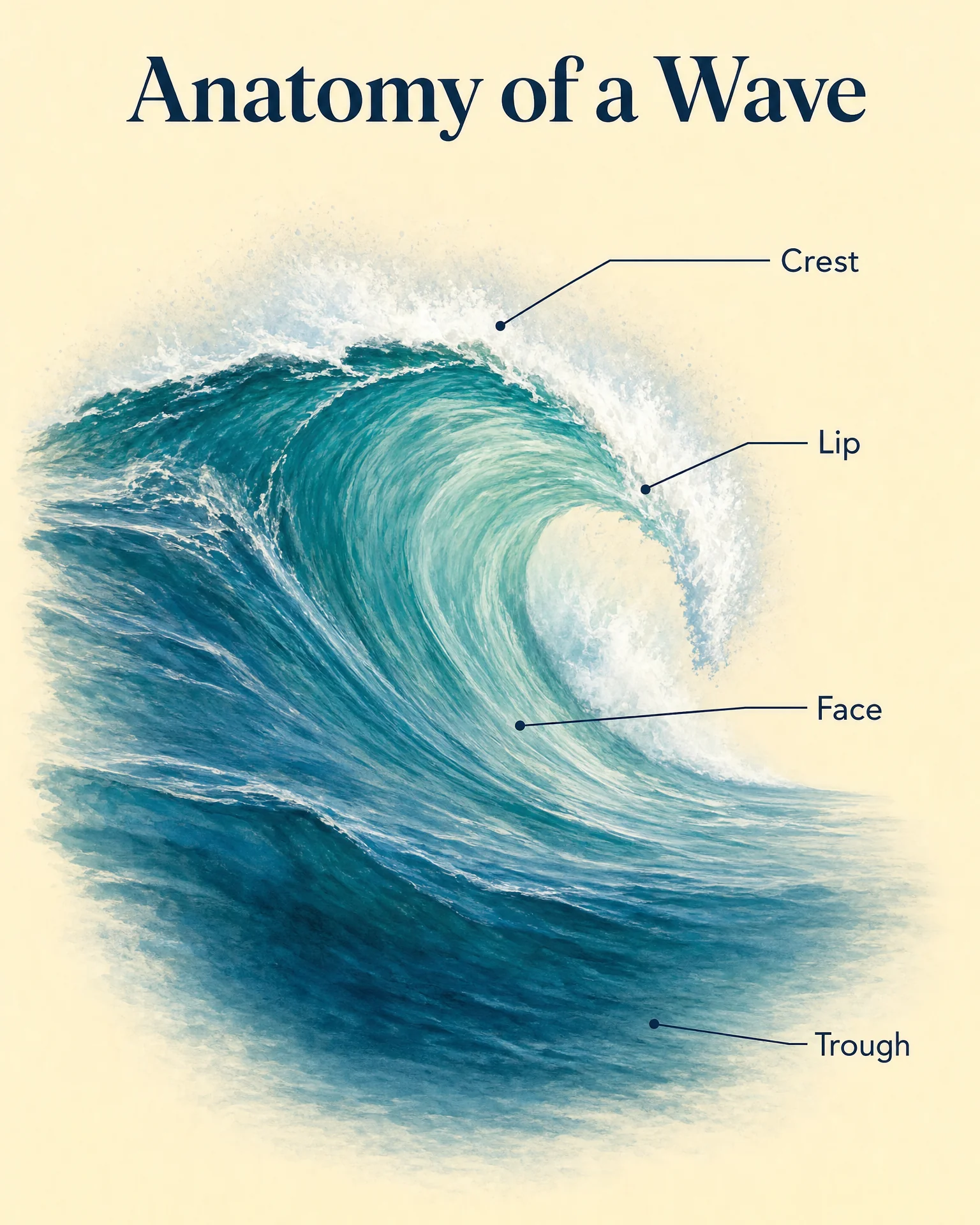
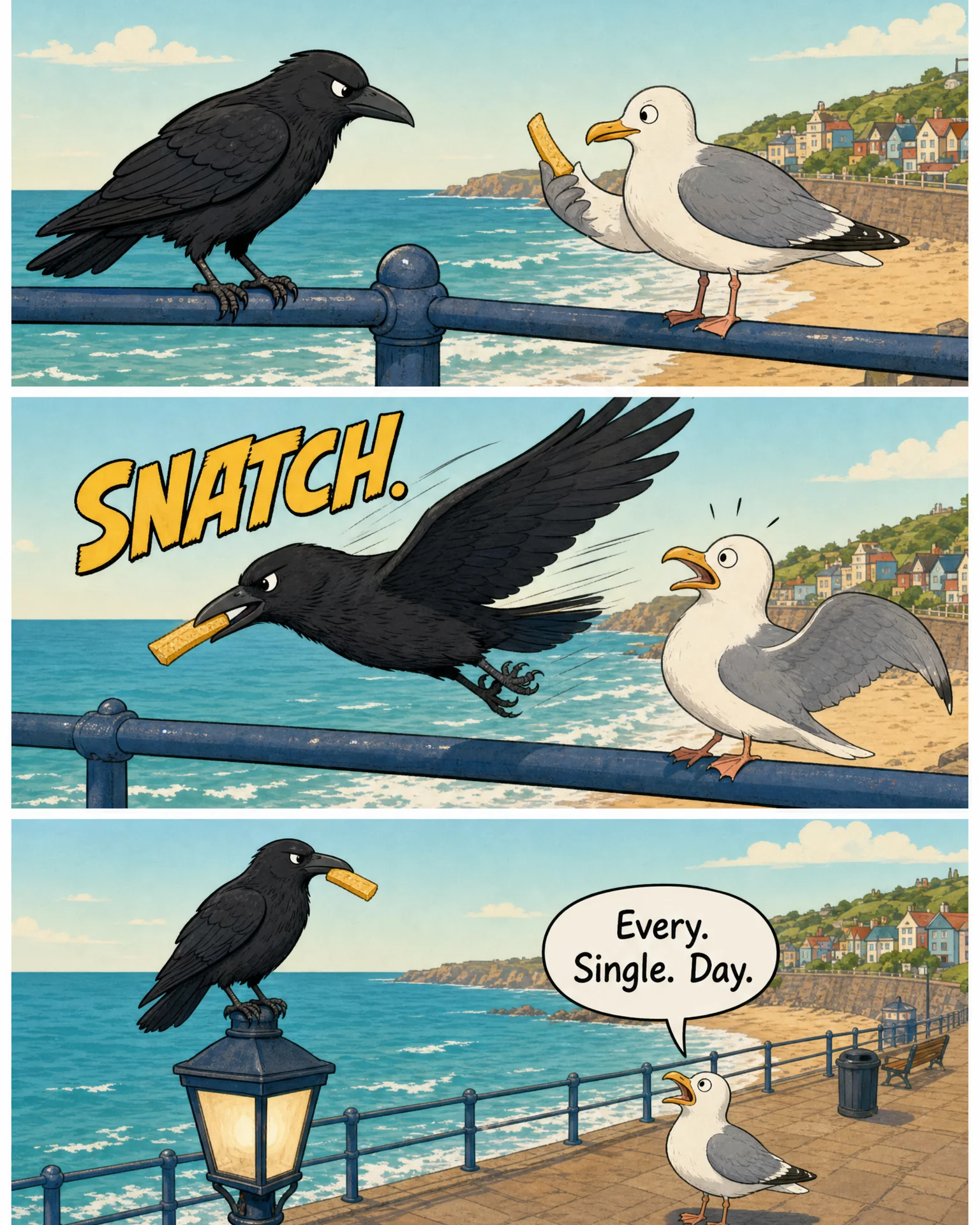
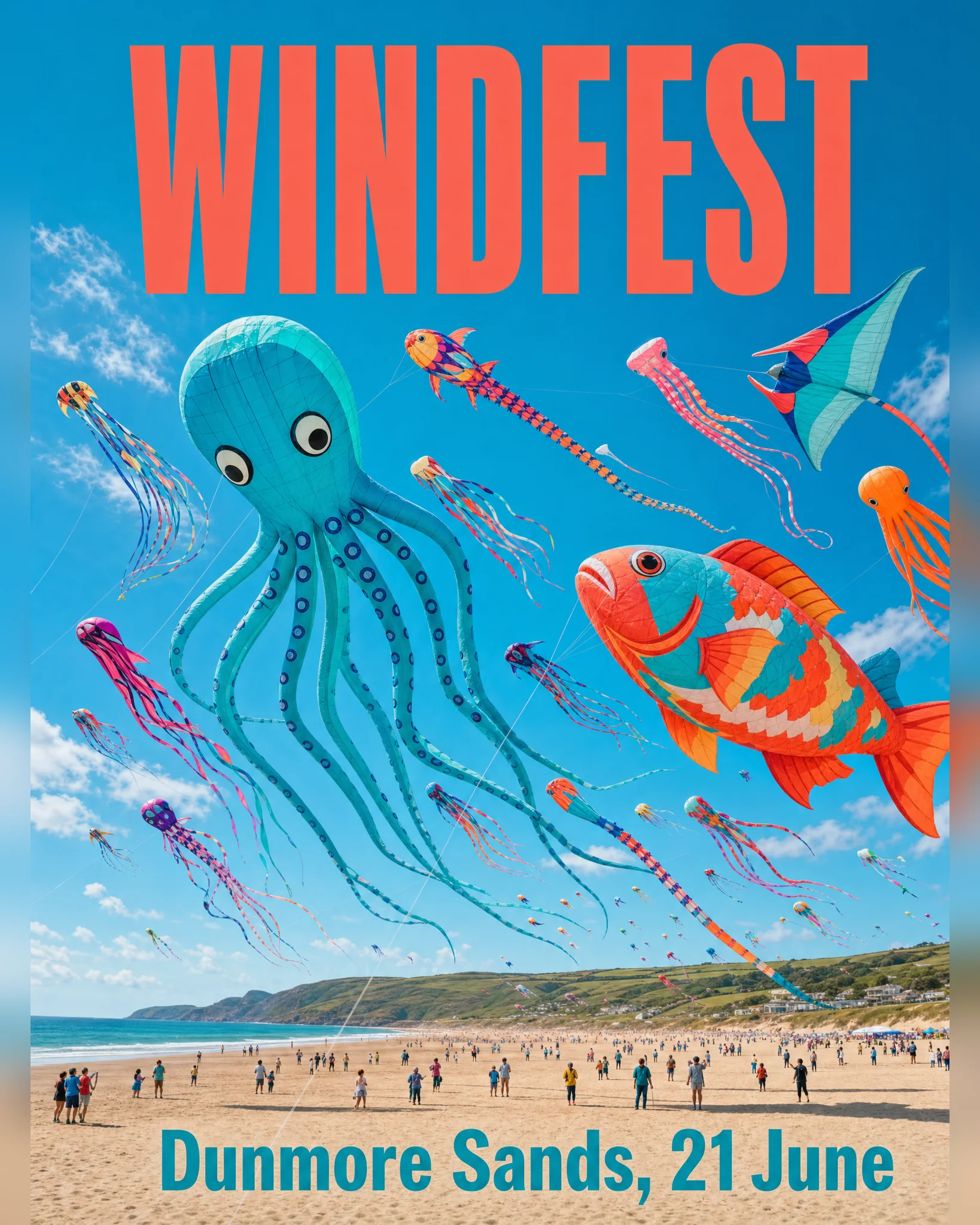
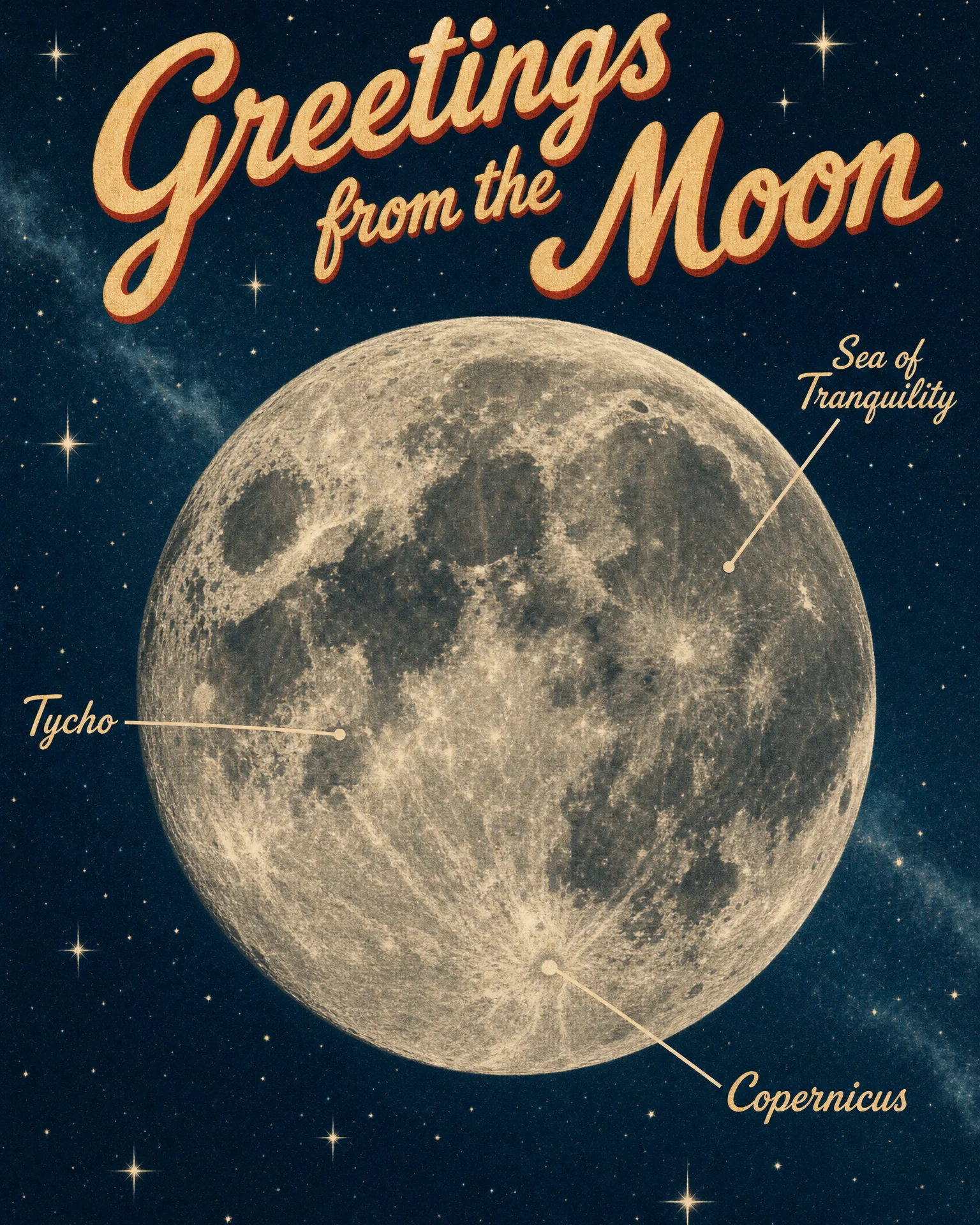
See GPT Image 2 in action
Prompts to try first
Real prompts, run through GPT Image 2. Copy one and swap in your own subject.
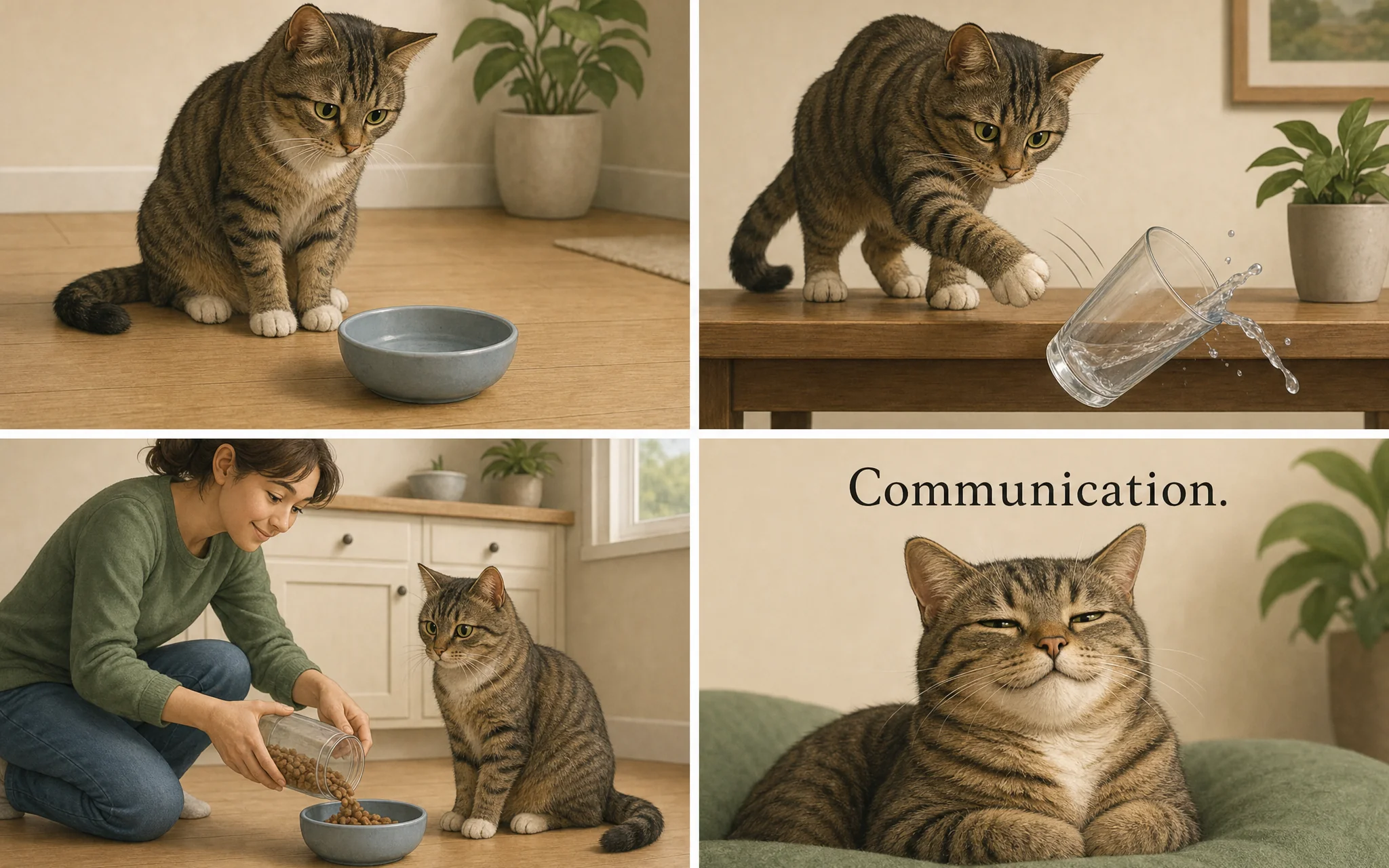
A four-panel comic strip. Panel one: a cat stares at an empty bowl. Panel two: it knocks a glass off the table. Panel three: the owner fills the bowl. Panel four: the cat, smug, with the caption "Communication."
Try prompt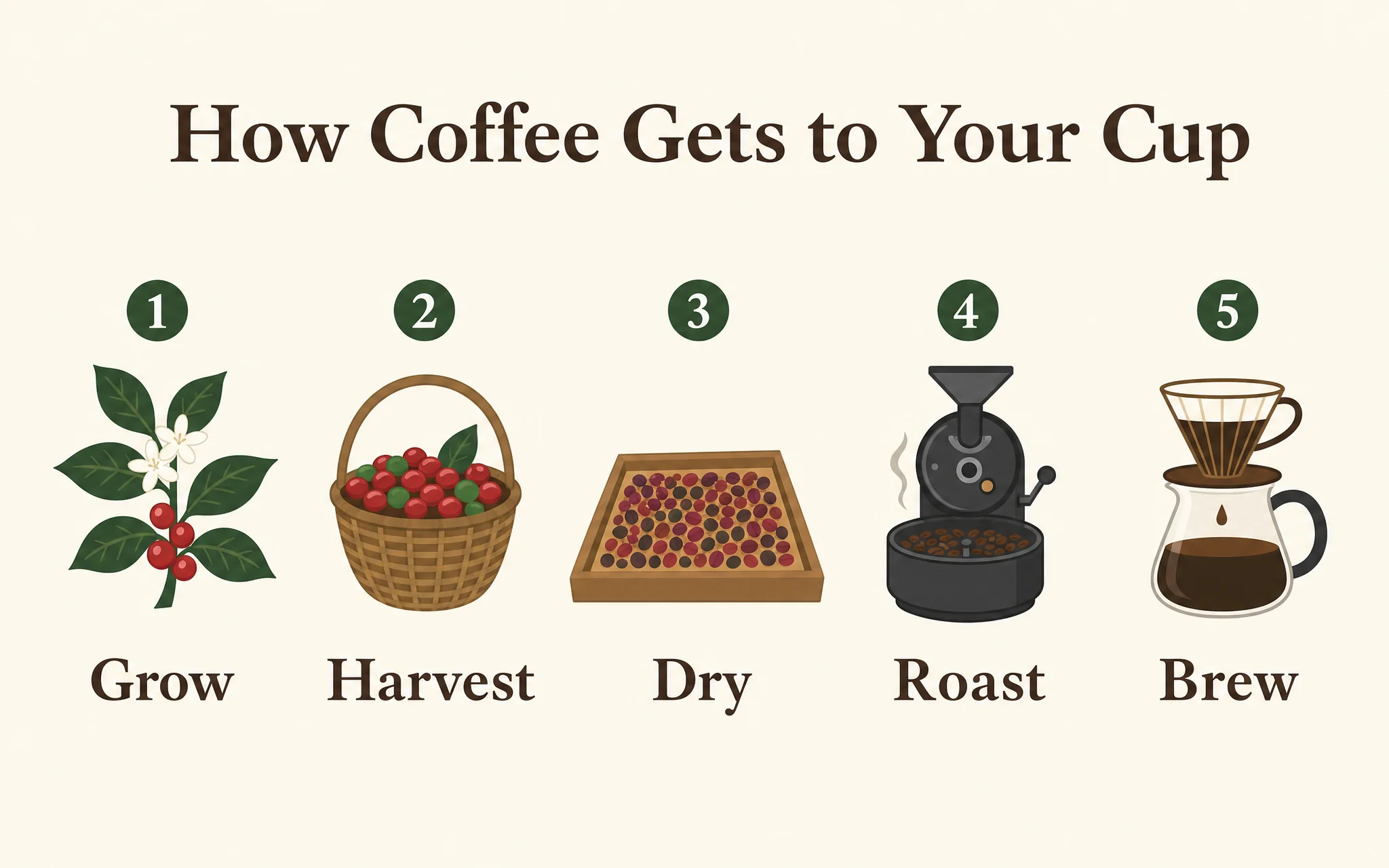
A clean infographic titled "How Coffee Gets to Your Cup" with five numbered steps: Grow, Harvest, Dry, Roast, Brew. One flat icon per step on a cream background.
Try prompt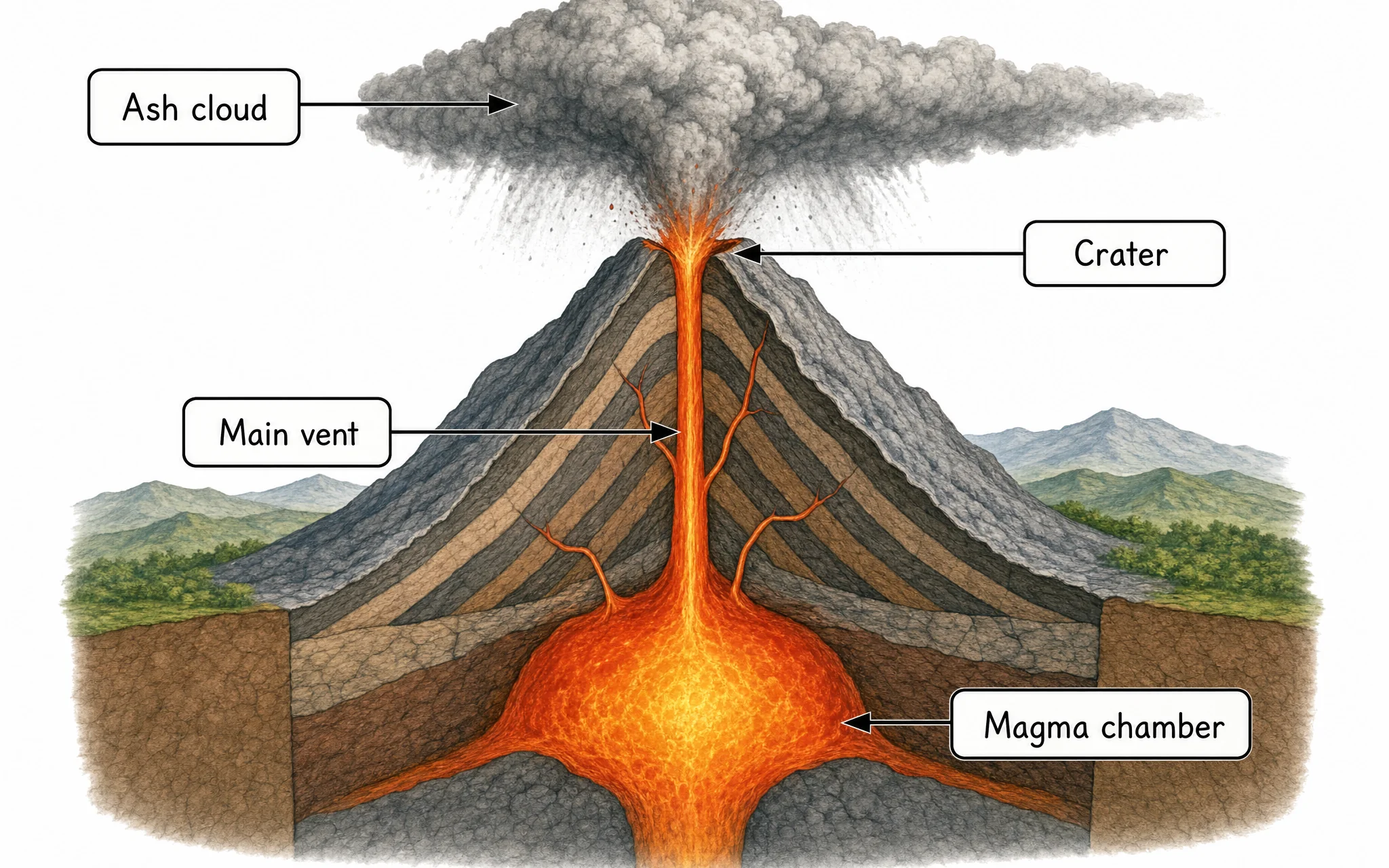
A labeled cross-section diagram of a volcano, with arrows and labels for "Magma chamber", "Main vent", "Crater" and "Ash cloud". Textbook illustration style.
Try prompt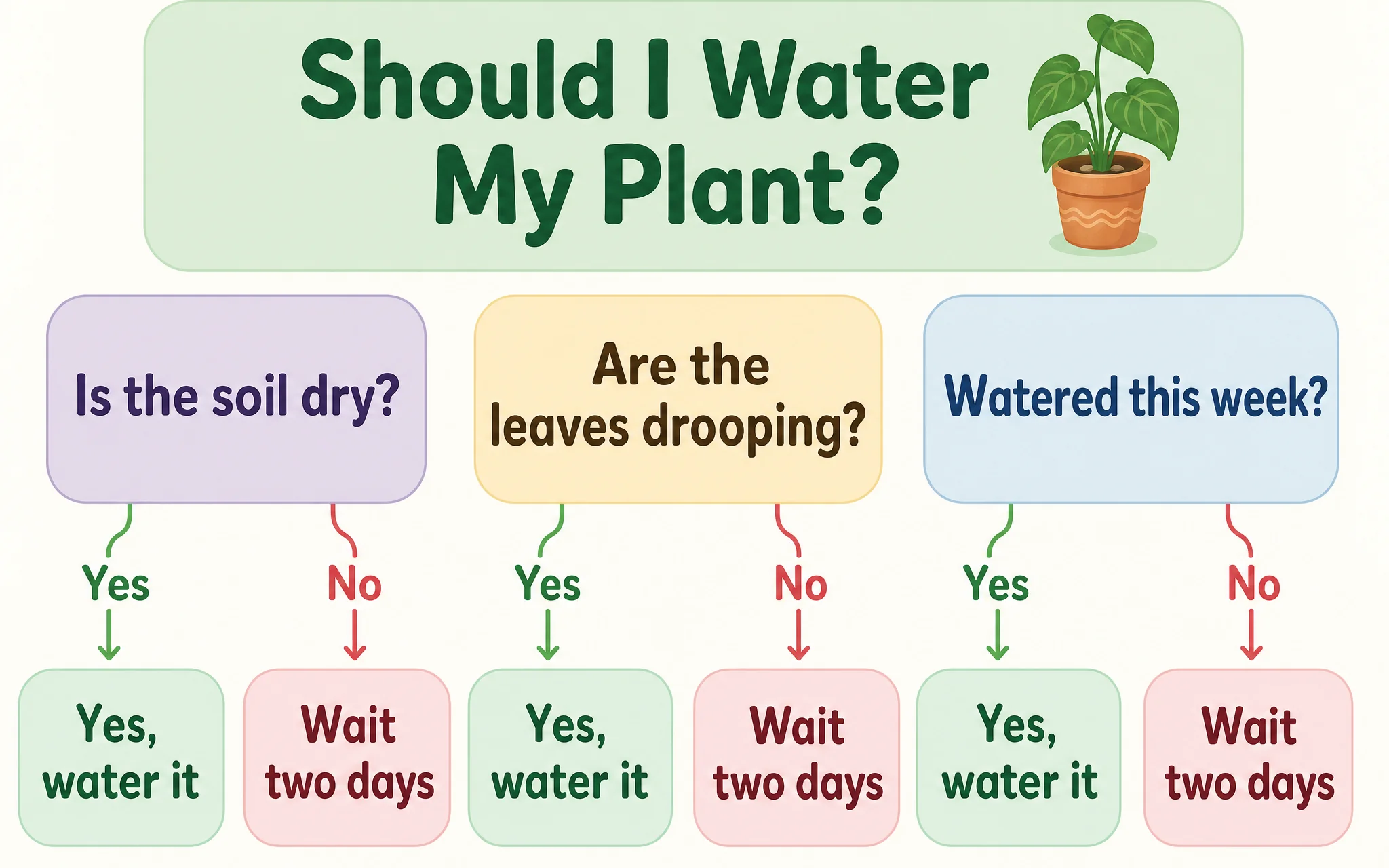
A flowchart titled "Should I Water My Plant?" with three yes or no questions leading to "Yes, water it" or "Wait two days". Rounded boxes, pastel colors.
Try prompt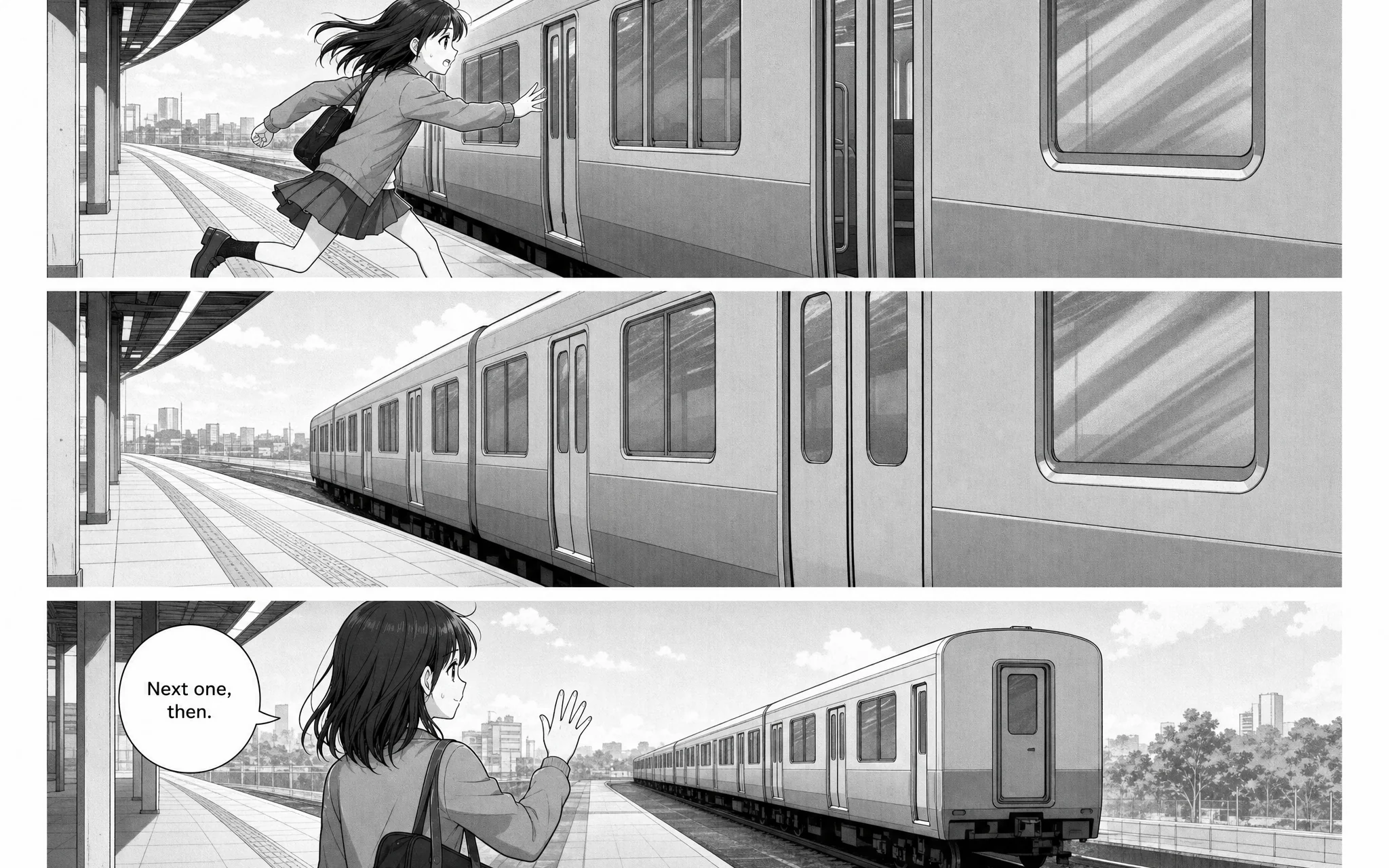
A manga-style page with three panels: a girl runs for a train, the doors close, she waves from the platform. Speech bubble in panel three: "Next one, then."
Try prompt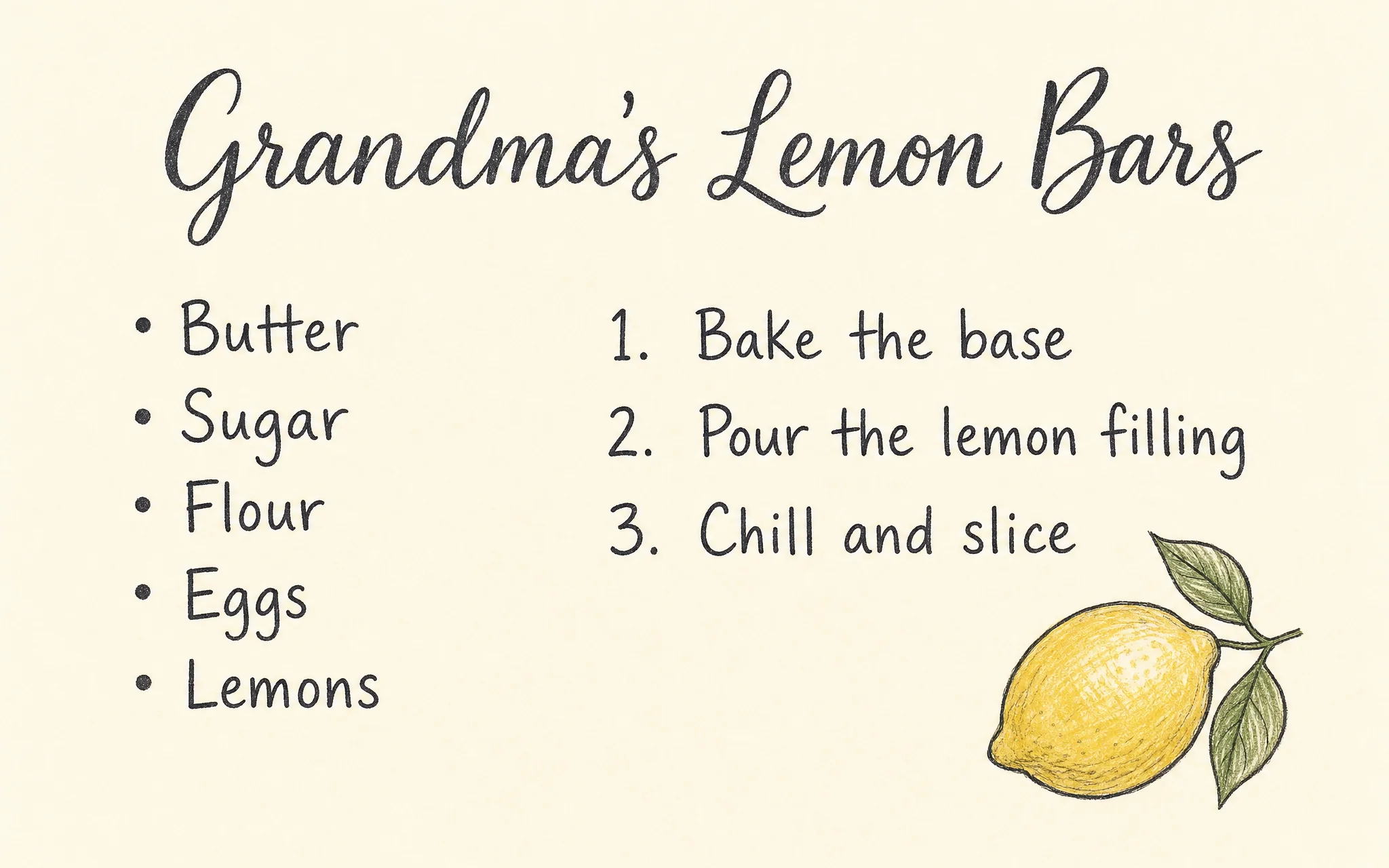
A recipe card for "Grandma's Lemon Bars" with a hand-lettered title, an ingredients list on the left, three numbered steps on the right and a lemon sketch in the corner.
Try prompt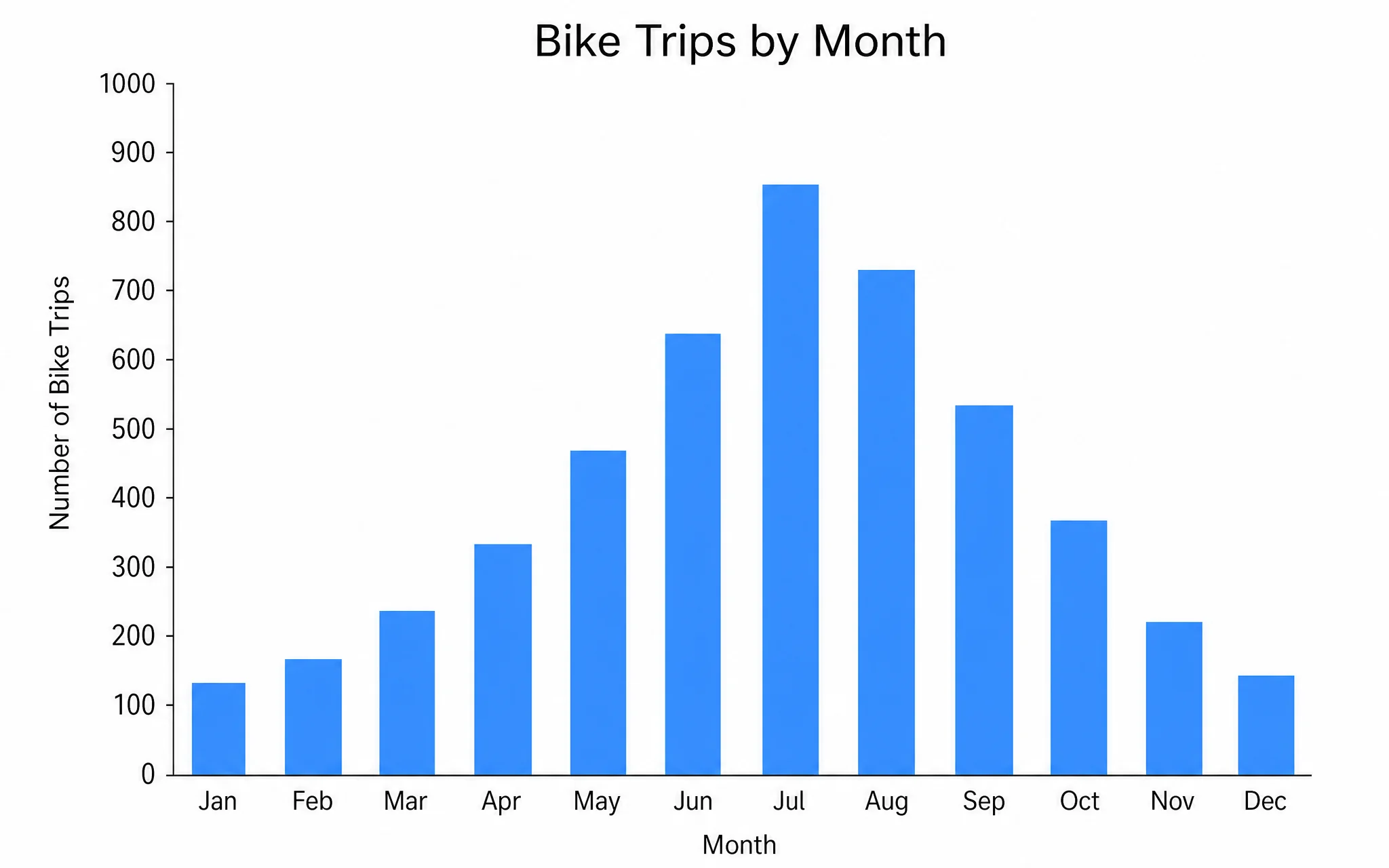
A bar chart titled "Bike Trips by Month" with twelve bars from January to December, rising through spring and peaking in July. Minimal style, axis labels visible.
Try prompt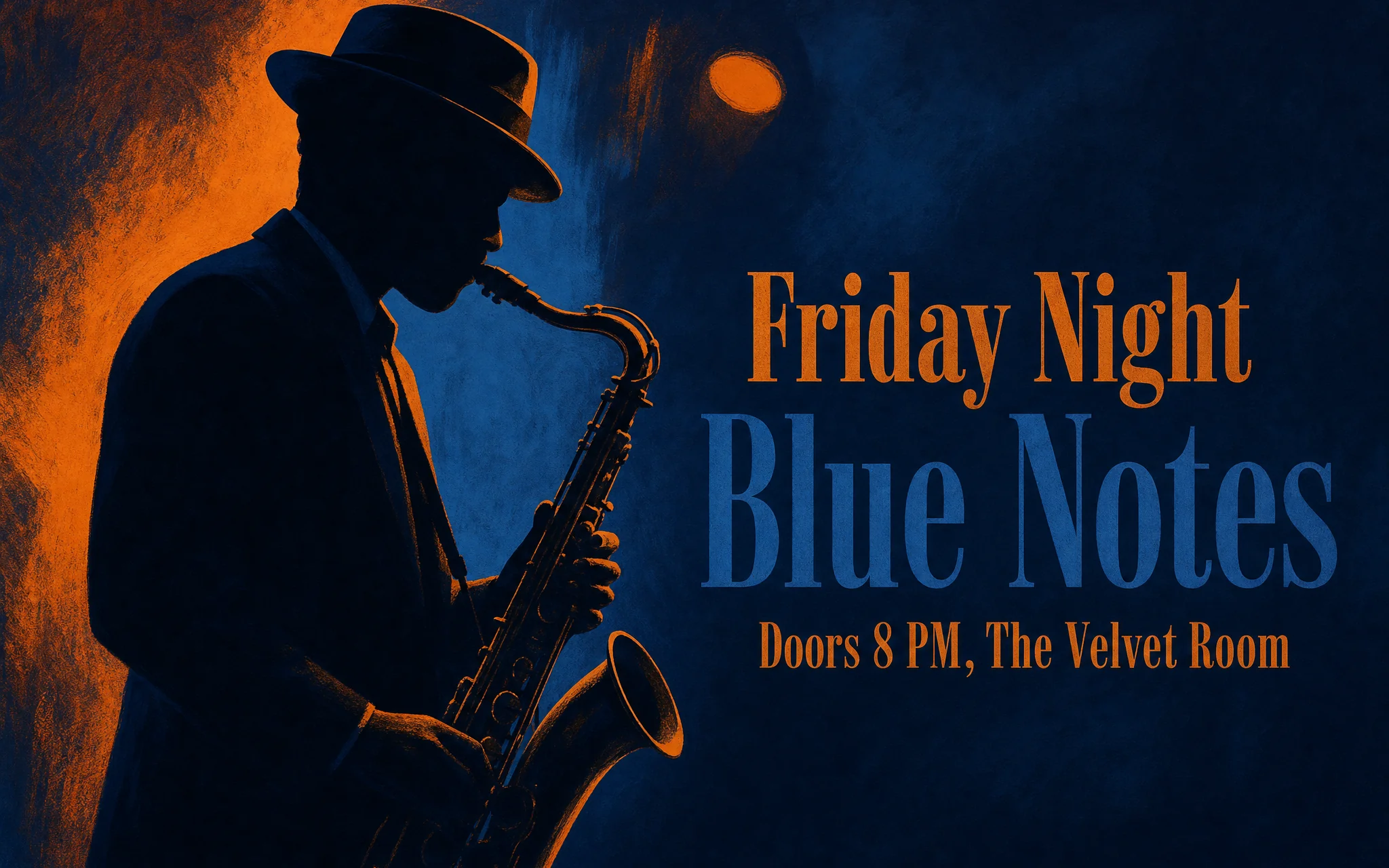
A gig poster for a jazz night: a silhouette of a saxophonist in deep blue and orange. Text reads "Friday Night Blue Notes" and below it "Doors 8 PM, The Velvet Room".
Try promptA four-panel comic strip. Panel one: a cat stares at an empty bowl. Panel two: it knocks a glass off the table. Panel three: the owner fills the bowl. Panel four: the cat, smug, with the caption "Communication."
Try promptA clean infographic titled "How Coffee Gets to Your Cup" with five numbered steps: Grow, Harvest, Dry, Roast, Brew. One flat icon per step on a cream background.
Try promptA labeled cross-section diagram of a volcano, with arrows and labels for "Magma chamber", "Main vent", "Crater" and "Ash cloud". Textbook illustration style.
Try promptA flowchart titled "Should I Water My Plant?" with three yes or no questions leading to "Yes, water it" or "Wait two days". Rounded boxes, pastel colors.
Try promptA manga-style page with three panels: a girl runs for a train, the doors close, she waves from the platform. Speech bubble in panel three: "Next one, then."
Try promptA recipe card for "Grandma's Lemon Bars" with a hand-lettered title, an ingredients list on the left, three numbered steps on the right and a lemon sketch in the corner.
Try promptA bar chart titled "Bike Trips by Month" with twelve bars from January to December, rising through spring and peaking in July. Minimal style, axis labels visible.
Try promptA gig poster for a jazz night: a silhouette of a saxophonist in deep blue and orange. Text reads "Friday Night Blue Notes" and below it "Doors 8 PM, The Velvet Room".
Try promptA four-panel comic strip. Panel one: a cat stares at an empty bowl. Panel two: it knocks a glass off the table. Panel three: the owner fills the bowl. Panel four: the cat, smug, with the caption "Communication."
Try promptA clean infographic titled "How Coffee Gets to Your Cup" with five numbered steps: Grow, Harvest, Dry, Roast, Brew. One flat icon per step on a cream background.
Try promptA labeled cross-section diagram of a volcano, with arrows and labels for "Magma chamber", "Main vent", "Crater" and "Ash cloud". Textbook illustration style.
Try prompt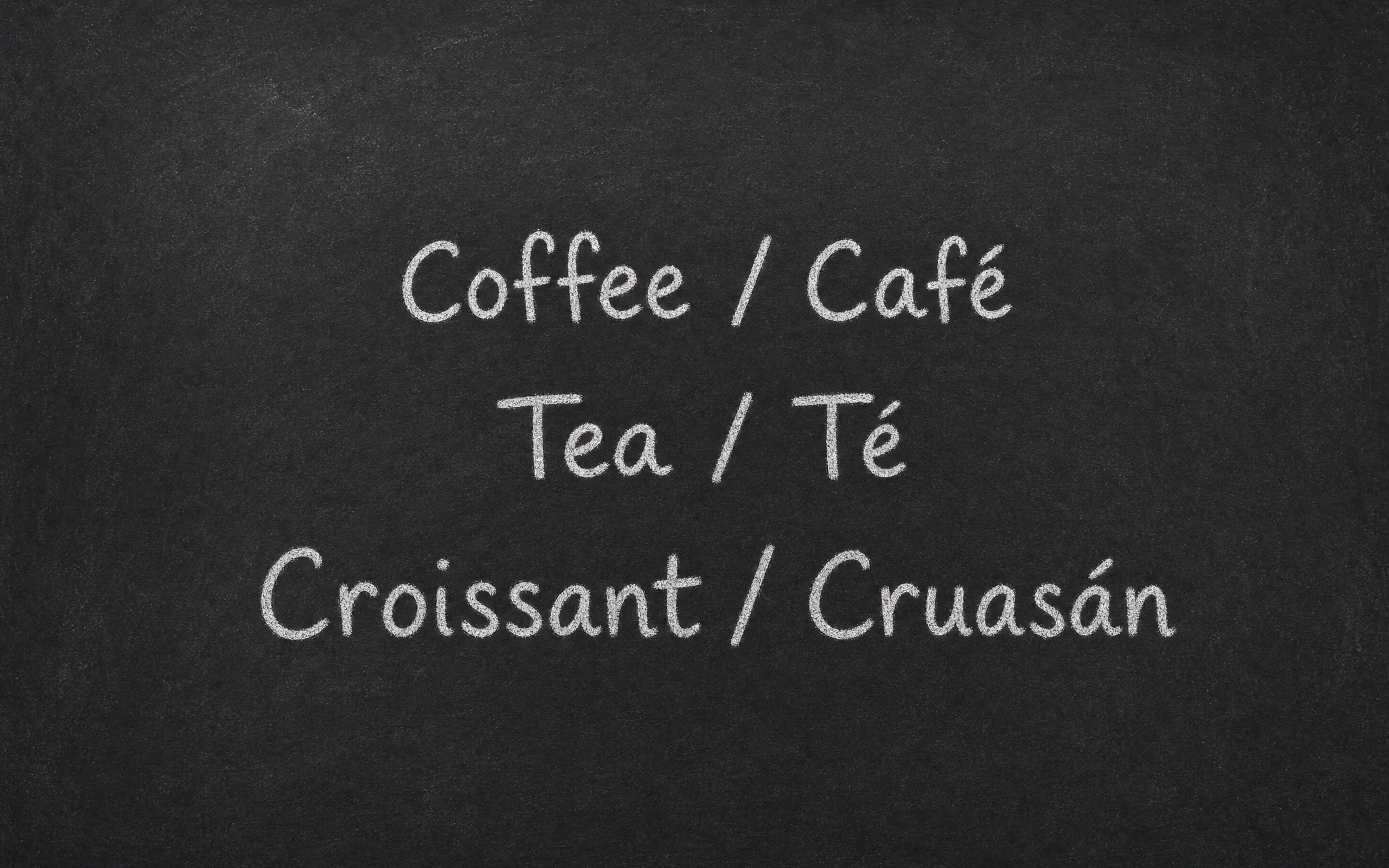
A bilingual café menu board in English and Spanish, chalk on black slate: "Coffee / Café", "Tea / Té", "Croissant / Cruasán".
Try promptA gig poster for a jazz night: a silhouette of a saxophonist in deep blue and orange. Text reads "Friday Night Blue Notes" and below it "Doors 8 PM, The Velvet Room".
Try promptA bar chart titled "Bike Trips by Month" with twelve bars from January to December, rising through spring and peaking in July. Minimal style, axis labels visible.
Try promptA recipe card for "Grandma's Lemon Bars" with a hand-lettered title, an ingredients list on the left, three numbered steps on the right and a lemon sketch in the corner.
Try promptA manga-style page with three panels: a girl runs for a train, the doors close, she waves from the platform. Speech bubble in panel three: "Next one, then."
Try promptA flowchart titled "Should I Water My Plant?" with three yes or no questions leading to "Yes, water it" or "Wait two days". Rounded boxes, pastel colors.
Try promptA four-panel comic strip. Panel one: a cat stares at an empty bowl. Panel two: it knocks a glass off the table. Panel three: the owner fills the bowl. Panel four: the cat, smug, with the caption "Communication."
Try promptA clean infographic titled "How Coffee Gets to Your Cup" with five numbered steps: Grow, Harvest, Dry, Roast, Brew. One flat icon per step on a cream background.
Try promptA labeled cross-section diagram of a volcano, with arrows and labels for "Magma chamber", "Main vent", "Crater" and "Ash cloud". Textbook illustration style.
Try promptA bilingual café menu board in English and Spanish, chalk on black slate: "Coffee / Café", "Tea / Té", "Croissant / Cruasán".
Try promptA gig poster for a jazz night: a silhouette of a saxophonist in deep blue and orange. Text reads "Friday Night Blue Notes" and below it "Doors 8 PM, The Velvet Room".
Try promptA bar chart titled "Bike Trips by Month" with twelve bars from January to December, rising through spring and peaking in July. Minimal style, axis labels visible.
Try promptA recipe card for "Grandma's Lemon Bars" with a hand-lettered title, an ingredients list on the left, three numbered steps on the right and a lemon sketch in the corner.
Try promptA manga-style page with three panels: a girl runs for a train, the doors close, she waves from the platform. Speech bubble in panel three: "Next one, then."
Try promptA flowchart titled "Should I Water My Plant?" with three yes or no questions leading to "Yes, water it" or "Wait two days". Rounded boxes, pastel colors.
Try prompt
Try GPT Image 2 on ImagineArt
Make posters, infographics, charts and comics with GPT Image 2 on ImagineArt, OpenAI's April 2026 image model, with the exact words you choose.
Step 1
Choose GPT Image 2 in the image tool and start with the words.
Step 2
Write the layout. Describe the design, then put every headline and label in quotation marks.
Step 3
Set the output. Pick an aspect ratio, a resolution and low, medium or high quality.
Step 4
Check the text. Read every word on the result, then adjust the prompt and run it again.
Diagrams, charts, posters and comics
Diagrams, infographics, charts, posters and comics are the layouts OpenAI names when it describes GPT Image 2's stronger structured generation. On ImagineArt a prompt can run to 10,000 characters, enough to spell out every panel and label.
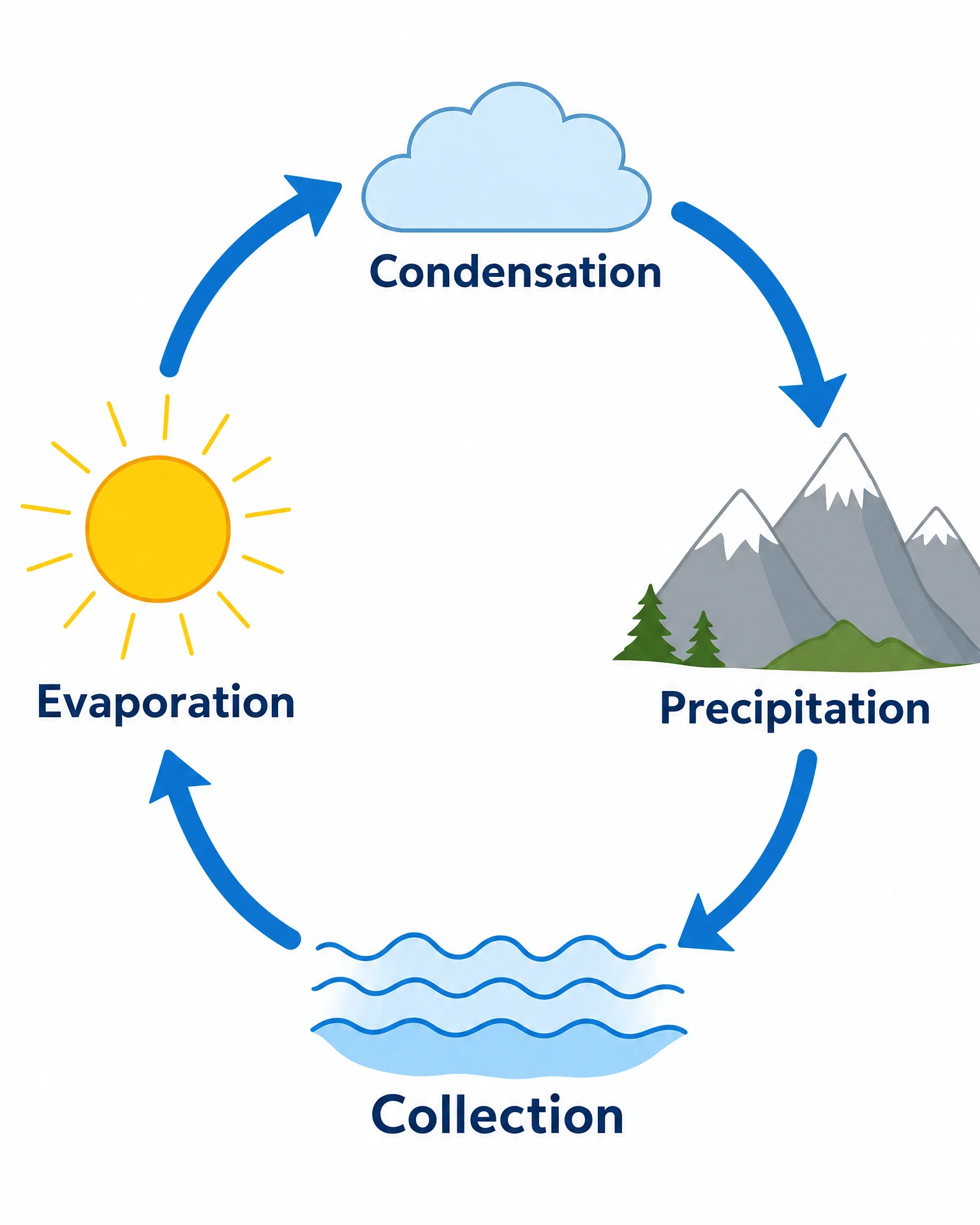
A labeled diagram of the water cycle with arrows for "Evaporation", "Condensation", "Precipitation" and "Collection", a sun on the left and mountains on the right, in a flat educational style.
Try prompt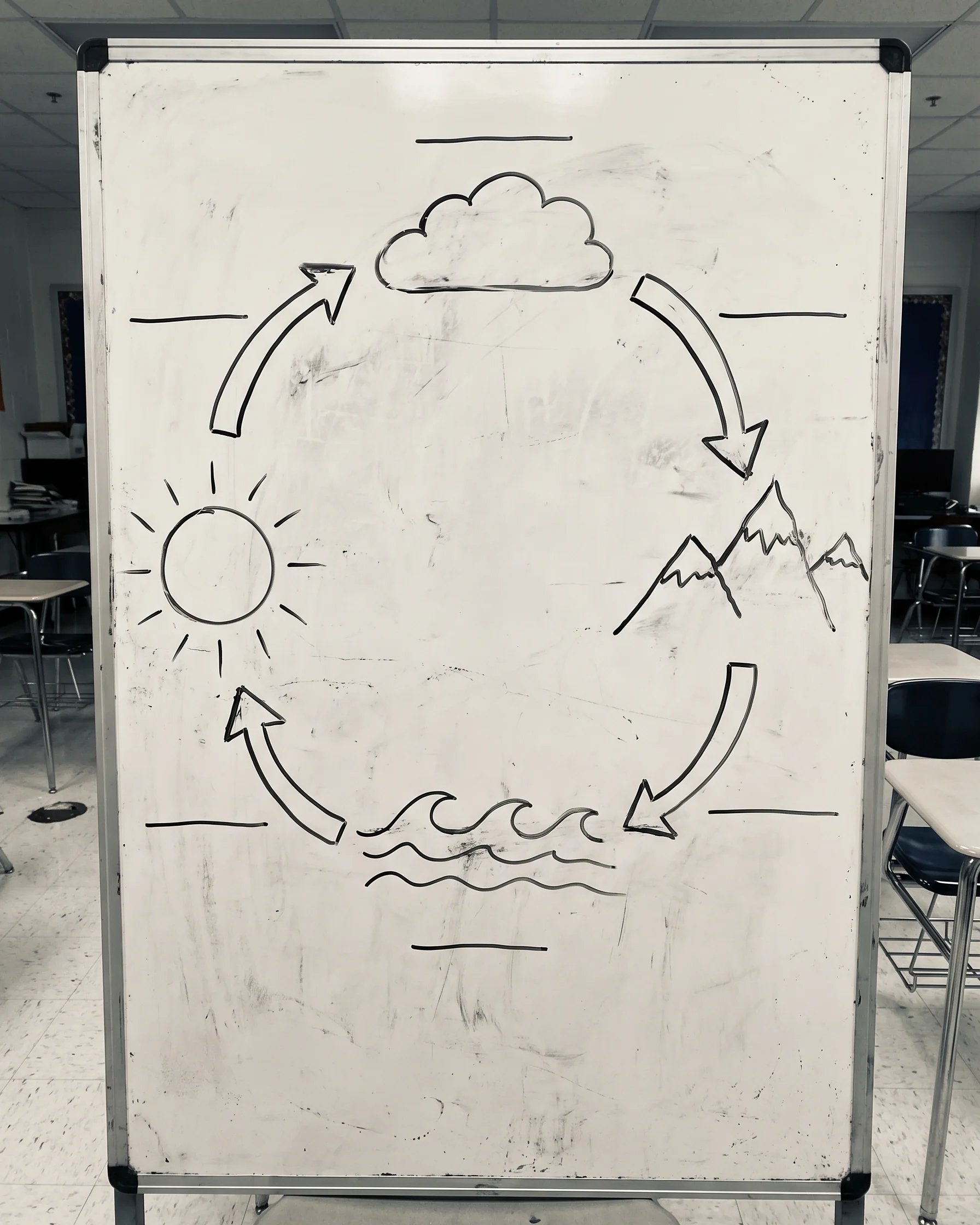
Words in more than one script
OpenAI lists improved multilingual text rendering for GPT Image 2, and its system card points to better results when generating "detail and complexity such as dense text". That makes bilingual signs, menus and packaging worth trying in a single pass.
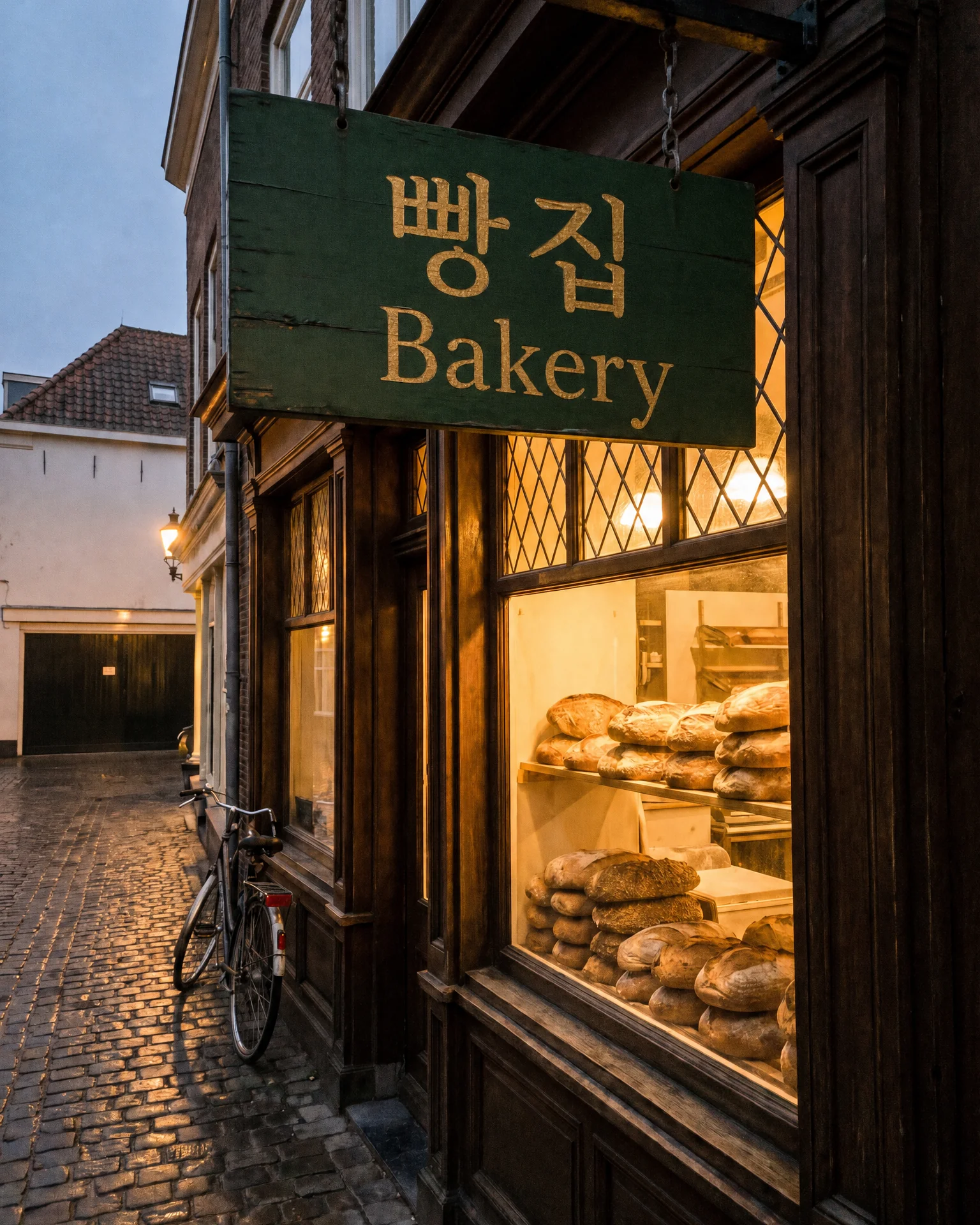
A shop front sign in Korean and English reading "빵집" and "Bakery" in matching gold letters on dark green wood, with loaves stacked in the window below and soft evening light.
Try prompt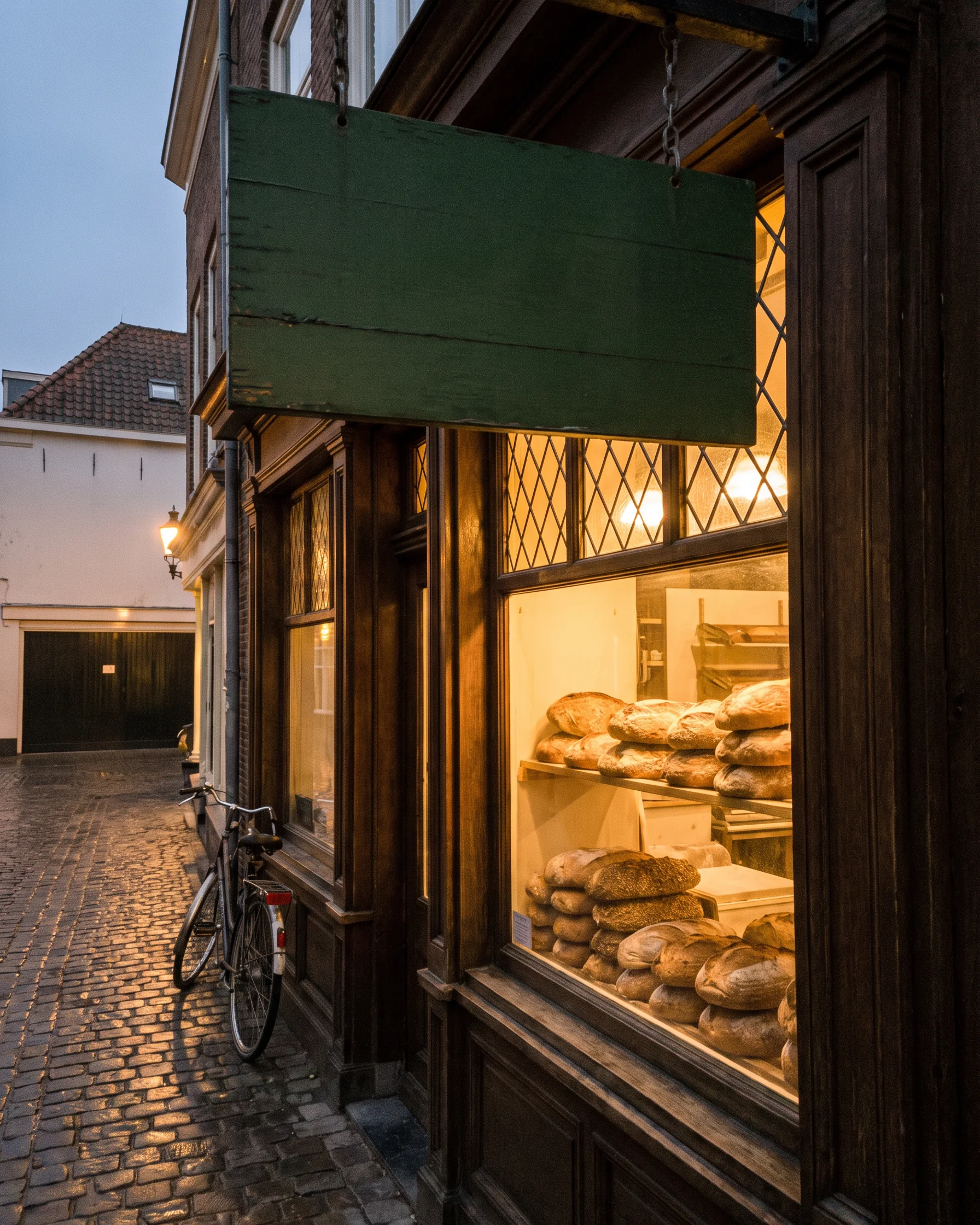
Draft low, finish high
On ImagineArt, GPT Image 2 gives you low, medium and high quality, 1K, 2K and 4K settings and seven aspect ratios up to 21:9. Run layout drafts at low quality, then switch to high for the final.
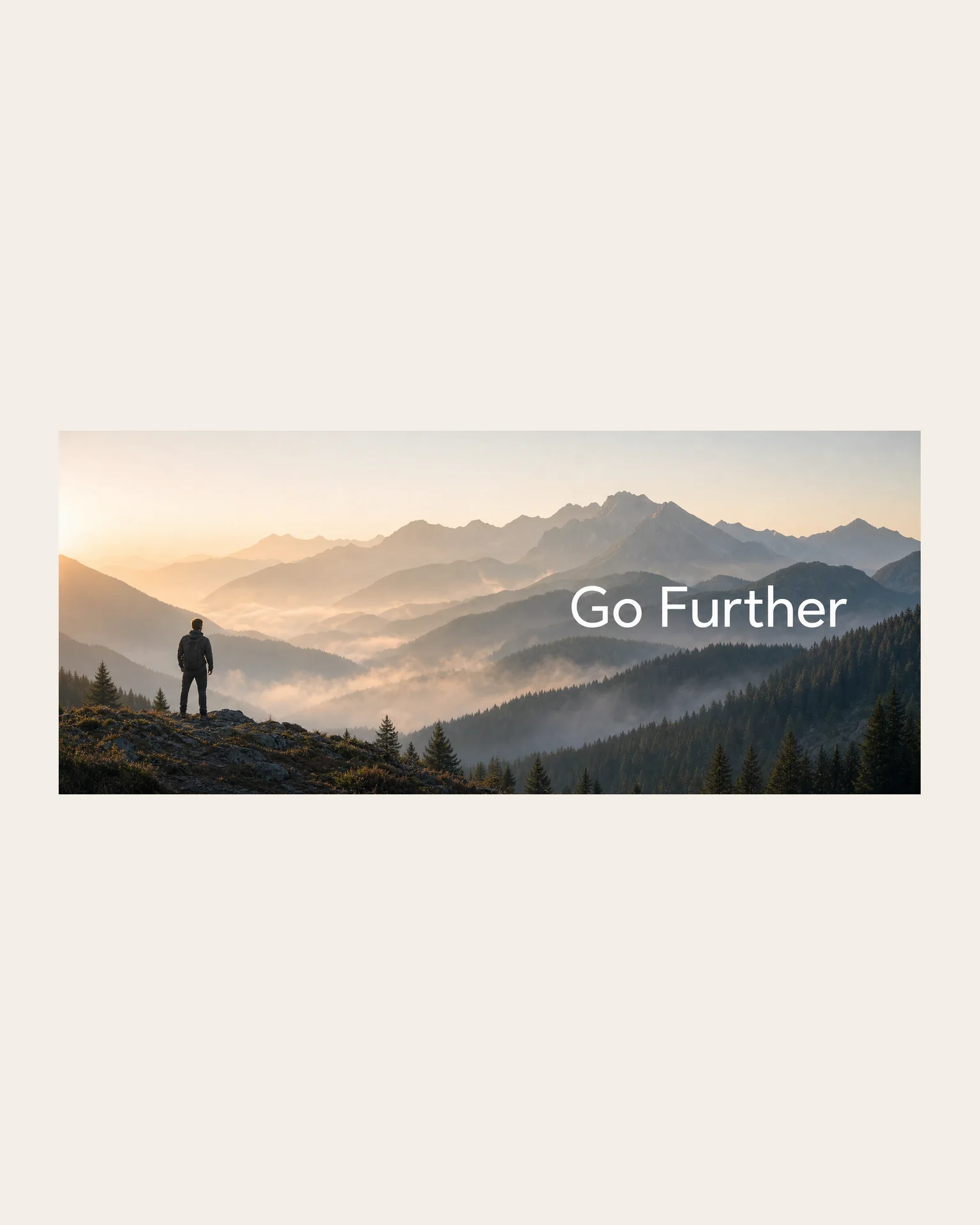
A 21:9 website hero banner for a hiking brand: misty pine ridges at sunrise, a lone hiker on the left third, and the headline "Go Further" in clean white sans serif on the right.
Try prompt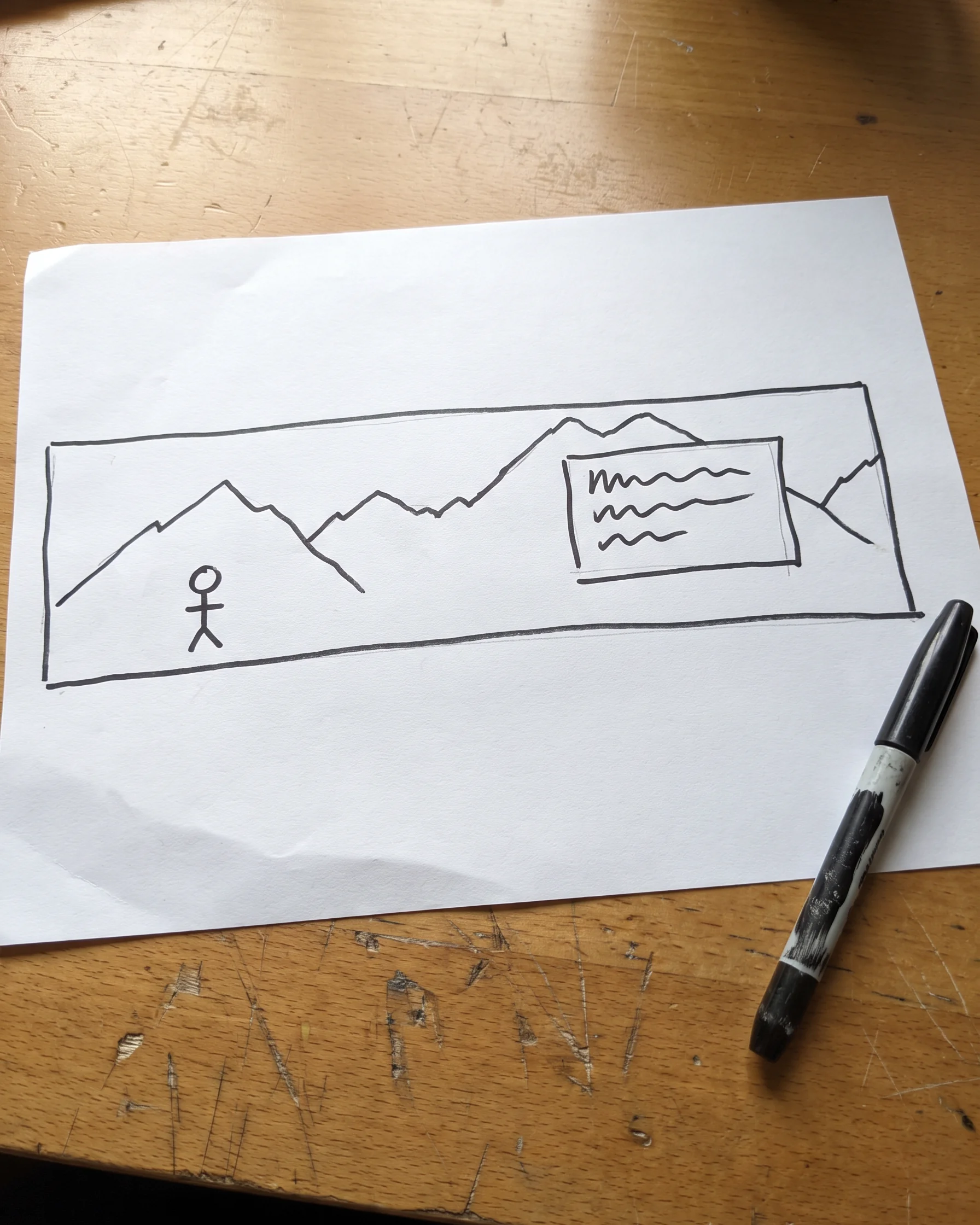
Edits that keep the rest
OpenAI says GPT Image 2 is more reliable at following instructions and preserving detail. In ImagineArt's Workflow, its edit mode takes up to 10 reference images, so you can name the one element to change and list what stays.
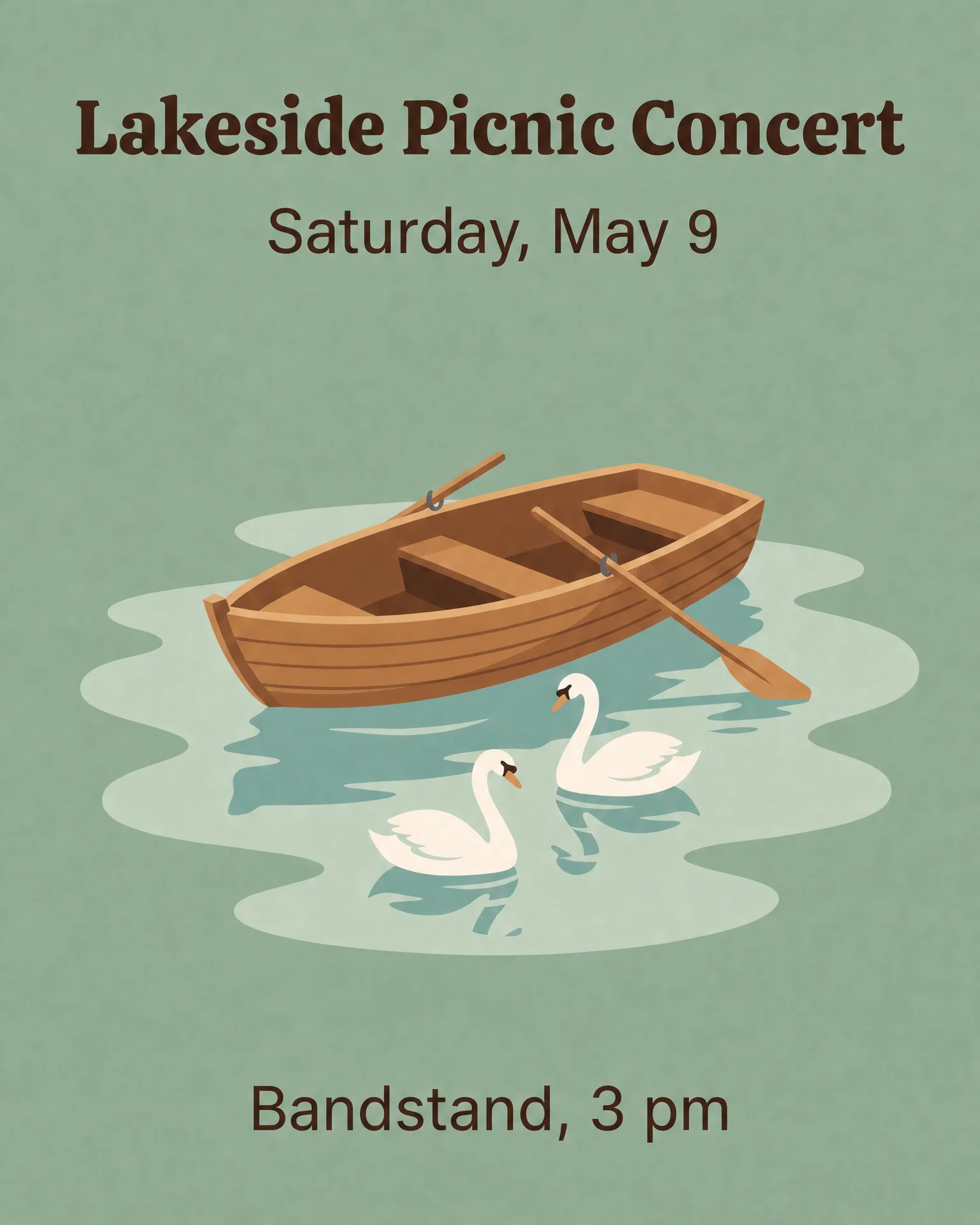
Edit this poster: change the date line to "Saturday, May 9" in the same font and color. Keep the illustration, the headline, the layout and the background exactly as they are.
Try prompt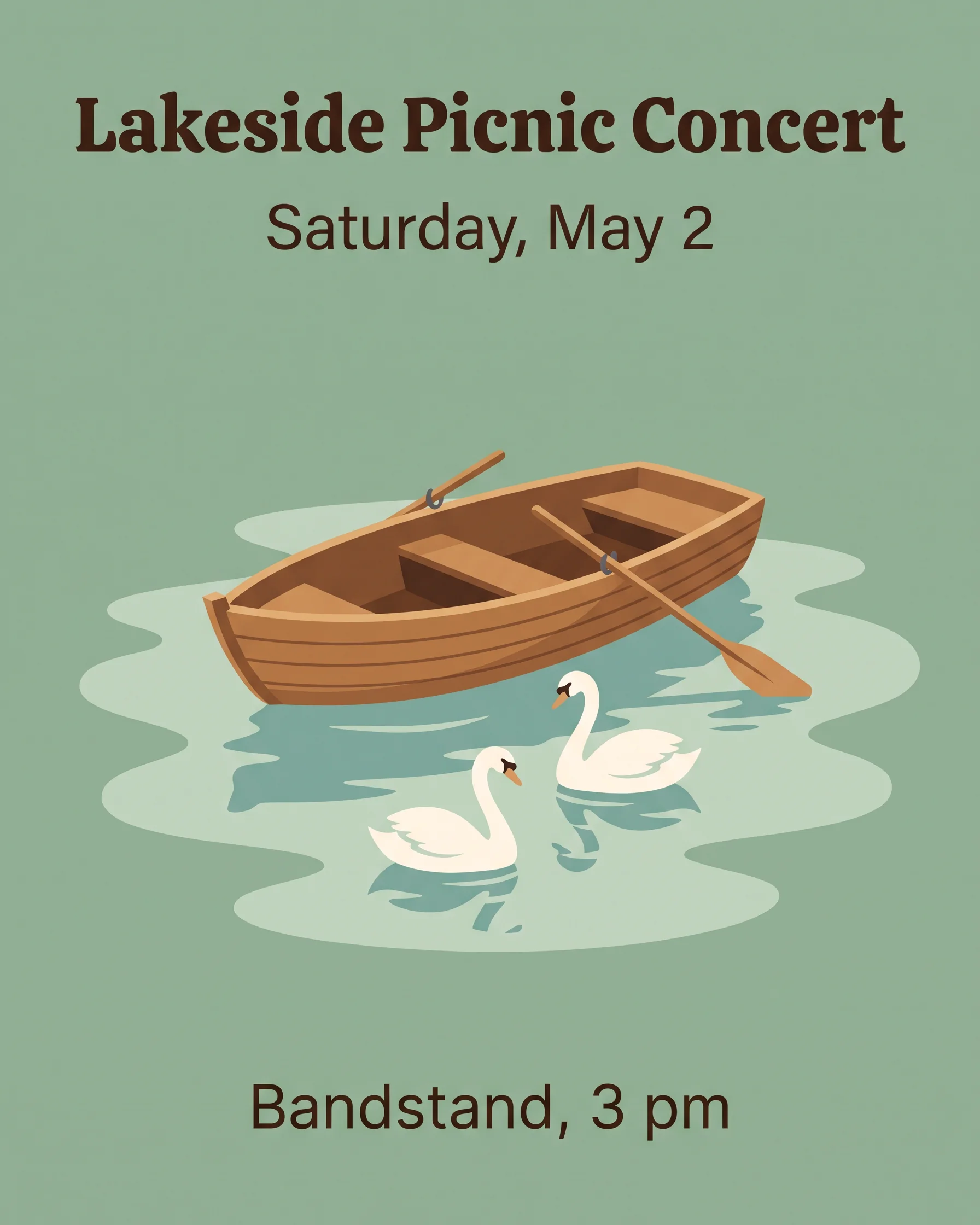
Make posters, infographics, charts and comics with GPT Image 2 on ImagineArt, OpenAI's April 2026 image model, with the exact words you choose.
Try GPT Image 2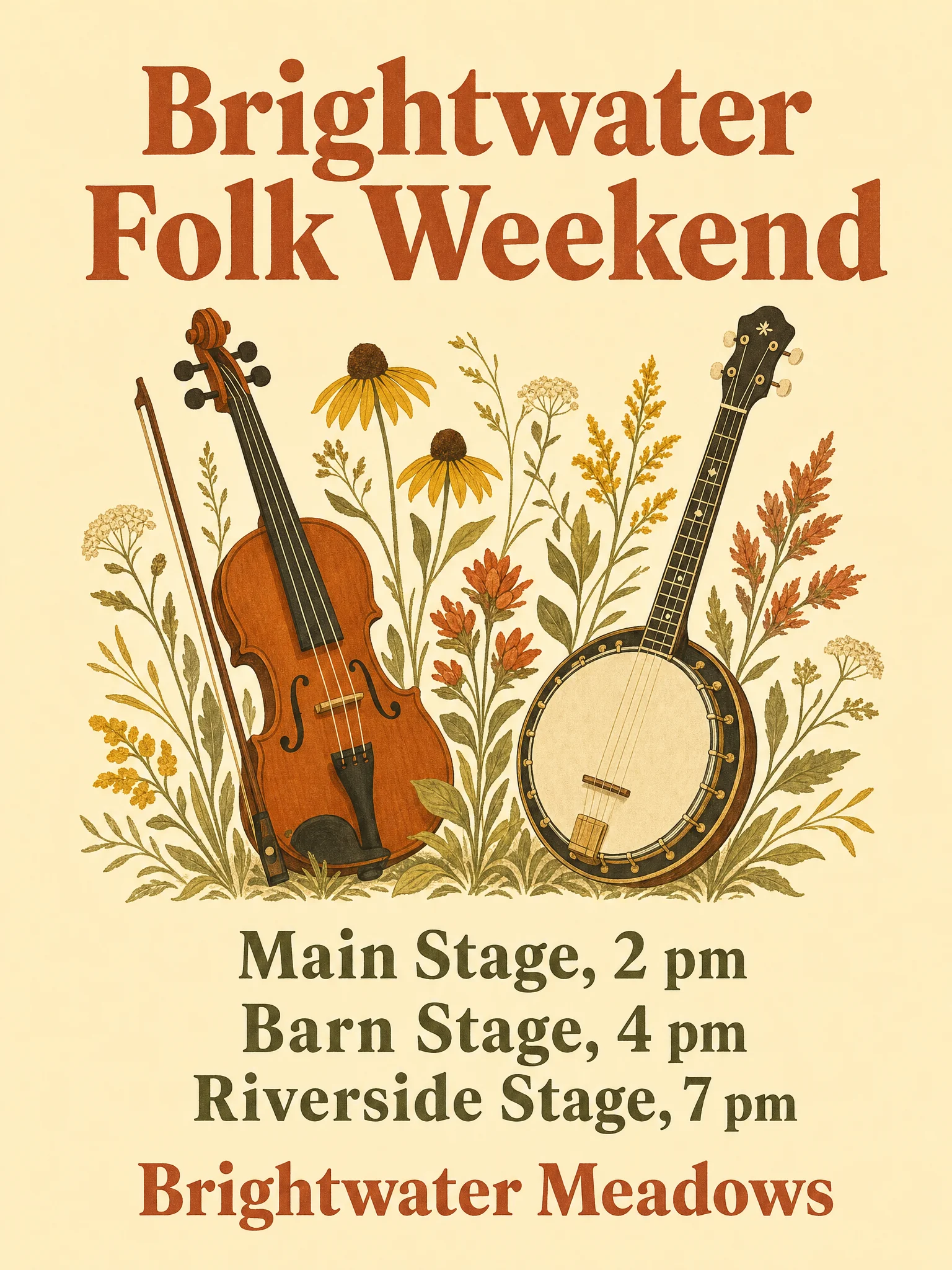
Event posters with the whole schedule
A community festival organizer can produce a poster with the headline, three stage times and a venue line written into the prompt, then print it once the text checks out.
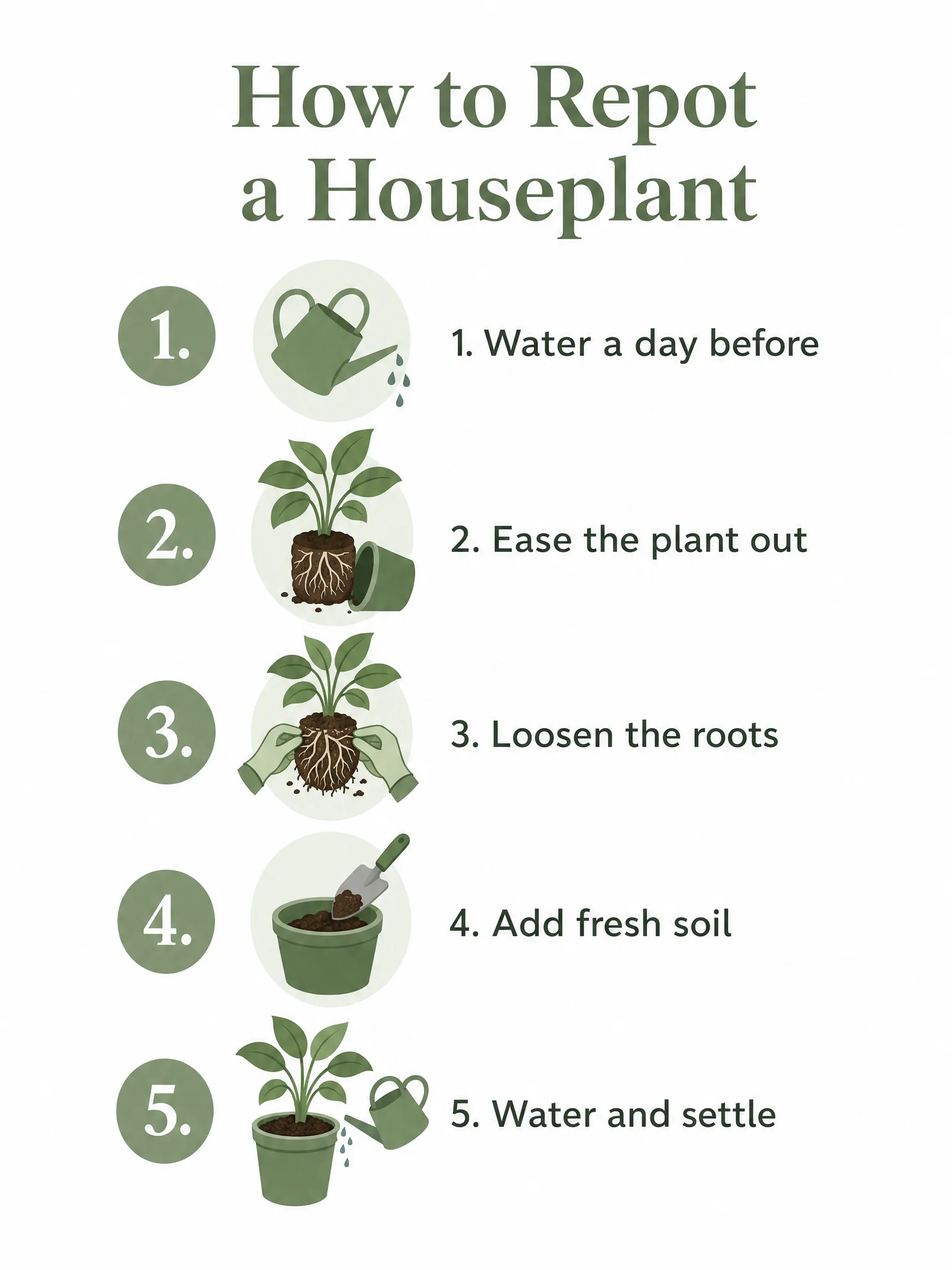
Explainer graphics for a blog post
A content writer can turn a five-step process into a numbered infographic with icons and short labels, and embed it in the article instead of a block of bullet points.
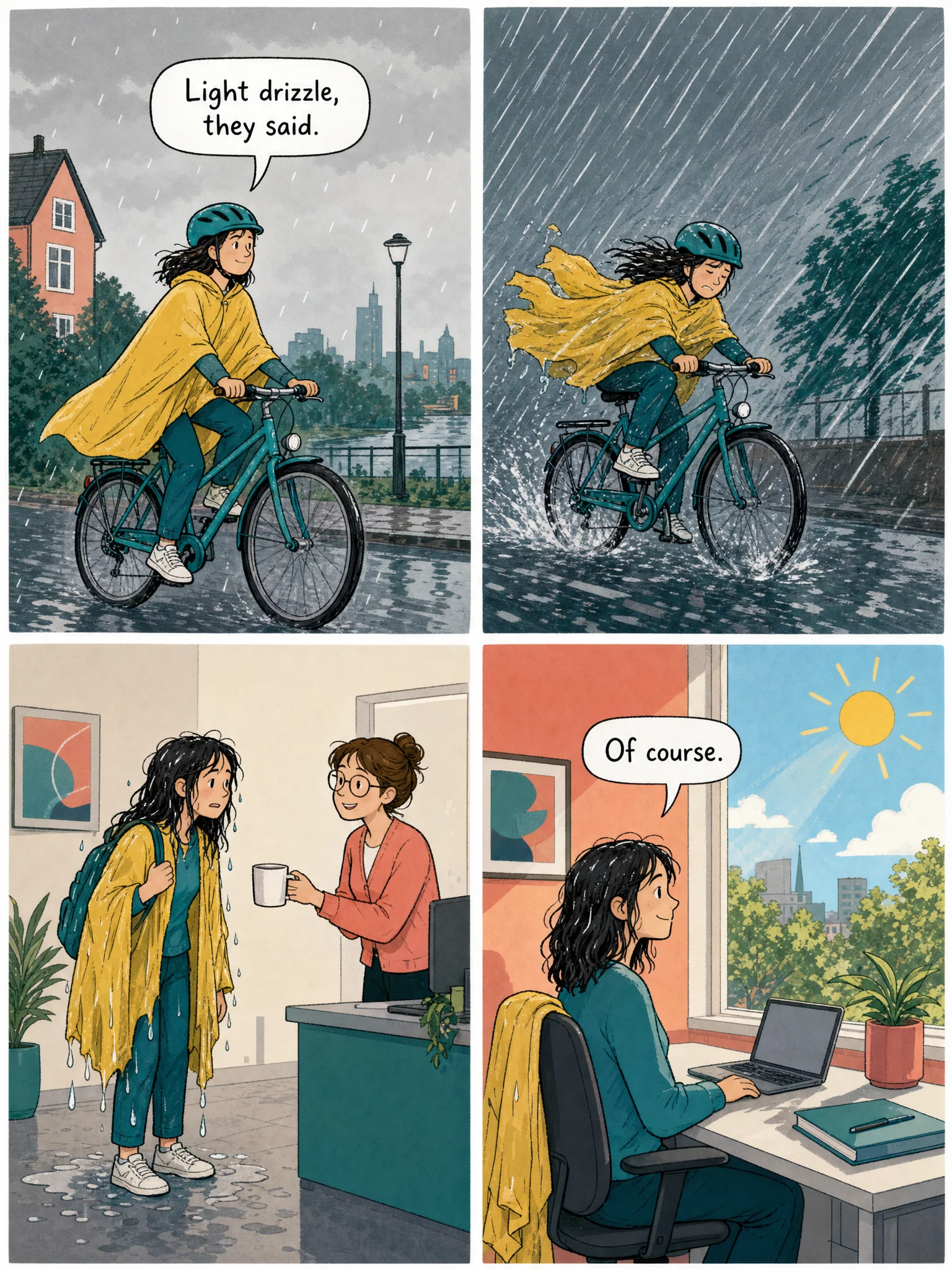
Comic strips for a newsletter
A newsletter author can draft a four-panel strip with speech bubbles for every issue, using last issue's strip as a reference image in Workflow so the panel structure and palette stay close, and swapping only the joke and the dialogue.
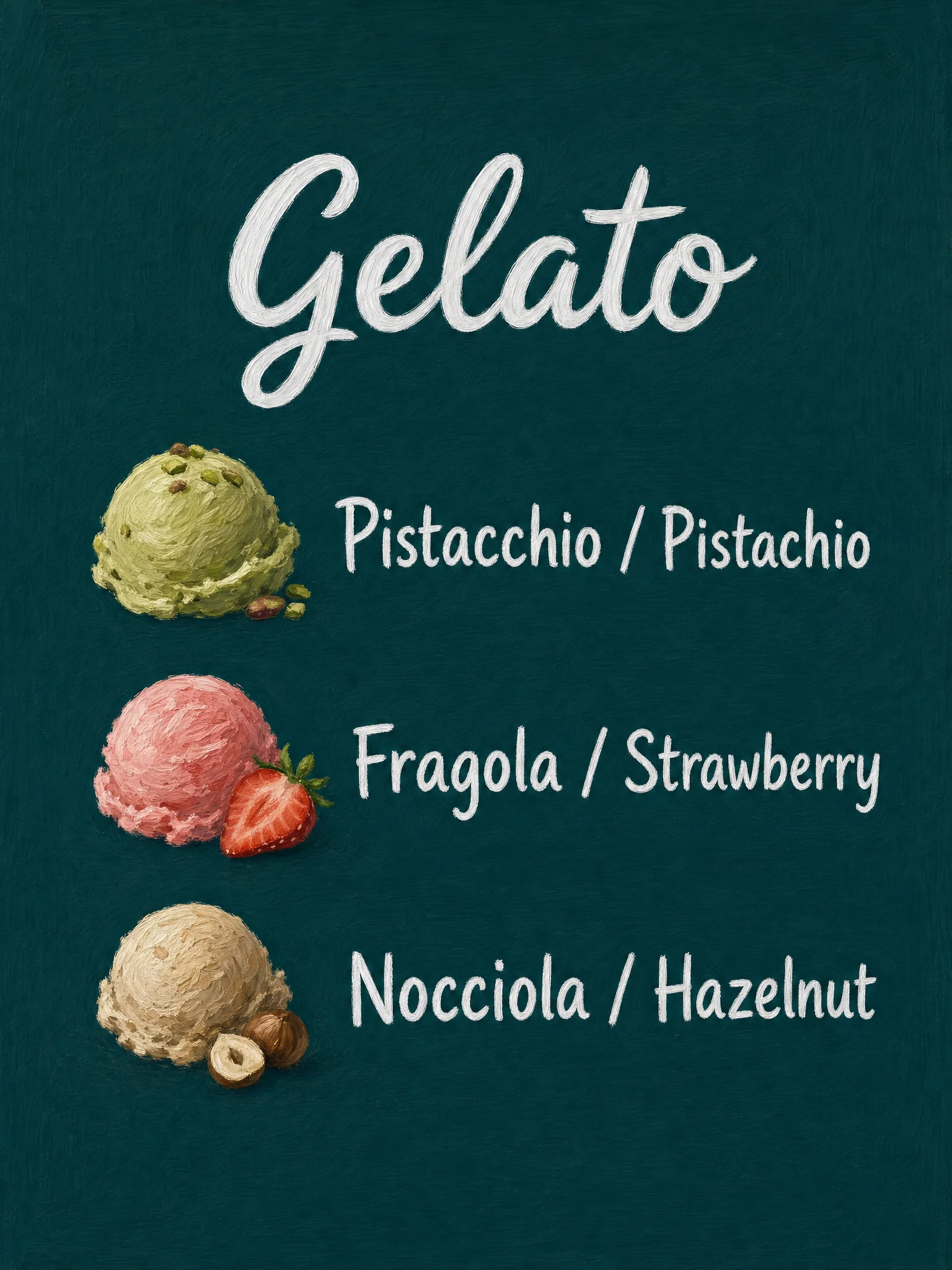
Bilingual menus and signage
A restaurant owner can mock up a menu board in two languages, see how it reads from across the room, and fix spelling in a Workflow edit before the sign maker starts.
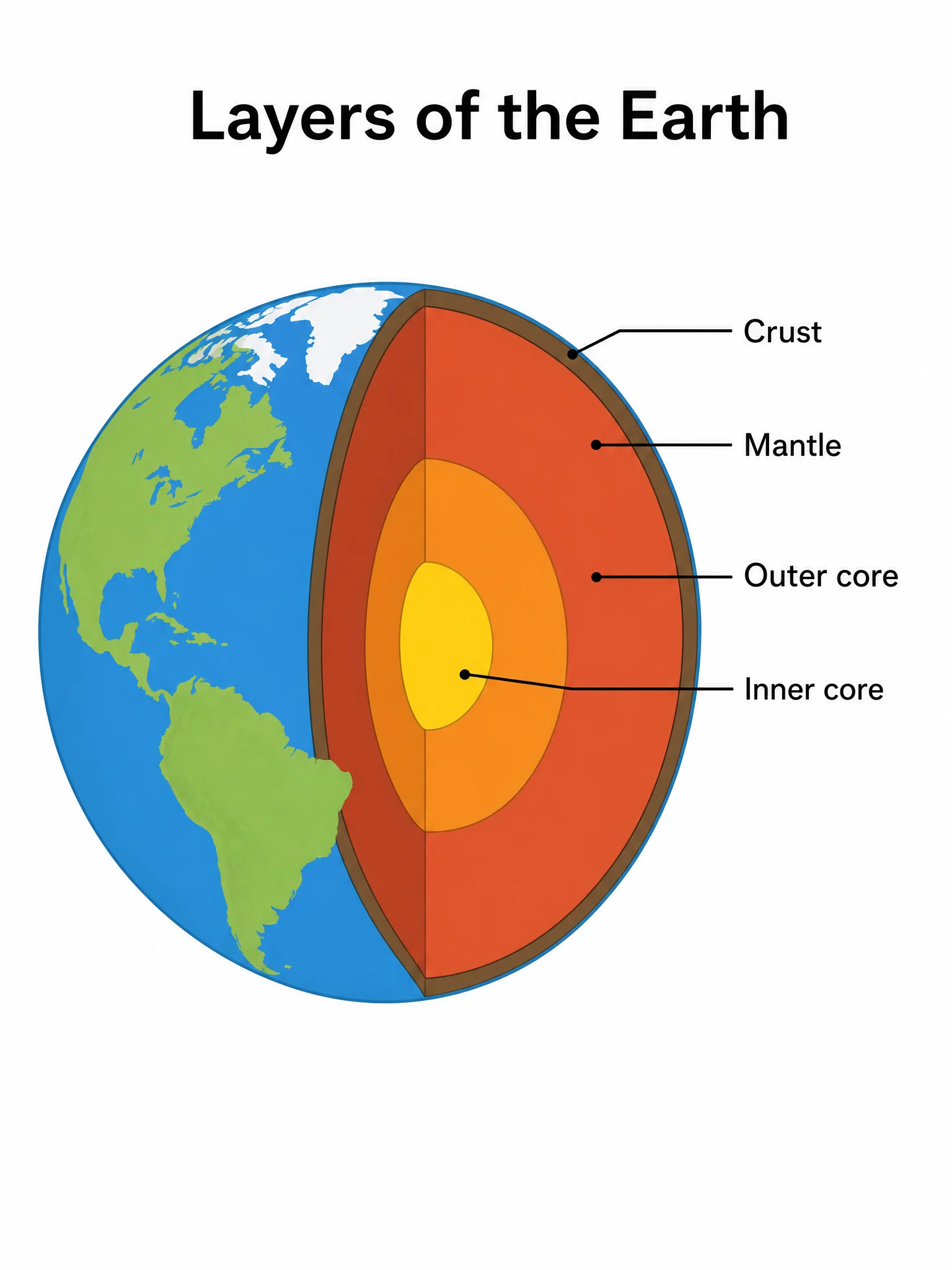
Classroom diagrams
A science teacher can make labeled diagrams for a lesson, a plant cell or the layers of the Earth, reusing one diagram as a reference image in Workflow to keep the style close across a unit.
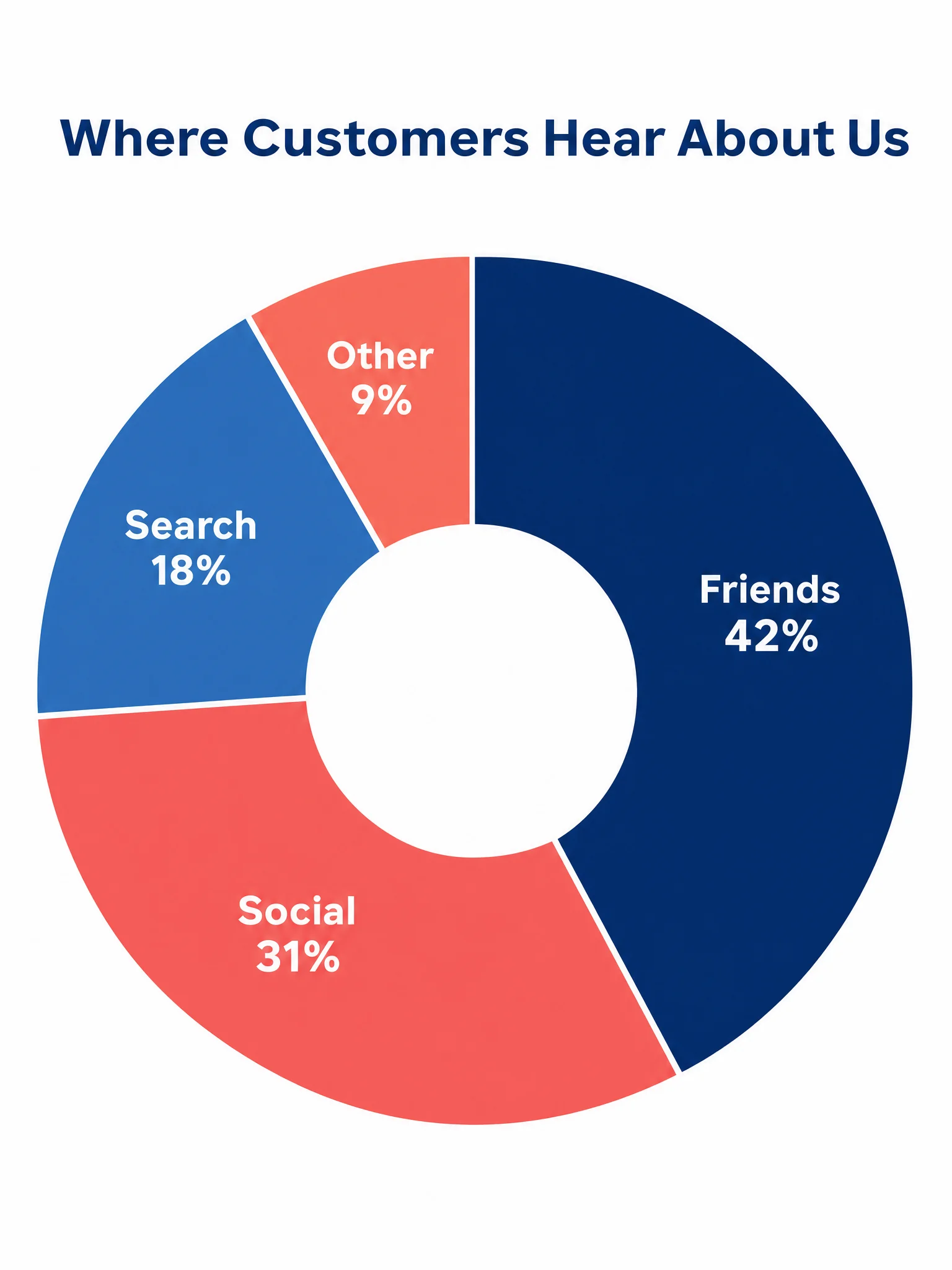
Charts for a slide deck
A marketing lead can generate a styled chart for a pitch deck, then check every bar and label against the real figures, since a generated chart is an illustration, not a calculation.
Event posters with the whole schedule
A community festival organizer can produce a poster with the headline, three stage times and a venue line written into the prompt, then print it once the text checks out.
Explainer graphics for a blog post
A content writer can turn a five-step process into a numbered infographic with icons and short labels, and embed it in the article instead of a block of bullet points.
Comic strips for a newsletter
A newsletter author can draft a four-panel strip with speech bubbles for every issue, using last issue's strip as a reference image in Workflow so the panel structure and palette stay close, and swapping only the joke and the dialogue.
Bilingual menus and signage
A restaurant owner can mock up a menu board in two languages, see how it reads from across the room, and fix spelling in a Workflow edit before the sign maker starts.
Classroom diagrams
A science teacher can make labeled diagrams for a lesson, a plant cell or the layers of the Earth, reusing one diagram as a reference image in Workflow to keep the style close across a unit.
Charts for a slide deck
A marketing lead can generate a styled chart for a pitch deck, then check every bar and label against the real figures, since a generated chart is an illustration, not a calculation.
Reviews
What creators are saying
Real ratings, pulled live from Trustpilot, not hand-picked quotes.

"Imagine.art is hands down one of the best AI image generators I have used lately. The results are consistently high-quality, and the prompt accuracy is fantastic."
"The most important feature I like is face consistency. You can generate a face and use it across hundreds of images with very good accuracy."
"I love the image generation and have been using it to create some great tee shirt designs. The monthly cost is minimal compared to the benefits."
"ImagineArt has been a game changer for creating visuals that fit my brand quickly."
Plans
Simple pricing, no surprises
See exactly what a generation costs on your plan.
Free
USD 0 · per creator / month, billed annually
3000 credits / month
- 100 Daily credits
- In-house models only
- 36k credits per year
- 1 Fast Image concurrency
Basic
For newcomers taking their first steps
3K credits / month
- Up to ~97 video generations / month
- Up to ~600 image generations / month
- 10 image models · 9 video models
- 4 concurrent image generations
- General commercial terms
Ultimate
Peak performance for pros
16K credits / month
- Up to ~530 video generations / month
- Up to ~3.2k image generations / month
- All styles and models, including Kling 2.6 Pro and Seedance 1.5 Pro
- Everything in Standard, unlimited
- General commercial terms
Trusted by creative teams, designers and marketers.
Compare every plan and buy credit packs →FAQs
- What is GPT Image 2?
- GPT Image 2 is an image generation and editing model from OpenAI, released on April 21, 2026. OpenAI's consumer name for it is ChatGPT Images 2.0 (often shortened to ChatGPT Images 2), and its system card states a continued commitment to C2PA metadata, a standard that records how a picture was made.
- Is GPT Image 2 OpenAI's newest image model?
- No. OpenAI released GPT Image 2.5 (ChatGPT Images 2.5 in ChatGPT) on September 8, 2026, in two versions: Flare, a lighter model OpenAI calls 50% faster and uses by default in ChatGPT for everyday prompts, and Sunburst, which adds precision for detailed creative work with longer generation times. Both are on ImagineArt, alongside GPT Image 2.
- How does GPT Image 2 rank against other image models?
- On Artificial Analysis's text-to-image leaderboard, checked October 14, 2026, GPT Image 2 (high) ranked #3 with an Elo of 1172, behind both GPT Image 2.5 versions. On the image editing leaderboard it ranked #6. Rankings move as new models arrive.
- What changed from GPT Image 1.5?
- OpenAI lists stronger structured generation, better multilingual text, more reliable instruction-following and detail preservation, and more aspect ratios and resolutions. GPT Image 1.5 is still on ImagineArt if you want to compare the two on the same prompt.
- Is GPT Image 2 free on ImagineArt?
- Not on the free plan. ImagineArt's daily free credits cover specific models like ImagineArt 1.0 Lite and Flux Dev. GPT Image 2 is a premium model, so a GPT Image 2 free option isn't available here. The pricing page shows the current plans.
- What sizes and quality settings does GPT Image 2 have on ImagineArt?
- You can pick 1K, 2K or 4K, low, medium or high quality, and seven aspect ratios: 1:1, 4:3, 3:4, 16:9, 9:16, 3:2 and 21:9. OpenAI's launch notes describe resolutions up to 2K. ImagineArt also offers a 4K setting. Zoom in on fine text before using a 4K result at full size.
Resources

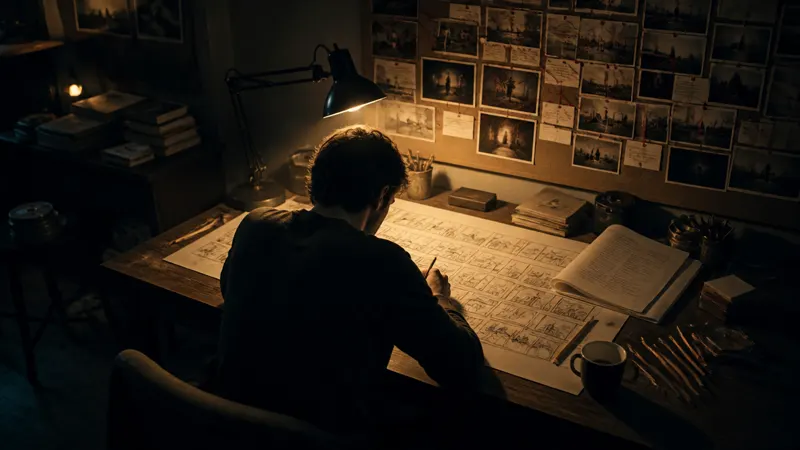
Built for a full production
Image Studio
refine and resize your layouts.
AI Ad Studio
turn a poster into a set of ad creatives.
AI Fashion Studio
dress an AI model in your garment for catalog and editorial shots.
AI Film Studio
bring a comic panel to life as a scene.
Audio Studio
voice the explainer once your infographic becomes a video.
Spell it out, then generate
Write the headline, the labels and the layout, and let GPT Image 2 put them on the page.