October 5, 2026 • Updated October 7, 2026
9 mins Read
A 4K render from FLUX 3 Image costs $0.607 and a 1k render costs $0.048, a 12.6x price gap inside the same model, according to Black Forest Labs' pricing page. That single number decides more about whether this model fits your work than any sample gallery does, and it is the reason most of this FLUX 3 Image guide is about tiers, parameters and jobs rather than aesthetics.
FLUX 3 Image is Black Forest Labs' image generation and editing model, and it is the image half of the wider FLUX 3 multimodal family. It takes a text prompt, up to ten reference images, and a JSON list of bounding boxes that tell it where each element belongs on the canvas. The boxes are the part that is genuinely new.
This FLUX 3 Image guide covers what the model does, every published spec, what each resolution tier actually costs, the jobs it suits, and where it falls short.
What FLUX 3 Image does
Introducing FLUX 3 Image.
Control every pixel.
Make precise multi-turn edits without changing any other pixel.
Lay out the image exactly how you want using bounding boxes.
Generate in up to 4K to preserve details.
Use up to 10 references to compose an image.
Commercial Weights available for companies running image generation at scale.
Open Weights version of FLUX 3 Image is launching in the coming weeks.
— Black Forest Labs (@bfl_ai) October 1, 2026
FLUX 3 Image does four jobs from one endpoint: text-to-image, instruction editing, multi-reference composition, and layout-controlled generation where you supply coordinates.
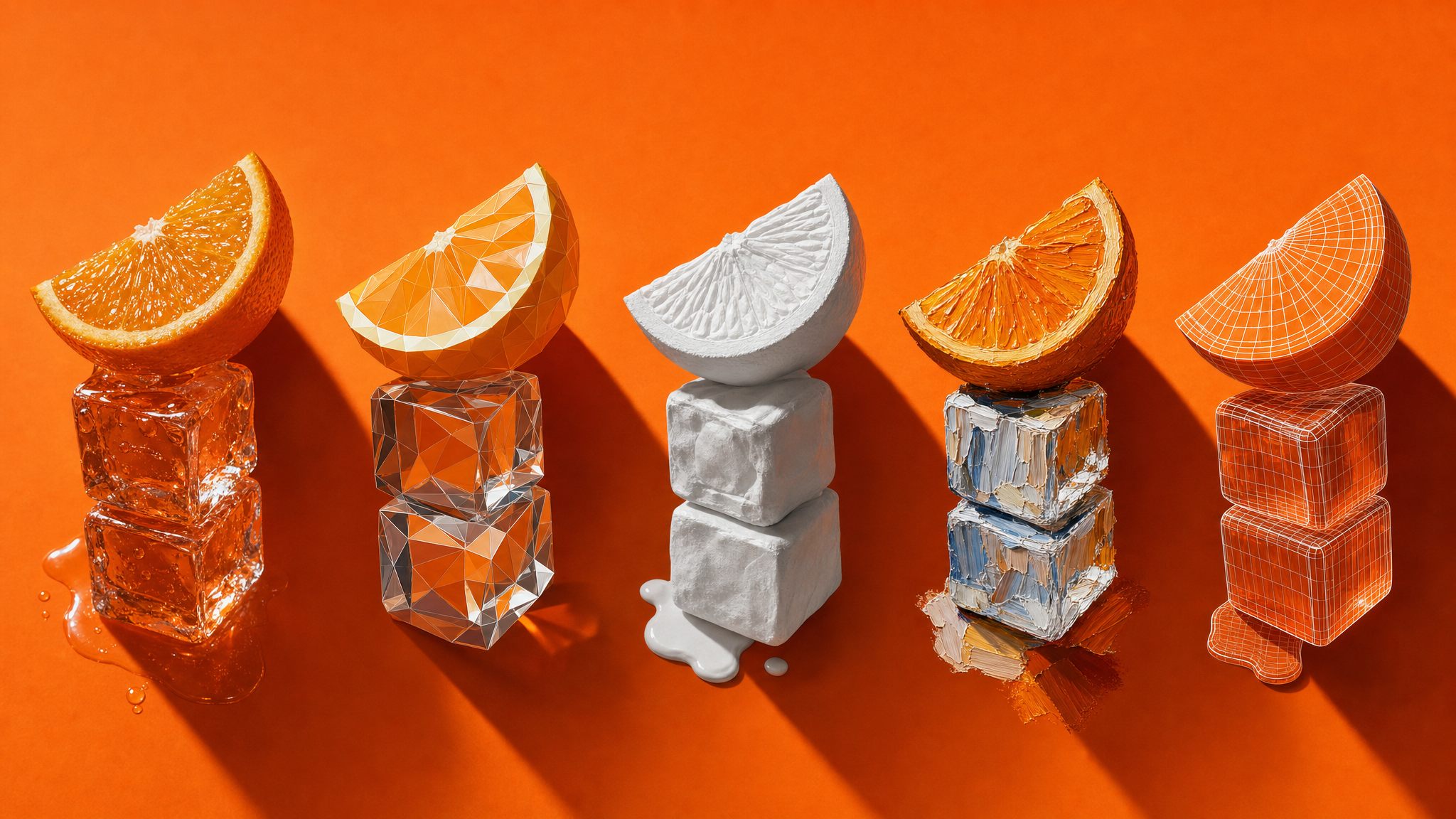 FLUX 3 Image, arranged as an overhead flat-lay, on a single-colour seamless backdrop, lit hard from one side
The editing path is where most people will spend their time. You pass the image you want changed as a reference, describe the change as an instruction, and name the thing being changed. The multi-reference path works the same way, refer to each image in upload order, so AI image generator knows which reference supplies the scene and which supplies the object being placed into it.
Layout control is the part no other mainstream image model exposes this directly. Each bounding box has an element and position, and the model composes around that structure instead of inferring composition from prose.
Key features of FLUX 3 Image
Five capabilities separate FLUX 3 Image from a standard text-to-image endpoint.
 FLUX 3 Image, held toward the camera by a hand entering frame, suspended against a bright pastel sky
- Bounding-box layout. Boxes go inside the prompt as a JSON array with no separate parameter. The bounding-box specifies each box as top, left, bottom and right in integers from 0 to 1000, measured from the top-left corner, so zero, zero, five hundred, five hundred is the top-left quarter of any canvas at any aspect ratio.
- Targeted multi-edit. Edit images using multiple references and elements. With bounding boxes, you can edit one bound box at a time while the Flux 3 image anchors the rest. The equivalent job in our own stack is the AI image editor, which takes instruction edits.
- Up to ten references. One generation accepts between one and ten reference images.
- Grounding. The model searches the web and image sources before generating, which is on by default and can be switched off for faster output that uses only your prompt.
- Native resolution up to 4k. The tier is requested directly, with no upscaling pass afterwards.
If you are writing the descriptions rather than the boxes, our three-layer prompt framework covers how much detail each element actually needs.
Specs: resolution, references, aspect ratios
Maximum output is roughly 16.8 megapixels (4K), at dimensions around 5,456 x 3,072, and FLUX 3 Image renders at the requested resolution rather than running a separate enlargement pass. That matters for small text and fine texture, which is where an upscaling step usually softens things.
Here is the full published FLUX 3 Image parameter set:
| Parameter | Accepts | Default |
|---|---|---|
prompt | string, required; boxes appended at the end | none |
images | 1 to 10 references, URL or base64, 256x256px to 16MP each | none |
resolution | 768sq, 1k, 1.5k, 2k, 4k | 1k |
aspect_ratio | 15 fixed ratios from 21:9 to 9:21, or auto | auto |
safety_tolerance | integer 0 (strictest) to 4 | 2 |
grounding | boolean | true |
How much does FLUX 3 Image cost per image?
FLUX 3 Image is billed per image by resolution tier, and Black Forest Labs' pricing page lists $0.041 at 768sq, $0.048 at 1k, $0.100 at 2k and $0.607 at 4k, with credits defined as 1 credit = $0.01 and identical rates for the API and the Playground.
Every submission response returns the cost of that specific request.
| Resolution | Output size | Price per image | Credits |
|---|---|---|---|
| 768sq | 768 x 768 | $0.041 | 4.1 |
| 1k | about 1 megapixel | $0.048 | 4.8 |
| 2k | about 4 megapixels | $0.100 | 10 |
| 4k | about 16 megapixels | $0.607 | 60.7 |
Use cases where bounding boxes pay for themselves
Coordinates earn their keep when position is part of the brief rather than a happy accident. Flux 3 image can handle compositions with many parts in strict relationships: type set around a photograph, collages and panel grids, editorial spreads, and crowded scenes where every face has a place.
In practice, the jobs that justify writing a FLUX 3 Image element table are these:
- Covers and editorial layouts where a headline occupies a fixed band and the image cannot creep into it. The published festival-poster example uses five rows for one frame: title text, a distant town, a dome, scattered swimmers and a seated crowd.
- Panel grids and lookbooks where every cell has to land in the same spot across a run of images, so the layout becomes reusable project state instead of a prompt you rewrite each time.
- Product composites built from reference assets you already own, where the pack shot must sit at a known size against a generated background.
- Multi-turn edits over an approved frame, recolouring or removing one element while the signed-off areas stay untouched.
- Agent-driven generation, where a language model writes the caption and the element table from a short instruction.
Everything else is better served by a plain prompt. A single subject, a portrait, a texture, a background plate: boxes add payload and buy nothing, which is why the FLUX 3 Image model page also offers a boxes-free path for text-to-image with strong prompt following.
For the product-composite job specifically, ImagineArt covers it with AI product photography, and the lookbook and on-model version lives in the AI Fashion Studio.
How can I try FLUX 3 Image?
You can try FLux 3 image on Black Forest Labs Playground and ImagineArt. On ImagineArt AI image generator:
- Type your prompt or upload your reference images for editing
- Select 'Flux 3" from the model selector
- Pick the right aspect ratio, resolution, and number of generations
- Click on 'Edit' to tweak your AI-generated image or 'Upscale' to improve the quality
- Download and use it on any platform, digital or print.
Specs and price against three models we run
| Model | Max resolution | References | Coordinate layout | In ImagineArt |
|---|---|---|---|---|
| FLUX 3 Image | 4k tier | up to 10 | yes, JSON boxes in prompt | yes, consumes 28 credits/image |
| FLUX.2 max | 4 megapixel | up to 8 in API | no | yes, 50 credits/image |
| Nano Banana Pro | 4K | up to 14 | no | yes, 45 credits/image |
| GPT Image 2.5 | 4K | up to 16 | no | yes, 3 credits/image |
What to do with this
Three things decide whether FLUX 3 Image belongs in your workflow. It is the only mainstream image model that takes numeric coordinates, so reach for it when placement is part of the brief. Its top tier costs more than its 1k tier, which makes 4k a decision rather than a default. And the measurements a buyer would want, layout accuracy and latency among them, are not published yet.
Start in the Playground and draw two boxes by hand before you write any JSON, because the coordinate order is what trips people up first. If coordinate control is not the part you need, every job in this FLUX 3 Image guide has an equivalent inside ImagineArt on models we host.
FLUX 3 Image guide: common questions
Is FLUX 3 Image the same model as FLUX 3 Video?
They belong to the same family and bill on different units. FLUX 3 Image is priced per image by resolution tier, while FLUX 3 Video is priced per second of output and scales with clip length and resolution class. It is a multimodal model with shared endpoints and separate modes, so a credit estimate built for one will be wrong for the other.
Can I turn grounding off?
Yes. Set 'grounding' to 'false' and FLUX 3 Image generates from your prompt alone, skipping the web and image search it runs by default. Leave it on when the prompt names a real place, product, logo or landmark and you want the details correct. Switch it off when you want speed, or when you are generating something invented and would rather no reference material pulled the result toward a real-world lookalike.
Do bounding boxes work as masks?
No. The documentation states plainly that boxes guide placement rather than clip content, so an element can extend past the rectangle you drew. If you need a hard edge, generate the element in its own pass and composite it, or write the edge into the element description so the model renders a boundary of its own.
Are there open weights for FLUX 3 Image?
Not yet. Black Forest Labs announced an open-weights edition without giving a release date, and FLUX 3 Dev is tracked as a separate product line with its own timeline. Commercial weight licensing for on-premise deployment is available now through the company directly, which is the route for teams that cannot send assets to a hosted API.