Free AI Album Cover Generator With Your Title in the Art
An album cover maker that sets your title and artist name in the art, in one pass. Describe the sound, put the words in quotes, and this AI album cover generator draws a square cover. Ideogram v4.5 and GPT Image 2.5 Flare handle the lettering.
Create More Than Just an AI Album Cover!
Community Creations
Ideal AI Album Cover Maker for Social Media Campaigns
Creating music but not sure how to market it? ImagineArt can fix that for you! Use our AI album cover maker to create eye-catching, optimized images for social media. Boost your visibility and engagement with stunning, tailor-made cover art that captures your music's essence and draws in your audience.

Title and artist name, typed by the model
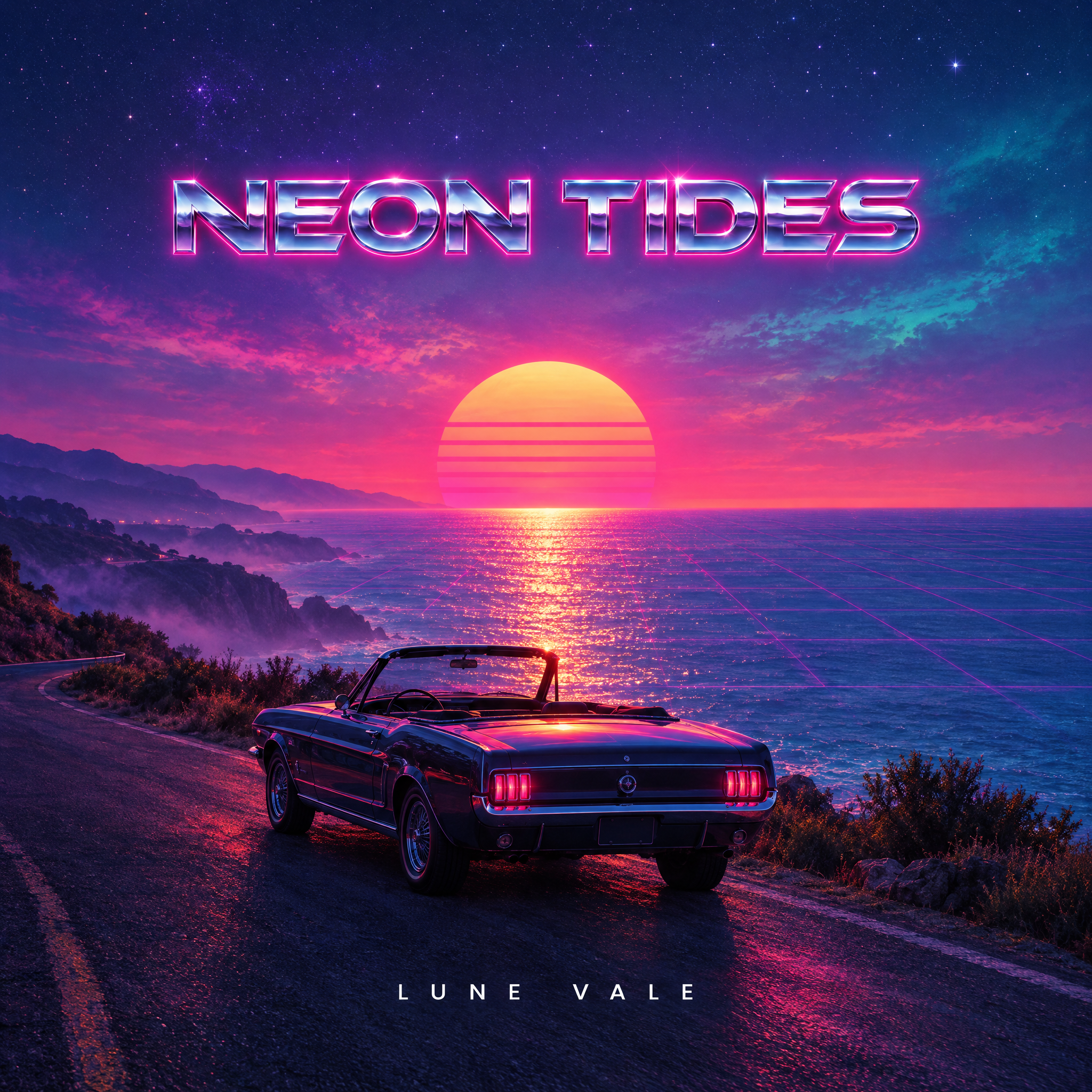
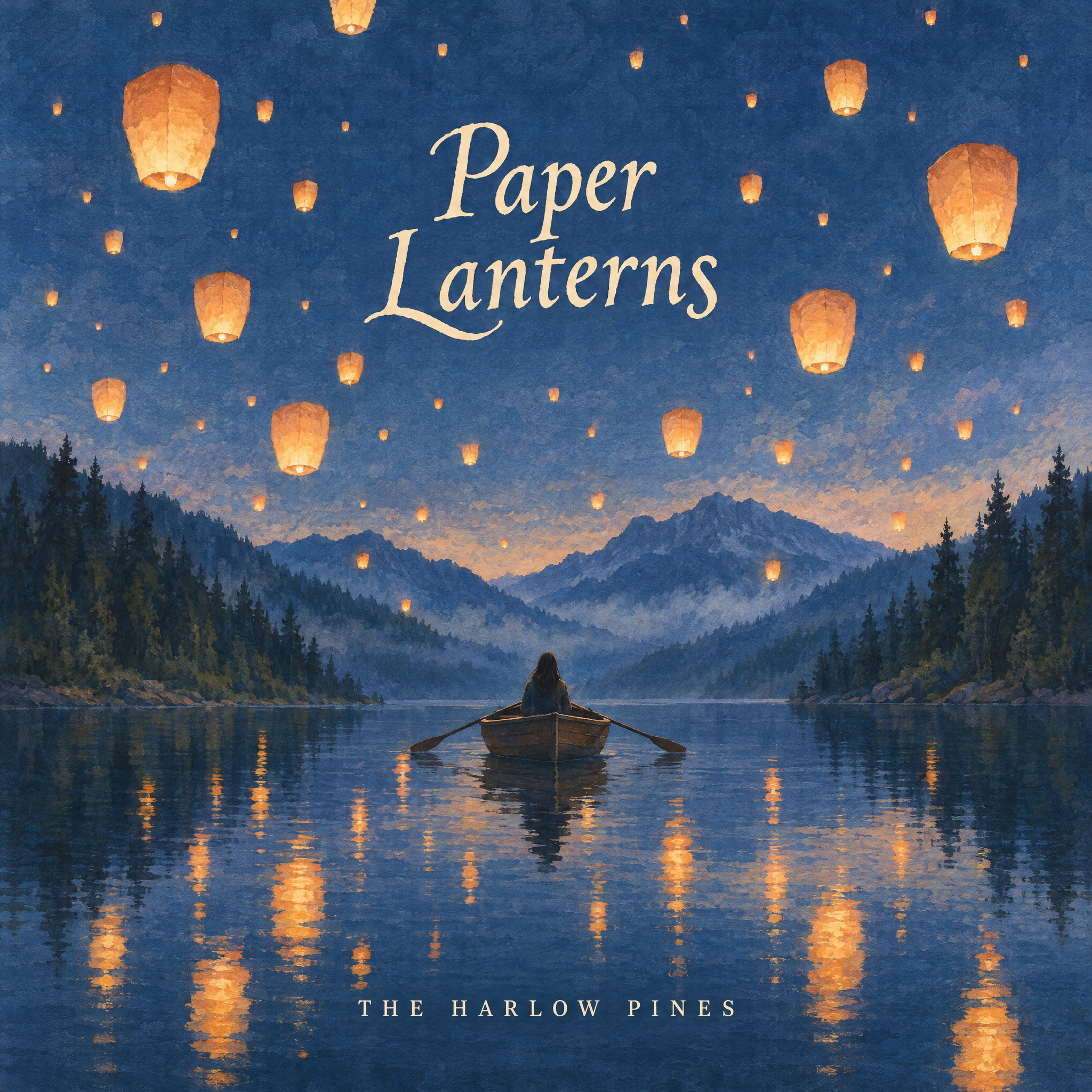
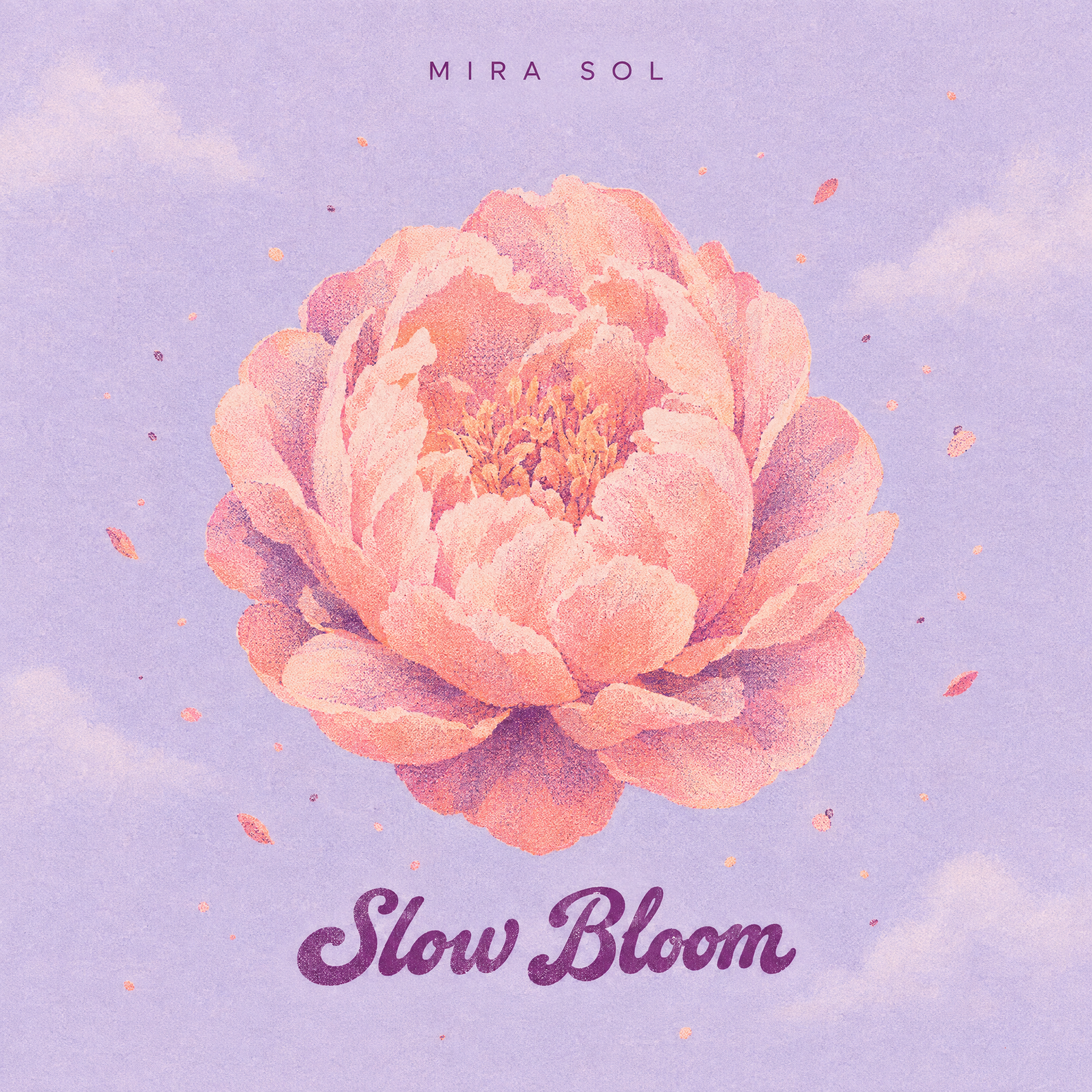
Most AI cover tools stop at the picture and send you to another editor for the type. Here the words come in the same render. Quote the title and the artist name, then say where they sit and how they look: "NIGHT DRIVE" in neon script across the top, artist name small along the bottom edge. Ideogram's model page lists text among Ideogram 4.5's use cases, and OpenAI says GPT Image 2.5 handles more complex layouts. If one letter slips, try a one-word edit in Edit mode: name the word and how it should be spelled. Then read every character.

Sized for the store, readable at thumbnail size
An AI album cover gets judged tiny, in a streaming app's list. RouteNote's artwork guide says a cover should stay readable at thumbnail size, so zoom out to mobile-feed size and check. Prompt one bold subject and a two-word title. For delivery, 3000 × 3000 px square is the size most distributors ask for, per Orphiq's album artwork guide; Bandcamp recommends at least 1400 × 1400. Generate 1:1 at 4K on Nano Banana Pro, or run Topaz Upscale, then check your distributor's spec.

Your band photo, restyled as the cover
Got a shot from rehearsal? Upload it in Edit mode with GPT Image 2.5, Flux 3, Seedream v5 or Nano Banana, then describe the record: grain, color, where the title goes. For an era in two words, name it in the prompt: Kodachrome film, noir, a faded instant print. Style Reference carries the look from the single to the EP to the album. One rule from ImagineArt's terms: you need to own the photo, or have permission from the photographer and everyone in it.
How To Make An Album Cover With AI
Step 1
Set A Square And A Lettering Model
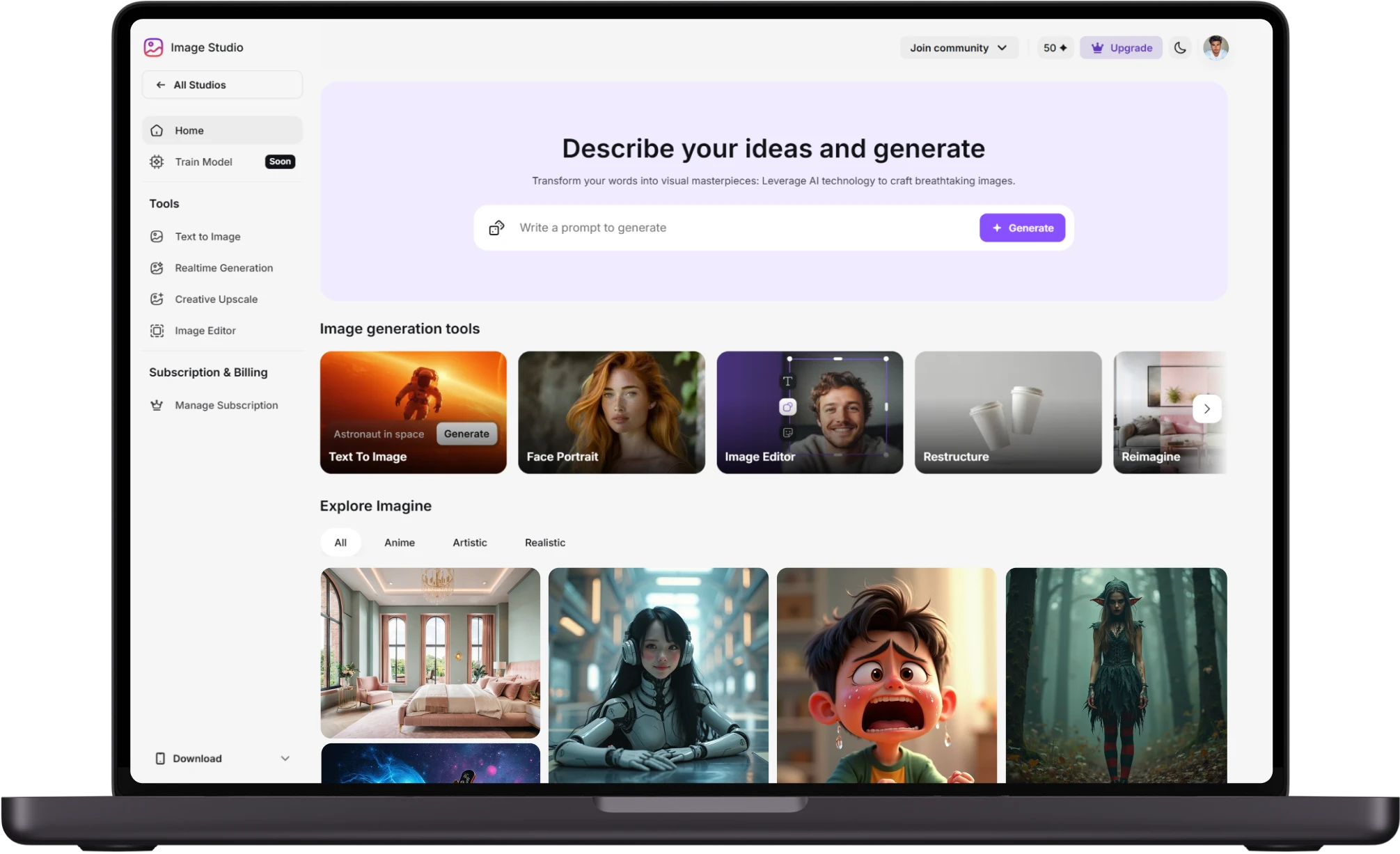
Open the album cover generator in the Image tool's Create mode and pick 1:1. When the title has to sit on the art, choose Ideogram v4.5 or GPT Image 2.5 Flare. Type-free art can use any model.
Step 2
Describe The Record, Then The Words
Write genre, mood, subject, lighting and palette. Then add the words in quotes with a type style: chrome sun over a grid road, "NIGHT DRIVE" in neon script. Keep the title to two or three words so it survives the shrink.
Step 3
Shrink It, Check It, Size It
View it at thumbnail size, then zoom in on each letter. Fix a typo with a one-word edit. Run Topaz Upscale before you upload it to your distributor.
Why Make Your Album Cover On ImagineArt
- Fewer Rejections:Apple's music style guide turns away art with website addresses, logos, QR codes or release dates, so leave them out of the prompt.
- No Stand-ins:Apple also rejects misleading art, such as an artist who doesn't perform. Prompt an original figure, never a famous face.
- No Design Skills Needed: User-friendly interfaces make it easy for anyone to create professional-looking covers.
- Versatility: AI-generated covers work for digital streaming platforms, physical albums, and promotional materials.
- Endless Possibilities: Experiment with different styles, themes, and aesthetics to find the perfect match.
- Fast Revisions: Quickly tweak and refine your design without long wait times.
How to Write a Good Prompt for an AI Album Cover Generator
- Define the Mood: Clearly state whether your music is energetic, melancholic, dreamy, or intense.
- Specify Elements: Include details like symbols, objects, landscapes, or abstract shapes.
- Incorporate Energy: Describe the tempo and emotion of your music to guide the AI’s visual choices.
- Detail Your Genre: Mention whether your music is rock, jazz, electronic, hip-hop, or another genre.
- Be Descriptive: Use vivid language to give AI clear direction—more details lead to better results.
- Mention Color Preferences: Suggest specific color schemes to match your music’s tone and branding.
- Consider Typography:If text is included, specify font style and placement for a cohesive look.

Customer Testimonials
TechNova
Absolutely mind-blowing! ImagineAI's Album Cover Generator turned my music into stunning visuals in seconds. No design skills needed—just pure creativity!
Ben Harris
Product Manager
Pixels
This AI is a game-changer! I described my vibe, and it delivered a professional-quality album cover that perfectly matched my sound. Highly recommended!

Ravi Patel
Creative Manager

DreamWorks
From concept to cover in minutes! ImagineAI’s Album Cover Generator makes creating unique and eye-catching artwork effortless. Perfect for indie artists!
Isabelle Kim
Concept Artist
ApexStudios
I never thought AI could design something so artistic! The level of detail and creativity in the covers is unreal. Best tool for musicians!
Michael Chenn
Product Designer

Shopify
Fast, easy, and visually stunning! ImagineAI helped me bring my music to life with album covers that look like they were made by top designers.

Anya Petrova
Marketing Designer
Trusted by Professionals and Creators from leading brands
Sign up for freePurchase a Subscription
Upgrade to get access to pro features and generate more and better
Basic
For newcomers taking their first steps
View Plans
Billed monthly
Included in plan
3Kcredits per month
Additional Features
Up to ~600 Image Generations/month
Up to ~97 Video Generations/month
General Commercial Terms
Image Generation Visibility: Public
4 Concurrent Image Generations
Complimentary Access
All GPT Models
All Gemini Models
All Claude Models
Unlimited Generations
10 Image Models
9 Video Models
Standard
For rising creators to level up their game
View Plans
Billed monthly
Included in plan
8Kcredits per month
Additional Features
Up to ~1.6k Image Generations/month
Up to ~265 Video Generations/month
General Commercial Terms
Image Generation Visibility: Private
8 Concurrent Image Generations
Complimentary Access
All GPT Models
All Gemini Models
All Claude Models
Unlimited Generations
Nano Banana
Runway Gen 4 Turbo
Midjourney V7
8 more Image Models
8 more Video Models
Ultimate
Peak performance for pros
View Plans
Billed monthly
Included in plan
16Kcredits per month
Additional Features
Up to ~3.2k Image Generations/month
Up to ~530 Video Generations/month
All styles and models
General Commercial Terms
Image Generation Visibility: Private
Complimentary Access
All GPT Models
All Gemini Models
All Claude Models
Unlimited Generations
All image models in Standard plan
All video models in Standard plan
Kling 2.6 Pro
Seedance 1.5 Pro
ChatGPT 1.5
Creator
A full production engine for powerhouses
View Plans
Billed monthly
Included in plan
100Kcredits per month
Additional Features
Up to ~20k Image Generations/month
Up to ~3.3k Video Generations/month
All styles and models
General Commercial Terms
Image Generation Visibility: Private
Complimentary Access
All GPT Models
All Gemini Models
All Claude Models
Unlimited Generations
All image models in Ultimate plan
All video models in Ultimate plan
Kling 3.0 Pro
Seedance 2 Fast
Nano Banana 2
Have questions?
We have answers!
You describe the cover and the words on it, and one model draws both. Set the Image tool to 1:1, pick a lettering model such as Ideogram v4.5, write genre, mood and subject, quote the title, and generate: the whole cover in one render.
Partly. Each account gets 100 free credits a day on models like ImagineArt 1.0 Lite and Flux Dev. Premium models need a plan.
Absolutely! The covers generated can be used for personal or commercial projects. Just ensure they comply with relevant copyright laws.
No, our tool is designed for both beginners and professionals. It is user-friendly and requires no prior design experience.
Our AI album cover generator works swiftly to provide you with a design in just a few seconds, depending on the complexity of your request.
Most distributors ask for a 3000 × 3000 px square in RGB, as JPG or PNG, according to Orphiq's album artwork guide; Bandcamp recommends at least 1400 × 1400. Generate at 1:1 in 4K or upscale with Topaz Upscale, then confirm your distributor's own spec before upload.
Yes, in Edit mode, if you own the photo or have permission from the photographer and everyone in it. Upload it, describe the new look and quote the title. It's not for covers built on other artists' faces or photos.
Yes, on a paid plan, which allows commercial use including content monetization. Free-plan outputs may be limited to non-commercial use. Keep URLs, logos, QR codes and release dates off the art. ImagineArt aims to keep outputs PG-13 and can block explicit prompts.
Your Perfect AI Generated Album Cover Awaits!
Get started with all features included. Upgrade later for even more.