Social Studio
Feed posts, multi-slide carousels, stories, thumbnails, and captions burned into a video.
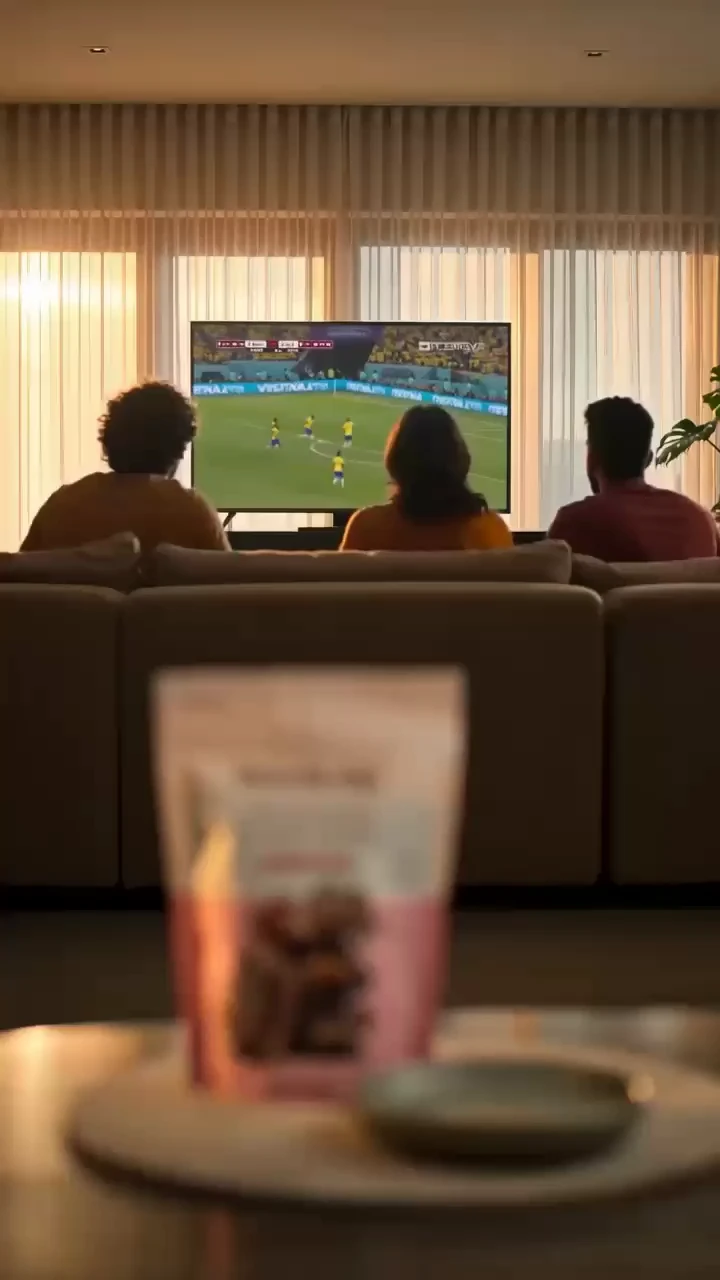
Launch Carousel
Reference attached
@ImagineArt /carousel A five-slide launch carousel for this product, one idea per slide. Reference: [Reference](https://cdn-imagine.vyro.ai/imagine-one/marketingstudio/templates/Football_TVC.mp4) Skill: [Social Studio](https://www.imagine.art/gpt-astra/skills/social) Plugin: [Install ImagineArt](https://chatgpt.com/plugins/plugin_asdk_app_6a97af93ebc88191961039f177688fa9) If the ImagineArt plugin is not installed, install it from the link above before continuing.
 Try in ChatGPT
7 Ways To Open This One.
- Launch CarouselA five-slide launch carousel for this product, one idea per slide./carousel
- YouTube ThumbnailA thumbnail for this video, 16:9, still readable at small size./thumbnail
- Burn In CaptionsBurn captions into this video, bold sans, bottom third, high contrast./captions
- Event Story SetThree vertical story graphics for this event: save the date, line-up, last call./story
- Specials Of The WeekA feed post for this week's specials at my cafe, photo plus prices./instagram
- How-To ExplainerA six-slide explainer carousel on this topic, plain language./carousel
- Podcast Episode CoverA cover graphic for this podcast episode, title legible in the feed./cover
- 01
Install The Plugin
Open ImagineArt in the ChatGPT plugin directory and connect your imagine.art account. There is no API key to generate, store or rotate.
- 02
Send One Of The Briefs
Every brief below opens ChatGPT with the message already typed. Read it, edit it, send it.
- 03
Get The Files Back
Images, video and audio land in the thread as they finish. Chain them in the same session: generate, upscale, cut out, animate.