Retoucher
Works on an image you already have: edit, enhance, upscale, cut out the background, grade or grain it.
Clean Cutout
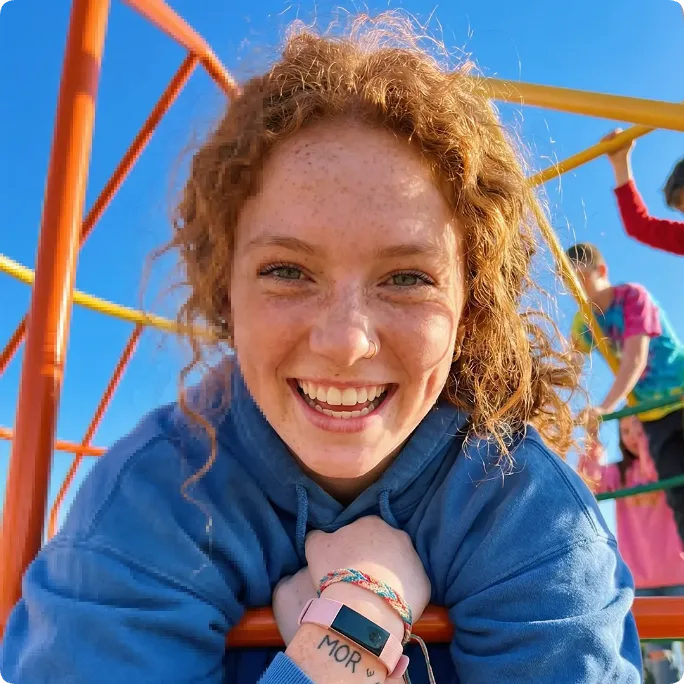
Reference attached
@ImagineArt /remove-bg Remove the background from this image and keep the hair edges clean. Reference: [Reference](https://cdn-imagine.vyro.ai/imagine-one/imagine-mcp/tiles/upscale.webp) Skill: [Retoucher](https://www.imagine.art/gpt-astra/skills/retouch) Plugin: [Install ImagineArt](https://chatgpt.com/plugins/plugin_asdk_app_6a97af93ebc88191961039f177688fa9) If the ImagineArt plugin is not installed, install it from the link above before continuing.
%0ASkill%3A%20%5BRetoucher%5D(https%3A%2F%2Fwww.imagine.art%2Fgpt-astra%2Fskills%2Fretouch)%0APlugin%3A%20%5BInstall%20ImagineArt%5D(https%3A%2F%2Fchatgpt.com%2Fplugins%2Fplugin_asdk_app_6a97af93ebc88191961039f177688fa9)%0A%0AIf%20the%20ImagineArt%20plugin%20is%20not%20installed%2C%20install%20it%20from%20the%20link%20above%20before%20continuing.) Try in ChatGPT
Try in ChatGPT7 Ways To Open This One.
- Clean CutoutRemove the background from this image and keep the hair edges clean./remove-bg
- Upscale For PrintUpscale this image for print without softening the detail./upscale
- Film GradeGive this photo a warm film grade with fine grain, nothing heavy./grade
- Tidy A HeadshotEven out the lighting on this headshot and clear the distraction behind them./retouch
- Remove An ObjectTake the bin out of this property photo and fill the gap convincingly./edit
- Rescue A Phone PhotoSharpen and denoise this phone photo so it holds up on a website./enhance
- Batch For A ListingCut these product photos out onto white with consistent framing./cutout
- 01
Install The Plugin
Open ImagineArt in the ChatGPT plugin directory and connect your imagine.art account. There is no API key to generate, store or rotate.
- 02
Send One Of The Briefs
Every brief below opens ChatGPT with the message already typed. Read it, edit it, send it.
- 03
Get The Files Back
Images, video and audio land in the thread as they finish. Chain them in the same session: generate, upscale, cut out, animate.
 Install ChatGPT Plugin