Product Studio
Product imagery with no presenter: cutouts, white background, lifestyle scenes, oversized heroes and full marketplace listing sets.
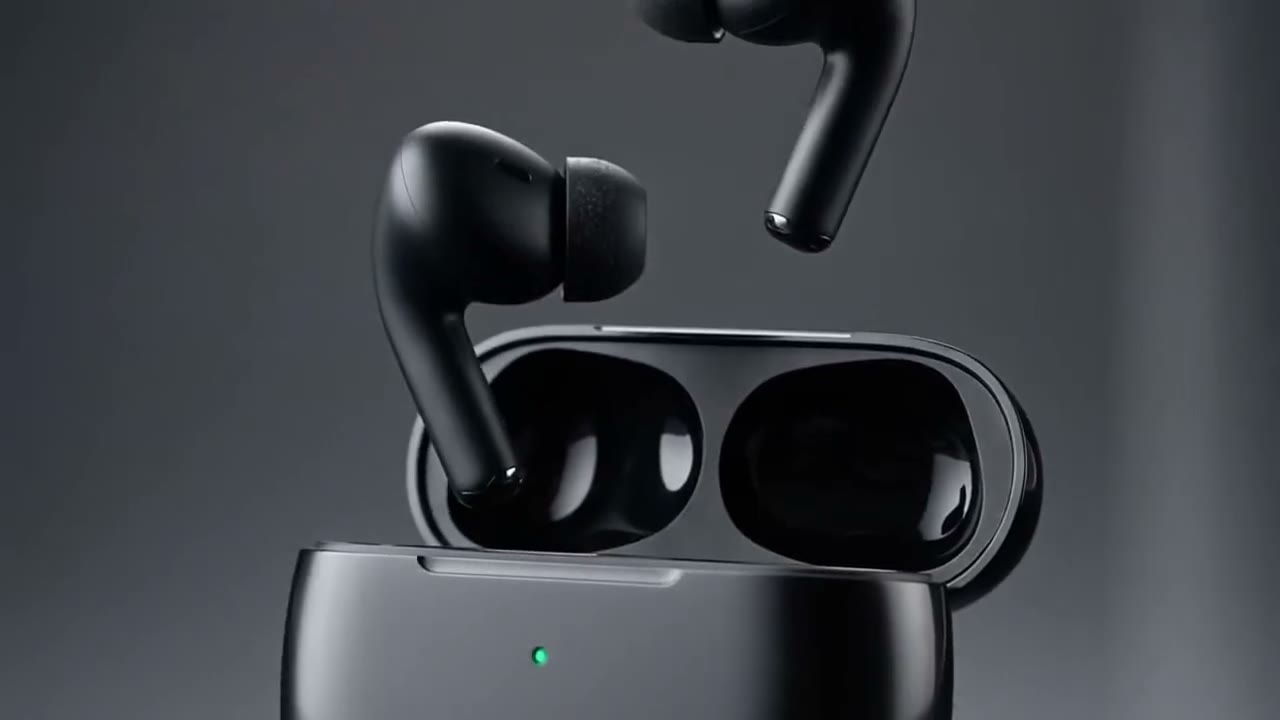
Amazon Main Image
Reference attached
@ImagineArt /white-bg Cut this product out on pure white with a soft contact shadow, square, for the main image. Reference: [Reference](https://cdn-imagine.vyro.ai/imagine-one/imagine-mcp/gallery/cinematic-product-ad.mp4) Skill: [Product Studio](https://www.imagine.art/gpt-astra/skills/product) Plugin: [Install ImagineArt](https://chatgpt.com/plugins/plugin_asdk_app_6a97af93ebc88191961039f177688fa9) If the ImagineArt plugin is not installed, install it from the link above before continuing.
 Try in ChatGPT
7 Ways To Open This One.
- Amazon Main ImageCut this product out on pure white with a soft contact shadow, square, for the main image./white-bg
- A+ Story PanelsBuild the A+ content panels for this listing: five benefit panels with room for copy./a-plus
- Etsy Lifestyle ShotPlace this candle in a styled living room for an Etsy listing, warm natural light./lifestyle
- Billboard HeroMake this can monumental in a city square at dusk, shot from below./giant
- Ring Macro LoopA macro loop of this ring catching the light, for a jewellery store's homepage./jewelry
- Shopify HeroA clean studio hero of this bottle for the top of a Shopify homepage./product-shot
- Full Marketplace SetThe full listing set for this product: main, angles, scale shot and in-use./listing
- 01
Install The Plugin
Open ImagineArt in the ChatGPT plugin directory and connect your imagine.art account. There is no API key to generate, store or rotate.
- 02
Send One Of The Briefs
Every brief below opens ChatGPT with the message already typed. Read it, edit it, send it.
- 03
Get The Files Back
Images, video and audio land in the thread as they finish. Chain them in the same session: generate, upscale, cut out, animate.