Motion
Camera-driven video: dolly, orbit, crane, FPV and drone, plus food and recipe shots.
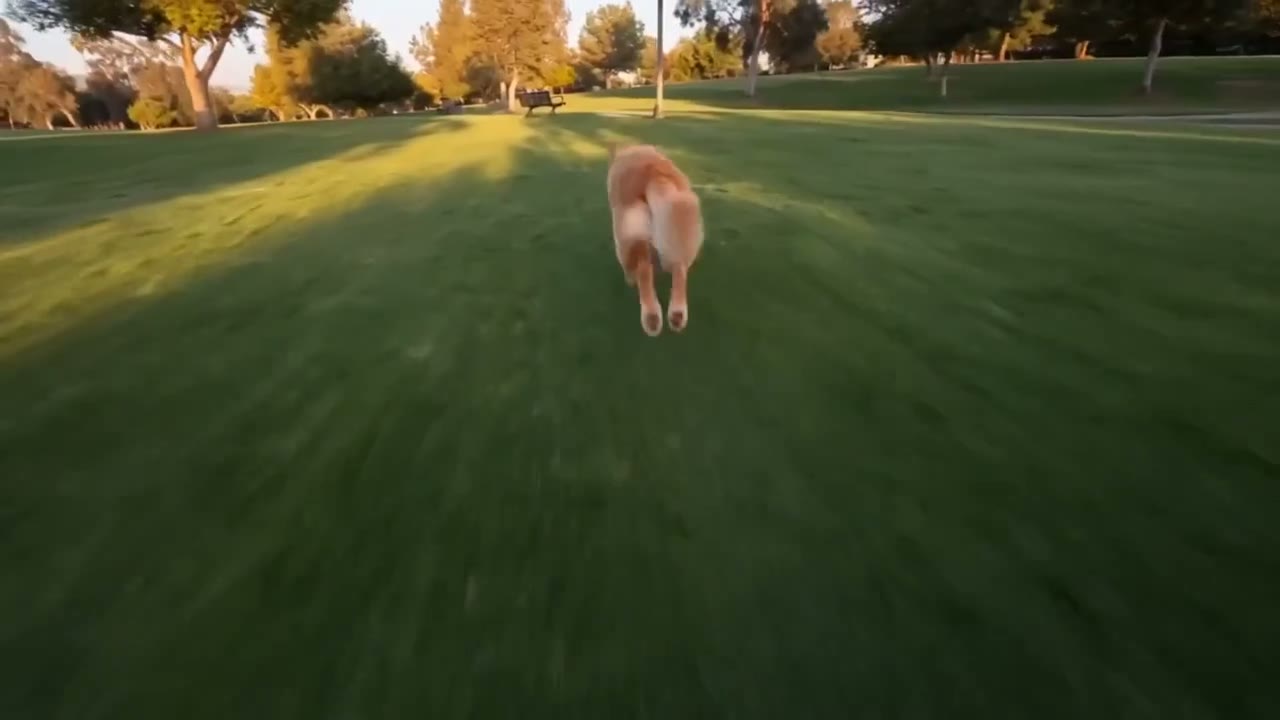
Property Establishing Shot
Reference attached
@ImagineArt /drone A drone pass over this house at golden hour for the top of a listing video. Reference: [Reference](https://cdn-imagine.vyro.ai/imagine-one/imagine-mcp/gallery/drone-video.mp4) Skill: [Motion](https://www.imagine.art/gpt-astra/skills/motion) Plugin: [Install ImagineArt](https://chatgpt.com/plugins/plugin_asdk_app_6a97af93ebc88191961039f177688fa9) If the ImagineArt plugin is not installed, install it from the link above before continuing.
 Try in ChatGPT
7 Ways To Open This One.
- Property Establishing ShotA drone pass over this house at golden hour for the top of a listing video./drone
- Recipe ReelA top-down cooking reel of this dish being plated, 9:16, warm kitchen light./recipe
- Watch On A PlinthA slow 360 around this watch on a dark plinth, single key light./orbit
- Venue RevealA crane rise revealing this venue, for a wedding supplier's showreel./crane
- Gym FlythroughAn FPV flythrough of this gym floor, fast, for a membership ad./fpv
- Cafe Interior PushA slow dolly into this cafe interior, warm light, for a location page./dolly
- Brand Film OpenerA cinematic establishing clip of this workshop, shallow depth, for a brand film./cinematic
- 01
Install The Plugin
Open ImagineArt in the ChatGPT plugin directory and connect your imagine.art account. There is no API key to generate, store or rotate.
- 02
Send One Of The Briefs
Every brief below opens ChatGPT with the message already typed. Read it, edit it, send it.
- 03
Get The Files Back
Images, video and audio land in the thread as they finish. Chain them in the same session: generate, upscale, cut out, animate.