Spaces
Interior redesigns and virtual staging: redecorate from a photo, stage an empty room, or restyle it.
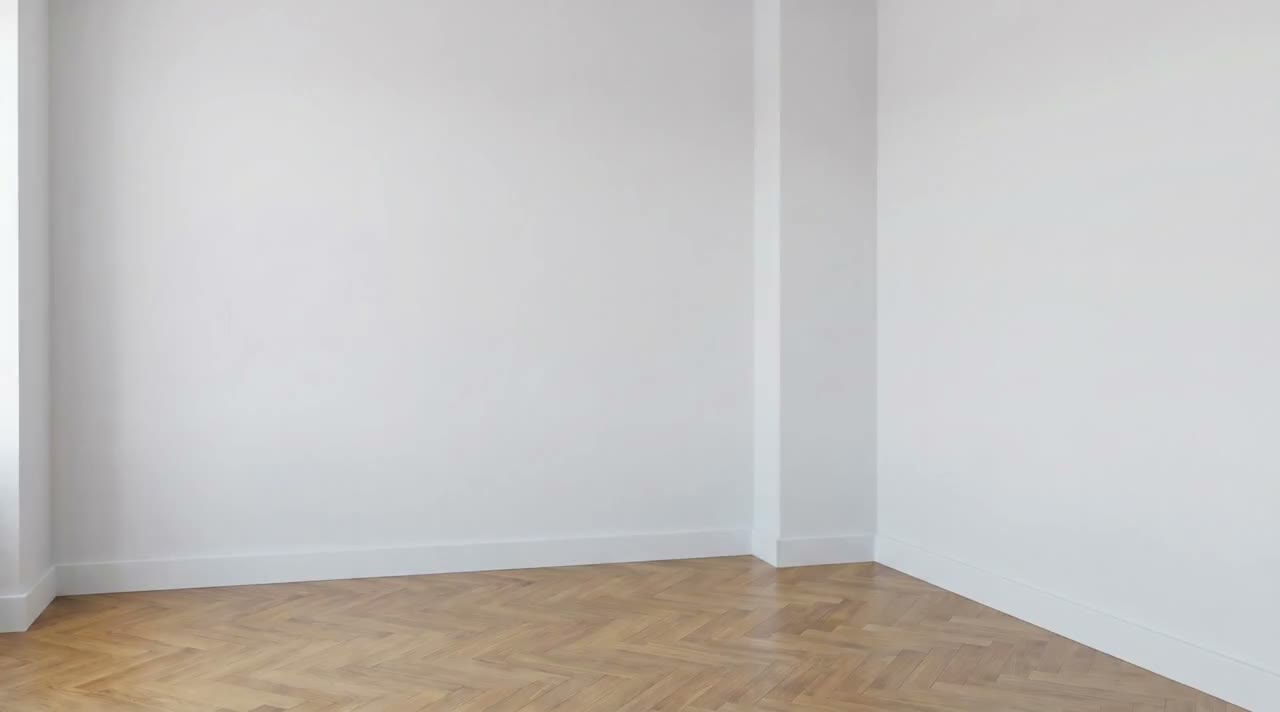
Redesign This Room
Reference attached
@ImagineArt /redesign Redesign this living room in warm minimalism, keeping the windows and the floor plan. Reference: [Reference](https://cdn-imagine.vyro.ai/imagine-one/imagine-mcp/gallery/interior-design.mp4) Skill: [Spaces](https://www.imagine.art/gpt-astra/skills/interior) Plugin: [Install ImagineArt](https://chatgpt.com/plugins/plugin_asdk_app_6a97af93ebc88191961039f177688fa9) If the ImagineArt plugin is not installed, install it from the link above before continuing.
 Try in ChatGPT
7 Ways To Open This One.
- Redesign This RoomRedesign this living room in warm minimalism, keeping the windows and the floor plan./redesign
- Stage An Empty ListingStage this empty room for a listing: sofa, rug, lighting, nothing cluttered./stage
- Restyle OnlyKeep the furniture where it is and restyle the room in mid-century oak and cream./restyle
- Two Client DirectionsTwo directions for this bedroom so the client can pick one./interior
- Rental RefreshShow what this rental looks like after a cheap refresh: paint, lighting, textiles./redesign
- Airbnb Set DressingStage this apartment for an Airbnb listing, bright and neutral./stage
- Cafe Fit-Out ConceptRestyle this empty unit as a small cafe, counter and seating./restyle
- 01
Install The Plugin
Open ImagineArt in the ChatGPT plugin directory and connect your imagine.art account. There is no API key to generate, store or rotate.
- 02
Send One Of The Briefs
Every brief below opens ChatGPT with the message already typed. Read it, edit it, send it.
- 03
Get The Files Back
Images, video and audio land in the thread as they finish. Chain them in the same session: generate, upscale, cut out, animate.