Effects
Turns a single uploaded photo into a short video using a named preset look.
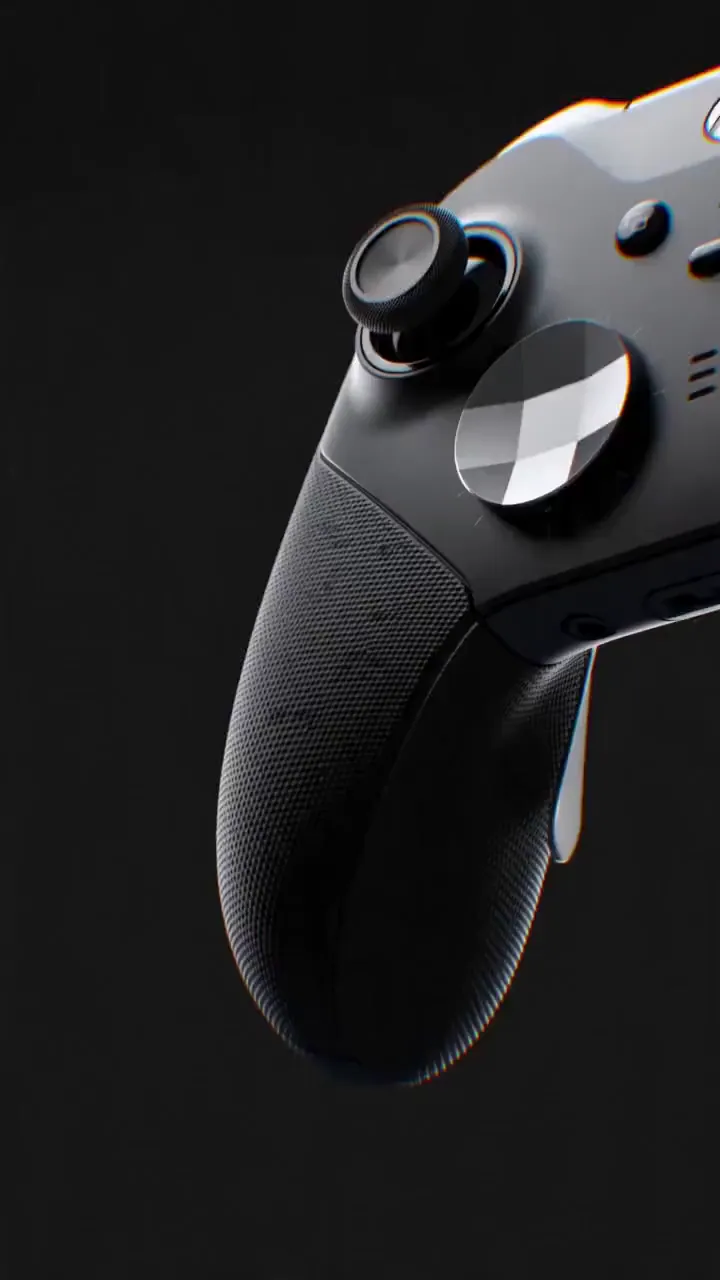
Hook For A Reel
Reference attached
@ImagineArt /zoom-punch Punch in hard on this product photo for the first two seconds of a reel, 9:16. Reference: [Reference](https://cdn-imagine.vyro.ai/imagine-one/marketingstudio/templates/hypermotion_1004.mp4) Skill: [Effects](https://www.imagine.art/gpt-astra/skills/effects) Plugin: [Install ImagineArt](https://chatgpt.com/plugins/plugin_asdk_app_6a97af93ebc88191961039f177688fa9) If the ImagineArt plugin is not installed, install it from the link above before continuing.
 Try in ChatGPT
7 Ways To Open This One.
- Hook For A ReelPunch in hard on this product photo for the first two seconds of a reel, 9:16./zoom-punch
- Founder Intro ClipGive this headshot the main-character turn for the top of our About page./main-character
- Spin For A ListingA clean 360 orbit of this sneaker for the product page, even studio light./orbit
- Parallax For A CarouselAdd a subtle 3D parallax drift to this flat photo so it moves in a carousel./drift
- Moody Restaurant TeaserSlow push into this dish with embers and haze, warm key light, for a story./slow-burn
- Drop AnnouncementGlitch this poster then resolve it clean, for a streetwear drop announcement./glitch-cut
- Everyone NoticesMake the crowd turn to look at the person in this photo, cinematic./crowd-turn
- 01
Install The Plugin
Open ImagineArt in the ChatGPT plugin directory and connect your imagine.art account. There is no API key to generate, store or rotate.
- 02
Send One Of The Briefs
Every brief below opens ChatGPT with the message already typed. Read it, edit it, send it.
- 03
Get The Files Back
Images, video and audio land in the thread as they finish. Chain them in the same session: generate, upscale, cut out, animate.