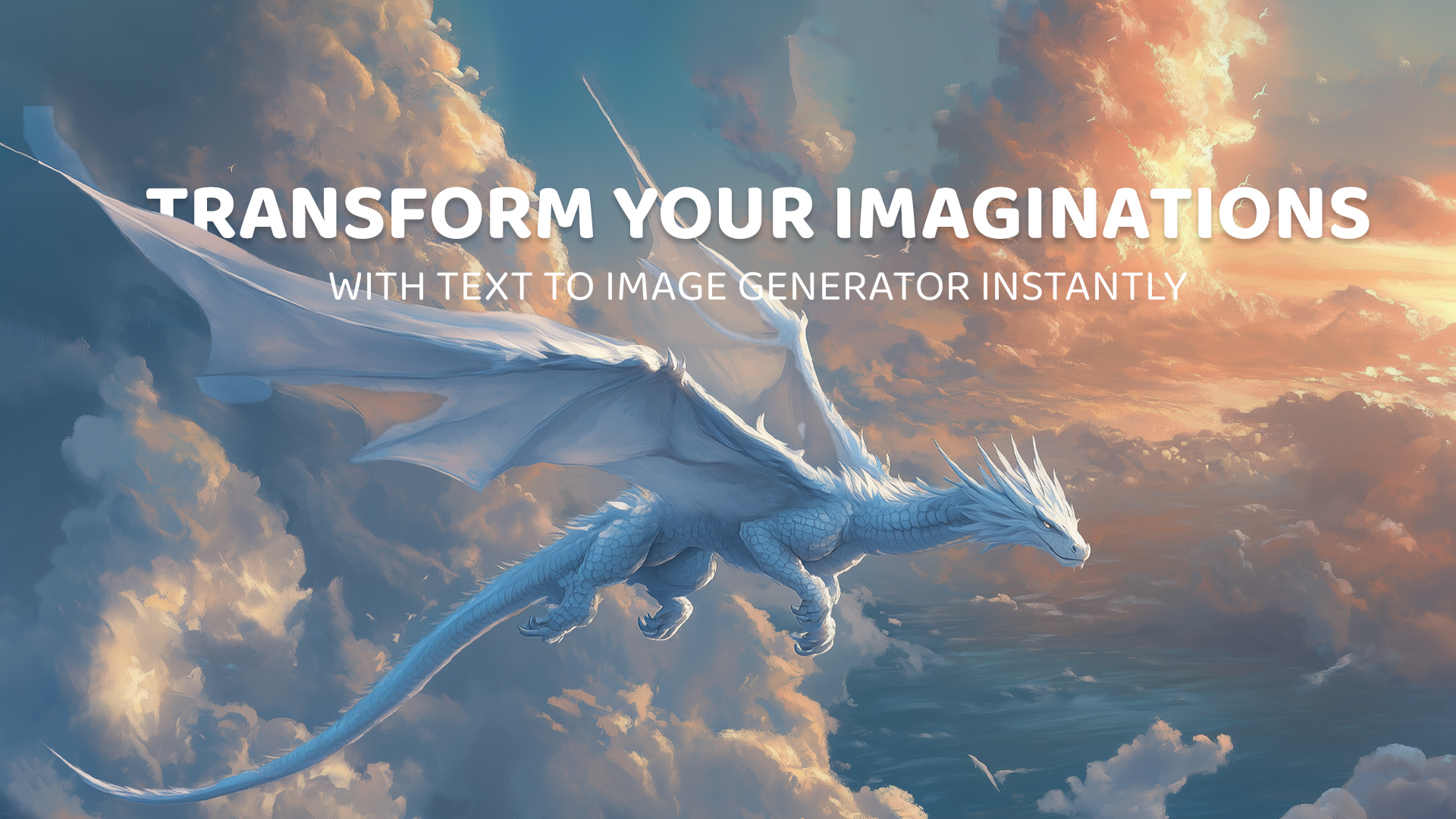
Script to Video AI
Paste your script, and ImagineArt turns it into a fully narrated video, split into scenes, voiced, and ready to share.
Trusted by Professionals and Creators from leading brands
Community Creations
Detailed and True to the Word
Our platform reads your full script, not just a single prompt line, and breaks it into individual scenes automatically, matching visuals to each part of the story. The AI narrates your script aloud as it builds the video, so the words you wrote are the words your audience hears, not just a vague inspiration for the visuals. The more detailed your script, the more accurately each scene reflects it.
Diverse Formatting and Effects
With a wide range of aspect ratios and an array of predefined effects and styles, ImagineArt gives you full control over how your narrated video looks, scene by scene. Adjust lighting, camera motion, or artistic style for the whole video or individual scenes, so a multi-scene script still feels like one coherent piece rather than a patchwork of clips.
Wow Your Audience with Script To Video Generation
Videos generated from your script come out polished and professional, with AI narration, matched visuals, and consistent pacing from the first scene to the last. It's built to feel like a finished production, not a rough draft you still need to voice and edit together yourself.
Simple 3-Step Generation Process
Step 1
Give the Script
Drop in your full script, however long it is. Use the prompt enhancer to tighten unclear sections before generation if needed.
Step 2
AI Breaks It Into Scenes and Narrates It
The AI splits your script into scenes, generates matching visuals for each, and narrates the full script aloud as the video comes together. Generate multiple variations to compare.
Step 3
Download or Refine Further
Download the finished video, or move it into the AI Video Editor to adjust individual scenes, swap visuals, or fine-tune the narration.
Character Consistency
Our AI models maintain high character consistency, ensuring that the same characters are portrayed consistently throughout the video. Lifelike physics and attention to detail create a coherent video experience that feels real and connected from start to finish.
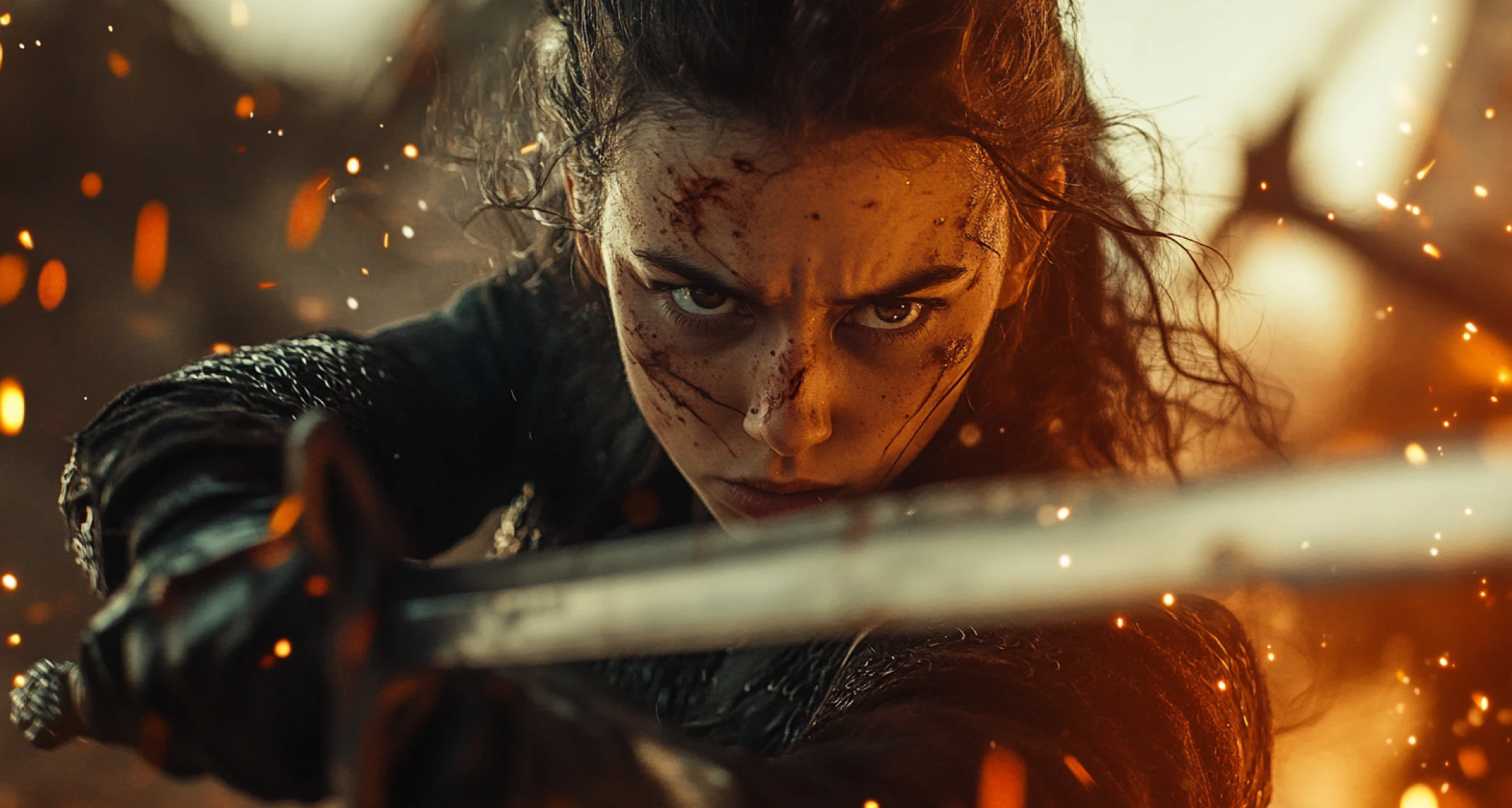
Full Script Narration
Your script doesn't just guide the visuals, it's spoken. ImagineArt generates a natural AI voiceover that narrates your script scene by scene, so the finished video tells your story the way you actually wrote it, not just the way the AI interpreted it visually.
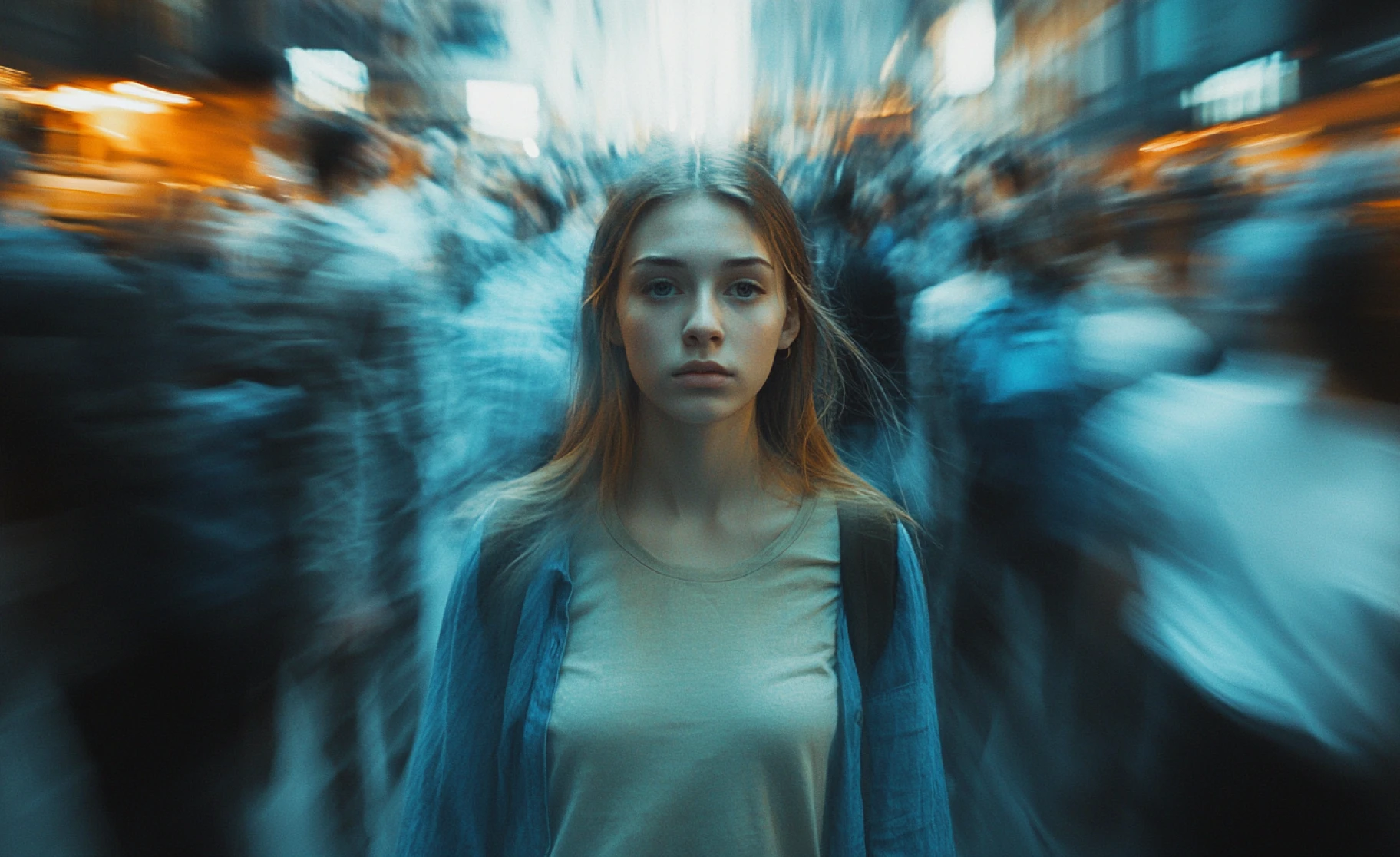
Powered by Current AI Video Models
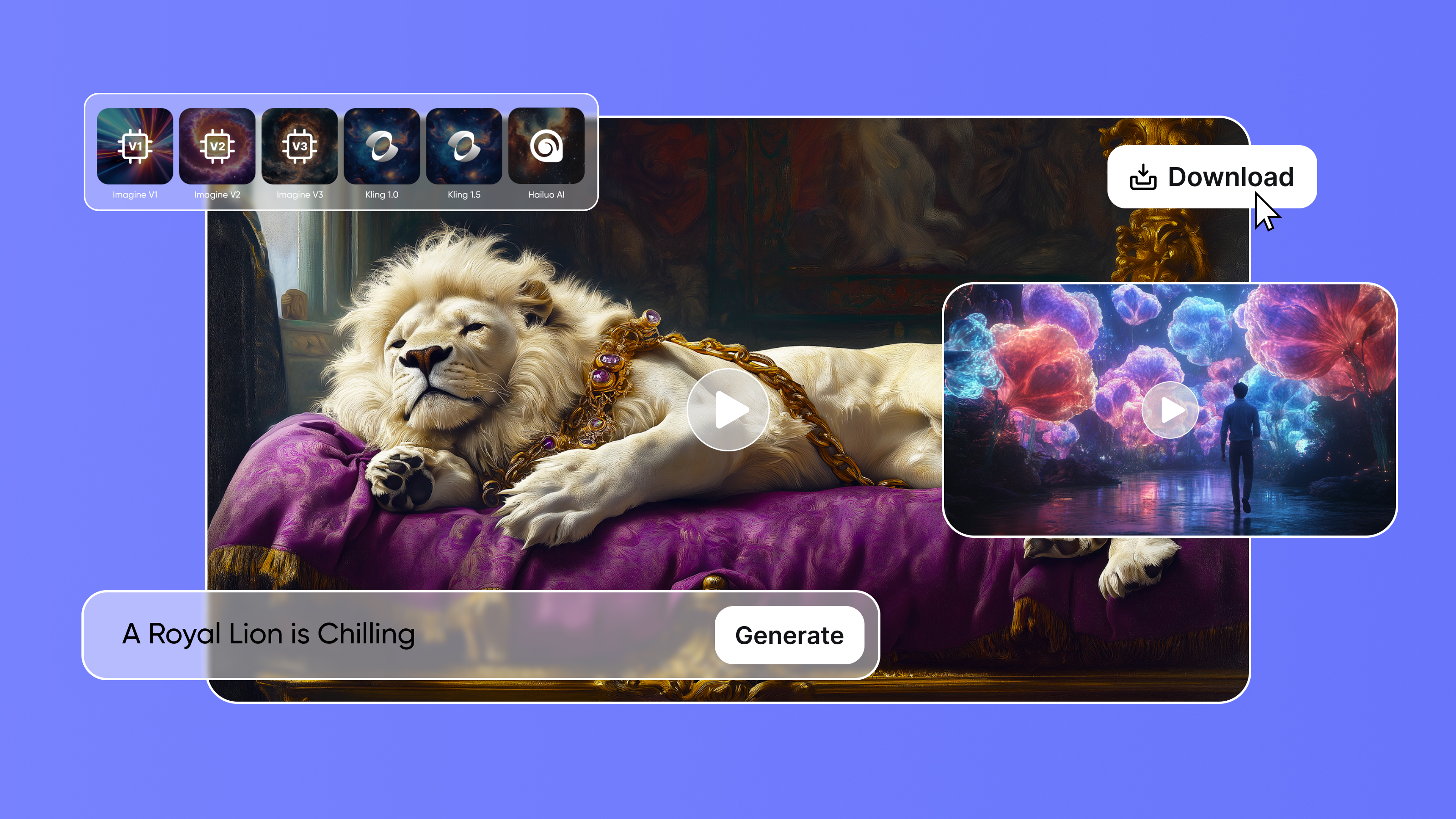
ImagineArt's Script to Video AI runs on current models including Veo 4, Kling 3.0, and Seedance 2.0, each contributing to scene visuals, motion, and narration quality across your video.
Purchase a Subscription
Upgrade to get access to pro features and generate more and better
Basic
For newcomers taking their first steps
View Plans
Billed monthly
Included in plan
3Kcredits per month
Additional Features
Up to ~600 Image Generations/month
Up to ~97 Video Generations/month
General Commercial Terms
Image Generation Visibility: Public
4 Concurrent Image Generations
Complimentary Access
All GPT Models
All Gemini Models
All Claude Models
Unlimited Generations
10 Image Models
9 Video Models
Standard
For rising creators to level up their game
View Plans
Billed monthly
Included in plan
8Kcredits per month
Additional Features
Up to ~1.6k Image Generations/month
Up to ~265 Video Generations/month
General Commercial Terms
Image Generation Visibility: Private
8 Concurrent Image Generations
Complimentary Access
All GPT Models
All Gemini Models
All Claude Models
Unlimited Generations
Nano Banana
Runway Gen 4 Turbo
Midjourney V7
8 more Image Models
8 more Video Models
Ultimate
Peak performance for pros
View Plans
Billed monthly
Included in plan
16Kcredits per month
Additional Features
Up to ~3.2k Image Generations/month
Up to ~530 Video Generations/month
All styles and models
General Commercial Terms
Image Generation Visibility: Private
Complimentary Access
All GPT Models
All Gemini Models
All Claude Models
Unlimited Generations
All image models in Standard plan
All video models in Standard plan
Kling 2.6 Pro
Seedance 1.5 Pro
ChatGPT 1.5
Creator
A full production engine for powerhouses
View Plans
Billed monthly
Included in plan
100Kcredits per month
Additional Features
Up to ~20k Image Generations/month
Up to ~3.3k Video Generations/month
All styles and models
General Commercial Terms
Image Generation Visibility: Private
Complimentary Access
All GPT Models
All Gemini Models
All Claude Models
Unlimited Generations
All image models in Ultimate plan
All video models in Ultimate plan
Kling 3.0 Pro
Seedance 2 Fast
Nano Banana 2
What Our Customers Say

Pixels
I typed out a product story and had a slick promo video ready in minutes—no editing, no stress!

Anya Petrova
Marketing Designer

TechNova
This AI tool feels like cheating (in the best way). It makes script to video creation insanely fast and fun.

Ben Harris
Product Manager

Shopify
Perfect for quick content creation. I’ve started replacing stock videos with Script to Video AI—they feel way more original.

Michael Chenn
Product Designer

ApexStudios
ImagineArt’s Script to video AI saved my launch day. The video quality looked professionally made.

Ravi Patel
Creative Manager

DreamWorks
No timeline. No software. Just typed a prompt and got a full-motion video that actually matched my vision.

Isabelle Kim
Concept Artist
Have questions?
We have answers!
Script to video AI is a solution converting written text into dynamic videos. It leverages multiple AI models to generate creative visuals within minutes without compromising privacy or quality efficiently.
Our platform generates videos up to 5 seconds long in just 3-5 minutes. The process is swift and user-friendly, ensuring you can quickly refine and download your masterpiece without delay.
Yes, you can add background music after video generation. Our system supports audio integration post-creation for an enhanced viewing experience.
Customize your video with adjustable aspect ratios, predefined styles, lighting effects, and camera motions. Users enjoy complete creative control, making every output tailored precisely to unique project needs for satisfaction.
Absolutely. Our platform prioritizes your data privacy. We ensure that all prompts and generated media remain confidential, allowing you to experiment creatively without concerns over data security or unauthorized access.
No technical skills needed. The intuitive interface combined with Imagine Bot assistance guides you through creating stunning videos. Designed for every skill level, the tool delivers a smooth, hassle-free experience.
Longer scripts are broken into multiple scenes automatically. For very long scripts or full narrative projects, the AI Film StudioAI Film Studio is built to handle multi-scene continuity across an entire production.