AI Video Ad Generator for Motion Ad Creative in Minutes
Upload a product photo or short brief, and this AI Video Ad Generator builds motion ad creative complete with scene transitions and platform-ready export sizes, so you get finished video ads without a filming setup or editing software.
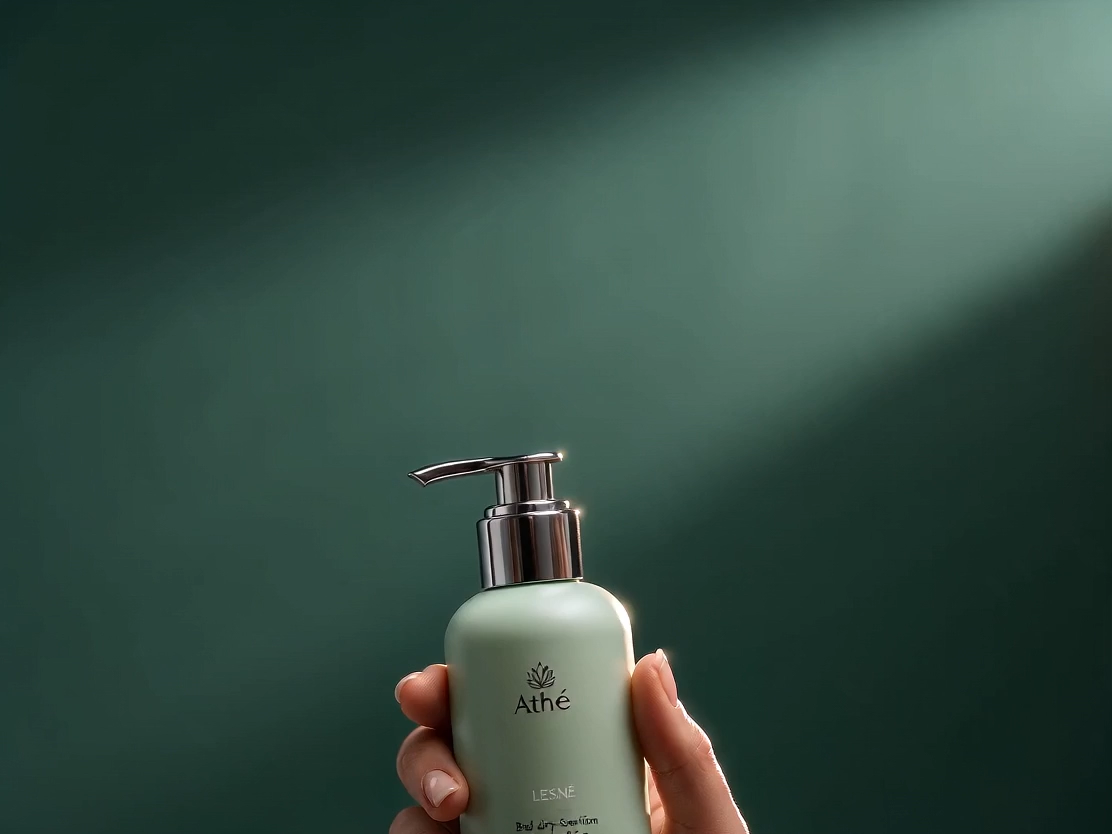
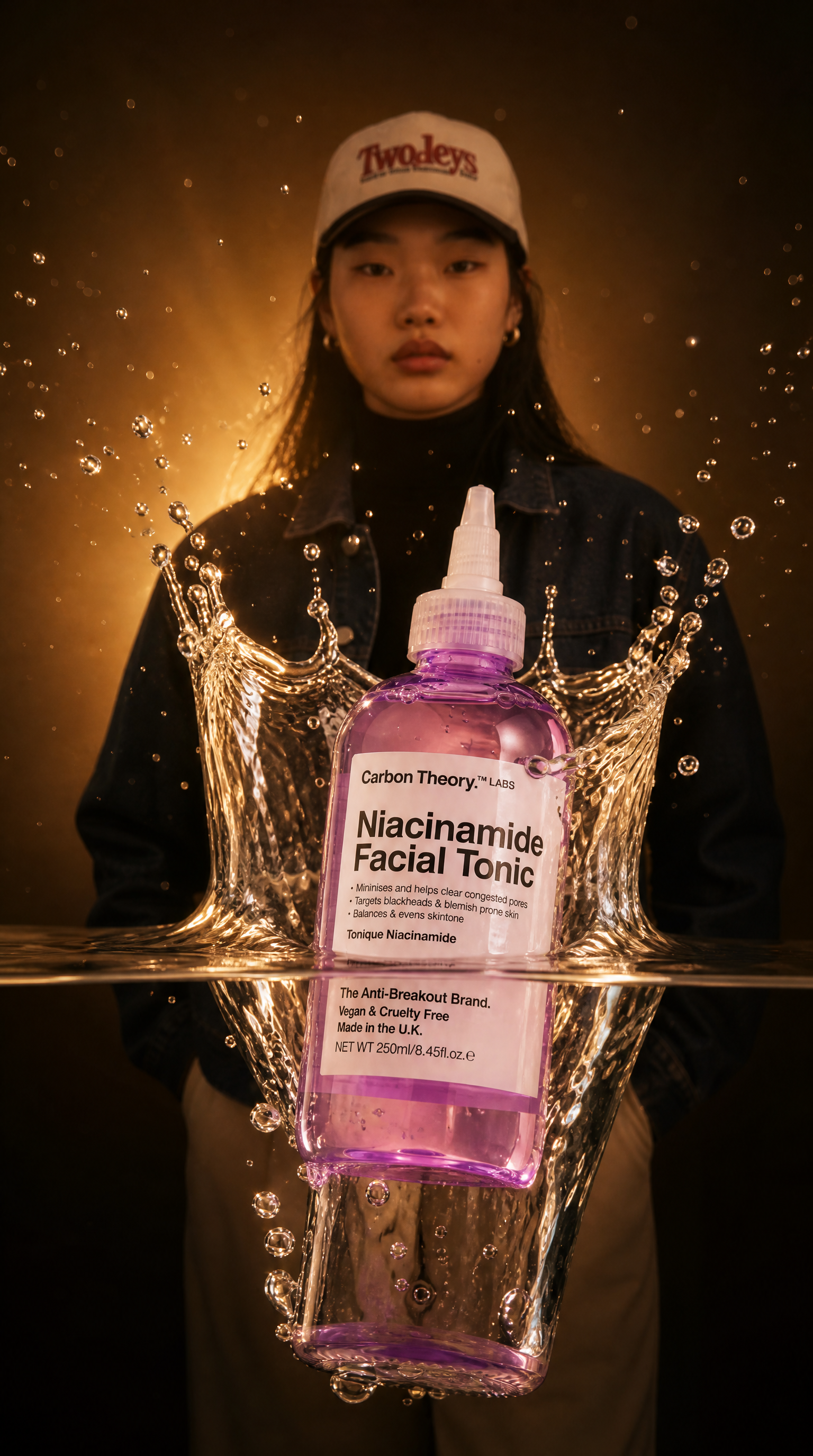



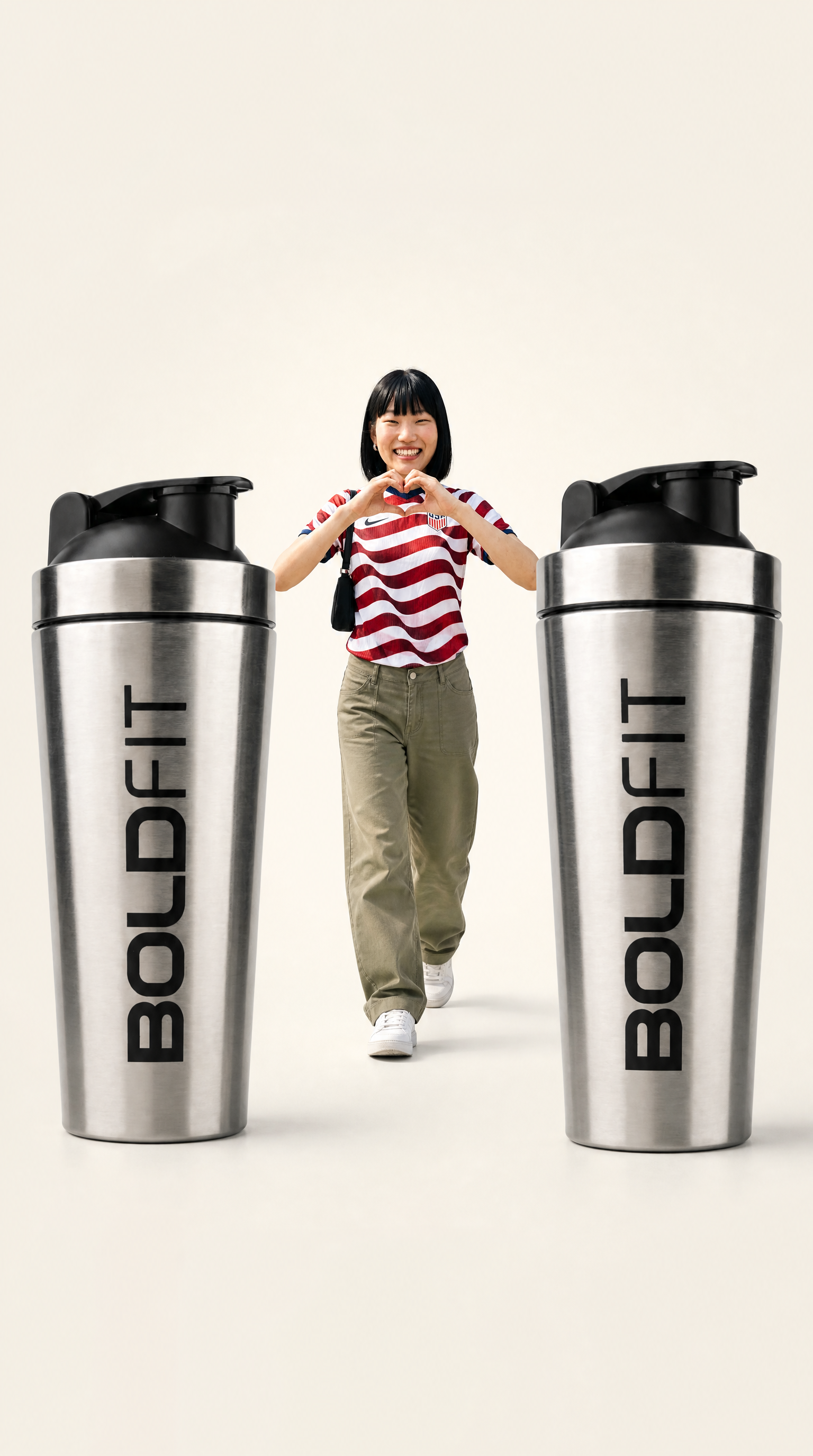
Core Capabilities Behind This AI Video Ad Generator
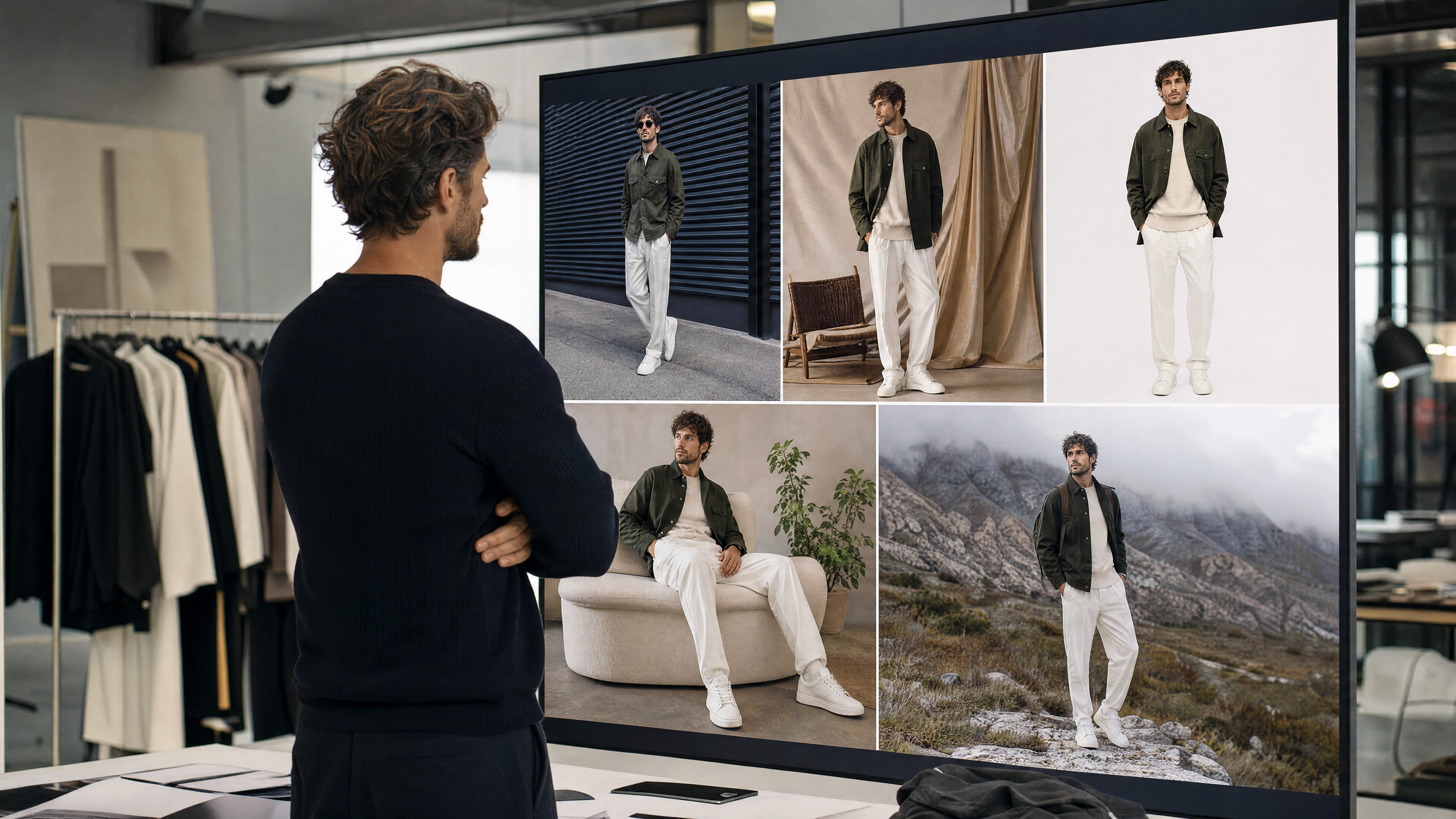
Product-to-Video Transformation
As an AI video ad maker, this tool builds a full video sequence around a single product photo, adding scene transitions, pacing, and motion so the final output looks like a produced video ad rather than a static image with simple animation applied.
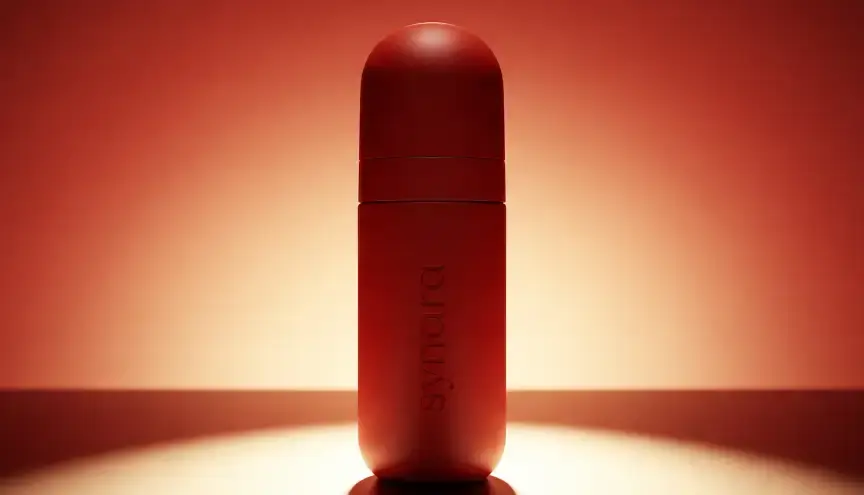
Text-to-Video Ad Generation
Describe your product, audience, and tone, and the AI video ad creator builds an original video ad from scratch, useful when you don't have existing footage but still want a fully realized video concept to test.
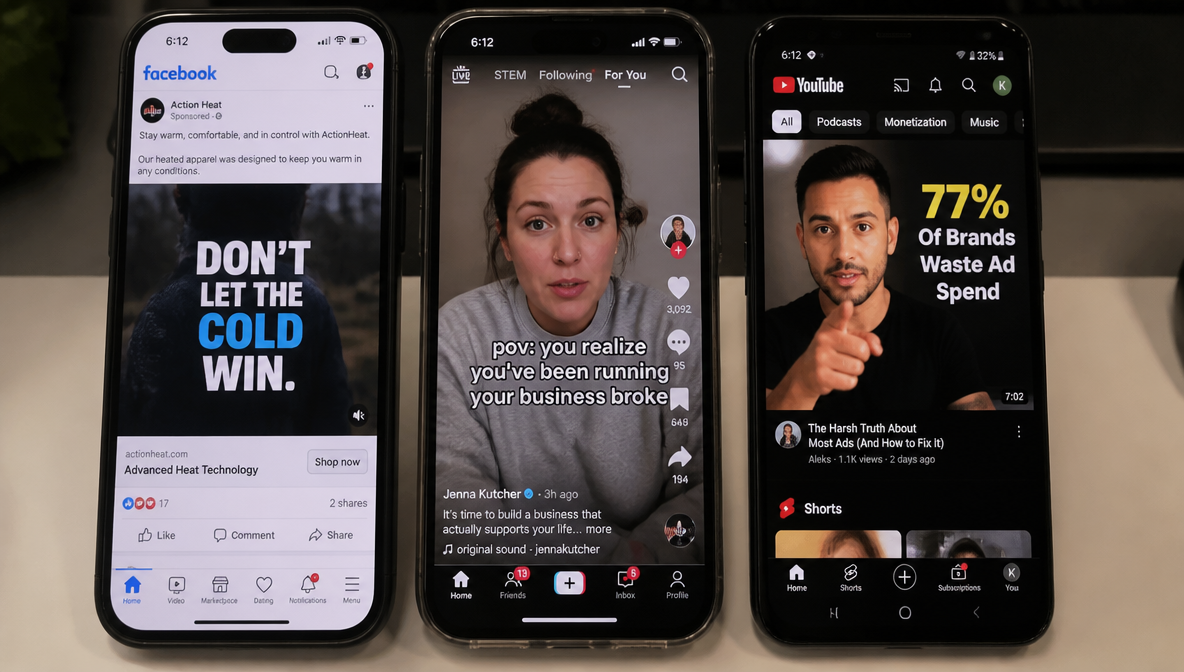
Multi-Platform Export
Generate video ads sized for the platforms you're actually running campaigns on, from square and vertical social formats to landscape formats suited to display and streaming placements.
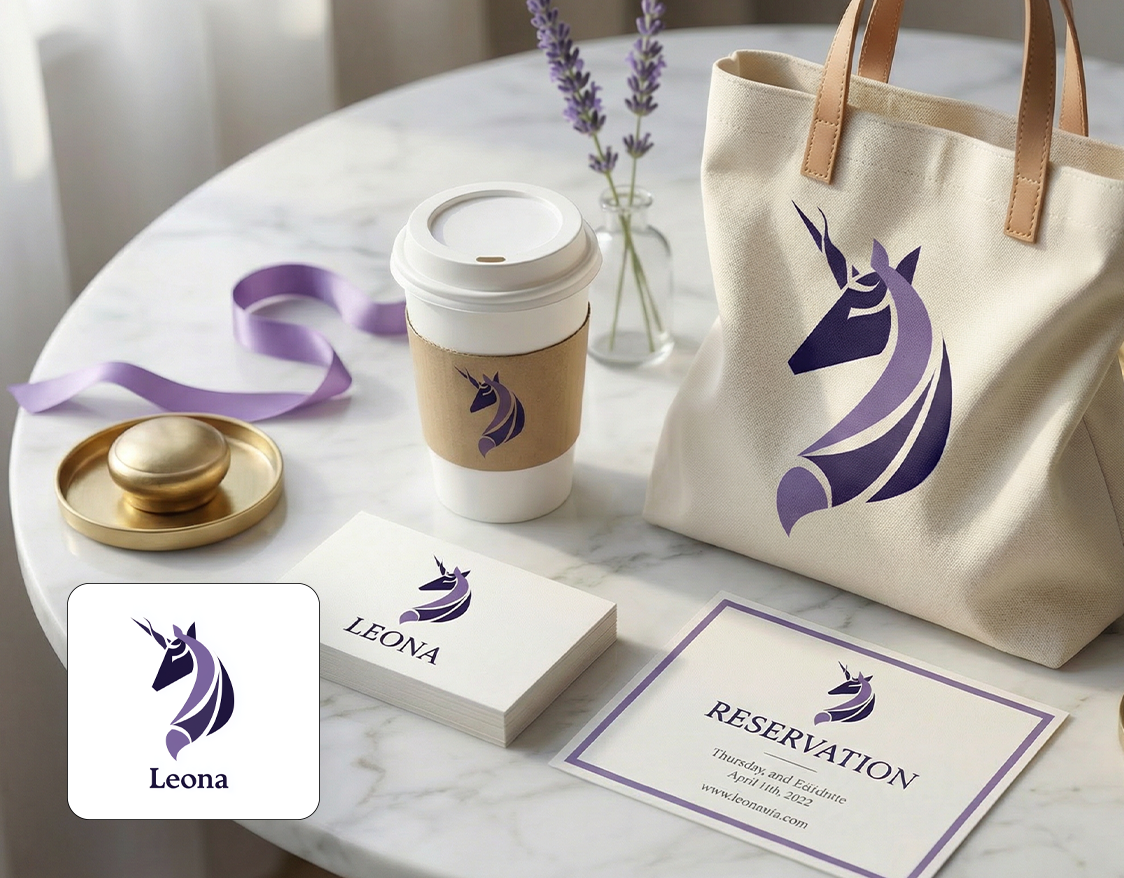
Multiple Variations Per Brief
Create video ads with AI in several distinct directions from one product input, adjusting pacing, framing, or scene sequencing, so you have real options to A/B test before committing spend to one version.
Where a cross-platform video generator earns its place
Launching one product across five platforms at once: generate Feed, Reels, TikTok, and pre-roll versions from the same source instead of briefing five separate creative teams.

How to Create Google Ads With AI in Three Steps
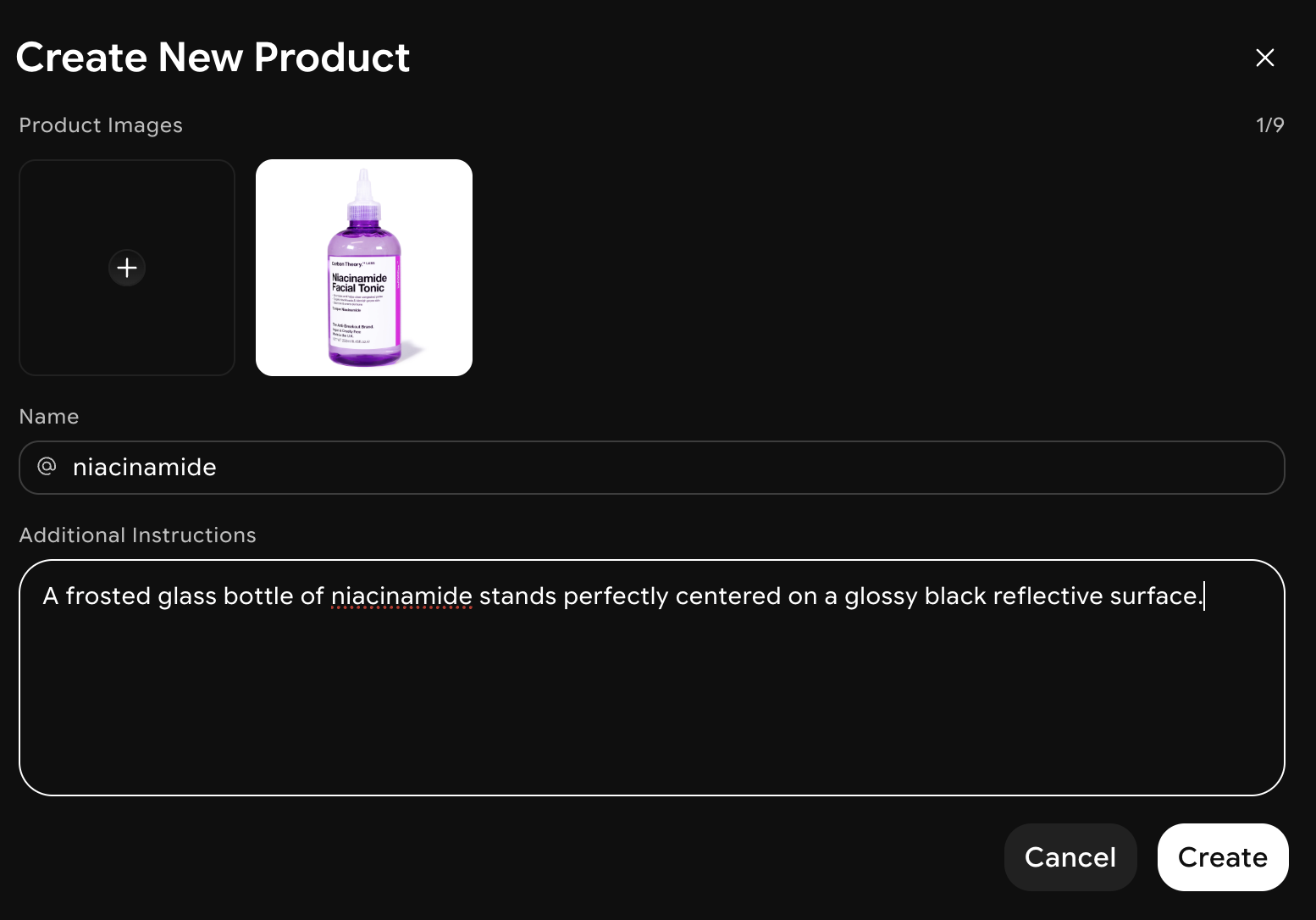
Upload or Describe
Add a product photo, or describe your offer, audience, and the tone you want across your Google Ads campaign.
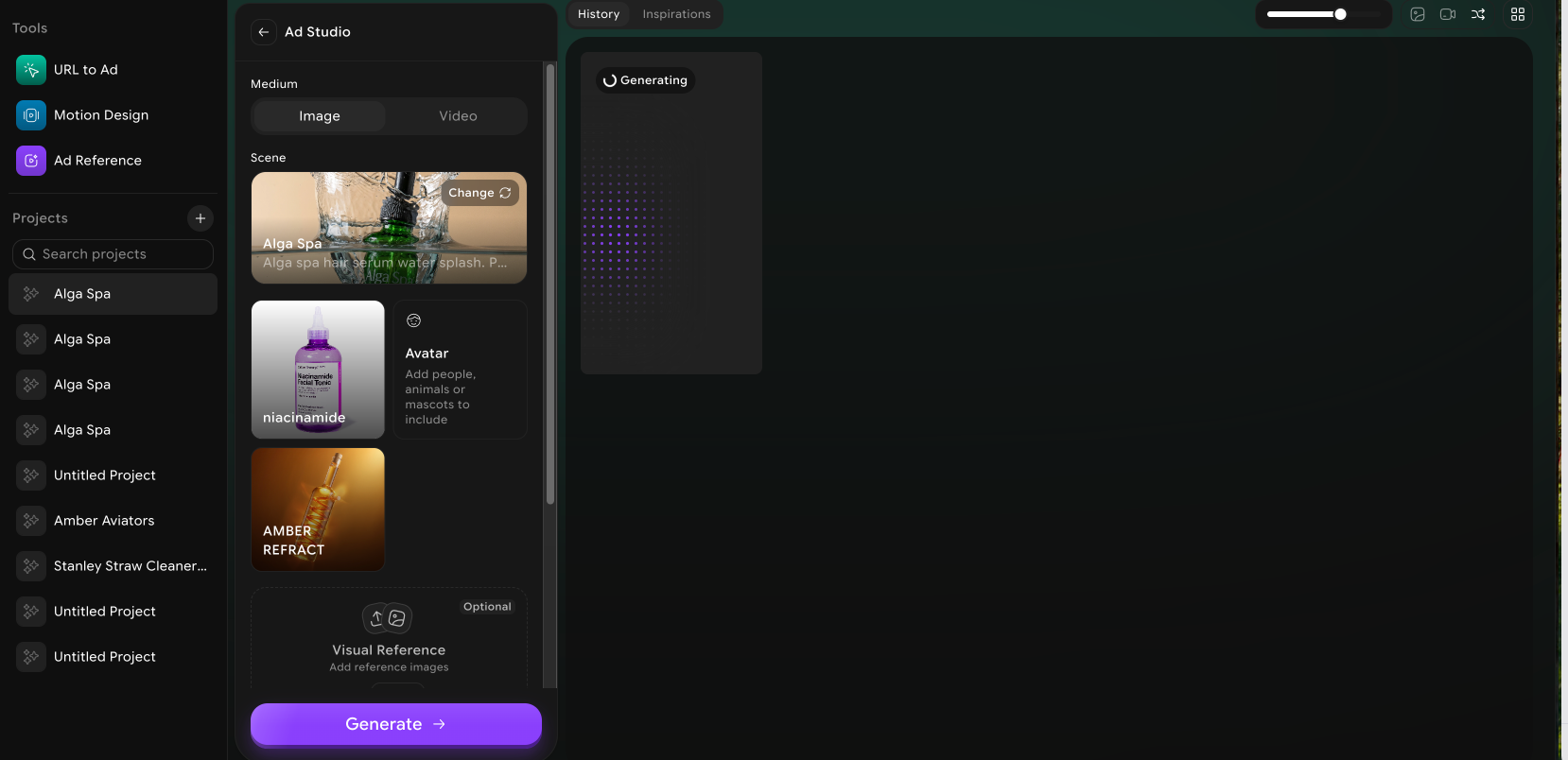
AI Generates the Ad Visuals
Google Ads AI generator builds several display and shopping ad directions, sized for Google's standard and responsive ad formats.
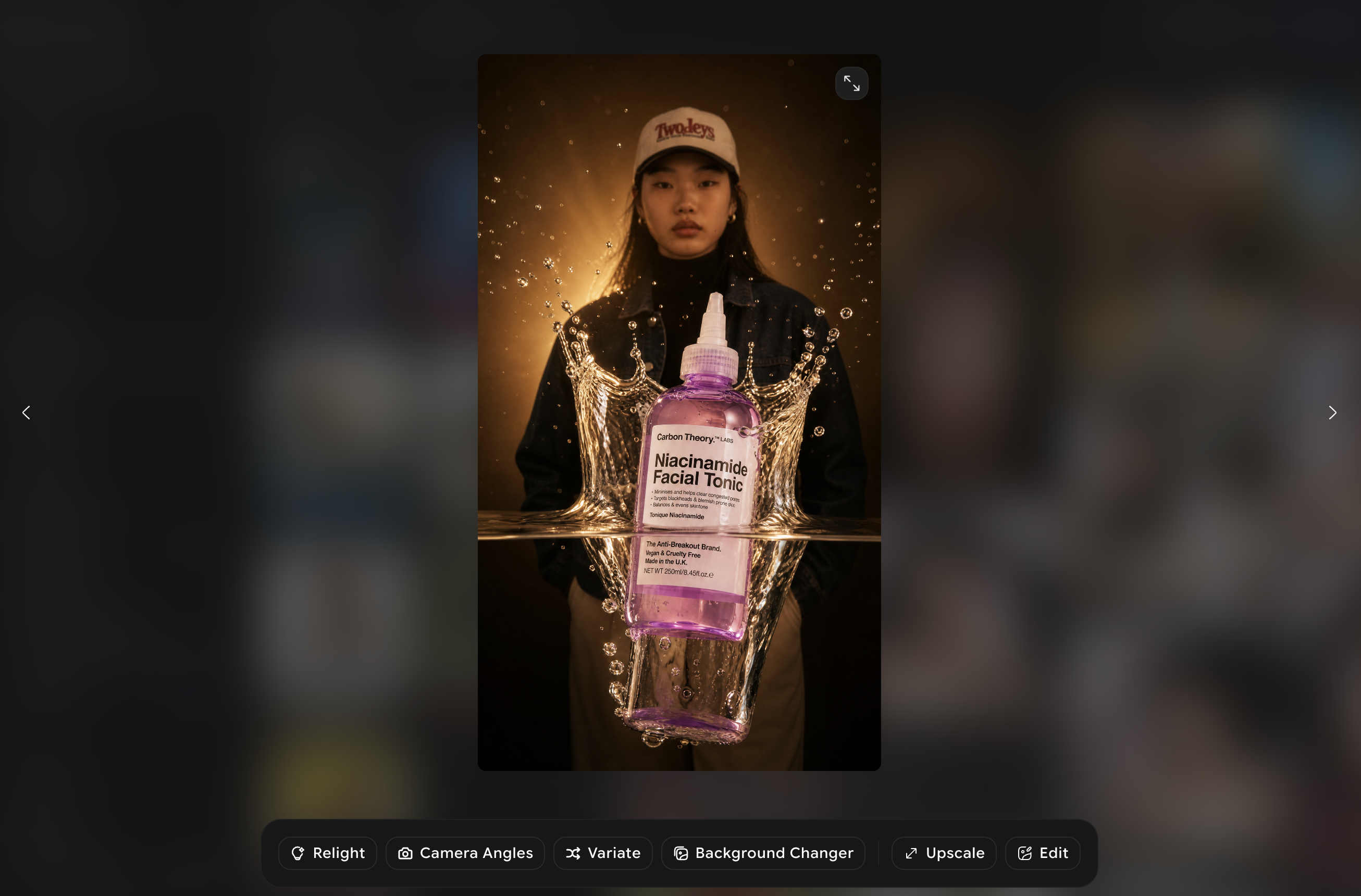
Export and Upload
Download the finished creative in Google's required dimensions, then upload it directly to Google Ads to launch your campaign.
What's inside the video ad generation workflow

Multi-platform aspect ratio export
One generation exports 9:16, 1:1, 4:5, and 16:9 versions simultaneously, covering Stories, Reels, TikTok, Feed, and pre-roll placements. A media buyer running the same product across four platforms gets a full set in one pass instead of four separate generation requests.

Variant generation for real A/B testing
Every batch includes several hook, pacing, and visual variants by default rather than one finished ad. That means a real multivariate test in whichever ads manager you're running through, instead of a single video shipped on a guess about which opening line performs.
Product-accurate visuals from your own assets
Footage is built from your uploaded product photos and brand kit, not generic stock library clips with a logo overlay. That matters for return-heavy categories like apparel or furniture, where a shopper comparing the ad to the actual product page notices a visual mismatch immediately.
Turnaround measured in minutes
A typical video ad set generates in minutes rather than the days or weeks a studio shoot requires, including travel, casting, and edit time. That difference matters most for a time-boxed promotion, where the creative needs to be ready before the sale starts, not after it's already live.
A Complement, Not Replacement
This tool is built for performance ad creative, fast, high-volume, testable, not a 30-second brand commercial meant for TV or a hero YouTube spot. For that kind of polished, single-story piece, ImagineArt's Commercial Generator is the better fit. Use both depending on whether the goal is a click or an impression.
Works across every major ad platform
The same generation covers Meta (Feed, Stories, Reels), TikTok, and YouTube pre-roll, so a single campaign brief produces creative for every channel a media plan actually spans, instead of a separate tool or a separate freelancer for each platform a campaign happens to include this quarter.
What teams are saying
Frequently Asked Questions?
Upload a product photo or describe your product, audience, and tone. This AI Video Ad Generator builds several video directions from that input, and you review, adjust, and export the version that fits your campaign.
No. You can generate a full video ad from a single product photo or a text description alone. The AI video ad maker builds the scenes, transitions, and pacing around that input, so filming isn't required to get a finished result.
Yes. You can upload your own product photos and existing footage as a starting point, and apply your brand's color palette and style so the output matches your existing brand identity rather than looking generic.
You can adjust scene pacing, framing, on-screen text, and overall tone after generation, and generate multiple variations from the same input to compare different directions before finalizing one.
AI video ad creator supports short-form social video ads, product-focused sequences, and longer commercial-style pieces through related tools in the same studio, covering the main video ad formats used across digital and social campaigns.
Start Creating Video Ads in Bulk
Stop waiting on a shoot or an editor. Generate finished video ads in seconds and get your next campaign live today.
Start Creating Ads