AI Mood Board Generator
Type a few keywords or upload three reference images and this ai mood board generator gets a full mood board back in under a minute. Built for designers, interior decorators, and brand teams who need a starting point before the first client meeting.


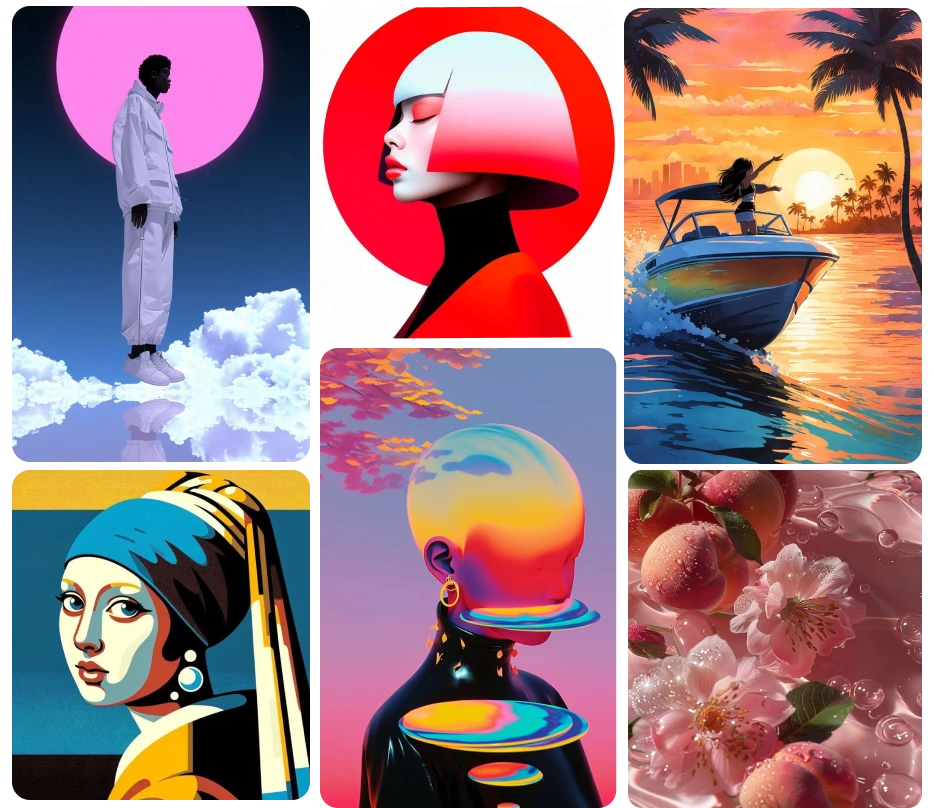
AI Mood Board Community Creations
What the AI mood board generator actually does
Give it a short brief, a handful of keywords like "warm minimalist, terracotta, morning light," or a few reference images, and it assembles a full board: color palette, texture references, and supporting imagery arranged around a shared visual direction. This moodboard ai reads what those keywords or images have in common and builds outward from there, rather than pulling random stock photos loosely tagged with the same words. The supporting imagery is generated fresh with the same AI image generator you can use to create standalone visuals from a prompt.

Built for the first hour of a project, not the last
Most projects start with an hour of scrolling saved images, screenshotting Pinterest boards, and pasting swatches into a slide. This replaces that hour with a first draft you can react to immediately: keep what's working, discard what isn't, regenerate around the direction that's landing. Used as a mood board creator for that first hour, a designer walks into the first client conversation with something to point at instead of a blank deck and a vague brief. For a residential project, that direction carries straight into the AI interior design tool for room-level visuals.
Mixing your own references with new ones
Upload three photos you already love, a fabric swatch, a paint chip, a room photo, and the generator studies what they share: a color temperature, a material texture, a lighting quality, and extends that into new supporting imagery around your originals. As a moodboard generator, the result keeps your actual references intact on the board while filling in the gaps with generated pieces in the same visual family.
Editable output, not a flat picture to redo from scratch
A mood board that only exports as one flattened JPEG forces you to start over the moment a client asks for one change. Export a layered file instead and swap a single image, adjust the color palette, or resize one panel without rebuilding the whole board. That difference is what separates a real working moodboard maker from one that only hands back a flat picture, and it matters most in the second and third round of client revisions. It's one of a connected set of design tools on ImagineArt AI, so a board can move into a logo, palette, or deck without leaving the platform.
How to Create Mood Board In 3 Steps
Step 1
Enter a brief or upload references
The first step in how to create a mood board here is simple: type a short brief, a keyword list, or a project name, or upload a few images you already have in mind. Mention the project type, like a residential living room or a spring apparel line, so the board pulls relevant imagery rather than a generic mix.
Step 2
Generate the board
The system builds a full layout: color palette, texture and material references, and supporting imagery arranged around a shared direction. Regenerate for a different visual tone or swap in a new reference image and re-run the board around it.
Step 3
Export and share
Download a flat image for quick sharing in an email or a deck, or export a layered file for further editing in another design tool. Both versions generate from the same board, so no rebuilding is needed between a quick share and a working file.
AI Mood Board Generator Reviews
Learn what users say about ImagineArt AI.

“I love this platform very easy to navigate through whatever you need to create. Excellent image generation and video generation. The pricing is very reasonable also. Thank you Imagineart for an amazing experience.”
“Imagine art is one of the best platforms for new AI creators offering the best prices, the market leader like Higgsfield are great but their prices are too high. Thank you imagine art for making AI Video models affordable.”
“ImagineArt is a powerful creative suite, but if you want to leverage its flagship photorealistic and cinematic models, you’ll need to invest in a top‑tier account. For casual creators, the free/basic tier is sufficient, but professionals aiming for commercial‑grade visuals will find the upgrade essential.”
“ImagineArt is an amazing AI art platform with an intuitive interface, fast image generation, and impressive results. It offers a great variety of styles and tools, making it easy to bring creative ideas to life. Whether you're a beginner or a professional, it's a reliable and enjoyable tool for creating high-quality artwork. Highly recommended!”
“ImagineArt has a really amazing interface, well layered and clean. The workflow feature really makes working easy with all tools available in one place. One other thing, when I tested models like for instance Nano Banana 2 on ImagineArtAi and other Ai brands I got better results and higher quality on ImagineArtAi. It goes to show how much they have invested in making it the best of the best”
“Great platform, lots of useful features. All the models you would want under one roof. Multi variation parallel generation of images and videos. workflows. awesome stuff”
Purchase a Subscription
Upgrade to get access to pro features and generate more and better
Basic
For newcomers taking their first steps
View Plans
Billed monthly
Included in plan
3Kcredits per month
Additional Features
Up to ~600 Image Generations/month
Up to ~97 Video Generations/month
General Commercial Terms
Image Generation Visibility: Public
4 Concurrent Image Generations
Complimentary Access
All GPT Models
All Gemini Models
All Claude Models
Unlimited Generations
10 Image Models
9 Video Models
Standard
For rising creators to level up their game
View Plans
Billed monthly
Included in plan
8Kcredits per month
Additional Features
Up to ~1.6k Image Generations/month
Up to ~265 Video Generations/month
General Commercial Terms
Image Generation Visibility: Private
8 Concurrent Image Generations
Complimentary Access
All GPT Models
All Gemini Models
All Claude Models
Unlimited Generations
Nano Banana
Runway Gen 4 Turbo
Midjourney V7
8 more Image Models
8 more Video Models
Ultimate
Peak performance for pros
View Plans
Billed monthly
Included in plan
16Kcredits per month
Additional Features
Up to ~3.2k Image Generations/month
Up to ~530 Video Generations/month
All styles and models
General Commercial Terms
Image Generation Visibility: Private
Complimentary Access
All GPT Models
All Gemini Models
All Claude Models
Unlimited Generations
All image models in Standard plan
All video models in Standard plan
Kling 2.6 Pro
Seedance 1.5 Pro
ChatGPT 1.5
Creator
A full production engine for powerhouses
View Plans
Billed monthly
Included in plan
100Kcredits per month
Additional Features
Up to ~20k Image Generations/month
Up to ~3.3k Video Generations/month
All styles and models
General Commercial Terms
Image Generation Visibility: Private
Complimentary Access
All GPT Models
All Gemini Models
All Claude Models
Unlimited Generations
All image models in Ultimate plan
All video models in Ultimate plan
Kling 3.0 Pro
Seedance 2 Fast
Nano Banana 2
Have questions?
We have answers!
It is a tool that assembles a full mood board, including a color palette, texture references, and supporting imagery, from a short brief, a keyword list, or uploaded reference images. It's built for designers, interior decorators, and brand teams who need a visual starting point early in a project, before materials, colors, or a final direction are locked in.
Yes. Type a short phrase or a handful of keywords describing the direction you're after, such as "warm minimalist, terracotta, morning light," and the generator builds a full board around that description, including a matching color palette and supporting imagery. No reference images are required to start; keywords alone are enough for a first draft.
Yes. Upload photos, fabric swatches, or screenshots you already have and the generator studies what they share, color, texture, lighting, and builds new supporting imagery around them in the same visual family. Your original references stay on the board alongside the newly generated pieces rather than being replaced by them.
Yes. Export a layered file with each image and color swatch on its own layer for further editing in another design tool, in addition to a flat image export for quick sharing. This means a single panel or color swatch can be swapped later without rebuilding the entire board from the original brief.
Create Mood Board with ImagineArt AI
Type a few keywords or upload your first three references and let this ai mood board generator return a full board before your next client call, free to try on your first project.