AI Instagram Ad Generator for Visuals That Fit the Feed, Stories, and Reels
Upload a product photo or describe your offer, and this AI Instagram Ad Generator builds image and video ad creative sized and styled specifically for Instagram feed, Stories, and Reels placements, ready to upload straight into Ads Manager.
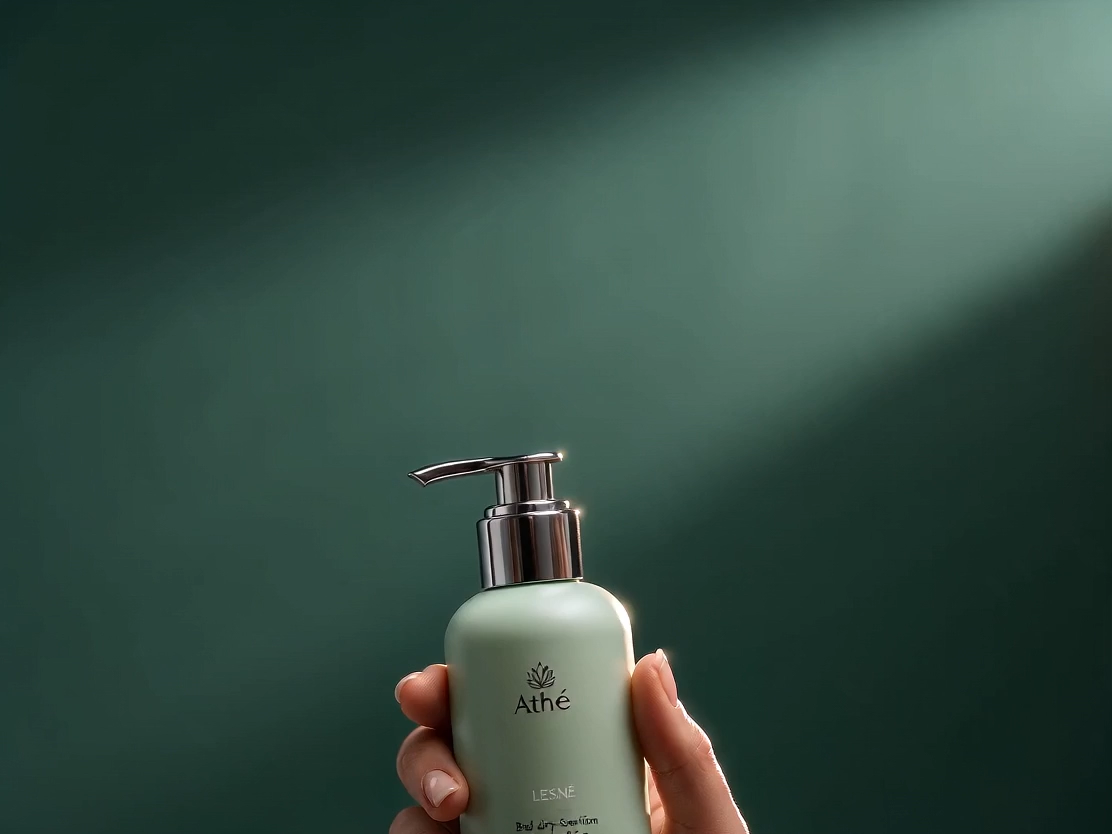
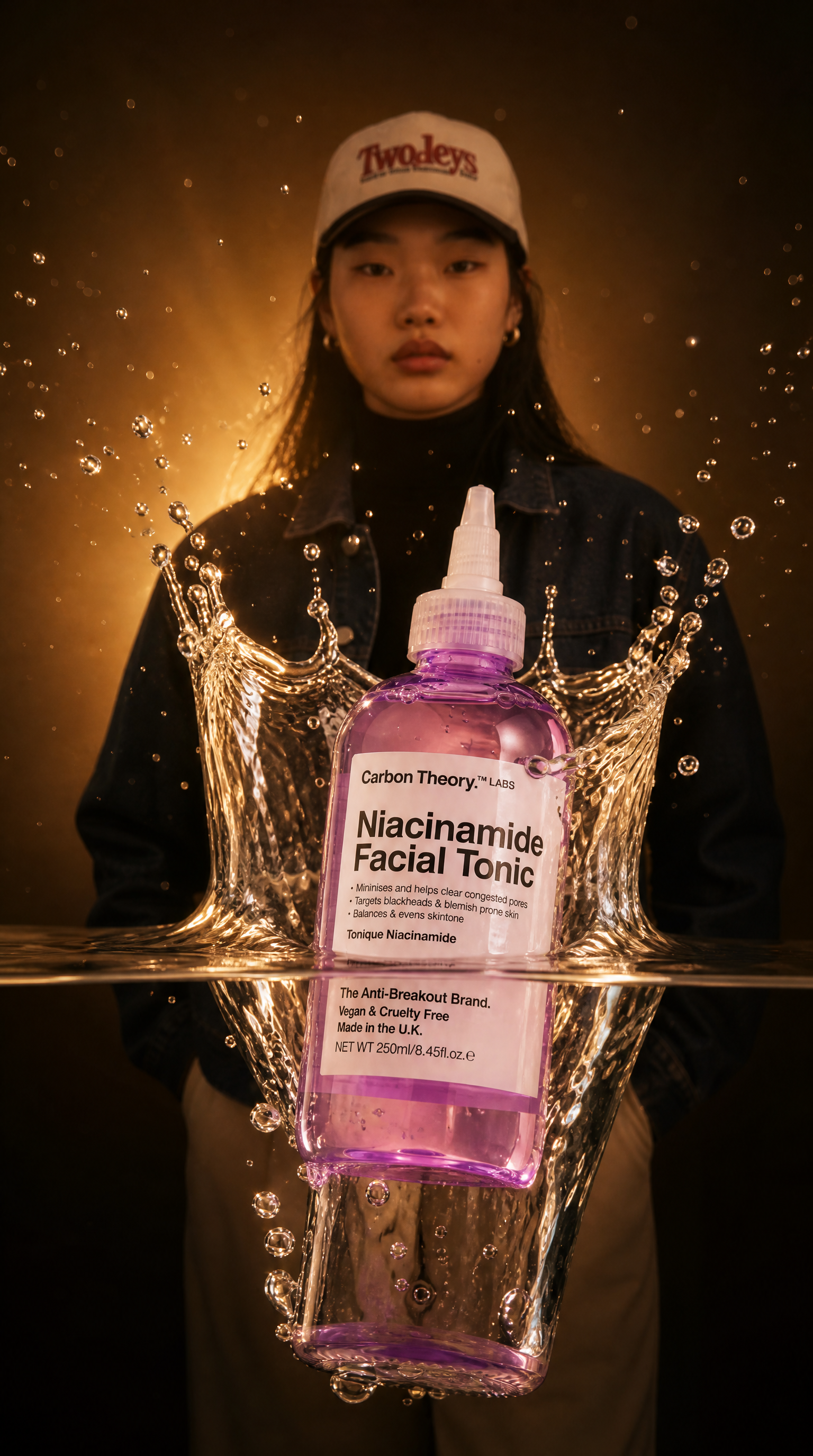


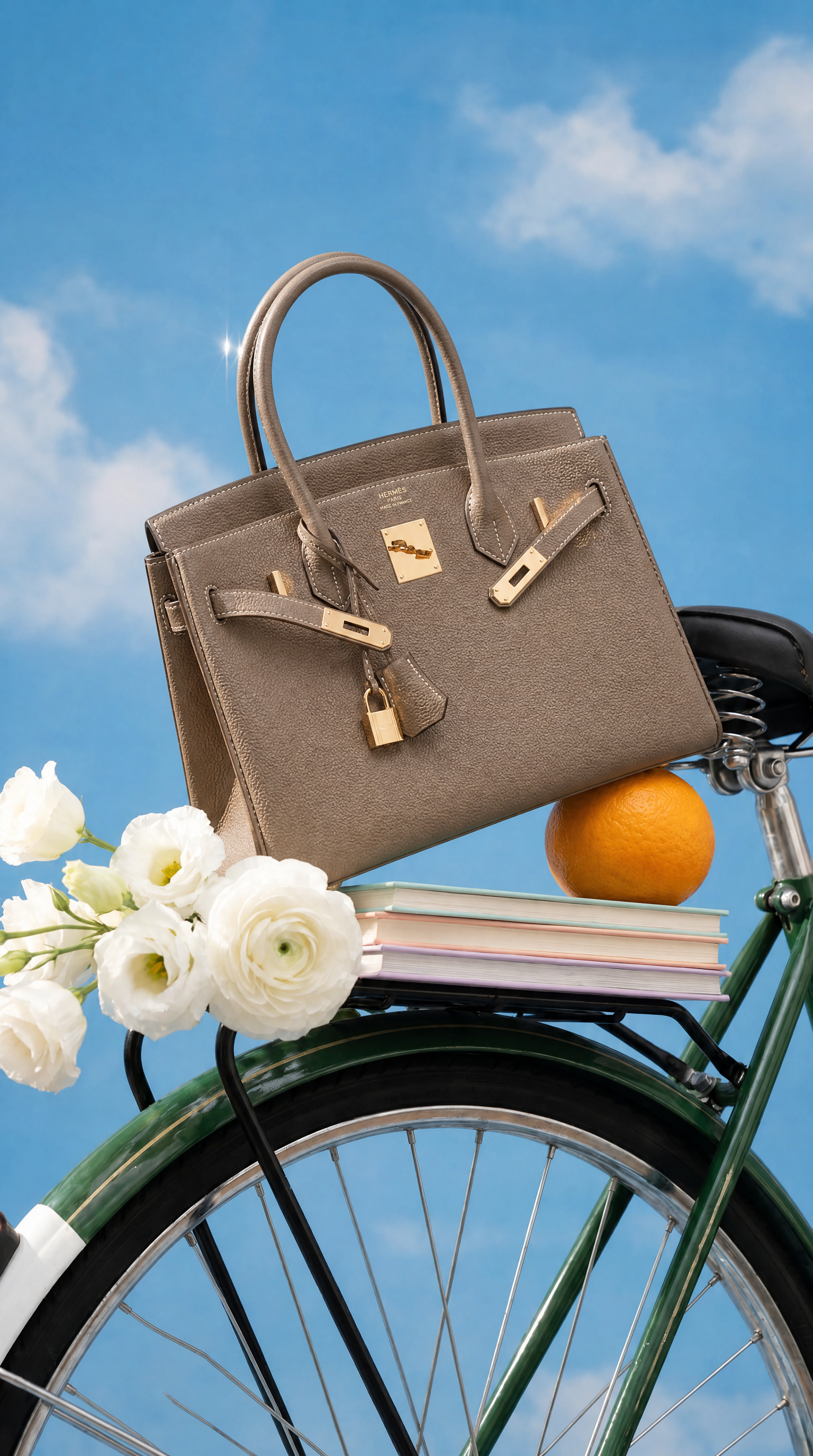
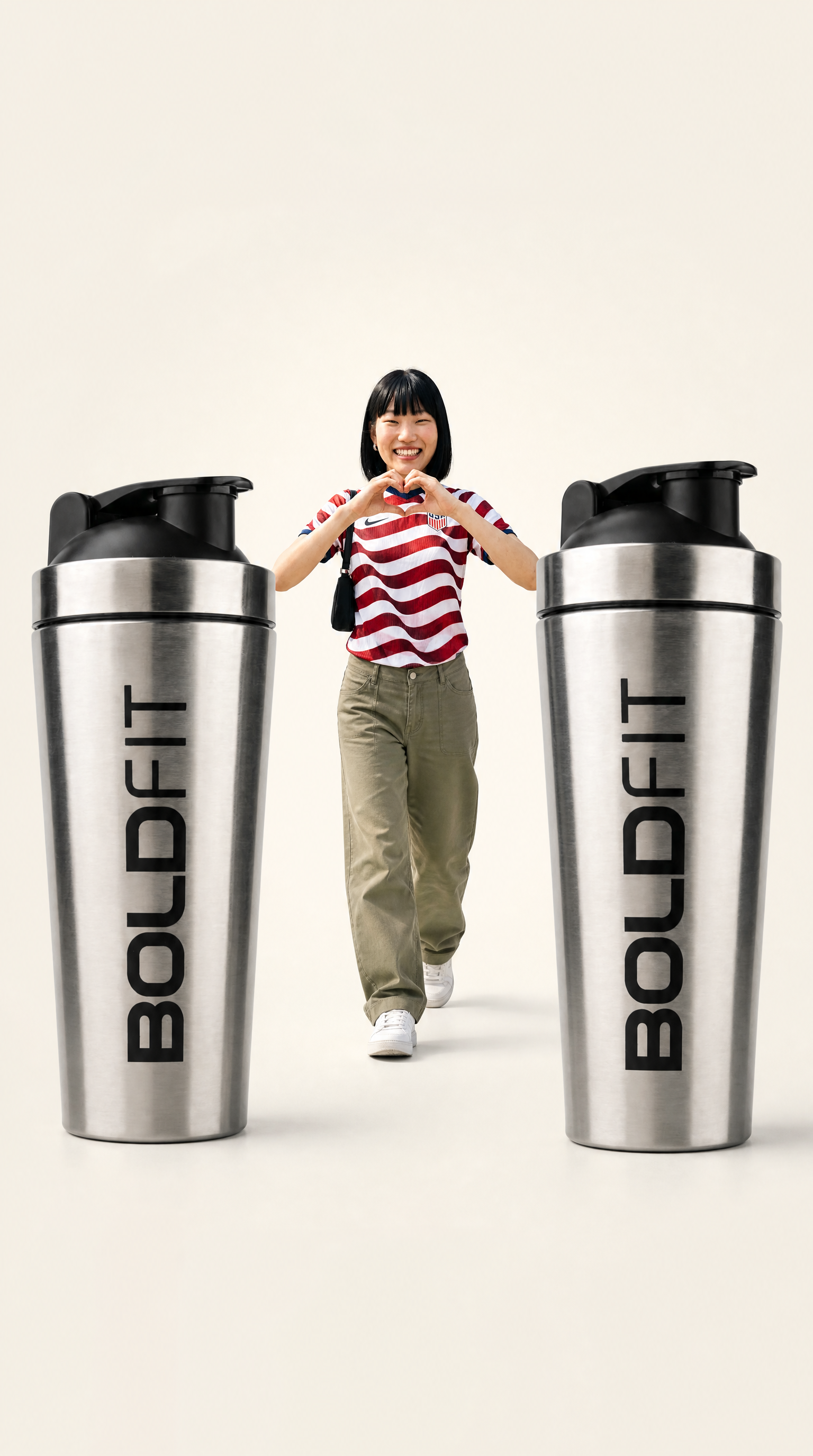
Core Capabilities Behind This AI Instagram Ad Generator
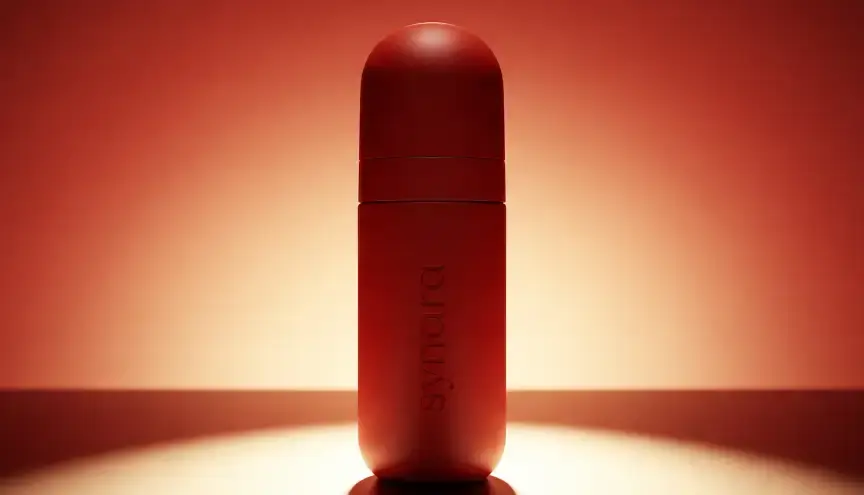
Native aspect ratios, not stretched leftovers
Feed ads render at 1:1 and 4:5. Stories and Reels render at 9:16 with safe zones for the profile bar and caption stickers. You pick the placement, ImagineArt frames the shot to it, so nothing gets auto-cropped by Meta's ad manager after the fact.
Copy tuned to placement, not just product
A Reels hook needs to land in the first second. A Feed caption has room to explain a return policy or a price drop. ImagineArt writes separate copy per placement instead of pasting one caption across three different formats and hoping it holds up.
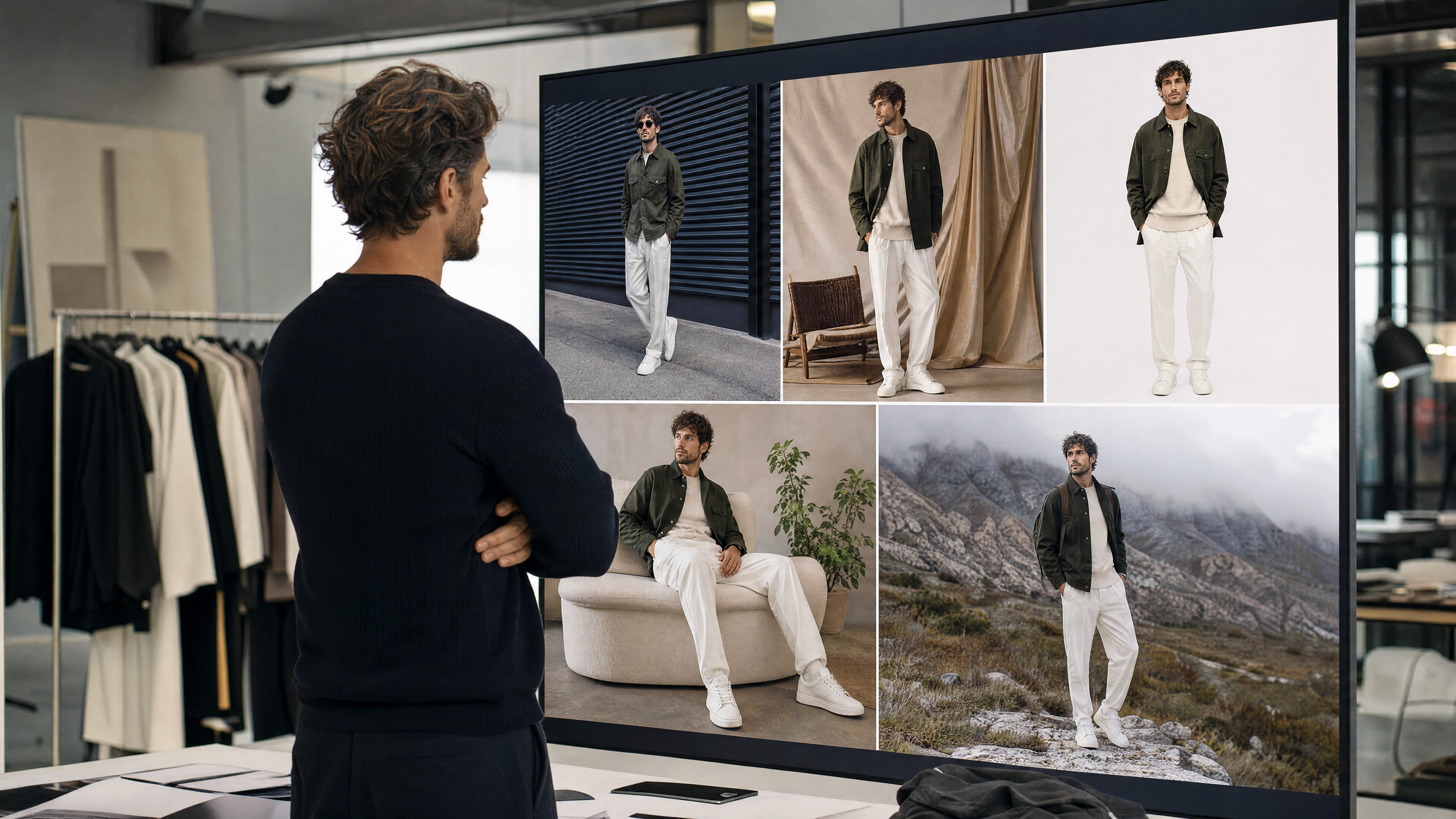
Brand kit locked in before generation
Upload your logo, hex codes, and font once. This AI Instagram ad generator pulls every ad from that same kit, so a Reels ad and a Feed carousel from the same batch look like they came from one brand, not three different freelancers on three different days.
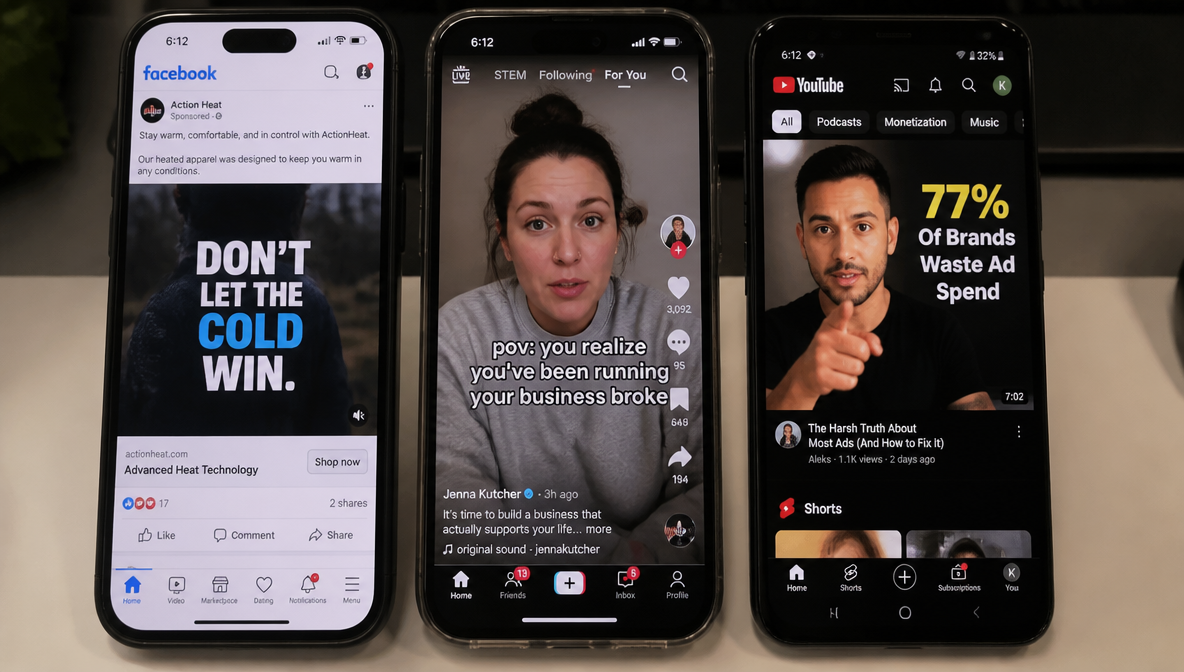
Built-in variants for testing
Every generation ships with 3 to 5 variants: different hooks, different color treatments, different CTA phrasing. Load all of them into Meta Ads Manager as a single test instead of writing five briefs and waiting a week for a freelancer to turn them around.
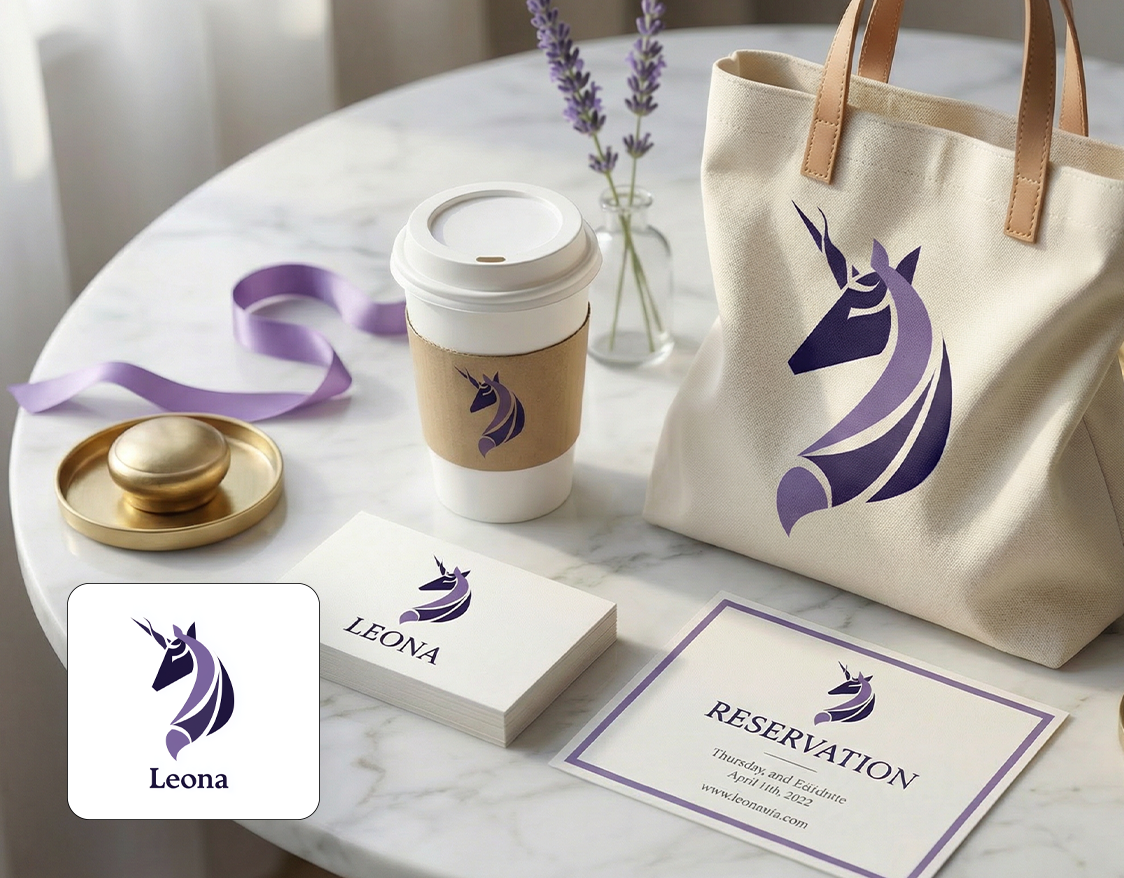
Where this fits into a media buyer's week
Use this AI Instagram ad generator to produce Feed, Stories, and Reels versions from one product photo the morning of launch, so paid social isn't the department waiting on creative.

How to Create Instagram Ads With AI in Three Steps
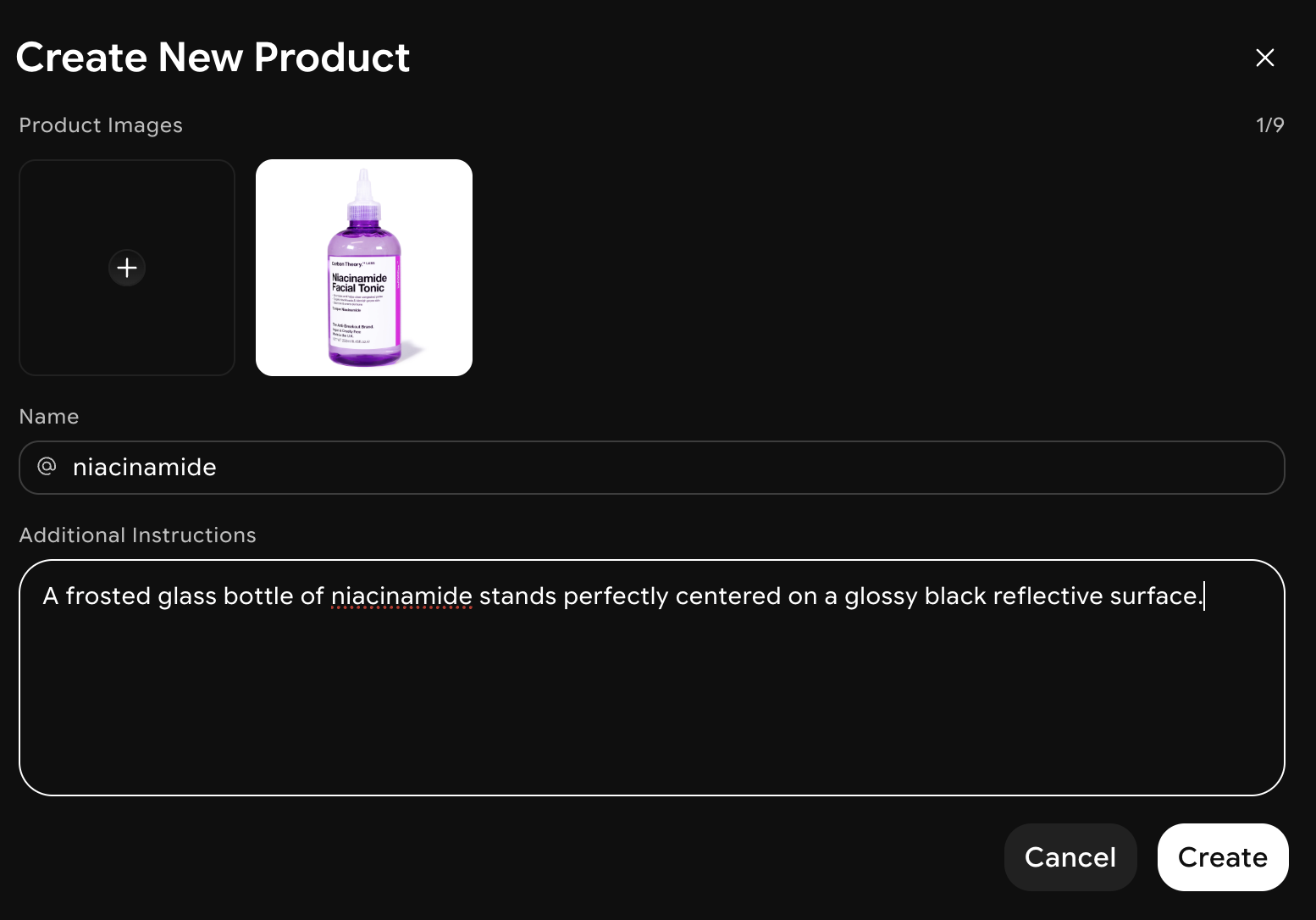
Add a photo or a product URL
Upload one product image, or paste a product page link instead. ImagineArt pulls the image, price, and key product details automatically, so there is no separate creative brief to write before generation starts.
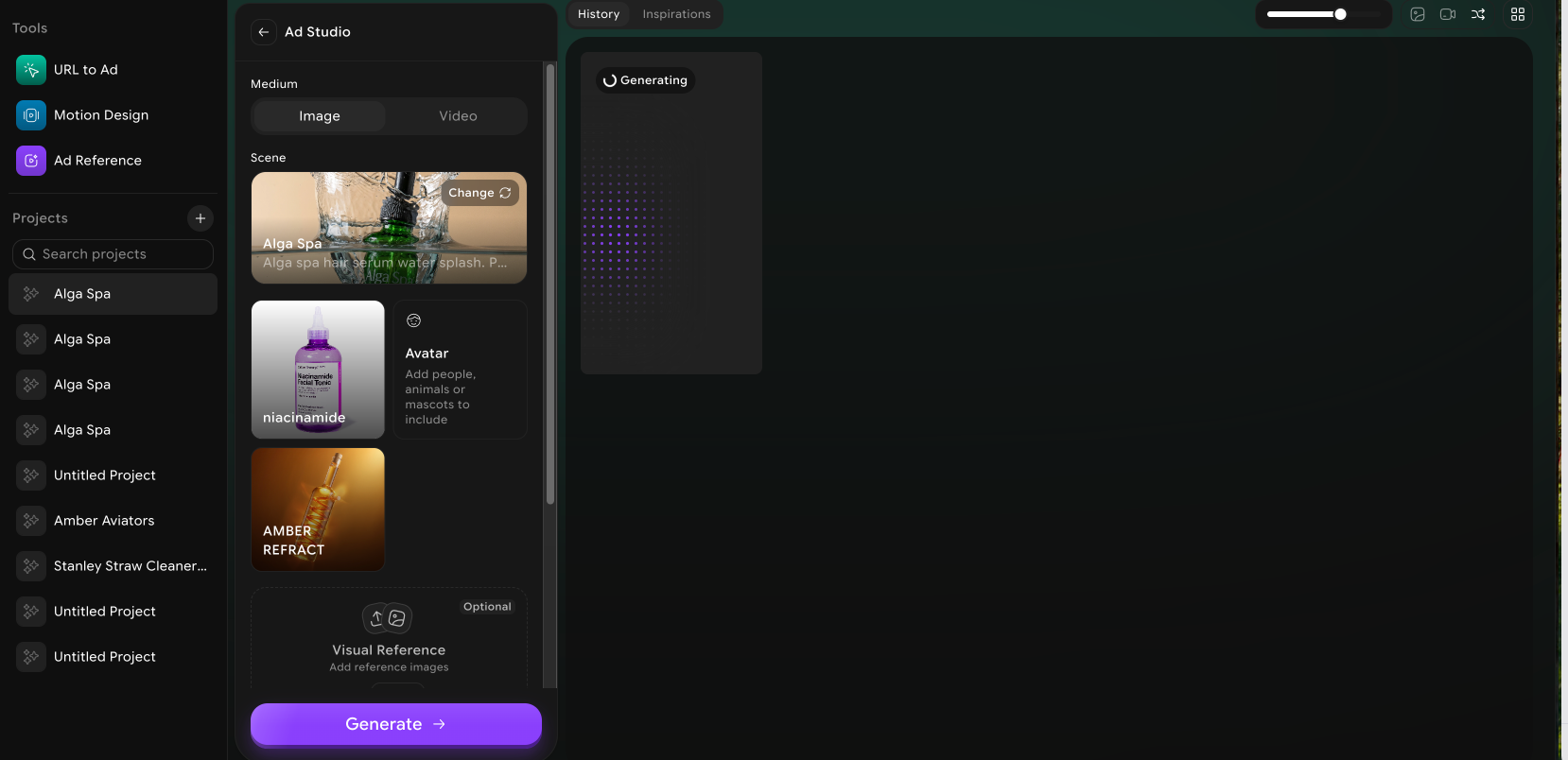
Generate Different size versions
Pick your formats and ImagineArt generates matching ads for each one in the same pass: same brand kit, same product, different crop, pacing, and hook length for every placement you selected.
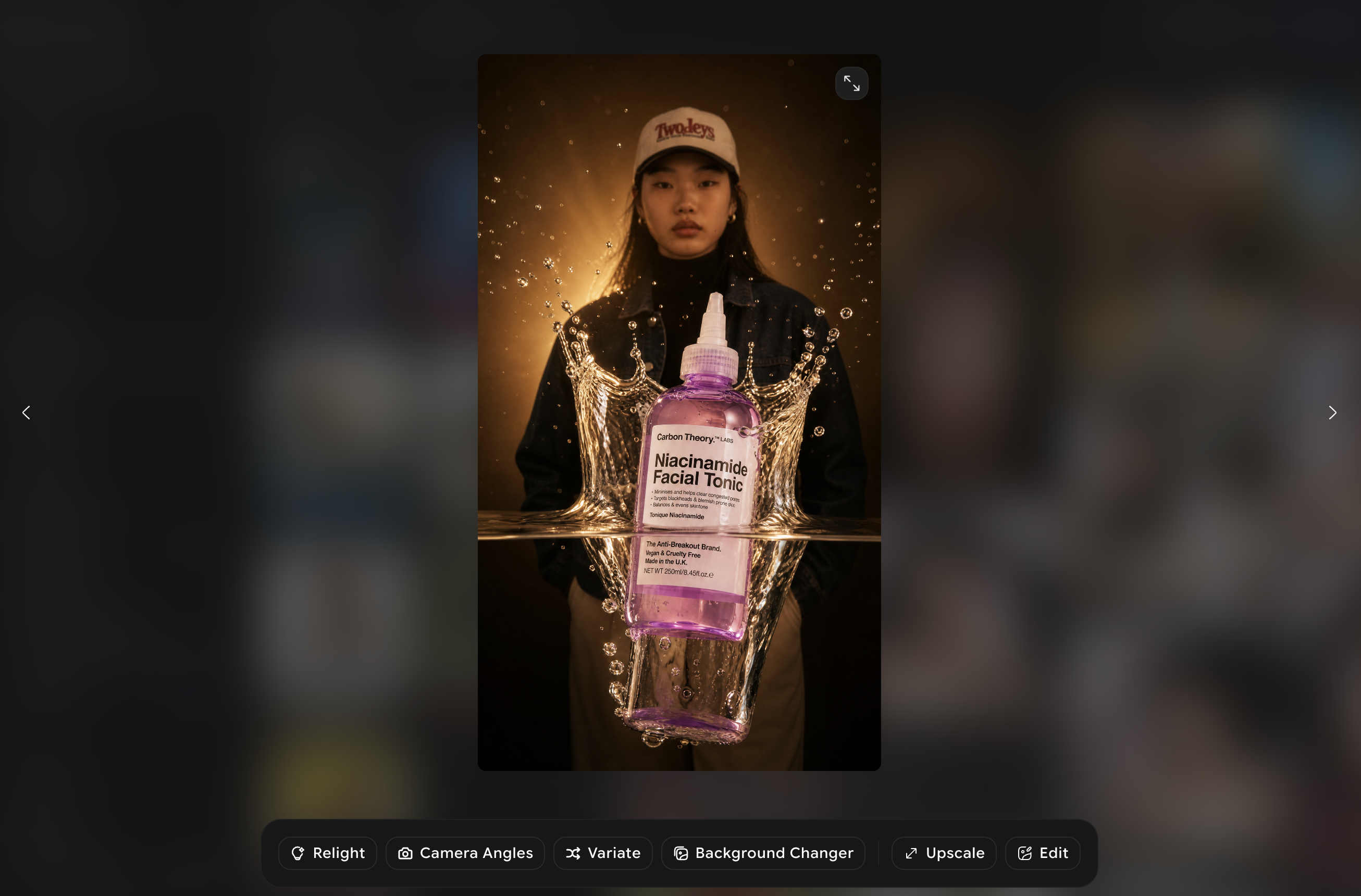
Download and Launch
Export every variant at the right resolution for Meta Ads Manager, no resizing in a second tool. Files are named by placement, so your media buyer knows exactly what to upload where.
What's actually inside the Instagram workflow

Reels-first video generation
As an Instagram video ad maker, ImagineArt generates Reels as short vertical video, not a static image with a border. Hooks are written for the first second, since Meta's own data shows most Reels ads lose viewers before the three-second mark. Pacing and cuts are built for scroll-stopping, not for TV.

Carousel ad support
Multi-image carousels for product lines with more than one SKU, up to 10 cards per ad. Each card can carry its own price, headline, and CTA, so a shoe brand can run a single carousel that doubles as a mini catalog instead of five separate single-image ads.
Copy in more than one language
Generate the same ad in Spanish, Portuguese, French, or Hindi alongside English, matched to the same visual, so a media buyer running LATAM and US feed campaigns doesn't need two separate creative pipelines or a translation agency in the loop.
Live Price Overlays
Connect a product feed and ImagineArt pulls current price, discount percentage, and stock status directly onto the ad. When a price changes or a sale ends, the next batch reflects it, instead of a designer manually swapping numbers on 40 different files.
All Placement Sizes
Feed, right column, Stories, Reels, Explore, and Marketplace each expect a different frame. ImagineArt keeps all six on file, so a single campaign brief produces a full placement set instead of a media buyer manually resizing one hero image six separate times.
Same-Day Turnaround
Flash sales and 48-hour drops need creative same day, not next week. Generation for a five-variant Instagram set typically takes minutes, not a multi-day agency turnaround, so a Friday afternoon price drop can still go live with matching Feed and Reels ads by Friday evening.
What teams are saying
Frequently Asked Questions?
The main benefit of using an Instagram ad creator is speed without losing format accuracy. A single product photo becomes Feed, Stories, and Reels versions in one generation pass, each cut to Instagram's native aspect ratio instead of one image stretched three ways. You also get 3 to 5 variants by default, so testing different hooks doesn't require a separate creative request for each one you want to try.
ImagineArt generates static Feed and Explore ads at 1:1 and 4:5, vertical Stories and Reels ads at 9:16 with safe zones for Meta's UI elements, and multi-card carousels with up to 10 images. Reels come out as short vertical video with placement-specific pacing, not a static image dropped into a video frame, since Meta scores those differently in auction.
It optimizes indirectly, by removing the cost of testing. Because each generation includes several hook and visual variants at no extra production cost, a media buyer can run a proper A/B test in Ads Manager instead of shipping one ad and hoping. The optimization itself still happens in Meta's auction. ImagineArt's job is making sure you have enough real variants to let that auction work.
Start with a clean, well-lit product photo, since ImagineArt builds the ad around what's in the source image. Lock your brand kit (logo, hex codes, font) so every variant stays consistent. Then use the placement-specific copy options rather than one caption for every format. Ads built for the specific placement they'll run in consistently look more native than one image resized three ways.
Paste the product page link into ImagineArt's AI Instagram ad generator instead of uploading a photo manually. It pulls the product image, name, and price from the page, then builds Feed, Stories, and Reels versions from that data. You can still swap in a different photo or edit the pulled price and headline before generating, so the URL is a shortcut, not a requirement.
Turn products into high-converting Instagram ads
Grow your Instagram business faster with ImagineArt AI.
Start Creating Ads