AI Google Ad Generator for Display and Shopping Ads
Upload a product photo or describe your offer, and this AI Google Ad Generator builds display and shopping ad visuals sized for Google's ad network, including responsive display formats, ready to upload directly into Google Ads.

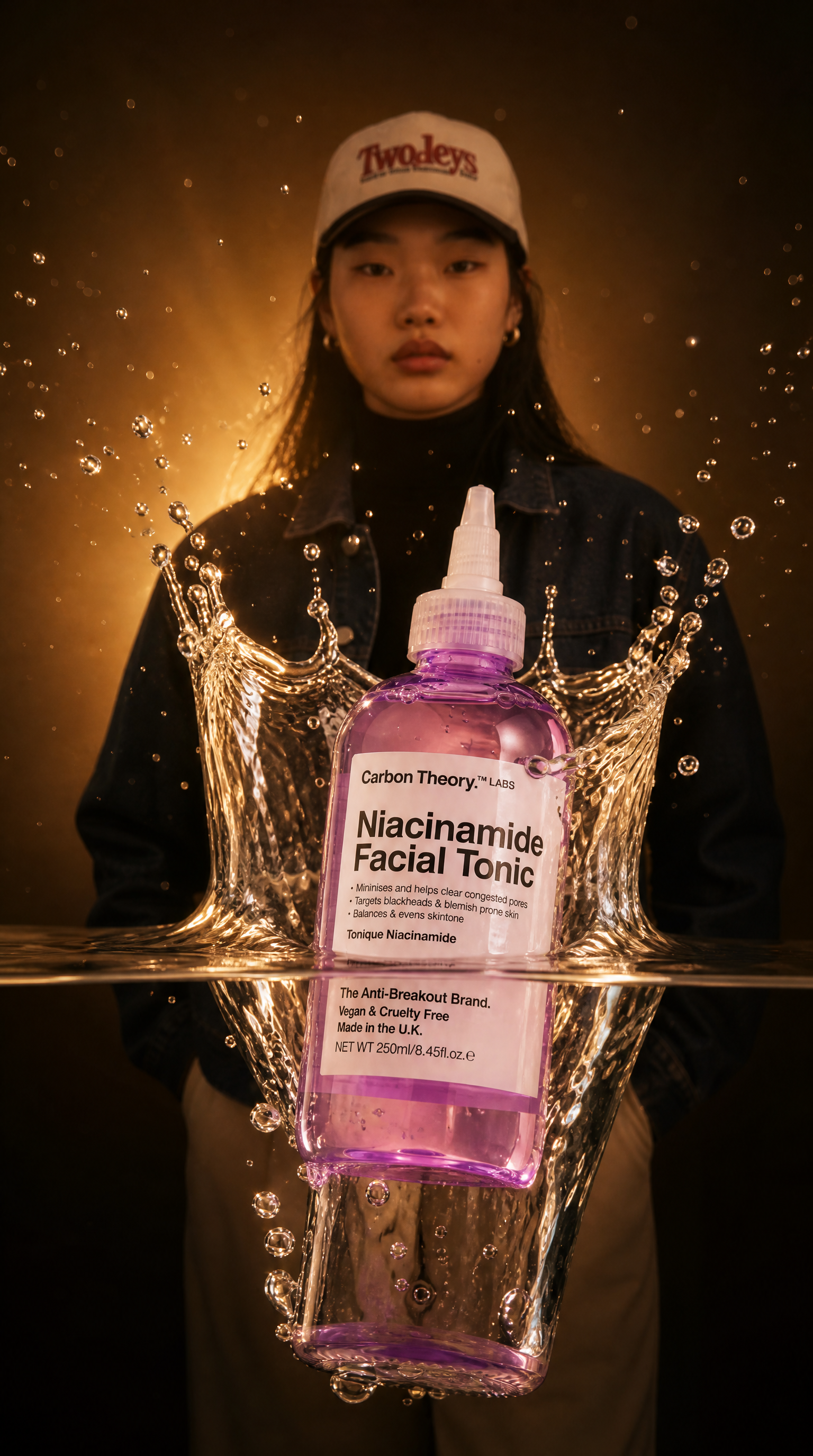



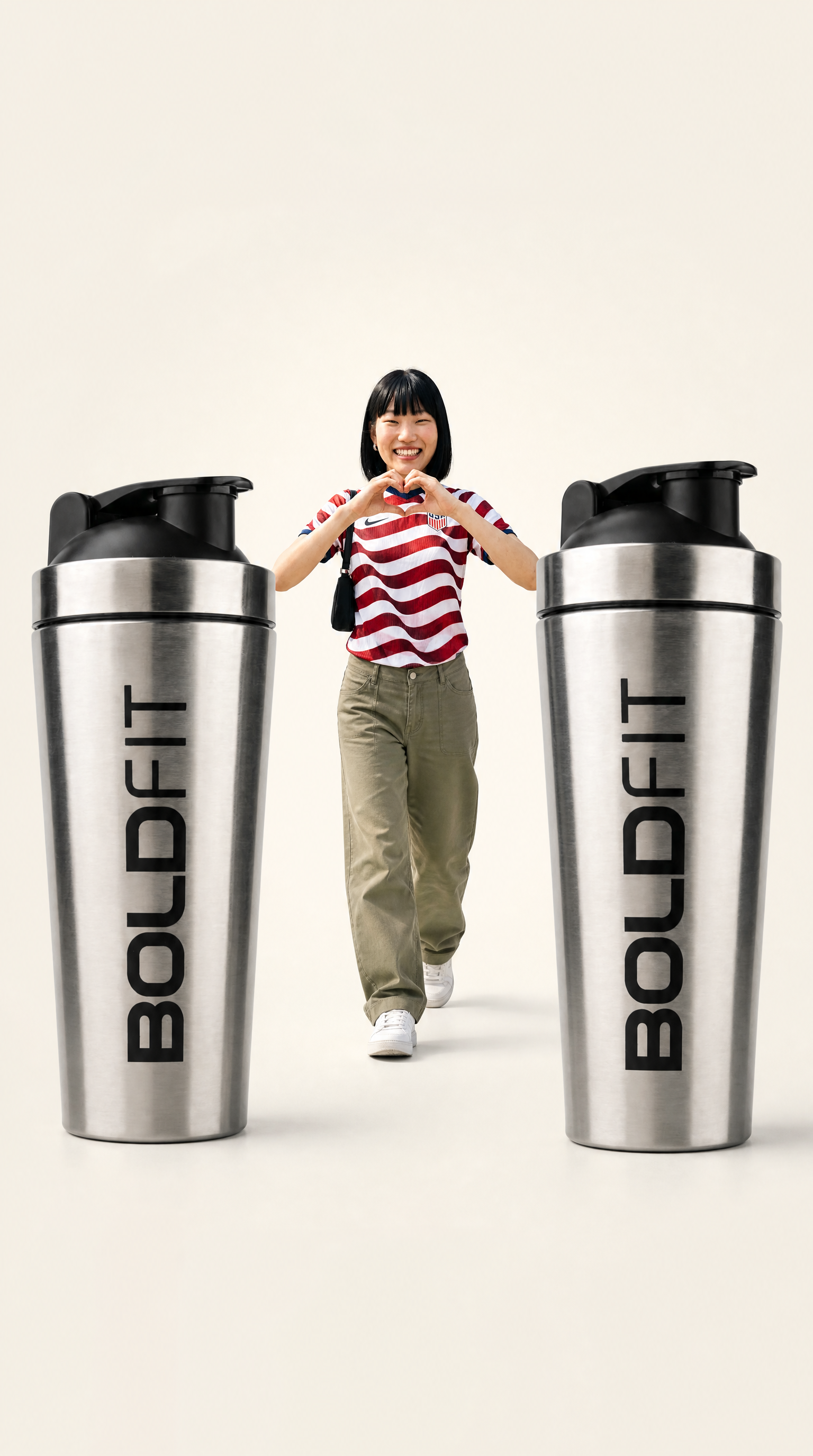
Core Capabilities Behind This AI Google Ad Generator
Responsive Display Ad Creation
As a Google Ads AI generator, this tool builds visuals sized for Google's responsive display formats, covering the range of aspect ratios Google's network requires across partner sites and apps, rather than a single fixed size that needs manual resizing later.
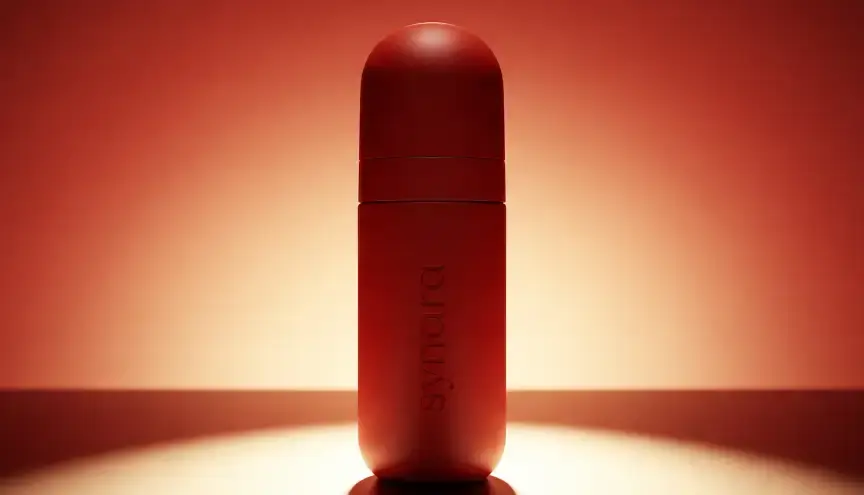
Shopping Ad Visuals
Generate product-focused visuals suited to Google Shopping placements, where clean, clear product presentation tends to matter more than the more stylized creative used on social platforms.
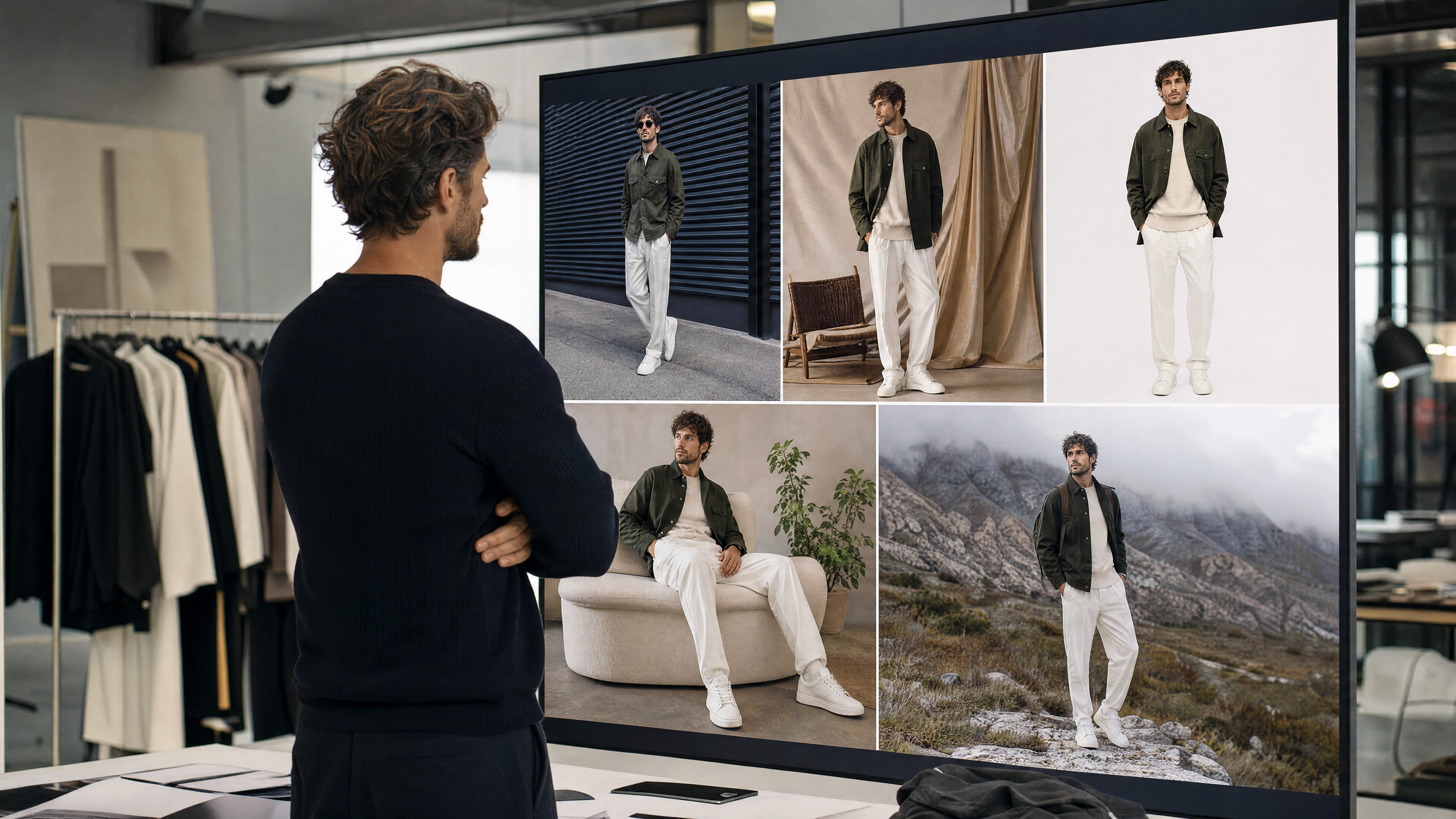
Multi-Size Output in One Pass
As a Google Ads creator, it generates the range of standard display sizes Google's network calls for from a single product input, so one creative concept covers multiple placements without a separate design pass for each size.
Fast Iteration for Testing
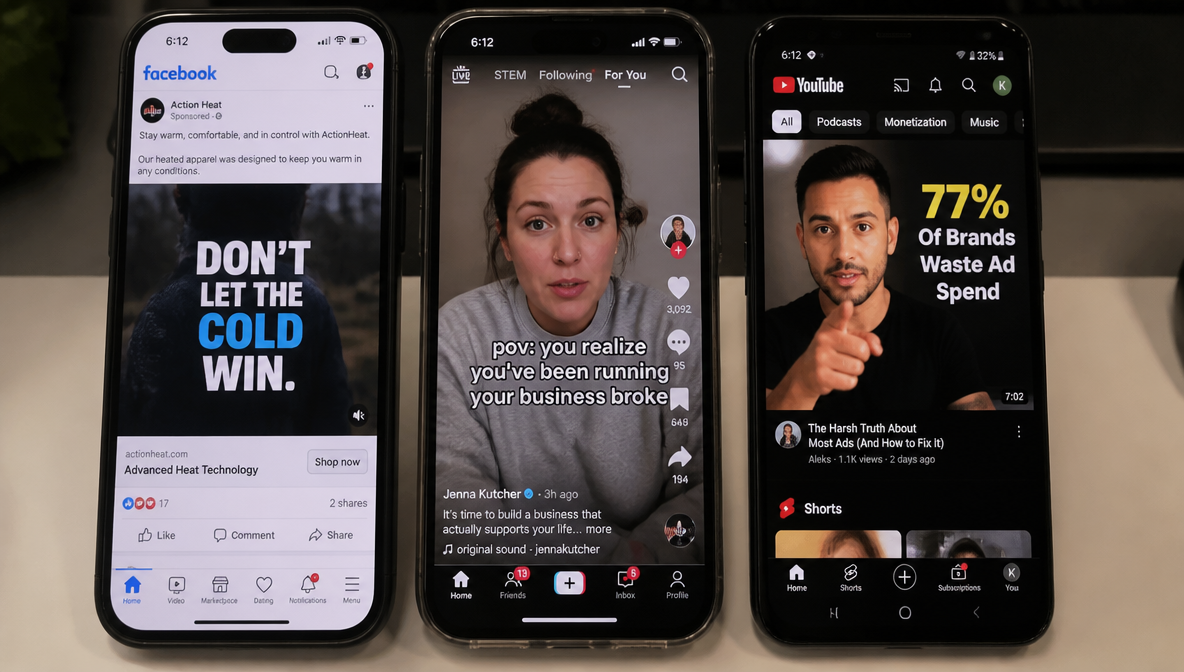
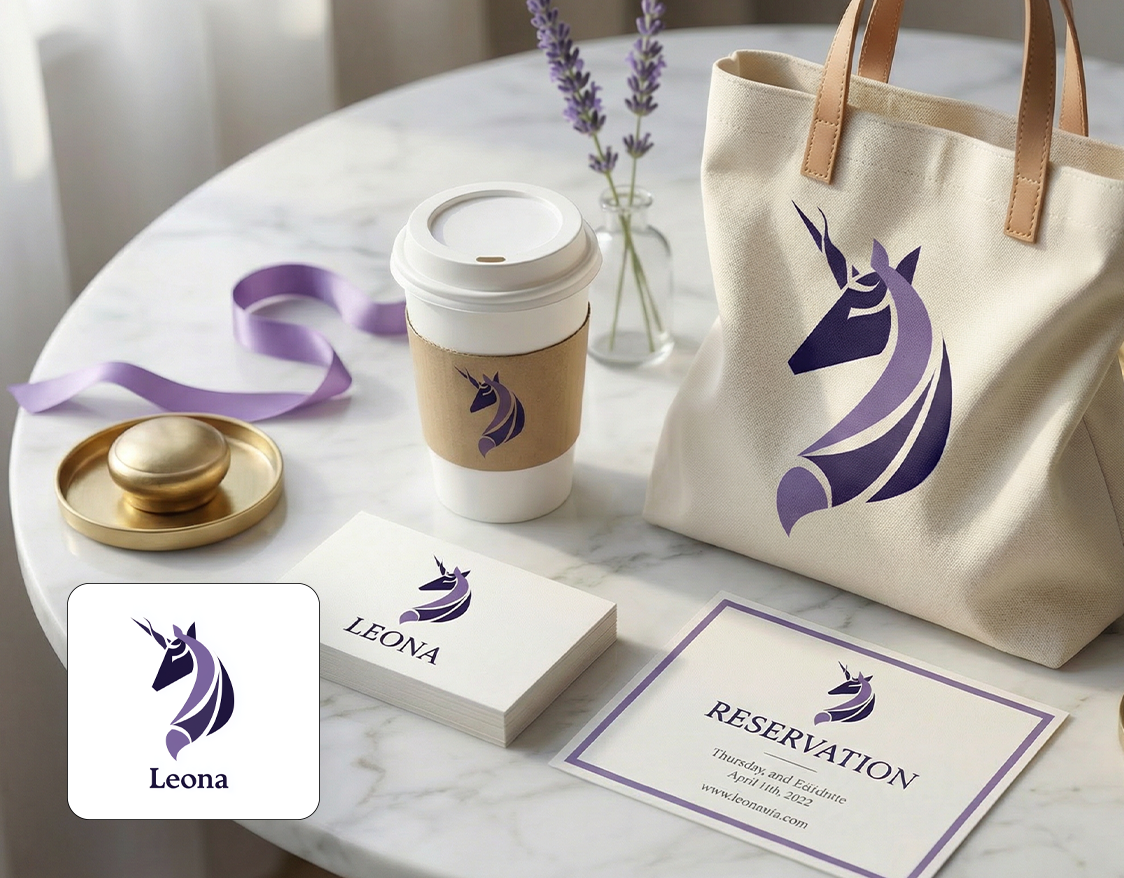
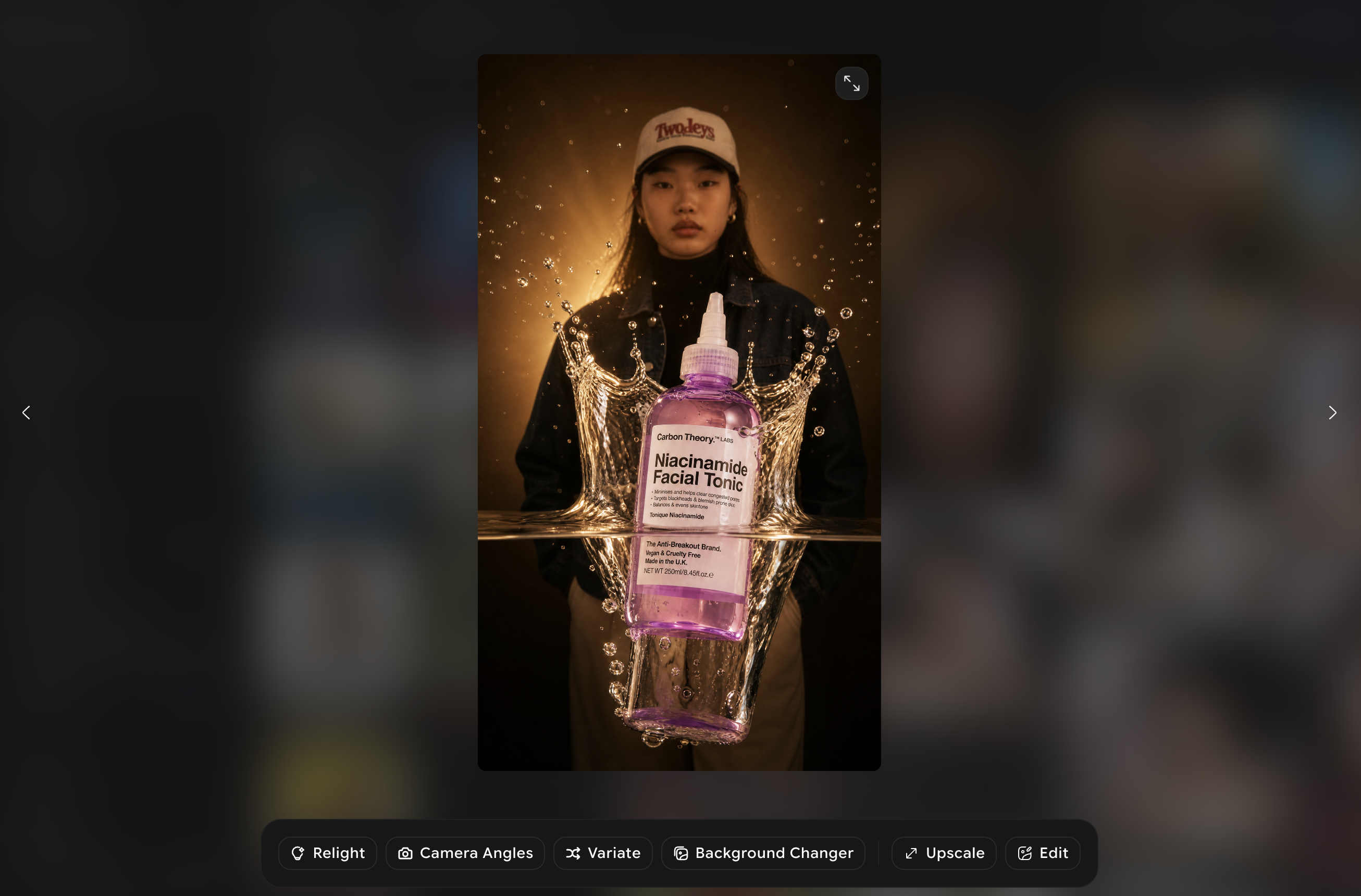
Generate several visual variations from a single product input to test different framing, background, or messaging angles across your Google Ads campaigns before committing spend to a single creative.
Where teams put it to work
In-house PPC managers using an AI Google Ad generator to fill out a full Performance Max asset group without a separate design request.

How to Create Google Ads With AI in Three Steps
Upload or Describe
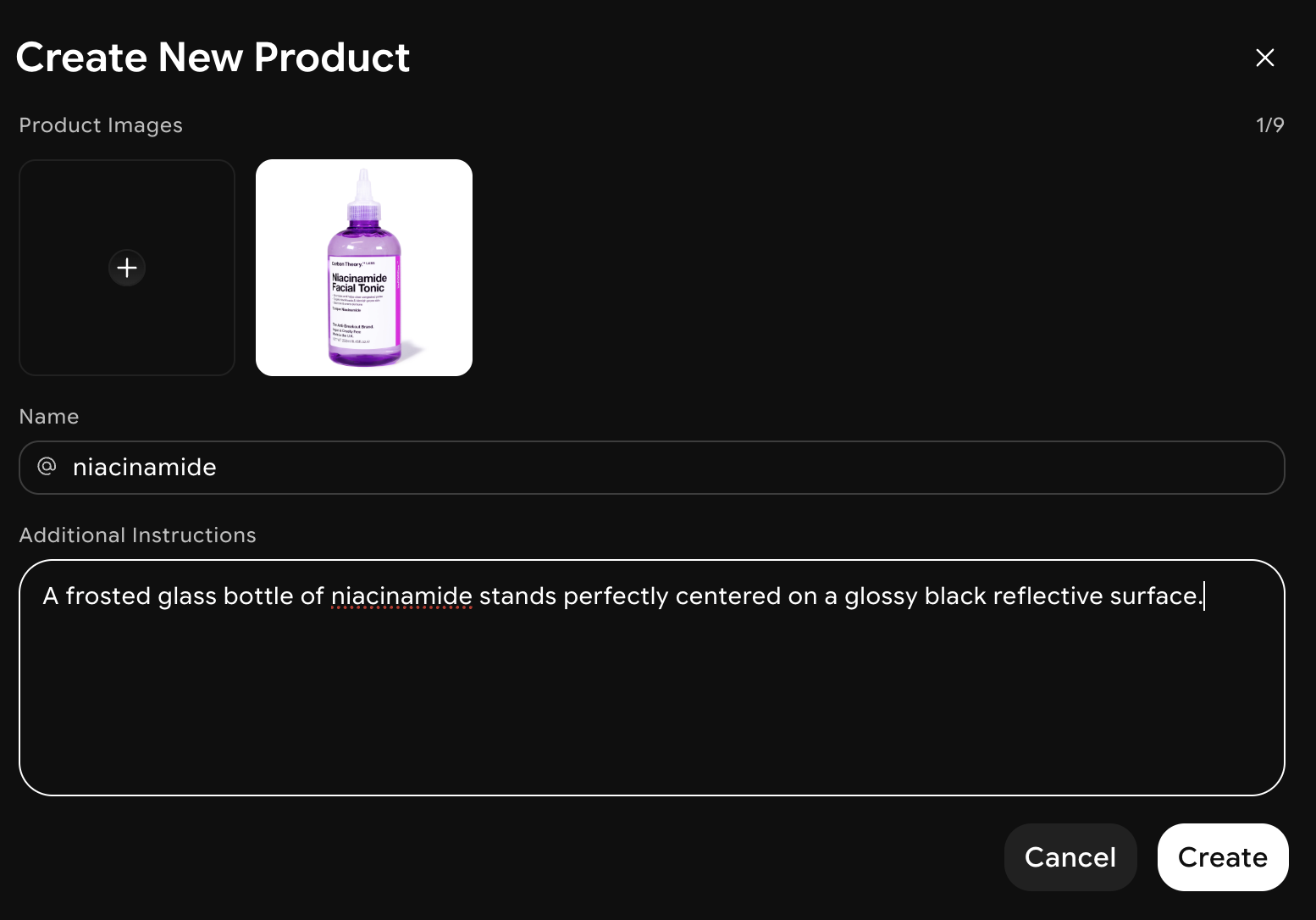
Add a product photo, or describe your offer, audience, and the tone you want across your Google Ads campaign.
AI Generates the Ad Visuals
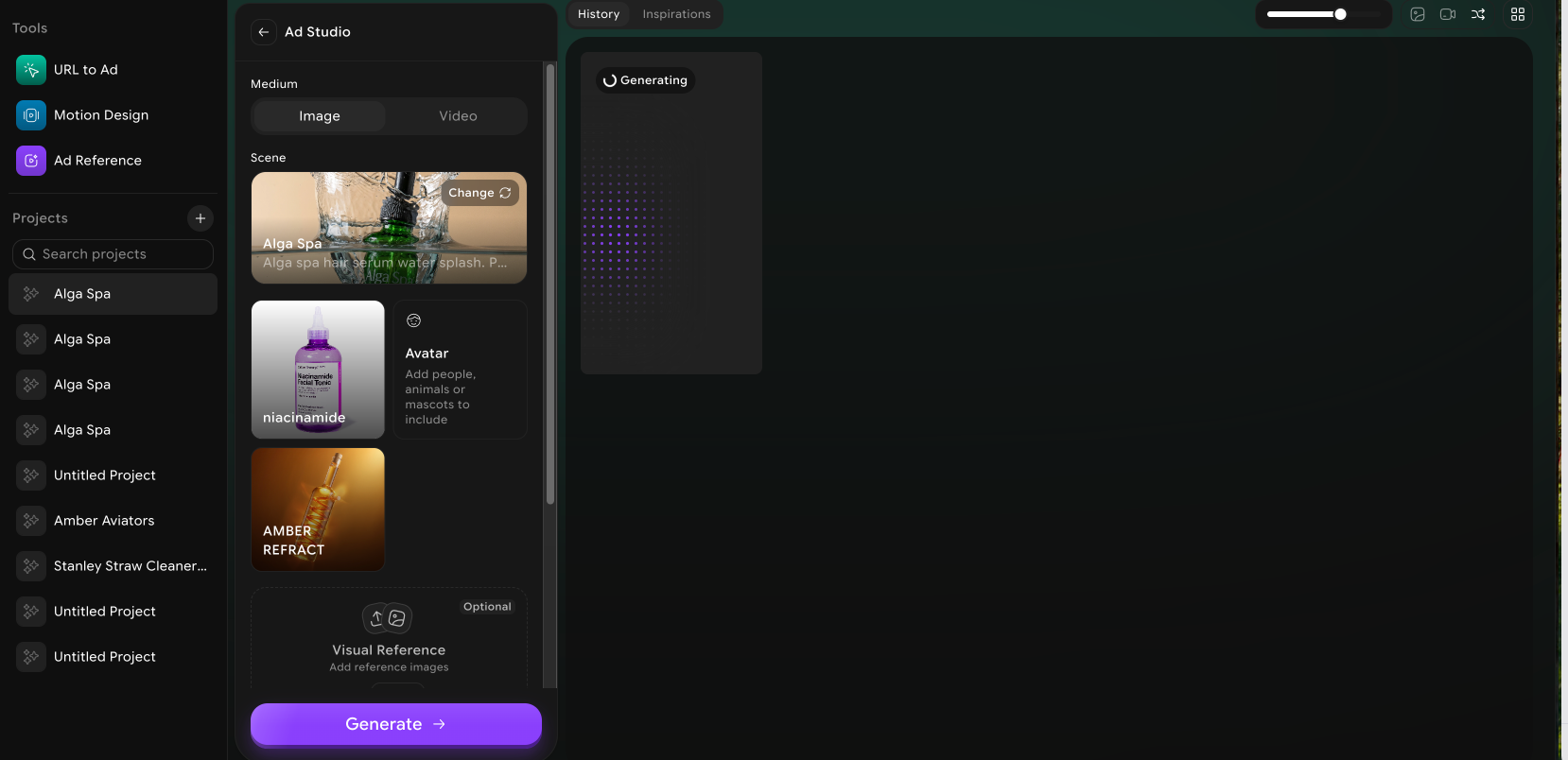
Google Ads AI generator builds several display and shopping ad directions, sized for Google's standard and responsive ad formats.
Export and Upload
Download the finished creative in Google's required dimensions, then upload it directly to Google Ads to launch your campaign.
What's actually inside the Instagram workflow

Full Headline Sets
Generate up to the maximum Google accepts per responsive search ad, 15 headlines and 4 descriptions, each varied enough to support real combination testing rather than reading as the same line five ways.

All PMax Image Sizes
Square, landscape, and portrait crops generate together from one product photo, covering the placements Performance Max serves across Display, YouTube, and Discover without a separate export pass for each ratio.
Grounded in Your Product
Because the brief includes your specific product and benefit, the output avoids generic filler lines that hurt relevance, and stays closer to language that supports Quality Score.
Same-Day Asset Groups
What used to take the better part of a day, writing headlines, sourcing images, resizing assets, now fits inside one working session, which matters most when a campaign needs to launch on a fixed date.
Consistent Product Accuracy
Product color, shape, and label details stay accurate across the full image set, so a Performance Max group isn't accidentally running mismatched product photos across its placements.
Multi-Campaign Ready
One brief can generate assets for a Search campaign and a parallel Performance Max campaign, so a PPC manager running both isn't rebuilding the creative twice.
What teams are saying
Frequently Asked Questions?
You provide a product photo or description, and this AI Google Ads generator identifies the product category and likely audience, then builds display and shopping ad visuals sized for Google's required formats, which you review, adjust, and export.
Google Ads creator supports responsive display ads and Shopping ad visuals, covering the main visual formats used across Google's Display Network and Shopping campaigns.
No. The Google Ads AI generator produces the range of standard and responsive display sizes from a single product input, so one creative concept covers multiple placements without a separate design pass for each size.
Performance Max campaigns typically pull from a shared pool of assets across formats, so visuals generated here can generally be added to that asset group. I'd recommend confirming exact asset requirements against Google's current Performance Max specs before finalizing a campaign, since Google's requirements do get updated periodically.