
Tooba Siddiqui
April 2, 2026 • Updated July 13, 2026
15 mins Read
What if Woody and Buzz Lightyear actually embark on epic adventures and stage dramatic escapes when you are not looking? Well, they can. With stop motion animation, you don’t have to wonder what your toys can do. You can actually bring those top-secret escapades to life. With some creativity, a whole lot of patience, and a pinch of chaos in your living room, you can turn ordinary objects into Hollywood stars without any Hollywood budget. Welcome to the world of stop motion animation, where the impossible becomes frame-by-frame possible.
What Is Stop Motion Animation?
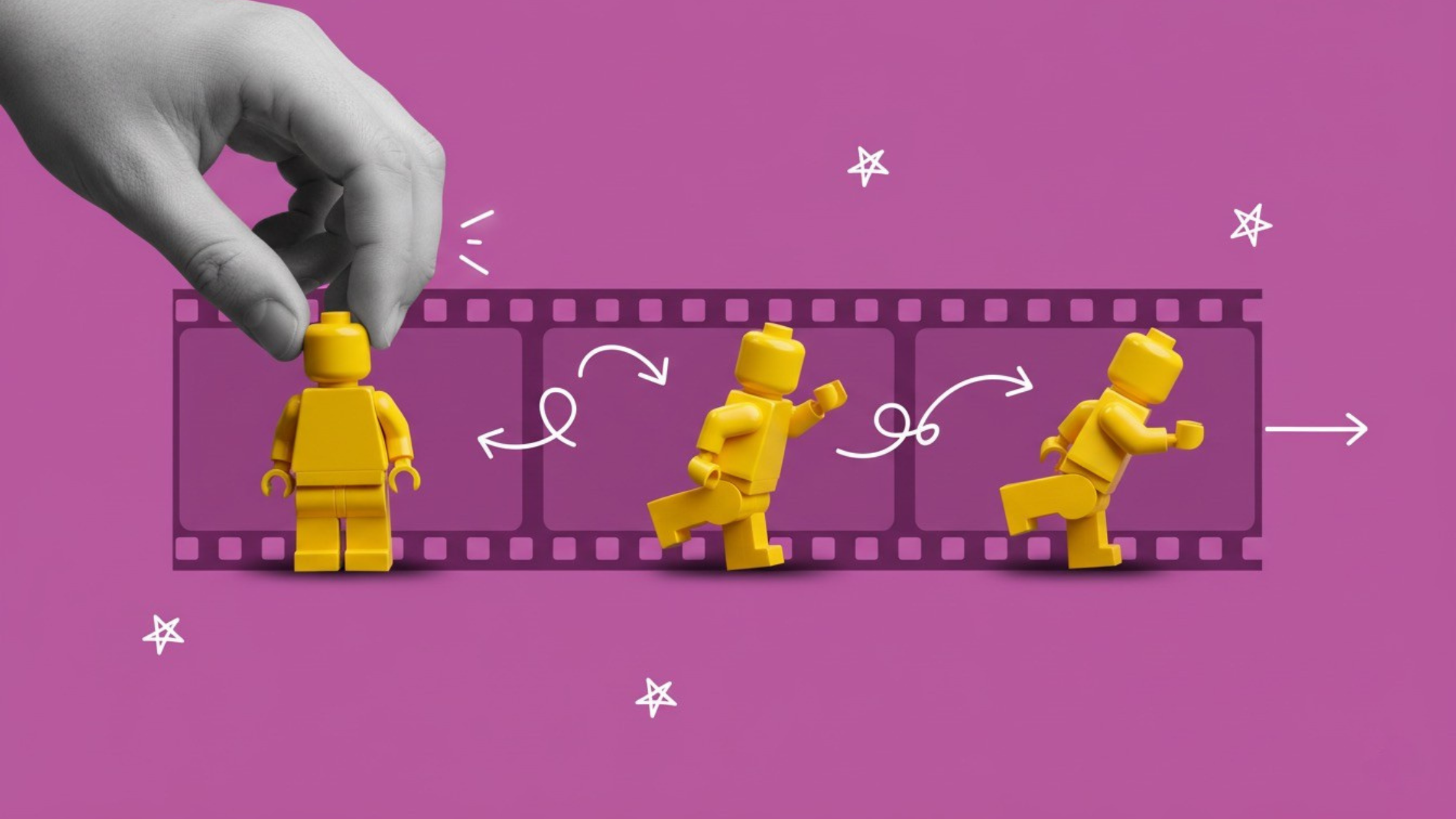
In stop motion animation, inanimate objects are photographed and animated frame by frame by changing their position, poses, and movements slightly between the shots. When frames are stitched together and played in sequence, the inanimate objects appear to be moving on their own. Unlike traditional digital animation, stop motion animation requires real-world objects that make your videos feel tactile and incredibly realistic.
As opposed to traditional animation, stop motion animation isn’t only for experienced animators. It gives the hobbyists, beginners, and pros a playground to animate their stories and characters, quite literally.
Also read: Best AI Video Models for Motion Control and Animation
Types of Stop Motion Animation
Stop motion animation comes in different styles, and each animation style can change the feel and look of your videos dramatically.
- Claymation – Uses clay or modeling materials to create flexible characters.
- Object Animation – Everyday objects like toys, utensils, or stationery come to life.
- Cut-Out Animation – Flat objects, such as paper or cardboard, are moved frame by frame.
- Puppet Animation – Articulated figures with movable joints create complex scenes.
- Pixilation – Humans act as characters in stop motion, often for quirky or comedic effects.
Why Stop Motion Animation Is Still Popular
Even though digital animation tools are quite readily available and easily accessible, stop motion animation remains popular for various reasons:
- Unique Visual Style: The hand-crafted aesthetic makes stop motion videos stand out on social media feed.
- Accessibility: You don’t need expensive equipment or have to learn complicated software. You can start creating stop motion animation using a smartphone, simple props, and free video apps.
- Social Media Appeal: Stop motion animation videos get more views, clicks, and likes on social media platforms like TikTok, Instagram Reels, and YouTube Shorts.
- Versatility: Stop motion animation works well for storytelling videos, marketing content, educational clips, and entertainment videos.
Some of the most viral stop motion ideas involves simple objects moving in imaginative ways like pencils dancing, coffee mugs walking, or Lego battles staged on a table.
Recommended read: How to Create Viral Content
18 Creative Stop Motion Ideas
Here are 18 stop motion ideas to get your projects started. These stop motion ideas include difficulty level, props needed, and stop motion tips for perfect execution.
Paper Cut-Out Storytelling (Beginner)
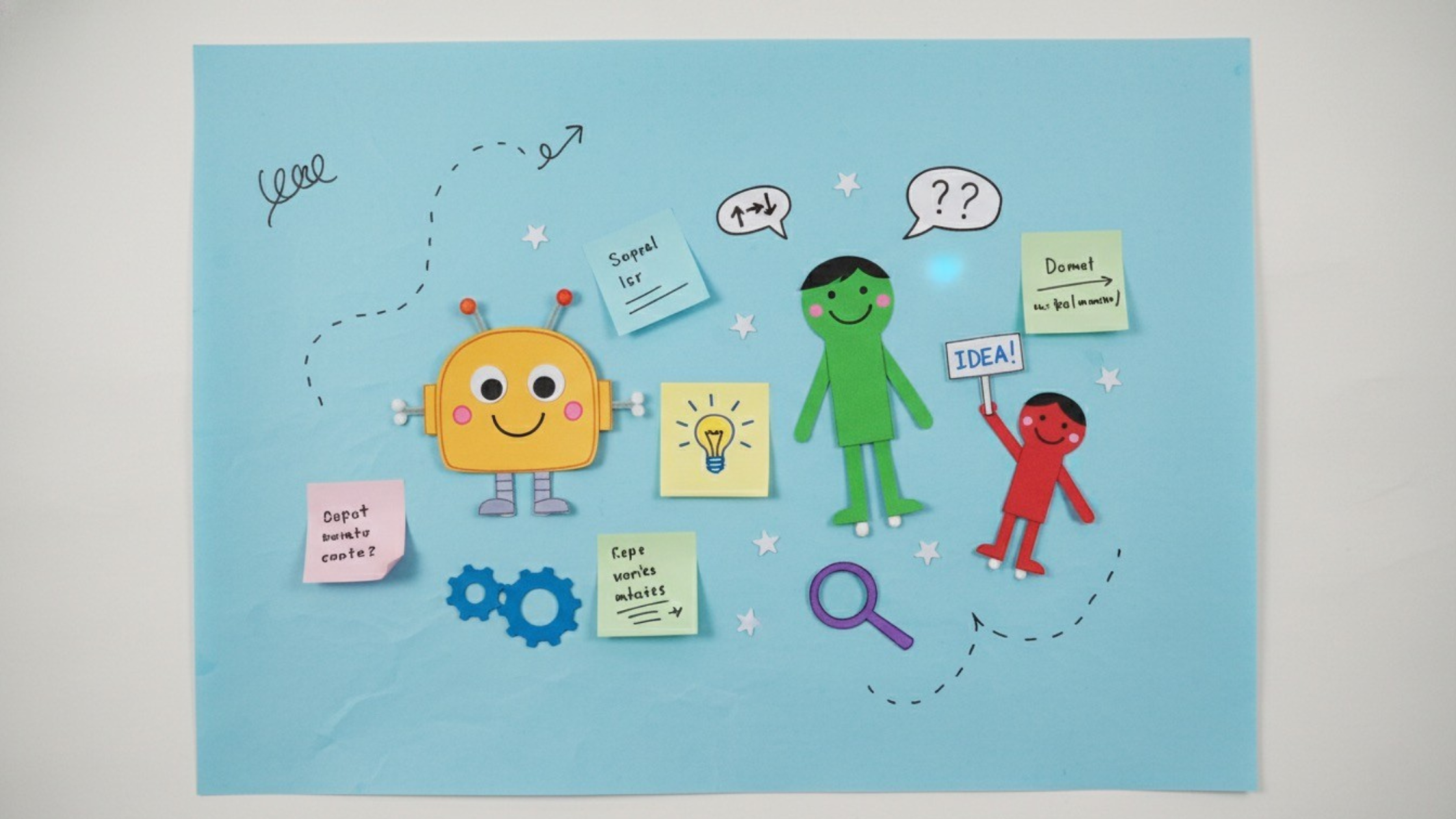 Colorful paper cut-outs bringing a playful story to life -- generated by ImagineArt AI Image Generator
A simple and creative way to start is using paper cut-outs to tell a story. All you need is paper, scissors, markers, and a plain background sheet. Characters can move across the page frame by frame to create a charming animation.
- Frame Count: ~60–120 frames for a 5–10 second clip.
- Camera Angle: Top-down or a slight angle to see characters clearly.
- How-To Tip: Move each cut-out a tiny distance per frame. Optional: add a simple drawn background or sticky notes for props.
Sticky Note Animation (Beginner)
This is one of the easiest stop motion ideas for beginners who want to experiment on a desk or wall. Use colorful sticky notes and pens to draw simple characters or messages that move, flip, or change positions.
- Frame Count: 50–100 frames for a short 5-second story.
- Camera Angle: Straight-on shot of the wall or board.
- Tip: Peel and reposition sticky notes carefully to avoid tearing. Optional: write simple messages to reveal as frames progress.
Lego Adventure (Beginner)
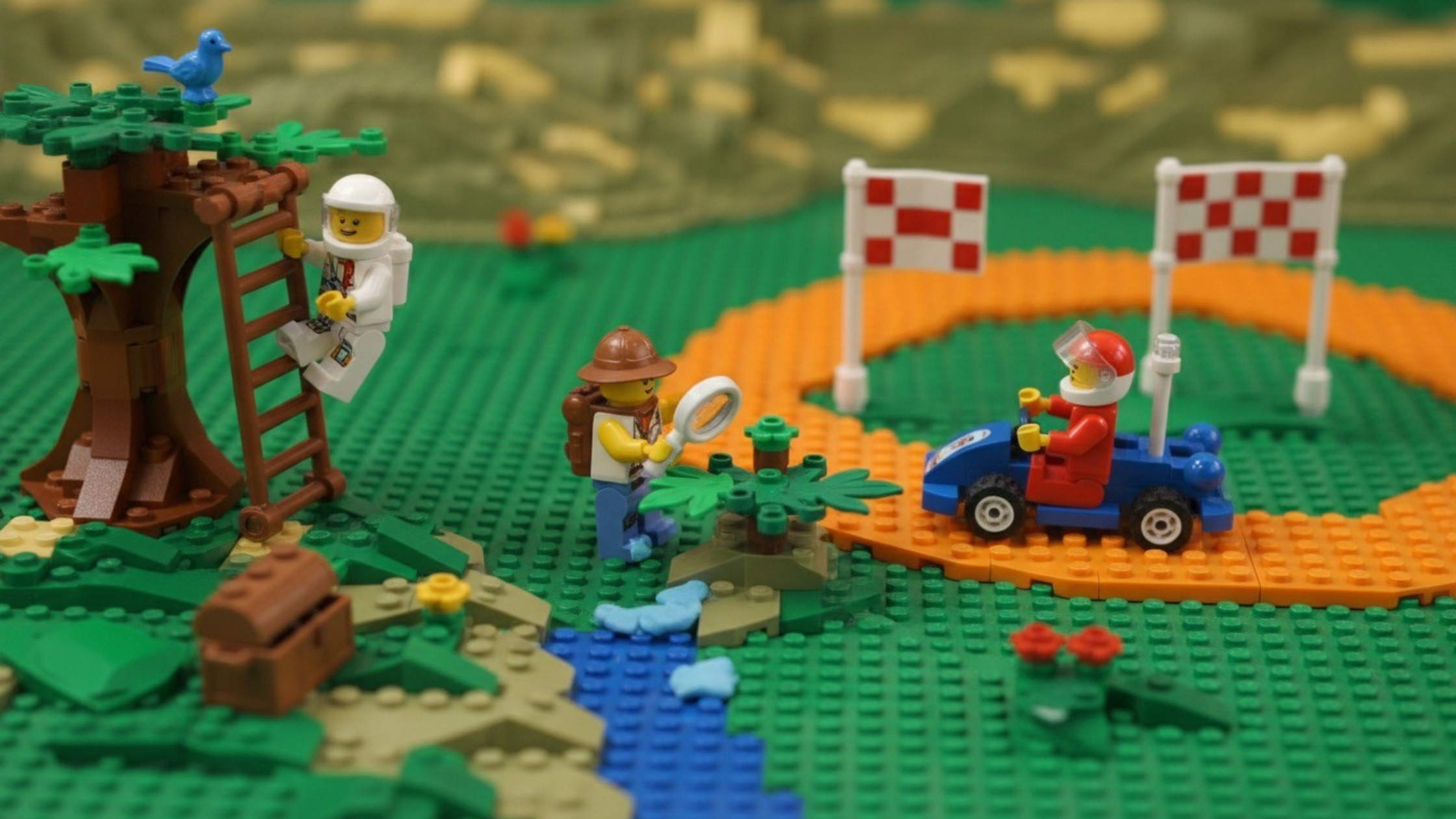 Mini Lego figures racing through a tiny brick world -- generated by ImagineArt AI Image Generator
Lego minifigures adventures are simple-to-implement stop motion ideas for beginners. Create tiny adventures or races using Lego bricks and a flat surface. This is fun, easy, and instantly rewarding.
- Frame Count: 12–24 frames per second for smooth motion.
- Camera Angle: Eye-level with Lego figures.
- Tip: Stabilize figures with clay if they’re top-heavy. Optional: add miniature props like furniture or trees for realism.
Coin Stacking Animation (Beginner)
Pile up all the coins one by one or make them fall in sequence. All you need are coins and a stable table. You can use coins of the same size or go for a pyramid effect using different-sized coins. This is a simple project that teaches frame-by-frame precision.
- Frame Count: ~50–100 frames for a 5-second clip.
- Camera Angle: Slight angle to show stacking and toppling.
- Tip: Use double-sided tape to keep coins steady. Optional: add sound effects in editing.
Toy Race (Beginner)
Use small toys like cars or action figures for a race across a table or floor. You can even create some props using Legos. It is a low-effort stop motion idea, but a great way to introduce movement animation.
- Frame Count: 12–24 frames per second for fluid movement.
- Camera Angle: Side-on or slightly above the race track.
- Tip: Keep the track surface clean and flat. Optional: animate finishing line celebrations
Book Page Flip Story (Beginner)
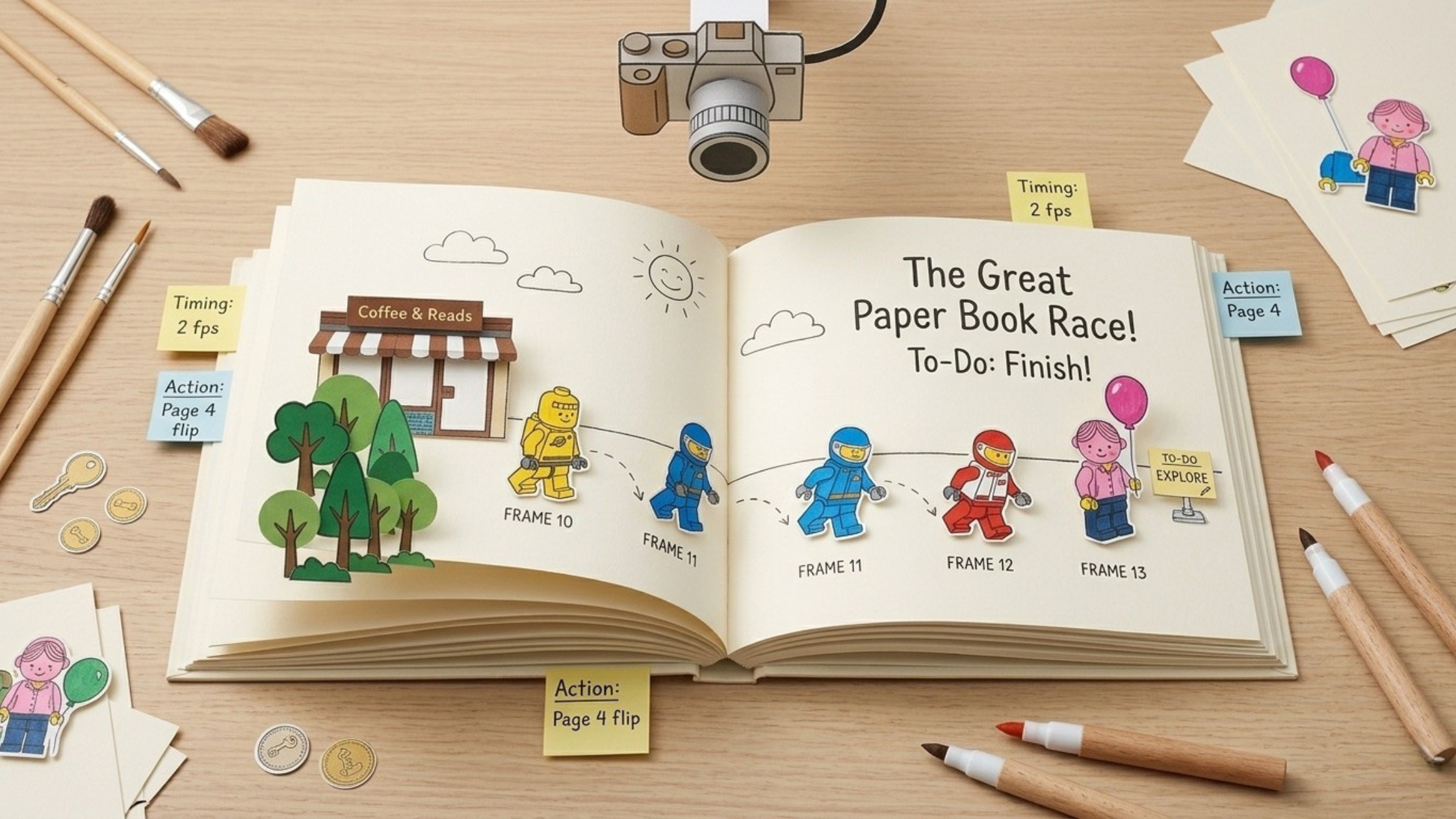 Paper characters leaping off book pages in motion -- generated by ImagineArt AI Image Generator
One of the most popular stop motion ideas is that it makes the characters of your book come to life as the pages are flipped. All you need is a book, simple paper cut-outs, and a camera. This stop motion idea combines storytelling with visual creativity.
- Frame Count: ~60–120 frames, depending on page flips.
- Camera Angle: Overhead, showing both page and character movement.
- Tip: Move characters slightly per frame to match page turning. Optional: add text animations on the page.
Stationery Animation (Beginner)
Animate your school supplies and stationery items like pencils, erasers, pencil sharpeners, and markers. Make them walk, jump, or interact in playful ways. Use a desk or a wooden table as your stage for stop motion animation.
- Frame Count: 50–100 frames for short actions.
- Camera Angle: Slight top-down to capture movements.
- Tip: Use small pieces of sticky tack to keep stationery items balanced. Optional: add walking effects with paper cut-outs for feet.
Food Dancing (Beginner)
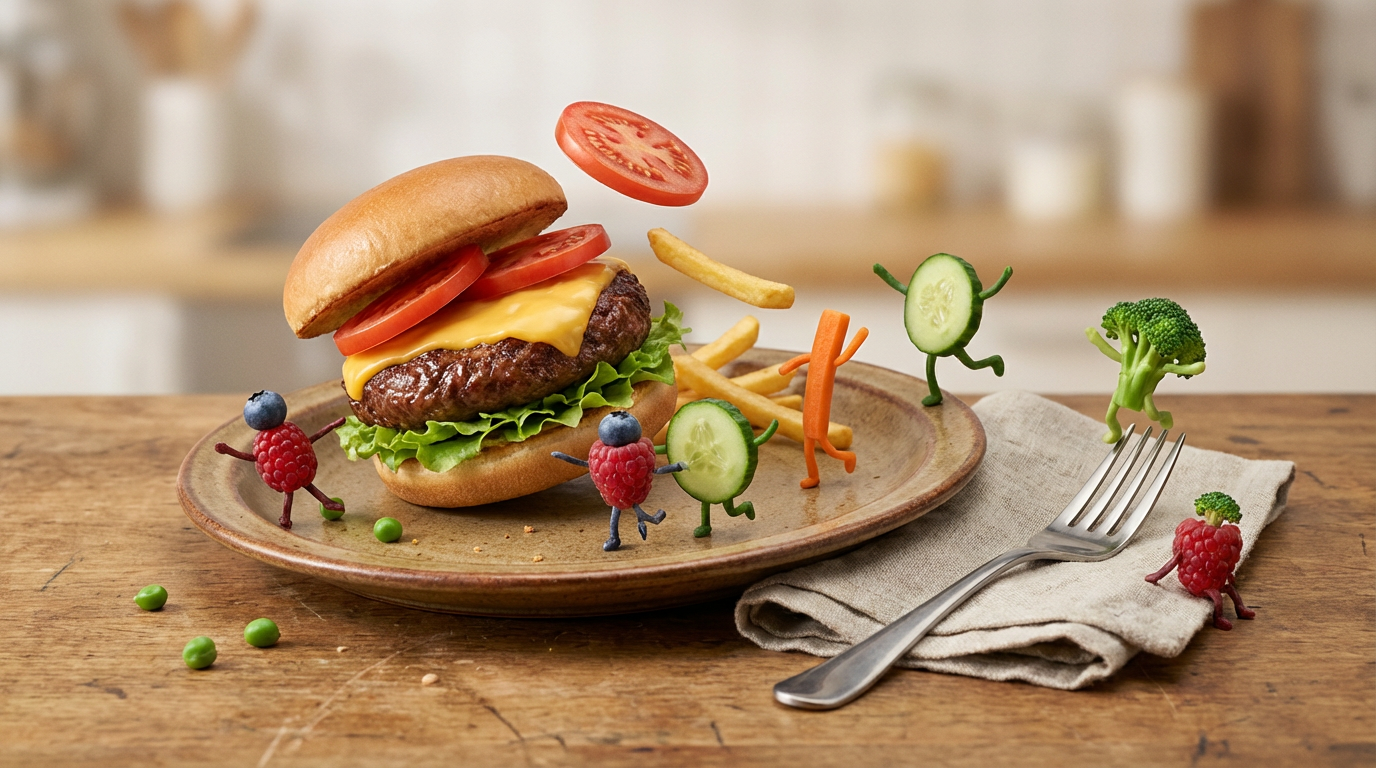 Fruits and veggies dancing on a plate -- generated by ImagineArt AI Image Generator
Probably the only way you can play around with your food. Make your fruits, burgers, or vegetables dance on a plate or film their escape from a cooking pot. The best part is you don’t have to purchase or create any props, making it an ideal stop motion idea for beginners.
- Frame Count: 12–24 frames per second for smooth motion.
- Camera Angle: Eye-level or slightly above the plate.
- Tip: Move food very slightly per frame to avoid wobbling. Optional: add props like utensils for interaction.
Coffee Mug Walk (Beginner)
Film your coffee mug on a mission to caffeinate the world. Add simple obstacles like sugar cubes, spoons, or their rivals ‘teacups’ for extra fun. All you need is a mug, sugar packets, and a stable surface.
- Frame Count: 60–120 frames for a 5-second walk.
- Camera Angle: Side view on a table.
- Tip: Use a coaster to keep mugs steady and prevent slipping. Optional: animate spills or tiny interactions with other mugs.
Plant Growth Animation (Intermediate)
Create a stop motion animation of a plant or seedling growing. All you need is a pot, a plant, and a camera setup. For such stop motion ideas, you need to be patient. While it can be time-consuming and repetitive, the visual result is incredibly satisfying.
- Frame Count: 100–200 frames, depending on growth speed.
- Camera Angle: Slightly above or level with the plant.
- Tip: Photograph over time as the plant grows naturally or simulate growth with paper leaves. Optional: add light changes for a realistic effect.
Object Assembly (Intermediate)
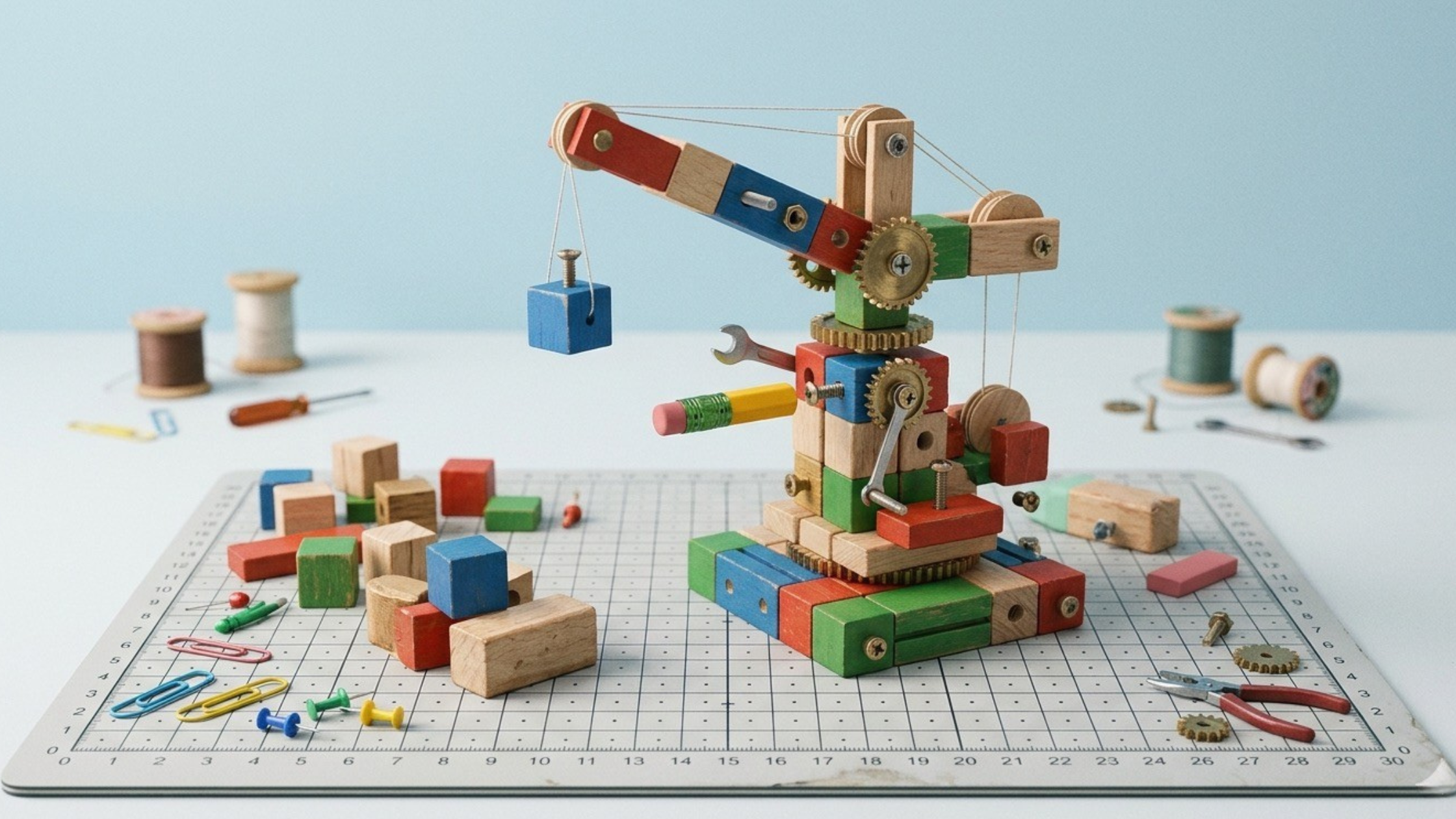 Blocks and tools magically assembling themselves -- generated by ImagineArt AI Image Generator
Animate items like blocks, stationery, or small tools assembling themselves into a final structure. This helps you practice precise movements and timing.
- Frame Count: 50–150 frames, depending on complexity.
- Camera Angle: Eye-level or overhead for clarity.
- Tip: Move objects small distances per frame. Optional: Use stop motion animation apps to align items perfectly.
Magic Trick Sequence (Intermediate)
Make objects disappear, reappear, or transform. Use small props, like coins, toys, or household items. Such stop motion ideas challenge your creativity and coordination.
- Frame Count: 60–120 frames for a 5-second clip.
- Camera Angle: Straight-on or side view.
- Tip: Use objects of similar size for easy swaps. Optional: add glitter or visual effects in post-editing for a “magical” feel.
Mini Stop Motion Recipe (Intermediate)
Film the ingredients cooking themselves. Use small kitchen props, plates, or bowls. This works well for social media content or short storytelling.
- Frame Count: 150–300 frames, depending on recipe complexity.
- Camera Angle: Top-down for cooking actions.
- Tip: Pre-measure ingredients and move tiny portions at a time. Optional: add animated steam or pouring effects in post-production video editing.
Time Travel Adventure (Advanced)
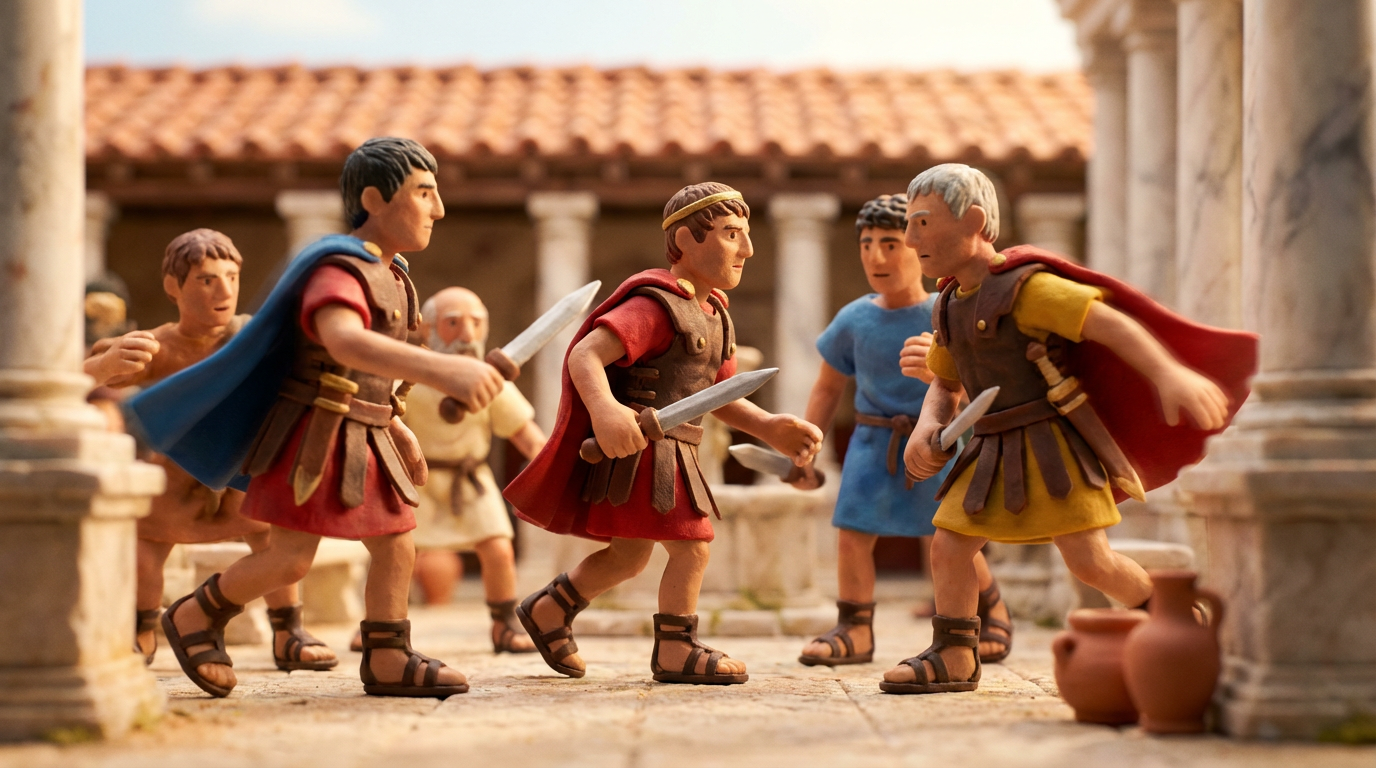 Mini figures in the Roman era -- generated by ImagineArt AI Image Generator
Show Lego or clay characters traveling through different time periods. Props can include miniature historical items or themed backgrounds. Such stop motion ideas require thorough planning and attention to detail.
- Frame Count: 250–400 frames for 10–15 seconds.
- Camera Angle: Multiple angles for different “eras.”
- Tip: Use small themed props to distinguish time periods. Optional: add motion blur effects for time travel visuals.
Haunted House Animation (Advanced)
Create a haunted house with toys, clay, or miniature sets. For these stop motion animation ideas, lighting is pivotal for adding spooky visual effects.
- Frame Count: 300–500 frames for a detailed sequence.
- Camera Angle: Low-angle shots create a spooky effect.
- Tip: Use miniature sets and subtle lighting changes. Optional: animate shadows and glowing effects. Add sound effects in post-production video editing.
Mini Sci-Fi Story (Advanced)
Produce a short sci-fi film using clay, action figures, or Lego figures. Props can include alien figures, toy weapons, or futuristic background settings. Filming such stop motion animation requires multiple scenes and creative framing.
- Frame Count: 300–500 frames, depending on scenes.
- Camera Angle: Mix close-ups and wide shots for scale.
- Tip: Use clay or Lego figures with small futuristic props. Optional: add LED lights for sci-fi effects.
Office Chaos Story (Advanced)
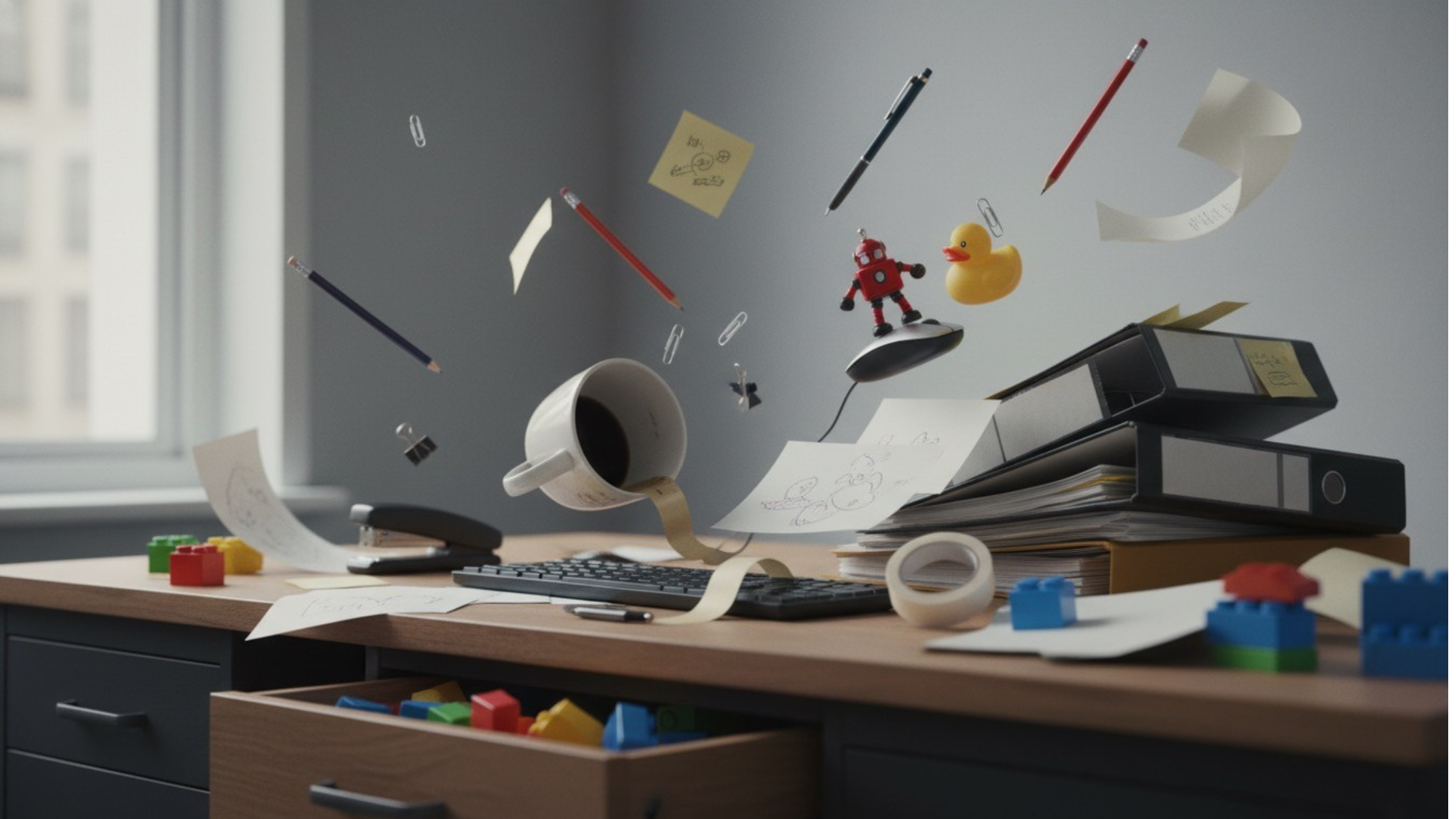 Stationery and toys flying across a chaotic desk -- generated by ImagineArt AI Image Generator
Animate stationery, toys, or office supplies, creating chaos on a desk. This project teaches complex movement sequences and narrative timing.
- Frame Count: 250–400 frames for a chaotic sequence.
- Camera Angle: Eye-level or overhead for perspective.
- Tip: Arrange props carefully and move in small increments per frame. Optional: add flying objects digitally in post.
Fantasy Story (Advanced)
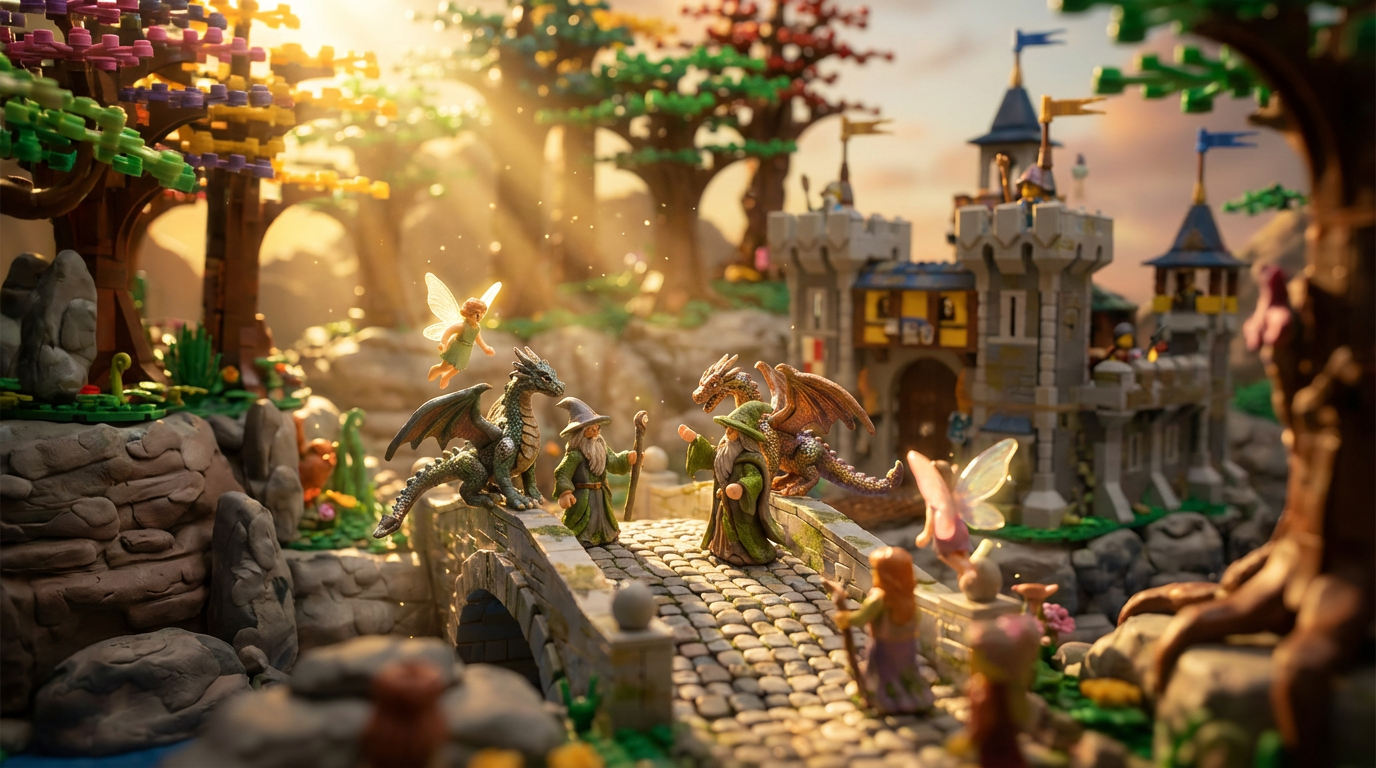 Dragons, wizards, and fairies in a magical mini world -- generated by ImagineArt AI Image Generator
Build a magical world with dragons, wizards, fairies, or fantasy creatures using clay or Lego. Props include figures, backgrounds, and creative accessories. This is best for creators ready to combine storytelling, props, and intricate animation.
- Frame Count: 400–600 frames for 15–20 seconds.
- Camera Angle: Wide shots for landscapes and close-ups for characters.
- Tip: Combine clay or Lego figures with props like trees, rocks, or miniature castles. Optional: add magical glow or particle effects digitally.
Also read: 50+ Stunning Video Ideas for Creators
How to Make Stop Motion Videos with AI: A Step-by-Step Guide
Creating a stop motion video can be done in two ways: moving objects frame by frame or by using AI video animation tools. Here’s a step-by-step guide for both approaches.
Step 1: Plan Your Story
Stop motion animation requires careful planning, so before you film, write a short story, sketch out shots, and create a list props and outlines of sequences. Prepare your character and props.
Step 2: Capture or Generate Motion
Traditional Frame-by-Frame Method: Move your object slightly per frame and take photos for each increment.
AI Video Generation: On ImagineArt, you can use the King AI Motion Control app to transfer motion to character image. Or use the Kling 2.5 Turbo, you generate complete stop motion video using prompts and reference scene/character images.
Download the video and change the video background or correct video colors as needed.
Step 3: Edit and Compile Your Video
Use video editing tools like ImagineArt AI Video Editor to compile the different frames into a single stop motion animation video. Adjust frame timing, add background music, insert visual elements, or enhance with filters and effects. Learn more about video editing tips on our blog.
Inspiring Stop Motion Examples
Famous Stop Motion Movies
- The Nightmare Before Christmas (1993) – Tim Burton’s classic that uses puppet animation to create an unforgettable fantasy world. Its gothic aesthetic and memorable characters set the standard for stop motion storytelling.
- Coraline (2009) – Laika Inc. presents a darkly charming film, showcasing intricate set designs and meticulous frame-by-frame animation. The attention to detail in character movement and miniature sets makes it a benchmark for modern stop motion animation.
- Corpse Bride (2005) – Another Tim Burton masterpiece, this film uses puppets with articulated joints and detailed miniature sets. Its hauntingly whimsical story and fluid motion exemplify the expressive power of stop motion animation.
- ParaNorman (2012) – This is another quirky horror-comedy by Laika Inc. It blends humor, heart, and innovative stop motion techniques. It features expressive puppet faces and smooth motion, highlighting how stop motion can tackle a variety of genres.
- Pinocchio (2022, stop motion version by Guillermo del Toro) – This stop motion adaptation of the classic tale combines handcrafted puppets, intricate sets, and meticulous frame-by-frame animation to tell a timeless story with modern cinematic flair.
Social Media & Viral Stop Motion Examples
While these feature films have bagged Oscars like Del Toro’s Pinocchio and Burton’s Nightmare Before Christmas, stop motion isn’t just for Hollywood. This type of video content has become popular and gained sufficient traction on social media platforms without needing a studio.
1. Food Animations
While it’s been inculcated that we shouldn’t play around with our food. In stop motion animation, this instruction is flipped on its head — quite literally. The broccoli you can’t swallow suddenly becomes the main antagonist of your stop motion videos. Social media creators have breathed life into almost every kind of food, making them dance, play, and even assemble themselves. For example, a popular trend shows chocolate bars “melting into shapes” or fruits performing synchronized dances.
2. Toy Adventures
It might be one of the most iconic stop motion examples. Creating miniature worlds and characters is now a popular trend on social media. Lego blocks, action figures, toys, and plushies have their own adventure stories, sporting marathons across desks, battling villains, or exploring a homemade miniature city. Stop motion animation presents these miniature objects as storytellers, featuring compelling narrative and smooth motion. Even simple videos, like an action figure jumping down from the shelf or climbing a stack of books, can get thousands of views when done creatively.
3. Product Demonstrations and Marketing
After Pringles and Starbucks stop motion ads, brands are now increasingly adapting this technique to make their products appealing and memorable. Marketers can animate objects, create miniature sets to produce product demonstrations, and showcase the features in an engaging way. Examples include cosmetics moving on their own, gadgets assembling automatically, or office supplies “dancing” across a desk.
The virality of social media content depends on creativity and relatability. The goal is to make your stop motion animation video fun, appealing, and shareable. Even small scenes—when shot with care and combined with clever music—can reach wide audiences and spark inspiration for other creators.
Stop Motion Tips for Beginners
- Keep object movements tiny to avoid jerky motion.
- Lock your camera in place to prevent accidental shifts.
- Maintain consistent lighting across all frames.
- Shoot extra frames to allow smooth transitions in editing.
- Be patient; stop motion animation takes time, but the results are worth it.
- Focus on storytelling first, technique second.
Common Mistakes to Avoid
- Camera Shake: Always stabilize your camera or tripod.
- Changing Lighting: Flickering light ruins smooth animation.
- Large Movements Between Frames: Causes jerky motion.
- Lack of Planning: Storyboarding prevents mistakes.
- Too Few Frames: Leads to choppy videos.
Ready to create stop motion videos?
Stop motion animation is an easily accessible, incredibly creative, and endlessly entertaining medium. With just an AI motion control app or smartphone, everyday objects, and a bit of patience, you can create videos with high visual appeal and virality.
FAQs About Stop Motion Animation
Stop motion animation is the frame-by-frame filming of objects to create the illusion of movement.
Depends on frame rate. For 12 fps, a 10-second video needs 120 frames.
ImagineArt Kling AI Motion Control is one of the best AI stop motion animation makers. It lets you animate static characters using reference video or AI motion presets.
Paper cut-outs, sticky notes, Lego adventures, or simple food animations are some of the easiest stop motion ideas for beginners.
Paper cut-out storytelling and sticky note animation are the most practical for school projects — they require no specialist materials, work at any difficulty level, and produce clean results on a smartphone. Coin stacking and book page flip stories are also low-setup options that work well for short classroom presentations.
Food dancing and mini recipe animations perform consistently on TikTok and Instagram Reels — the food subject is immediately recognisable and the movement is inherently satisfying to watch. Lego adventures and toy races work well for YouTube Shorts. For advanced creators, time travel and sci-fi narratives with deliberate lighting and set design stand out in social feeds. ImagineArt's Kling AI Motion Control lets you generate stop motion-style animations from images without filming frame by frame.
For beginner stop motion ideas: a smartphone or camera, a stable surface or tripod, and everyday objects — paper, sticky notes, Lego bricks, food, coins, or toys. Lighting consistency matters more than equipment quality — natural light from a window or a basic desk lamp works for most beginner and intermediate projects. Stop motion software (free options include Stop Motion Studio) handles frame compilation and export.
Recommended read: Top Video Animation Apps
Tooba Siddiqui
Tooba Siddiqui is a content marketer with a strong focus on AI trends and product innovation. She explores generative AI with a keen eye. At ImagineArt, she develops marketing content that translates cutting-edge innovation into engaging, search-driven narratives for the right audience.