
Tooba Siddiqui
April 22, 2026 • Updated September 3, 2026
18 mins Read
With rumors of GPT image 2.1 circulating on social media, GPT image 2 is currently OpenAI's most capable image generation model, and if you've been sleeping on it, now's the time to wake up.
Unlike earlier image generators that often struggled with text, realism, and complex compositions, GPT image 2 was built for precision. It renders crisp in-image typography, maintains facial and object consistency across edits, handles multi-image inputs intelligently, and produces photorealistic results that are genuinely hard to distinguish from a professional photograph.
How to Write Effective Prompts for GPT image 2
Basic Prompts
Every strong GPT image 2 prompt is built on six core building blocks. Get these right, and the model has everything it needs to generate exactly what you're imagining.
1. Scene / Background Where does the image take place? Set the environment first — a sunlit café, a dark studio, an abstract gradient background, a crowded city street. The model reads your prompt from context outward, so establishing the scene early anchors everything that follows.
2. Subject Who or what is the focal point? Be specific: not just "a woman" but "a woman in her 30s with curly red hair wearing a white linen blazer." The more defined your subject, the less the model has to guess.
3. Key Details What does the subject look, feel, or appear to be made of? Describe materials, textures, colors, patterns, and visual medium. "A ceramic mug with a matte terracotta glaze and a small chip on the rim" gives the model far more to work with than "a mug."
4. Composition How should the image be framed? Close-up, wide angle, top-down, eye-level, low-angle — these cues directly shape how the model crops and positions elements within the frame.
5. Lighting & Mood What's the emotional tone and light quality? Soft diffuse light, golden hour warmth, hard studio flash, moody neon, overcast natural — lighting is one of the biggest levers you have over the final feel of an image.
6. Constraints What should and shouldn't appear? Especially for edits, state clearly: "change only the background, keep the subject identical." Explicit constraints prevent the model from making creative decisions you didn't ask for.
Basic Example:
A ceramic coffee mug filled with espresso, placed on a worn wooden café table. Shallow depth of field. Warm morning light coming from the left. Photorealistic. No text, no other objects in frame.
Advanced Prompts
Once you've mastered the basics, layer in these additional techniques for sharper, more precise results with this AI image generator.
Quality-Level Language For detailed outputs — dense infographics, close-up portraits, small text, product labels — signal the level of detail you need within your prompt. Use words like "high-fidelity," "ultra-detailed," "sharp and crisp," or "professionally retouched." This nudges the model toward higher precision rendering.
Text Rendering Tips GPT-image 2 has exceptional text rendering capabilities, but you need to be deliberate about it:
- Place the exact copy you want in quotation marks or write it in ALL CAPS
- Spell out tricky brand names or unusual words letter by letter if needed
- Specify font style, weight, color, and placement explicitly: "Bold sans-serif, white, centered at the bottom third"
- Add "verbatim — no extra characters, no substitutions" when text accuracy is critical
Multi-Image Referencing When working with more than one input image, label them clearly and describe their roles:
- "Image 1 is the product photo. Image 2 is the style reference. Apply Image 2's color palette and texture to Image 1."
- "Place the person from Image 1 into the scene from Image 2. Match lighting and scale."
Iterative Refinement Don't try to solve everything in one prompt. Start clean, then refine with small, single-change follow-ups:
- First pass: establish composition and subject
- Second pass: adjust lighting or mood
- Third pass: refine a specific detail or add text
When iterating, restate your invariants every time: "same composition, same subject, same background — only change the jacket color."
Advanced Example:
Editorial product shot of [skincare serum bottle] on a polished black marble surface. Wide, centered composition. Hard directional light from upper-right casting a sharp shadow to the left. The label reads "LUMIÈRE SERUM" in thin serif font, white text, perfectly legible. Background is deep charcoal with subtle light falloff. Photorealistic. High detail on the glass texture and label typography. No props, no other objects.
70 Ready-to-Use Prompts by Category
1. Photorealistic Images
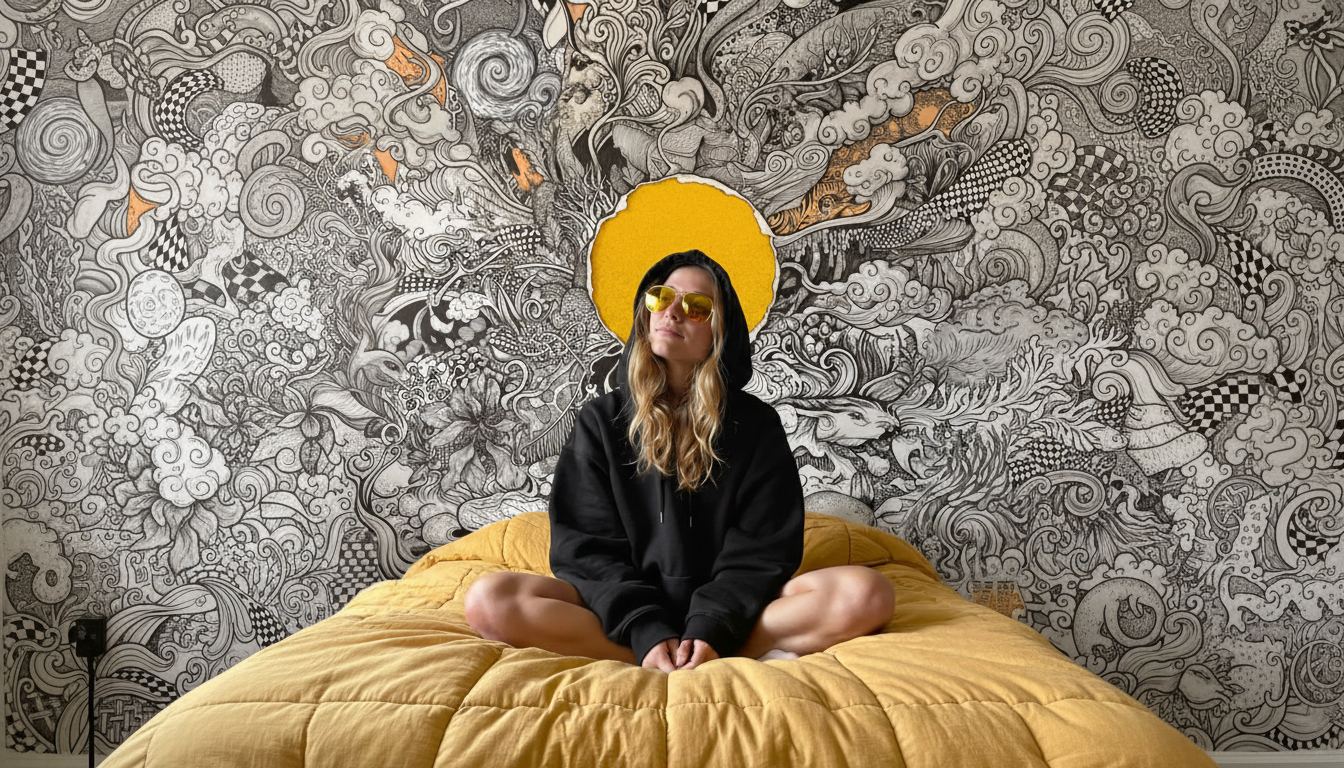
Portraits, street scenes, landscapes, and everyday moments that look like they came from a camera, not a computer.
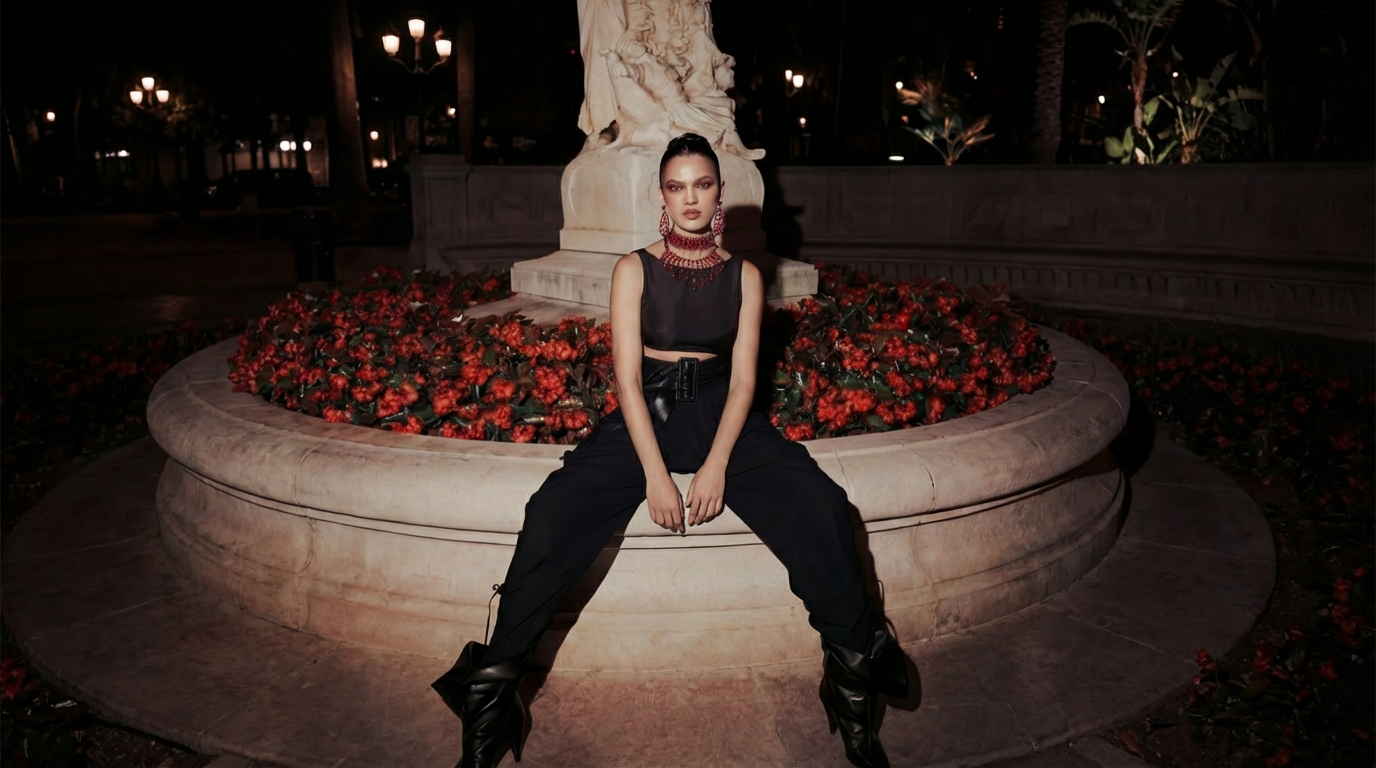 Photorealism with GPT Image 2
- A woman in her late 20s sitting by a rain-streaked window in a dim café, holding a paperback book, soft ambient light, candid and unposed, 35mm film aesthetic, shallow depth of field, photorealistic.
- A busy Tokyo street at night, neon signs reflecting on wet asphalt, a lone figure in a yellow raincoat walking away from camera, cinematic wide shot, photorealistic.
- Close-up of weathered hands kneading bread dough on a floured wooden surface, warm kitchen light, fine texture detail on skin and dough, photorealistic.
- A golden retriever mid-jump catching a frisbee on an open grass field, late afternoon golden hour, motion blur on the frisbee, sharp focus on the dog's face, photorealistic.
- Aerial view of a dense forest in autumn, full canopy of red and orange foliage, a thin river cutting through the center, overcast light, photorealistic.
- A street food vendor at dusk in a Bangkok market, warm lantern light, steam rising from a wok, surrounding crowd slightly blurred, photorealistic, candid style.
2. Product Photography & Mockups
With GPT Image 2, you can create clean, polished product photos for e-commerce, pitches, and brand assets.
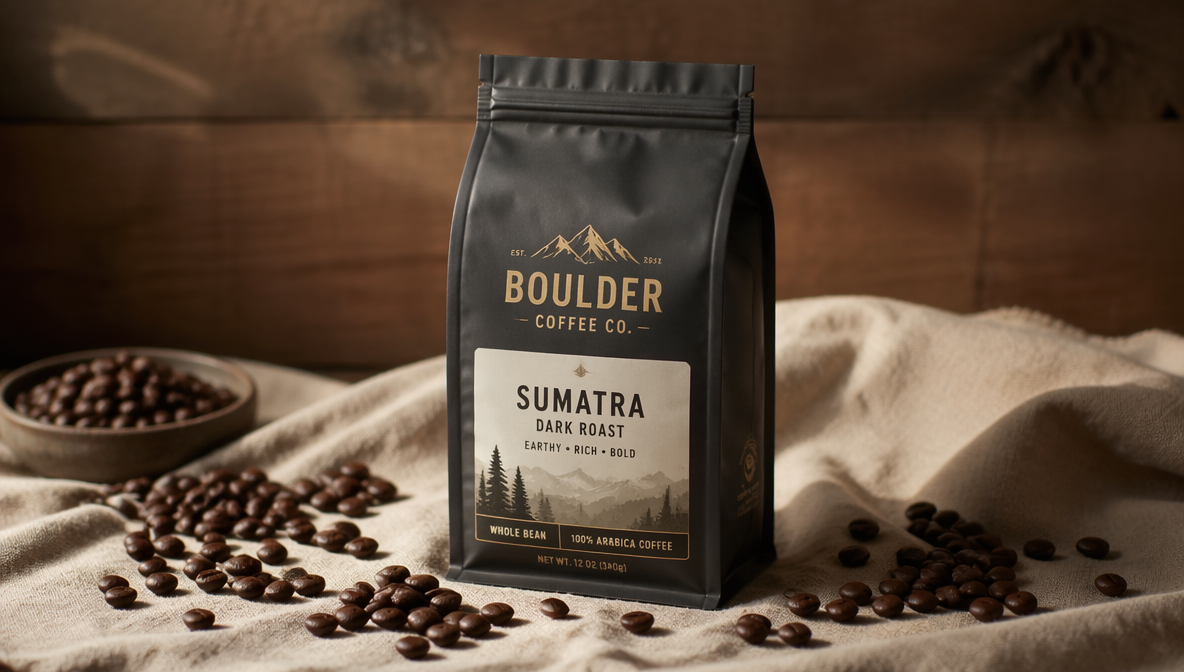 Product Photography with GPT Image 2
- [Perfume bottle] on a white marble surface dusted with dried rose petals, soft overhead diffused light, subtle contact shadow, high-end cosmetics editorial style, photorealistic.
- [Sneaker] floating at a slight angle against a pure black background, studio rim lighting highlighting the sole and texture, sharp and clean, photorealistic.
- [Coffee bag] standing upright on a raw linen cloth with scattered whole coffee beans around it, natural side lighting, warm tones, photorealistic product shot.
- [Supplement bottle] centered on a white background, perfectly extracted, clean silhouette, no fringing, sharp label text, light contact shadow at the base, studio product photography.
- [Wireless headphones] resting on a minimalist concrete surface, low-angle shot, moody blue-tinted studio lighting, subtle lens flare, premium tech product aesthetic, photorealistic.
- [Watch] on a dark navy velvet surface, macro close-up, sharp focus on the watch face and indices, shallow depth of field on the strap, luxury editorial photography.
3. Infographics & Data Visuals
GPT Image 2 can generate diagrams, flowcharts, explainers, and structured visuals with clear labels and hierarchy.
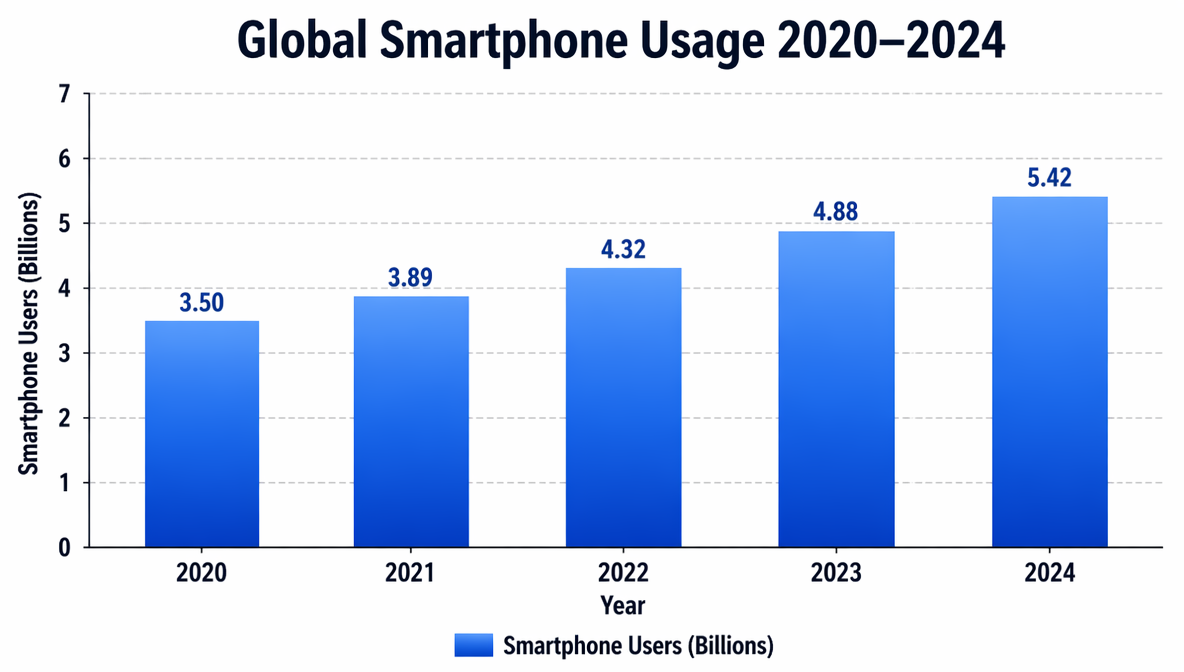 Data Visuals with GPT Image 2
- A clean flat infographic titled "How Solar Panels Work" showing five labeled steps in a horizontal flow: Sunlight → Panel Absorption → Inverter Conversion → Home Power → Grid Export. White background, consistent icon style, readable sans-serif labels, ample whitespace.
- A circular timeline infographic showing "The History of the Internet" from 1969 to 2024, six major milestones marked with icons and short text labels, blue and white color scheme, clean layout.
- A comparison infographic titled "Coffee vs. Tea" with two columns, six rows of labeled metrics (caffeine, antioxidants, brew time, etc.), bold section headers, flat design, no gradients.
- An educational diagram showing the layers of the Earth — crust, mantle, outer core, inner core — with clear labels, arrows, and color-coding. Designed for a middle school science class. Clean, flat, high contrast.
- A step-by-step instructional visual: "How to Make Cold Brew Coffee" — five illustrated steps with short captions, consistent icon style, warm earth tones, white background, sans-serif typography.
- A bar chart infographic titled "Global Smartphone Usage 2020–2024" with labeled axes, data bars in a blue gradient, legend, clean grid lines, white background, professional presentation style.
4. Logo Generation
Brand marks, wordmarks, and icon concepts — clean, scalable, and original.
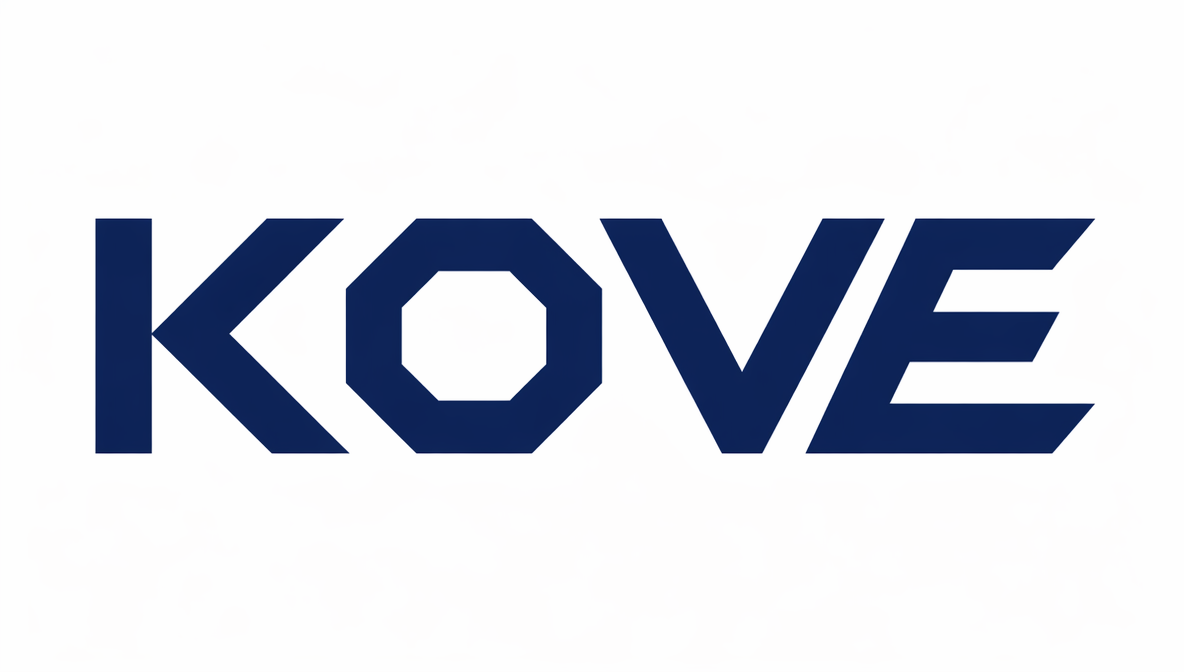 Logo generation with GPT Image 2
- A minimal logo mark for a coffee brand called "ORIN." Abstract flame or leaf shape forming the letter O. Flat design, single color — deep espresso brown. No gradients. Clean negative space. Scalable icon style.
- A geometric logo for a fintech startup called "KOVE." Bold, angular letterform. Navy and white only. Flat design, strong shape, no shadows, reads clearly at small sizes.
- A circular badge-style logo for an outdoor adventure brand called "RIDGE." Mountain silhouette inside a circular frame. Forest green and off-white. Bold uppercase type. Vintage badge aesthetic, clean and original.
- A minimal wordmark logo for a wellness brand called "ELARA." Thin, modern serif font. Soft sage green. No icon, just typography — balanced kerning, elegant proportions, premium feel.
- An abstract symbol logo for a creative studio called "FORM." The symbol is two overlapping geometric shapes creating a third implied shape. Black and white only. Flat, strong, original mark.
- A logo for a bakery called "MIEL." Combines a small honeycomb hexagon icon with a hand-lettered style wordmark. Warm golden yellow and warm cream tones. Friendly, artisan aesthetic.
Also read: Logo Ideas and Design Guide
5. Ad Campaign Creatives
All you need is a single prompt to produce scroll-stopping social ads, banners, and lifestyle campaign visuals.
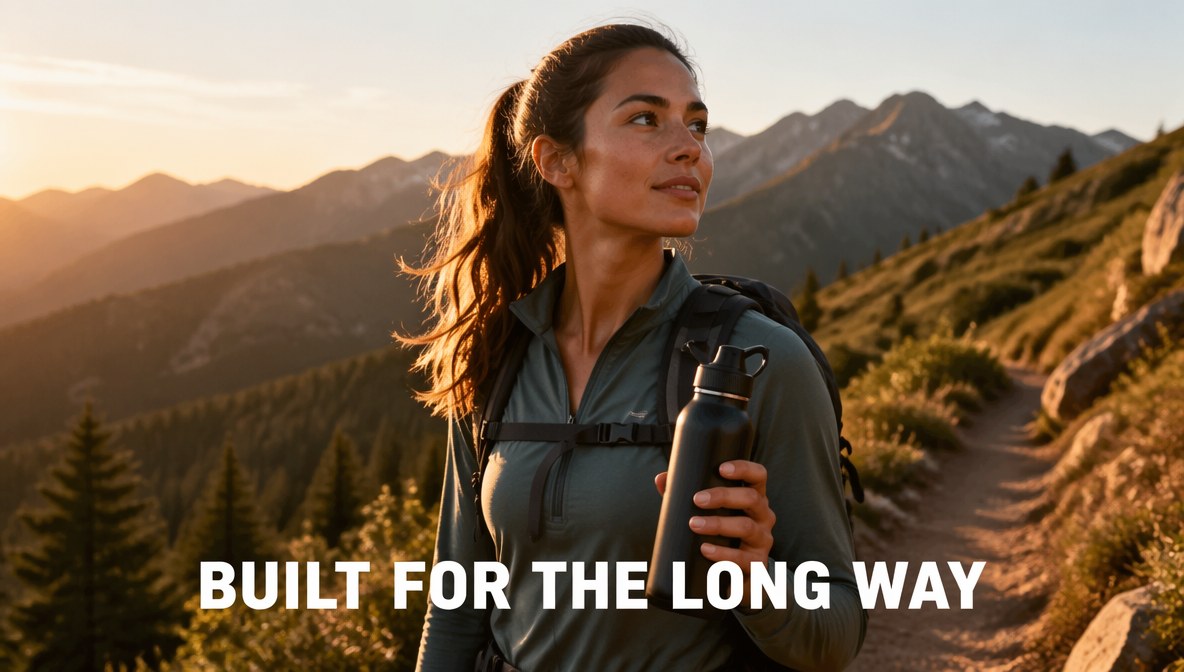 Ad creatives with GPT Image 2
- A lifestyle ad creative for a premium water bottle brand. A woman hiking on a scenic mountain trail, holding the [water bottle] with a natural grip. Wide shot, golden hour light, lush green background. Tagline: "BUILT FOR THE LONG WAY." Bold white sans-serif text, lower third. Photorealistic. No watermarks, no extra text.
- A square social media ad for a skincare brand. Minimalist — a single [product] centered on a pale blush background. Clean, editorial. Tagline: "YOUR SKIN. SIMPLIFIED." centered below in black thin sans-serif. Studio lighting.
- A bold graphic ad for a fitness app. Dark background, a silhouette of a runner mid-stride backlit in orange. Headline: "START TODAY." Large, high-contrast white type, top center. Modern, energetic, no gradients.
- A Facebook ad creative for a meal delivery service. Overhead flat-lay of a beautifully arranged [meal] in a branded box, partially open on a marble countertop. Natural light. Tagline: "DINNER. DONE." white bold text bottom-left. Photorealistic.
- A billboard-style ad for a travel brand. Aerial photo of a turquoise lagoon in the Maldives, dramatic sunlight. Tagline: "THE WORLD IS STILL OUT THERE." Large white serif text centered. No extra text, no logos.
- A seasonal ad creative for a coffee brand. Cozy flat-lay of a [branded coffee cup] surrounded by fallen autumn leaves on a wooden surface. Warm, moody tones. Tagline: "FALL INTO FLAVOR." centered below in dark serif font.
Also read: How to Use AI to Test Ad Creative Variations
6. UI Mockups
App screens, dashboards, and interface designs that look like shipped products, not concepts.
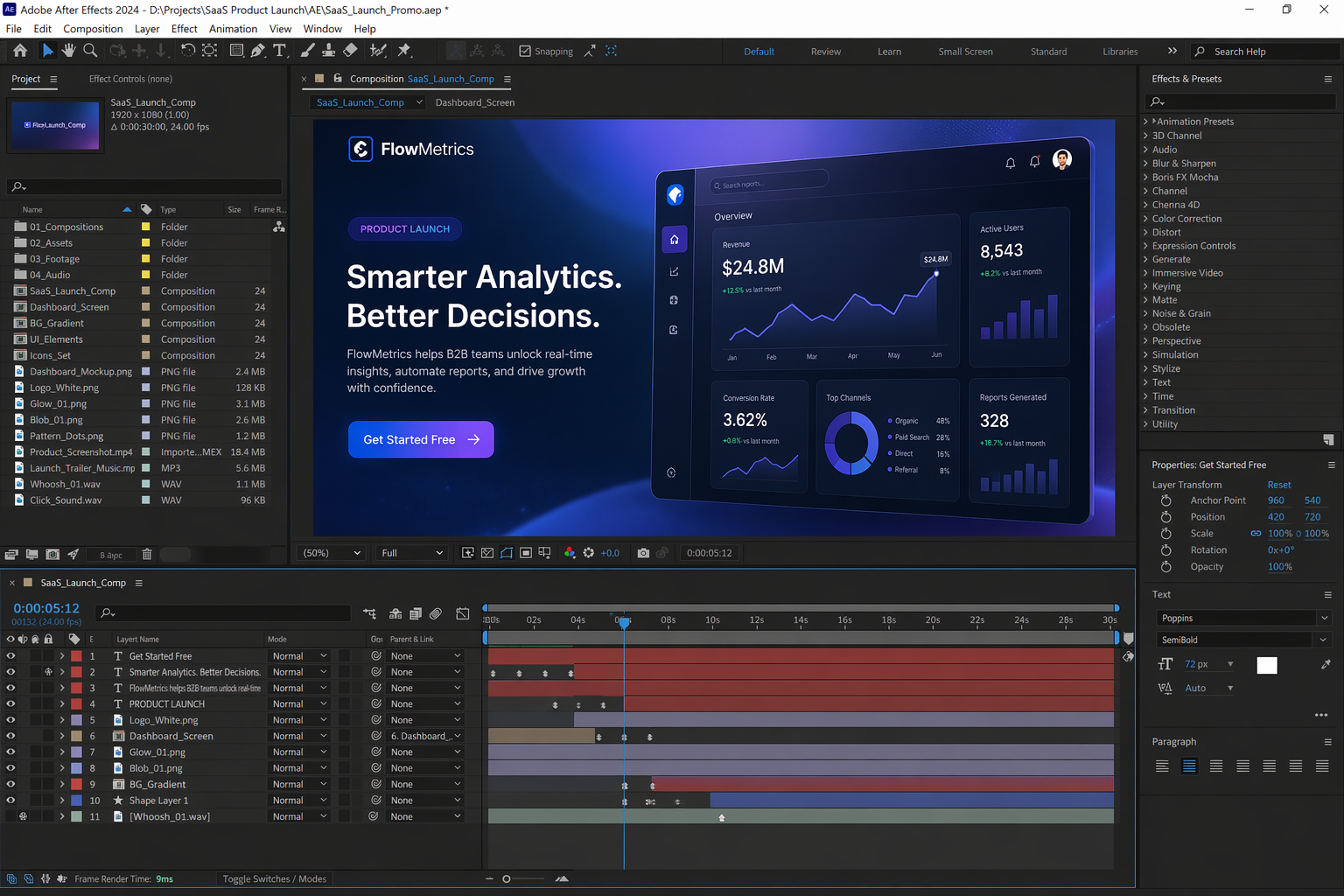 UI mockups with GPT Image 2
- A mobile app homescreen for a personal finance app called "Luma." Dashboard layout showing a balance card at the top, a spending categories grid, and a recent transactions list. Clean white background, blue and purple accent colors, SF Pro-style typography. Shown inside an iPhone 15 frame, straight-on angle.
- A fitness tracking app screen showing today's workout summary — steps, active minutes, heart rate, and calories. Bold numbers, icon-based data cards, dark mode, neon green and white. iPhone frame, straight-on.
- A SaaS dashboard for a project management tool. Left sidebar navigation, main canvas with three project kanban columns, each with cards. Light mode, clean grid spacing, blue header accent. Looks like a shipped product, not a wireframe.
- A recipe app screen showing a single recipe page — hero food photo at top, ingredients list, star rating, prep time badge, and a prominent "Start Cooking" CTA button. Warm tones, serif recipe title, mobile layout inside an iPhone frame.
- A meditation app onboarding screen. Full-bleed dark navy background with soft aurora gradient. Large centered text: "How are you feeling today?" Five emoji-style mood selector buttons below. Minimal, calming UI design. iPhone frame.
- A desktop web app dashboard for an e-commerce analytics tool. Top KPI cards (revenue, orders, conversion rate), a line chart below, a top-products table at the right. Clean white/light grey layout, dark blue accents, modern SaaS aesthetic.
7. Creatives with In-Image Text
Posters, event covers, announcements, and branded content where typography is part of the design and accurate text rendering matters.
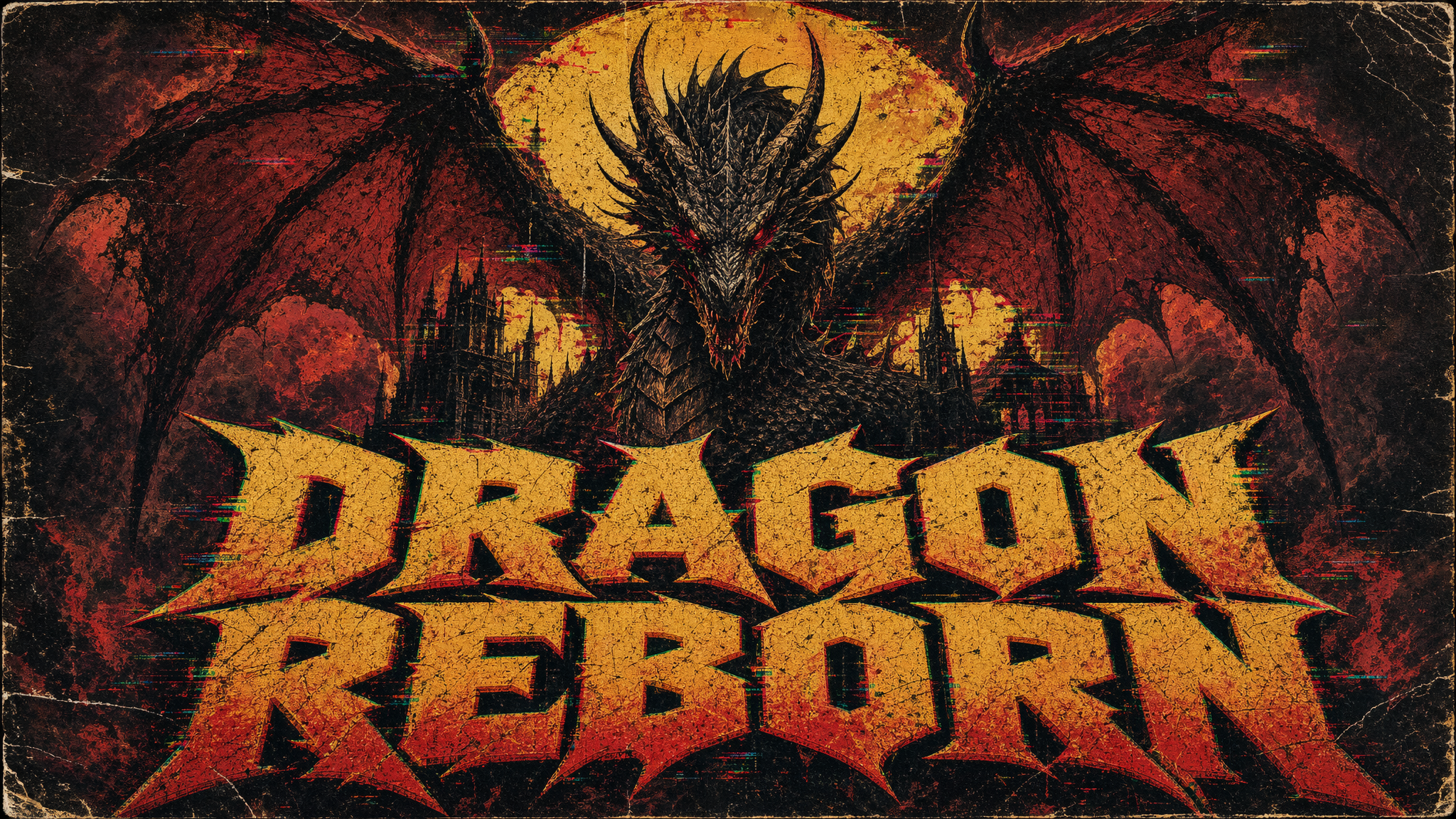 Poster design with GPT Image 2
- A dark, moody event poster for a jazz night called "MIDNIGHT SESSION." Black background with a soft amber spotlight glow. The title "MIDNIGHT SESSION" in large bold serif font, centered top. Below: "EVERY FRIDAY. 9PM. THE GRAND HALL." in smaller regular weight serif. Clean kerning, no extra text, no watermarks.
- A book cover design for a novel called "THE QUIET DARK." Deep navy background with a single white candle flame illustration, centered. Title "THE QUIET DARK" in large white serif font, upper center. Author name "E. VALE" in small caps below. Elegant, literary aesthetic.
- A promotional social media graphic for a summer sale. Bright coral background. Large centered text: "SUMMER SALE" in bold white sans-serif. Below: "UP TO 50% OFF — ENDS JULY 31" in smaller regular weight. Minimal, clean, high contrast. No gradients, no other elements.
- A product launch announcement card for a coffee brand. Kraft paper texture background. Centered illustration of a coffee cup with steam. Below: "INTRODUCING ORIN BLEND NO.7" in a warm brown serif font. Tagline: "Roasted for the curious." in italic below. Artisan, premium aesthetic.
- A digital event banner for a tech conference called "BUILD 2026." Dark grey background with a subtle geometric grid pattern. Title "BUILD 2026" in oversized white bold sans-serif, left-aligned. Below: "MAY 12–14. SAN FRANCISCO." in smaller regular weight. Clean, modern, professional. No extra text.
- A birthday card design with the message "HAPPY BIRTHDAY, ALEX!" Large, hand-lettered style typography centered on a soft pastel yellow background. Small floral illustration accents in the corners. Warm, celebratory, no other text.
8. Comic Strips & Narrative Panels
Sequential storytelling, character moments, and illustrated story beats.
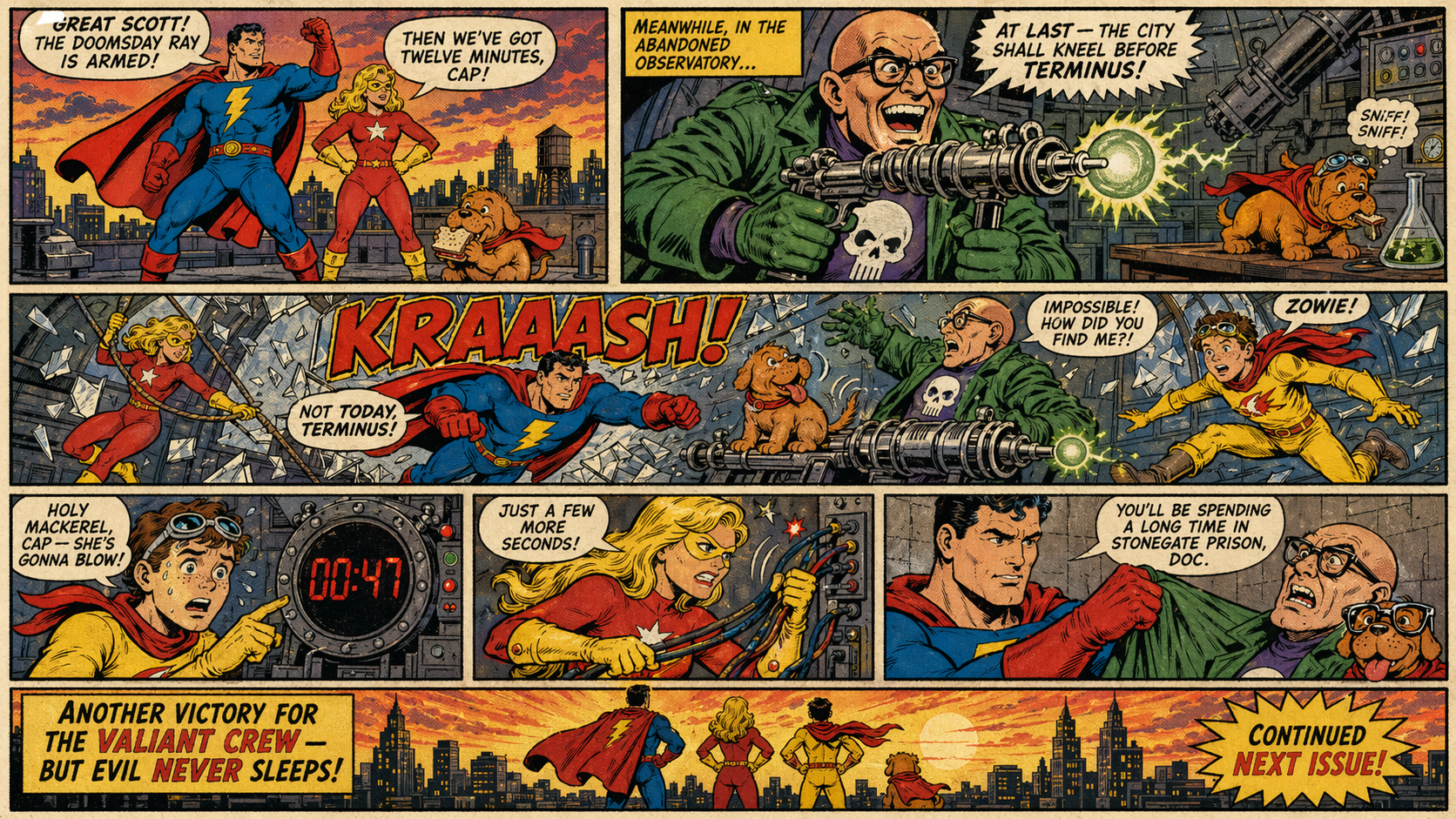 Comic strip with GPT Image 2
- A three-panel comic strip. Panel 1: A small robot sits alone at a café table with a coffee cup, looking out a rainy window. Panel 2: A stray cat jumps onto the table and knocks over the cup. Panel 3: The robot and the cat stare at each other in surprise. Clean line art, warm color palette, expressive characters.
- A single illustrated story panel: A young explorer in a worn khaki jacket stands at the entrance of a glowing cave, torch in hand, looking in with wonder. Dense jungle behind her. Dramatic light from inside the cave. Adventure comic book aesthetic.
- A two-panel comic. Panel 1: A scientist presents a complex equation on a whiteboard to a confused-looking audience. Panel 2: Close-up on one audience member — a dog in glasses — nodding seriously. Deadpan humor, clean illustration style, simple backgrounds.
- A four-panel comic strip titled "MORNING ROUTINE." Panel 1: Alarm goes off. Panel 2: Character makes coffee. Panel 3: Character sits down to work. Panel 4: Character is already asleep at the desk. Relatable, minimal style, warm earthy tones.
- A full single-page illustrated scene: a marketplace in a fantasy desert town at sunset, filled with merchants, exotic creatures, and colorful stalls. Richly detailed, wide panel, cinematic composition. Graphic novel aesthetic, ink and color wash.
Also read: How to Make Comic Book with AI
9. Character Consistency (Multi-Scene)
With GPT Image 2, you can keep a character's appearance locked across multiple different scenes and prompts.
Character Anchor (use this first to establish your character):
A young woman named Mara. She has short dark hair with blunt bangs, warm brown skin, light freckles across her nose, and dark brown eyes. She is wearing an oversized orange knit sweater and dark jeans. Illustrated in a flat, modern character design style with clean lines and a muted warm palette. This is her character reference — do not redesign her appearance.
Scene Prompts (use after establishing the character anchor):
- Mara is sitting cross-legged on a bedroom floor surrounded by open books, studying late at night. A desk lamp is the only light source. Same character, do not change her appearance, outfit, or illustration style.
- Mara is walking through a rainy street at night, hood pulled up over her sweater, holding a dripping umbrella. Same character, same illustration style. Only the scene changes.
- Mara is standing at a bus stop at dawn, earbuds in, staring into the distance. The sky is pale orange and pink. Same character design, same style, new environment only.
- Mara is laughing in a sunny café, a coffee cup in front of her, mid-conversation. Warm natural light. Same character, same illustration style. No changes to her features or outfit.
- Mara is standing at the edge of a rooftop at sunset, looking at a city skyline, back turned to camera. Same character build and outfit visible from behind. Same style, new scene.
10. Immersive Environments & Panoramic Scenes
Wide-format world-building visuals for concept art, game design, architecture, and atmospheric storytelling.
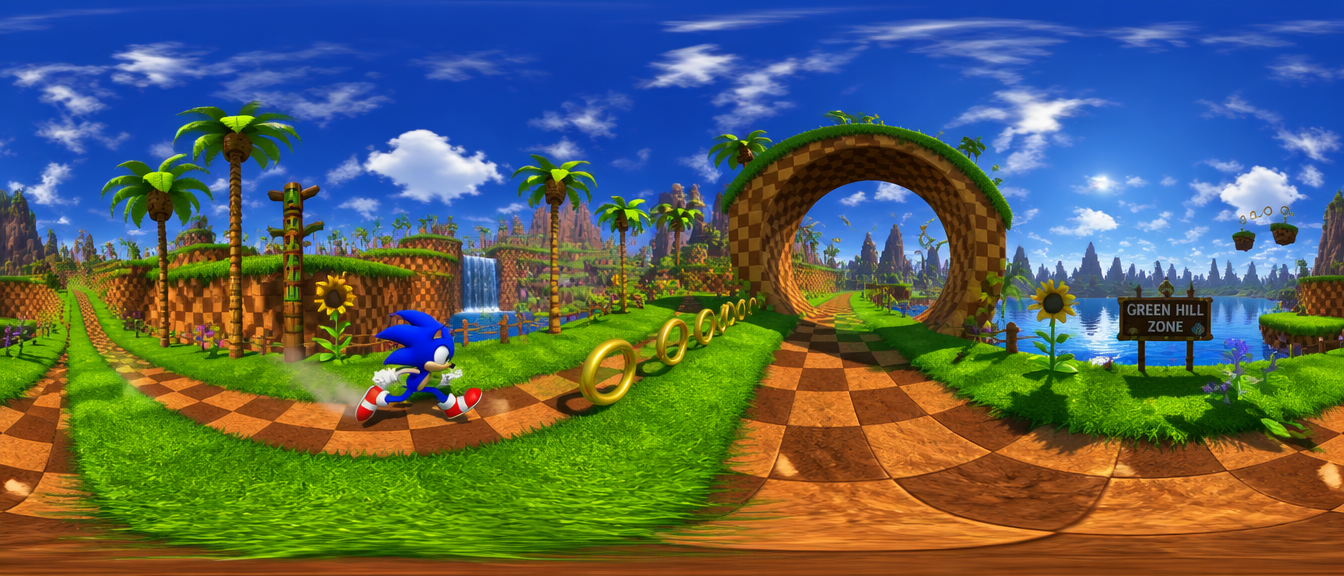 Panoramic scene with GPT Image 2
Note: GPT-image 2 generates high-quality wide and panoramic environment images, but does not output true 360° equirectangular files. These prompts are optimized for ultra-wide, immersive scene compositions — ideal for concept work, mood boards, and environmental storytelling.
- An ultra-wide panoramic shot of a vast desert canyon at golden hour, layered red rock formations stretching into the distance, a lone dirt road cutting through the center, dramatic cloud shadows on the canyon floor, photorealistic, cinematic wide format.
- A wide interior panorama of an abandoned Victorian greenhouse, overgrown with vines and tropical plants reclaiming the iron-framed glass structure, shafts of dusty light breaking through the broken panes, moody and atmospheric, photorealistic.
- An ultra-wide fantasy environment: a floating island city suspended in a pastel sky above the clouds, waterfalls cascading off the edges, dense architecture mixing gothic spires with organic tree structures, concept art style, richly detailed.
- A sweeping wide-angle interior of a futuristic underground transit hub, curved concrete tunnels lit by blue bioluminescent strips, commuters as small figures against the massive scale of the space, cinematic sci-fi concept art.
- A panoramic coastal environment at dawn — a rugged cliffside overlooking a stormy sea, a solitary lighthouse in the far left, waves crashing against jagged rocks, overcast dramatic sky, photorealistic, ultra-wide format.
- A wide establishing shot of a dense cyberpunk city alley at night, neon signs in Japanese and English reflecting on rain-soaked ground, steam vents, food stalls, tangled overhead cables, cinematic wide format, photorealistic.
11. Textbook & Educational Diagrams
Detailed scientific, anatomical, historical, and academic illustrations with labels, cross-sections, and structured visual hierarchy.
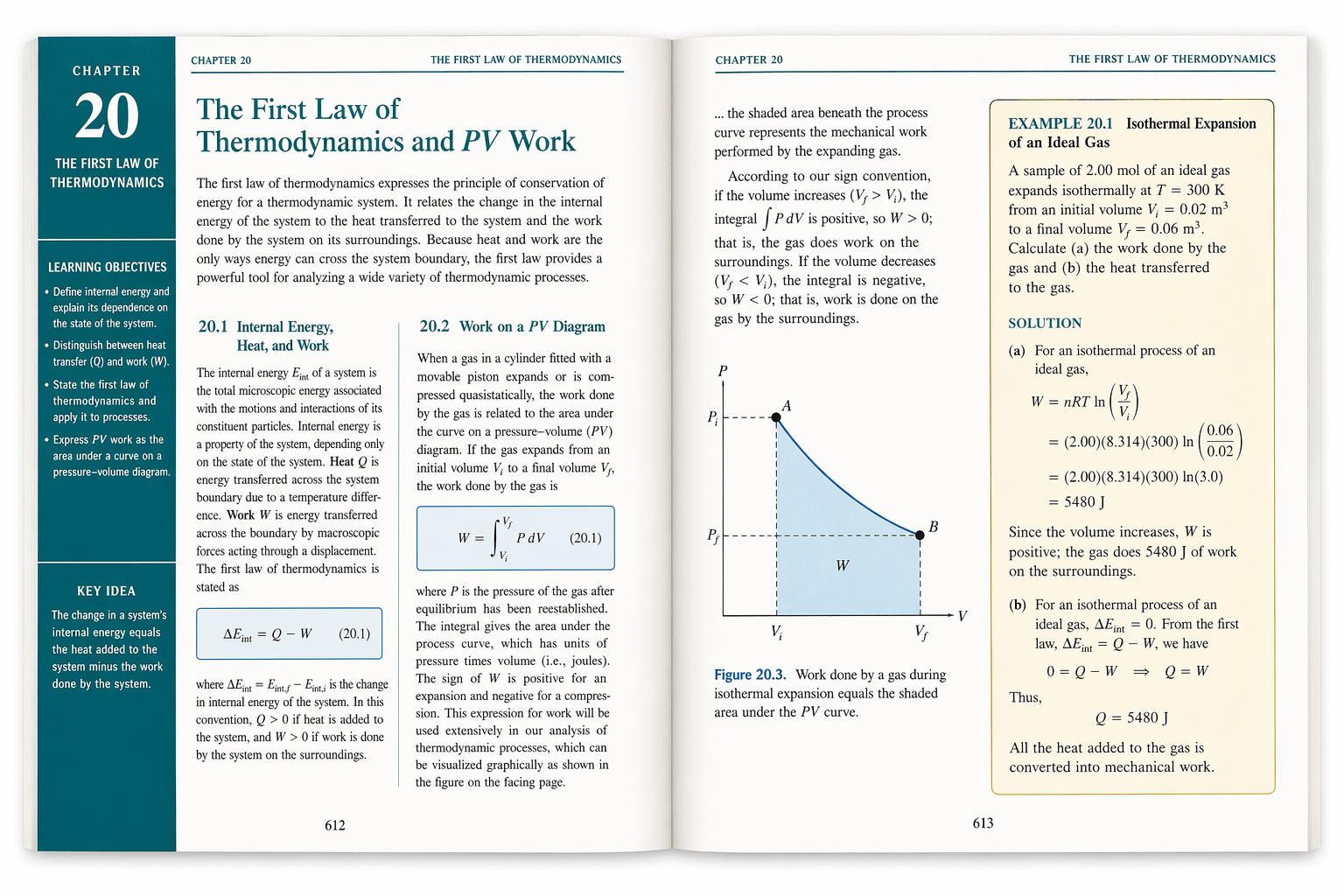 Educational material with GPT Image 2
- A detailed cross-section diagram of a human heart, fully labeled — left ventricle, right ventricle, aorta, pulmonary artery, valves, and chambers. Clean flat illustration style, red and pink color scheme, white background, clear sans-serif label typography with leader lines. High detail, textbook-quality.
- A labeled diagram of a plant cell showing all major organelles — nucleus, mitochondria, chloroplasts, cell wall, vacuole, endoplasmic reticulum. Soft green and yellow color palette, consistent icon style, clean white background, educational illustration style suitable for a high school biology textbook.
- A physics diagram illustrating the electromagnetic spectrum — from radio waves to gamma rays — shown as a horizontal band with wavelength and frequency scales labeled below. Each section color-coded. Clean, flat, technical illustration style, white background, precise label placement.
- A historical map of the Roman Empire at its greatest extent in 117 AD. Labeled provinces, major cities, and trade routes. Aged parchment texture background, serif cartographic typography, classic hand-drawn map aesthetic with a compass rose and scale bar.
- A chemistry diagram showing the water molecule (H2O) with a full breakdown: bond angles, partial charges, electron pairs, and hydrogen bonding between two molecules. Clean technical illustration, white background, blue and grey color scheme, clearly labeled with precise annotations.
- A labeled geological cross-section of a volcanic mountain, showing underground magma chamber, conduit, secondary vent, lava flow layers, and ash deposits. Earthy color palette, cutaway illustration style, white background, textbook diagram quality with clear leader lines and sans-serif labels.
12. Newspaper & Editorial Illustrations
Journalistic photography, opinion piece art, editorial portraits, and print-style visual storytelling.
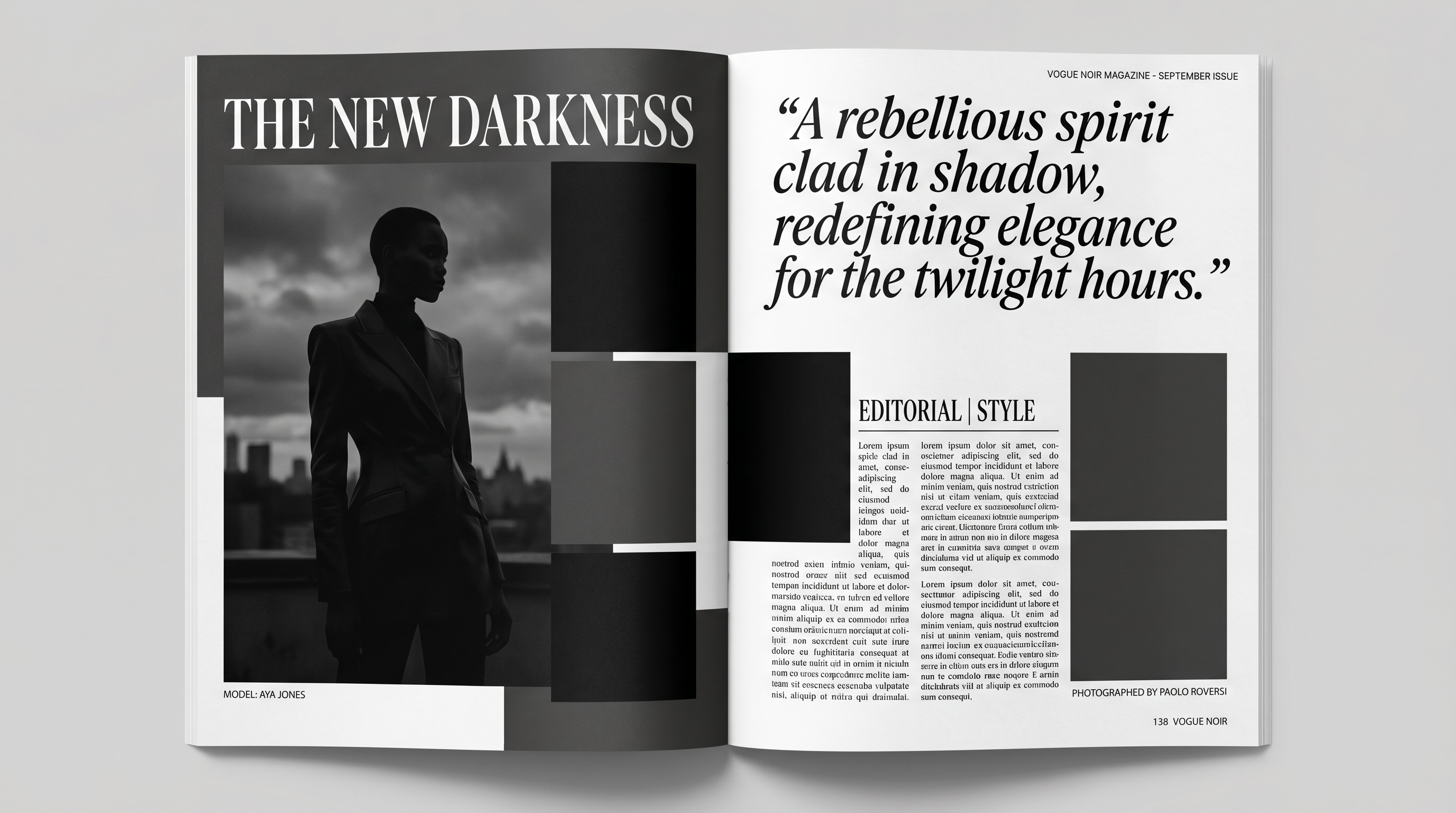 Editorial materials with GPT Image 2
- A black and white editorial illustration for an opinion piece about artificial intelligence. A human hand and a robotic hand reaching toward each other across a divide, dramatic contrast lighting, high-contrast ink illustration style, stark and conceptual, newspaper editorial aesthetic.
- A photojournalistic-style image of a city council public hearing — a crowded hall, citizens at microphones, officials seated at a long table in the background, fluorescent institutional lighting, candid wide shot, black and white, documentary photography aesthetic.
- An editorial portrait of a fictional tech CEO — seated at a desk, direct eye contact with camera, sharp suit, neutral grey background, dramatic Rembrandt lighting, black and white, high-contrast magazine portrait style.
- A conceptual editorial illustration for a story about climate change — a polar bear standing on a tiny melting ice floe surrounded by dark water, vast empty ocean horizon, overcast grey sky, muted desaturated palette, powerful and sparse composition, editorial illustration style.
- A newspaper front-page style layout mockup. Masthead at top: "THE MORNING HERALD." Main headline: "CITY APPROVES LANDMARK HOUSING BILL" in large bold serif font. A photorealistic news photograph below the headline showing a city council chamber. Two-column body text layout, classic broadsheet design.
- A gritty street-photography style editorial image — a protest march on a rain-soaked city avenue at dusk, protesters holding signs, motion blur on the crowd, a single sharp figure in the foreground, high-contrast black and white, documentary photojournalism aesthetic.
Common Prompting Mistakes to Avoid
Even with a powerful model like GPT image 2, a few common habits consistently produce weaker results. Watch out for these:
- Overloading a single prompt. Trying to specify every detail at once makes it harder to identify what's working. Start with a clean, focused base prompt and refine iteratively — one change at a time.
- Being vague about what should stay the same. When editing an image, always state what must NOT change: "same background, same lighting, same pose — only change the jacket." Without this, the model treats everything as fair game.
- Skipping composition and framing cues. Forgetting to specify angle, distance, and framing forces the model to guess. A "close-up" and a "wide shot" of the same subject are completely different images.
- Not quoting in-image text. If you want specific text to appear in an image, put it in quotation marks and explicitly ask for "verbatim" rendering. Vague text instructions produce unpredictable results.
- Drifting invariants across iterations. If you're refining a character or scene across multiple prompts, re-specify the things that must stay consistent each time. The model doesn't automatically remember what mattered to you two iterations ago.
- Using decorative quality cues when you need functional precision. Phrases like "beautiful" or "stunning" influence mood but don't sharpen detail. For dense text, fine labels, or close-up realism, use specific language: "sharp label text," "readable typography," "fine skin texture and pores."
Also read: How to Use GPT Image 2
Start Creating with GPT image 2 on ImagineArt
You now have the framework, the techniques, and 70+ prompts to get started immediately. Whether you're generating photorealistic product shots, building consistent characters for a story, or designing marketing assets with precision typography — GPT image 2 rewards clear thinking and specific language.
The best way to learn is to start. Pick a category above, grab a prompt, make it your own, and see what happens. The model will surprise you — in the best possible way.
Tooba Siddiqui
Tooba Siddiqui is a content marketer with a strong focus on AI trends and product innovation. She explores generative AI with a keen eye. At ImagineArt, she develops marketing content that translates cutting-edge innovation into engaging, search-driven narratives for the right audience.